logo
0

Veo 3提示詞:AI影片提示詞指南(複製貼上)

探索可複製的Veo 3提示詞、預覽與範例。使用實用的Veo 3提示詞指南,更快速地創作電影級AI影片。

AI 生成提示詞
3 今日剩餘次數

描述你的想法,讓 AI 為你創建完美的提示詞

提示詞 #517

Prompt:

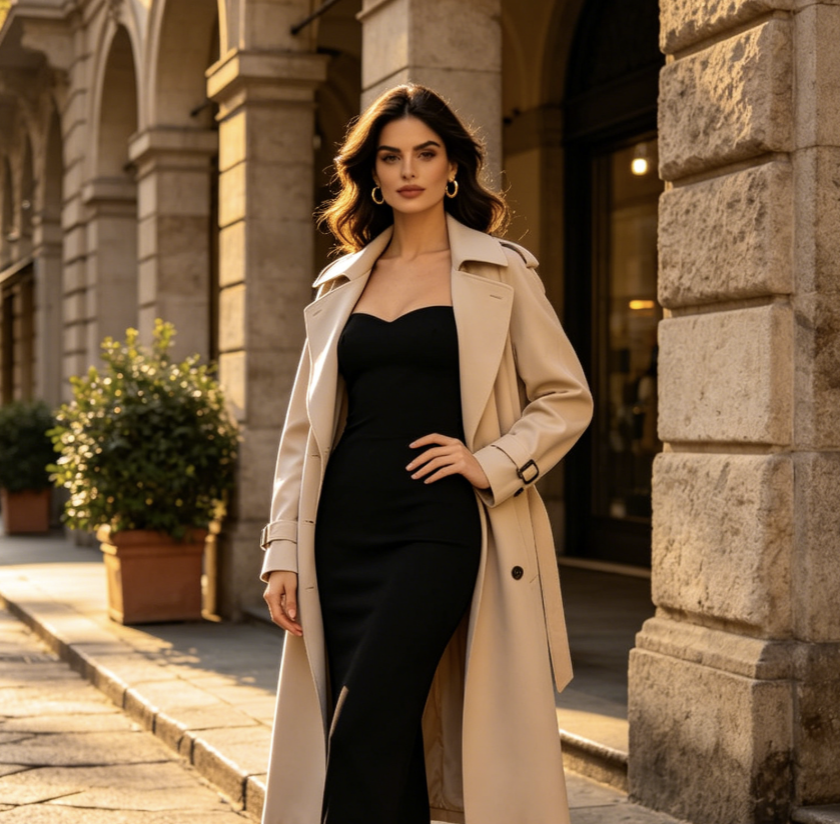
Ultra-realistic cinematic video. Transform the uploaded person into a glamorous celebrity walking on a luxury nighttime red carpet at a high-end film festival gala. Keep the uploaded person’s face identity, facial structure, eye shape, skin tone, age, and recognizable features consistent. Do not change the person into another celebrity. Add elegant red carpet makeup, polished skin texture, refined hairstyle, diamond earrings, and a sleek black couture evening gown or luxury formal outfit that naturally fits the person. The scene feels like authentic fan-captured paparazzi footage, shot on a handheld iPhone from behind the crowd. Slight camera shake, autofocus breathing, flash bloom, shallow depth of field, realistic motion blur, natural crowd movement, luxury Hollywood premiere atmosphere, Cannes Film Festival aesthetic, red carpet barriers, fans holding phones, glossy autograph photos, paparazzi cameras, bright flash lights, glowing red carpet, grand staircase in the background. 0–3s: The uploaded person, now styled as a glamorous red carpet celebrity, walks slowly toward the fans on the red carpet. Paparazzi flashes explode around them. A bald bearded security guard in a black suit walks protectively beside them and gently keeps the crowd back. The handheld camera pushes through the excited crowd, trying to capture the person’s face. The person looks elegant, confident, slightly mysterious, and naturally aware of the attention. 3–5s: Tight close-up near the silver barriers. The person signs glossy photos with a black marker. Keep the uploaded face highly recognizable. They look down while signing, then briefly glance up toward the camera with a soft celebrity smile. Fans hold out phones and photos, flashes reflect on the skin and outfit, realistic hand movement, natural facial expression, no over-beautification. 5–7s: The person turns gracefully away from the fans and walks toward a grand staircase with glowing red steps and bright overhead lights. The couture outfit moves naturally with each step. The security guard guides nearby people back. The handheld camera follows from behind the crowd with slight shake and zoom adjustment. 7–9s: At the staircase, the person suddenly turns back toward the camera and strikes an iconic red carpet pose. One hand on the hip, direct eye contact with the camera, poised expression, slightly parted lips, confident celebrity aura. Paparazzi flashes burst intensely around them. The final moment feels like a viral fan-camera red carpet clip. Style: raw paparazzi realism, authentic fan-camera footage, luxury gala atmosphere, cinematic red carpet lighting, realistic skin texture, natural body movement, elegant celebrity mystique, Vogue editorial energy, shallow depth of field, realistic crowd audio feeling, handheld iPhone footage, candid but glamorous. Negative prompt: do not change the uploaded person’s identity, do not create a different celebrity face, no plastic skin, no anime style, no cartoon style, no beauty filter face, no enlarged eyes, no V-shaped jaw, no unrealistic body proportions, no stiff walking, no frozen hands, no distorted fingers, no warped face, no duplicated face, no extra limbs, no excessive blur, no low-quality CGI, no over-smoothed skin, no fake studio photoshoot look.

提示詞 #516

Prompt:

{ "description": "Cinematic shot of a sunlit Scandinavian bedroom. A sealed IKEA box trembles, opens, and flat pack furniture assembles rapidly into a serene, styled room highlighted by a yellow IKEA throw on the bed. No text.", "style": cinematic", "camera": "fixed wide angle", "lighting": "natural warm with cool accents", "room": "Scandinavian bedroom", "elements": [ "IKEA box (logo visible)", "bed with yellow throw", "bedside tables", "lamps", "wardrobe", "shelves", "mirror", "art", "rug", "curtains", "reading chair", "plants" ], "motion": "box opens, furniture assembles precisely and rapidly", "ending": "calm, modern space with yellow IKEA accent", "text": "none", "keywords": [ "16:9", "IKEA", "Scandinavian", "fast assembly", "no text", "warm & cool tones" ] }

提示詞 #515

Prompt:

metadata: prompt_name: "NYC City Assembly" base_style: "cinematic, photorealistic, 4K" aspect_ratio: "16:9" city_description: "A vast, empty urban plaza at dawn, ground level view with concrete pavement stretching into the mist." camera_setup: "A single, fixed, wide-angle shot. The camera holds its position for the entire 8-second duration." key_elements: - "A sealed steel shipping container stamped with 'NYC' in bold letters" assembled_elements: - "iconic Manhattan skyscrapers (e.g., Empire State Building, Chrysler Building)" - "Brooklyn Bridge arching into frame" - "yellow taxi cabs lined up along a street" - "hydrant and classic black street lamps" - "subway entrance staircase with MTA sign" - "Statue of Liberty’s torch and crown silhouette" - "Central Park trees emerging in the background" - "water towers perched on rooftop structures" - "billboard frames and neon signs" - "sidewalk café tables and chairs full of people" negative_prompts: ["no text overlays", "no overt graphics"] timeline: - sequence: 1 timestamp: "00:00-00:01" action: "In the center of the barren plaza sits the sealed NYC container. It begins to tremble as light fog swirls around it." audio: "Deep, resonant rumble echoing across empty concrete." - sequence: 2 timestamp: "00:01-00:02" action: "The container’s steel doors burst open outward, releasing a spray of mist and loose rivets." audio: "Sharp metallic clang, followed by hissing steam." - sequence: 3 timestamp: "00:02-00:06" action: "Hyper-lapse: From the fixed vantage, city elements rocket out of the container and lock into place—steel beams rise, glass facades snap on, bridges span into view, and yellow taxis line up automatically." audio: "A rapid sequence of ASMR city-building sounds: metal clanks, glass sliding, cables snapping, engines revving softly." - sequence: 4 timestamp: "00:06-00:08" action: "The final element—a single yellow taxi—glides forward and parks beside the newfound curb. All motion freezes as morning light bathes the fully formed New York Cityscape." audio: "A soft engine cut-off 'chug,' then the distant hum of awakening city traffic, fading into serene dawn silence."

提示詞 #514

Prompt:

A cute 3D Pixar-style animated Tomato character with arms and legs, pushing a massive, heavy ball of yellow waxy cholesterol along the floor of a red artery. The Tomato looks determined and strong. The background shows a blood vessel being cleared. Cinematic lighting, dynamic angle, 8k, highly detailed. As it pushes, the character looks at the camera and says with a deep friendly voice: "Hi, I am Tomato, the best fruit to lower cholesterol." Cinematic lighting, 3D animation.

No more prompts

電影級 AI 影片創意的 Veo 3 提示詞庫

透過 Pixomi AI 更快複製、測試並發佈 Veo 預備創意。

Pixomi AI 為您帶來定期更新的 Veo 3 提示詞庫,專為追求更強畫面場景、更乾淨的運鏡調度、更豐富的音訊創意以及更快產出影片效果的創作者而設計。這份 Veo 3 提示詞指南能幫助您將模糊的想法轉化為可直接複製的提示詞,並提供視覺範例、效果預覽和直接建立按鈕。瀏覽 Veo 3 專用提示詞,複製您喜歡的內容,開啟 Pixomi AI,將您的下一部短片、產品短片、社群廣告或電影級場景轉化為完成的 AI 影片。持續為尋求快速、實用靈感的創作者添加全新的 Veo 3 提示詞。
電影級 AI 影片創意的 Veo 3 提示詞庫
Veo 3 提示詞|Veo 3 提示詞指南|Veo 3 專用提示詞

如何使用此 Veo 3 提示詞指南

此 Veo 3 提示詞指南讓工作流程保持簡單。從 Veo 3 提示詞中進行選擇,研究效果預覽,複製文字,然後在 Pixomi AI 中生成。每個提示詞都旨在描述一個聚焦的瞬間,具有清晰的主體、場景、相機運動、照明、聲音和風格。最終為日常創作提供一套實用的 Veo 3 提示詞。

1

瀏覽 Veo 3 提示詞庫

從符合您目標的分類開始。您可以探索電影級 Veo 3 提示詞、廣告專用 Veo 3 提示詞、寫實 Veo 3 提示詞,或超現實的 Veo 3 專用提示詞。此 Veo 3 提示詞指南中的每個項目都旨在幫助您在創作前了解視覺效果。

2

複製就緒的提示詞

打開任何提示詞卡片,閱讀預覽說明,並複製完整文字。這些 Veo 3 提示詞包含鏡頭角度、主體動作、場景細節、氛圍、環境音、對話方向和風格參考。 these Veo 3 專用提示詞專為直接測試而寫,而非抽象理論。

3

生成與預覽

點擊按鈕跳轉至 Pixomi AI 並貼上提示詞。Veo 3 提示詞指南為您提供結構化的起點,而 Pixomi AI 則協助您預覽變化、比較結果並精細調整動態。測試多個 Veo 3 提示詞以找到最強烈的視覺效果。

4

下載與分享

一旦您的影片看起來滿意,即可下載並分享至社群貼文、廣告、一頁式網頁、產品展示或分鏡腳本。儲存您喜愛的 Veo 3 提示詞,重新造訪此 Veo 3 提示詞指南,並隨著詞庫的擴大,持續測試全新的 Veo 3 專用提示詞。

精選 Veo 3 提示詞,即刻複製

使用這些 Veo 3 提示詞作為高影響力 AI 影片創作的起點。此 Veo 3 提示詞指南專注於描述單一強烈場景的 Veo 3 專用提示詞,讓您的最終效果更清晰、更銳利且更容易控制。這些 Veo 3 提示詞能幫您用更少的重寫次數測試更多創意。
電影級街頭雨景

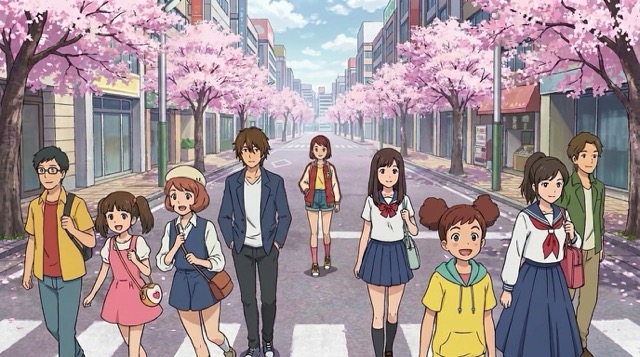
電影級街頭雨景

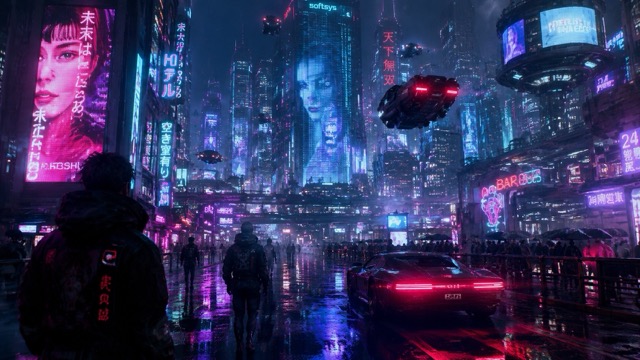
Veo 3 提示詞:在傾盆大雨中,一名孤獨的快遞員走過霓虹燈閃爍的巷弄的低角度電影級鏡頭。隨著倒影在人行道上泛起漣漪,相機緩慢向後追蹤。蒸汽從通風口升起,柔和的藍色和琥珀色燈光在霧氣中交融,遠處的城市交通在緊張的合成器配樂下轟鳴。這個 Veo 3 提示詞指南範例展示了 Veo 3 專用提示詞如何將照明、運動、氛圍和聲音結合到一個聚焦的瞬間。

奢華產品揭幕

奢華產品揭幕

Veo 3 提示詞:黑色大理石上玻璃香水瓶的微距棚拍鏡頭。當金色微粒在瓶子周圍飄動時,相機緩慢推進。柔和的聚光燈掃過標籤,液體光澤在玻璃內部流動,優雅的弦樂隨著溫柔的閃爍聲響起。這個 Veo 3 提示詞指南範例專為廣告、發佈會和高端產品頁面而製作。當您需要精緻的商業活力時,不妨試試這樣的 Veo 3 專用提示詞。

情感角色特寫

情感角色特寫

Veo 3 提示詞:安靜的太空船駕駛艙內,疲憊太空人的特寫肖像。相機保持穩定,警告燈在面罩上閃爍。太空人緩慢呼吸,背景中播放著柔和的無線電沙沙聲,地球在他們身後的窗外發光。這個 Veo 3 提示詞指南範例能幫助創作者在編寫 Veo 3 專用提示詞時加入情感、臉部細節、聲音提示和電影級的克制感。
超現實食物動畫

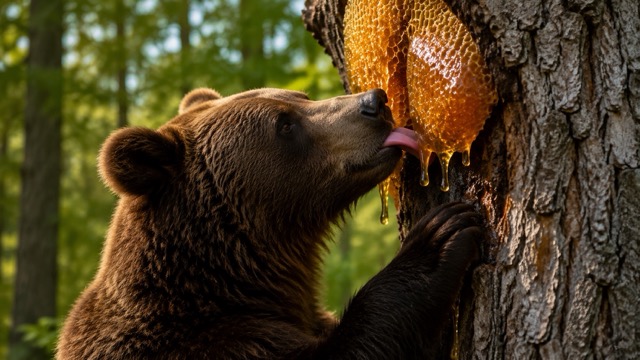
超現實食物動畫

Veo 3 提示詞:定格動畫風格的早餐桌,微型鬆餅建築工人在日出時堆疊糖漿塔。相機緩慢掃過桌面,藍莓像巨石般滾動,奶油像金色岩漿般融化,細小歡快的施工聲音與俏皮的馬林巴琴節奏融為一體。這個 Veo 3 提示詞指南範例展示了 Veo 3 專用提示詞如何讓簡單的物體呈現出一個完整的迷你故事。

為 Veo 創作者更新的提示詞風格

Pixomi AI 持續針對不同的創作者目標添加 Veo 3 提示詞。此 Veo 3 提示詞指南涵蓋了電影級敘事、社群吸睛亮點、產品視覺效果、幻想世界、角色鏡頭 and 快速概念測試。全新添加的 Veo 3 專用提示詞讓您保持內容的新鮮感。每次更新都會為新的應用場景加入 Veo 3 提示詞。
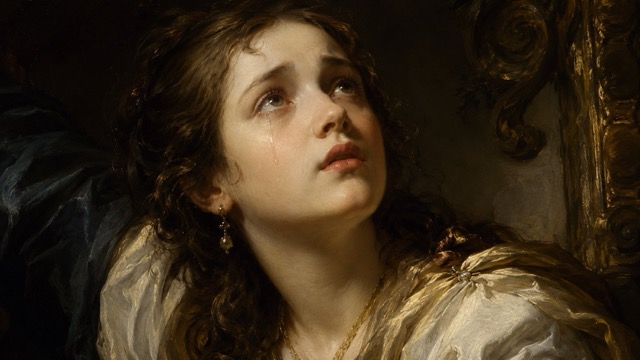

您可以使用 Veo 3 提示詞創作什麼?

Pixomi AI 詞庫將 Veo 3 提示詞轉化為實用的創意捷徑。使用此 Veo 3 提示詞指南來測試適用於廣告、娛樂、分鏡腳本、內容行事曆和品牌實驗的 Veo 3 專用提示詞。儲存符合您工作流程的 Veo 3 提示詞。

AI 短片

利用定義了氛圍、相機語言、角色動作和聲音的 Veo 3 提示詞來構建電影級場景。Veo 3 提示詞指南能幫助您保持每個片段的聚焦。

產品行銷

利用專為乾淨的產品動態設計的 Veo 3 提示詞來製作發佈短片、形象主影片和電商展示。使用 Veo 3 專用提示詞來加速廣告測試。

社群內容

利用開場強烈、動作清晰且符合短影音格式的 Veo 3 提示詞,生成讓人忍不住滑停的片段。此 Veo 3 提示詞指南支援可重複操作的發文構想。

情緒板影片

將美術指導轉化為動態參考,其中包含針對照明、氛圍、地點、鏡頭感和音訊的 Veo 3 提示詞。Veo 3 專用提示詞對於快速進行概念驗證非常有用。

創作者實驗

當您想要新鮮的視覺創意時,可以嘗試超現實、搞笑、寫實、電影級或動畫風格的 Veo 3 提示詞。Veo 3 提示詞指南為您提供結構化的測試基礎。

客戶簡報

使用 Veo 3 提示詞為行銷活動、分鏡腳本和提案簡報製作快速範例片段。Veo 3 專用提示詞可以在實際製作前讓您的想法變得具體有感。

創作者正在使用此 Veo 3 提示詞指南

真實創作者使用 Pixomi AI 來節省時間、組織創意並測試更好的 Veo 3 提示詞。該詞庫使 Veo 3 專用提示詞保持易於複製、預覽和重複使用。

作為一名影片策略師,我需要進展迅速的創意。Pixomi AI 中的 Veo 3 提示詞將場景結構、運鏡調度、和聲音註記整合在同一個地方。此 Veo 3 提示詞指南使得為客戶概念測試 Veo 3 專用提示詞變得容易得多。

我以前常常寫下凌亂的影片想法,然後寄望於好的產出。現在我從這個頁面的 Veo 3 提示詞開始,調整產品細節,並生成更乾淨的片段。此 Veo 3 提示詞指南非常實用,特別是針對電商行銷活動中即刻可用的 Veo 提示詞。

最棒的部分是 Veo 3 提示詞一點也不模糊。它們包含相機運動、氛圍、照明和音訊提示。此 Veo 3 提示詞指南幫助我建立了更接近真實導演簡報且即刻可用的 Veo 提示詞。

對於社群內容來說,速度至關重要。我可以瀏覽 Veo 3 提示詞,複製一個,然後將其改編為垂直螢幕的吸睛亮點。此 Veo 3 提示詞指南為我提供了簡單到足以測試、但細緻到足以顯得精緻且即刻可用的 Veo 提示詞。

我喜歡在提案簡報中使用 Veo 3 提示詞,因為它們將抽象的視覺方向轉化為客戶能夠理解的內容。此 Veo 3 提示詞指南節省了我的時間,而且即刻可用的 Veo 提示詞在情緒板上的效果非常好。

Pixomi AI 為我提供了一種可重複的方法來探索 Veo 3 提示詞,而無需從零開始。此 Veo 3 提示詞指南能幫助我比較風格,而且當我需要快速進行電影級測試時,即刻可用的 Veo 提示詞非常有用。
Maya Collins
Maya Collins
影片策略師
Ethan Brooks
Ethan Brooks
電子商務創意主管
Sofia Ramirez
Sofia Ramirez
品牌設計師
Noah Patel
Noah Patel
社群媒體製作人
Chloe Anderson
Chloe Anderson
創意總監
Liam Bennett
Liam Bennett
獨立電影製片人

Veo 3 提示詞指南常見問題

了解此 Veo 3 提示詞指南如何協助您在 Pixomi AI 內部編寫、複製和測試 Veo 3 提示詞。該頁面使 Veo 3 提示詞井然有序,以便快速使用。

Veo 3 提示詞是描述您想要生成的影片的文字指令。強大的 Veo 3 提示詞通常包括主體、場景、風格、相機運動、動作、照明、氛圍和聲音。此 Veo 3 提示詞指南為您提供了現成的範例,以便您能更快速地進行創作。

Pixomi AI 計劃定期更新此詞庫,加入適用於電影級場景、社群短片、產品廣告、角色鏡頭和實驗風格的全新 Veo 3 提示詞。全新的 Veo 3 專用提示詞可幫助創作者不斷測試新鮮創意。

是的。此 Veo 3 提示詞指南專為初學者和經驗豐富的創作者而設計。您可以直接複製 Veo 3 提示詞,然後將主體、產品、場景或氛圍替換為您自己的想法。

即刻可複製的 Veo 3 專用提示詞可以節省時間,因為結構已經準備好了。您無需從空白頁面開始編寫,而是從包含視覺方向、聲音想法和場景邏輯的 Veo 3 提示詞開始。

是的。此詞庫中的許多 Veo 3 提示詞都是為產品展示、品牌影片、新品預告和社群廣告而建立的。Veo 3 提示詞指南可幫助您在建立完整行銷活動之前測試商業概念。

是的。您可以找到適用於寫實電影、動畫、定格動畫、奢華產品鏡頭、幻想世界、情感特寫和熱門社群場景且即刻可用的 Veo 提示詞。保持核心結構並更改創意細節即可。

開始在 Pixomi AI 上使用 Veo 3 提示詞進行創作

不要再盯著空白的提示詞方塊了。打開 Pixomi AI Veo 3 提示詞指南,複製經過測試的 Veo 3 提示詞,探索帶有預覽且即刻可用的 Veo 提示詞,並更快地將您的創意轉化為電影級 AI 影片。從 Veo 3 提示詞開始,然後自訂細節。

立即嘗試 Veo 3 提示詞
Video cover