logo
0

Seedream 5 提示詞:提示 Seedream 5.0 生成清楚圖片與編輯結果

使用這份 Seedream 5 提示詞指南,把圖片想法寫成更清楚的視覺簡報;查看範例、學習結構,描述主體、版面、光線、文字、參考圖和保留規則,並用更少猜測改善文字生成圖片與圖片編輯結果,讓團隊更容易比較方向、重複使用成功提示詞、記錄關鍵選擇,並在每次生成前保持創意目標一致,減少反覆試錯成本。

AI 生成提示詞
3 今日剩餘次數

描述你的想法,讓 AI 為你創建完美的提示詞

提示詞 #552

Prompt:

A dramatic advertisement for a luxury mechanical watch. Show a close-up macro product shot of the watch resting on dark stone, with warm directional light revealing brushed metal, sapphire glass, and precise dial details. Typography is minimal, elegant, and placed with generous negative space. The mood should feel timeless, precise, and premium.

提示詞 #548

Prompt:

A refined editorial campaign image for a sustainable fashion brand. The main visual is a model wearing natural-fiber clothing in a sunlit studio with recycled paper backdrops and plants. The color palette is muted green, oat, charcoal, and soft white. Typography is simple and fashion-forward. The mood is ethical, modern, and premium.

提示詞 #544

Prompt:

A minimalist poster advertisement for a premium cold brew coffee brand. The main visual is a single condensation-covered bottle on a matte stone surface, with soft morning light and deep shadows. Typography is clean, modern, and restrained. The composition should use generous negative space and feel sophisticated, calm, and artisanal.

提示詞 #540

Prompt:

An informative poster for an online course about personal finance. The design is a clean infographic with illustrated charts, coins, budgeting icons, and a central laptop showing simple financial progress visuals. Typography is clear and professional. The layout should be organized, accessible, and easy to scan quickly.

提示詞 #551

Prompt:

A stylized poster for an indie adventure game launch. The image shows a tiny explorer standing at the edge of a glowing underground cavern filled with crystals, ancient symbols, and soft mist. Use painterly lighting, rich shadows, and whimsical fantasy details. Typography is bold, playful, and slightly mysterious.

提示詞 #547

Prompt:

A clean, futuristic hero image for an AI productivity tool. The design shows a calm workspace with floating task cards, calendar blocks, and document summaries arranged around a glowing central assistant orb. The style is polished 3D with soft gradients and subtle glass materials. No clutter, no logos, no unreadable UI.

提示詞 #543

Prompt:

A dynamic horizontal banner for a fitness app launch. The image shows diverse athletes training in different environments, blended into a clean split-scene composition with motion blur and energetic color accents. Typography is bold and modern. The design should communicate progress, motivation, and daily consistency.

提示詞 #539

Prompt:

A calm advertisement for a premium loose-leaf tea brand. The main visual is a ceramic teacup beside glass jars of tea leaves, herbs, and dried flowers on a natural linen surface. Use soft daylight, warm neutral tones, and elegant minimal typography. The image should feel refined, soothing, and artisanal.

提示詞 #550

Prompt:

A refined promotional image for a boutique hotel. Show a cozy sunlit guest room with linen bedding, warm wood furniture, fresh flowers, and a large window overlooking a quiet old-town street. Typography is elegant and understated, with space for the hotel name and booking message. The mood should feel intimate, calm, and premium.

提示詞 #546

Prompt:

A clean 4:3 infographic-style poster about protecting pollinators. The central graphic shows bees, butterflies, wildflowers, and a simple ecosystem diagram. Use friendly icons, natural greens and yellows, and organized sections for quick facts. Typography should be clear and educational. The design should feel informative, optimistic, and accessible.

提示詞 #542

Prompt:

A sleek product image for a compact smart home speaker. The speaker is shown as a high-resolution 3D render on a matte surface, with subtle sound-wave shapes in the background. Use a clean gradient, soft reflections, and modern sans-serif typography. The composition should feel minimal, premium, and product-focused.

提示詞 #549

Prompt:

A bold poster for a retro arcade night. The design features neon arcade cabinets, pixel-art accents, glowing tokens, and a lively crowd in an 1980s-inspired color palette of hot pink, cyan, purple, and black. Typography is chunky, nostalgic, and energetic. The poster should feel playful and social.

提示詞 #545

Prompt:

A colorful and imaginative poster for a children’s space camp. The design is a cheerful cartoon illustration featuring kids in astronaut suits building a small rocket, looking through telescopes, and floating planets in the background. The typography is rounded, playful, and easy to read. The poster should feel educational, adventurous, and inspiring for young students

提示詞 #541

Prompt:

A sleek and elegant advertisement for a luxury skincare serum. The main visual is a photorealistic glass bottle floating above soft silk fabric with dewdrops and botanical elements. The background uses a clean cream and champagne color palette. Typography is refined, minimal, and premium. The design should feel calm, high-end, and trustworthy.

No more prompts

Seedream 5 提示詞指南與範例庫

用 Seedream 5 提示詞結構描述主體、版面配置、光線、排版、參考圖和收尾細節。

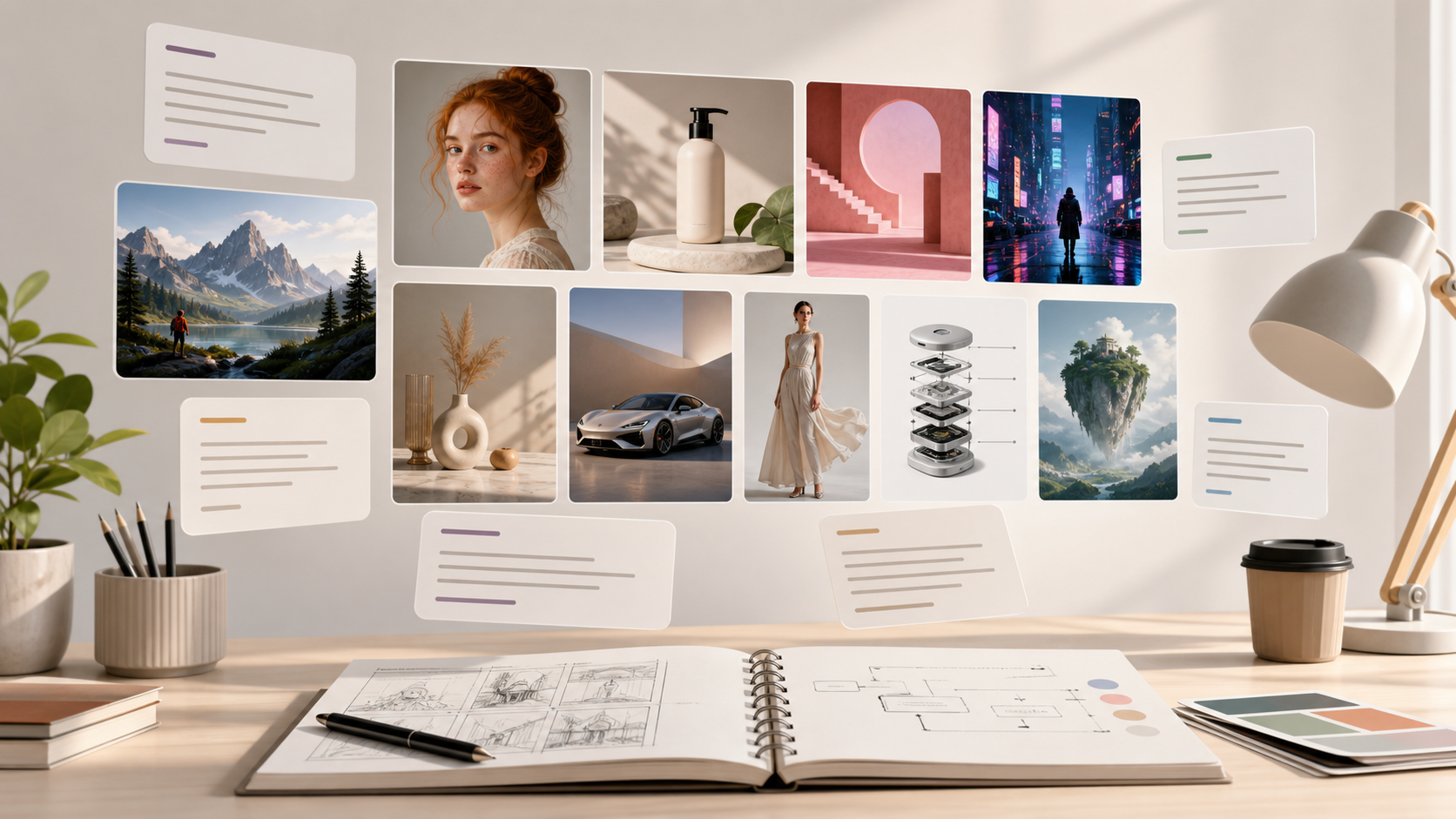
Seedream 5 提示詞寫作在創意想法變成精確視覺簡報時效果最好。使用這個 Seedream 5 提示詞頁面比較範例、借用結構,並為人像、海報、產品、圖解、室內和品牌視覺建立提示詞。
Seedream 5 提示詞指南與範例庫
| Seedream 5 提示詞範例 | Seedream 5.0 提示詞指南 | ByteDance Seedream 5 提示詞 |

如何使用 Seedream 5 提示詞工作流程

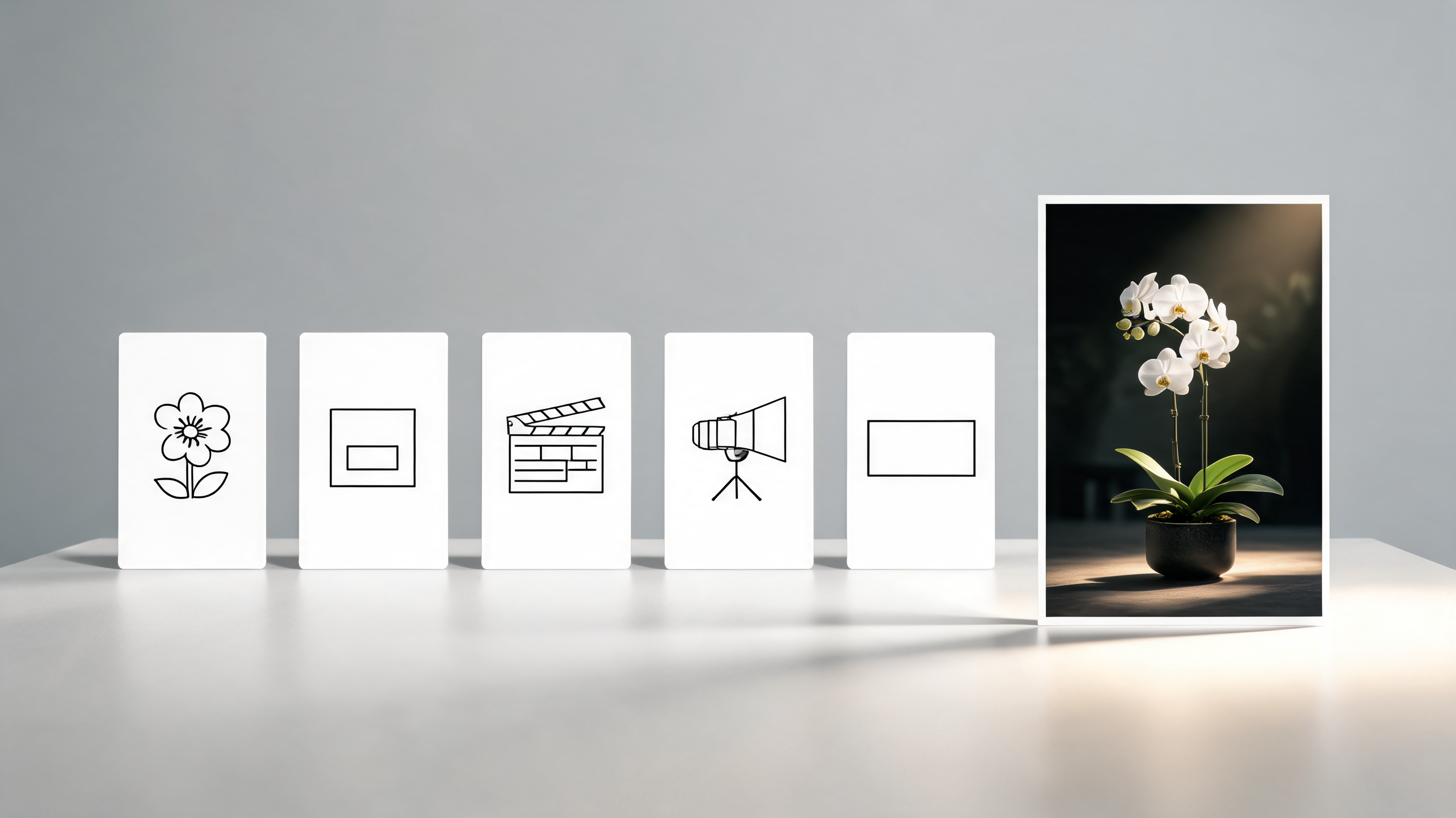
可靠的 Seedream 5 提示詞工作流程會從意圖走向細節,再進入審查。這三個步驟幫助你把鬆散的圖片想法變成 Seedream 5.0 更穩定遵循的提示。檢視每個結果時,讓 Seedream 5 提示詞保持可見。

1

從視覺目標開始

先定義主要主體、場景、輸出類型和受眾,再加入風格。Seedream 5 提示詞應該說明圖片必須傳達什麼、主體出現在哪裡,以及哪些元素必須保留。

2

疊加風格和控制項

加入構圖、相機角度、光線、情緒、排版、色彩方案和排除項。當你為 Seedream 5.0 編寫提示時,這些細節能讓請求保持具體,又不會把 Seedream 5 提示詞變成混亂的清單。

3

檢視、優化並重複使用

將結果與原始簡報對照,然後收緊空間關係、可讀文字或材質紋理等薄弱處。把成功的 Seedream 5 提示詞儲存為未來行銷活動和創意測試的模式。

Seedream 5 提示詞功能,幫助取得更好結果

使用這個 Seedream 5 提示詞框架處理不同圖片目標,而不必每次從零開始。Seedream 5 提示詞庫讓這些決策更容易重複使用。
結構化提示詞拆解

結構化提示詞拆解

  • 有用的 Seedream 5 提示詞先給出清晰主體,再加入構圖、風格、光線和技術邊界。
  • 使用 Seedream 5 提示詞區分必須保留的細節和可選風格線索。
  • 當你為 Seedream 5.0 編寫提示時,只有圖片需要可讀排版時才把精確文字放進引號。
  • 這份 Seedream 5.0 提示詞指南讓簡報足夠簡潔,便於迭代。
  • 讓 Seedream 5 提示詞易於瀏覽,協作者才能一次修改一個決策。
按使用場景整理的提示詞庫

按使用場景整理的提示詞庫

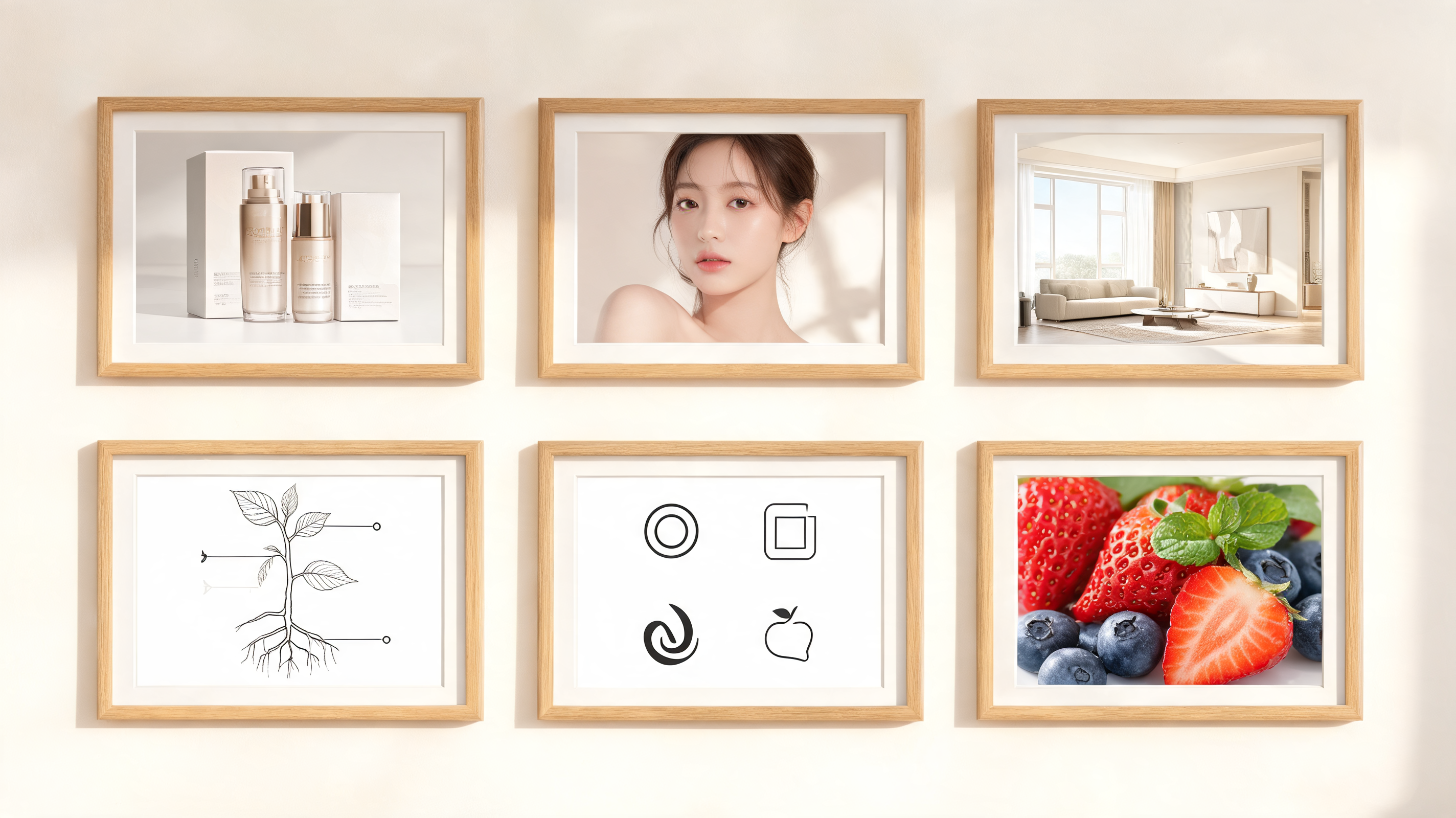
  • 探索用於產品攝影、海報、概念藝術、教學圖解、編輯肖像、標誌和室內視覺化的 Seedream 5 提示詞。
  • 每個 Seedream 5 提示詞都展示如何平衡主體、環境、表面細節和最終質感。
  • 儲存的 Seedream 5 提示詞也能為團隊未來的視覺測試提供可重複的基礎。
文字、版面配置和細節控制

文字、版面配置和細節控制

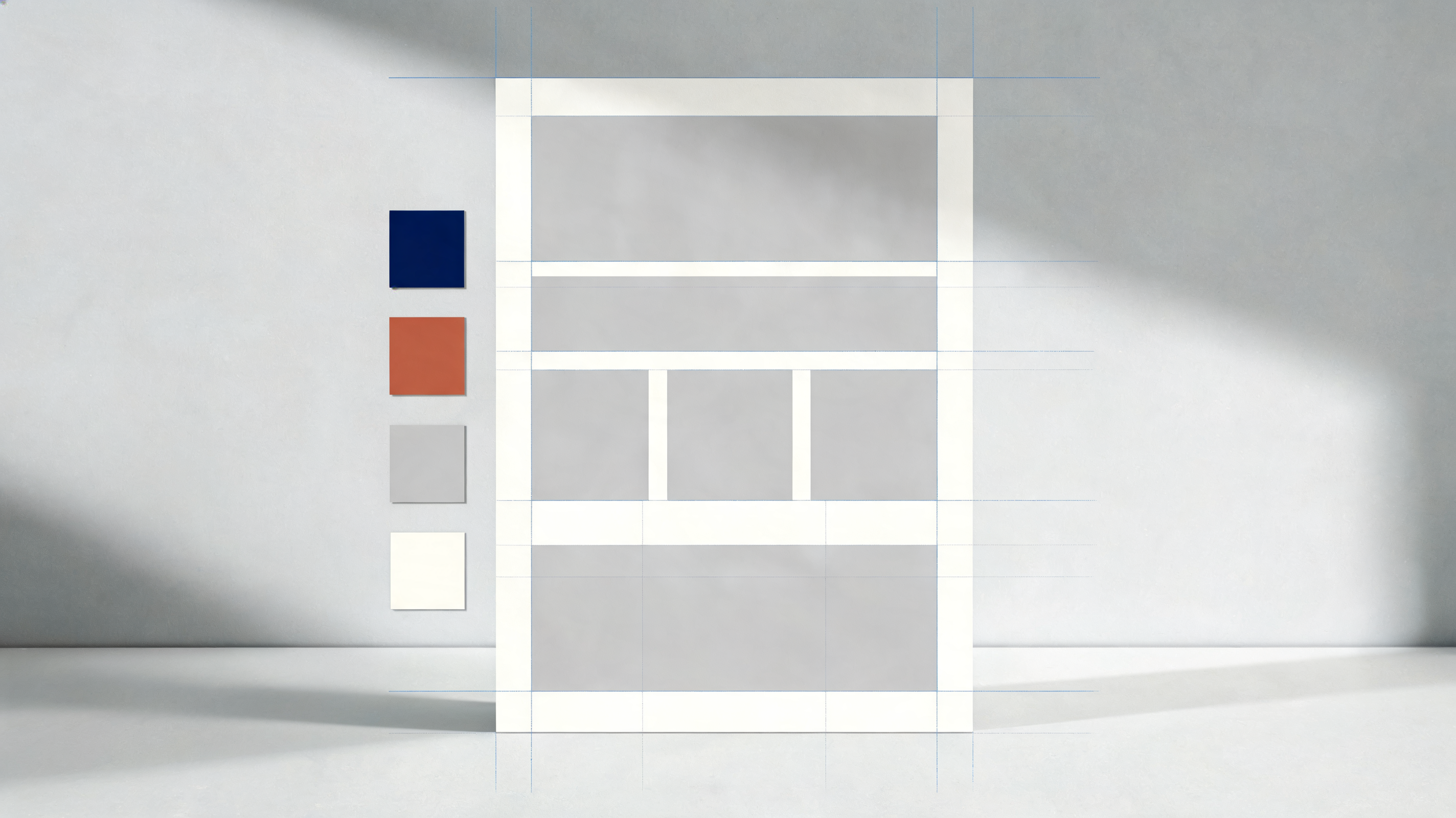
  • 當圖片需要的不只是漂亮主體時,Seedream 5 提示詞可以描述空間關係、數量、標籤和視覺層級。
  • Seedream 5.0 提示詞指南的方法有助於減少缺失物體、模糊版面配置和從未要求的裝飾性文字。
  • 當精確位置或層級很重要時,這種 Seedream 5 提示詞紀律很有用。
面向參考圖的編輯語言

面向參考圖的編輯語言

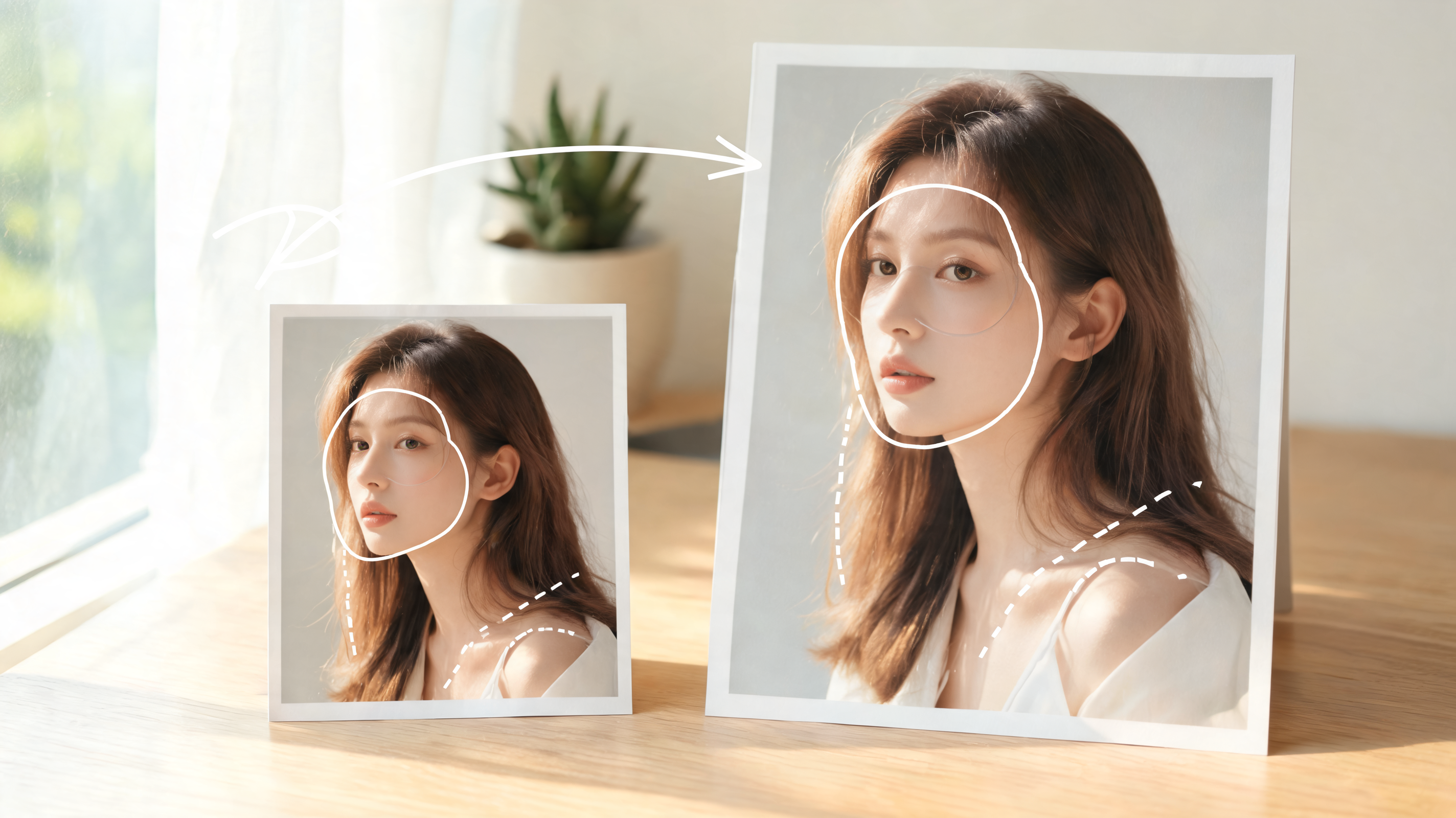
  • 對於圖生圖任務,Seedream 5 提示詞應說明哪些保持不變、哪些需要改變。
  • 當你帶參考圖為 Seedream 5.0 編寫提示時,清晰的保留規則能讓輸出更有意圖,而不是被過度編輯。
  • 最終的 Seedream 5 提示詞應在生成開始前就讓編輯邊界一目了然。

為什麼創作者使用 Seedream 5 提示詞範例

Seedream 5 提示詞範例為團隊提供實用的視覺規劃起點。用它們縮短試驗時間、對齊利害關係人,並記錄成稿圖片方向背後的選擇。

行銷活動視覺

行銷團隊使用 Seedream 5 提示詞在測試變化前定義產品位置、受眾、資訊層級和美術方向。Seedream 5 提示詞尤其適合海報概念、發布素材、縮圖、社群貼文和季節性創意,因為同一想法需要多條精緻視覺路線。Seedream 5 提示詞也給審核者一份可批准的具體簡報,再進入製作素材探索。Seedream 5 提示詞讓活動想法在各渠道保持一致。

產品和品牌系統

面向產品的 Seedream 5 提示詞可以指定材質質感、標籤位置、包裝細節、道具、相機角度和背景調性。結果會成為可重複使用的 Seedream 5.0 提示簡報,用於探索一致的品牌識別組合、產品平鋪、包裝場景和乾淨商業攝影概念。整理成文件的 Seedream 5 提示詞能幫助比較變化而不丟失商業目標。Seedream 5 提示詞讓產品線索在不同場景選項中保持一致。

編輯肖像

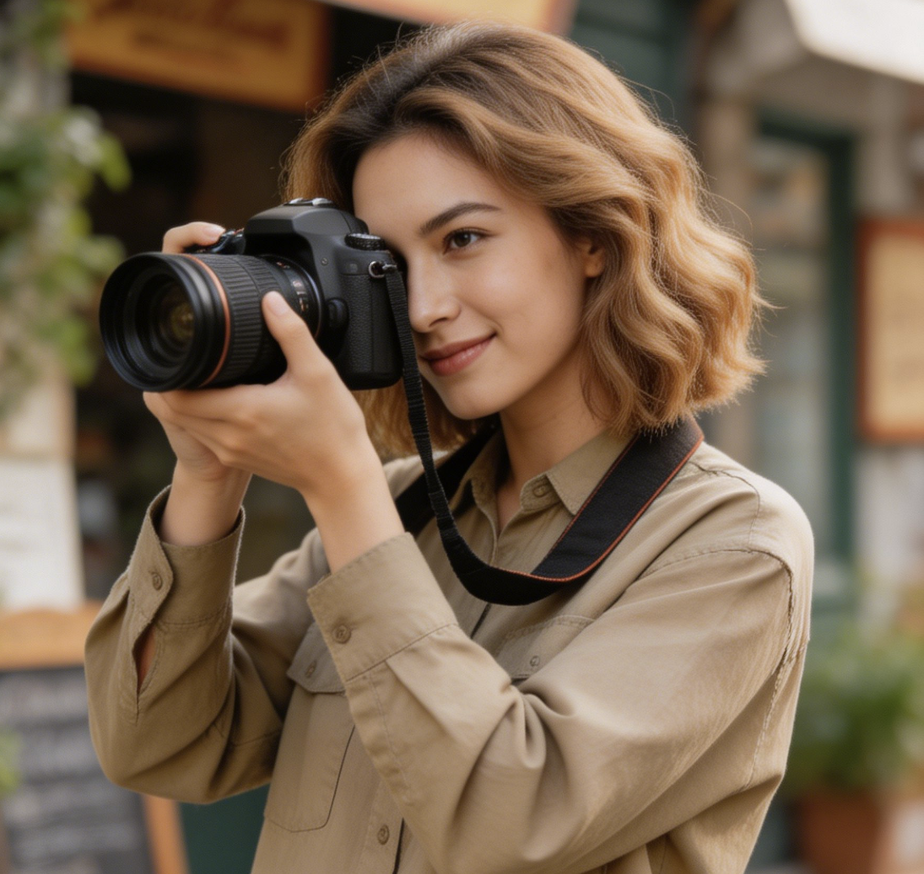
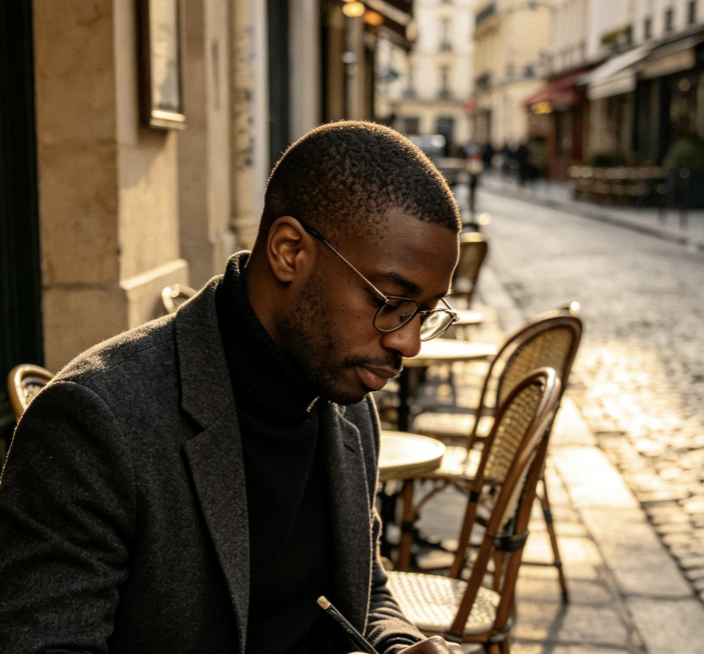
肖像提示詞需要控制身份線索、鏡頭選擇、表情、服裝、光線和修飾風格。Seedream 5 提示詞幫助創作者避免含糊的美感語言,轉而定義塑造可信時尚、美妝、高階主管或創作者肖像的視覺決策。聚焦的 Seedream 5 提示詞讓肖像方向保持具體,同時為可控風格測試留出空間。

教育和圖解

對於解釋圖、課程視覺和帶注釋圖解,Seedream 5 提示詞可以描述資訊流、標籤、箭頭、科學規範和場景準確性。當圖片必須教學而不只是裝飾時,清晰的 Seedream 5.0 提示詞指南很有用,因為結構與美感同樣重要。精確的 Seedream 5 提示詞讓學習目標在整個創作過程中保持可見。

室內和環境概念

Seedream 5 提示詞可以透過說明版面配置、材質、光線方向、季節和空間約束,把房間、景觀或建築想法變成方向性渲染。這幫助設計師比較氛圍,同時在多個創意變化中保持同一功能簡報。當客戶想要同一空間的另一版本時,Seedream 5 提示詞會成為參考點。

個人創意練習

藝術家和愛好者使用 Seedream 5 提示詞學習措辭如何改變輸出。透過收集範例、修改薄弱提示並儲存有效表述,他們建立個人視覺技法庫,而不是每次有靈感都依賴隨機試驗。個人 Seedream 5 提示詞檔案也讓每次實驗之間的進步更可見。

創作者如何評價 Seedream 5 提示詞工作流程

這些實踐故事展示了 Seedream 5 提示詞庫如何支持行銷、教育、設計和內容製作中的可重複創意工作,而不用把每張圖都變成新的猜測。

我們團隊過去每次都從零寫圖片簡報。Seedream 5 提示詞模式讓我們在主體、版面配置、光線和文案上有了共同語言。審查週期變得更輕鬆,因為每個人都能看出哪條視覺說明需要修改。Seedream 5 提示詞成了我們的共享審查備註。

我在為小品牌規劃產品場景時會使用 Seedream 5 提示詞。範例提醒我要指定材質、反射、標籤位置和相機角度。這些細節讓每個概念在交給設計師前顯得更有意圖。Seedream 5 提示詞能節省每輪概念推敲的時間。

Seedream 5.0 提示詞指南格式對課堂圖解很有用。我可以把學生需要學習的內容與圖片風格分開,再調整標籤、箭頭和層級,而不必重寫整條提示詞。

當我為 Seedream 5.0 的編輯概念寫提示時,這份清單能避免我滑向泛泛的美術方向。我先定義主體、畫面、光線品質、服裝和排除項,再更有信心地測試風格變化。

Seedream 5 提示詞庫幫助我們的內容團隊在縮圖和部落格視覺中保持一致。我們仍會客製每份簡報,但儲存的結構讓語氣、構圖和視覺精緻度從一個活動到下一個活動都保持對齊。

我喜歡按使用場景整理的 Seedream 5 提示詞。它讓試驗不再那麼隨機。我可以從一個經過驗證的結構開始,再根據專案修改主體、色彩方案或光線。
Maya Ellison
Maya Ellison
創意策略負責人
Jordan Lee
Jordan Lee
電商顧問
Priya Nandakumar
Priya Nandakumar
教學設計師
Evan Brooks
Evan Brooks
自由接案美術指導
Alina Torres
Alina Torres
內容營運經理
Noah Bennett
Noah Bennett
視覺設計師

關於 Seedream 5 提示詞寫作的常見問題

使用這些回答了解 Seedream 5 提示詞應如何建立、範例何時有幫助,以及如何在不同創意任務中改造同一框架。

Seedream 5 提示詞是一份為 Seedream 5 圖片生成或編輯設計的書面視覺簡報。它通常定義主體、構圖、風格、光線、文字要求、技術質感和約束。好的 Seedream 5 提示詞足夠具體,能引導模型,也足夠易讀,方便創作者看到第一版結果後修改。把 Seedream 5 提示詞同時當作說明和審查清單。Seedream 5 提示詞應保持清晰,方便協作者編輯。

Seedream 5 提示詞應從主要主體和預期輸出開始,然後加入構圖、環境、光線、風格、相機或媒介,以及品質邊界。如果圖片中必須出現文字,請把精確文字放在引號中。如果必須排除某些內容,也要明確說明。這個順序讓說明更聚焦,也更容易排查問題。這樣每條 Seedream 5 提示詞在生成後更容易比較。簡潔的 Seedream 5 提示詞能減少修訂噪音。

當你的圖片目標有多個約束時,比如產品包裝、帶可讀文案的海報、注釋圖解、品牌系統或角色一致性,請使用 Seedream 5.0 提示詞指南。指南幫助你決定哪些細節應進入提示詞,哪些細節可以稍後作為變化測試,讓修訂更有意識。Seedream 5 提示詞由此變成穩定簡報,而不是猜測。Seedream 5 提示詞讓圖片目標保持明確。

有些範例效果更好,是因為它們給模型提供了具體視覺資訊。它們命名主體、描述物體關係、定義光線方向,並避免衝突的風格線索。薄弱範例往往堆疊沒有優先級的形容詞。更強的 Seedream 5 提示詞會告訴模型什麼最重要、什麼應保持次要、什麼不應出現。因此 Seedream 5 提示詞應該優先表達決策,而不是裝飾。更好的 Seedream 5 提示詞讓取捨更容易看清。

可以,你可以為 Seedream 5.0 編寫海報、標籤、邀請函和其他需要可讀文字的視覺提示,但說明必須精確。把所需文案放在引號中,描述它的位置、字體風格、顏色和視覺層級,然後讓無關文字遠離提示。更短的文字通常能帶來更多控制。簡潔的 Seedream 5 提示詞讓模型更少自行加入內容。

Seedream 5 提示詞在清楚定義保留規則時,也可以支持圖生圖任務。如果你上傳參考圖,請說明哪些部分必須固定,例如身份、姿勢、產品形狀或房間版面配置。然後描述精確變化,比如新背景、風格遷移、物體替換或光線調整,不要要求無關的轉換。Seedream 5 提示詞應先保護源細節,再加入風格。

將輸出與簡報比較,找出缺失的說明。如果版面配置失敗,就加入空間關係。如果風格顯得普通,就命名一個具體視覺錨點,而不是堆很多錨點。如果文字錯誤,就簡化文案和位置。最好的 Seedream 5 提示詞修訂一次只改變一個主要變數。每次 Seedream 5 提示詞修訂都應有明確理由。

當一致性是說明的一部分時,單條 Seedream 5 提示詞可以描述套圖、系列、分鏡、圖示包或品牌平鋪圖。指定圖片或分鏡數量、共享色彩方案、重複主體、版面配置規則,以及各項之間的差異。這能幫助模型理解共同系統和所需變化。Seedream 5 提示詞應先解釋系統,再列出變化。

今天寫出更好的 Seedream 5 提示詞

使用這份 Seedream 5 提示詞指南,從模糊想法走向結構化簡報。瀏覽範例,改造框架,寫出能清楚傳達主體、風格、版面配置和約束的 Seedream 5 提示詞。

建立 Seedream 提示詞
Video cover