Seedance 2.5 Prompts: Eight categories of AI Video Prompt Examples for Characters, Stories, Ads & More
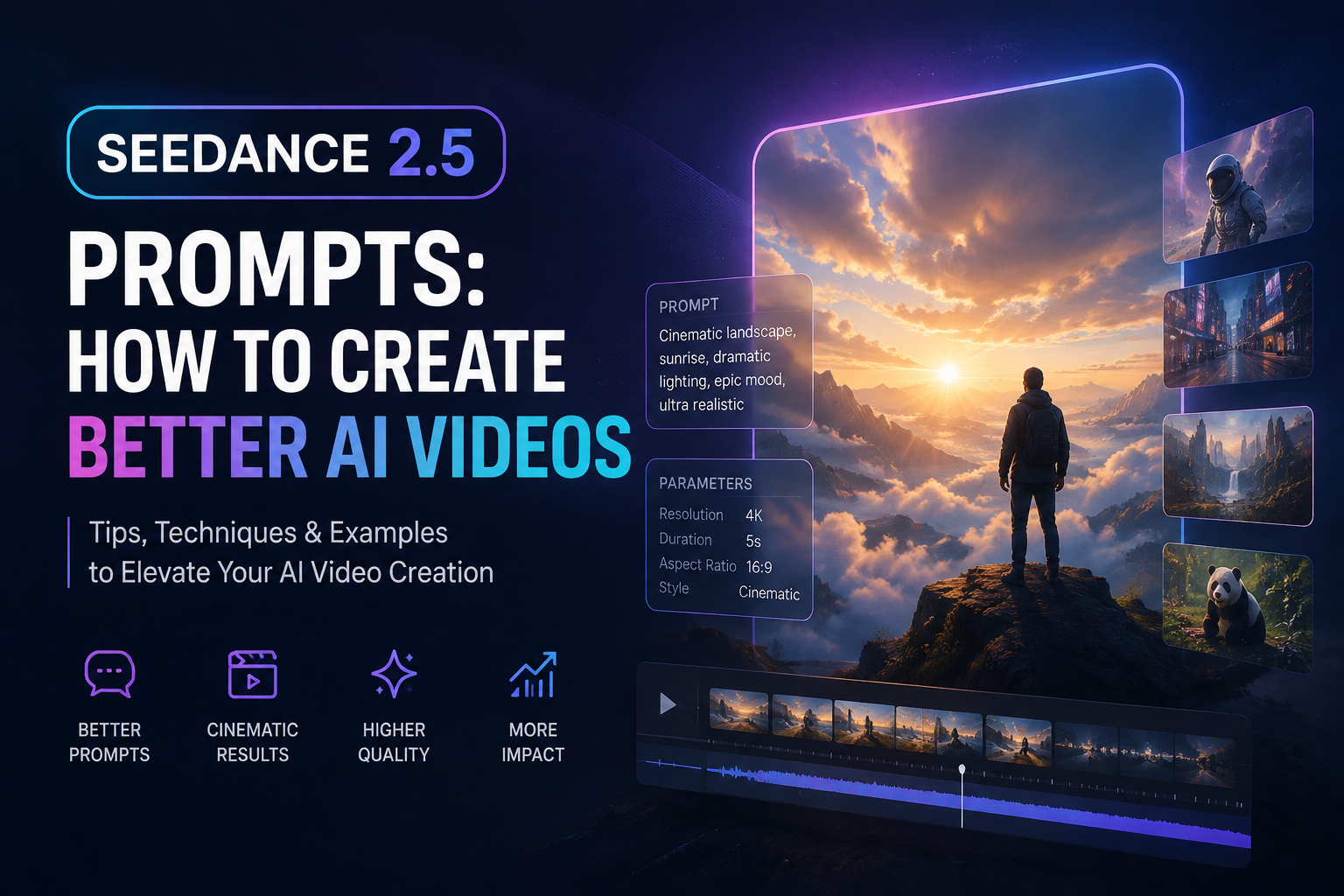
This guide shares eight categories of ready-to-copy-and-paste Seedance 2.5 prompt ideas, suitable for creating cinematic AI videos, realistic human scenes, product advertisements, fantasy worlds, anime-style animations, documentary-style videos and short film concepts. You’ll also learn how to write better Seedance 2.5 prompts to generate more realistic and professional AI videos.
Introduction
A great Seedance 2.5 prompt can turn a simple idea into a professional AI-generated video. Instead of writing only a short description like "a person walking" or "a cinematic scene", a well-structured prompt helps Seedance 2.5 understand the subject, environment, action, camera movement, lighting, style, and story progression.
Unlike traditional text-to-video prompts, Seedance 2.5 supports more advanced video control, including realistic character movement, cinematic camera language, timestamp-based actions, long video generation, and multimodal references. Writing detailed prompts allows you to create videos with better consistency, smoother motion, and more realistic results.
This guide provides eight categories Seedance 2.5 prompts that you can copy, paste, and customize. These prompts cover cinematic scenes, realistic human videos, product advertisements, fantasy worlds, anime-style animations, documentary scenes, camera movements, and short film storytelling.
To test these prompts directly, open Seedance 2.5 AI video generator, paste a prompt, select a video format, and start generating your own video online.
You will also learn how to structure better Seedance 2.5 prompts with clear subject descriptions, actions, camera directions, lighting styles, and negative prompts to improve your AI video generation results.
Quick Overview
| Section | What You Get |
|---|---|
| Prompt Formula | A simple structure for writing better Seedance 2.5 AI video prompts |
| How to Use | Simple steps to copy, customize, and generate videos with Seedance 2.5 prompts |
| Prompt Examples | some copy-paste prompts for cinematic videos, realistic characters, product ads, fantasy scenes, and more |
| Camera Control | Ready-to-use camera movement prompts for cinematic shots and professional video styles |
| Timestamp Prompts | Learn how to control actions and scene changes at specific moments |
| Negative Prompts | Prompt tips to reduce unwanted subtitles, extra elements, unstable motion, and low-quality results |
| Advanced Tips | Improve video consistency with better descriptions of characters, environments, actions, and storytelling |
How to Use These Seedance 2.5 Prompts
Creating high-quality AI videos with Seedance 2.5 is simple. You can start with one of the ready-to-use prompts below, customize the details based on your idea, and generate your own cinematic videos.
For better results, do not treat prompts as simple commands. A strong Seedance 2.5 prompt should describe the subject, environment, actions, camera movement, lighting, visual style, and overall story direction.
Follow these steps to create better AI videos:
| Step | What to Do | Why It Matters |
|---|---|---|
| 1 | Choose a Seedance 2.5 prompt | Start with a tested prompt structure instead of writing from scratch |
| 2 | Customize the subject and scene | Replace characters, locations, objects, or styles with your own ideas |
| 3 | Add motion and camera instructions | Control how characters move and how the camera captures the scene |
| 4 | Include visual style and lighting details | Improve realism, atmosphere, and cinematic quality |
| 5 | Generate and refine your video | Adjust actions, timing, camera movement, or details until you get the desired result |
Step 1: Choose a Seedance 2.5 Prompt
Start by selecting a prompt that matches the type of video you want to create.
This guide includes ready-to-use prompts for:
- Cinematic story scenes
- Realistic human videos
- Product advertisements
- Fantasy and game scenes
- Anime-style animations
- Nature documentaries
- Camera movement experiments
- Short film storytelling
Copy any prompt from this guide and use it as your starting point.
Step 2: Customize the Main Subject and Scene
Every Seedance 2.5 prompt can be adjusted to match your own idea.
You can change Character、Location、Time period、Environment、Product、Visual style
For example:
Original:
A young woman walking through a rainy city street at night.
Customize:
A futuristic robot walking through a neon cyberpunk city at night.
The overall structure stays the same, while the subject changes.
Step 3: Add Actions and Motion Details
Unlike image generation prompts, AI video prompts need clear movement descriptions.
Instead of only describing what appears in the scene, describe what happens.
Weak prompt:
A warrior in a fantasy world.
Better prompt:
A fantasy warrior slowly walks through an ancient battlefield, draws a glowing sword, and looks toward the enemy. The camera moves around the character in a slow cinematic shot.
Useful motion descriptions include:
- walking slowly
- turning around
- looking at the camera
- running forward
- opening a door
- flying through the sky
- camera following the subject
- slow zoom in
- cinematic tracking shot
Step 4: Add Camera Movement and Visual Style
Camera instructions help Seedance 2.5 create more professional-looking videos.
Common camera prompts:
| Camera Movement | Description |
|---|---|
| Slow push-in | Gradually move closer to the subject |
| Tracking shot | Follow the character or object movement |
| Wide shot | Show the environment and atmosphere |
| Close-up shot | Focus on facial expressions and details |
| Low-angle shot | Create a powerful cinematic feeling |
| Drone shot | Create a large-scale aerial perspective |
Example:
A cinematic close-up shot,slow camera push-in,shallow depth of field,soft natural lighting.
Step 5: Use Reference Images, Videos, or Audio
Seedance 2.5 supports multimodal references, including images, videos, and audio.
Reference materials can help maintain Character appearance、Clothing details、Scene composition、Motion style、Voice or sound characteristics and make the generated video closer to your original idea.
Step 6: Generate and Refine Your Video
The first generation is usually a starting point.
After creating a video, improve the result by changing one element at a time.
You can refine Character appearance、Camera angle、Lighting、Background、Motion speed and Emotional expression
For example:
Make the camera movement slower and more cinematic.Change the lighting to warm sunset lighting.Keep the character appearance unchanged and improve motion realism.
Small adjustments usually produce better results than completely rewriting the prompt.
Seedance 2.5 Prompt Writing Tip
A strong Seedance 2.5 prompt usually follows this structure:
Subject + Environment + Action + Camera + Lighting + Style + Restrictions
Example:
A young woman wearing a traditional dress, standing beside a misty river at sunrise, slowly walking forward, cinematic tracking camera, soft natural lighting, realistic film style, no subtitles, no watermark.
By adding more visual details and motion instructions, you can create more consistent and professional AI videos.
8 categories Seedance 2.5 Prompt Ideas
Below are ready-to-use Seedance 2.5 prompt examples. Copy a prompt, paste it into Seedance 2.5, and generate your own AI videos for cinematic stories, realistic characters, product advertisements, fantasy worlds, animation, documentary scenes, and more.
Each example demonstrates a different video style and shows how to use detailed descriptions of characters, environments, actions, camera movements, lighting, and storytelling to create better AI videos.
1. Cinematic Story Video Prompt
Create emotional movie-like scenes with professional camera movements and storytelling.
Featured Video Example: A Woman Saying Goodbye by the River
Prompt:
A cinematic emotional farewell scene. A young woman wearing a traditional white dress stands beside a quiet river at sunrise. Morning mist covers the water, and soft sunlight passes through the fog. The camera slowly pushes in toward her face. She looks at someone standing in front of her with a gentle but sad expression. 0-5 seconds: She stands silently beside the river, holding back her emotions. 5-15 seconds: She slowly looks away and remembers past memories. 15-30 seconds: She turns around and walks away along the river. Cinematic film style, realistic human emotion, shallow depth of field, soft natural lighting. No subtitles, no watermark.
2. Realistic Human Video Prompt
Generate realistic human characters with natural movement, facial expressions, and cinematic lighting.
Featured Video Example: Fashion Model Walking
Prompt:
A realistic fashion film scene. A 22-year-old woman with natural skin texture, elegant facial features, expressive eyes, and long black hair walks through a modern city street. She wears a luxury black dress with realistic fabric details. The camera follows her movement from a low angle while slowly moving forward. Her hair moves naturally with the wind, and she looks confidently toward the camera. Cinematic fashion photography style, realistic skin details, natural movement, professional lighting. No subtitles, no watermark.
3. Product Advertisement Video Prompt
Create premium commercial videos for products, brands, and advertisements.
Featured Video Example: Luxury Perfume Advertisement
Prompt:
A luxury perfume commercial video. A crystal perfume bottle is placed on a reflective black surface. The camera slowly rotates around the product while soft studio lights create elegant reflections. Close-up shots reveal the glass texture and premium design details. High-end advertising style, cinematic product photography, realistic materials, smooth camera movement. No text, no watermark.
4. Fantasy & Game Cinematic Prompt
Create cinematic fantasy scenes inspired by movie trailers and game worlds.
Featured Video Example: Fantasy Warrior Battle
Prompt:
An epic fantasy cinematic scene. A warrior wearing detailed metal armor stands on a battlefield covered with fog. The warrior slowly draws a glowing sword while the wind moves the cape. The camera circles around the character and reveals the massive battlefield. Epic lighting, realistic armor details, dramatic atmosphere, fantasy game trailer style. No subtitles, no watermark.
5. Anime & Stylized Animation Prompt
Create animated scenes with unique visual styles and smooth character movement.
Featured Video Example: Anime Character Scene
Prompt:
A cinematic anime-style scene. A young anime character stands in a cherry blossom garden during sunset. The wind gently moves the character's hair and clothes. The camera slowly moves closer while petals fly through the air. Beautiful animation style, emotional atmosphere, detailed background, cinematic composition.
6. Nature Documentary Prompt
Create realistic documentary-style videos with natural environments and animal movements.
Featured Video Example: Wildlife Documentary Scene
Prompt:
A realistic wildlife documentary scene. A red fox walks through a snowy forest during sunrise. The camera follows slowly from a low angle while capturing natural animal movement. Snow falls gently, sunlight passes through the trees, and the environment feels peaceful. Nature documentary style, realistic details, cinematic lighting, natural atmosphere.
7. Fashion & Lifestyle Video Prompt
Create realistic social media, fashion, and lifestyle videos.
Featured Video Example: Street Fashion Walk
Prompt:
A cinematic street fashion video. A stylish person walks through a modern city street during golden hour. The camera follows from behind and then moves to a front close-up shot. Natural walking motion, realistic clothing details, urban background, professional fashion video style. Soft sunlight, cinematic color grading.
8. Short Film Story Prompt
Use Seedance 2.5 timestamp control to create short cinematic stories.
Featured Video Example: A 30-Second Emotional Short Film
Prompt:
A 30-second cinematic short film. Scene: A lonely traveler arrives at an old train station at night. 0-5 seconds: The traveler walks through the empty station while rain falls outside. 5-15 seconds: The camera slowly moves closer as the traveler looks at an old photograph. 15-25 seconds: A train arrives and warm light fills the station. 25-30 seconds: The traveler enters the train and disappears into the night. Cinematic storytelling, emotional atmosphere, realistic lighting, professional film camera movement. No subtitles, no watermark.
Quick Copy Template for Any Seedance 2.5 Video
Use this template to create your own AI video prompt:
A cinematic video of [subject], in [environment], performing [action], with [camera movement], using [lighting style], in [visual style], with [duration or timeline], and [additional details or restrictions].
Example:
A cinematic video of a young woman walking through a rainy city street at night, in a futuristic cyberpunk environment, slowly walking forward while looking at neon lights, with a smooth tracking camera movement and slow push-in shot, using dramatic neon lighting and realistic reflections, in a high-end cinematic film style, 30-second video with emotional storytelling, no subtitles, no watermark, no extra characters.
This structure helps Seedance 2.5 understand the main subject, scene development, movement, camera language, and overall visual style to create more consistent AI videos.
Best Seedance 2.5 Prompt for Beginners
New users can start with this simple version:
Create a high-quality cinematic AI video of a [subject]. Show realistic movement, a clear environment, natural lighting, smooth camera movement, detailed visuals, and a professional film style. Make the scene visually engaging with realistic actions, consistent characters, and cinematic composition. No subtitles, no watermark.
Replace [subject] with any:
- Character
- Product
- Animal
- Environment
- Story scene
- Creative idea
Example:
Create a high-quality cinematic AI video of a fantasy warrior. Show realistic movement, a detailed battlefield environment, dramatic lighting, smooth camera movement, detailed armor, and a professional film trailer style. Make the scene visually engaging with realistic actions, consistent character design, and cinematic composition. No subtitles, no watermark.
Create Better Seedance 2.5 Prompts Online
A strong Seedance 2.5 prompt is more than a simple text description.
The best prompts clearly describe:
- The subject and appearance
- The environment and atmosphere
- Character actions and movements
- Camera angles and movement
- Lighting and visual style
- Timeline and storytelling details
Use the copy-paste prompts above as starting points, then customize the characters, scenes, actions, and camera movements to create your own AI videos in Seedance 2.5 AI video generator.
For better results, refine one element at a time, such as changing the lighting, improving character details, adjusting camera movement, or adding more specific actions.
FAQ About Seedance 2.5 Prompts
1. What makes a good Seedance 2.5 prompt?
A good Seedance 2.5 prompt clearly describes the subject, environment, actions, camera movement, lighting, and visual style.
Instead of writing only a simple instruction, A more detailed prompt can provide better creative direction.
The more specific your prompt is, the easier it is for Seedance 2.5 to create consistent, realistic, and professional AI videos.
2. Can I use these Seedance 2.5 prompts directly?
Yes. The prompts in this guide are designed as ready-to-use examples.
You can copy a prompt, paste it into Seedance 2.5 AI video generator, choose seedance2.5, and customize details based on your own creative ideas.
You can modify:
- Character
- Location
- Environment
- Actions
- Camera movement
- Visual style -Lighting
Small adjustments can help you create videos that better match your imagination.
3. How do I make Seedance 2.5 videos look more realistic?
To create more realistic AI videos, include detailed descriptions of:
- Character appearance
- Natural movement
- Facial expressions
- Lighting conditions
- Camera behavior
- Environmental details
For example:
A realistic woman walking naturally through a modern city street, with natural hair movement, realistic clothing details, cinematic lighting, and a handheld camera style.
Detailed descriptions help Seedance 2.5 understand the scene and generate more realistic results.
4. Can Seedance 2.5 prompts control camera movement?
Yes. Camera movement is an important part of creating cinematic AI videos.
You can describe camera directions such as:
- Slow push-in
- Tracking shot
- Close-up shot
- Wide shot
- Drone shot
- Camera rotation
- Handheld camera movement
Example:
The camera slowly pushes in toward the character's face, creating an emotional cinematic close-up.
Adding camera instructions helps create more professional-looking videos with stronger visual storytelling.
5. How can I use timestamps in Seedance 2.5 prompts?
Seedance 2.5 supports timeline-based prompts, which allow you to describe how a scene develops over time.
For complex videos, you can divide the story into different stages:
0-5 seconds: The character enters the room and looks around. 5-15 seconds: The camera slowly moves closer while the character discovers an old object. 15-30 seconds: The character reacts emotionally as the scene changes.
Using timestamps helps control:
- Character actions
- Scene transitions
- Camera changes
- Story progression
6. How do I keep characters consistent in Seedance 2.5 videos?
To improve character consistency, provide clear and stable character descriptions.
Include details such as: Age、Facial features、Hair style、Clothing、Expression、Personality、Overall appearance
For example:
A young woman with long black hair, natural skin texture, soft facial features, wearing an elegant black dress.
When creating multiple scenes, keep important character details unchanged to achieve better consistency.
7. What negative prompts should I use for Seedance 2.5?
Negative prompts help reduce unwanted elements and improve video quality.
Common negative prompts include:
No subtitles, No watermark, No extra characters, No distorted movement, No blurry details, No unrealistic anatomy, No flickering.
You can adjust negative prompts depending on your video type and generation problems.
8. What types of videos can I create with Seedance 2.5 prompts?
Seedance 2.5 prompts can be used to create many different types of AI videos, including:
- Cinematic short films
- Realistic character videos
- Fashion videos
- Product advertisements
- Fantasy and game scenes
- Anime-style animations
- Nature documentaries
- Social media videos
By changing the subject, environment, action, and camera style, you can create different video experiences.
How can I improve my Seedance 2.5 video results?
If your generated video does not match your expectations, improve the prompt step by step.
Try adjusting one element at a time:
-Character details -Scene environment -Action description -Camera movement -Lighting style -Video duration -Visual style
Small refinements usually produce better results than completely rewriting the prompt.
A strong Seedance 2.5 prompt works like a creative brief: the more clearly you describe your vision, the closer the final AI video will be to your idea.
Go and give it a go in Seedance 2.5 AI video generator!