
Create Cinematic AI Videos withMiniMax H3
One Multimodal Model for Video, Motion, and Native Audio
Use MiniMax H3 to transform text prompts, images, video clips, and audio references into polished AI videos with synchronized stereo sound. Control motion, guide first and last frames, create multiple shots, and generate detailed video at up to 2K resolution.
More AI Video Generators
Explore our collection of specialized AI video generators designed for different creative needs and styles

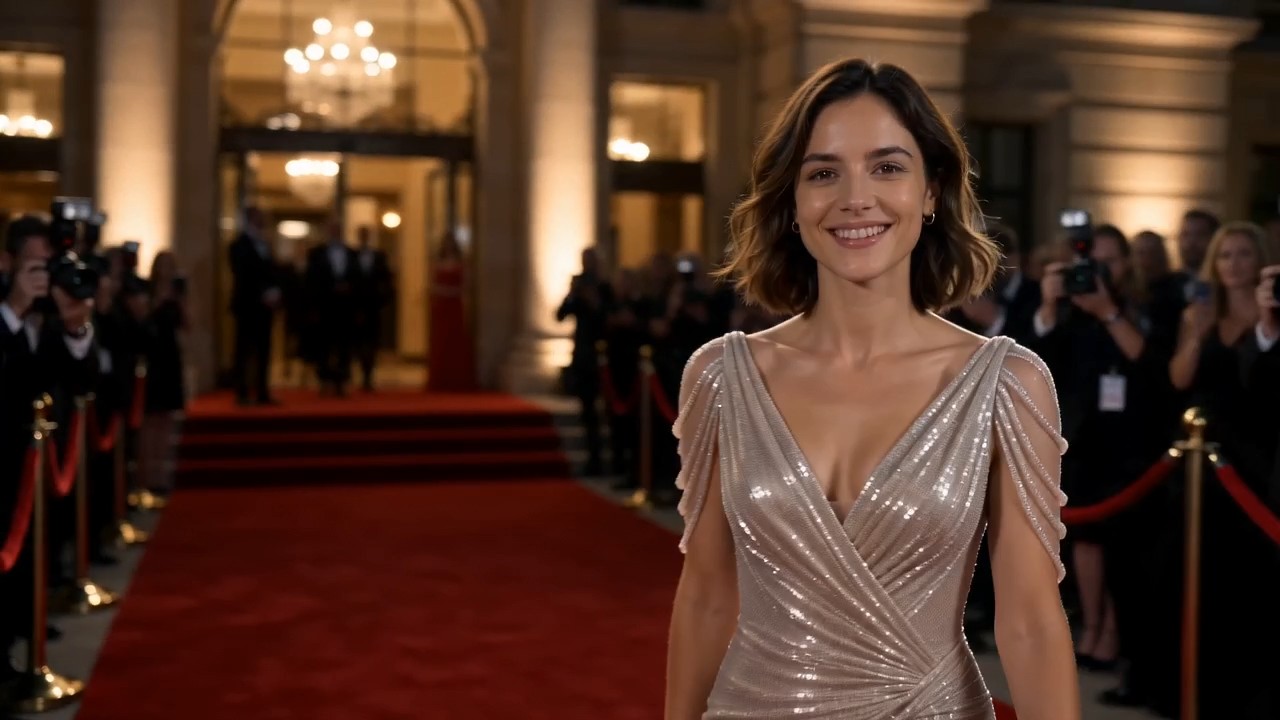
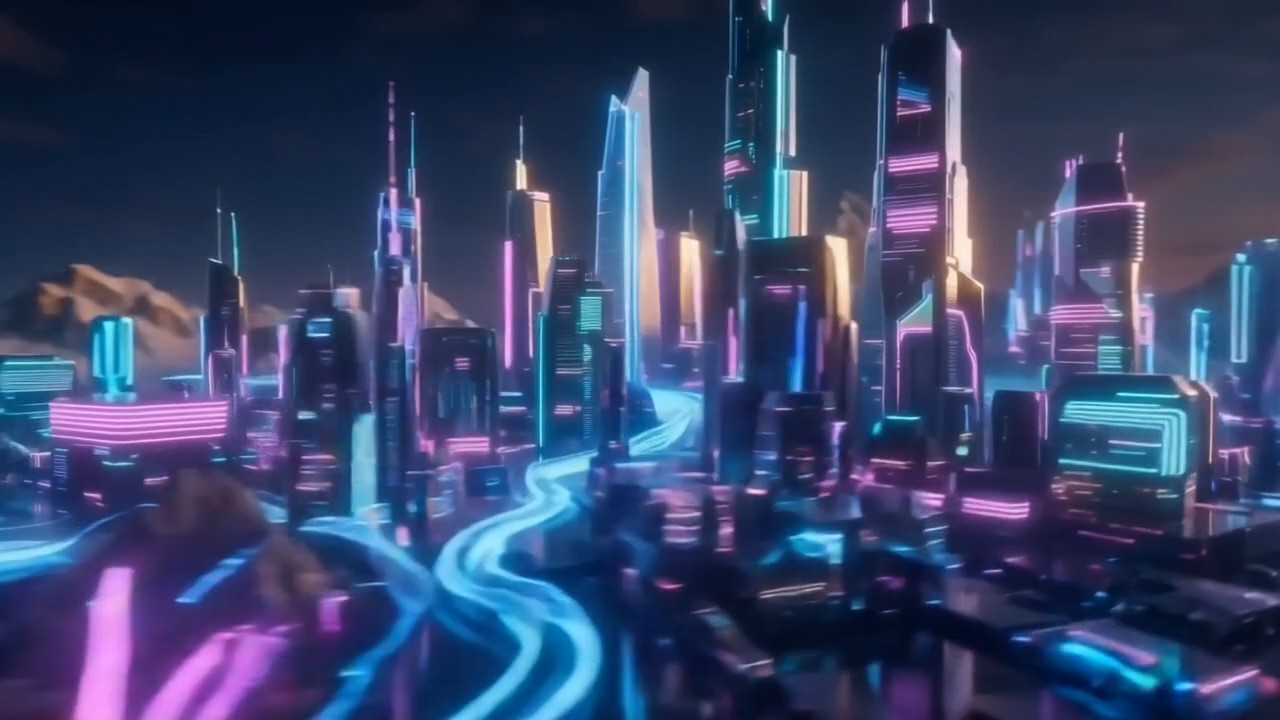
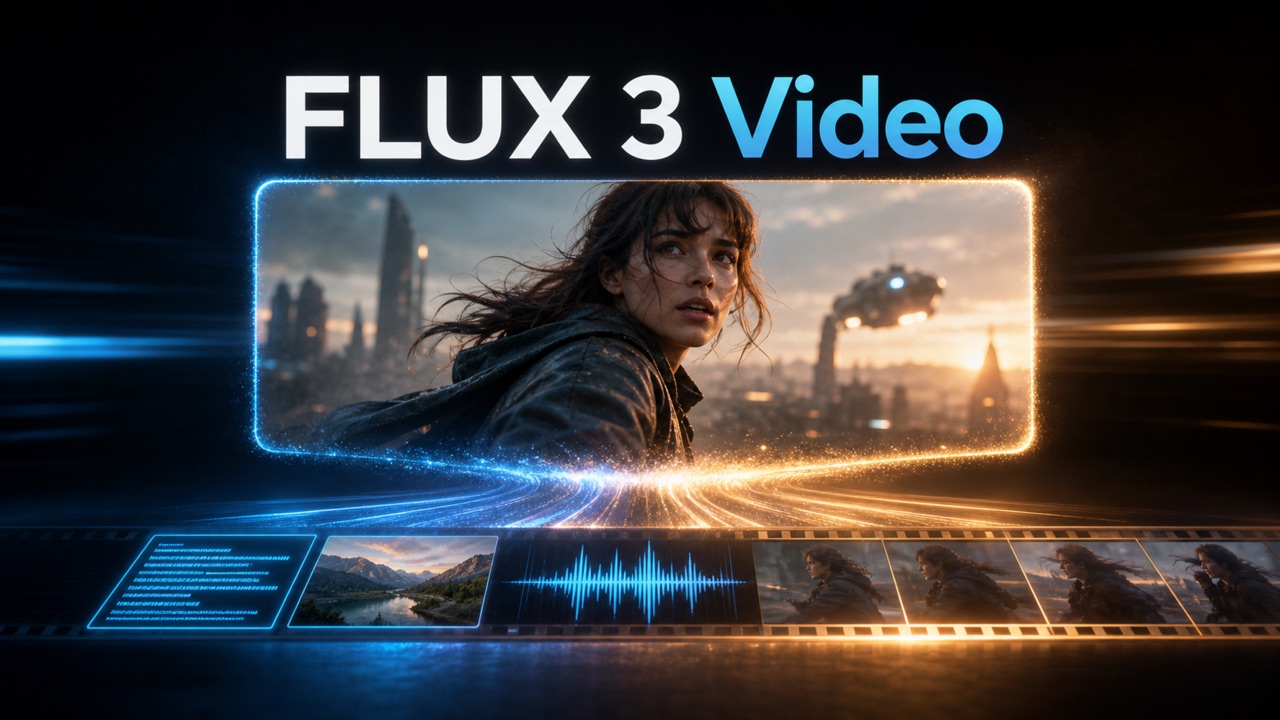
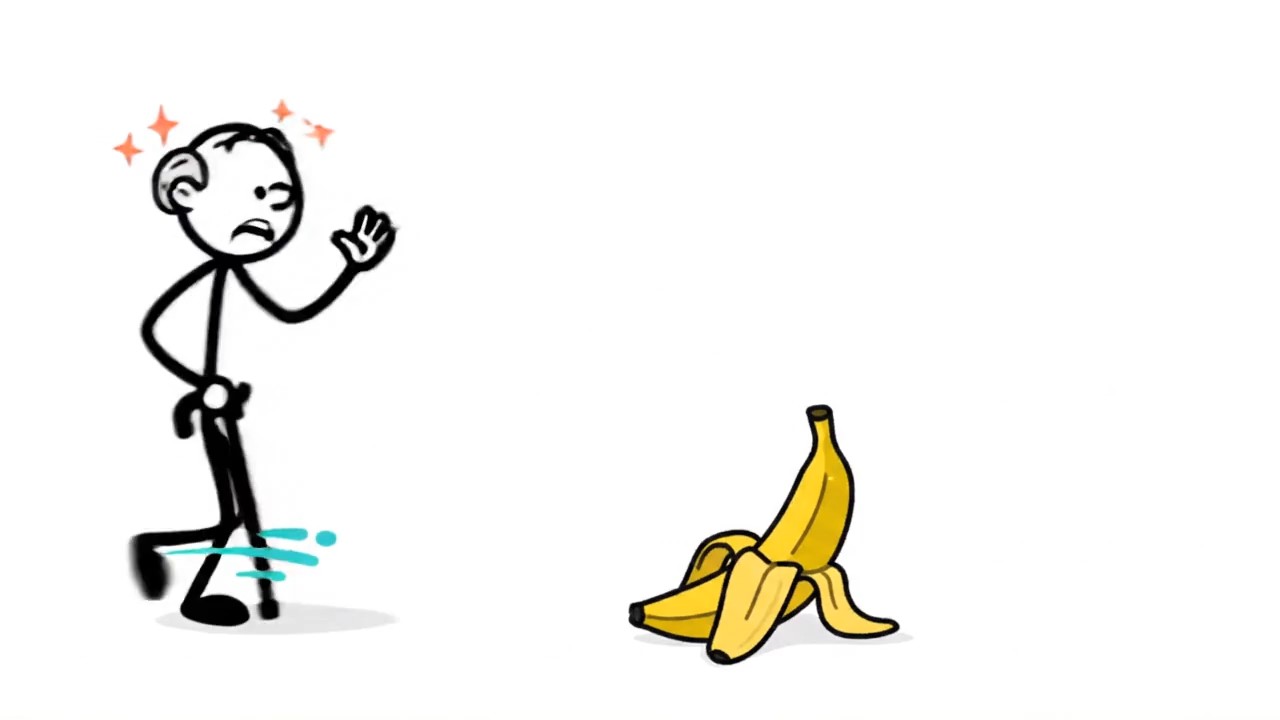
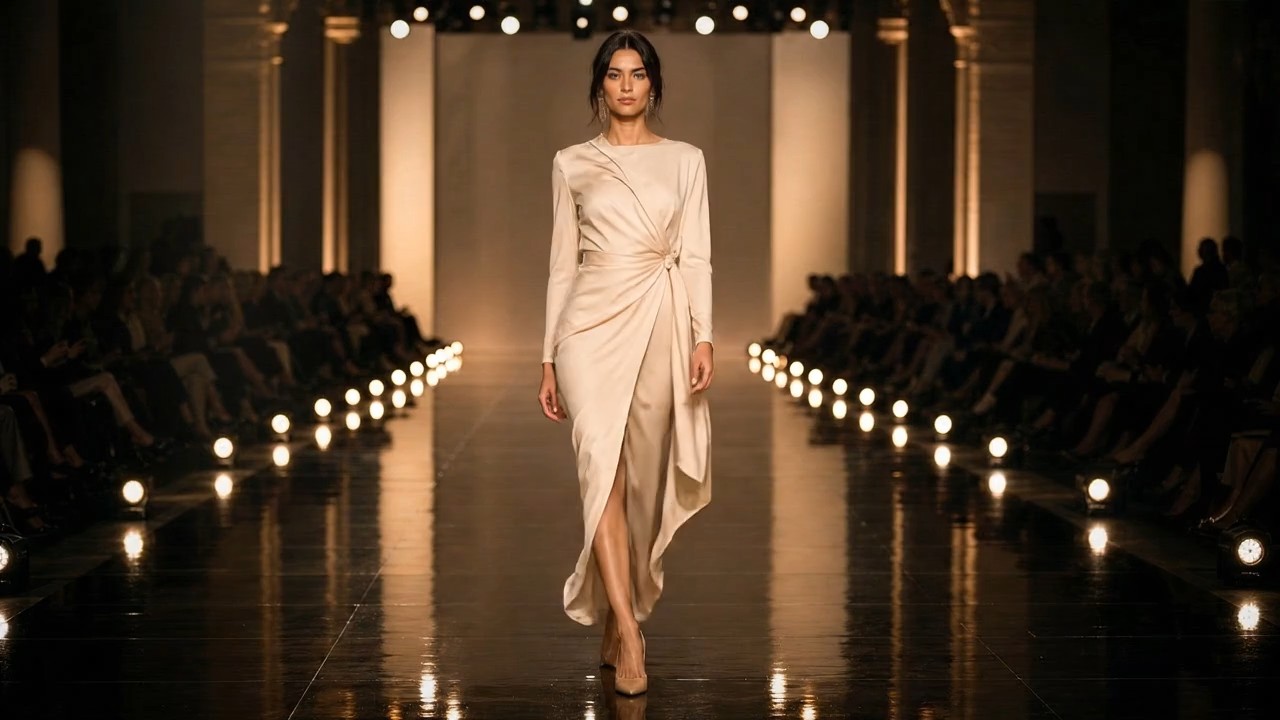
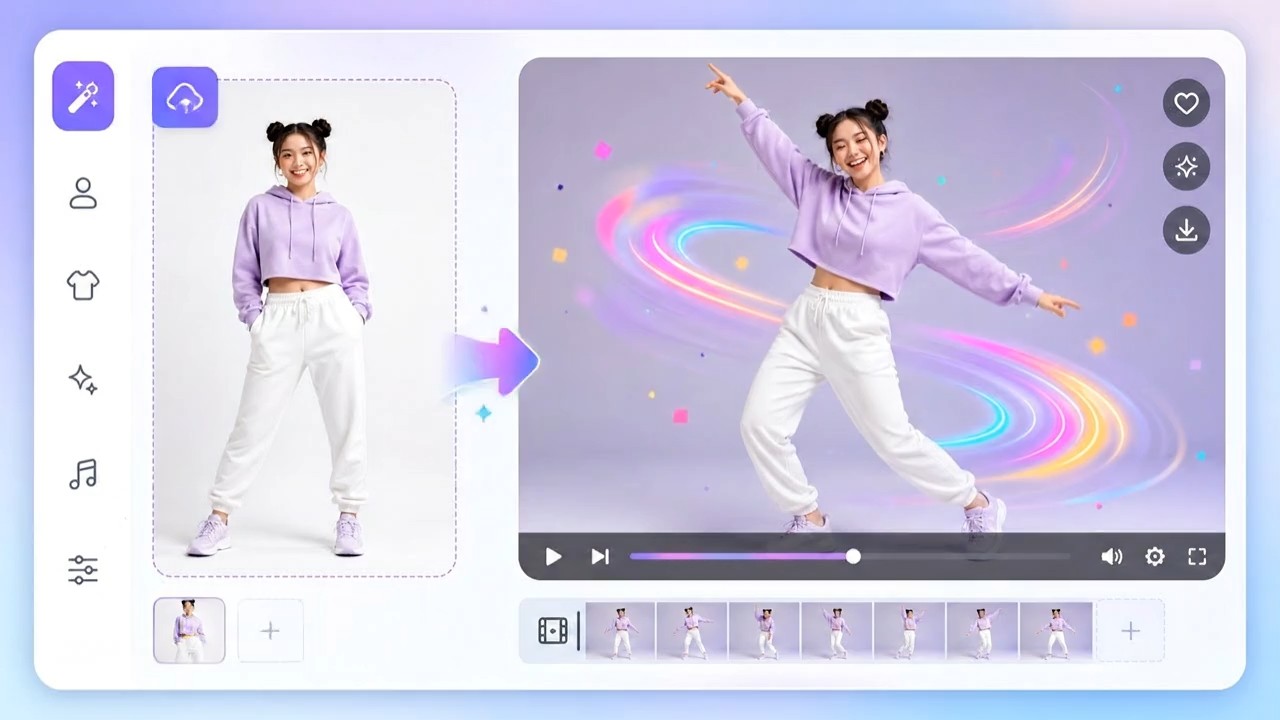
MiniMax H3: AI Video Generator with Native Audio
Turn Every Creative Reference into One Connected Video
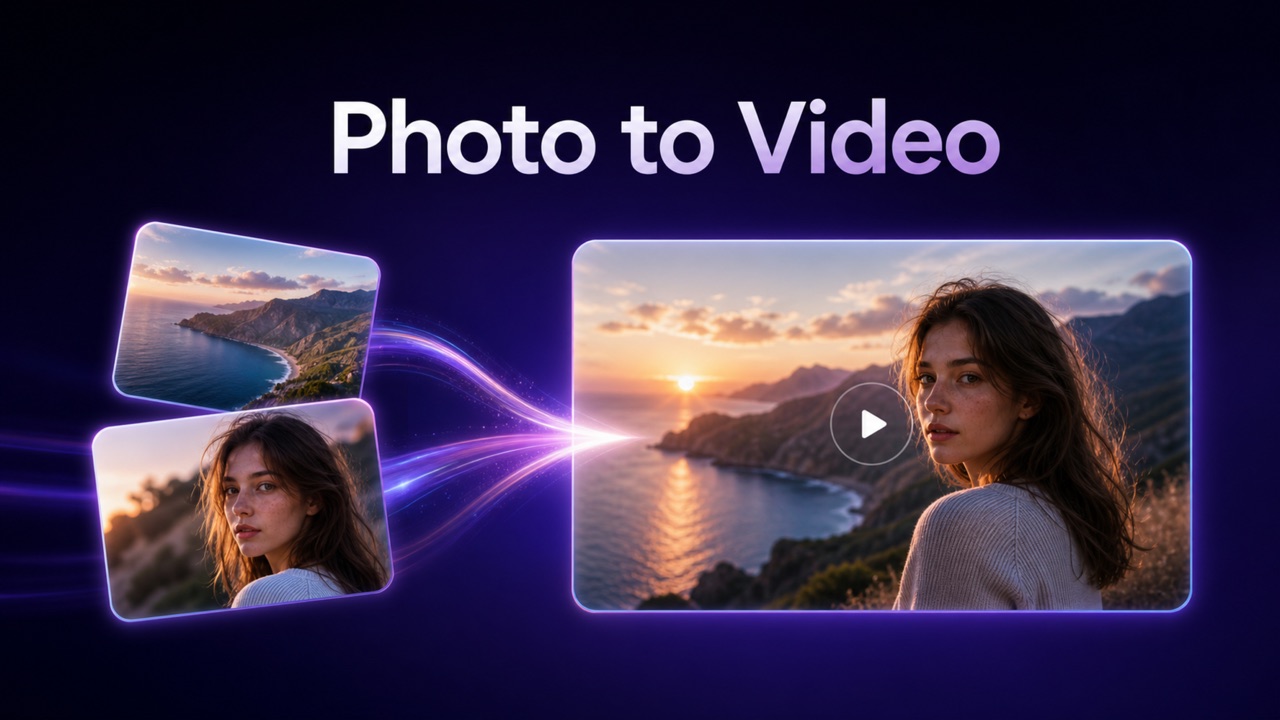
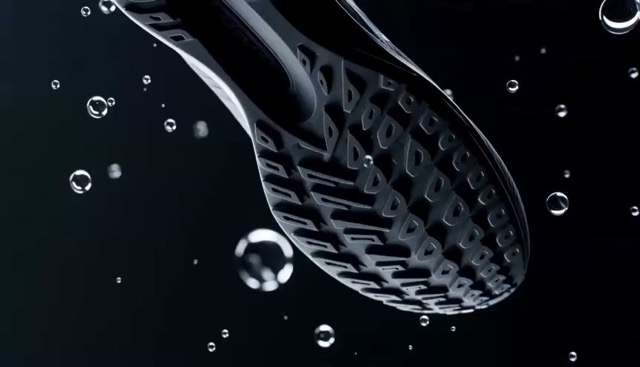
MiniMax H3 combines text, images, video, and audio references in one creative workflow. Create 4–15 second videos with controlled motion, flexible aspect ratios, first-and-last-frame guidance, and synchronized stereo sound. Turn your ideas into polished ads, product stories, animated posters, and cinematic clips with fewer production steps.
How to Create a Video with MiniMax H3
Combine natural-language instructions with visual and audio references to create a polished video in three simple steps.

Describe the Target Video
Describe the subject, action, camera movement, mood, dialogue, sound, duration, and aspect ratio. Explain how the scene should develop to help MiniMax H3 understand your creative direction.

Add Multimodal References
Upload images to define the subject, videos to guide movement, and audio to shape the voice or atmosphere. Add first and last frames for greater control.

Generate, Review, and Refine
Generate your video, review the motion, framing, speech, music, and effects, then request focused changes or create a detailed 2K result.
Best AI Video Tools for Creative Projects
Explore creative tools for video, learn tips and tricks, and see how AI can be your assistant in turning concepts into finished projects.


Four Ways MiniMax H3 Expands Creative Control
MiniMax H3 combines multimodal understanding, synchronized audiovisual generation, high-resolution output, and precise motion control. These four capabilities help creators move from mixed references to a more complete and controllable video workflow.
Understand Text, Images, Video, and Audio Together
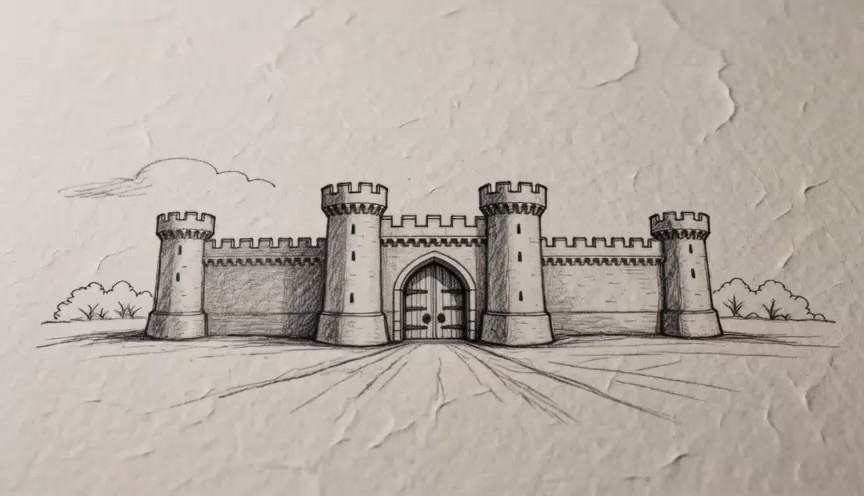
Creative direction often includes product images, sample videos, voice recordings, and written notes. MiniMax H3 interprets these materials as one connected context. Use an image to define the subject, a video to guide camera movement, and audio to establish rhythm or atmosphere. The multimodal video generator supports text-to-video, image-guided creation, first-and-last-frame generation, and reference-based workflows, helping users communicate movement, appearance, timing, and mood without relying on text alone.
Generate Native Stereo Audio with Every Scene
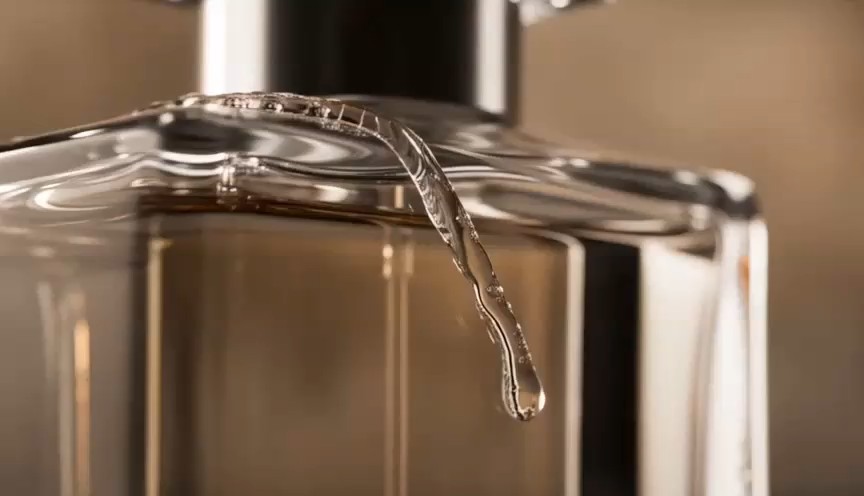
MiniMax H3 generates visuals and native 32 kHz stereo audio together instead of adding sound after the video is complete. Dialogue, ambience, effects, and music respond to the same instruction as the camera and action. This allows footsteps, weather, speech, and musical beats to follow the scene more naturally. The model also provides stable dialogue support across 11 languages, helping creators produce a connected audiovisual draft for multilingual content.

Create Detailed Video at Up to 2K Resolution
MiniMax H3 first generates a base video with a 768-pixel short side. Its 2K workflow then uses the original context and approved result to regenerate finer textures, edges, typography, and product details rather than simply enlarging the image. Creators can approve composition and timing before producing the higher-detail version. The model supports 21:9, 16:9, 4:3, 1:1, 3:4, and 9:16 formats at 24 FPS, covering widescreen films, websites, square campaigns, and vertical social content.

Control Motion, Framing, and Visual Continuity
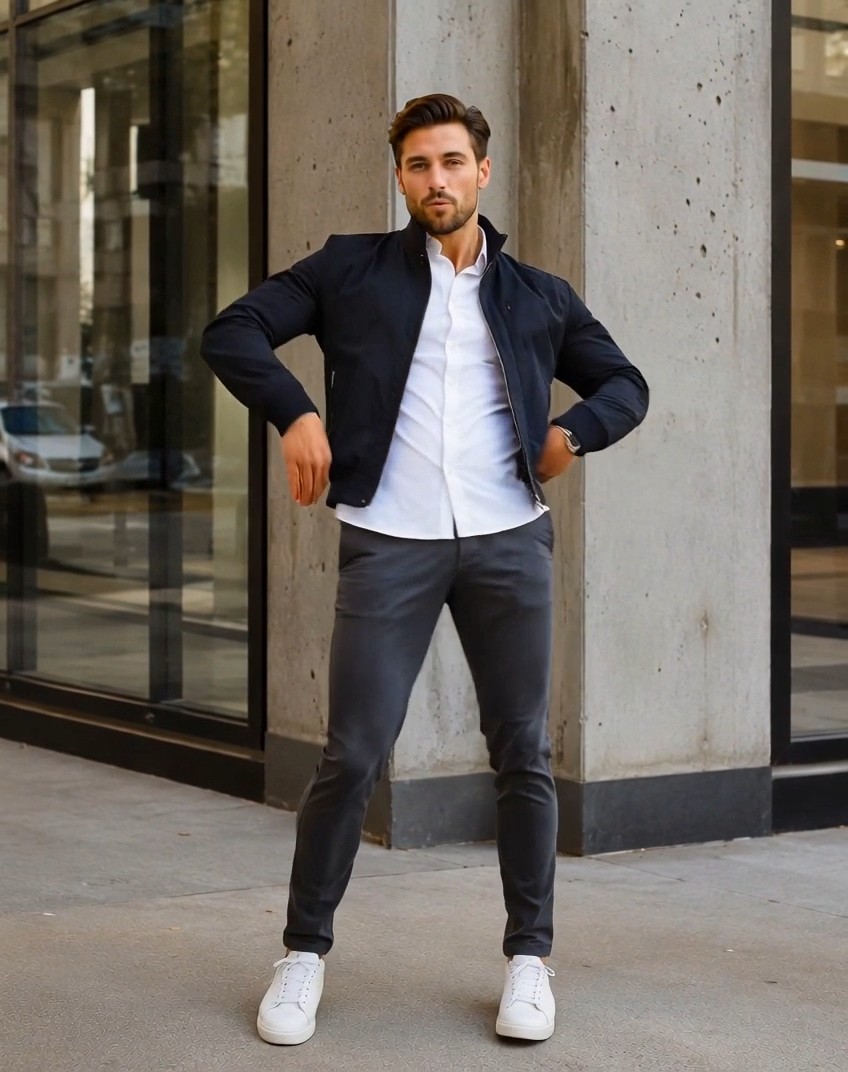
MiniMax H3 uses motion and camera references to guide tracking shots, performances, gestures, and transitions. Creators can show the desired movement in a reference video and explain how it should transfer to a new subject. First-and-last-frame control establishes both the opening and destination of a sequence, making it useful for transformations and product reveals. Native multi-shot modeling also supports more complete visual sequences with purposeful motion and framing.
Where MiniMax H3 Fits into Real Creative Work
From fast concept tests to polished campaign assets, MiniMax H3 helps individuals and teams express an idea through connected visuals and sound. These use cases show how the AI video generator can shorten production while preserving creative direction.
Advertising and Brand Campaigns
Turn product images, brand direction, storyboards, music, and campaign messages into promotional concepts. MiniMax H3 can animate products, coordinate movement with sound, and create several aspect ratios. Use the 2K AI video generator for hero visuals, launch teasers, animated posters, and localized ads. Review generated text, logos, claims, and product details before publication.
E-commerce and Product Storytelling
Create product rotations, demonstrations, lifestyle shots, and storefront banners from clean product images. Use MiniMax H3 to define setting, motion, lighting, voiceover, and sound. The AI video generator helps stores test directions before a full shoot, while the 2K AI video generator provides a detailed finishing stage. Verify colors, dimensions, functions, packaging, and written information.
Film, Music, and Visual Story Concepts
Direct an opening, music visualizer, transition, or story beat with written, performance, and camera references. MiniMax H3 generates dialogue, effects, music, and moving images together, creating a richer concept than a silent storyboard. Use the multimodal video generator to explore tone, pacing, and composition. First and last frames can shape a planned visual journey for mood pieces, pitches, and later editing.

Games, Characters, and Motion Design
Bring concept art, interfaces, environments, and characters into motion for trailers and prototypes. Video can show the action, images establish the world, and audio defines atmosphere. MiniMax H3 connects those signals in one sequence. Use the AI video generator to test character movement, UI transitions, and animated key art. The multimodal video generator also gives art, narrative, audio, and marketing teams one prototype to review.
Why Creators Choose MiniMax H3
Different creative roles value different parts of the workflow. These representative perspectives show how MiniMax H3 can support faster exploration, clearer collaboration, and more complete audiovisual drafts.
I can combine a product reference, a camera example, and a music direction in one brief. MiniMax H3 gives our team a complete concept to discuss instead of separate visual and audio placeholders. The AI video generator makes early campaign reviews much more concrete.
First-and-last-frame control is useful when a sequence needs a clear destination. MiniMax H3 helps me test transitions and motion ideas quickly, while the multimodal video generator lets reference footage communicate details that would take paragraphs to explain.
The native audio workflow changes how I evaluate a scene. With MiniMax H3, I can hear the dialogue, ambience, and musical energy while reviewing the visuals. That makes the AI video generator feel closer to an audiovisual sketchbook than a silent clip maker.
We use MiniMax H3 to explore product stories in several formats before selecting a campaign direction. The 2K AI video generator gives us a practical path from a rough concept to a more presentation-ready result without rebuilding the idea.
MiniMax H3 helps our art and narrative teams respond to the same moving concept. We can reference character art, movement, and sound in one request. The multimodal video generator makes creative discussions faster because the intention is visible and audible.





MiniMax H3 Questions and Answers
Learn what MiniMax H3 can generate, which references it accepts, and how to prepare a stronger prompt before creating your first video.
MiniMax H3 is a general-purpose multimodal video generation model developed by MiniMax. It understands connected context across text, images, video, and audio, then generates video with native stereo sound. The AI video generator supports text-to-video, image-guided generation, first-and-last-frame control, and reference-based audio-video creation. MiniMax H3 can create clips from 4 to 15 seconds at 24 FPS and supports a wide range of aspect ratios. Its official workflow can regenerate output at up to 2K resolution.
Yes. MiniMax H3 jointly generates moving images and native 32 kHz stereo audio. The output can include dialogue, ambient sound, effects, and music guided by the same creative instruction. Unlike a workflow that adds a generic soundtrack after video generation, this multimodal video generator is designed to model the audiovisual relationship together. Always review pronunciation, timing, factual statements, and sound quality before using generated content publicly.
Yes. MiniMax H3 can generate from a text prompt with no image, animate a supplied first or last frame, or use two images as the first and last frames. It also offers an omni-reference mode for combinations of images, videos, and audio. This allows the AI video generator to use one asset for subject appearance, another for motion, and another for sound or pacing when the prompt clearly explains their roles.
Yes. The documented MiniMax H3 system includes a high-resolution regeneration stage called H3-Regenerate-2K. A base result is first generated at 768p, then the result and its original multimodal context are used to regenerate a more detailed 2K version. This makes the 2K AI video generator workflow more context-aware than ordinary upscaling. Actual clarity still depends on the prompt, reference quality, subject complexity, motion, and generation settings.
MiniMax H3 supports formats including 21:9, 16:9, 4:3, 1:1, 3:4, and 9:16, covering cinematic, web, square, portrait, and vertical placements. Stable dialogue support is documented for Arabic, Chinese, English, French, German, Italian, Japanese, Korean, Portuguese, Russian, and Spanish, with varying support for additional languages. The AI video generator can therefore support multilingual campaign concepts, but every spoken line and on-screen phrase should be checked by a fluent reviewer.
Give every input a clear role. Describe the subject, environment, action, camera, lighting, duration, aspect ratio, dialogue, effects, and music, then explain how each reference should influence the result. Use clean images and short reference clips that focus on the desired behavior. With MiniMax H3, targeted revisions are usually clearer than rewriting everything: request one meaningful change at a time. Review visual consistency, lip synchronization, text, branding, product accuracy, and audio before publishing any output from the multimodal video generator.
Create a Complete Audiovisual Story with MiniMax H3
Bring your prompt, images, motion references, and audio direction into one connected workflow. MiniMax H3 helps you move from scattered inspiration to a synchronized video with purposeful movement, native stereo sound, flexible formats, and an optional 2K finish. Start with a simple idea, refine it with meaningful references, and let the AI video generator turn your creative direction into a clip people can see, hear, and remember.
