
Seedance 2.5 AI Video GeneratorCreate Polished Creative Scenes with Seedance 2.5 AI
Turn prompts into cinematic AI video concepts with Seedance 2.5.
Seedance 2.5 AI helps creators shape a visual moment through subject, action, setting, camera direction, and mood. Use the Seedance 2.5 AI Video Generator to explore focused video concepts for social storytelling, pitch development, product scenes, short-form narratives, and visual worldbuilding—without relying on unsupported claims about generation settings or output specifications.
More AI Video Generators
Explore our collection of specialized AI video generators designed for different creative needs and styles

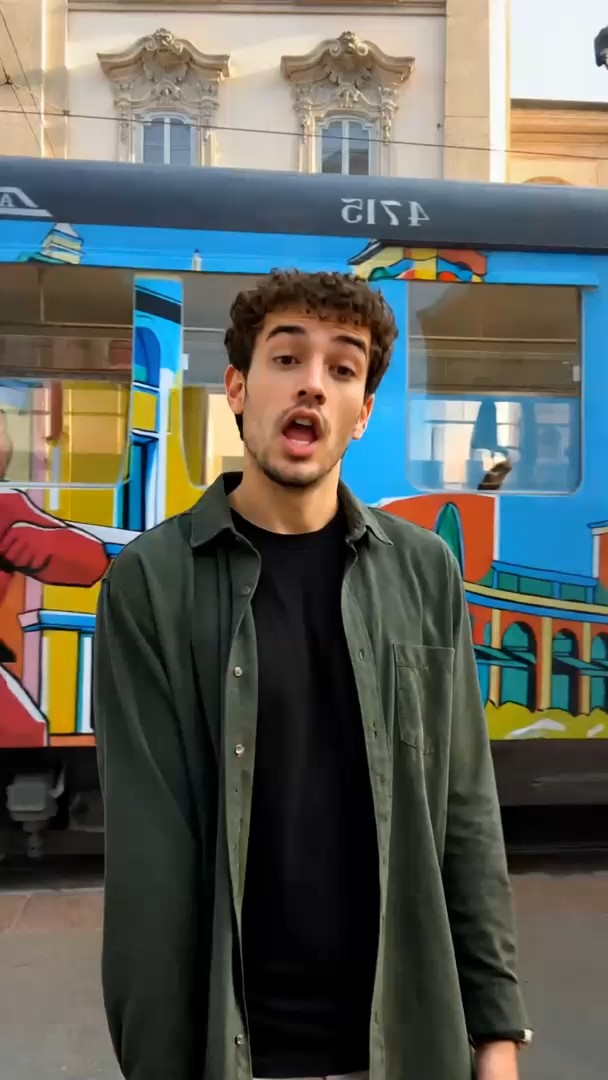
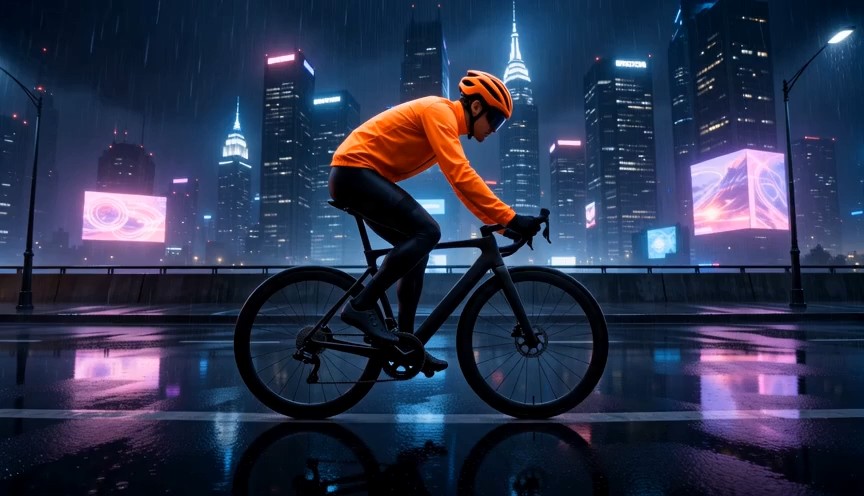

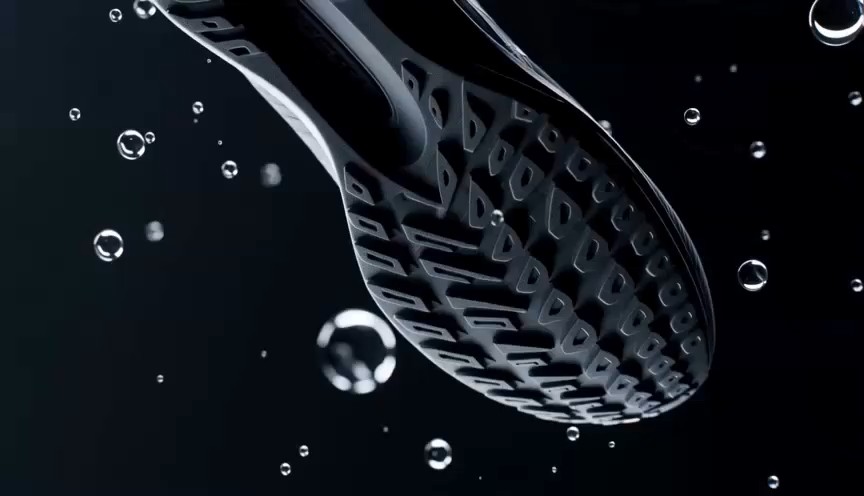
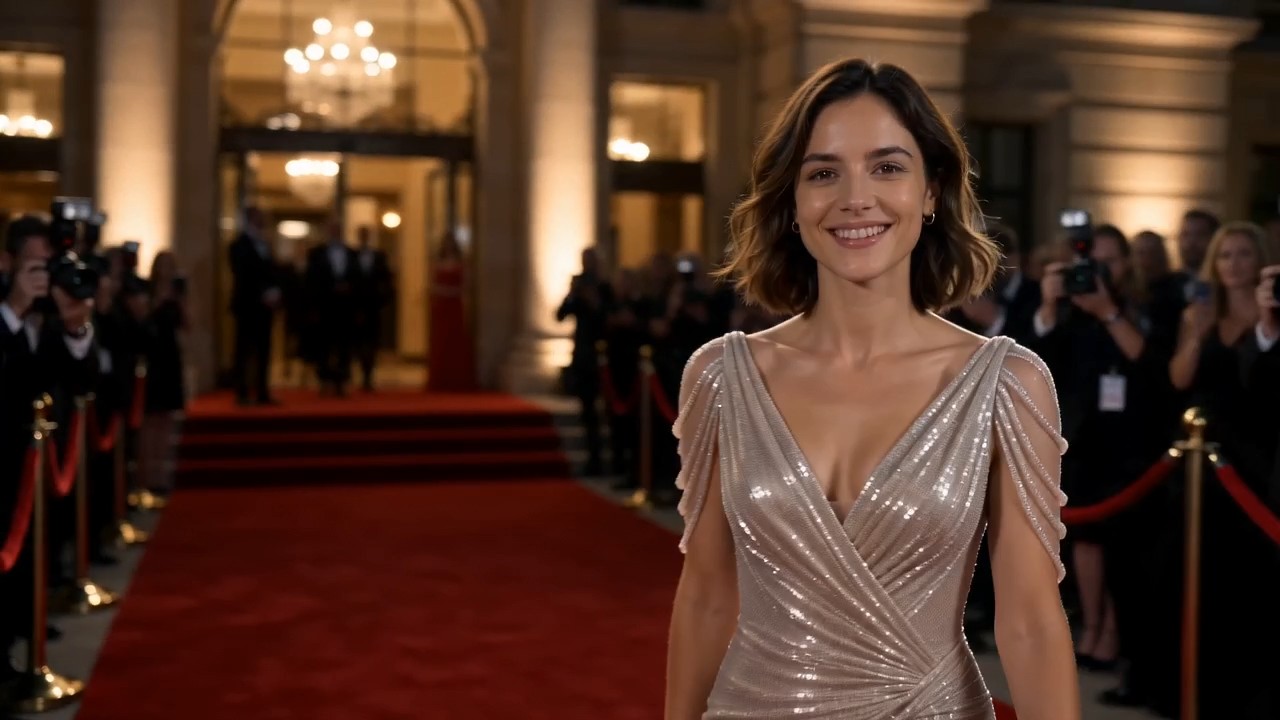
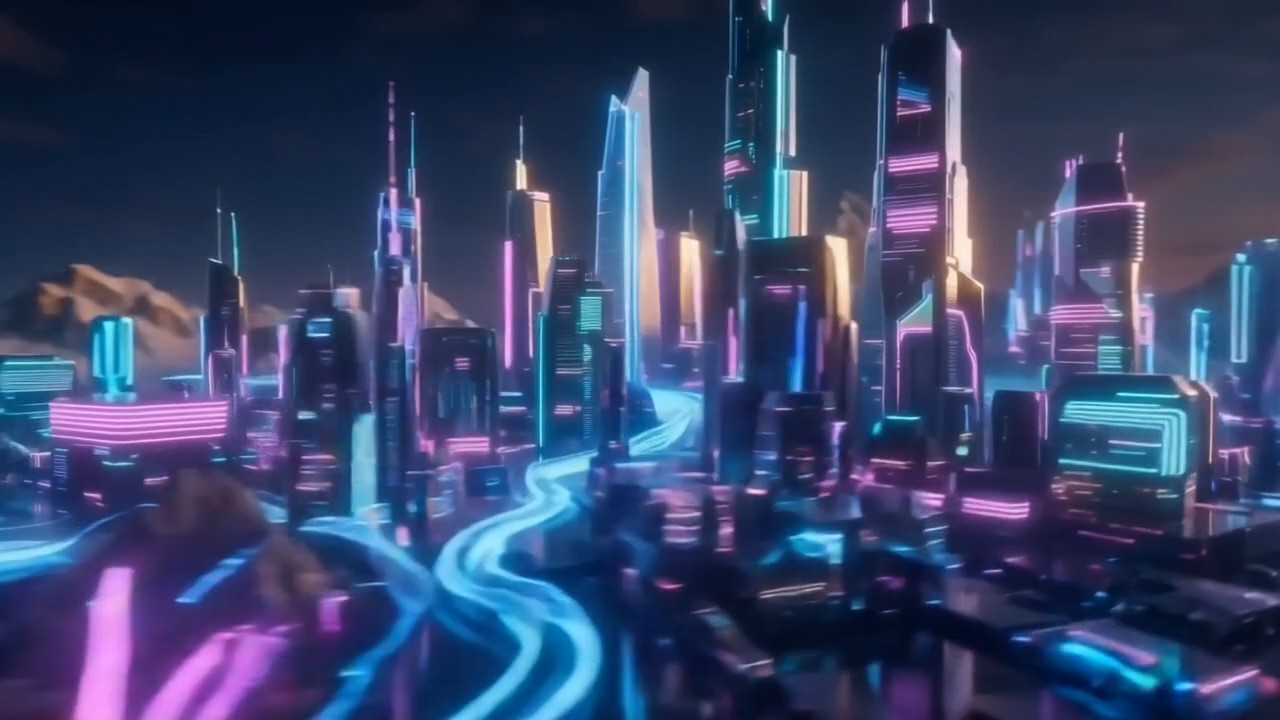


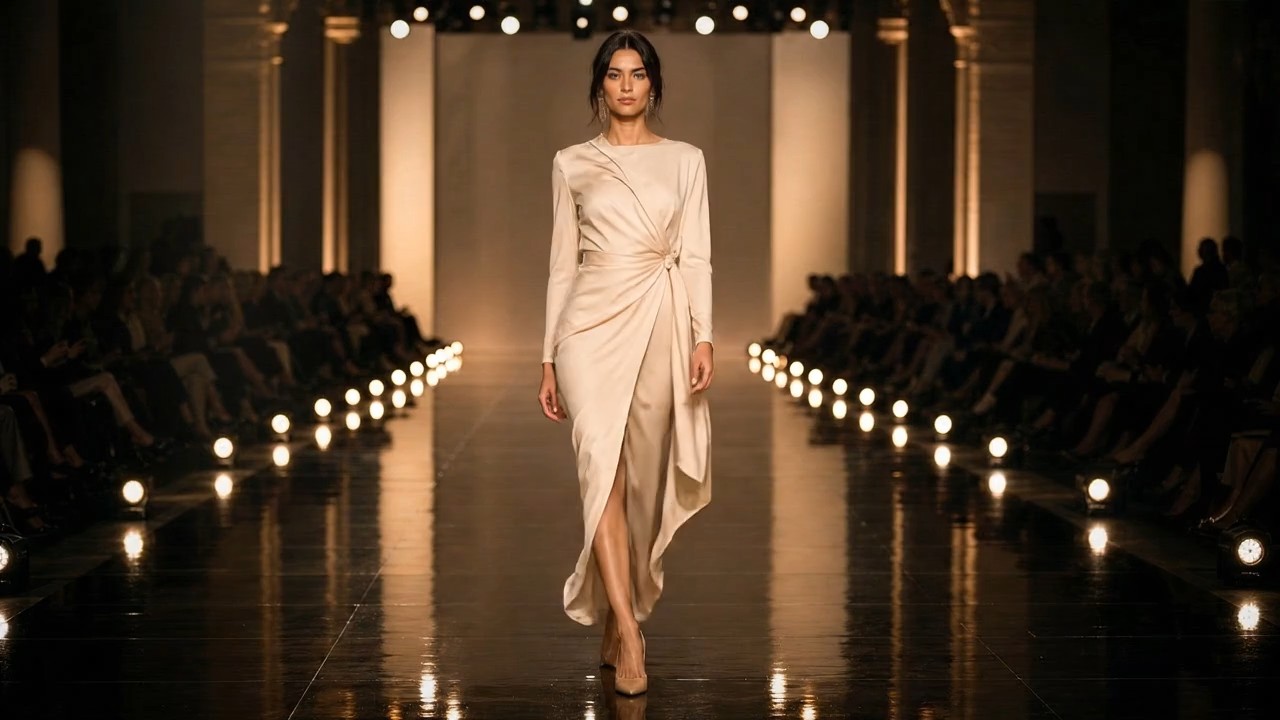
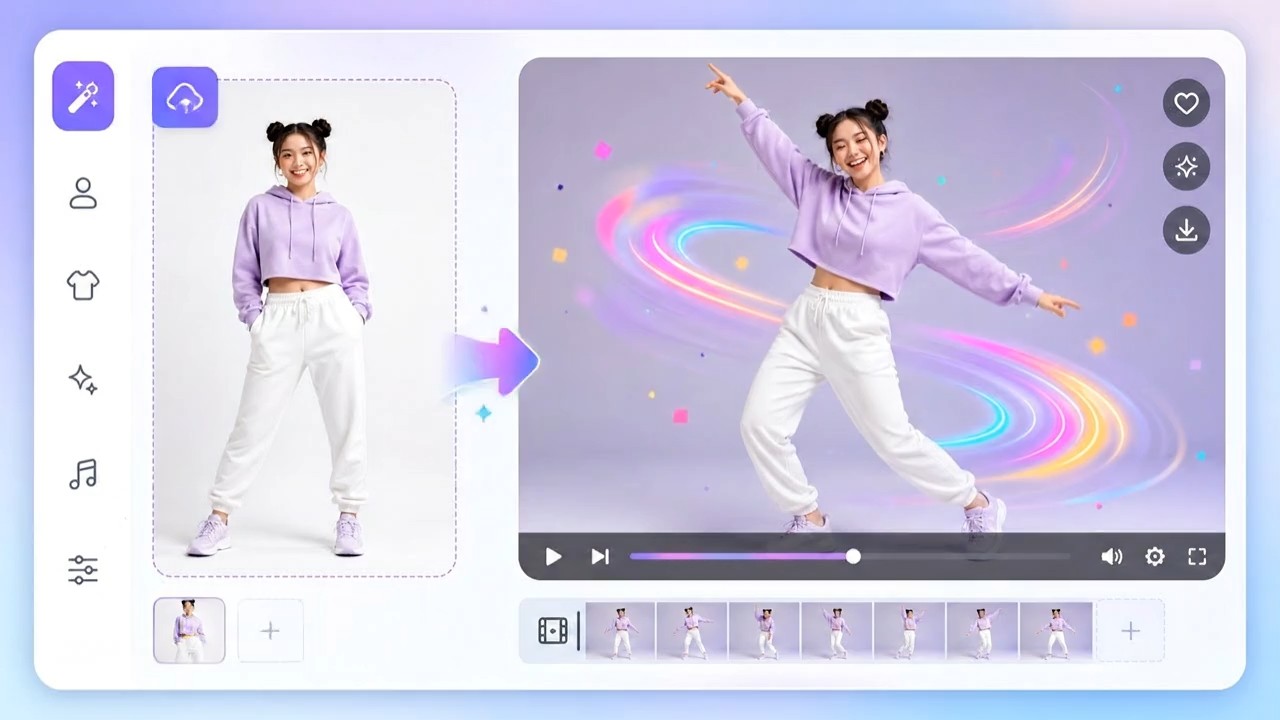


Seedance 2.5 AI Video Generator for Cinematic Ideas
Turn a written moment into a deliberate sequence with Seedance 2.5 AI.
Seedance 2.5 AI Video Generator gives creators a practical starting point for moving-image ideas. Use Seedance 2.5 AI to describe a subject, place, action, and mood without turning your prompt into a production brief.
How to Create with Seedance 2.5 AI
A good video prompt is short enough to understand and specific enough to direct. Seedance 2.5 AI Video Generator helps you move from a written scene to a motion-led concept by focusing on subject, action, setting, camera, and mood.

Write the Moment
Start Seedance 2.5 with the moment viewers should feel first. Name the subject, setting, action, and emotional temperature in plain language. A useful prompt gives the scene one job: a dancer crosses an empty theater, rain begins on a street market, or a paper boat moves through a flooded room. Keep the central action clear before adding detail.

Direct the Shot
Use the Seedance 2.5 AI creative video tool to add simple camera direction after the scene is established. Specify a slow push-in, a low tracking shot, a locked-off wide frame, or a close portrait. Mention light, texture, and pace only when they support the story. This keeps the instruction readable while giving the video a visual rhythm.

Refine the Idea
Review the generated direction and revise the parts that matter most: the action, the camera path, or the atmosphere. Seedance 2.5 AI works best when each revision changes one intention instead of replacing the entire scene. Build from a strong first idea, then test alternatives such as calmer movement, stronger contrast, or a more intimate composition.
Best AI Video Tools for Creative Projects
Explore creative tools for video, learn tips and tricks, and see how AI can be your assistant in turning concepts into finished projects.


Create Intentional Video Concepts with Seedance 2.5
The most compelling prompt is not the longest one. Seedance 2.5 AI Video Generator lets you focus on a legible scene and purposeful movement, then add only the visual details that strengthen the story you want viewers to experience.
Compose Motion, Not Just a Frame
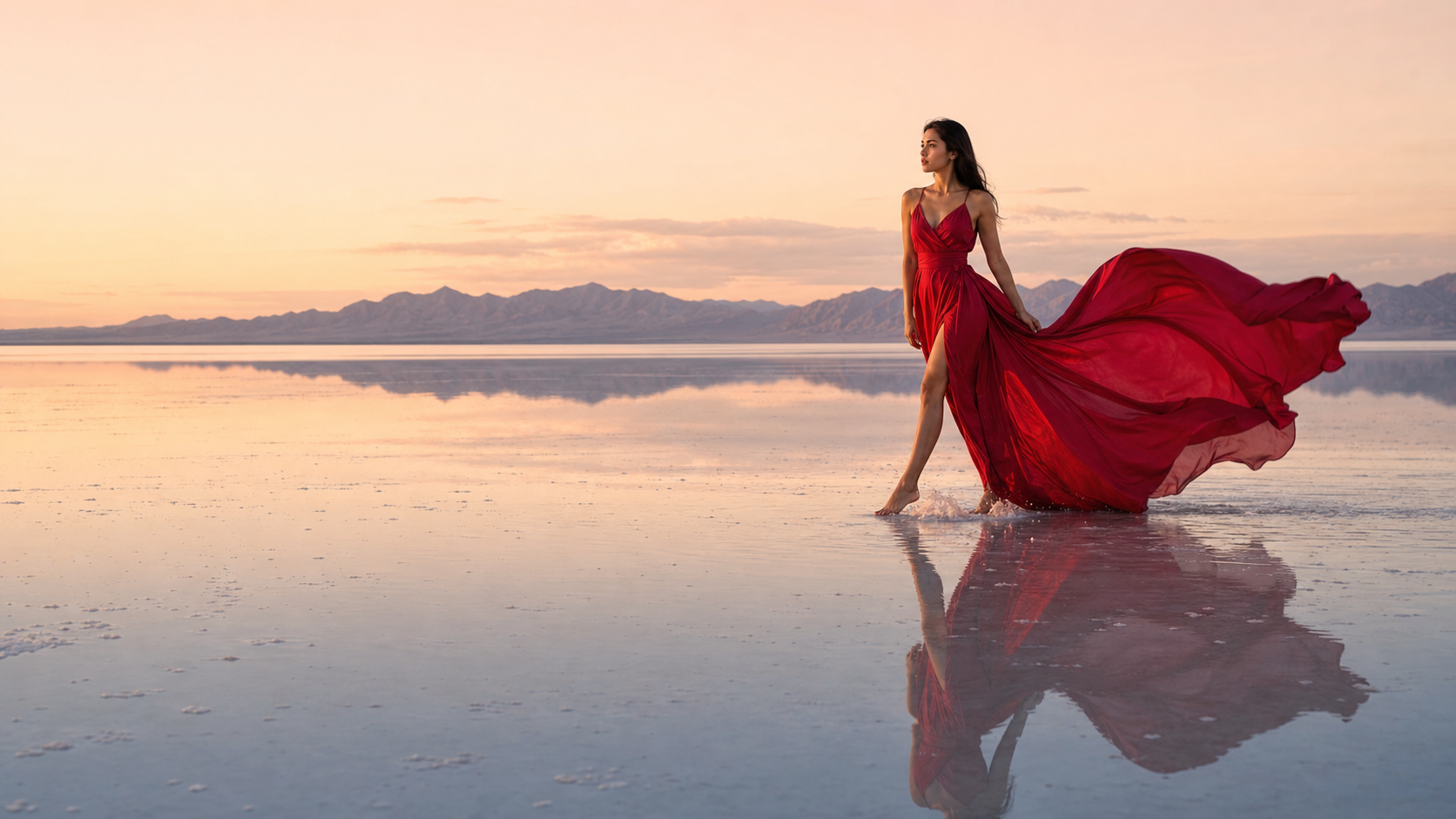
Seedance 2.5 is for prompts that describe change over time. Instead of treating the scene as a poster, write what begins, what moves, and where the viewer’s attention travels. The Seedance 2.5 AI Video Generator can turn a quiet visual premise into a more deliberate sequence: fog parts around a cyclist, a dress catches wind, or late-afternoon light shifts across a room. Use one primary movement so the idea reads instantly.
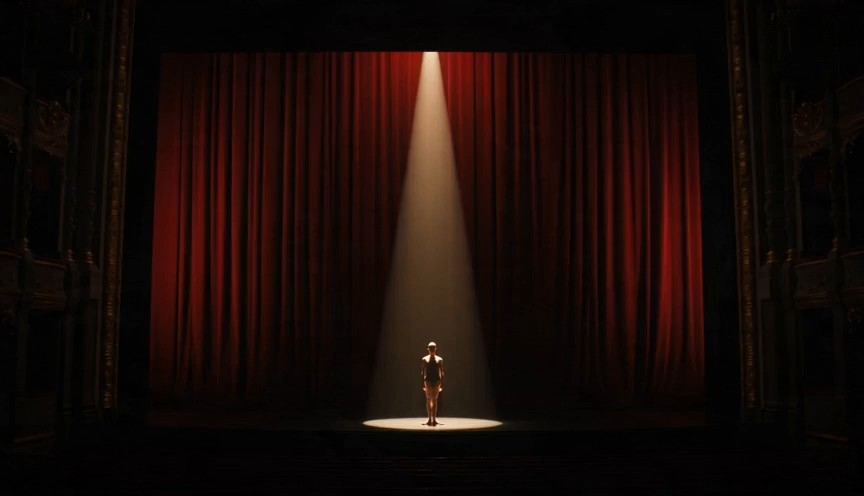
Give Camera Direction a Purpose
Camera language should clarify the emotion of a scene. With Seedance 2.5, ask for a wide establishing view when location matters, a gentle handheld follow when energy matters, or a close push-in when a reaction matters. The Seedance 2.5 AI Video Generator does not need a long list of angles; choose one movement and pair it with the moment it reveals. That restraint creates prompts that are easier to revise and compare.
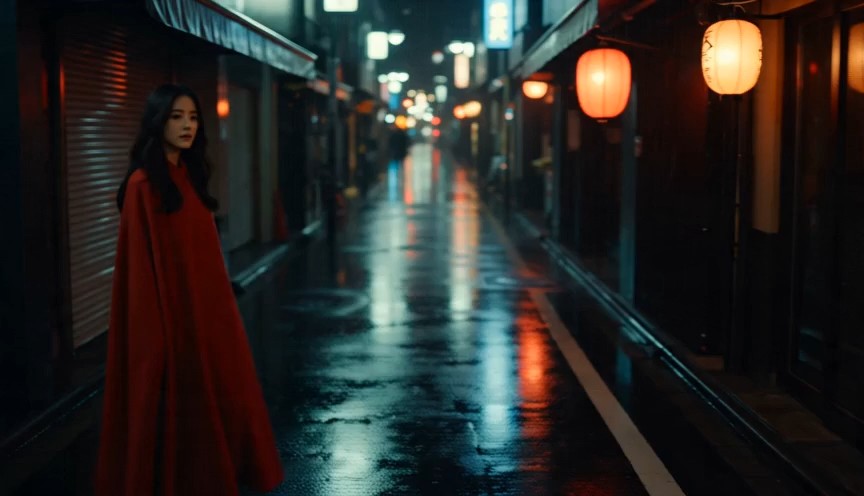
Build Atmosphere from Concrete Detail
Seedance 2.5 AI responds best to sensory details with a visual role. Describe wet asphalt reflecting shop lights, sunlit dust in a rehearsal hall, or condensation on a train window rather than naming a vague style. These details anchor the Seedance 2.5 creative video tool in a place and help make its motion feel motivated by weather, light, material, and space. Avoid piling on unrelated aesthetics that compete for attention.
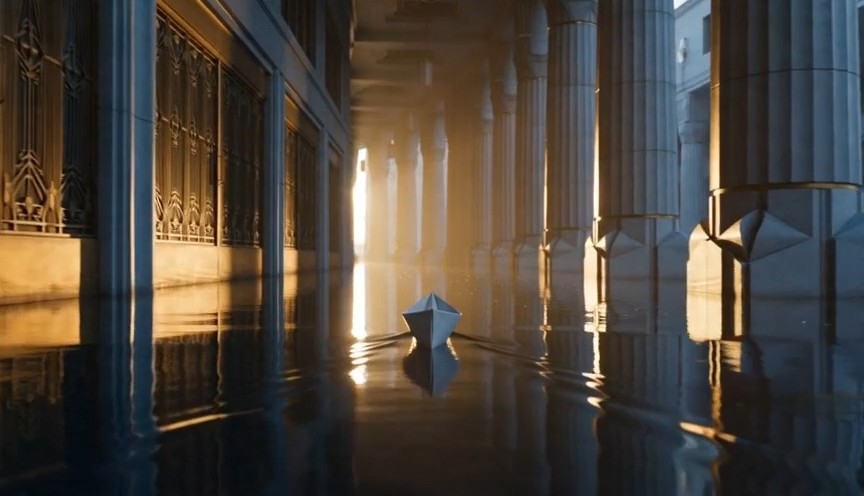
Iterate Without Losing the Premise
A strong prompt can support several creative directions. Keep the core subject and action fixed in Seedance 2.5 AI, then test one controlled change at a time: an overhead camera instead of eye level, dawn instead of night, stillness before a burst of motion. This lets you learn what changes the sequence. The Seedance 2.5 AI Video Generator becomes more useful when your revisions preserve the idea rather than restarting it.
Where Seedance 2.5 Fits in a Creative Workflow
From early creative direction to a single visual experiment, Seedance 2.5 AI Video Generator gives teams and individual creators a way to test how an idea could move. Start with the scene that will make the next decision easier.

Concept Trailers and Mood Reels
Use Seedance 2.5 AI when you need to make a written treatment easier to see. A short prompt can explore a trailer-like beat: a lone traveler steps from a train into fog, a city awakens after a storm, or a gallery slowly fills with light. The Seedance 2.5 AI Video Generator is useful for finding the image, movement, and atmosphere that make a concept worth developing further.
Social Storytelling Experiments
Build a focused social visual around one action and one reveal. Seedance 2.5 AI can help turn a product detail, place, or small transformation into a motion-led scene. Describe the opening frame, the action that changes it, and the intended feeling at the end. This approach keeps the Seedance 2.5 AI Video Generator centered on a readable visual idea rather than a collection of trends.

Music and Performance Visuals
For performance-led concepts, set the pace before you decorate the shot. Seedance 2.5 can explore a singer under a single light, dancers moving through colored haze, or hands playing an instrument in a changing room of reflections. Give the movement a clear tempo and the camera a single route. The result is a visual direction that is easier to align with a track, edit, or future production plan.

Pitch and Previsualization Ideas
Use Seedance 2.5 AI to make a narrative direction tangible before a larger shoot or edit. A director can test the scale of a setting, a creative team can compare moods, and a client can react to a visual premise instead of an abstract reference list. Keep expectations grounded: the value is fast exploration of scene direction, camera language, and visual energy—not a substitute for production planning.

Fashion, Design, and Editorial Studies
Seedance 2.5 AI can help explore movement around material, silhouette, and space. Prompt a coat turning in wind on a rooftop, translucent fabric near a window, or a sculptural object rotating in a quiet studio. The Seedance 2.5 AI Video Generator works best when the subject has one expressive motion and the lighting reveals why the texture matters. Keep brand marks and unreadable graphic detail out of the brief.

Worldbuilding and Story Development
When a fictional world needs a visual test, Seedance 2.5 AI can turn a few precise details into a moving location study. Show how traffic flows through a floating market, how a corridor changes during an alarm, or how a distant landscape feels under unfamiliar weather. The Seedance 2.5 AI Video Generator becomes a story tool when each scene reveals a rule of the world through action, light, and viewpoint.
Creative Workflow Notes for Seedance 2.5 AI
These fictionals demonstrate the type of workflow feedback the section can contain. Replace them with approved, attributable customer feedback before publishing. Seedance 2.5 AI Video Generator should be represented through verified experiences, not invented performance claims.
I used Seedance 2.5 AI Video Generator to make the camera logic of a pitch idea visible. The most useful change was writing less: one subject, one action, and one shot. It gave the team something concrete to discuss before we invested time in a larger treatment.
Seedance 2.5 AI helped me compare the emotional effect of a wide frame versus a close follow shot. I did not treat the first result as final footage. I used it to decide which visual direction made the short concept feel more human and focused.
The Seedance 2.5 creative video tool made our mood references more useful because we could turn a few of them into a specific action and setting. The process gave us better language for lighting, tempo, and camera motion during the creative review.
I began each experiment in Seedance 2.5 AI Video Generator with a simple shot description and changed only one variable per version. That discipline made it easier to identify whether the environment, the lens feeling, or the movement was carrying the scene.
Our story team used Seedance 2.5 AI to test how a small worldbuilding detail might appear in motion. A scene of boats moving through a flooded arcade told us more about the setting than a paragraph of descriptive notes.
Seedance 2.5 AI Video Generator was useful as an early visual sketch. It did not replace the brief; it made the brief sharper. We could see which details were essential to the mood and which were simply distracting the shot.



Frequently Asked Questions About Seedance 2.5 AI
Use these answers to set clear expectations for prompt-led video concepting. They describe general creative practice around Seedance 2.5 and intentionally avoid unverified claims about product availability, generation settings, pricing, or usage terms.
Seedance 2.5 AI is used here as a prompt-led video creation model. Begin with a clear description of the subject, place, action, and mood you want to explore. Then add one camera direction if it helps the story. The aim is not to write every production decision at once. A concise prompt with a visible action usually gives you a stronger starting point for iteration than a dense collection of effects and references.
A useful Seedance 2.5 prompt establishes the scene before it specifies style. Start with who or what is in view, where the action happens, what changes over time, and how the camera should observe it. Details such as weather, texture, or lighting should support that action. For example, describe rain catching a cyclist’s headlight during a slow side track instead of listing unrelated cinematic terms.
The Seedance 2.5 AI Video Generator is most effective when the prompt has a single visual priority. That can be a camera move, a character action, a material transformation, or a change in light. If a draft feels crowded, remove the secondary ideas first. You can test them in separate versions later. This makes it easier to see what is actually responsible for the mood and motion you want.
Use Seedance 2.5 AI Video to explore an idea, then revise deliberately. Keep the subject and central event consistent while changing one variable such as angle, weather, time of day, or pace. Comparing controlled variations gives you a practical way to decide whether the sequence needs more energy, more intimacy, or a clearer sense of place. Rewrite the whole prompt only when the concept itself has changed.
Seedance 2.5 AI can be useful in concept development because moving images make creative decisions easier to discuss. A scene test may help a team assess framing, atmosphere, storytelling emphasis, or the relationship between subject and setting. It should not be treated as proof of final production requirements, technical capability, licensing terms, or finished delivery specifications. Use it to clarify a direction before making those separate decisions.
The best camera direction is the simplest one that reveals the important part of the moment. In Seedance 2.5 AI, a slow push-in can make a discovery feel intimate, a wide static shot can emphasize scale, and a lateral follow can reinforce travel or momentum. Attach the movement to the story instead of adding it as decoration. If the action is already strong, a still camera may be the clearest choice.
Avoid unsupported promises when describing a Seedance 2.5 workflow. Do not assume fixed output duration, resolution, generation time, pricing, usage rights, privacy practices, supported inputs, or platform availability unless those facts are supplied by the product owner. This page focuses on the general creative use case: describing a scene and exploring its movement. Add verified product details later where documentation supports them.
For a useful Seedance 2.5 AI Video Generator prompt, name the subject, setting, main action, and intended feeling before you add visual polish. One brief example is: a woman in a dark coat walks through a rain-lit market as the camera slowly tracks beside her, reflective pavement and warm shop lights, quiet anticipation. It gives the model a subject, motion, place, viewpoint, and atmosphere without overloading the scene.
Start Your Next Scene with Seedance 2.5
Write one focused moment, direct one purposeful shot, and use Seedance 2.5 AI to explore how the idea moves. The Seedance 2.5 AI Video Generator gives your next visual concept a clearer place to begin.
