Wan 3.0 Guide: From Multimodal References to Directed AI Video
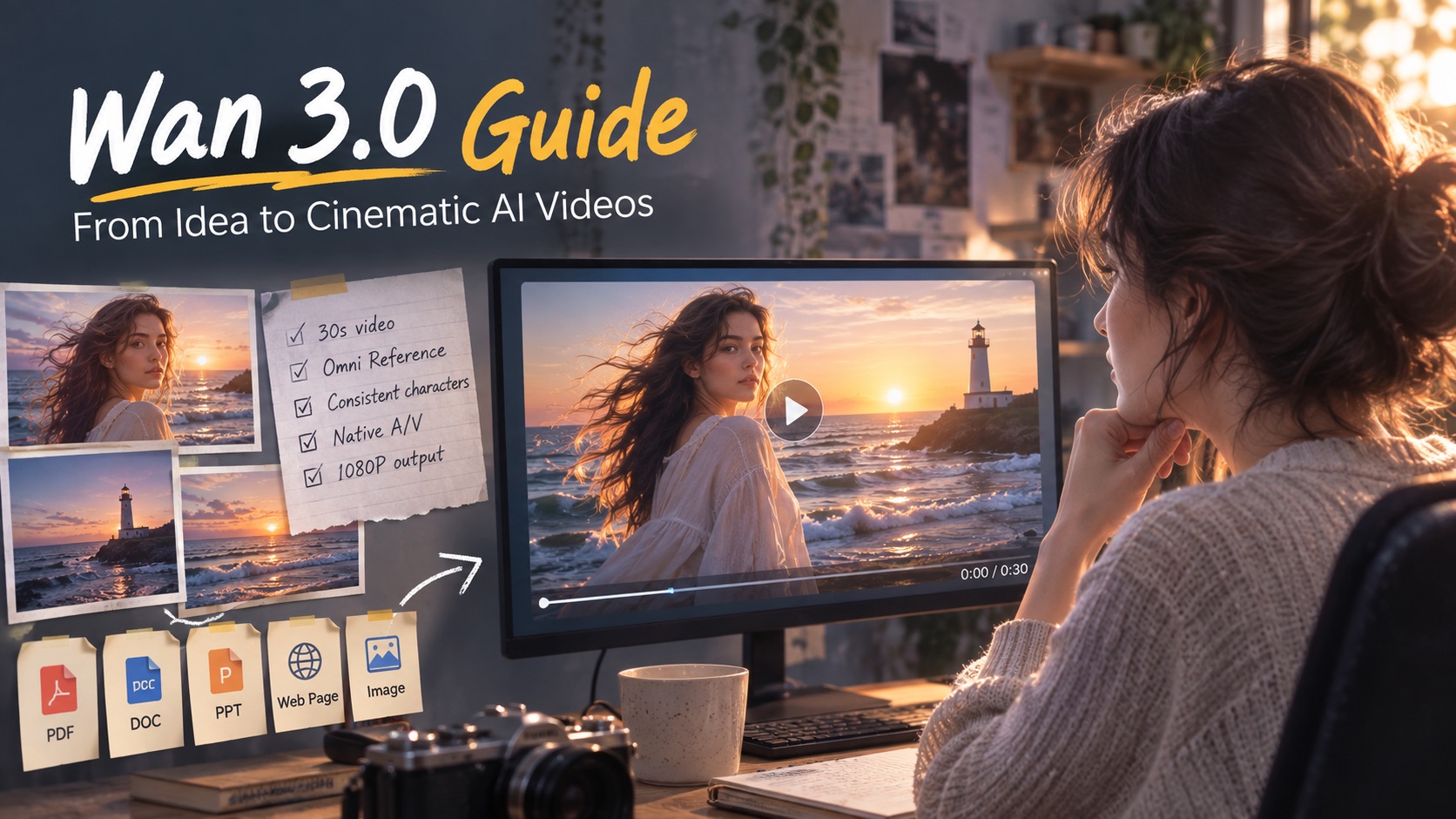
Explore Wan 3.0 features, multimodal references, practical use cases, prompting strategies, and how to create more controlled AI videos on Pixomi.
Creating an AI video used to mean describing a scene, generating a short clip, and hoping the subject, motion, and camera all behaved as expected. Wan 3.0 takes a broader approach. Instead of treating video generation as a single prompt-to-clip task, the model is designed to work with richer references, longer sequences, synchronized sound, and more deliberate creative direction.
Alibaba's latest Wan model can generate up to 30 seconds in a single generation at the model level and can use text, images, video, audio, documents, and public web pages as creative references. It also places greater emphasis on maintaining characters, objects, spaces, voices, and visual style across a sequence.
For creators who want a browser-based workflow, the Wan 3.0 AI Video Generator on Pixomi provides several ways to turn ideas and reference media into generated video.
This guide looks at Wan 3.0 from a practical production perspective: what makes its workflow different, what kinds of videos it can help create, and how to get more useful results from it.
Why Wan 3.0 Changes the Video Creation Workflow
The most interesting part of Wan 3.0 is not one isolated feature. It is the way several capabilities work together.
Traditional text-to-video generation asks the prompt to carry nearly all of the creative information. The prompt has to define the person, environment, action, mood, camera, and often even the intended pacing.
Wan 3.0 can receive more of that information through references instead. An image can establish a character or product. A video can communicate motion. Audio can establish voice or atmosphere. A document or public web page can provide structured information that the model can interpret as part of the creative brief.
That changes the role of the prompt. Rather than describing everything from zero, the prompt can concentrate more on direction: what should happen to the supplied material and how the final video should unfold.
A Model Built Around Creative Context
Wan 3.0 combines several capabilities that are especially useful when a video needs more than one attractive shot.
1. Longer Scenes Give Actions Room to Develop
Wan 3.0 supports native generation of up to 30 seconds at the model level. Instead of squeezing an entire idea into a few seconds, creators can give a scene more room for setup, action, reaction, and conclusion.
That extra time can be useful for a character entering a scene before interacting with a product, a camera moving from a wide establishing view into a close-up, or a short narrative developing through several visual beats.
Longer duration is most valuable when the scene actually needs progression. A simple portrait movement may still work better as a short clip.
2. References Can Carry Different Parts of the Idea
Wan 3.0's Omni Reference approach allows different source types to contribute different creative information.
Text may explain the intention. An image may establish identity and appearance. Reference footage can help communicate movement or camera behavior. Audio can define a voice, musical direction, or atmosphere.
At the broader model level, Wan 3.0 also accepts document formats such as PDF, DOC, PPT, XLS, TXT, and Markdown, as well as publicly accessible web pages.
This makes the model relevant to workflows where the starting point is not necessarily an image or prompt. A presentation, report, article, or structured document can also provide information for a video concept.
3. Subjects Are Designed to Stay More Recognizable
Reference-based video becomes much less useful if the main subject changes every few seconds.
Wan 3.0 therefore places strong emphasis on consistency. Characters, clothing, props, products, voices, environments, and styles are designed to remain more stable as actions and camera positions change. Alibaba's own demonstrations include continuous high-speed character action while preserving details such as clothing, fur, props, and staging.
For creators, this matters in product content, recurring-character videos, branded visuals, fashion scenes, and narrative clips where the audience needs to recognize the same subject throughout.
4. Motion Is Part of the Performance
A generated person can look realistic in a still frame and still feel artificial once movement begins.
Wan 3.0 focuses on more natural physical behavior, including body movement, facial performance, reactions, and interaction with surrounding objects. Its realism improvements also extend to more varied human faces and micro-expressions.
This becomes especially visible in scenes involving walking, turning, speaking, reacting, or performing rather than simply standing in front of the camera.
5. Sound and Image Can Be Directed Together
Wan 3.0 supports native audiovisual generation, allowing dialogue, voices, ambient sound, music, visual action, and lip movement to be considered within the same scene.
This can reduce the disconnect that often appears when a silent AI clip receives unrelated audio later. A scene can instead be planned around what the viewer should both see and hear.
What Can You Create with Wan 3.0?
The model can fit into several different creative workflows. The most useful application depends on whether the goal is a finished asset, a concept test, or a visual prototype.
| Use Case | How Wan 3.0 Can Help |
|---|---|
| Product marketing | Turn product references into reveals, lifestyle shots, demonstrations, or short commercial concepts |
| Social content | Create visually strong hooks, character moments, transitions, and short narrative clips |
| Character videos | Develop scenes with recurring subjects while preserving identity and appearance |
| Film previsualization | Explore framing, blocking, camera movement, pacing, and scene ideas before production |
| Education | Translate processes, concepts, documents, or structured information into moving visuals |
| Creative prototypes | Test visual treatments, environments, motion, and story directions before committing to production |
These uses do not require the same prompting strategy. A product video benefits from precise appearance references, while a cinematic concept may require more attention to camera language and pacing.
Product and Advertising Videos
Product content is one area where reference consistency matters immediately.
Instead of describing a product entirely in text, a creator can provide a visual reference and use the prompt to specify how it should be presented. The scene might begin with a wide lifestyle shot, move toward the product, show a person interacting with it, and finish with a detail shot.
The key is to distinguish between what should remain fixed and what the model is free to invent.
For example:
Keep the product shape, materials, logo placement, and main colors consistent with the reference. Place it on a minimalist kitchen counter at sunrise. Begin with a medium-wide shot, slowly move closer as a person reaches for the product, and finish with a clean close-up under soft natural light.
The reference establishes the product. The prompt directs the production.
Character and Story-Driven Content
Wan 3.0 can also be useful when the same person needs to remain recognizable across multiple actions or shots.
Instead of using one highly complicated prompt, it can help to think like a director. First define the character and environment, then describe how the action unfolds.
A short sequence might begin with a character standing outside a café, follow them entering the room, and end as they notice someone across the space.
This type of scene tests more than visual quality. It requires identity, spatial relationships, body movement, camera direction, and pacing to work together.
That is where stronger consistency becomes more meaningful than simply generating a visually impressive first frame.
Using Wan 3.0 for Visual Prototyping
Not every generated video needs to be the final deliverable.
For filmmakers, designers, marketing teams, and creative directors, AI video can also function as a fast way to test an idea before investing in a full production.
A generated sequence can help answer questions such as:
Will this camera move work?
Does this environment fit the product?
Should the scene feel handheld or carefully stabilized?
Would the concept work better as one continuous shot or several cuts?
How much screen time does each action need?
Using Wan 3.0 in this way turns generation into part of the planning process rather than treating the first output as a finished asset.
Create AI Videos with Wan 3.0
Turn prompts, images, videos, documents, and web references into more consistent, controllable AI videos with Wan 3.0 on Pixomi.
Create with Wan 3.0
How to Use Wan 3.0 on Pixomi
Pixomi provides a browser-based interface for working with the model. The current page includes Text to Video, Image to Video, Reference to Video, and Video Edit workflows, along with multiple aspect ratios and 720p or 1080p output options.
Step 1: Decide What Should Define the Video
Open Wan 3.0 on Pixomi and begin by deciding what information should guide the generation.
If the idea exists only in your head, start with text. If appearance matters, use an image reference. If motion or a particular visual behavior is important, reference media can provide stronger guidance than trying to explain everything verbally.
The goal is not to add as many references as possible. Each reference should have a clear purpose.
Step 2: Write the Direction Around the References
Once the source material is established, describe what should happen.
A useful Wan 3.0 prompt usually covers four things:
Subject + Action + Camera + Atmosphere
For example:
A cyclist waits alone beneath a city overpass just after rain. He pushes off and accelerates toward the brighter street ahead while the camera follows from a low rear tracking angle. Water sprays naturally from the tires, reflections move across the pavement, and the scene gradually changes from cool shadow to warm evening light.
The prompt explains the progression of the shot instead of filling space with unrelated adjectives.
Step 3: Match the Frame to the Destination
Pixomi currently provides several aspect ratios, including 16:9, 9:16, 1:1, 4:3, and 3:4.
Choose the frame before generating rather than planning to crop heavily afterward.
A widescreen scene may work well for cinematic landscapes, advertisements, or website video. Vertical framing is usually a better starting point for short-form social content. Square and portrait formats can suit feeds, product presentation, or character-focused visuals.
Composition changes with the frame, so aspect ratio should be treated as part of the creative decision.
Step 4: Generate and Review Motion, Not Just Appearance
Once the video is generated, watch the full sequence.
Look beyond whether the first frame is attractive. Check how well the subject survives movement, whether the camera follows the requested direction, whether objects change unexpectedly, and whether the scene reaches a natural ending.
With audiovisual scenes, also review whether voices, lip movement, ambience, and sound effects support rather than distract from the visual action.
Step 5: Refine the Direction
If one part of the video fails, change that part of the instruction first.
For example, if the camera moves too aggressively, replace several camera directions with one clear movement. If a character changes appearance, reinforce the important identity details. If the action feels rushed, simplify the sequence instead of adding more events.
Controlled iteration usually produces more useful feedback than rewriting everything after every generation.
A Better Way to Structure Wan 3.0 Prompts
One practical approach is to build prompts in layers:
Scene → Subject → Action → Camera → Light → Sound → Consistency
For example:
Nighttime convenience store on a quiet suburban street. A young man in a dark green jacket steps outside holding a paper cup. He pauses, looks toward distant headlights, then walks slowly toward the road. Start with a static wide shot before making a subtle push-in. Cool fluorescent light from the store contrasts with warm streetlights. Include quiet traffic, a soft door chime, and distant city ambience. Keep the man's face, jacket, cup, storefront layout, and lighting direction consistent throughout.
This structure gives each instruction a role.
It is also easier to edit. If the camera is wrong, change the camera sentence. If the sound feels excessive, change the sound direction without rebuilding the entire scene.
When More Detail Makes a Prompt Worse
A common mistake in AI video prompting is trying to control every second with too many simultaneous instructions.
A five-second scene does not need three camera moves, four character actions, a location transformation, dialogue, weather changes, and a dramatic ending.
Wan 3.0 may support richer storytelling, but the available duration still needs to match the amount of action.
For shorter generations, prioritize one central event. For longer scenes, organize actions in chronological order and give important transitions enough time to happen visibly.
Clear timing often matters more than adding more descriptive language.
What to Check Before Using a Generated Video
A visually impressive output can still contain problems that become obvious when it is used in a real campaign or project.
Before treating a generation as final, review the subject from beginning to end. Look closely at hands, facial identity, logos, packaging, clothing, props, reflections, and background structures. If the scene contains speech, check whether timing and lip movement remain convincing.
Text inside AI-generated frames also deserves special attention. Alibaba notes that on-screen text accuracy and some aspects of audio texture are still areas being improved.
For commercial content, any generated claims, labels, product details, or brand elements should therefore be checked manually before publication.
Where Wan 3.0 Still Requires Creative Judgment
Wan 3.0 offers more control, but it does not remove uncertainty from generative video.
Complex interactions can still fail. Characters may perform an action differently from the prompt. Small object details can shift. Audio can vary between generations, and highly structured scenes may require several attempts.
The better way to use the model is not to expect perfect obedience from one prompt. Treat each generation as a version of the scene, evaluate what worked, then tighten the direction.
Reference quality also matters. A clear, relevant reference often provides more useful guidance than a large collection of unrelated source material.
Final Thoughts
Wan 3.0 represents a shift from simple prompt-to-video generation toward a more reference-driven and director-like creative workflow.
Its longer generation window, multimodal references, stronger subject consistency, more natural human performance, and native audiovisual capabilities give creators more ways to define not only what a video should look like, but how it should unfold.
The most useful approach is therefore not to write the longest possible prompt. Start with a clear creative objective, provide references that each serve a purpose, direct the action and camera in a logical sequence, then review the entire result before refining it.
With Wan 3.0 on Pixomi, creators can experiment with these workflows for advertising, social content, character scenes, visual prototypes, storytelling, and other AI video projects without building a generation pipeline from scratch.