
Create Cinematic 4K Videos withWan 3.0
One AI Video Generator for Visuals, Motion, and Sound
Use Wan 3.0 to transform text, images, video clips, and audio references into cinematic 4K videos. Direct multiple shots, maintain consistent subjects, control camera movement, and generate synchronized dialogue, music, and sound effects.
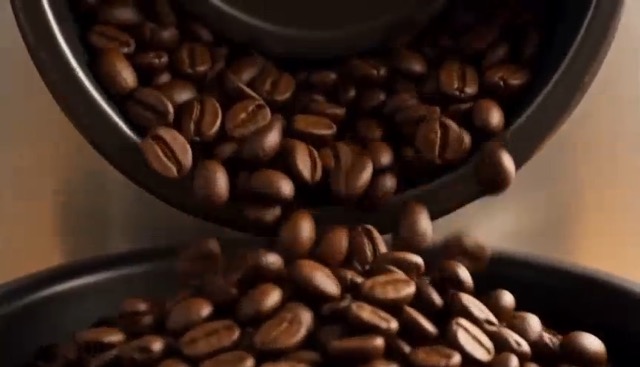
More AI Video Generators
Explore our collection of specialized AI video generators designed for different creative needs and styles
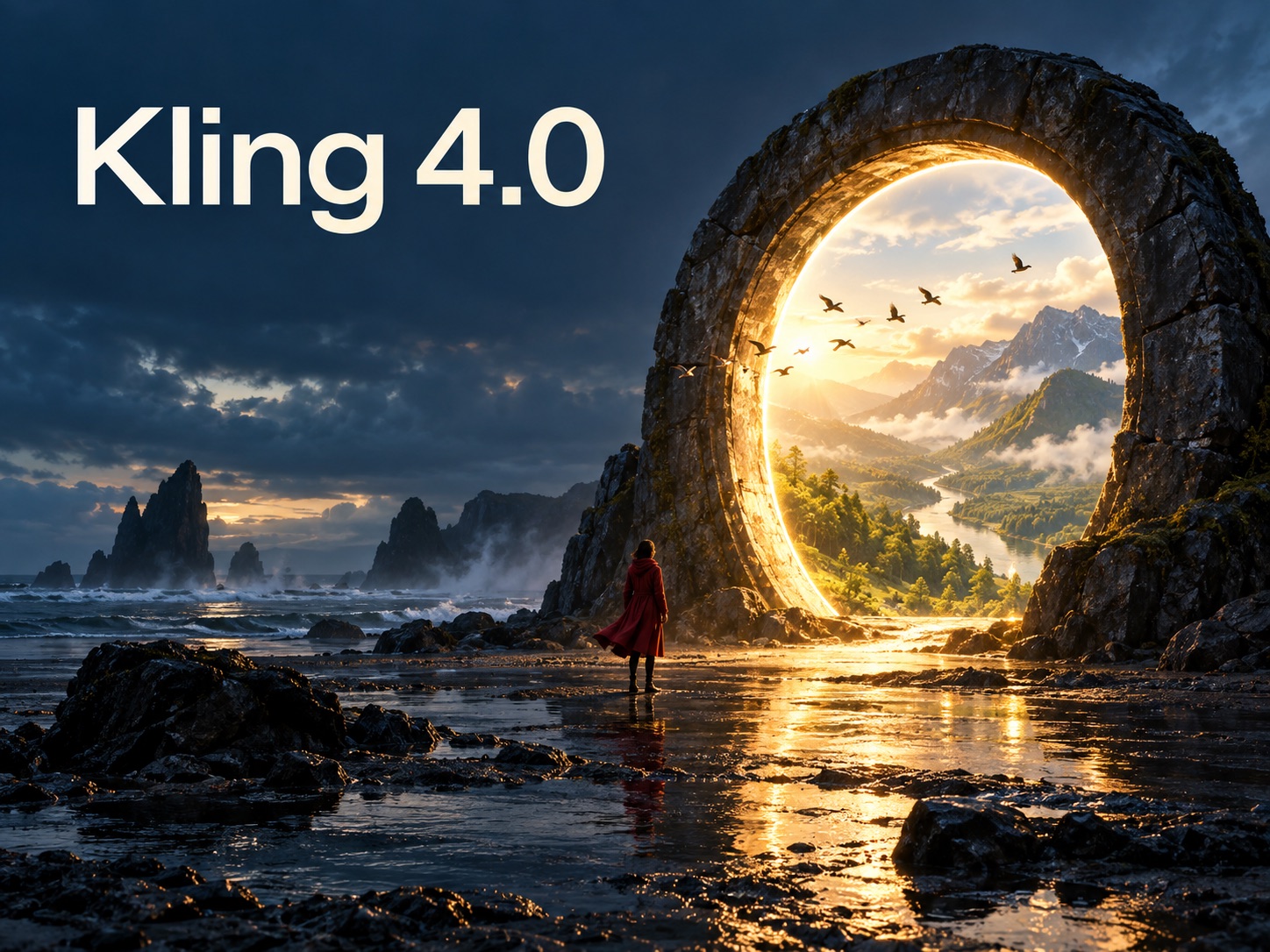
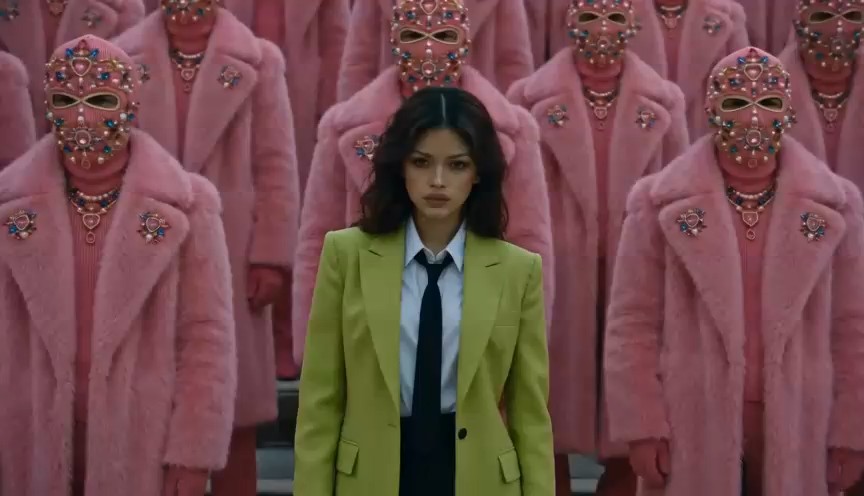
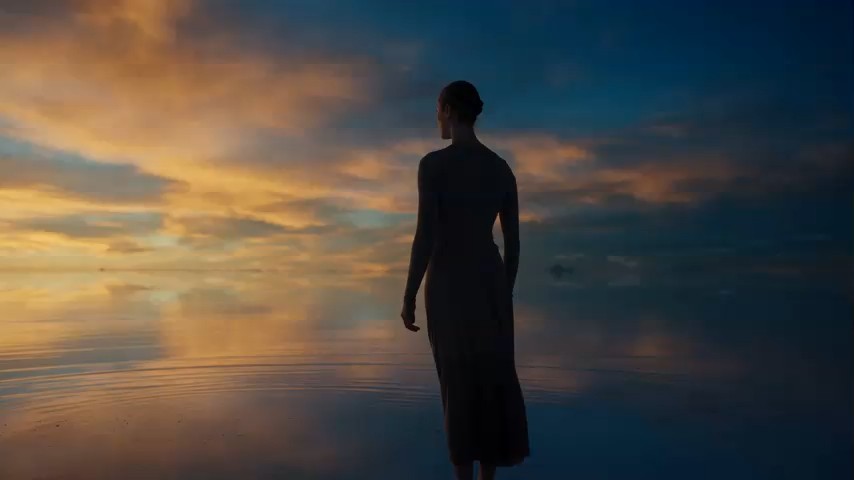
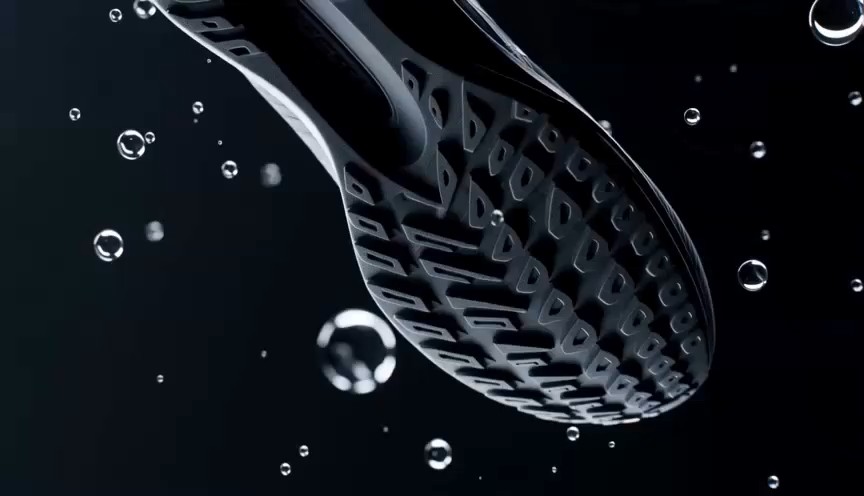
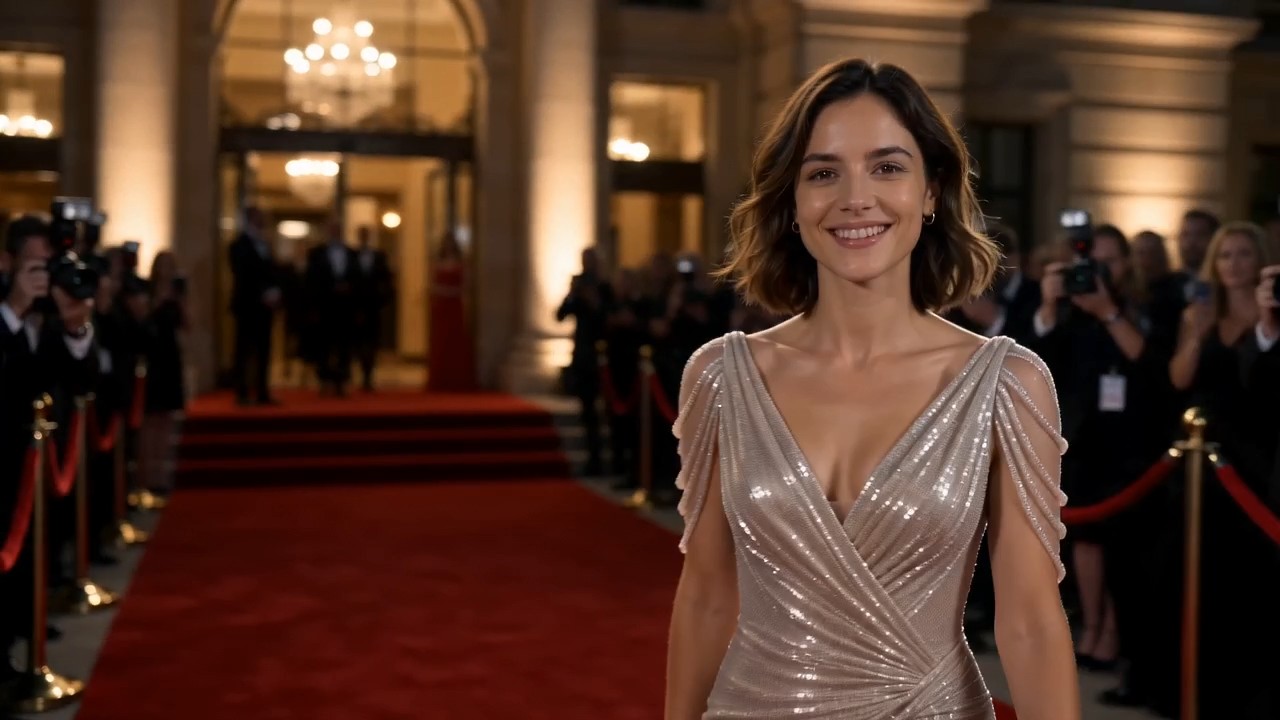
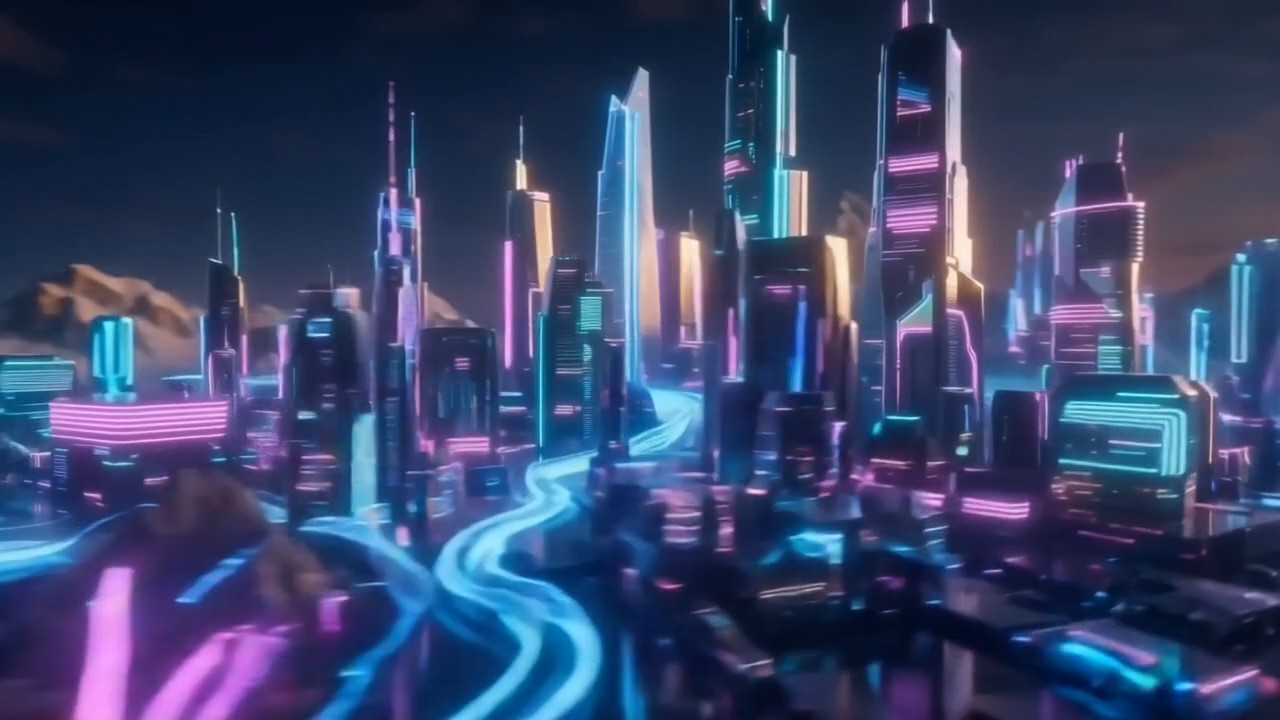
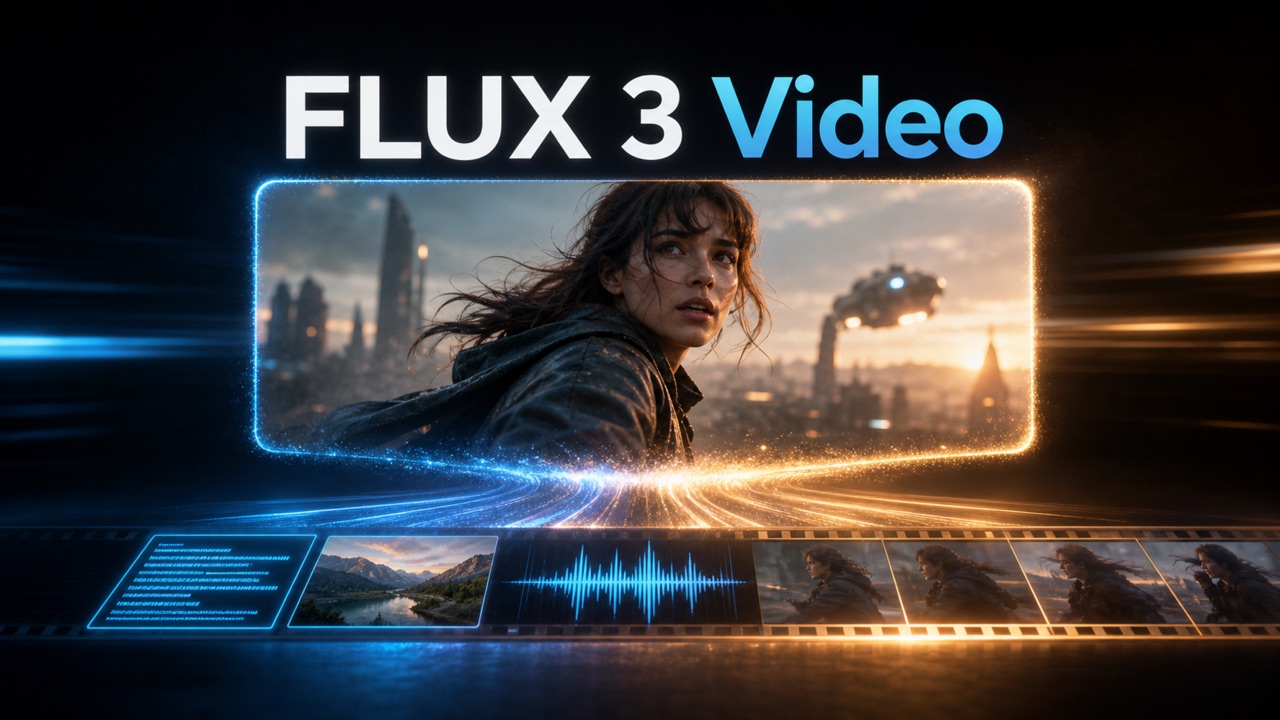

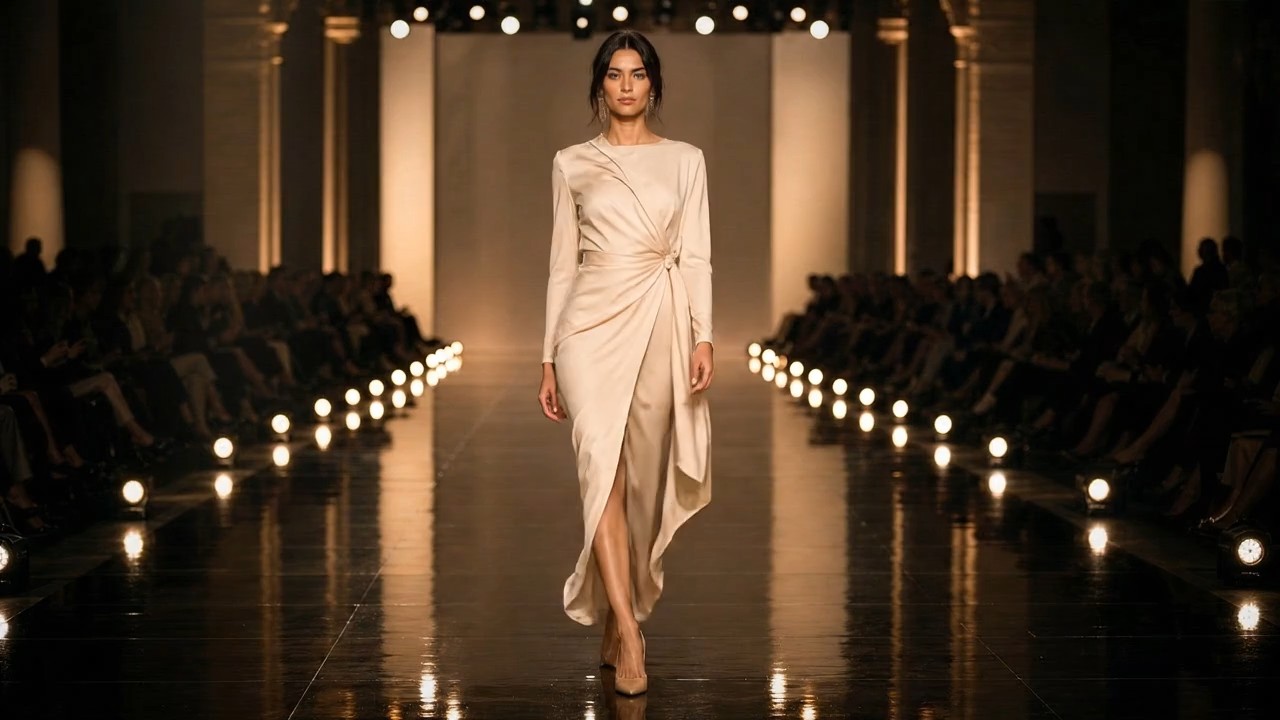
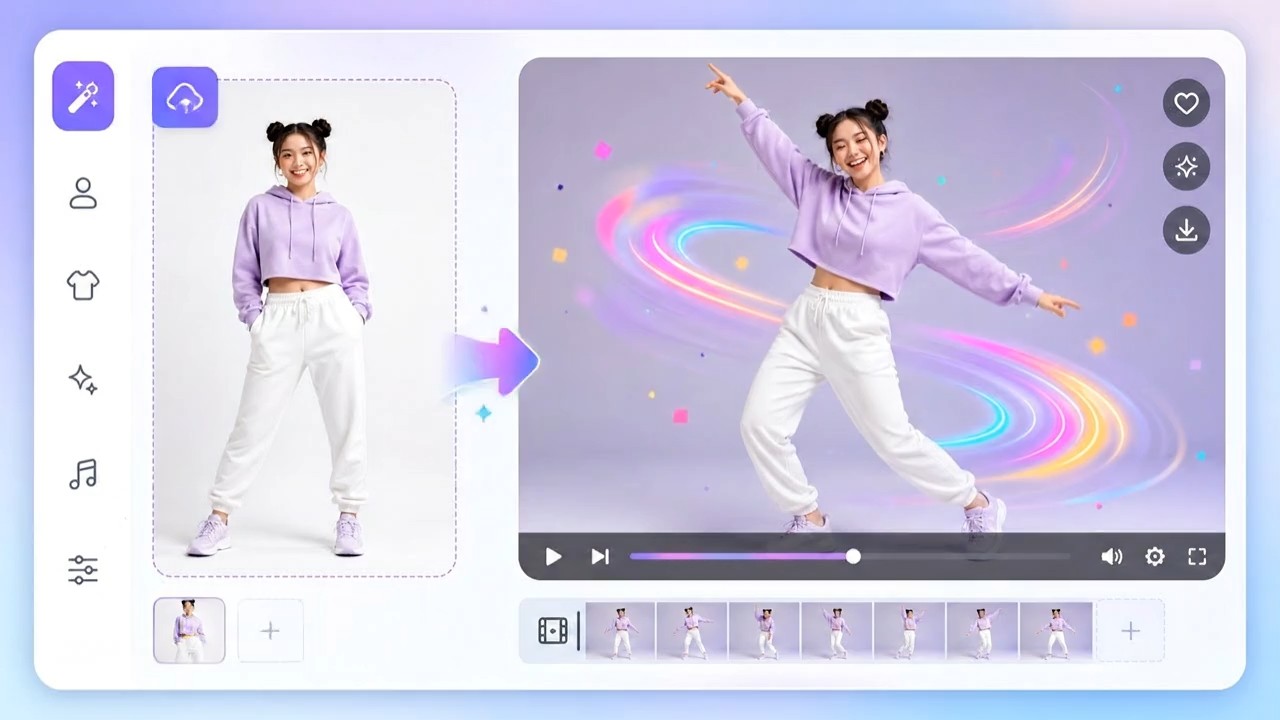


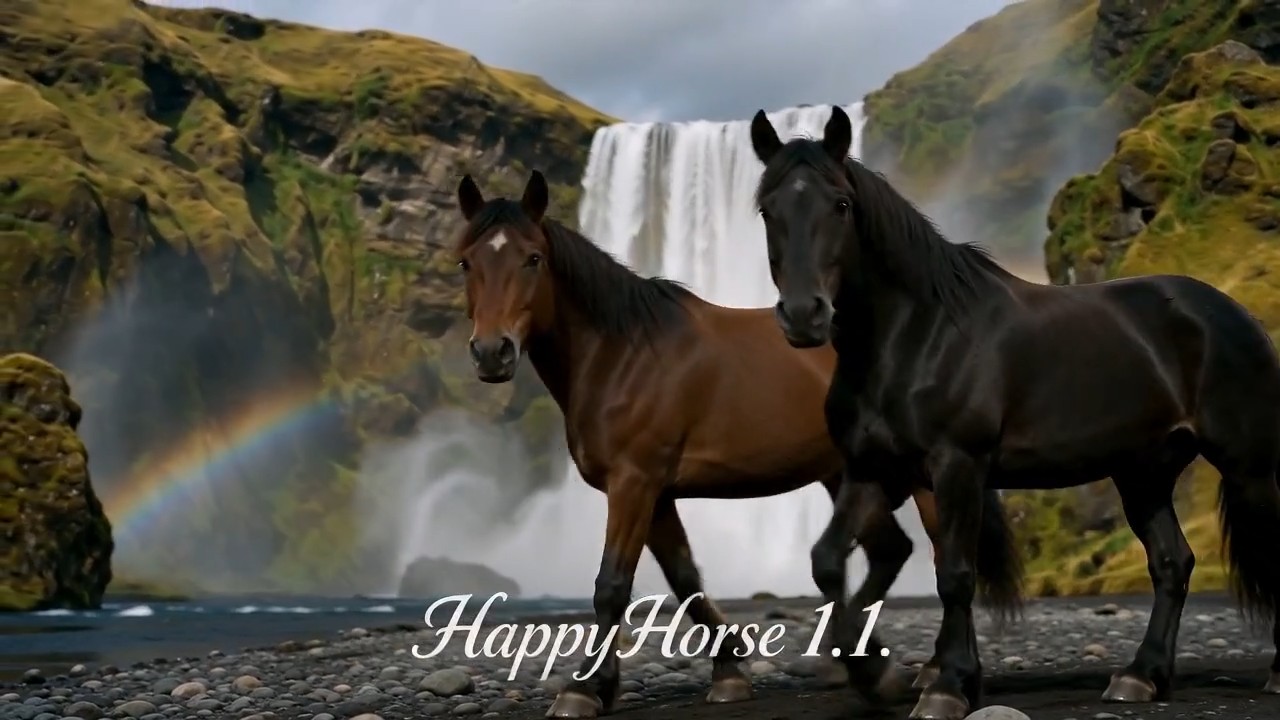
Wan AI 3.0: 4K AI Video Generator with Native Audio
Direct Longer, Richer Stories from One Creative Brief
Wan AI 3.0 turns text, images, video, and audio references into cinematic clips through one connected production workflow. This AI video generator helps creators plan multi-shot stories, maintain subjects across scenes, coordinate dialogue and sound, and render detailed 4K visuals without assembling every element in separate tools. Describe the action, camera, pacing, atmosphere, and audio you want, then let Wan 3.0 translate that direction into a polished audiovisual sequence for advertising, filmmaking, social content, product storytelling, education, and game concepts.
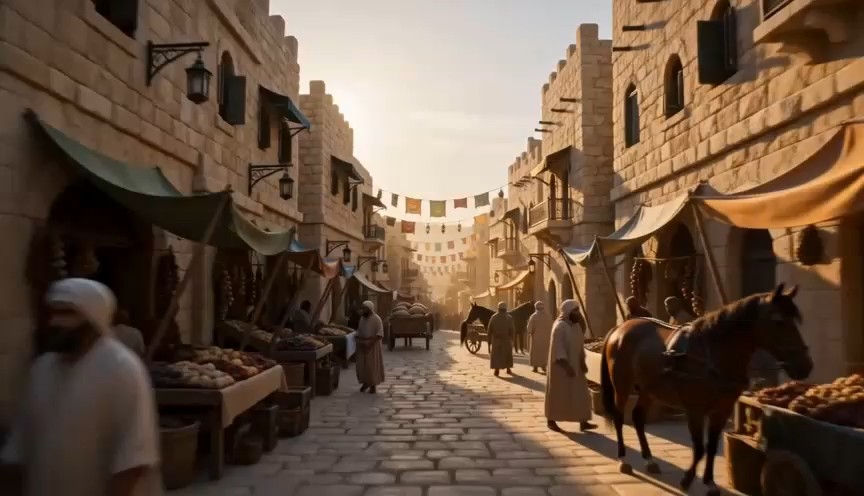
How to Create a Video with Wan AI 3.0
Turn an idea into a complete Wan 3.0 video with three simple steps and clearly defined references.

Write Your Creative Direction
Describe the subject, setting, action, camera, lighting, dialogue, and sound. Add the duration and aspect ratio, then divide longer ideas into clear shots so Wan AI 3.0 understands how the scene develops.

Add Images, Video, and Audio
Use images to define characters, products, or environments; video to guide motion and camera style; and audio to establish voice or atmosphere. Give every reference a clear role for better control.

Generate, Review, and Refine
Review composition, motion, consistency, dialogue, sound, and transitions together. Request focused changes, then use Wan AI 3.0 to create the final high-resolution version once the direction feels right.
Best AI Video Tools for Creative Projects
Explore creative tools for video, learn tips and tricks, and see how AI can be your assistant in turning concepts into finished projects.


Four Creative Capabilities Built into Wan AI 3.0
Wan AI 3.0 brings high-resolution rendering, synchronized sound, multi-shot direction, and reference-based consistency into one AI video generator designed for complete creative workflows.
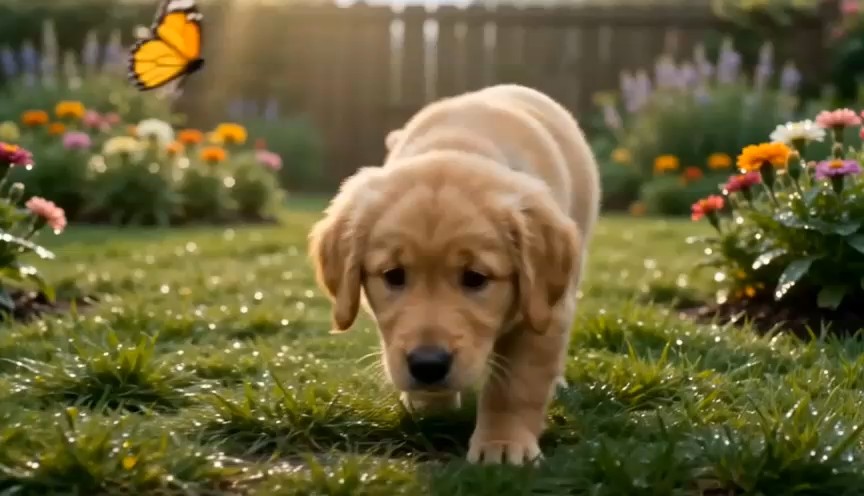
Generate Cinematic Video in Native 4K
Wan AI 3.0 generates high-resolution video with the detail needed for cinematic scenes, product close-ups, branded graphics, landscapes, and character performances. The 4K AI video generator is designed to preserve sharper textures, clearer edges, and more convincing materials across motion instead of treating resolution as a final afterthought. Creators can establish composition and timing first, then produce a presentation-ready output for websites, campaigns, large displays, or further editing. Flexible framing also makes Wan 3.0 useful for widescreen, square, and vertical placements.
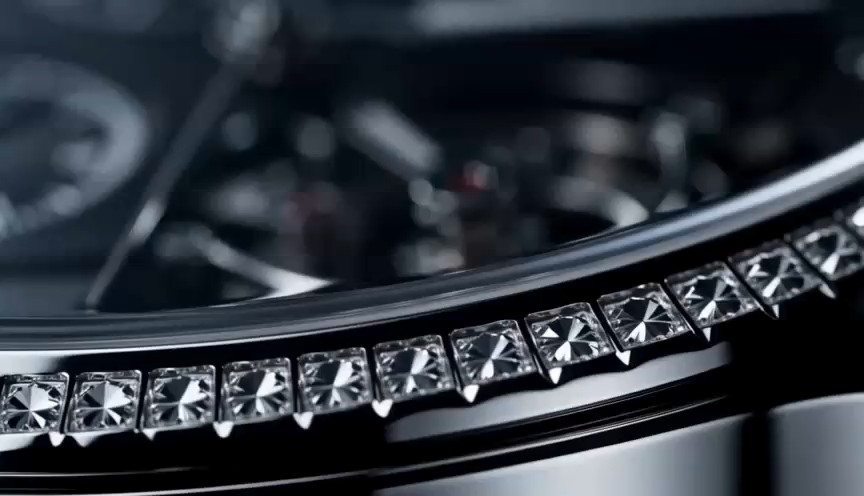
Create Synchronized Dialogue, Music, and Sound
Instead of generating silent footage and building the soundtrack later, Wan AI 3.0 creates video and audio as one coordinated experience. Dialogue can follow character performance, ambience can respond to the environment, and music or sound effects can support each visual beat. This makes the AI video generator useful for commercials, narrative clips, explainers, and social content that need more than background music. By guiding both visual and sonic intent in the same prompt, creators can use Wan AI 3.0 to review a complete audiovisual draft earlier in production.
Direct Multi-Shot Stories in One Generation
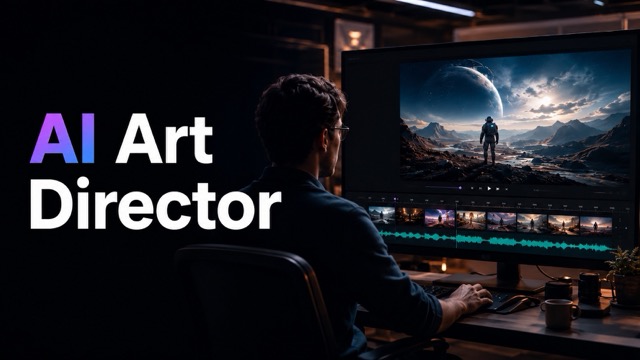
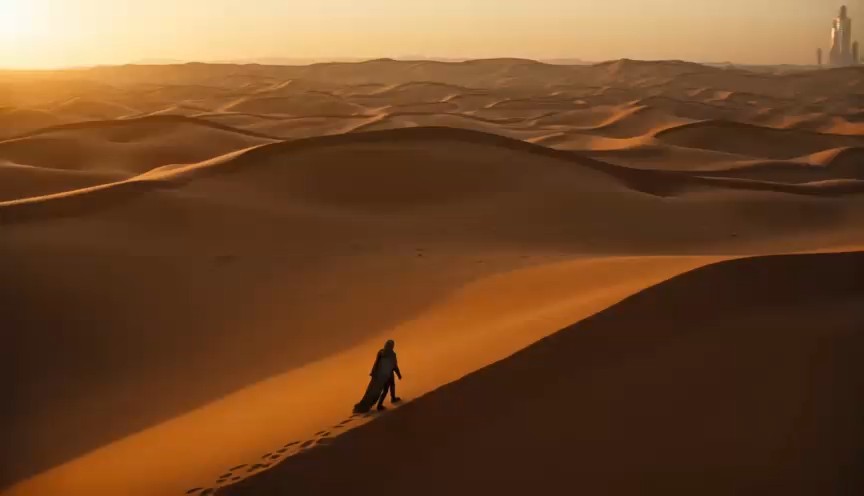
Wan AI 3.0 supports multi-shot direction for ideas that cannot be expressed through a single continuous camera move. Define establishing shots, close-ups, tracking shots, product details, reaction shots, and transitions within one structured prompt. The AI Director workflow helps the multimodal video generator understand how each shot contributes to the same story while coordinating pacing and visual continuity across cuts. This gives filmmakers, marketers, and educators a practical way to turn a storyboard into a connected sequence without manually generating every shot as an unrelated clip.
Maintain Character, Product, and Motion Consistency
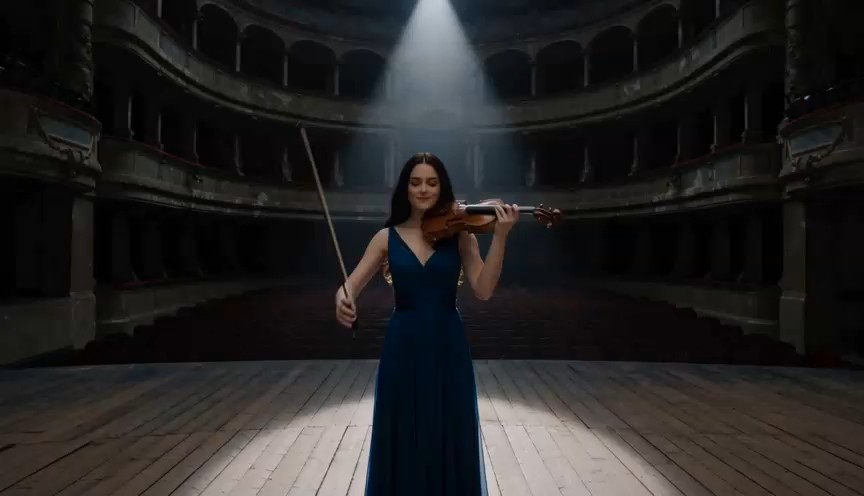
References give Wan AI 3.0 a clearer foundation for maintaining recognizable subjects across changing angles, actions, and scenes. Use character images to guide appearance, product photos to preserve important design cues, reference footage to communicate motion, and audio to establish a voice or mood. The AI video generator connects these signals with natural-language direction so the subject does not need to be described from scratch in every shot. Strong references and focused prompts help improve visual continuity while leaving room for new performances, environments, and camera choices.
Create More with the Wan AI 3.0 Video Generator
Use Wan AI 3.0 to create polished videos for campaigns, entertainment, social media, education, and creative prototypes.
Advertising and Product Campaigns
Turn product images, brand direction, storyboards, and music into product reveals, lifestyle scenes, animated posters, and multi-shot commercials. Wan AI 3.0 helps marketing teams test different settings and campaign ideas in 4K. Review generated packaging, text, colors, functions, and claims before publishing.

Film, Music, and Visual Storytelling
Transform scripts, mood boards, performances, and sound direction into cinematic sequences. Wan AI 3.0 helps filmmakers and musicians explore camera movement, lighting, pacing, close-ups, and transitions before production. Use the generated clips as visual concepts, pitch materials, previsualization, music videos, or finished digital content.

Social Media and Creator Content
Create vertical stories, cinematic reels, tutorials, transformations, and trend-driven clips with synchronized motion and audio. Wan AI 3.0 combines creator references, spoken lines, music, and camera direction in one workflow. Adapt the same concept to vertical, square, or widescreen formats and test alternate opening hooks.

Education, Games, and Creative Prototypes
Turn lessons, game concepts, interfaces, and illustrated worlds into clear audiovisual prototypes. Wan AI 3.0 can visualize historical settings, scientific ideas, character actions, UI transitions, trailers, and narrated explanations. Reference images guide the visual direction, while synchronized audio adds narration and atmosphere. Check educational content for factual accuracy.
Why Creative Teams Choose Wan AI 3.0
Different roles benefit from different parts of the workflow. These representative perspectives illustrate how Wan 3.0 can support faster exploration and clearer audiovisual communication.
Wan AI 3.0 lets our team review the product, camera direction, transitions, and sound as one campaign idea. The AI video generator gives stakeholders something complete to react to instead of separate boards and audio notes, which makes early creative decisions much faster.
The multi-shot workflow is the feature I use most. I can describe an establishing shot, performance close-up, and final reveal in one brief. Wan AI 3.0 keeps the sequence focused, so my pitch feels like a story rather than a collection of unrelated clips.
We need product details to remain readable across different placements. The 4K AI video generator gives us a stronger presentation source, while Wan AI 3.0 helps us test widescreen and vertical creative directions without planning two completely separate productions.
Synchronized sound changes the way I evaluate generated video. With Wan AI 3.0, dialogue, ambience, and musical energy arrive with the visual draft. The AI video generator helps me judge the emotional rhythm of a scene much earlier in the process.
Reference-based creation helps our art, narrative, and motion teams discuss the same prototype. Wan AI 3.0 turns character art, movement examples, and environmental audio into a shared sequence that communicates much more than a static design document.





Frequently Asked Questions About Wan 3.0
Learn how Wan 3.0 works, which inputs it supports, and how to prepare better prompts and references for your next video.
Wan 3.0 is a multimodal AI video generation model built for cinematic audiovisual creation. It can turn text prompts and reference media into detailed video while coordinating movement, camera direction, dialogue, sound effects, ambience, and music. The AI video generator supports workflows such as text to video, image to video, reference to video, and multi-shot storytelling. Wan 3.0 is designed for creators who want to move from an idea or storyboard to a more complete production draft without managing every visual and audio element in a separate application. A Wan 3.0 project can begin with a simple prompt and expand through references, shot planning, audio direction, and focused revisions.
Yes. Wan 3.0 is presented as a native 4K AI video generator for projects that need detailed textures, clearer edges, convincing materials, and stronger presentation quality. High resolution is especially useful for product footage, cinematic landscapes, branded campaigns, and large displays. A clear Wan 3.0 prompt and clean reference materials still matter because resolution cannot correct an unclear creative direction. Use the AI video generator to approve framing and action before emphasizing detail. Review subjects, text, products, and continuity before treating any Wan 3.0 clip as a final production asset.
Yes. Wan 3.0 can generate video with coordinated dialogue, ambience, music, and sound effects. Describe both what happens and how the scene should sound. For example, explain when a character speaks, how the environment responds, and where music should rise or soften. This gives the AI video generator a more complete emotional and temporal brief. Generated speech, timing, pronunciation, factual claims, and audio balance should always be reviewed before public or commercial use.
Yes. Wan 3.0 supports a multimodal workflow in which images can guide subject appearance, video can demonstrate motion or camera style, and audio can establish voice, rhythm, or mood. Explain the role of every reference instead of simply uploading unrelated files. A precise instruction such as ‘use Image 1 for the character, Video 1 for movement, and Audio 1 for vocal tone’ gives the multimodal video generator clearer relationships to follow and reduces conflicting signals.
Multi-shot generation allows one prompt to describe several connected camera setups. You can define an establishing view, medium performance shot, detail close-up, transition, and final reveal while explaining the purpose and approximate timing of each part. Wan 3.0 then treats those shots as parts of the same sequence rather than unrelated generations. This is useful for advertisements, trailers, music videos, lessons, and short narrative scenes. Keep the number of actions realistic for the selected duration so each shot has enough time to remain clear.
Start with one clear creative goal. Describe the subject, environment, action, camera, lighting, pacing, duration, aspect ratio, dialogue, effects, and music. Give each reference a specific role and avoid combining materials with conflicting styles or identities. For multi-shot video, separate the prompt into numbered shots and identify what changes between them. After generation, review one category at a time: composition, movement, consistency, speech, audio, and text. Focused revisions help Wan 3.0 understand your priorities more reliably than repeatedly replacing the entire prompt.
Turn Your Next Idea into a 4K Story with Wan 3.0
Bring prompts, characters, product images, motion references, dialogue, and music into one connected workflow. Wan 3.0 helps you direct detailed multi-shot video with synchronized audio and consistent visual intent, giving every concept a faster path from imagination to a complete audiovisual experience. Start with one scene, shape each creative decision, and let the AI video generator build a story viewers can see, hear, and remember.
