Gemini Omni 1.1 Flash Review: A More Controllable AI Video Model
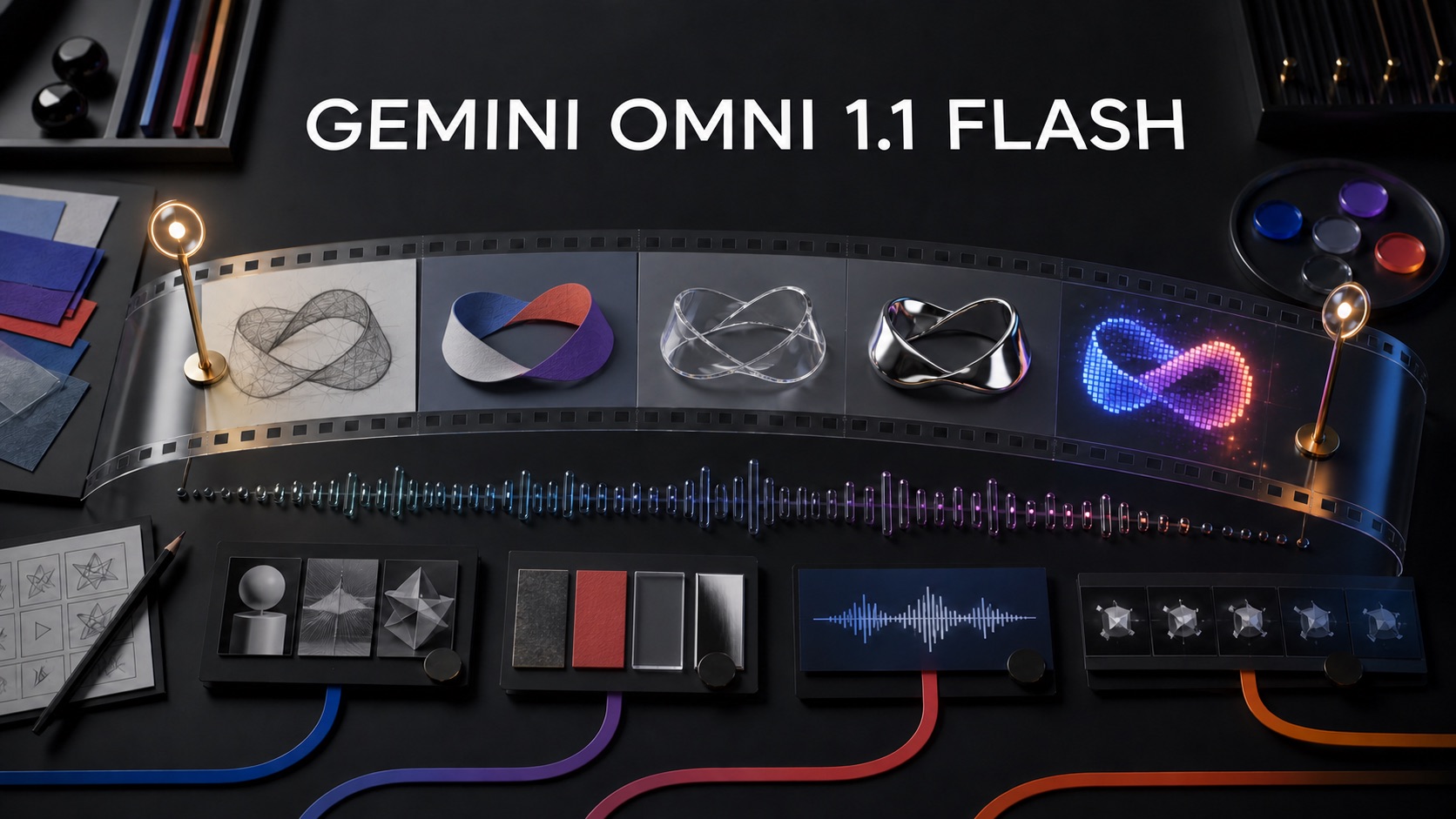
Gemini Omni 1.1 Flash turns text, images, audio, and video references into short videos with native sound, then lets creators refine them conversationally. This review examines its new extension, interpolation, draft, and upscaling controls, alongside official evaluations, API pricing, access, and limitations.
Google’s Gemini Omni 1.1 release is officially named Gemini Omni 1.1 Flash, and it marks an important shift in AI video: from generating isolated clips toward directing, revising, and extending them. Released for the Gemini API on August 27, 2026, the stable model uses the ID gemini-omni-1.1-flash. It accepts multimodal instructions and produces video with audio, while the Interactions API lets developers continue editing through natural-language turns.
Beyond sharper output, Gemini Omni 1.1 Flash targets practical production problems: maintaining continuity, moving between chosen keyframes, testing ideas cheaply, and turning drafts into higher-resolution deliverables. This review examines those controls, Google’s evaluations, and the caveats developers should verify.
What Is Gemini Omni 1.1 Flash?
Gemini Omni Flash is Google DeepMind’s transformer-based, natively multimodal creation model. In plain language, “multimodal” means it can interpret several kinds of input together rather than treating text, images, audio, and video as unrelated assets. A developer might provide a written direction, a character image, and a motion-reference clip in the same creative workflow. The output is a video with generated audio.
Google emphasizes native multimodality, conversational editing, and world knowledge. Users can combine references and instructions, request changes over successive API interactions, and draw on Gemini’s understanding of physics and broader historical, scientific, or cultural context.
The stable Gemini API model supports a 1,048,576-token context window. Official documentation lists 3-to-10-second outputs at 24 frames per second, with 360p, 720p, 1080p, and 4K resolution options. The latter two are upscaled rather than natively generated at those resolutions. For video editing and extension, the documented input-video limit is 10 seconds.
This is a short-form generation and editing engine, not a one-click replacement for a full nonlinear editor. Its outputs can feed a larger production pipeline.
Gemini Omni 1.1 Features That Matter in Practice
Conversational generation and editing
The Interactions API preserves context between turns. Each edit produces a new video, but the model can use the previous interaction instead of requiring the creator to restate the entire scene. This changes the workflow from “write a perfect prompt and regenerate” to “generate, review, and direct the next revision.”
That makes targeted iteration more natural and supports interfaces built around conversation, version history, and reusable assets. Documented tasks include text-to-video, image-to-video, reference-to-video, editing, and extension.
Longer scenes through extension
Gemini Omni 1.1 Flash can extend an existing video in 10-second increments to a cumulative length of 40 seconds. Google says the model examines up to 10 seconds of preceding context, compared with only the final second for earlier models. More context should help it preserve characters, motion, audio, and narrative direction across a transition.
“Up to 40 seconds” does not mean one 40-second generation. Because it is a chained workflow, creators should inspect every extension.
First-and-last-frame interpolation
Interpolation lets a creator specify the opening and closing images of a shot and ask the model to generate the movement between them. This offers more compositional control than a text prompt alone. It can support camera orbits, zoom transitions, scene transformations, and loop-like shots where the destination matters as much as the starting point.
Art directors can approve two anchor frames before generating motion, though complex transitions may still require multiple drafts.
References for subjects, motion, and style
The model can use images and short video references to preserve a subject or transfer motion and visual style. Google’s Gemini Omni 1.1 announcement says creators can include up to three seconds of reference video when crafting a scene. This is particularly relevant for character swaps, performance transfer, product shots, and branded creative tools where pure text prompting provides too little control.
Draft at 360p, deliver at higher resolution
The default output is 720p, but teams can prototype at 360p. Google reports that 360p generation can be up to 60% faster by system throughput and costs one-third as much as 720p. Once a direction is approved, the model can upscale output to 1080p or 4K.
Teams can explore inexpensive drafts and reserve upscaling for finalists. Upscaling, however, does not guarantee new scene detail or correct existing artifacts.
Gemini Omni 1.1 Benchmarks: What Google Reports
Video benchmarks are harder to summarize than language-model exams because visual quality, motion, sound, and instruction following often require human judgment. Google’s published results are primarily preference-based and do not provide a single numeric score for Gemini Omni 1.1 Flash. The safest reading is therefore directional, not absolute.
| Evaluation | Setup disclosed by Google | Reported result |
|---|---|---|
| Video editing | Human head-to-head ratings across 504 internal examples | Leading results for overall preference and instruction following |
| Text-to-video | 1,003 prompts and videos from Meta’s MovieGenBench | Best overall preference and instruction following |
| Fast-motion text-to-video | 500 detailed prompts covering sports and other high-energy actions | Evaluation set described; no numeric result published in the page text |
| Image-to-video | 355 image-and-text pairs from VBench I2V | Tied with Grok-Imagine-Video and Kling, ahead of other evaluated models |
| Reference-to-video | Human head-to-head ratings across 468 internal examples | Leading results for overall preference and speech adherence |
These results support Google’s claim that instruction control is a core strength. Still, several caveats matter. Some tests use internal datasets, the competitor list and exact win rates are not fully exposed in the accompanying text, and “overall preference” reflects human choices under a particular evaluation design. The image-to-video result is explicitly a tie, not a sole victory.
The results suggest Gemini Omni Flash is competitive, but teams should still test their own subjects, camera directions, brand requirements, and failure criteria.
Availability and Best-Fit Users
Developers can use the stable model through the Gemini API in Google AI Studio. Google also announced enterprise agent-platform access, while the broader family appears in the Gemini app, Google Flow, and YouTube. Capabilities and terms may differ by platform.
Gemini Omni 1.1 Flash is a strong candidate for teams building:
- AI-assisted video editors with conversational revision;
- storyboard and concept-variation tools;
- short advertising, social, or product-visualization workflows;
- transition and camera-motion generators based on approved keyframes;
- applications that combine character, motion, style, and audio references.
It is less suited to long uninterrupted generations, deterministic frame-level editing, or a free production API. Conventional editing, compositing, and quality control remain necessary.
Limitations, Safety, and Review Caveats
Google’s model card acknowledges that complete consistency across edits, complex motion, and perfectly accurate text rendering remain difficult. Those are consequential limitations. A small identity drift can make a multi-shot character unusable, a motion error can undermine realism, and malformed on-screen text can disqualify an advertisement even when the rest of the shot looks polished.
The model card also says Google used automated and human evaluations, specialist red teaming, safety reviews, production filters, and SynthID watermarking. Content made or edited with Omni in certain Google products includes imperceptible SynthID and C2PA Content Credentials. Google currently restricts the model’s ability to change a person’s speech while it studies safer deployment.
These mitigations do not remove the need for human review. Teams should check consent and usage rights for every reference, verify factual or culturally specific imagery, review audio and visible text, and keep provenance records for published assets.
Verdict: Should You Try Gemini Omni 1.1 Flash?
Gemini Omni 1.1 Flash is most compelling as a controllable creative system, not merely a clip generator. Conversational editing, longer scene extension, two-keyframe interpolation, multimodal references, low-resolution drafting, and upscaled delivery all map to recognizable production steps. The stable API release also gives developers a clearer foundation than the earlier preview endpoint, which Google plans to shut down on September 30, 2026.
The tradeoffs are equally clear: clips remain short, higher resolutions are upscaled, exact consistency is not guaranteed, and the official benchmark evidence is mostly vendor-run human preference testing without complete numeric results. API access is paid-only, and iteration can multiply costs quickly.
For creative-software teams and studios prepared to evaluate outputs shot by shot, Gemini Omni 1.1 Flash deserves a structured pilot. Start with 360p variants, test the hardest motion and continuity cases first, record actual cost and latency, and upscale only approved results. That process will reveal more about its fit than any leaderboard headline—and it uses the model in the workflow Google’s new controls are designed to support.