
More AI Video Generators
Explore our collection of specialized AI video generators designed for different creative needs and styles







Gemini Omni 1.1 Flash for Creative Video Control
Turn an idea, image, or reference clip into a coherent video with native audio, then guide every revision in natural language. Gemini Omni 1.1 Flash keeps creative control close at hand.
Gemini Omni 1.1 Flash brings generation and editing into one focused workflow. Use Gemini Omni 1.1 Flash as an AI video generator for cinematic drafts, controlled transitions, reference-driven scenes, and iterative changes without rebuilding the entire clip.
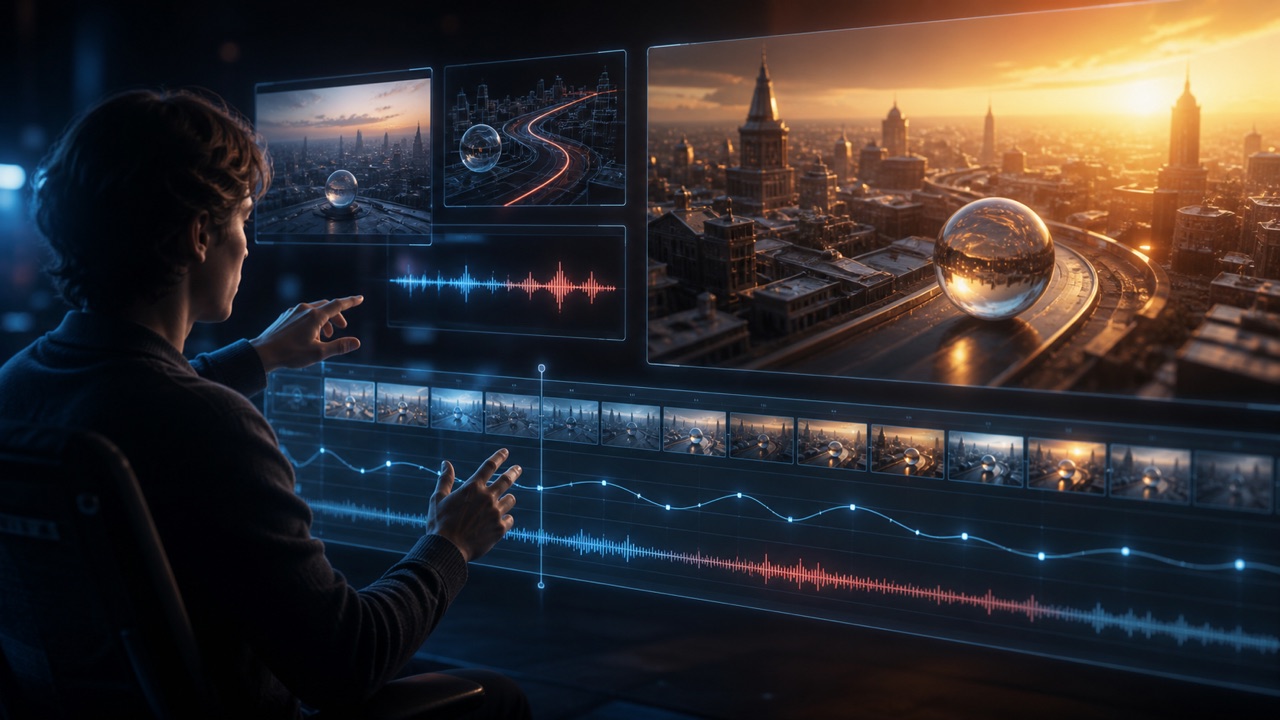
How to Create with Gemini Omni 1.1 Flash
Gemini Omni 1.1 Flash keeps production approachable: define the scene, add references when they matter, generate a clip, and refine the result through conversation. This AI video generator connects creative direction with controlled iteration, so each step builds on the last instead of forcing a restart.

Describe the Scene and Motion
Start Gemini Omni 1.1 Flash with a clear prompt describing the subject, setting, action, camera movement, lighting, mood, and sound. The more precisely you describe motion and timing, the more useful the first draft becomes. As an AI video generator, Gemini Omni 1.1 Flash can translate both simple concepts and detailed cinematic direction into a short clip with audio.

Add Images or Video References
Upload a starting image, an ending image, or reference media when identity, style, framing, or movement must remain recognizable. Gemini Omni 1.1 Flash can combine those ingredients with written direction. This reference-aware AI video generator helps preserve the creative anchors that matter while still giving Gemini Omni 1.1 Flash room to construct a cohesive new scene.

Generate and Review the Clip
Generate the first version, then review character continuity, object behavior, camera motion, audio timing, and text. Gemini Omni 1.1 Flash produces short video outputs designed for quick evaluation. Treat the result as a directable draft: this AI video generator gives you a concrete scene to assess before you commit to further Gemini Omni 1.1 Flash edits or extensions.

Refine Through Conversation
Ask Gemini Omni 1.1 Flash to change an action, remove an object, shift the camera, restyle the environment, or continue the story. Conversational video editing keeps revisions connected to the previous result. Instead of repeating the complete brief, guide this AI video generator one decision at a time and let Gemini Omni 1.1 Flash preserve unaffected parts where possible.
Best AI Video Tools for Creative Projects
Explore creative tools for video, learn tips and tricks, and see how AI can be your assistant in turning concepts into finished projects.


Direct Video from First Prompt to Final Extension
Gemini Omni 1.1 Flash is designed for creators who need more than one-shot generation. It unifies text-to-video, image-to-video, reference-guided creation, scene extension, and natural-language revision. Use Gemini Omni 1.1 Flash when an AI video generator must respond to specific creative choices rather than merely produce a visually attractive surprise. The workflow supports deliberate pacing, recognizable subjects, coherent audio, and changes that respect earlier decisions. From an opening image to a longer sequence, Gemini Omni 1.1 Flash helps you shape what happens, how the camera observes it, and how the scene evolves.
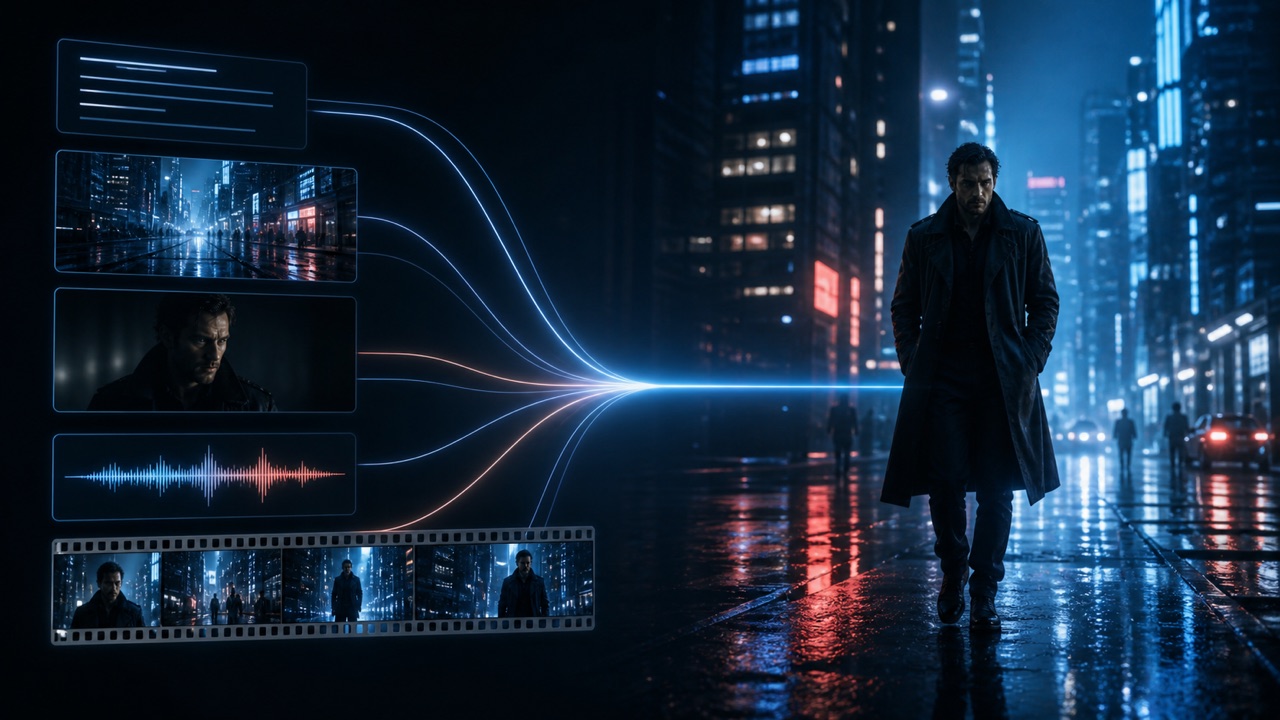
Create Video from Text, Images, and References
Gemini Omni 1.1 Flash accepts creative direction in several forms. Begin with a written scene, animate a still image, or combine reference media to establish subject, style, motion, and atmosphere. The Gemini Omni 1.1 Flash video generator turns these ingredients into one coordinated result instead of treating each reference as an isolated cue. That makes the AI video generator useful for product concepts, character moments, visual experiments, and story beats where several details must work together. Clear role descriptions for each input help Gemini Omni 1.1 Flash understand what should become the first frame, final frame, primary subject, or visual reference.

Guide the Opening and Closing Frames
First and last frame video interpolation gives a sequence a defined visual destination. Provide an opening image and an ending image, then explain the movement, camera path, atmosphere, and story that should connect them. Gemini Omni 1.1 Flash generates the transition between those anchors, which is useful for reveals, transformations, scene changes, and looping concepts. Unlike a loosely prompted AI video generator, Gemini Omni 1.1 Flash lets the endpoints constrain the composition. Thoughtful source frames reduce ambiguity, while a precise prompt helps Gemini Omni 1.1 Flash decide how objects and characters travel through the intervening motion.

Extend Scenes into Longer Stories
Use Gemini Omni 1.1 Flash to extend AI videos beyond the initial moment. Supply the previous clip and describe whether the action should continue, the camera should cut, new characters should enter, or the audio should change. Gemini Omni 1.1 Flash analyzes recent context to create a continuation that follows the existing visual and narrative direction. This gives the AI video generator a practical role in sequential storytelling rather than isolated clips. Extensions still deserve review, but clear continuity instructions help Gemini Omni 1.1 Flash carry forward movement, identity, mood, and sound across each new segment.
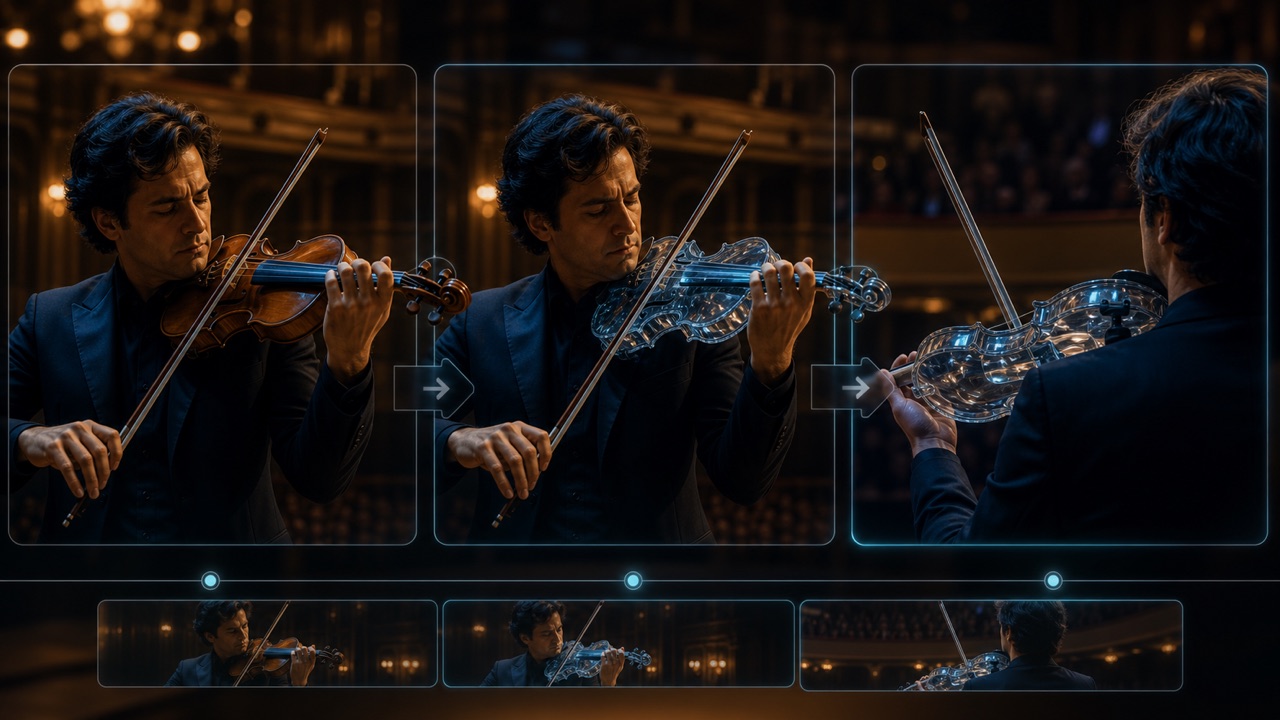
Edit the Result with Natural Language
Conversational video editing makes revision feel closer to directing than rebuilding. Tell Gemini Omni 1.1 Flash to replace a material, adjust an action, remove a prop, shift perspective, or change the visual style. Gemini Omni 1.1 Flash uses the preceding interaction as context, allowing targeted instructions to build into a creative sequence. For teams accustomed to a one-shot AI video generator, this changes the workflow: generate, evaluate, request one meaningful change, and repeat. Gemini Omni 1.1 Flash works best when each revision identifies what should change and what must remain consistent.
Where Gemini Omni 1.1 Flash Fits Creative Work
Gemini Omni 1.1 Flash supports rapid exploration and controlled refinement across production, marketing, education, and product design. The AI video generator is especially valuable when motion, references, dialogue, sound, and later revisions must remain connected. Use Gemini Omni 1.1 Flash to test a direction early, communicate it clearly, and develop the strongest idea further. Gemini Omni 1.1 Flash makes that iterative path visible.

Campaign Concepts and Social Stories
Creative teams can use Gemini Omni 1.1 Flash to turn campaign ideas into motion studies before a full shoot or edit. Generate product reveals, mood-driven scenes, short social narratives, or reference-led variations. The AI video generator helps stakeholders react to timing, camera language, and visual tone instead of interpreting a static brief. With Gemini Omni 1.1 Flash, a promising concept can then be revised through conversation or extended into additional beats for a clearer story.
Previsualization and Story Development
Directors, animators, and independent storytellers can use Gemini Omni 1.1 Flash for previsualization. Define a shot, provide character or location references, and explore blocking, transitions, or camera movement before committing production resources. Gemini Omni 1.1 Flash makes the AI video generator a visual planning partner, not a replacement for final craft. Teams can compare directions, identify continuity problems, and extend AI videos into rough sequences that make the intended narrative easier to discuss.
Product Experiences and Design Prototypes
Designers can use Gemini Omni 1.1 Flash to show how an object, interface, installation, or environment might behave over time. Animate a product reference, demonstrate a speculative interaction, or create a cinematic context around a concept. As an AI video generator, Gemini Omni 1.1 Flash helps transform a still proposal into an experience people can evaluate. Natural-language changes make it easier to test materials, actions, viewpoints, and emotional tone without reconstructing every prototype.

Educational and Explanatory Video
Educators and communicators can use Gemini Omni 1.1 Flash to visualize processes, historical settings, scientific ideas, and abstract systems. Detailed prompts should specify what must be accurate, what may be stylized, and how narration or sound supports understanding. The AI video generator can create an engaging first draft, while Gemini Omni 1.1 Flash conversational video editing helps correct emphasis or simplify a confusing moment. Always review factual and visual accuracy before using the result publicly.
Creators Direct More, Restart Less
Gemini Omni 1.1 Flash gives different creative roles a shared way to explore motion and discuss revisions. These fictional examples illustrate how a video generation model can support ideation, direction, and communication across practical workflows.
I use Gemini Omni 1.1 Flash to turn a campaign outline into scenes my team can actually react to. The first draft establishes tone, but the real value is asking for a different camera path or product action without abandoning the whole idea. Gemini Omni 1.1 Flash feels like an AI video generator built for creative discussion, because each revision gives us a clearer decision to make.
For story development, Gemini Omni 1.1 Flash helps me test transitions between key images and see whether an imagined beat reads on screen. I can set the visual endpoints, describe the performance, and review the movement between them. The AI video generator is useful for previsualization, while Gemini Omni 1.1 Flash lets me refine the strongest sequence before sharing it with collaborators.
Gemini Omni 1.1 Flash gives our product team a fast way to communicate behavior, not just appearance. We animate a reference concept, then request changes to materials, motion, and context until the experience is understandable. As an AI video generator, Gemini Omni 1.1 Flash turns an early design conversation into something visible enough for focused feedback without pretending the prototype is final.
I rely on Gemini Omni 1.1 Flash when a lesson needs a visual explanation that would be difficult to film. Clear prompts help me control the sequence, and conversational changes let me simplify a confusing section. Gemini Omni 1.1 Flash makes the AI video generator approachable for educational drafts, but I still verify every scientific detail and review the final pacing before students see it.




Gemini Omni 1.1 Flash Questions
Learn how Gemini Omni 1.1 Flash handles generation, reference media, extension, interpolation, editing, and output review. These answers explain the creative workflow without treating every generated result as automatically production-ready.
Gemini Omni 1.1 Flash creates short videos with audio from text, images, and supported reference media. It can also edit or continue existing clips. Use the model for a first draft, then review motion, identity, sound, text, and factual details before further use.
Yes. Gemini Omni 1.1 Flash supports first and last frame video interpolation, generating motion between two supplied images. Describe how the camera, subjects, and environment should change between those endpoints. Strong source frames and precise movement instructions help the transition feel intentional.
Yes. Gemini Omni 1.1 Flash can extend AI videos by generating a continuation from recent clip context. Explain whether action and audio should continue or whether a cut introduces a new beat. Review every extension for visual continuity and narrative consistency.
Gemini Omni 1.1 Flash uses the previous interaction as context for a new editing instruction. Ask for one focused change, such as removing an object or shifting the camera. Conversational video editing works best when you also state which important elements should remain unchanged.
Yes. The Gemini Omni 1.1 Flash API is available to developers through Google's supported Gemini interfaces. Pixomi provides a visual generation workflow for creators who prefer page controls. Availability, pricing, formats, and limits may change, so check the current service details before production deployment.
No. Gemini Omni 1.1 Flash may still produce inconsistencies during complex motion, repeated edits, accurate text rendering, or long sequences. Treat each generated output as a creative result that needs review. Refine instructions, simplify competing actions, and regenerate when essential details drift.
Start Directing with Gemini Omni 1.1 Flash
Bring a scene idea, image, or reference into Gemini Omni 1.1 Flash and turn it into motion. Use Gemini Omni 1.1 Flash as an AI video generator for the first clip, then guide transitions, extensions, and edits with clear creative direction. Start with one strong prompt and let Gemini Omni 1.1 Flash shape the result step by step.
