DeepSeek-V4.1-Flash Supports Visual Understanding And Creative Planning
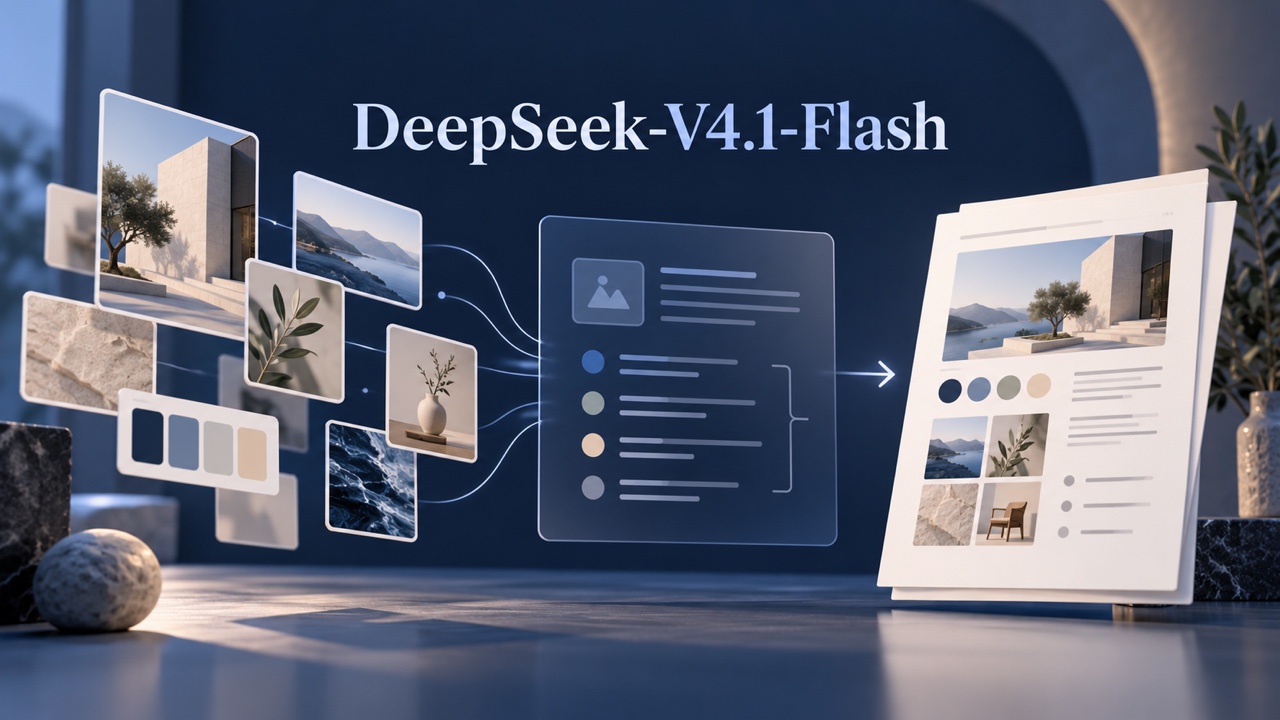
Use DeepSeek-V4.1-Flash to analyze reference images and prepare creative briefs. Review its capabilities, API access, pricing, and limits before you start.
DeepSeek-V4.1-Flash is a multimodal AI model developed by DeepSeek that accepts text and images and generates text. It can help interpret reference pictures, organize documents, prepare creative briefs, and assist with coding. It does not directly generate finished images or videos.
For creators and marketing teams, its practical role is to turn source material into clearer decisions and instructions. A reference image can become a written visual analysis; a collection of brand documents can become a campaign brief. Those outputs can then guide production in a separate image or video tool.
What Is DeepSeek-V4.1-Flash?
DeepSeek officially released DeepSeek-V4.1-Flash on September 10, 2026. As of October 19, 2026, its official service uses the updated DeepSeek-V4.1-Flash-1017 version, announced on October 17.
Three names matter:
- DeepSeek-V4.1-Flash identifies the model release.
- DeepSeek-V4.1-Flash-1017 identifies the October 17 update.
deepseek-flashis the model identifier used with DeepSeek’s official API.
DeepSeek V4.1 Flash is also a common spelling in searches, but developers should use the documented API identifier rather than turning the article title into a request parameter.
The official API alias can move to a newer version. Record the service, date, and documented version when comparing results or maintaining a production application.
Key Features Of DeepSeek-V4.1-Flash
Image Understanding With Text Responses
DeepSeek’s vision documentation confirms that the model can describe pictures, read text from screenshots, and analyze charts. Supported image formats include JPEG, PNG, GIF, and WebP.
For creative work, this makes reference analysis a useful starting point. You can ask for observations about composition, lighting, visible objects, and text placement. Ask the model to distinguish visible evidence from interpretation: a photograph may show a product, but it cannot establish that product’s ingredients or performance.
Image understanding produces a written response. It does not mean the model can render an edited photograph, advertising banner, or video.
Long Context For Connected Materials
The model supports a context window of up to one million tokens. Tokens are pieces of content processed by the model, rather than a fixed number of words or documents.
A large context window can accommodate extensive source material, but capacity does not guarantee complete recall or correct interpretation. Label documents, identify authoritative sources, and request evidence locations. For important decisions, ask focused questions rather than expecting one broad summary to preserve every detail.
Adjustable Reasoning
The model supports thinking and non-thinking operation. Its reference protocol also documents numerical reasoning effort from 1 to 100.
This provides a way to allocate more processing to difficult tasks, such as reconciling conflicting requirements. Simple rewriting may need less effort. Higher settings can increase response time and generated tokens; they do not guarantee correctness.
Check the selected service’s controls because hosted interfaces may expose these settings differently.
Coding And Tool Calling
DeepSeek-V4.1-Flash can assist with code and produce tool calls. These are separate capabilities: writing a proposed function is different from executing it.
With custom function calling, the application supplies and runs the function, then returns its result to the model. Developers must implement permissions, validation, and error handling. Tool support alone does not give every deployment automatic access to websites, files, or business systems.
What The Technical Specifications Mean
DeepSeek describes the model as a mixture-of-experts system with 552 billion backbone parameters, activating approximately 8 billion parameters during input processing and 16 billion during output generation. These active counts describe computation at different stages, not the total resources needed to host it.
Its Causal Encoder-Decoder design and compressed attention mechanisms aim to reduce the cost of processing and retaining long contexts. The practical relevance is greatest for workloads that repeatedly consume substantial material, such as document-heavy assistants and coding agents.
These architectural choices are not a promise of instant responses on a particular service. Hardware, prompt length, reasoning effort, and concurrent demand affect performance. Evaluate the deployment you intend to use with representative tasks.
Practical Uses For Creators And Marketing Teams
The following are suggested workflows, not results from hands-on testing.
Analyze Reference Images Before Writing Prompts
Provide a reference image and explain what you want to learn. Request a structured description of framing, subject placement, lighting, colors, background, and space for copy.
For example:
Analyze this reference image for a product campaign. Separate visible observations from assumptions. Describe the composition, lighting, palette, and background. Then suggest three original visual directions without inventing product claims.
The expected output is an analysis and a set of creative directions. Review small text, product details, and uncertain observations against the source before using them.
Turn Brand Materials Into A Creative Brief
Supply approved brand guidelines, product information, audience notes, and campaign objectives. Ask for a brief covering the audience, central message, visual direction, deliverables, and unresolved questions.
Require each product claim to point back to the supplied material. If two documents disagree, ask the model to flag the conflict rather than silently choose one.
A useful brief should tell the designer what to communicate and what still needs approval. It should not convert an unsupported marketing idea into an established product fact.
Prepare Prompts For Multiple Channels
Start with an approved concept and request separate prompt drafts for an ecommerce hero image, a social post, and a short video storyboard.
Specify the subject, setting, composition, brand constraints, and intended format. For video planning, request shot descriptions and motion instructions as text.
Review each prompt against the destination tool’s supported controls. A written request for a precise logo, camera movement, or layout does not establish that every generator can reproduce it reliably.
Support Content Operations And Development
Developers can provide a relevant code excerpt and a clear requirement, then request an explanation, implementation proposal, or test cases. Marketing operations teams might use this approach to draft a script that checks campaign filenames or validates a content manifest.
Keep the task bounded and provide expected inputs and outputs. Review generated code, run it in a controlled environment, and check failure cases. Do not include production credentials in the prompt.
How It Can Complement A Pixomi Workflow
Pixomi provides image generation, image editing, and video creation tools. A practical workflow can connect model-assisted planning with those production activities through a manual handoff:
- Analyze approved references and source documents with DeepSeek.
- Review the resulting brief, factual claims, and prompt drafts.
- Copy the approved prompt into an appropriate Pixomi image or video tool.
- Inspect the generated asset and refine the instructions as needed.
For a product campaign, the planning stage might define a neutral background, a particular viewing angle, and space for a headline. Visual production then turns that direction into candidate assets.
This suggested workflow does not establish a DeepSeek integration inside Pixomi. No DeepSeek-V4.1-Flash selector, automatic connection, or shared account workflow is assumed.
Access Options And Pricing
Official Access And API Usage
DeepSeek’s October 17 announcement states that its official website and app were updated to the new version.
For the DeepSeek-V4.1-Flash API, obtain an official API key, configure an OpenAI-compatible client with https://api.deepseek.com, and select deepseek-flash. Keep credentials on the server.
Begin with a small text request before adding images or tool definitions. Image requests use the documented multimodal message structure. Check the returned usage information and handle authentication, balance, and service errors before building a larger workflow.
Official API Prices
DeepSeek-V4.1-Flash pricing on DeepSeek’s official API, checked October 19, 2026, is listed below in US dollars per one million tokens.
- Input, cache hit: $0.003 off-peak; $0.006 peak.
- Input, cache miss: $0.15 off-peak; $0.30 peak.
- Output: $0.60 off-peak; $1.20 peak.
Peak hours are Monday through Friday, 01:00–04:00 and 06:00–10:00 UTC, excluding Chinese public holidays. Other times are off-peak.
These are official API token rates, not Pixomi charges or third-party hosting prices. Budget for actual input and output usage rather than assuming every input receives the cache-hit rate. Search and Fetch have separate billing rules.
Third-Party Hosting And Local Deployment
NVIDIA documents a hosted DeepSeek-V4.1-Flash endpoint with its own model identifier and service terms. Its documentation does not establish that it serves the October 17 checkpoint. Confirm the version, vision support, limits, and price with the provider.
DeepSeek also publishes official weights and reference inference materials on Hugging Face, including a separate 1017 repository under the MIT License.
Self-hosting requires suitable hardware and compatible inference software. Open weights do not eliminate infrastructure costs, and the smaller active parameter counts should not be treated as memory requirements.
Limitations And Evaluation Priorities
Before adopting the model, test it against the work that matters:
- Visual accuracy: Check small labels, chart values, spatial relationships, and ambiguous objects against the original image.
- Source fidelity: Require document references and inspect omissions, especially when summarizing large collections.
- Creative consistency: Compare proposed directions with approved brand rules and product facts.
- Data handling: Review the selected provider’s policies before uploading confidential briefs, customer information, or unreleased assets.
- Operational safety: Restrict tool permissions and inspect generated code before execution.
Separate model quality from service behavior. A provider’s interface, preprocessing, context limits, and version can change the result. Record those conditions when comparing options.
Frequently Asked Questions
Can It Generate Images Or Videos?
Its documented output is text. It can analyze images and write prompts, shot lists, or scripts. Finished visual assets require a separate image or video generation system.
Does Every Provider Offer The Latest Version?
Do not assume so. DeepSeek’s official API currently maps deepseek-flash to the 1017 update, while third-party services may use different identifiers or checkpoints.
Is It Free To Run Locally?
The official weights use the MIT License, but running them consumes hardware, storage, electricity, and maintenance resources. A permissive license does not make deployment cost-free.
Conclusion
DeepSeek-V4.1-Flash is worth evaluating when your work combines visual references, substantial written material, and structured planning. Its value depends on how accurately it handles your sources and how well its outputs survive review.
Start with one bounded task, such as converting an approved reference into a creative brief. Once the facts and direction are checked, carry the resulting prompt into Pixomi’s image or video tools and judge the final asset against the original brief.