
Design Intelligent Images with Seedream 5.0 ProSeedream 5.0 Pro AI Image Generator
Precise image creation, editing, and visual storytelling in one streamlined workspace
Use Seedream 5.0 Pro to turn prompts, references, and rough visual ideas into polished images, editable designs, posters, diagrams, and multilingual visuals. Explore Seedream 5.0 Pro free online for creative testing, sharper instruction control, and practical image workflows that reduce blank page friction.

More AI Image Generators
Explore our collection of specialized AI image generators designed for different creative needs and styles

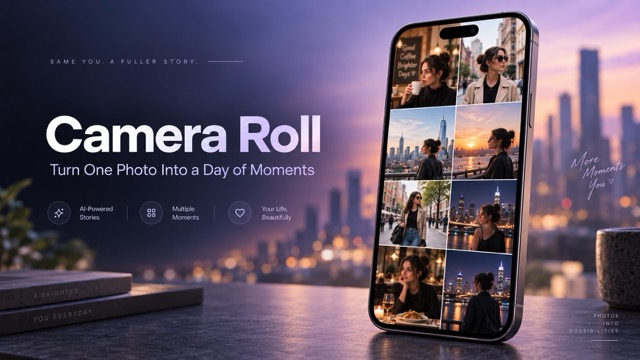
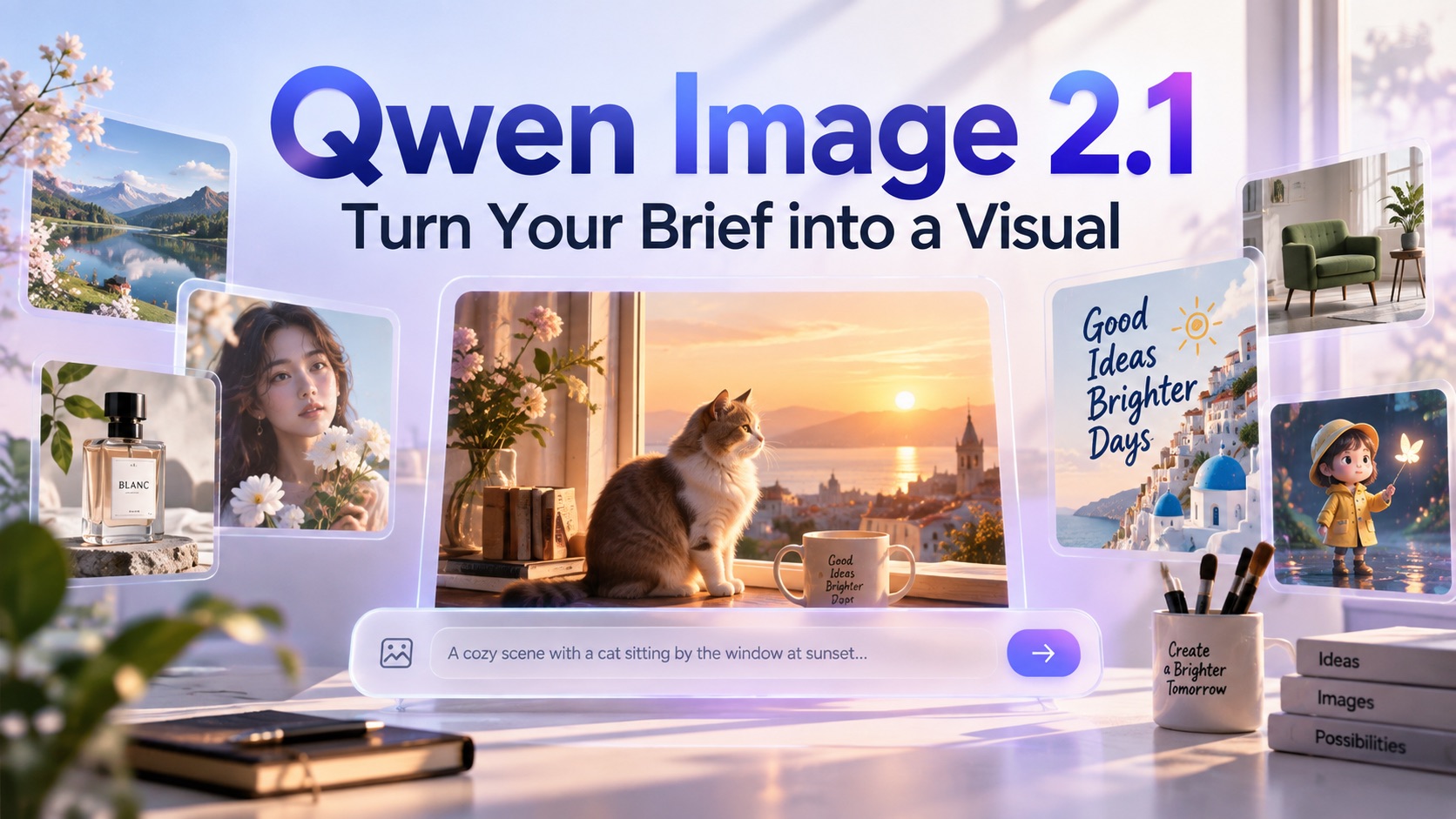
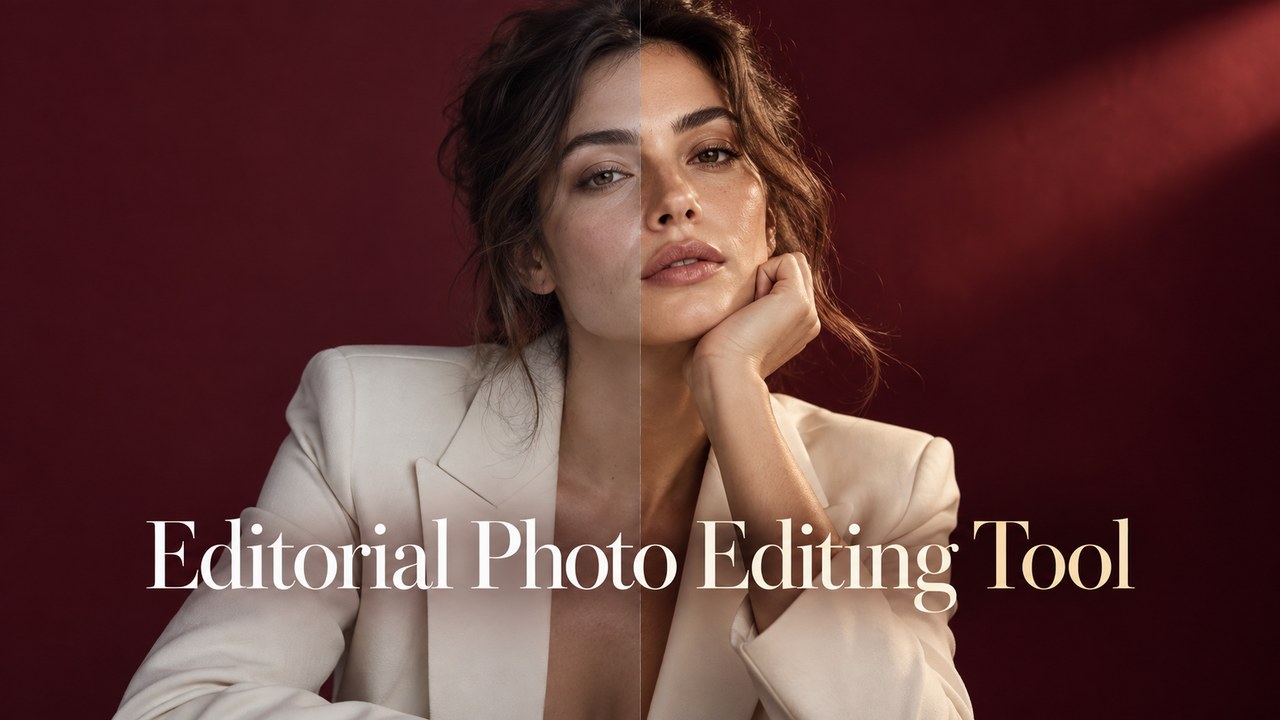
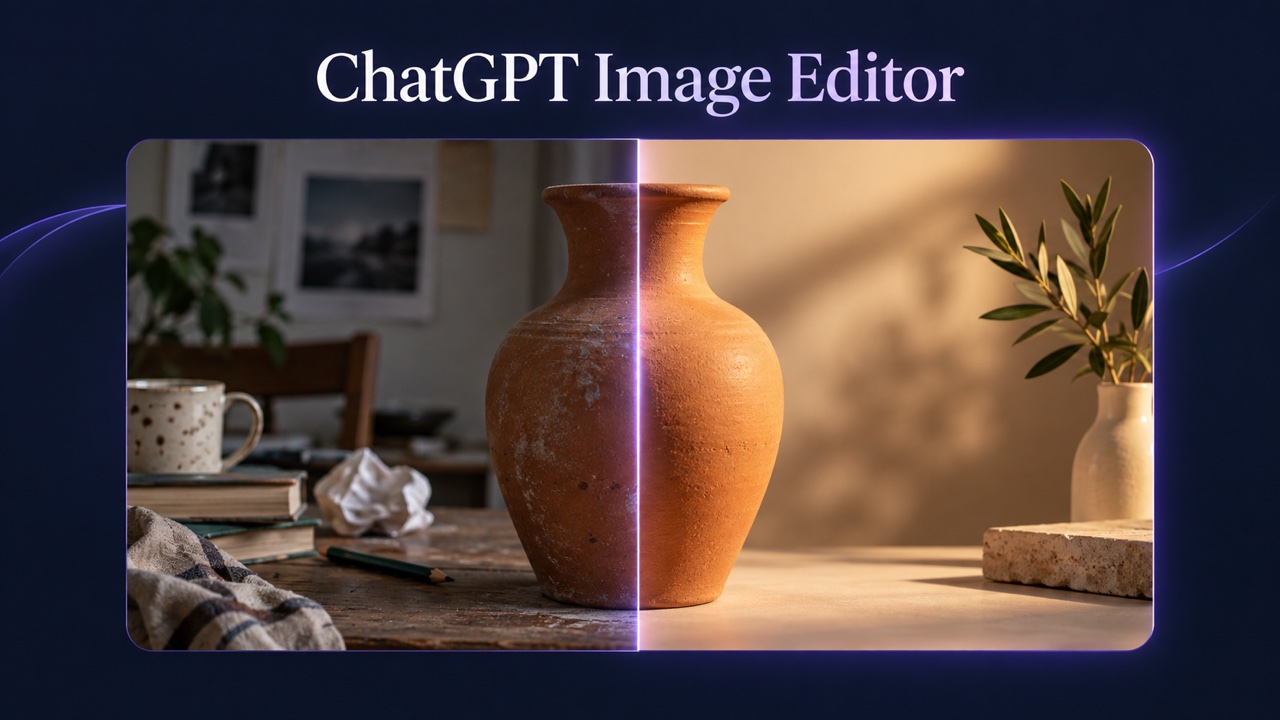

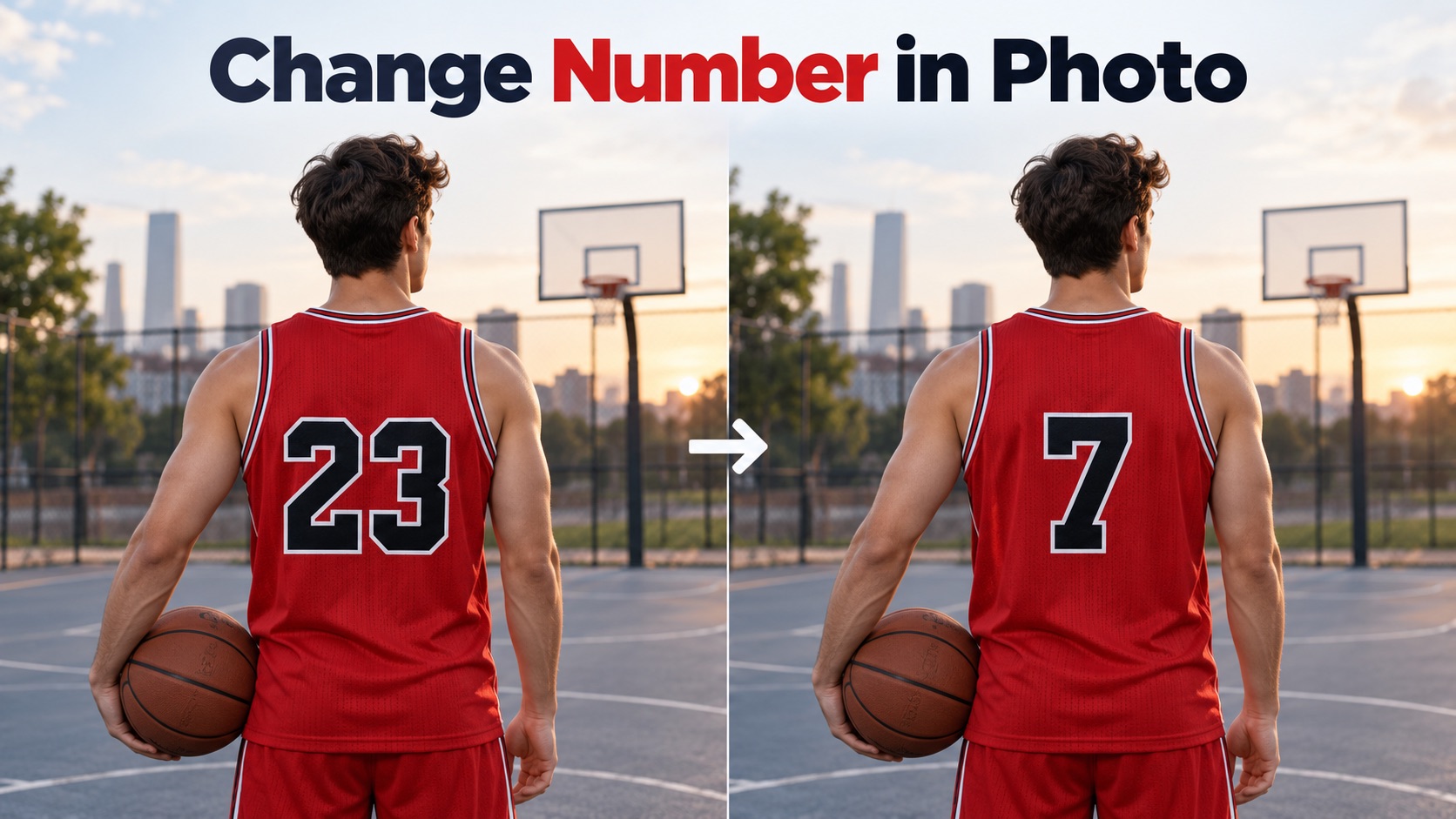
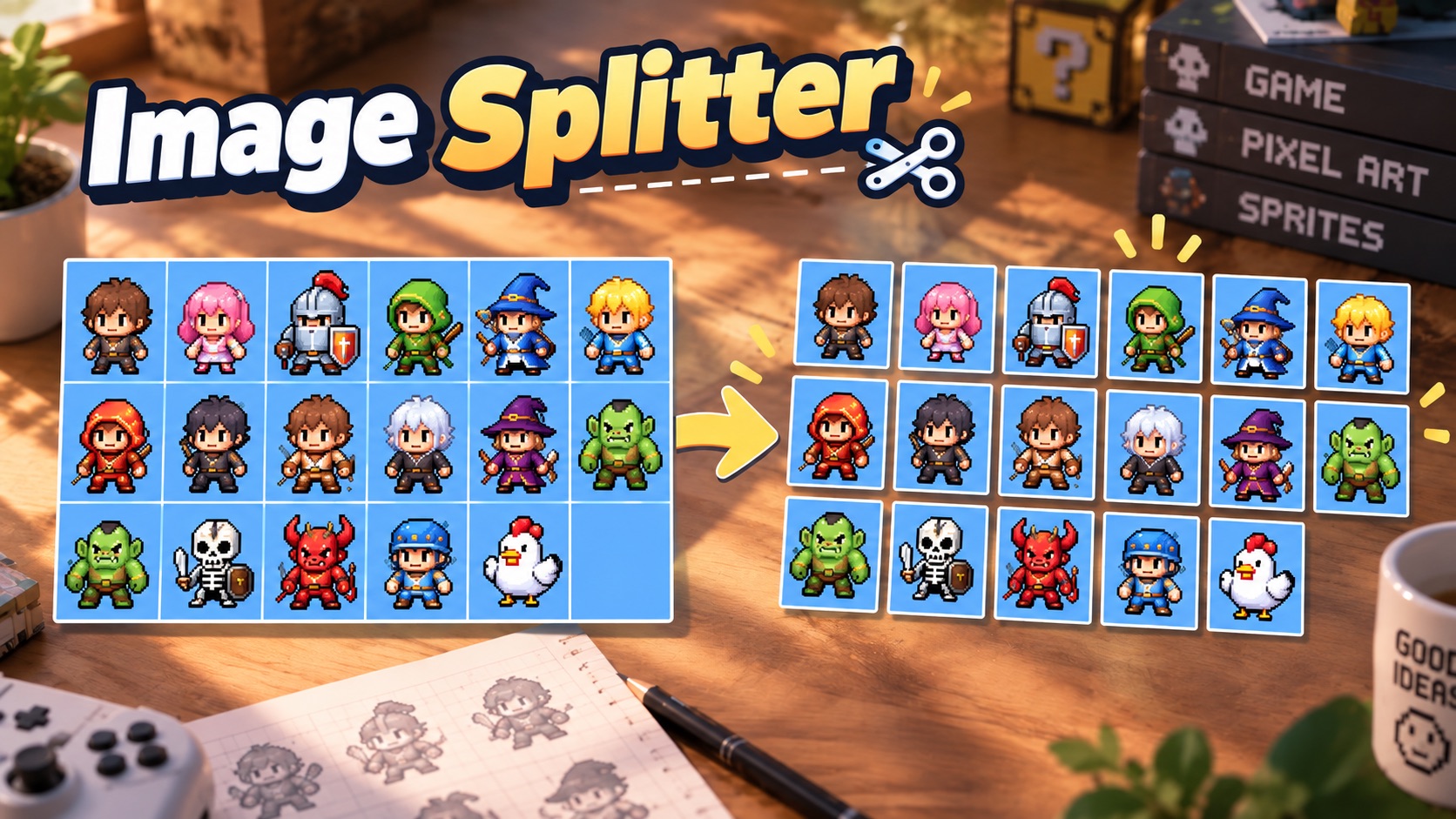
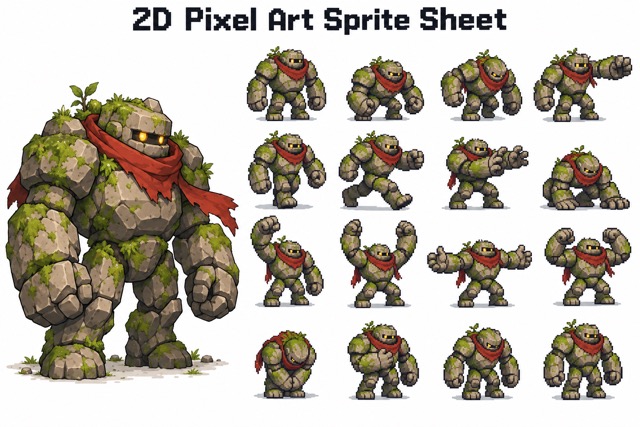
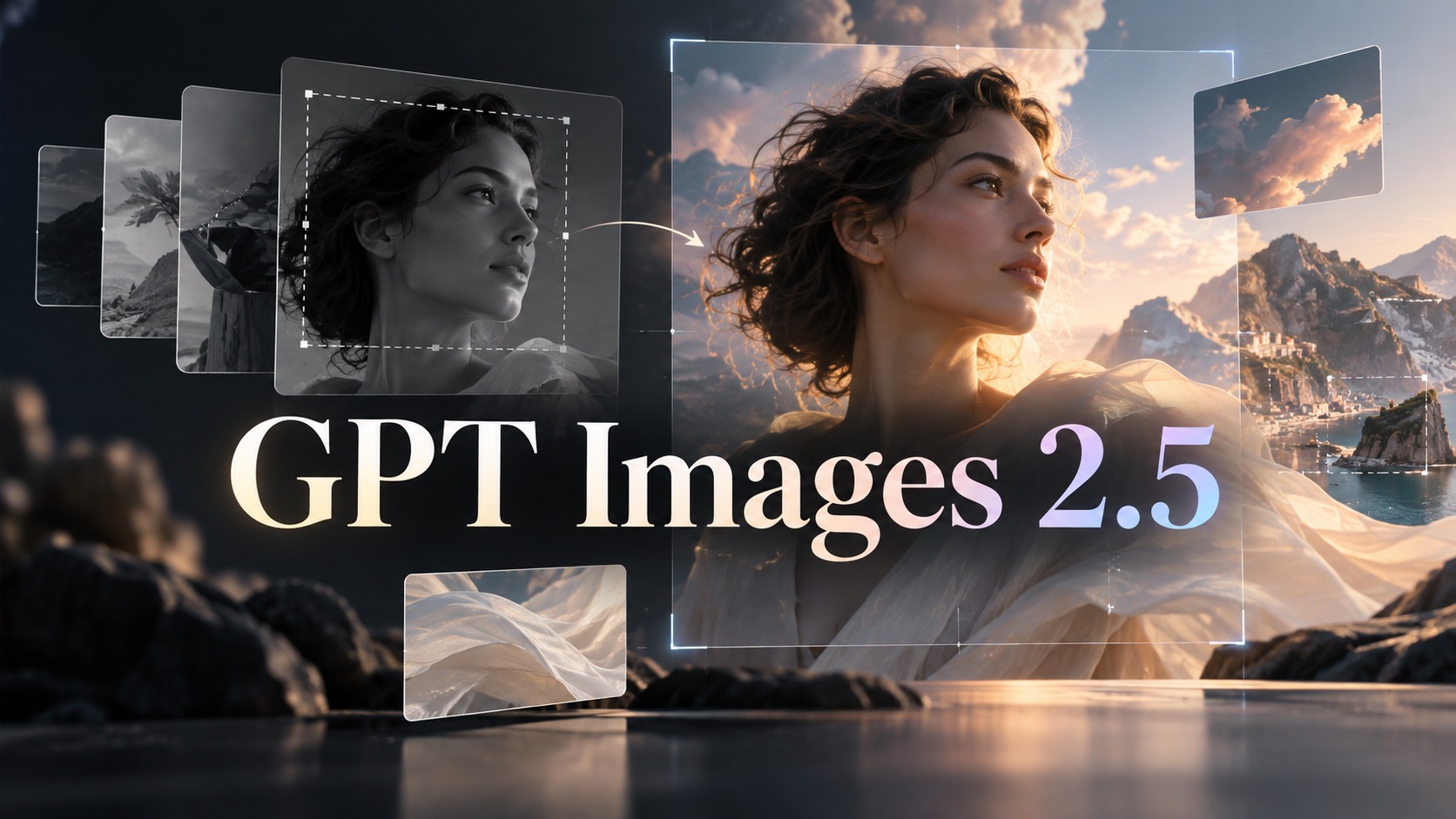
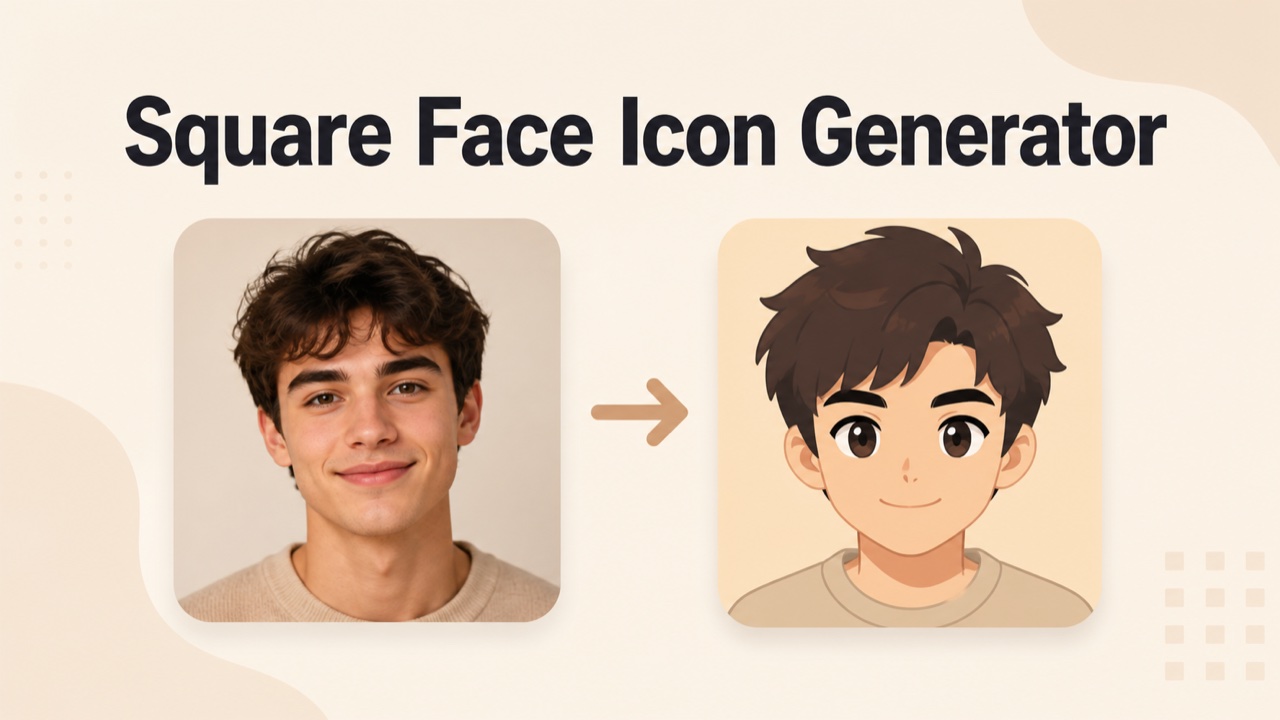

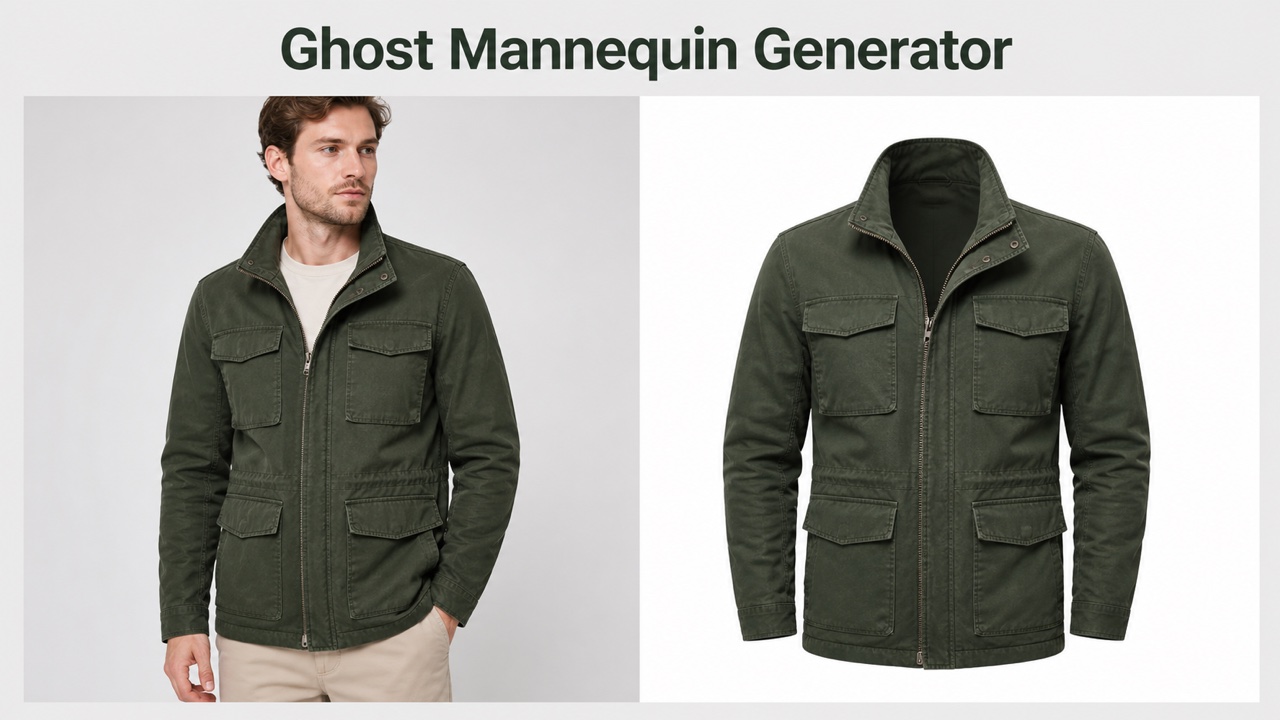

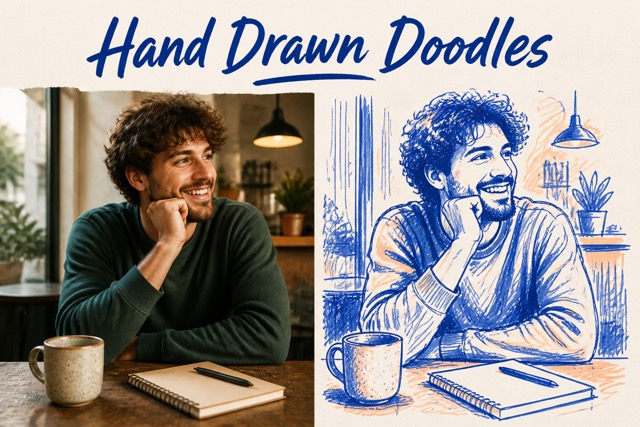

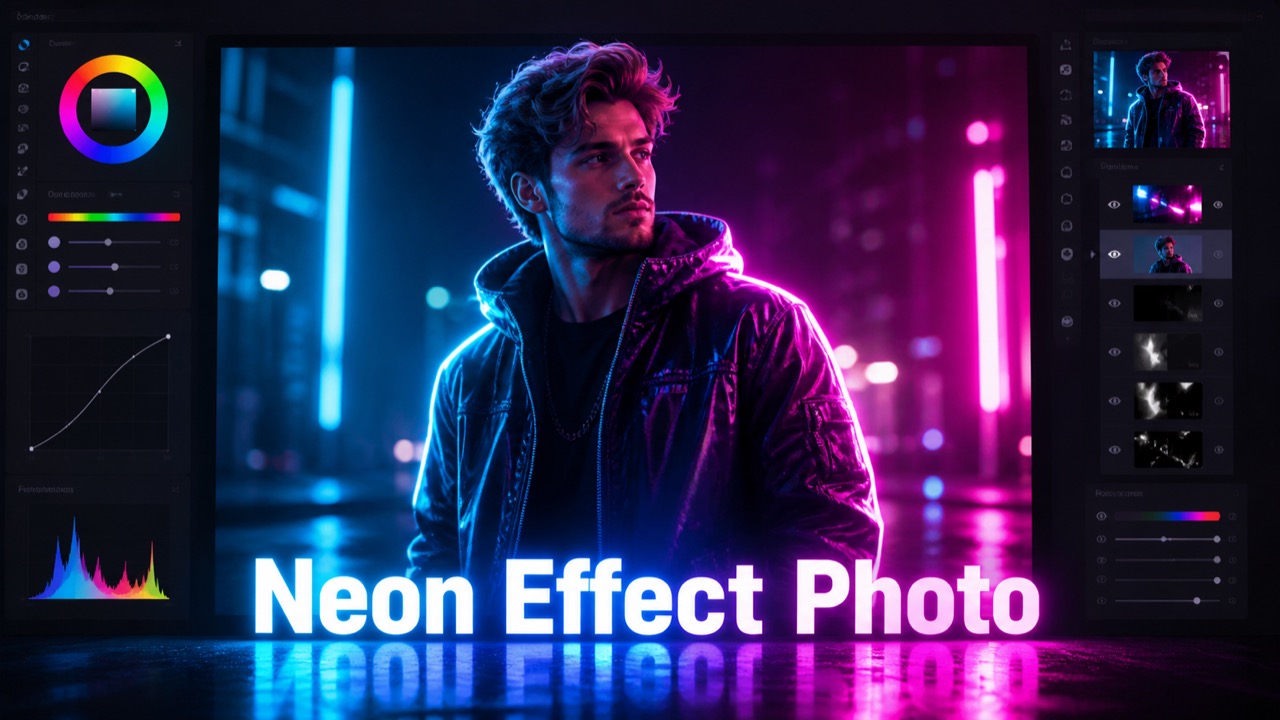

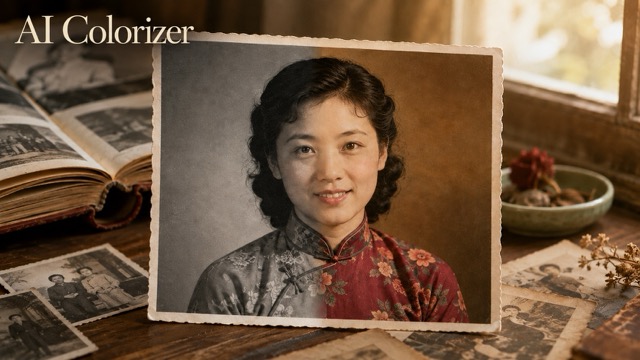

Create Better Visuals Faster with Seedream 5.0 Pro
This image workflow helps creators move from idea to usable image with stronger prompt understanding, targeted editing, and layout friendly generation.
Seedream 5.0 Pro is built for users who need more than a simple image generator. It supports practical visual production, including concept art, marketing images, product scenes, information graphics, poster layouts, social assets, and editable design drafts. With Seedream 5.0 Pro online, you can describe the result you want, bring in visual references, refine selected areas, and shape output around real content goals. Users searching for Seedream 5.0 Pro free online often want to test whether the model can understand complex instructions, preserve visual intent, and create assets that feel ready for campaigns, presentations, product storytelling, or everyday creative work. The page is structured for quick evaluation, so visitors can understand capabilities, use cases, and next steps without reading technical documentation.

How to Use Seedream 5.0 Pro
Seedream 5.0 Pro is easiest to use when you treat it like a visual production partner. Begin with intent, guide it with references when needed, then refine the image until it matches the message. The steps below focus on the essentials, so a new user can start without learning unnecessary settings.

Describe the Visual Goal
Start with a clear prompt. Mention subject, layout, mood, audience, text needs, and editing goals so the result aligns with the purpose of the image.

Add References or Rough Ideas
Use references, sketches, or existing images when you want the model to follow a direction more closely. This helps with brand style, composition, character consistency, and feedback based revision.

Refine Important Areas
Edit the parts that matter most. Seedream 5.0 Pro online can support focused changes such as replacing objects, improving text placement, adjusting structure, or polishing a specific section.

Review and Export
Compare versions, choose the strongest result, and use the image in your campaign, post, product page, lesson, or presentation. The workflow keeps iteration simple and practical.
Best AI Image Tools for Creative Projects
Explore creative tools for image, learn tips and tricks, and see how AI can be your assistant in turning concepts into finished projects.






Features of Seedream 5.0 Pro
Seedream 5.0 Pro focuses on practical image work: accurate instruction following, targeted editing, structured layouts, information rich visuals, and multilingual creative output. These strengths make it useful for real projects, not only experimental prompts. It is especially helpful when an image must carry a message, support a workflow, and remain easy to revise. Teams can use the same flow for brainstorming, content planning, and early approval conversations.
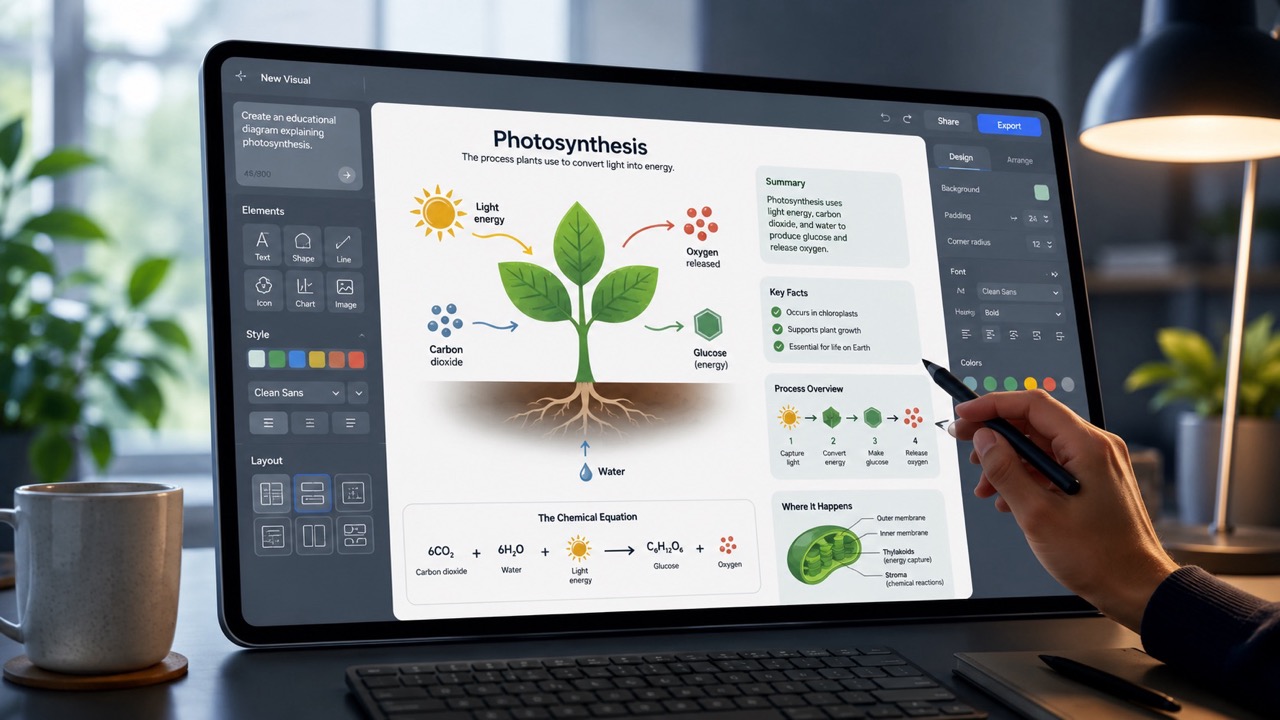
Interactive Editing for Precise Creative Control
Seedream 5.0 Pro is valuable when an image is close but not finished. Instead of restarting from scratch, you can guide edits around specific areas, objects, text blocks, or visual relationships. That makes the workflow useful for campaign teams, designers, creators, and educators who need fast correction without losing the overall style. The online workflow can help refine a product placement, change a background detail, clean up a poster concept, or improve a design direction after feedback. This focused control is one reason many users try Seedream 5.0 Pro free online before using it for repeated visual production. The key advantage is continuity: promising work can be corrected, not discarded, so creative teams spend more time improving ideas and less time rebuilding them.

Layer Friendly Output for Posters, Layouts, and Design Drafts
Seedream 5.0 Pro is especially useful for visuals that need structure, not just style. It can support layer aware thinking for posters, social graphics, landing page hero images, learning cards, and pitch visuals. When elements are easier to separate mentally, creators can plan stronger compositions and revise details with less confusion. free Seedream 5.0 Pro testing is helpful for teams that want to explore layout drafts before moving into final design. The model can turn a rough concept into a clearer design direction that is easier to discuss, approve, and improve. This is helpful for presentations because stakeholders can react to arrangement, emphasis, and message flow before a designer commits to production details.
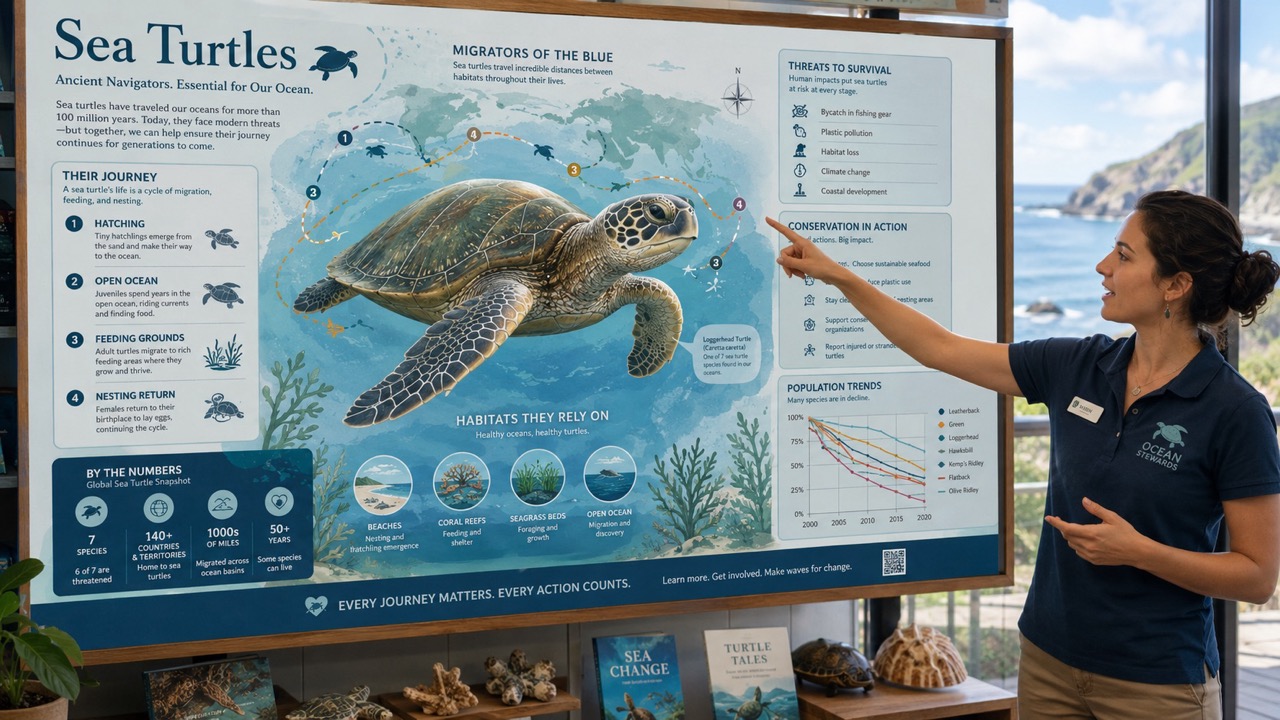
Better Information Graphics and Visual Explanations
Seedream 5.0 Pro works well for images that must explain something clearly. You can use it for product breakdowns, educational diagrams, process visuals, comparison cards, and content that combines objects, labels, and layout. Many image tools create attractive pictures but struggle when the page needs logic. This model helps translate dense ideas into readable visual scenes, making it useful for marketers, teachers, technical writers, and creators. With Seedream 5.0 Pro online, you can test how a complex message looks before turning it into a campaign asset or presentation graphic. It also helps writers and product teams preview whether a concept is visually understandable before spending time on polished documentation or launch material.
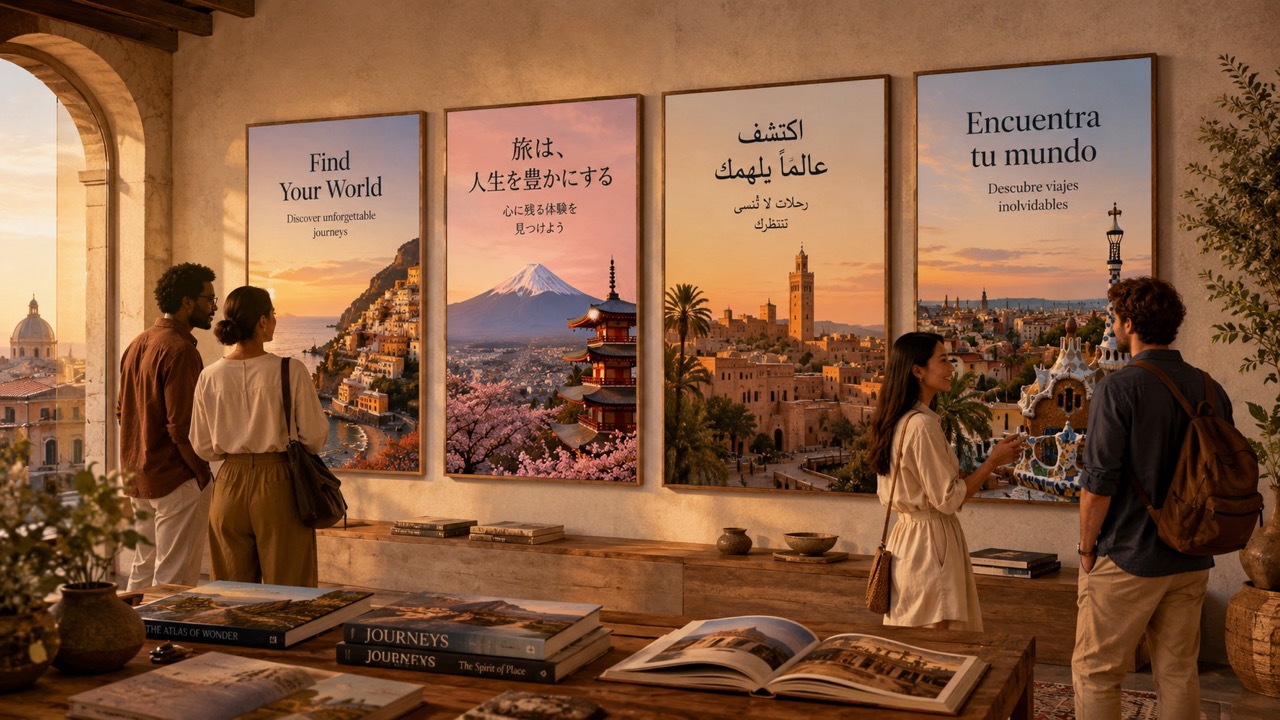
Multilingual Text Generation for Global Visual Assets
Seedream 5.0 Pro is designed for creators who need images with meaningful text, not random decorative letters. It can support multilingual visual creation for posters, ads, educational cards, product banners, and social content aimed at different audiences. This matters when a campaign needs localized copy, culturally aware layout, or readable typography inside the image. Users often choose Seedream 5.0 Pro free online to test whether a prompt can become a usable visual message in more than one language. The model helps reduce the gap between image generation and communication design. For global teams, this can make early localization reviews faster because the visual idea and written message appear together during evaluation.
Best Use Cases for Seedream 5.0 Pro
Seedream 5.0 Pro fits workflows where image quality, editability, text clarity, and message structure all matter. It is useful for teams and solo creators who need fast visual decisions, clearer creative options, and output that can move into real content planning. The examples below show how one image workflow can support marketing, education, product storytelling, and creator publishing.

Marketing Campaign Visuals
Use Seedream 5.0 Pro to generate ad concepts, product scenes, event banners, and social graphics. The online workflow helps teams compare creative directions before final production. It is useful when deadlines demand several options, not one perfect first attempt.

Product Storytelling
The model can turn product benefits into visual scenes, feature cards, and explanation images. free Seedream 5.0 Pro is useful when testing story angles quickly.

Educational Diagrams
Create lesson visuals, process diagrams, and simplified explanations with Seedream 5.0 Pro. It helps turn dense topics into images that students, readers, or customers can understand. This helps educators prepare supporting visuals for articles, courses, and quick classroom explanations.

Poster and Layout Drafts
Designers can explore composition, type placement, hierarchy, and visual direction before final editing. Seedream 5.0 Pro free online supports fast early ideation. It makes rough direction reviews easier before typography and final assets are prepared.

Localized Creative Assets
Use the model for visuals that include multilingual copy or region specific messages. Seedream 5.0 Pro online helps teams test international creative ideas faster.

Creator Content Workflows
Creators can build thumbnails, story images, carousel graphics, and visual hooks. free Seedream 5.0 Pro makes experimentation easier for new content angles. It can also support faster planning for weekly content calendars and audience testing.
What Users Say About Seedream 5.0 Pro
Creators, marketers, educators, and design teams use Seedream 5.0 Pro when they need image generation that can support communication, revision, and real visual planning. These testimonials reflect common practical goals: faster drafts, clearer messages, and smoother creative feedback. Each reaction focuses on everyday production needs rather than novelty.
Seedream 5.0 Pro helped me move from vague campaign notes to clear visual directions in one session. I used Seedream 5.0 Pro online for product banners and quick social concepts, then refined the strongest ideas after review. Seedream 5.0 Pro free online gave me enough room to test whether the workflow matched our marketing pace.
I care most about whether an image can communicate a point. The model gave me stronger diagram style drafts than my usual prompt workflow. I tried free Seedream 5.0 Pro for lesson graphics and comparison cards, and the results were easier to explain to non design teammates.
Seedream 5.0 Pro made revision feel less frustrating. I could keep a promising image direction and focus on the part that needed improvement. Seedream 5.0 Pro online worked well for poster drafts, multilingual copy tests, and visual hierarchy experiments. It became a practical part of my early design process.
My team needed visual concepts for product pages, ads, and educational blocks. Seedream 5.0 Pro handled those different tasks better than a simple art generator. Seedream 5.0 Pro free online was the first test, and free Seedream 5.0 Pro exploration helped us decide which image ideas were worth refining.




Frequently Asked Questions
These quick answers explain how Seedream 5.0 Pro fits practical image generation, editing, design, and communication workflows without requiring technical background. The answers are short so visitors can scan the essentials quickly.
Seedream 5.0 Pro is an AI image model for prompt based generation, image editing, design drafts, information visuals, and multilingual creative assets.
Choose it when you need images that follow detailed instructions, support focused edits, and communicate a clear idea instead of only looking decorative.
Yes. Seedream 5.0 Pro online can help refine selected areas, adjust objects, improve layouts, and polish visual concepts after the first generation.
Seedream 5.0 Pro free online is useful for marketing images, product scenes, posters, thumbnails, lesson visuals, diagrams, and multilingual social content.
Yes. It can help create visuals that include meaningful multilingual text for ads, posters, educational graphics, and campaign assets.
Creators, marketers, educators, agencies, founders, and product teams can use Seedream 5.0 Pro online for fast visual planning and production.
Start Creating with Seedream 5.0 Pro
Use Seedream 5.0 Pro to create stronger visual ideas, refine important details, and produce images that support real communication goals. Start with Seedream 5.0 Pro free online, explore free Seedream 5.0 Pro workflows, and build visual assets with a more controlled process today. Clearer prompts, focused revisions, and structured output can help your next image move from idea to useful asset faster.
