
More AI Video Generators
Explore our collection of specialized AI video generators designed for different creative needs and styles
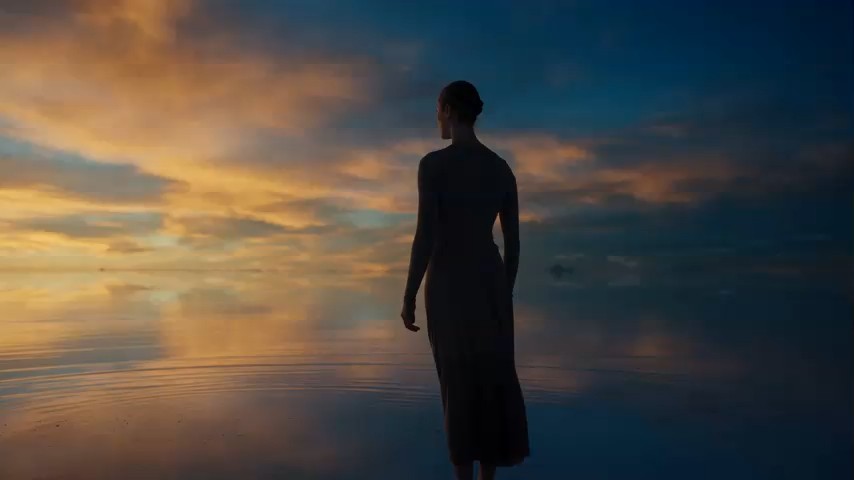

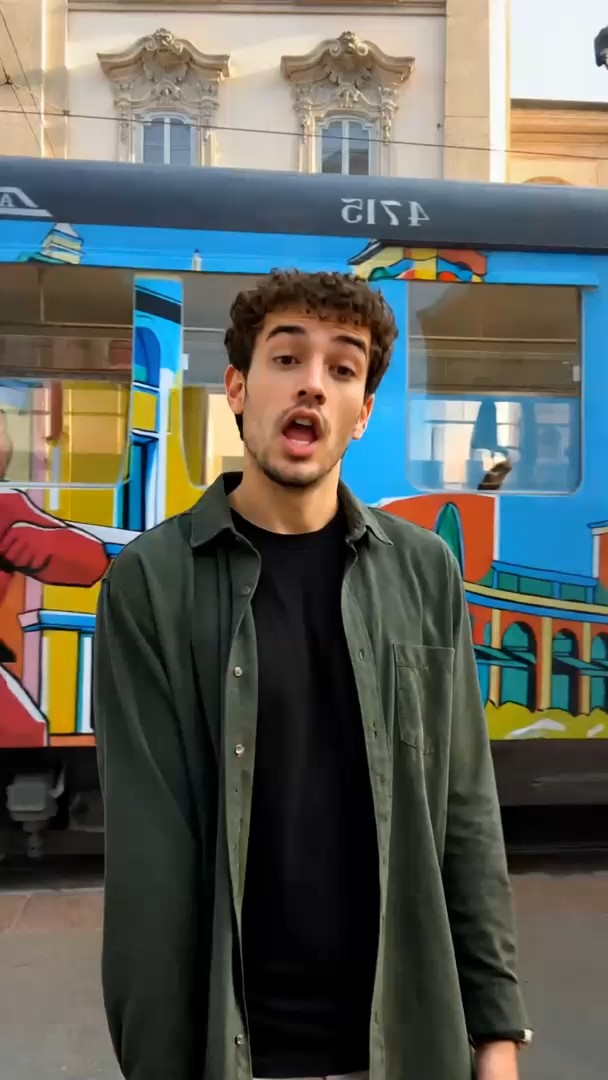
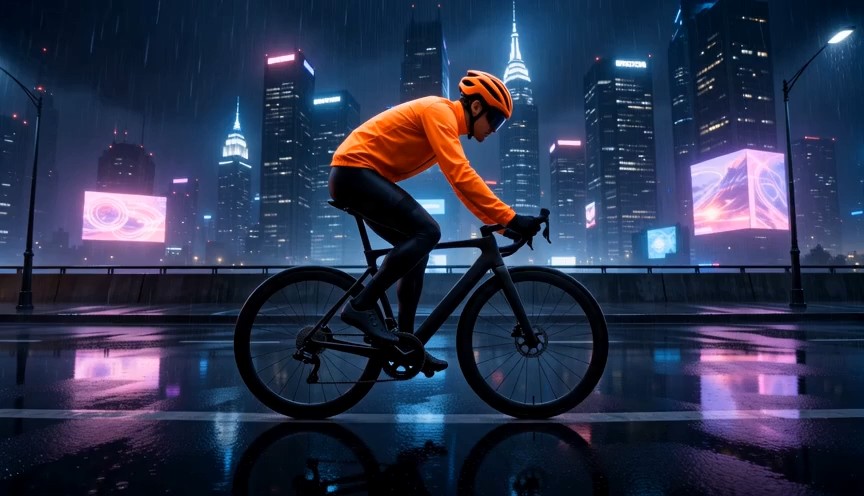

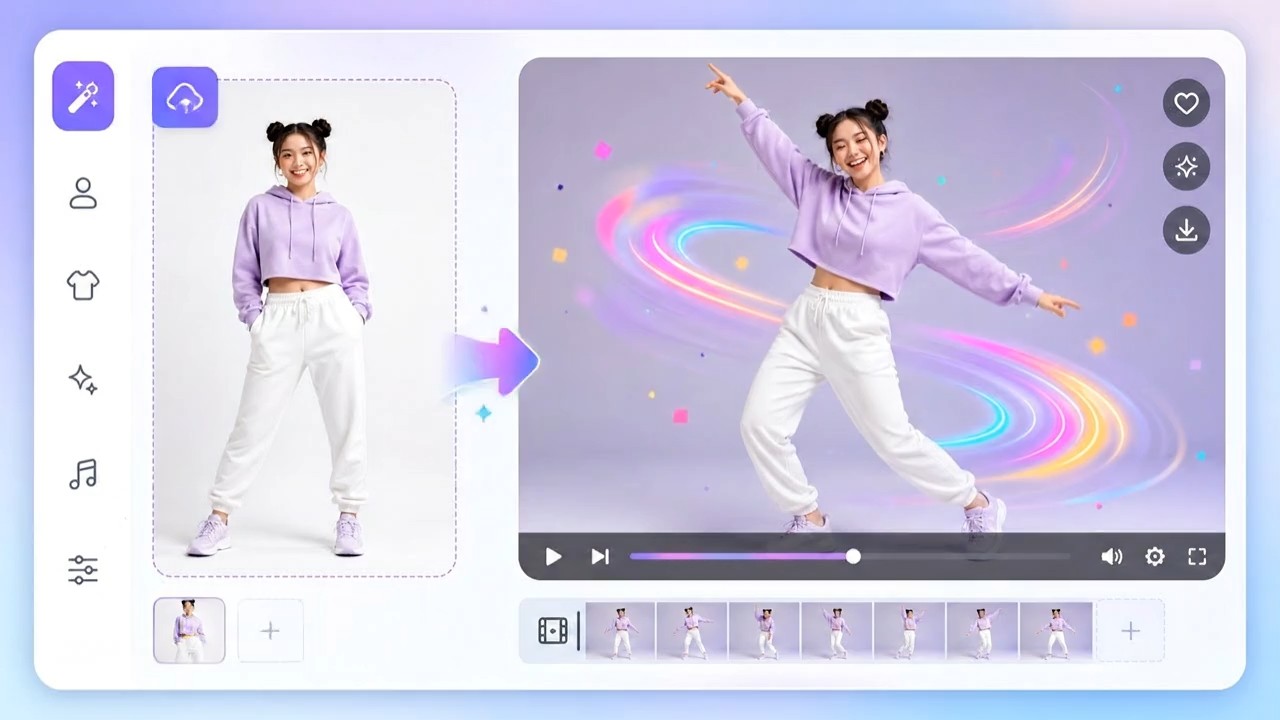

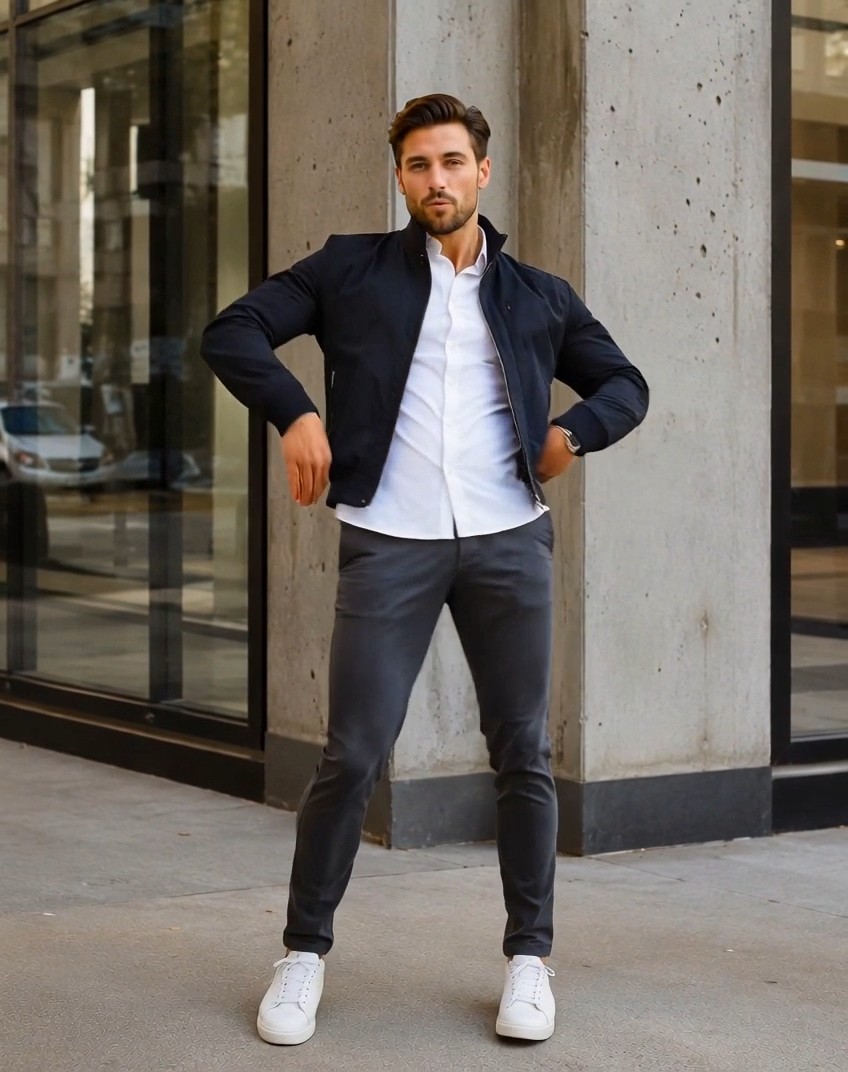
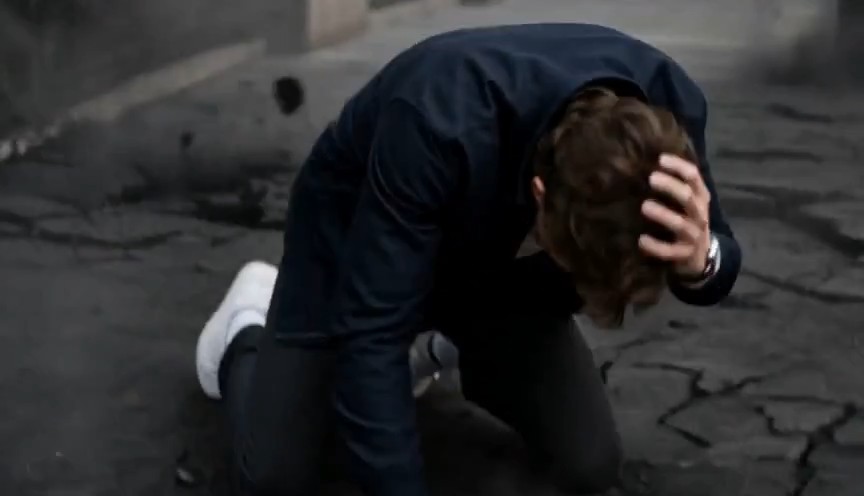



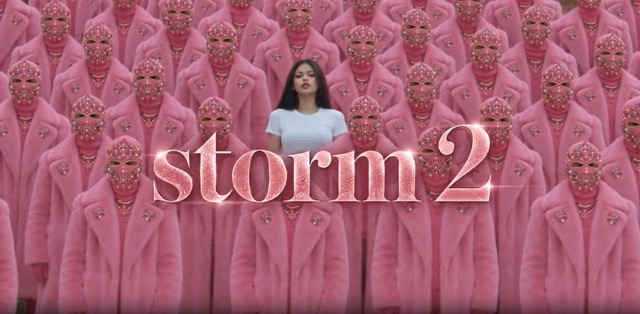
Storm 2 AI Video Generator for the Viral Storm Dance
Turn your portrait into a cinematic Storm 2 storm dance character replacement video
Create a Storm 2 inspired remake by combining your character image with a reference video for identity consistency, choreography matching, and cinematic motion. Upload a clear portrait, follow the Storm 2 sequence, and keep the lead recognizable while preserving movement, framing, pacing, and crowd energy. Create a polished Storm 2 clip for social media, creative edits, or trend-based content while controlling identity, outfit, motion, and scene.
How to Create a Storm 2 Video
Create a Storm 2 video in three simple steps: upload your photo, click Generate, and download the finished result. The workflow keeps the process fast and easy while turning your portrait into a cinematic Storm 2 character replacement.

Upload Your Photo
Upload a clear portrait of the person you want to place into the Storm 2 video. Use a well-lit photo with a visible face and natural features for better identity consistency.

Click Generate
Click Generate and let Storm 2 create the video automatically. The workflow uses your uploaded photo to replace the central character while following the original motion and scene rhythm.

Download Your Video
Preview the generated Storm 2 result, then download the finished video when you are satisfied. You can use it for social posts, creative edits, or trend-based content.
Best AI Video Tools for Creative Projects
Explore creative tools for video, learn tips and tricks, and see how AI can be your assistant in turning concepts into finished projects.


Why Storm 2 Character Replacement Feels More Cinematic
A convincing Storm 2 remake requires more than swapping a face. The lead must stay consistent while following the reference choreography and camera rhythm. Your image controls identity, while the video controls motion, timing, composition, and crowd behavior for a more cinematic character remake.
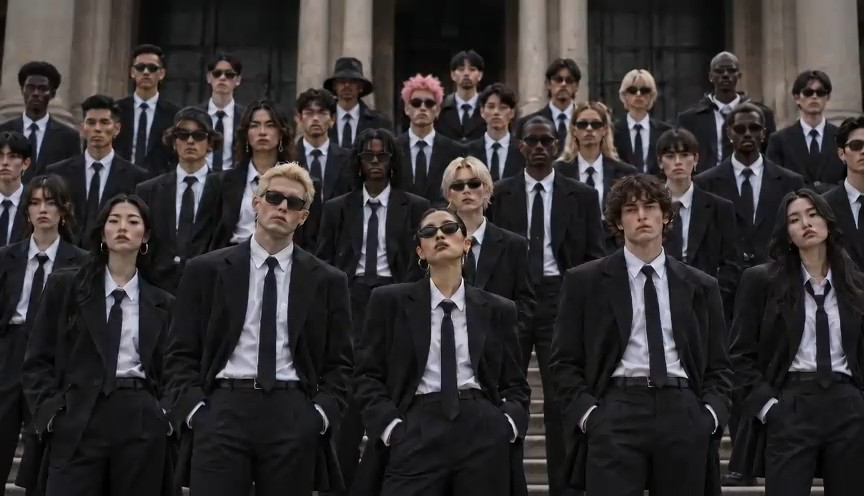
Replace the Full Character in the Storm Dance
Storm 2 works best when the full lead character is replaced rather than only the face. Keep facial identity, hairstyle, body proportions, wardrobe, and appearance coherent while preserving the original movement. This creates a more believable result when the subject turns, walks through the crowd, or returns to center.
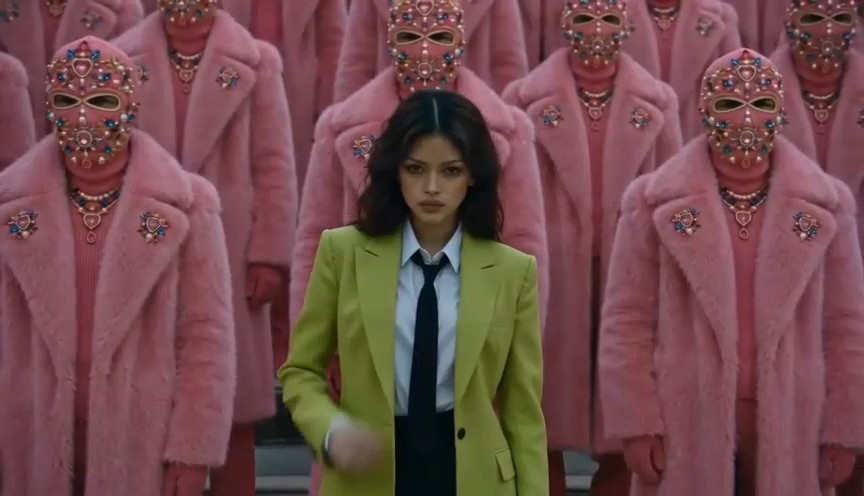
Follow the Original Storm Dance Motion
The reference video carries the performance. Instead of inventing new steps, the Storm 2 workflow follows body positions, walking paths, gestures, head turns, hand actions, and crowd timing. The calm central character and increasingly dynamic crowd create the visual tension that defines the storm dance.
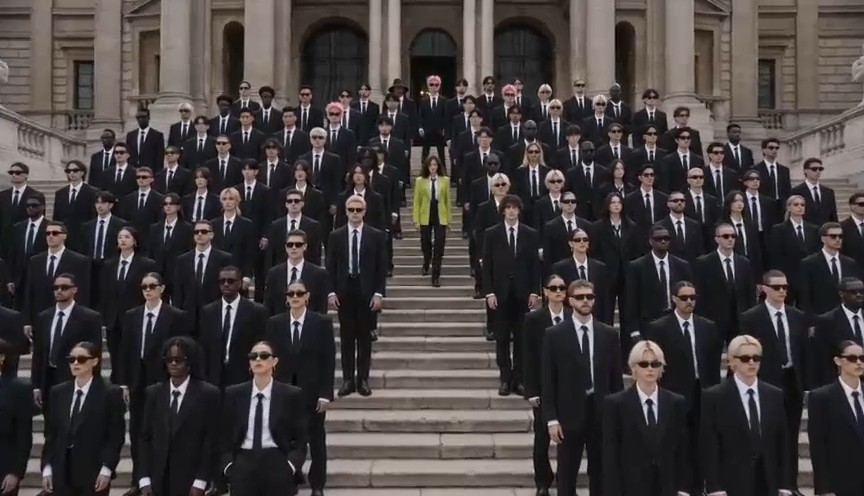
Preserve Storm Dance Camera Timing and Scene Rhythm
A Storm 2 remake loses impact when extra cuts or pacing changes appear. Reference-video guidance helps preserve shot duration, framing, camera distance, tracking, push or pull movement, and edit rhythm. Keep the camera disciplined so the crowd feels intense while the central character remains visually stable.
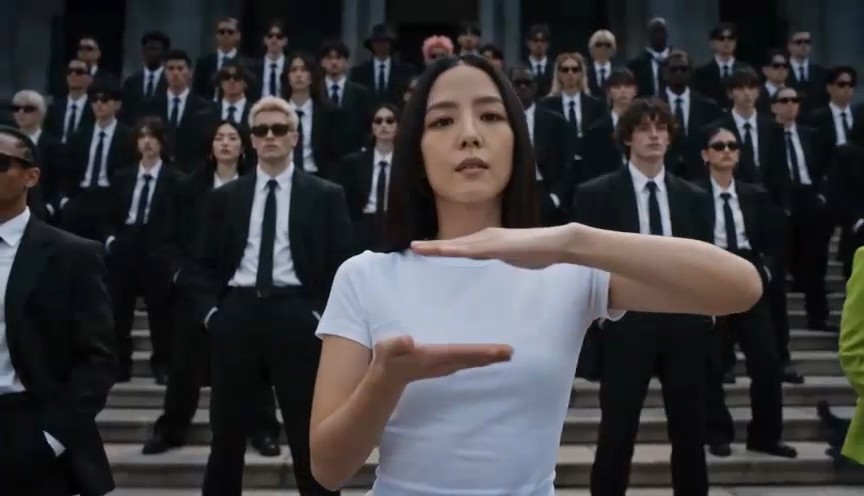
Keep Identity Stable Across the Storm Dance Clip
Character consistency matters in Storm 2 because the subject appears at different distances and angles. Use a clear portrait and preserve facial structure, skin tone, hair, and natural proportions. Avoid unnecessary beautification or style changes so the lead remains recognizable throughout the storm dance.
Creative Ways to Use Storm 2
Storm 2 can become a reusable visual template rather than a one-off recreation. With clear roles for your identity image and reference video, you can build personalized clips for different characters, outfits, campaigns, and social formats while keeping the signature contrast of a controlled lead and energetic crowd.
Put Yourself in the Storm Dance Scene
Upload your portrait and become the central character in a Storm 2 inspired video. Keep your facial identity while inheriting the reference performance structure. It works well for profile content, creator experiments, trend participation, and short-form posts where camera, crowd, and timing remain consistent.

Create a Fashion-Led Storm Dance Edit
Use Storm 2 as a fashion performance format by changing the central wardrobe while preserving the choreography. A blazer, suit, coat, uniform, or editorial look can become the visual anchor while the crowd stays secondary. Strong styling creates dramatic variation without changing the original movement.
Build Storm Dance Group and Event Remakes
Storm 2 can be adapted for teams, wedding parties, performers, clubs, or fictional groups when you have rights to the reference materials. Keep one lead clearly dominant while the surrounding cast provides group energy. The reference structure helps preserve formation, timing, and visual intensity.
Create Storm Dance Social Trend Variations
Turn Storm 2 into a repeatable content format by testing different identities, styling choices, crops, and platform-ready versions. The recognizable group-performance structure creates continuity while your subject provides variation. Export the final Storm 2 video in the aspect ratio that best fits your publishing channel.
Why Creators Like the Storm 2 Workflow
Storm 2 gives creators more control over identity and styling while the reference clip handles the performance. These sample comments reflect common goals when creating character remakes and cinematic storm dance edits.
I wanted the Storm 2 look without rebuilding every camera move. Using my portrait for identity and the reference clip for motion made the result easier to direct. My character remained consistent through the main sequence.
The biggest improvement was keeping the central subject calm while the crowd became more active. That contrast made my Storm 2 storm dance edit feel more cinematic than a normal AI clip. It also gave me the storm video flooding level of visual intensity I wanted without random effects.
My first test changed the face too much, so I strengthened the identity instructions instead of rewriting the whole prompt. The next Storm 2 result was more stable and easier to refine.
I used Storm 2 as a storm dance fashion concept and kept the choreography while changing the lead outfit. The crowd stayed strong, but the character still read clearly. That balance matched the storm video flooding style inspiration I wanted.
The reference-first approach helped me stop overprompting. Once the Storm 2 video handled camera and timing, I only needed to describe the new person and the details I wanted preserved.





Storm 2 FAQ
Learn how Storm 2 character replacement works, how to prepare references, and how to improve identity, motion, and cinematic consistency for cleaner storm dance results.
Storm 2 on this page refers to an AI-assisted recreation workflow inspired by the recognizable second Storm sequence and its group choreography. You provide a character image and a reference video, then direct the model to replace the central subject while preserving motion, camera rhythm, timing, and crowd behavior. A strong Storm 2 result keeps the replacement character coherent across the full sequence.
Upload a clear portrait, add the Storm 2 reference clip, and use a prompt that separates identity from motion. Let the image control the character while the video controls choreography, camera, pacing, and cuts. Generate, then refine only the areas that drift. If you are targeting a storm video flooding mood, describe intensity and atmosphere without adding unrelated flood effects.
No. A face swap changes mainly the face, while this Storm 2 workflow can guide the full central character, including face, hair, body appearance, wardrobe, and performance continuity. The reference clip still supplies the motion. This makes Storm 2 better suited to scenes where the subject turns, walks, or interacts visually with a moving crowd.
Identity drift usually happens when the reference portrait is unclear or the prompt gives competing appearance instructions. Use one strong image, preserve natural facial structure, and avoid unnecessary beautification. In Storm 2, let the video control motion and the portrait control identity. Stable results come from clear reference roles rather than a longer prompt.
On this page, storm video flooding is a related discovery phrase for users looking for dense motion, dramatic atmosphere, and overwhelming crowd energy. It does not mean every Storm 2 result needs literal flooding, rain, or disaster imagery. If your goal is the recognizable group-performance effect, preserve architecture, choreography, and the central character first.
Check identity, motion, camera, and wardrobe separately. If the face changes, strengthen identity preservation. If the choreography changes, reinforce the reference video. If extra shots appear, block new camera angles or cuts. If storm video flooding language produces unwanted rain or water, remove those literal instructions and refine one problem at a time.
Create Your Storm 2 Storm Dance Video
Turn a portrait into a cinematic Storm 2 character replacement while keeping crowd energy, camera rhythm, and scene structure under control. Use a clear identity reference, follow the performance through your video reference, and refine only what needs correction. Create personal remakes, fashion concepts, group variations, or social edits without designing every movement from scratch.
