LTX 2.5 vs MiniMax H3: A Hands-On Video Comparison
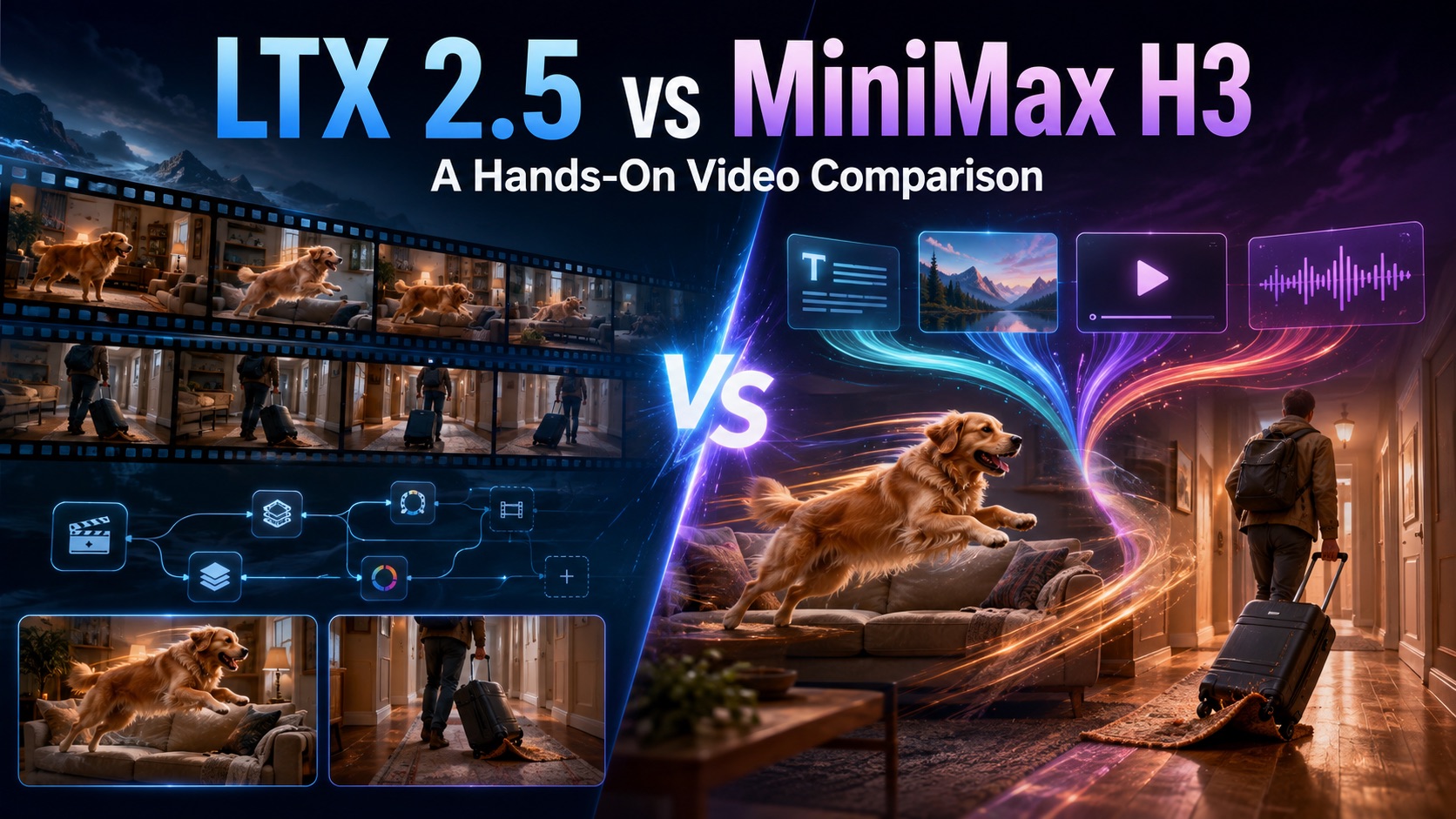
Compare LTX 2.5 and MiniMax H3 through two same-prompt video tests, see what changed from LTX 2.3, and explore how the models differ in motion realism, multimodal references, native multi-shot generation, and production workflows.
LTX 2.5 and MiniMax H3 are two recent open video models, but they are moving in noticeably different directions. LTX 2.5 pushes the LTX family further toward multi-shot generation, customization, and production workflows, while MiniMax H3 places more emphasis on understanding and combining text, images, video, and audio.
Both models support text-to-video, so feature lists alone do not tell us how they perform when the same scene has to be generated from scratch. In this comparison, we look at their key differences, briefly cover what changed after LTX 2.3, and put the two models through two same-prompt video tests.
LTX 2.5 vs MiniMax H3 at a Glance
LTX 2.5 and MiniMax H3 overlap in basic video generation, but their broader capabilities suggest different use cases.
| Feature | LTX 2.5 | MiniMax H3 |
|---|---|---|
| Model type | Open-weight video model | Open multimodal video model |
| Text-to-video | Yes | Yes |
| Image-to-video | Yes | Yes |
| Audio input | Audio-to-video supported | Reference audio supported |
| Reference video | Not a core LTX 2.5 generation mode | Yes |
| Native multi-shot | Major feature | Not the primary focus |
| Maximum output resolution | Up to 4K with Fast | Up to 2K |
| Video duration | Up to 20s on supported Fast settings | 4–15s |
| Main direction | Multi-shot, deployment, customization | Multimodal reference generation |
LTX 2.5 comes in Fast and Pro variants. Fast is optimized for speed and lower cost and can generate up to 4K on supported settings, while Pro is positioned for higher fidelity and currently tops out at 1080p. Both support text-to-video, image-to-video, and audio-to-video.
MiniMax H3 takes a broader multimodal approach. Its generation workflow can use text, images, reference videos, and reference audio, with output available at up to 2K and durations from 4 to 15 seconds.
What Changed From LTX 2.3 to LTX 2.5?
LTX 2.5 does not completely reinvent the LTX family. Instead, it builds on LTX 2.3 with several upgrades that matter more for production and multi-shot work.
1. Cleaner, Higher-Fidelity Generation
LTX 2.5 introduces a newer video decoder aimed at improving visual fidelity and reducing visible problems when scenes contain faster movement.
2. Native Multi-Shot Generation
The biggest functional addition is native multi-shot generation. One generation can contain connected shots while attempting to preserve the same character, scene, lighting, visual style, and voice across cuts.
3. A Broader Production Workflow
LTX 2.5 keeps the Fast and Pro structure while expanding LTX's focus on open-weight deployment, customization, fine-tuning, and integration into larger video-production workflows.
For a closer look at the previous generation, see our MiniMax H3 vs LTX 2.3 vs Seedance 2.0 comparison.
Test 1 — Dog Jumps Onto Sofa
For the hands-on tests, we used the same prompt, a 16:9 frame, an eight-second duration, and the closest comparable settings available for each model. The LTX videos shown here were generated with LTX 2.5 Fast, while the MiniMax videos were created with the MiniMax H3 video generator on Pixomi.
Prompt
A small golden dog runs across a living room, jumps onto a sofa, turns around once, and sits facing the camera. The camera slowly moves sideways around the sofa while keeping the dog centered. Furniture and room layout remain stable throughout the shot.
LTX 2.5 Result
MiniMax H3 Result
What We Noticed
MiniMax H3 produced the more convincing movement in this scene.
The biggest difference was how grounded the dog felt. In the MiniMax H3 result, the running motion had a clearer sense of weight, and the dog's paws appeared to make more believable contact with the floor before the jump.
LTX 2.5 completed the main action and kept the dog recognizable throughout the clip, but parts of the movement felt less physically connected to the environment. During the run, the paws occasionally appeared to skim across or miss the floor rather than push against it, creating a slight "running on air" effect.
The transition onto the sofa showed a similar difference. MiniMax H3 produced a more natural progression from running to takeoff and landing, while the LTX 2.5 result retained more of the weightless quality often associated with AI-generated motion.
In this test, MiniMax H3 had the advantage in animal motion, surface contact, and overall physical realism.
Test 2 — Rolling Suitcase Through a Hallway
The second prompt shifts the challenge from fast animal movement to a cause-and-effect event involving a person, a moving object, and the surrounding environment.
Prompt
A traveler walks down a hotel hallway pulling a small rolling suitcase. The suitcase briefly catches on the edge of a rug, tilts sideways, and the traveler stops, pulls it upright, then continues walking. The camera follows from behind with gentle handheld movement.
LTX 2.5 Result
MiniMax H3 Result
What We Noticed
The difference was even clearer in this test.
In the MiniMax H3 result, the rug visibly bunches or rises near the suitcase, creating an obstacle that the wheels can plausibly catch on. The suitcase then reacts to that obstruction, making the tilt and the traveler's response feel like parts of the same event.
LTX 2.5 captured the broader idea and did make the suitcase tilt. However, the rug remained largely flat, with no clear raised edge or visible moment where the wheels actually became caught.
This creates an important difference between the two outputs. LTX 2.5 reproduced much of the outcome described in the prompt, while MiniMax H3 represented both the cause and the outcome.
The MiniMax result therefore felt more physically coherent rather than simply more polished.
MiniMax H3 had the stronger result for object interaction, causal motion, and detailed prompt following. Across both hands-on tests, it also produced the more physically convincing motion overall.
These are practical examples rather than an exhaustive benchmark. Different seeds, settings, or model variants may produce different outputs, but the same general advantage for MiniMax H3 appeared in both videos we generated.
Beyond Text-to-Video, Their Strengths Start to Diverge
The hands-on section deliberately uses ordinary text-to-video prompts. Once reference media and custom workflows enter the picture, the difference between the two models becomes less about which clip looks better and more about what kind of creation process each model supports.
MiniMax H3 Is Built Around Multimodal References
MiniMax H3 can use reference images, videos, and audio together with text. Those inputs can guide character identity, motion, camera behavior, visual style, voice, and editing rhythm.
That makes MiniMax H3 on Pixomi useful when the desired result is easier to show than describe. A creator might use a reference image to establish the subject while using a video to communicate the desired movement or camera behavior.
H3 can also use first- and last-frame guidance, giving creators another way to control how a generated sequence begins or ends. These multimodal options make the model particularly useful when text alone cannot communicate every visual or motion requirement.
LTX 2.5 Offers More Model-Level Control
LTX 2.5 becomes more distinctive when the workflow extends beyond a single hosted generation. Its open-weight approach makes it relevant to teams that want to customize, self-host, fine-tune, or integrate video generation into their own systems.
That distinction matters because a model can be less convincing in one text-to-video test while still being more useful for a production team that values deployment flexibility or greater control over the wider generation pipeline.
Native Multi-Shot Gives LTX 2.5 a Different Advantage
Native multi-shot is one of the features that separates LTX 2.5 most clearly from a conventional single-clip text-to-video workflow.
Instead of describing one continuous camera take, a prompt can contain several connected shots. LTX 2.5 is designed to preserve character identity, scene details, lighting, visual style, and voice as the generation moves across cuts.
A short sequence could, for example, begin with a wide shot of a room, cut to a medium shot of someone approaching a table, and finish with a close-up of an object being picked up.
This can be useful for narrative clips, ads, product stories, and other projects where generating every shot independently may introduce continuity problems.
We did not include native multi-shot in the hands-on comparison because it would shift the test toward one of LTX 2.5's specific strengths rather than giving both models the same single-scene task. It is better treated as a separate workflow advantage.
LTX 2.5 vs MiniMax H3: Which Fits Your Workflow?
The two test results give MiniMax H3 an advantage for the everyday single-scene motion we generated, but choosing between the models still depends on what happens before and after the generation.
Choose LTX 2.5 if you care more about:
- native multi-shot generation;
- continuity across connected shots;
- open weights and self-hosting;
- fine-tuning and custom model workflows;
- integration into a larger production pipeline;
- access to higher-resolution Fast generation.
Choose MiniMax H3 if you care more about:
- realistic single-scene motion based on our tests;
- detailed physical interactions;
- reference images, videos, and audio;
- motion and camera reference workflows;
- first- and last-frame control;
- multimodal video generation.
For creators who want to work directly with those multimodal capabilities, you can try MiniMax H3 on Pixomi as part of a browser-based AI video workflow.
Neither choice needs to be permanent. A creator working on a reference-heavy clip may favor MiniMax H3, while a development team building a customizable multi-shot production system may place more value on LTX 2.5.
Final Verdict
LTX 2.5 and MiniMax H3 are becoming strong in different parts of the AI video workflow rather than converging on exactly the same type of model.
Our hands-on comparison favors MiniMax H3 for the prompt-driven, single-scene generation tested here. Its broader multimodal design also gives creators several ways to direct a video beyond text alone.
LTX 2.5 becomes more compelling when greater control over the generation system matters. Native multi-shot, open-weight deployment, customization, and production-oriented workflows give it a different kind of value that is not fully captured by two ordinary text-to-video tests.
The practical takeaway is therefore not that one model replaces the other. MiniMax H3 currently looks like the stronger fit for creators prioritizing convincing single-scene motion and multimodal references, while LTX 2.5 offers a more flexible foundation for workflows centered on multi-shot generation and deeper model-level control.