
Upload a woman's portrait first and a Chinese qipao dress style second.
More AI Image Generators
Explore our collection of specialized AI image generators designed for different creative needs and styles























Chinese Qipao Dress Try-On Online
Upload a woman's portrait and a Chinese qipao dress reference, choose a size, and create a natural virtual outfit in one click.
Chinese qipao dress try-on combines your portrait and chosen dress reference in one harmonious image. Keep your face recognizable, preserve your identity, and explore elegant qipao styling without prompts or complex editing tools.
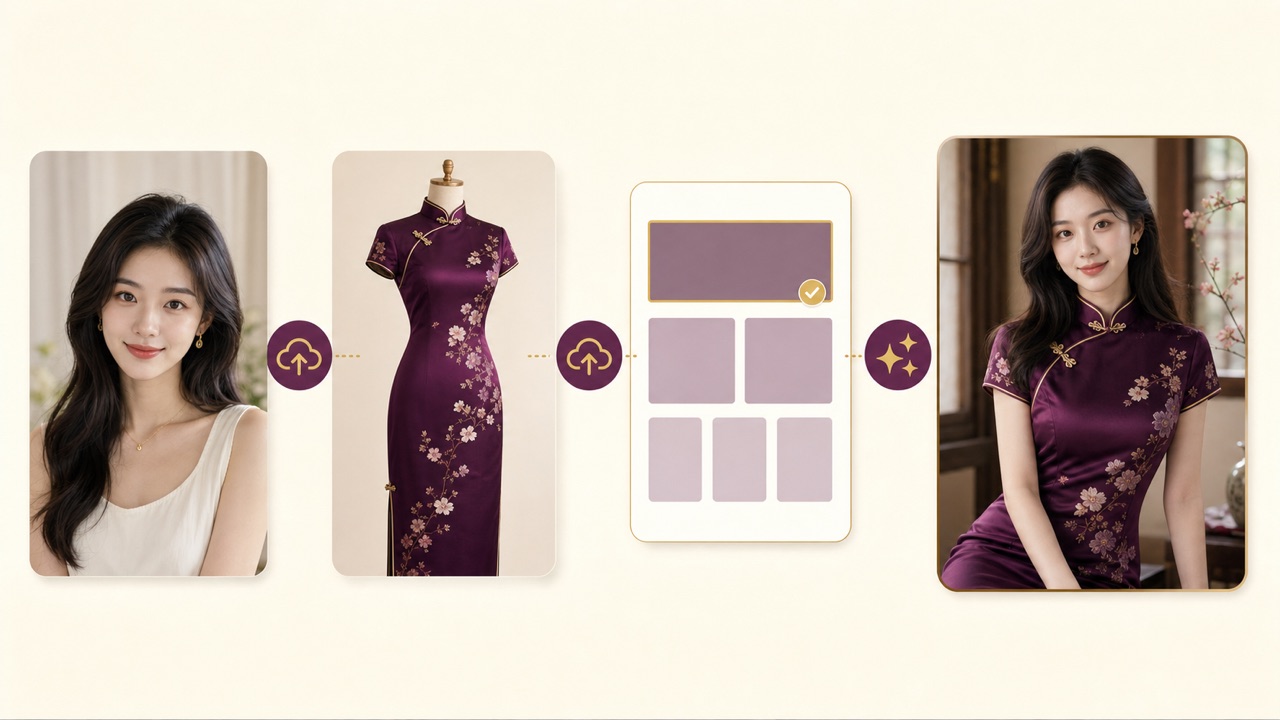
How Chinese Qipao Dress Try-On Works
Chinese qipao dress try-on follows four simple steps: upload a woman's portrait, upload the qipao style, choose an image size, and generate. No prompt writing is required, so Chinese qipao dress try-on stays approachable for first-time users.

Upload Your Portrait
Add a clear female portrait as the first image. Chinese qipao dress try-on uses this photo to retain her facial identity, expression, hair, pose, and overall appearance.
Upload a Qipao Reference
Add the Chinese qipao dress style as the second image. Chinese qipao dress try-on reads its silhouette, Mandarin collar, closures, piping, embroidery, color, sleeves, hem, and side slits, then adapts the dress to the woman.

Choose an Image Size
Select the output dimensions you want. Chinese qipao dress try-on works without a prompt, so the two images and your size choice provide everything needed for generation.

Generate Your Qipao Look
Click generate and let Chinese qipao dress try-on combine the portrait with the reference clothing. Review the result and download the version you like.
Best AI Image Tools for Creative Projects
Explore creative tools for image, learn tips and tricks, and see how AI can be your assistant in turning concepts into finished projects.
Realistic Qipao Styling with Face Consistency
Chinese qipao dress try-on combines a portrait-first workflow with clothing-reference guidance. It focuses on recognizable identity, accurate Qipao cues, natural fabric integration, and a simple no-prompt experience. Chinese qipao dress try-on keeps the person and garment roles clearly separated.
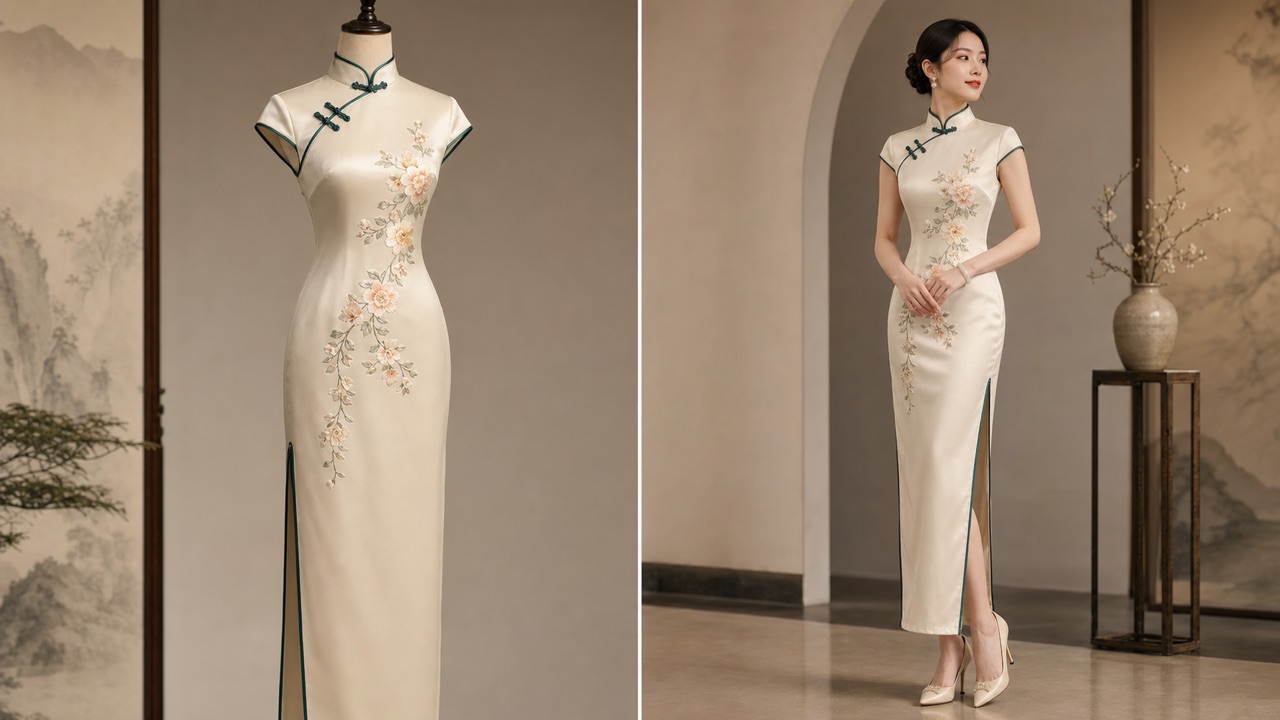
Keep the Same Face and Identity
- Chinese qipao dress try-on prioritizes the woman in the first image, keeping facial structure, recognizable features, expression, hairstyle, and skin tone consistent.
- The dress changes while she should still look like the same individual.
- Chinese qipao dress try-on works with female portraits from three-quarter views to fuller body photos.
- A clear, well-lit source portrait helps the model create a more faithful identity-preserving result.
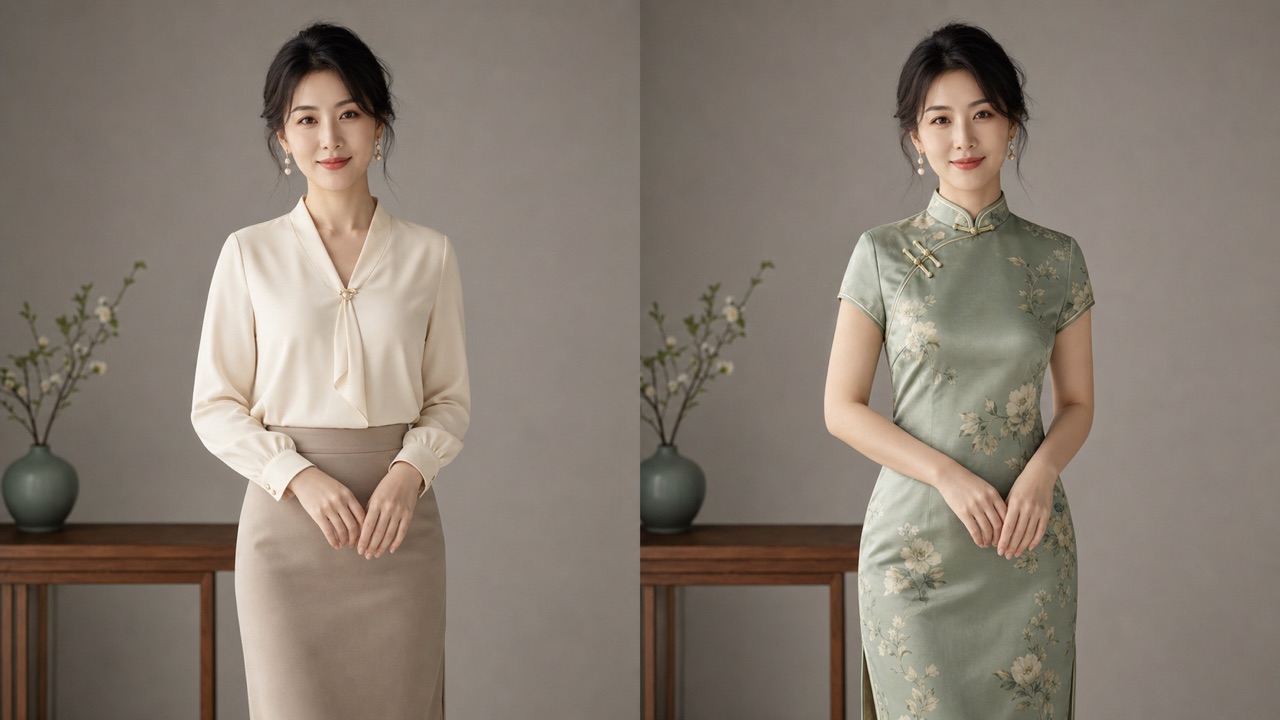
Match Qipao Tailoring, Color, and Detail
- Chinese qipao dress try-on studies the second image as a clothing reference rather than a new person to copy.
- It interprets the Mandarin collar, fitted silhouette, diagonal closures, piping, side slits, embroidery, fabrics, and color combinations.
- Chinese qipao dress try-on adapts these elements to the woman's body and pose.
- The goal is a coherent dress with believable tailoring, drape, scale, edges, and garment structure.
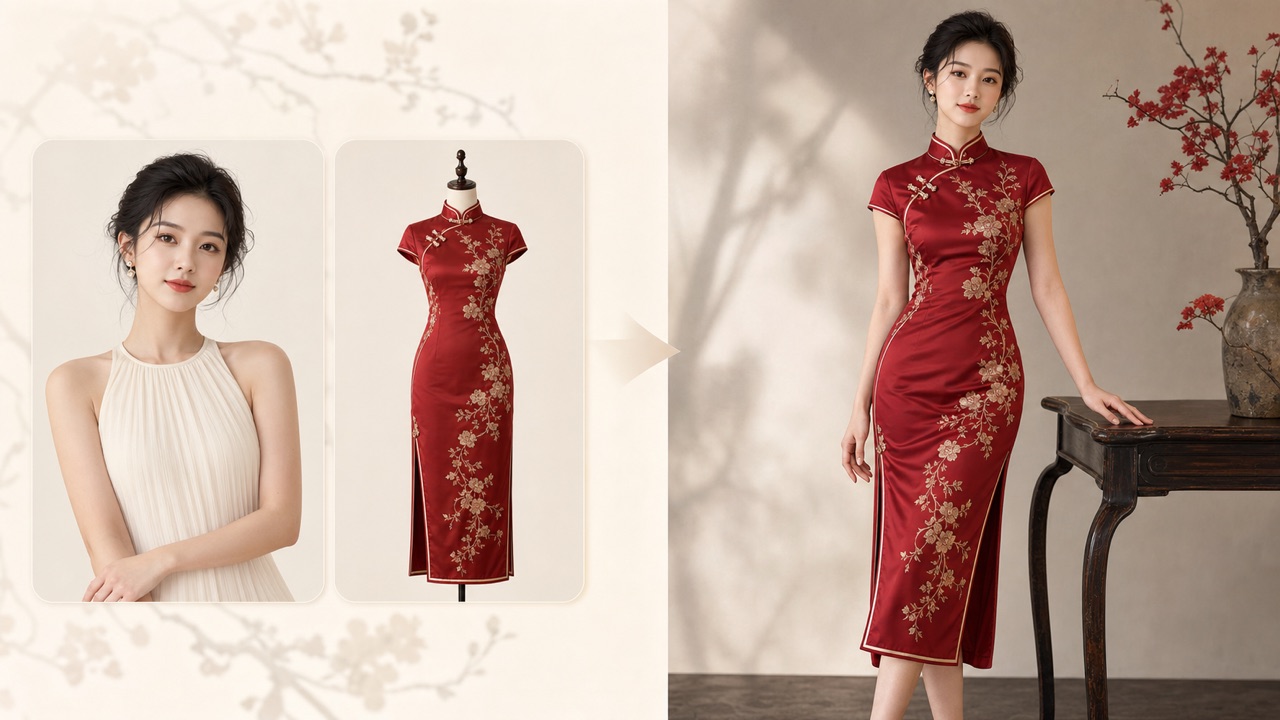
Create a Natural, Harmonious Result
- Chinese qipao dress try-on balances the dress with the original lighting, body proportions, perspective, pose, and background.
- It aims to avoid pasted-on fabric, warped collars, broken closures, impossible side slits, or mismatched shadows.
- Chinese qipao dress try-on keeps the portrait visually unified while introducing the selected qipao design.
- Use a reference with the full dress visible and a portrait with unobstructed face and body areas for better harmony.
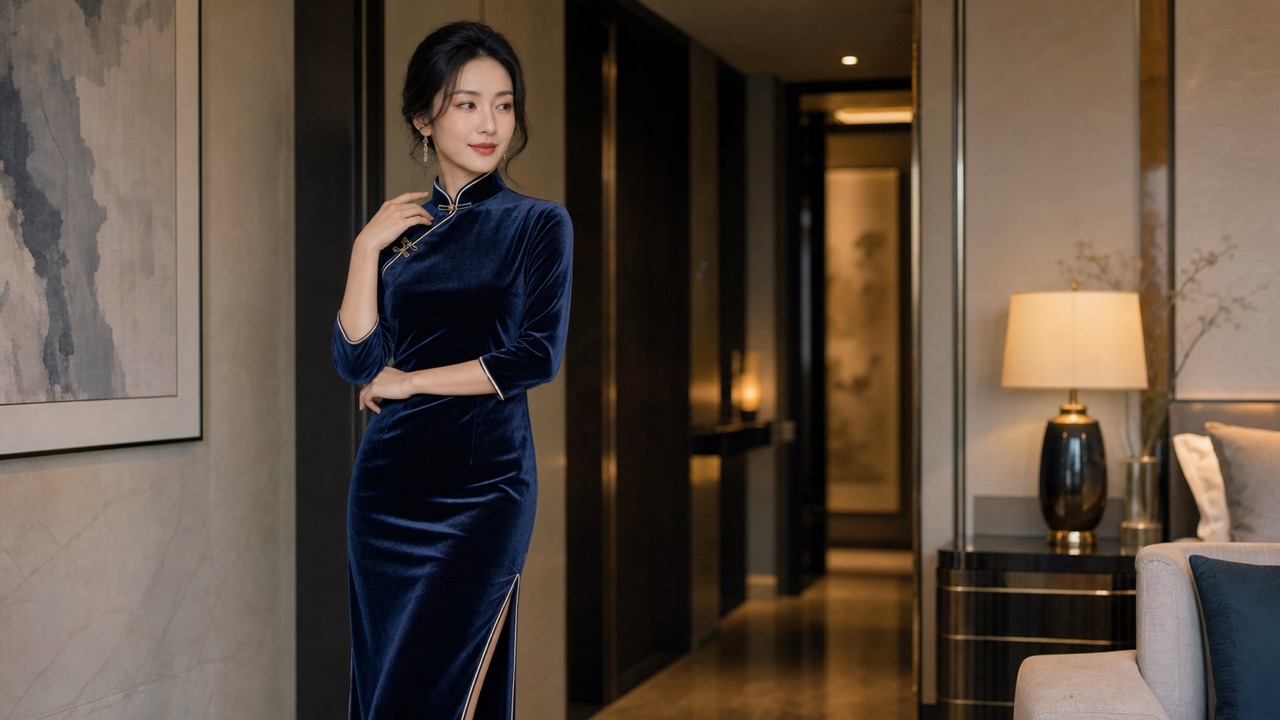
Try Qipao Without Writing Prompts
- Chinese qipao dress try-on removes the prompt box from the workflow, making the experience faster for beginners.
- Upload exactly two images, choose an output size, and click generate.
- Chinese qipao dress try-on can route the task through Nano Banana, GPT Image, and Seedream model options.
- Compare generations to discover the interpretation that best preserves the woman's face and selected qipao style.
Ways to Explore Qipao on Your Portrait
Chinese qipao dress try-on supports cultural inspiration, creative portraits, costume planning, and personal style exploration. It gives anyone an easy way to preview Qipao aesthetics online. Chinese qipao dress try-on works for both personal and creative concept projects.

Festival and Cultural Portraits
Use Chinese qipao dress try-on to explore a polished look for Lunar New Year, weddings, cultural festivals, heritage events, or themed portraits before arranging a real outfit.

Qipao Style Discovery
Chinese qipao dress try-on helps curious users compare fitted and relaxed silhouettes, collar heights, sleeve lengths, fabrics, color palettes, piping, and decorative details on their own portrait.

Cosplay and Character Concepts
Creators can use Chinese qipao dress try-on to visualize vintage Shanghai-inspired characters, costume concepts, and social content while keeping the original woman recognizable.

Couple and Group Planning
Generate individual looks with Chinese qipao dress try-on to compare complementary colors and styles before planning coordinated wedding, family, or group photography.

Portrait Content for Social Media
Chinese qipao dress try-on creates shareable visual concepts for profile posts, short-form videos, mood boards, and cultural storytelling without requiring advanced editing skills.

Costume Shopping Inspiration
Use Chinese qipao dress try-on as visual inspiration when comparing garment colors and silhouettes. Generated images are creative previews, not exact fit or purchase guarantees.
What Creators Say About Qipao Try-On
Users value Chinese qipao dress try-on for its simple two-image process, identity consistency, tailored dress detail, and harmonious results across female portraits. Chinese qipao dress try-on makes visual experimentation feel direct.
Chinese qipao dress try-on kept my face much closer to the portrait than I expected. I uploaded a red embroidered dress, chose my size, and received a cohesive image without writing instructions.
I liked how Chinese qipao dress try-on treated the second image as a clothing reference. The qipao looked tailored to my pose instead of appearing copied from another model.
Chinese qipao dress try-on made it easy to test several color combinations for a festival concept. The no-prompt workflow was clear enough to use on my first attempt.
For a character mood board, Chinese qipao dress try-on gave me quick visual directions while preserving the person’s recognizable features. It saved time during early costume planning.
I used Chinese qipao dress try-on to compare a sleeveless qipao with a short-sleeve design. Both versions blended naturally with the lighting and background of my portrait.
Chinese qipao dress try-on was a practical way to visualize an outfit before a themed shoot. Uploading two images and clicking generate felt direct and focused.

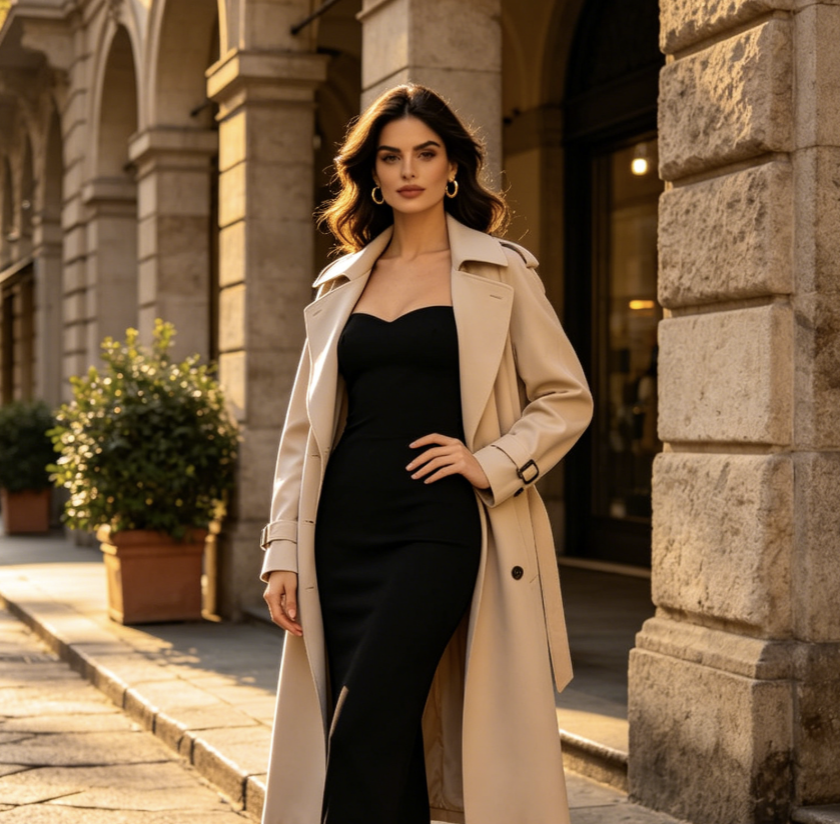

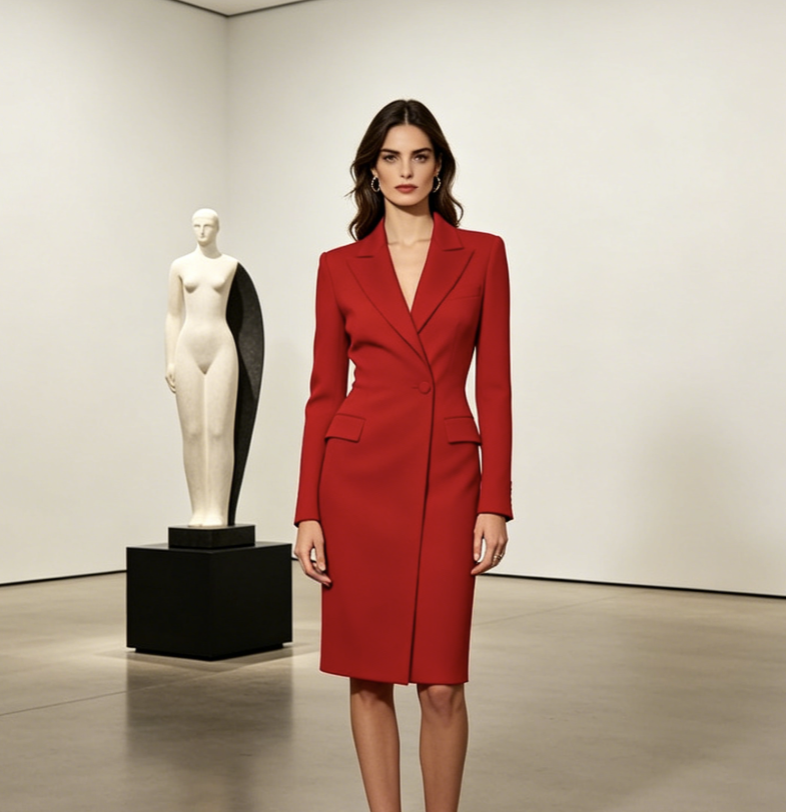


Chinese Qipao Dress Try-On FAQ
Find quick answers about Chinese qipao dress try-on, the two-image upload order, face consistency, supported users, model choices, and realistic output expectations.
Chinese qipao dress try-on is an AI image tool that combines a woman's portrait with a separate qipao clothing reference. It creates a new image in which she appears to wear the selected Chinese dress while remaining recognizable.
Upload your portrait first and the desired Qipao style second. Choose an image size and click generate. Chinese qipao dress try-on does not require you to enter a prompt. Chinese qipao dress try-on uses the upload order to distinguish the person from the clothing reference.
Chinese qipao dress try-on is designed for female portraits. Clear facial features, natural lighting, and visible body areas generally give the model more useful information. Chinese qipao dress try-on uses the first image as the woman's identity reference.
Chinese qipao dress try-on prioritizes identity consistency and aims to preserve facial structure, expression, hairstyle, and skin tone. Results can vary, so try another generation or a clearer portrait when needed. Chinese qipao dress try-on performs best when the face is unobstructed.
Use a well-lit portrait without heavy face obstruction. For the second image, choose a clear qipao photo showing the collar, closures, sleeves, waist, hem, side slits, and decorative details you want Chinese qipao dress try-on to follow. Chinese qipao dress try-on benefits from sharp source images.
No. Chinese qipao dress try-on uses a built-in instruction, so you only upload two images, choose the output size, and generate. This keeps the workflow fast and predictable. Chinese qipao dress try-on handles the garment-transfer direction automatically.
The available model options include Nano Banana, GPT Image, and Seedream families. Chinese qipao dress try-on lets these models interpret identity, garment structure, and scene harmony in their own ways. Chinese qipao dress try-on can produce different aesthetic interpretations across models.
Generated images are creative visualizations. Chinese qipao dress try-on cannot guarantee exact garment measurements, construction, fabric behavior, or real-world fit, so use the output as inspiration rather than a tailoring promise. Chinese qipao dress try-on is not a substitute for professional fitting.
See Yourself in a Qipao Style
Upload a portrait, add your favorite Qipao reference, choose a size, and generate. Chinese qipao dress try-on creates an identity-aware traditional outfit preview with no prompt required. Chinese qipao dress try-on makes your next style idea easy to visualize.
