
Create tiny, copyable Unicode text in multiple styles for profiles, captions, chats, notes, and creative projects.
More AI Image Generators
Explore our collection of specialized AI image generators designed for different creative needs and styles























Small Text Generator for Tiny Copyable Text
Turn everyday words into tiny Unicode styles you can copy and paste anywhere.
Use the small text generator to create small caps, superscript, subscript, and tiny Unicode text in seconds. Type your message, compare readable styles, then copy the result for social profiles, chats, captions, and creative projects.
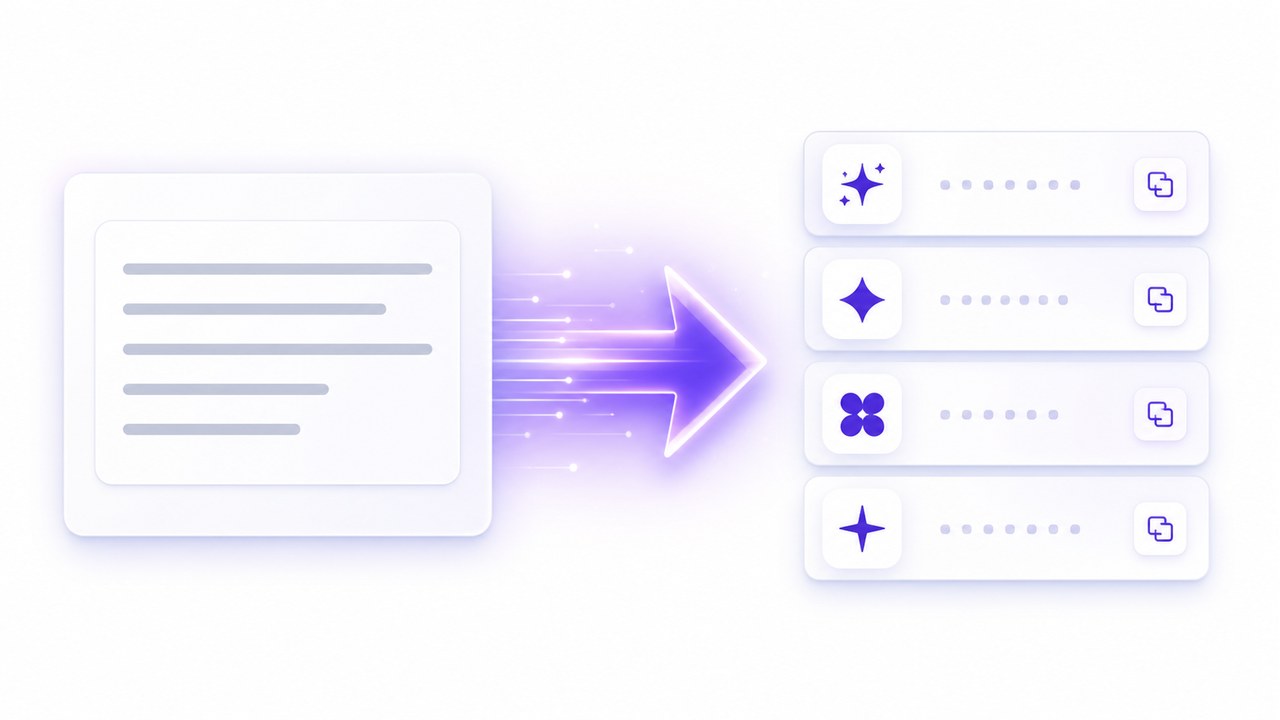
How to Use the Small Text Generator
The small text generator keeps the process quick: enter normal text, explore tiny Unicode variations, and copy the version you like. Because small text generator output uses text characters rather than a downloaded image, it remains easy to paste into many common apps and websites.

Enter Your Text
Type or paste any word, sentence, username, or short message into the small text generator. Your original wording stays visible, so it is easy to check spelling before choosing a style.

Choose a Small Style
Review small caps, superscript, subscript, and other compact Unicode results. The small text generator displays several options together, helping you select a style that fits your platform and tone.

Copy and Share
Copy your favorite result from the small text generator and paste it into a bio, caption, chat, game profile, note, or design. No font file, keyboard extension, or design software is required.
Best AI Image Tools for Creative Projects
Explore creative tools for image, learn tips and tricks, and see how AI can be your assistant in turning concepts into finished projects.
A Flexible Small Text Generator for Everyday Ideas
From subtle profile details to playful messages, the small text generator helps ordinary copy stand out with compact Unicode styling. The small text generator lets you generate, compare, copy, and revise without learning design software or installing a special keyboard.
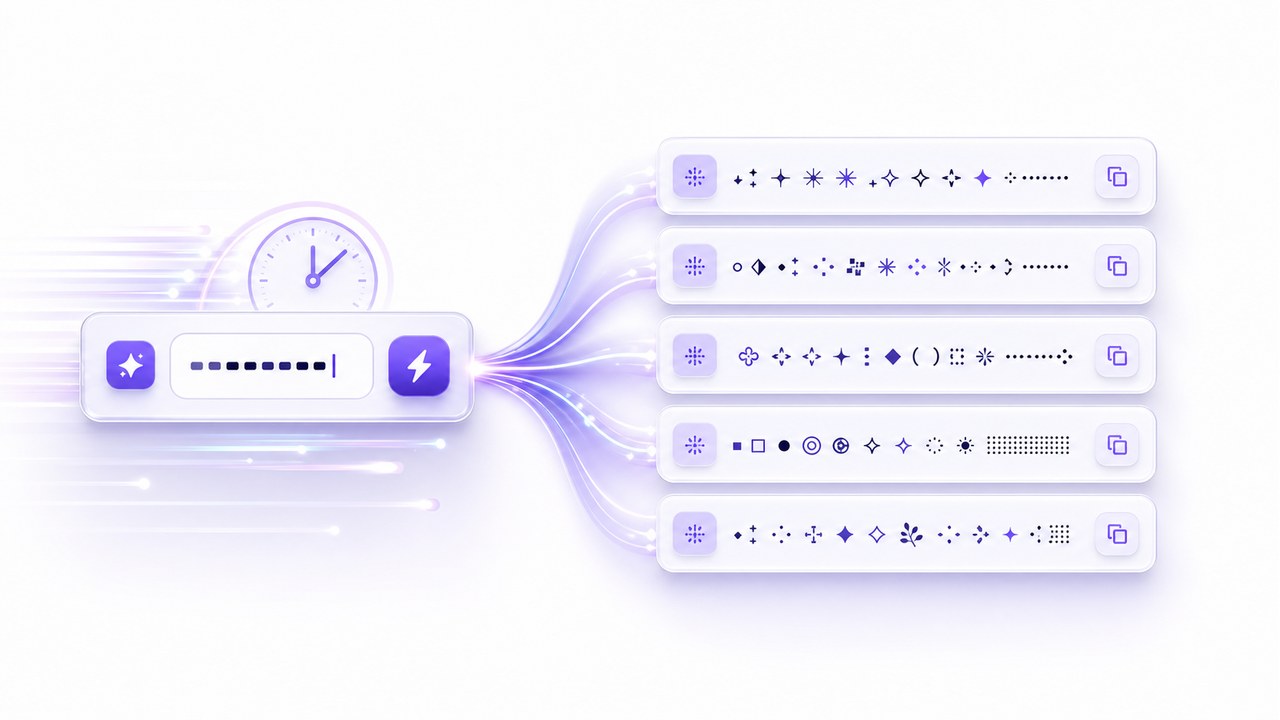
Create Tiny Text Instantly
The small text generator transforms regular letters as you type, so you can test ideas without waiting. Use it for a single word, a short phrase, a decorative label, or a complete caption. Every result is ready to review and copy instantly, making fast experimentation simple on desktop or mobile devices. This immediate visual feedback helps streamline your creative process.
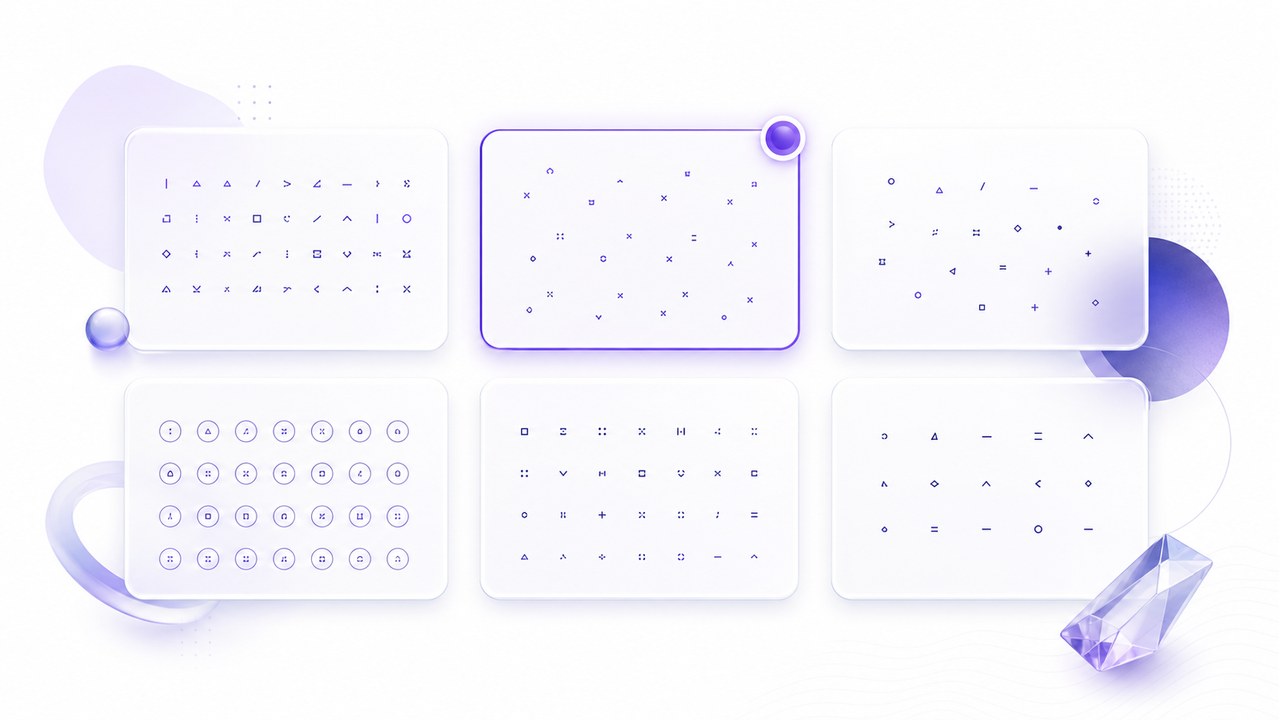
Explore Multiple Small Text Styles
One tiny style does not fit every message. This tool gives you several compact looks, including small caps, raised superscript, lowered subscript, and other Unicode-inspired forms. Compare the outputs before you copy, then choose the perfect balance of personality and readability that best suits your specific platform and audience. Having multiple options ensures your text always strikes the right tone.
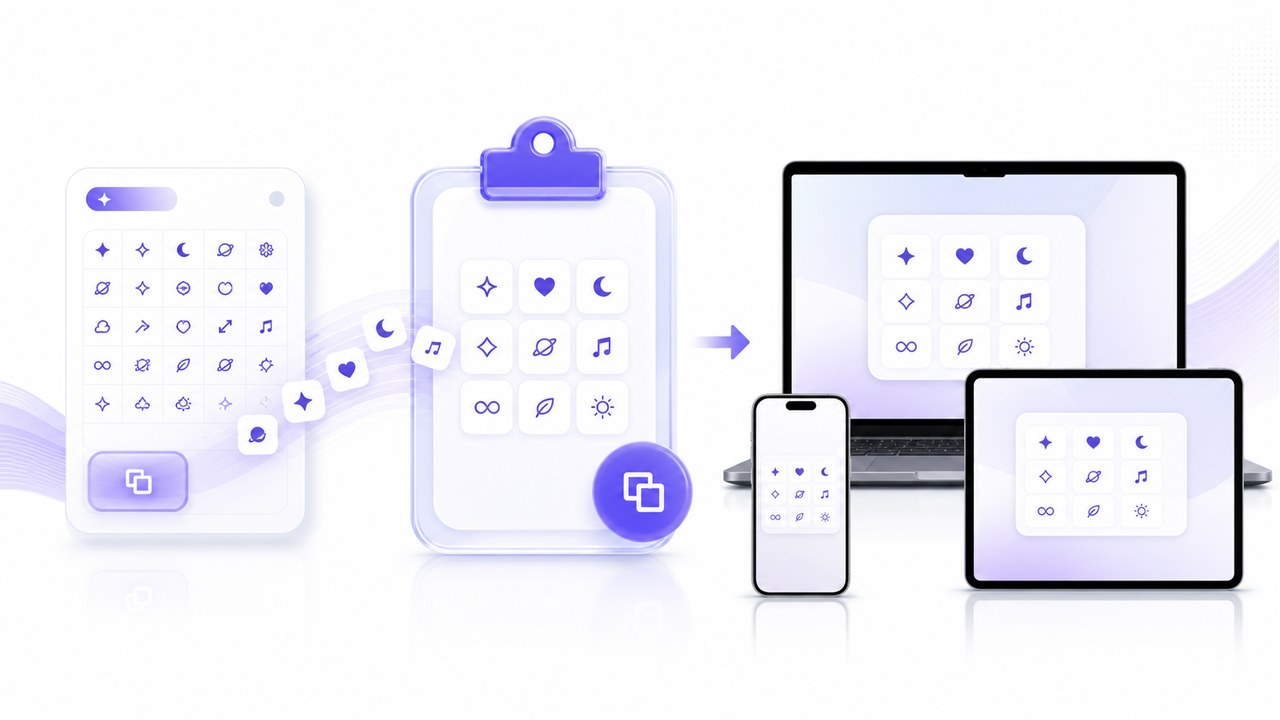
Copy Text Without Installing Fonts
The small text generator produces copyable Unicode characters instead of an image or custom font package. Create text seamlessly, copy it, and paste it directly into supported profile fields, posts, messages, comments, or documents. Preview the results carefully because compatibility can vary by app and device ecosystem. Relying on native text formatting means faster loading times and zero extra files.
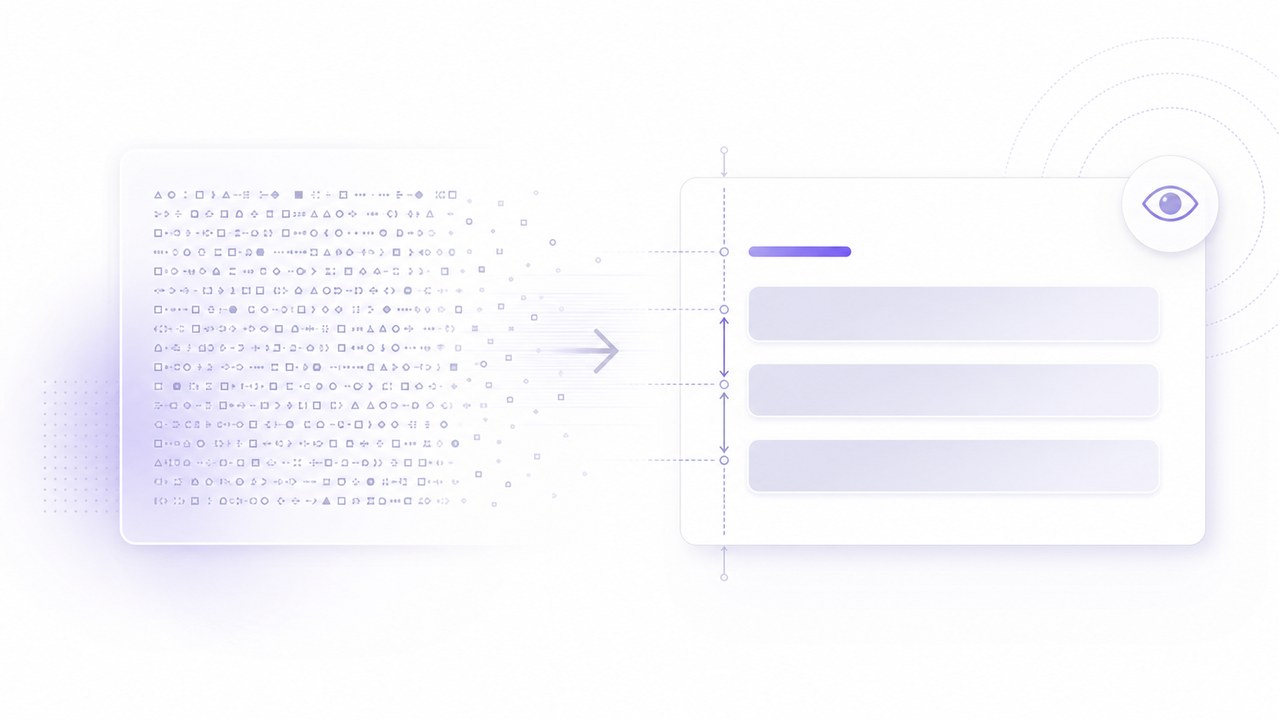
Keep Creative Text Easy to Read
Use the small text generator to add visual contrast without turning every line into a distraction. A short name, label, or subtle accent often works much better than a long, dense paragraph. This interface lets you compare styles quickly, so you can confidently reserve tiny characters for emphasis while keeping essential information clear and highly accessible to all your readers.
Popular Ways to Use a Small Text Generator
The small text generator supports quick creative experiments across social, community, personal, and design contexts. Always preview the small text generator result on the platform where it will appear, because character support and spacing may differ between devices.
Social Bios and Captions
Use the small text generator for a compact name, short bio detail, caption accent, or hashtag companion. It can create visual hierarchy in limited space, while the styling keeps your main message in familiar, readable characters.

Chats and Community Profiles
Give a nickname, status, group label, or reaction a distinctive look. The small text generator makes it easy to prepare tiny text for chats, forums, game profiles, and community pages, provided the destination supports the selected Unicode characters.

Creative Notes and Labels
Turn headings, annotations, mood-board labels, and personal notes into compact accents with the small text generator. Use it to test alternatives before placing the final characters into a document or creative layout.

Usernames and Personal Branding
Experiment with a stylized display name or signature using the small text generator. Keep account recovery details and critical identifiers in plain text, but use small text generator output where a platform accepts decorative Unicode and readability remains strong.
Why Creators Choose This Small Text Generator
People use the small text generator to save time, compare tiny styles, and add controlled personality to short pieces of copy. These small text generator examples are fictional workflow illustrations rather than verified customer endorsements.
I use the small text generator when a caption needs one quiet detail instead of another emoji. The styles are easy to compare, and copying the finished text takes seconds.
The small text generator helps me test compact labels for community posts. I can see several directions, paste one into the draft, and check how it looks before publishing.
For mood boards and concept notes, the small text generator is a handy shortcut. It gives small headings a distinct texture without making me install a font or export an image.
I tried the small text generator for a gaming profile and found a style that stayed readable on mobile. The copy-and-paste workflow was much faster than searching for a special keyboard.
The small text generator makes quick visual experiments feel effortless. I use short outputs for journal headings and labels, then keep longer notes in normal text for clarity.
I appreciate that the small text generator creates characters I can copy instead of a graphic I have to manage. It is useful for prototypes, profile mockups, and quick interface samples.






Small Text Generator FAQ
Learn how the small text generator works, what its Unicode output can do, and how to keep copied text readable across different platforms and devices.
A small text generator converts standard letters into compact Unicode characters, such as small caps, superscript, or subscript-like forms. This small text generator creates text you can copy and paste into many supported apps, websites, profiles, and documents.
Yes, you can open the small text generator online, enter your text, review the available styles, and copy a result. If usage limits or account requirements are introduced, the interface will show the current terms before you continue.
No. The small text generator substitutes supported Unicode characters that resemble smaller or raised lettering. It does not install a typeface or change the font settings on your device, and some letters may use approximate forms.
You can try small text generator results in social bios, captions, chats, forums, game profiles, notes, and creative documents. Platform support varies, so paste a sample first and confirm that every character displays correctly on desktop and mobile.
Apps, operating systems, and fonts render Unicode differently. A small text generator can provide valid copyable characters, but the destination controls their final appearance. Preview the result and choose a simpler style when readability or compatibility matters.
Use decorative small text selectively. The small text generator is best for short accents, labels, names, and playful details. Keep passwords, legal text, accessibility-critical instructions, search terms, and essential account information in standard characters for clarity.
Create Tiny Copyable Text in Seconds
Open the small text generator, type your message, compare compact Unicode styles, and copy the result you like. No font download or design experience is needed.
