
Create a collectible action figure of a vintage-style toy propeller airplane with rounded wings, a front-mounted spinning propeller, slightly worn paint edges, classic childhood proportions, designed as a nostalgic holiday collectible, in blister packaging. Concept: A nostalgic holiday collectible inspired by the simple toy airplanes children used to play with during winter holidays. Evokes warmth, imagination, and childhood wonder. Style: Premium toy photography, realistic plastic and painted metal textures, studio lighting, shallow depth of field, sharp label printing, high-end retail presentation. Constraints: - Original design only - No trademarks - No watermarks - No logos Include ONLY this packaging text (verbatim): "Christmas Memories Edition"
Free GPT Images 2.5 Prompt Generator Online
Create detailed GPT Images 2.5 prompts online from simple ideas. Build better prompts for product photos, portraits, ads, art, and image editing.
Describe your idea and let AI create the perfect prompt for you
GPT image 2.5 Prompt Generator for Better Images
Turn a simple visual idea into a detailed, structured prompt ready for your next image.
Use the GPT image 2.5 Prompt Generator to turn a short idea into a clear, detailed prompt with useful camera, lighting, composition, style, and editing direction. Create stronger prompts for portraits, products, ads, fantasy scenes, and precise image edits while keeping your original concept at the center.
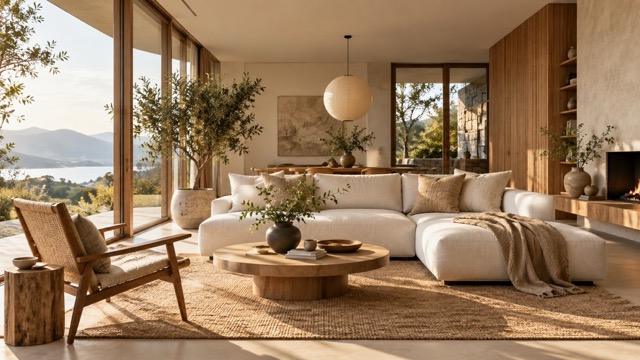
Create a GPT images 2.5 Prompt in Three Simple Steps
The GPT image 2.5 Prompt Generator turns ordinary language into structured visual instructions. Describe your idea, let AI organize the important details, then copy the finished GPT images 2.5 Prompt into your image workflow.

Describe What You Want
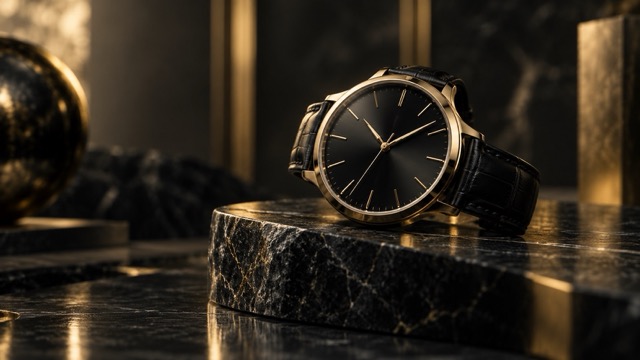
Enter a short idea such as a luxury watch on black marble, a rainy portrait, or an object replacement. The GPT image 2.5 Prompt Generator identifies the subject, scene, mood, and goal before expanding it.

Generate a Structured Prompt
The GPT image 2.5 Prompt Generator expands your idea with relevant details such as camera position, lens feel, depth of field, lighting, materials, color palette, environment, and composition.

Copy, Test, and Refine
Copy your GPT images 2.5 Prompt and test it. Change the mood, framing, colors, or editing direction when needed, then generate another focused version in seconds.
Build More Useful GPT images 2.5 Prompts Automatically
A strong prompt explains more than the subject. The GPT image 2.5 Prompt Generator helps organize framing, lighting, materials, atmosphere, and visual priorities into a focused GPT images 2.5 Prompt for photography, advertising, art, and image editing.
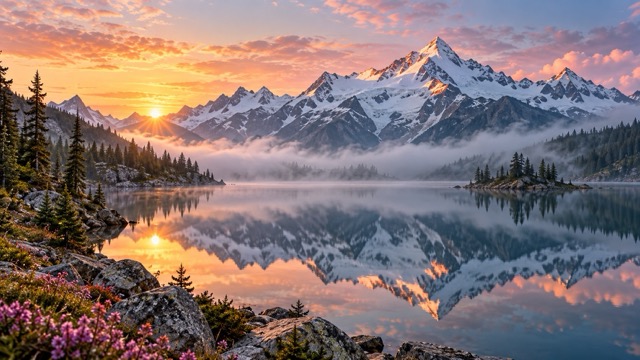
Expand Short Ideas Into Detailed Image Prompts
Start with a simple idea such as premium perfume on a reflective table. The GPT image 2.5 Prompt Generator can add subject placement, surfaces, focal point, reflections, shadows, mood, and photographic style. Beginners get a clearer starting point, while experienced creators can move from concept to testing faster.
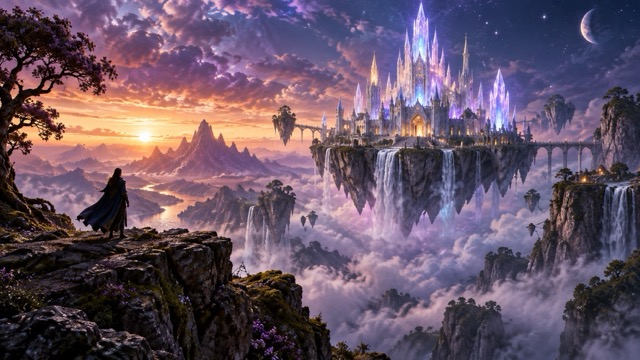
Add Camera, Composition, and Lighting Direction
Framing, perspective, focal length, depth of field, and lighting can completely change an image. The GPT image 2.5 Prompt Generator adds useful photographic direction for portraits, interiors, products, and cinematic scenes without filling the prompt with disconnected technical terms.
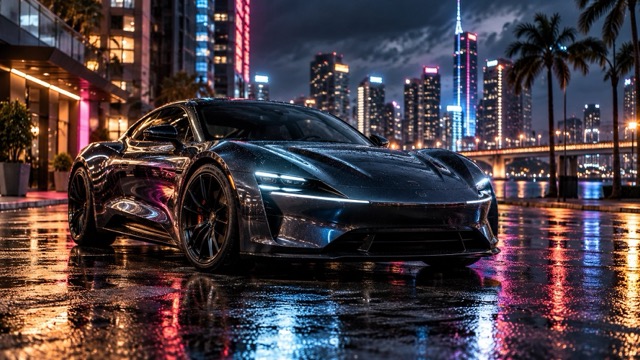
Write Clearer Prompts for Precise Image Editing
Image editing requires clear instructions about what should change and what should stay untouched. The GPT image 2.5 Prompt Generator can define the target object while preserving composition, camera angle, background, lighting, and shadows for cleaner product swaps, outfit changes, color edits, and reference-image workflows.
Explore Different Styles Without Starting Over
Turn one concept into cinematic, editorial, dreamy, minimal, retro, or high-fashion variations. The GPT image 2.5 Prompt Generator helps you change lighting, setting, palette, camera language, and atmosphere while keeping the central idea consistent.
Use the GPT image 2.5 Prompt Generator for Any Visual Idea
From commercial photography to imaginative artwork, the GPT image 2.5 Prompt Generator turns creative goals into clearer instructions that can be adapted to different subjects, campaigns, styles, and editing needs.
Product Photos and Advertising
Create GPT images 2.5 prompts for cosmetics, electronics, jewelry, packaging, furniture, and other products. Define product placement, materials, reflections, lighting, shadows, camera angle, and negative space for ads, landing pages, campaigns, and e-commerce visuals.
Portraits, Fashion, and Lifestyle
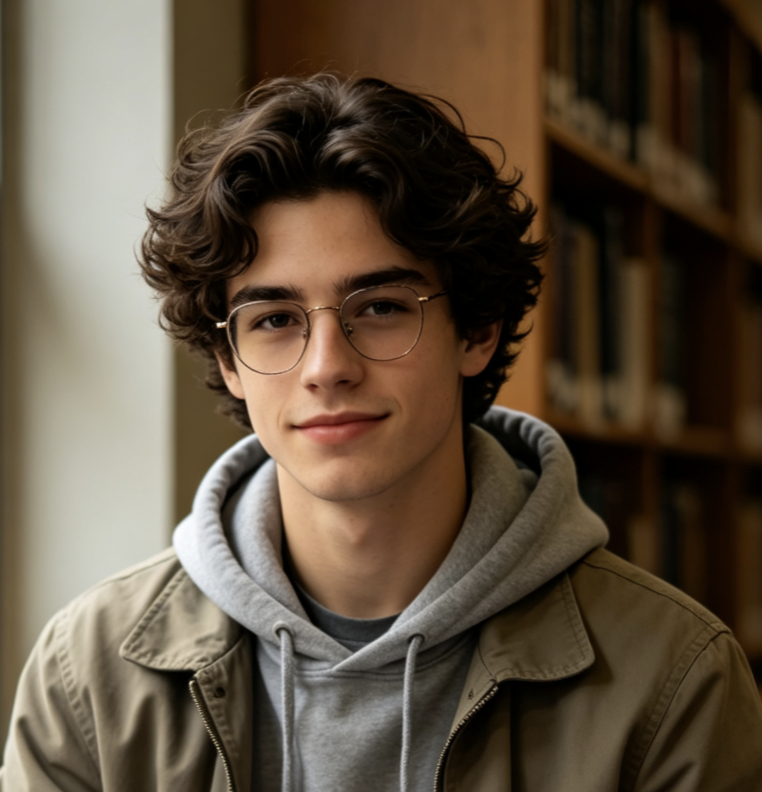
Build clearer prompts for portraits, fashion photography, lifestyle campaigns, profile images, and street scenes. The GPT image 2.5 Prompt Generator organizes pose, wardrobe, expression, framing, environment, and lighting into one focused visual direction.
Cinematic Art and Imaginative Worlds
Turn a short concept into a richer GPT images 2.5 Prompt with environmental scale, foreground depth, dramatic lighting, atmosphere, color contrast, and character placement. Use it for fantasy, sci-fi, concept art, posters, and cinematic storytelling.

Reference Images and Controlled Edits
Describe the exact change while preserving the parts that already work. The GPT image 2.5 Prompt Generator helps structure product replacements, fashion edits, background changes, material swaps, color variations, and lighting adjustments with clearer preservation instructions.
Why Creators Use the GPT image 2.5 Prompt Generator
See how different creative roles can use the GPT image 2.5 Prompt Generator to turn rough concepts into clearer visual instructions.
I can start with a product, surface, and mood, then quickly get a clearer prompt with camera, lighting, and composition direction ready to test.
I describe the scene naturally and get a structured GPT images 2.5 Prompt that I can customize instead of searching for photography terms.
For reference-image edits, the generator helps me clearly state what should change and what needs to remain visually consistent.
I use one concept to create several campaign directions by quickly changing the lighting, setting, camera style, and overall mood.
When my first idea is too vague, the expanded prompt gives our team a much clearer visual direction to review and refine.




GPT image 2.5 Prompt Generator FAQ
Quick answers about creating, improving, editing, and reusing GPT images 2.5 prompts.
A GPT image 2.5 Prompt Generator turns a short visual idea into a more detailed instruction for GPT images 2.5. It can add composition, camera direction, lighting, environment, texture, mood, and editing constraints, giving you a prompt that is easier to copy and customize.
Start with the subject and desired result, then add important details such as setting, framing, lighting, mood, materials, colors, and anything that should remain consistent. The GPT image 2.5 Prompt Generator can organize these details for you.
Yes. Enter a simple request such as a luxury perfume ad or a cinematic rainy portrait. The tool expands it into a structured GPT images 2.5 Prompt that you can use directly or customize.
Yes. Describe what should change and what should remain untouched. You can create prompts for color changes, object replacement, background editing, outfit changes, and other controlled image refinements.
Create prompts for products, ads, portraits, fashion, food, interiors, architecture, landscapes, cinematic scenes, characters, fantasy art, social media visuals, reference-image edits, and many other creative directions.
No. Use it as a strong starting point. You can change brand colors, materials, camera preferences, aspect ratios, reference-image constraints, or any visual details before generating your final image.
Turn Your Idea Into a Better GPT images 2.5 Prompt
Describe your visual idea and let the GPT image 2.5 Prompt Generator organize the subject, composition, camera, lighting, style, and editing direction. Create clearer prompts for products, portraits, imaginative scenes, and controlled image edits in less time.
