
Find a Prompt for Food Images You'll Love
Explore AI food photography prompts for plated dishes, desserts, drinks, and table spreads. Choose a look, copy the prompt, and customize your food image with Pixomi AI.
Describe your idea and let AI create the perfect prompt for you
Explore More Food Image Prompts
Browse food photography looks and choose a prompt to make your own. Start with the subject you want to create, then customize the style and scene.
No Prompts Available
No prompts have been published yet.
How to Use a Prompt for Food Photography
Choose an example, make the details your own, and refine the image around the food you want to show.

Choose a Food Prompt
Browse the examples and choose a dish, dessert, drink, or table spread. Look for a camera angle and setting that fit your idea, whether you want a close-up, an overhead layout, or a styled café scene.

Customize the Dish and Scene
Click Use Prompt to open the image creator. Replace the food, ingredients, plate, or background, then adjust the lighting and framing. If you want to use an existing food photo, select a model that supports reference images.

Generate, Review, and Refine
Generate your image and check the ingredients, food textures, utensils, and composition. Update the prompt to correct unwanted details or try a different angle, background, or lighting style.
Build Better Food Images with Specific Details
A useful prompt for food describes more than a delicious dish. Combine the subject, visible textures, plating, setting, lighting, and camera angle. Start with the details that matter most, then add or remove elements as you refine the result.
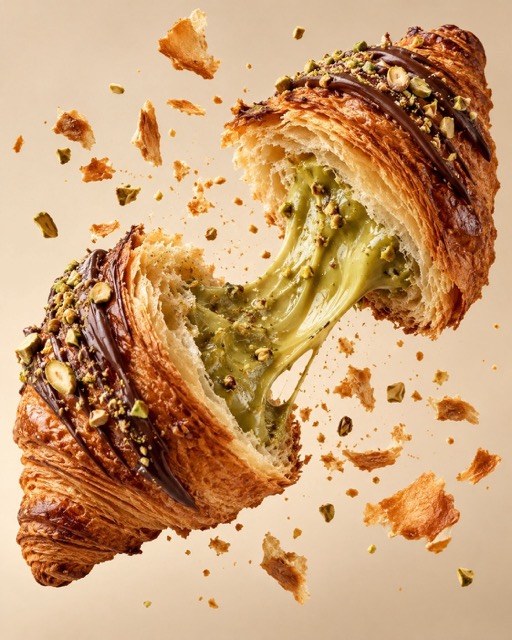
Show the Textures That Define the Dish
Build your food photography prompt around visible details: a crisp crust, flaky layers, glossy sauce, or the cut surface of fresh fruit. Describe what should be sharp and what can fall into a softly blurred background.
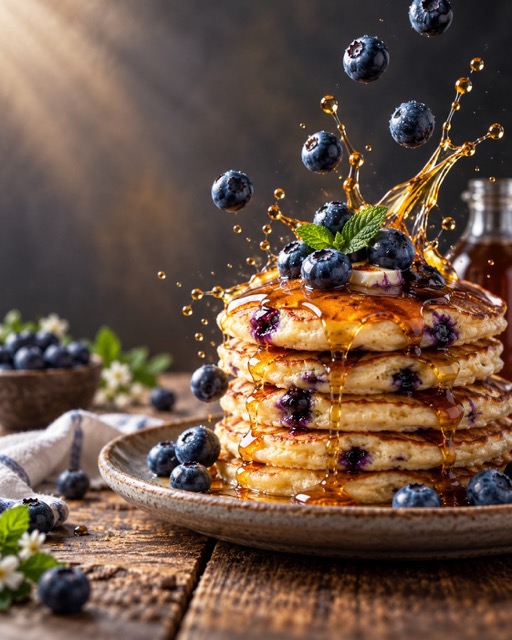
Create a Restaurant-Style Food Scene
Explore restaurant food photography prompts with deliberate plating and a clear focal point. Specify the portion, garnish, plate, and table surface, then choose a bright daytime setting or a darker dinner atmosphere. Describe only the props you want in the frame.
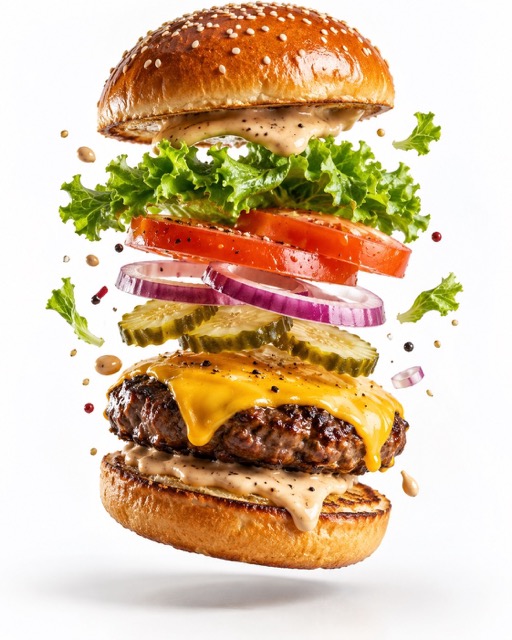
Highlight Dessert Layers and Drink Details
Customize dessert photography prompts with frosting, filling, crumbs, or a cutaway view. For drinks, describe the glass, liquid color, ice, and garnish. Choose a close-up or eye-level composition to show the details that matter to your image.
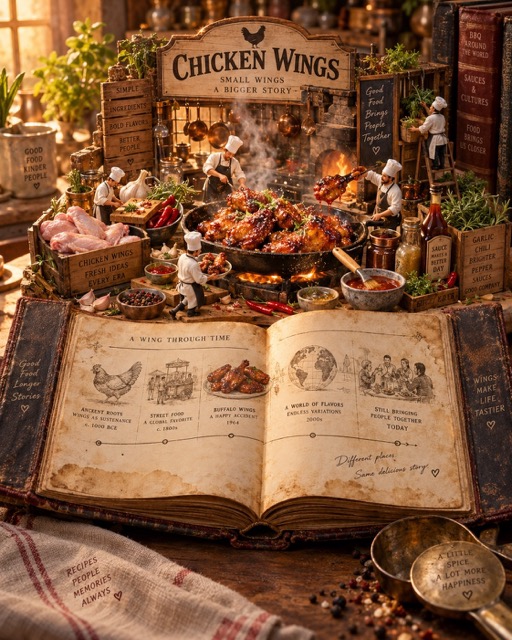
Arrange an Overhead Food Flat Lay
Use overhead food photography prompts for breakfast tables, picnic spreads, or ingredient layouts. Name the dishes, describe their positions, and choose a consistent surface. Specify the spacing between plates and any empty area you want to leave in the composition.
Prompt for Food FAQ
Learn how to choose and customize food photography prompts, use reference photos, and refine your images with Pixomi AI.
A prompt for food is a text description used to guide an AI-generated food image. On this page, the prompts focus on food photography, including dishes, desserts, drinks, and table settings, rather than recipes or meal plans.
Name the food first, then describe its visible textures, plating, setting, lighting, and camera angle. For example: a freshly baked croissant on a cream ceramic plate, crisp flaky layers, a few natural crumbs, a wooden café table, soft window light, and a close-up at a 45-degree angle.
Try this example: a bowl of tomato pasta with visible basil leaves and grated cheese, served in a white ceramic bowl on a light wooden table, soft side window light, a 45-degree camera angle, the pasta in sharp focus, a softly blurred background, no text, and no extra dishes. Replace the food and setting to suit your idea.
No. You can create a new food image using a text prompt. To work from an existing photo, choose a model that supports reference images and upload a clear picture of the dish.
Describe the food's specific appearance instead of relying only on words like realistic or delicious. Include texture, portion, lighting, and the details you want to avoid. Review the result for distorted utensils, unexpected ingredients, repeated objects, or inconsistent shadows, then refine the prompt.
Yes. Change the dish, ingredients, plate, background, lighting, or camera angle. For desserts, describe layers, toppings, and filling. For drinks, specify the glass, liquid, ice, and garnish. Keep the parts of the example that fit your idea and replace the rest.
Use a model that supports reference images and specify the ingredients, portion, plating, garnish, and colors you want to preserve. Results can still differ from the original. If the image will represent an actual menu item, compare it with the real dish and correct any misleading changes before publishing.
Make Your Next Prompt for Food Your Own
Choose a look, customize the dish and scene, and turn your food photography idea into an image with Pixomi AI.
