
Seedream 5 Prompt: Prompt Seedream 5.0 for Image
Use this Seedream 5 Prompt guide to write clearer image briefs, explore examples, and improve text-to-image or image-editing results with less guesswork.
Describe your idea and let AI create the perfect prompt for you
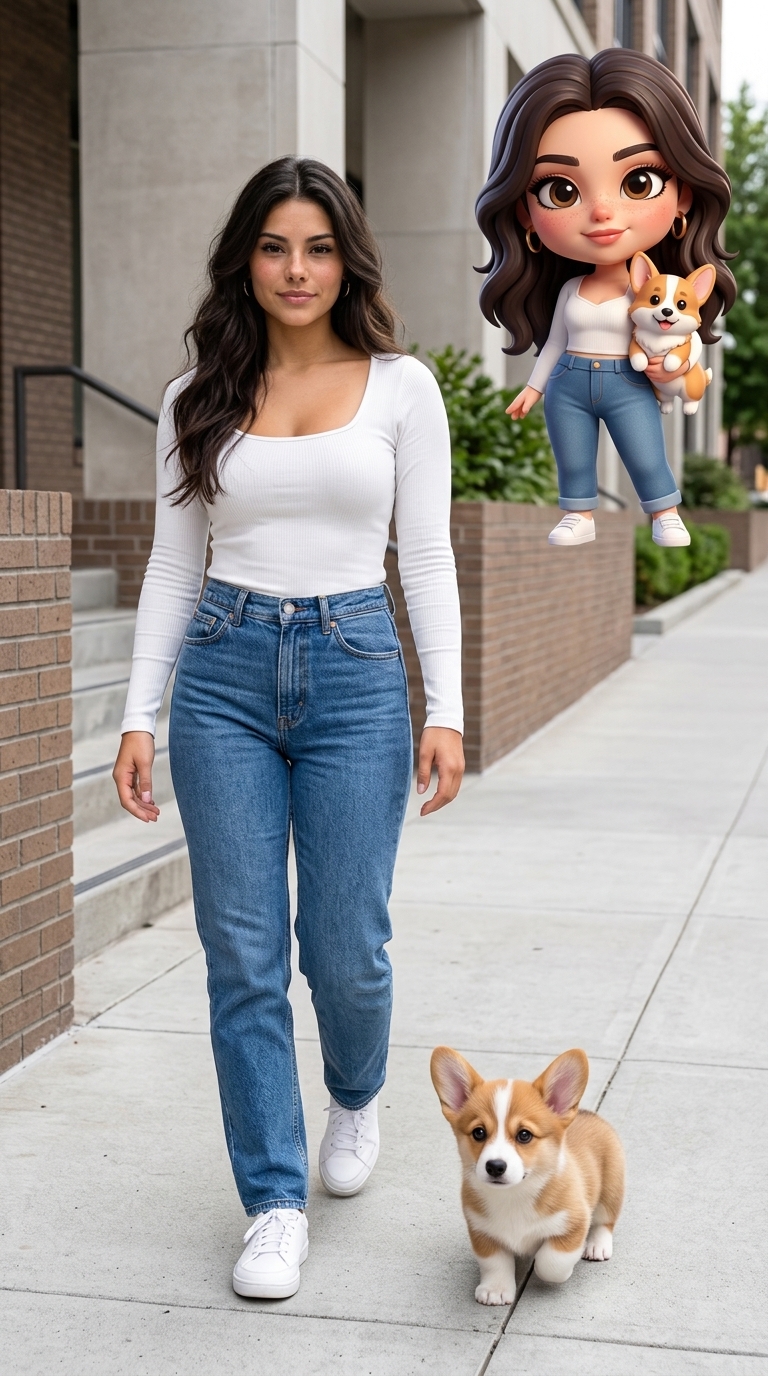
Mixed-Media Fashion Portrait with Chibi Avatar
Use the uploaded photo as the sole identity, appearance, and wardrobe reference. Create a polished vertical 9:16 mixed-media fashion portrait that combines a high-quality photorealistic full-body photograph of the person with a smaller stylized 3D chibi version of the same person in the upper-right corner. IDENTITY AND APPEARANCE PRESERVATION: Accurately preserve the person’s recognizable facial identity, face shape, facial features, skin tone, approximate age, gender presentation, hairstyle, hair color, body proportions, and overall personality. The result must clearly depict the same person from the uploaded photo. Do not beautify the face into a generic model, change ethnicity, alter age, feminize or masculinize the subject, or replace their distinctive features. WARDROBE PRESERVATION: Keep the original outfit as accurately as possible, including its silhouette, layers, colors, materials, patterns, accessories, headwear, jewelry, and footwear. Do not redesign or replace the clothing. If part of the outfit is not visible in the uploaded photo, extend it conservatively using only the visible design language; do not invent unrelated garments or branding. MAIN PHOTOREALISTIC SUBJECT: Show the person as a realistic, naturally proportioned, full-body fashion subject occupying the left or central-left portion of the composition. Preserve the original action, attitude, and emotional energy. The pose may be refined slightly to improve balance, confidence, body language, visual rhythm, and anatomical coherence, but it must remain recognizably connected to the uploaded pose and personality. Use realistic skin texture, natural facial asymmetry, believable hands, accurate fabric behavior, coherent shadows, and physically correct contact between the feet and ground. The person must remain photographic and must not become cartoon-like. CHIBI CHARACTER: Place a clearly visible stylized 3D chibi version of the same person in the upper-right corner. The chibi character must be based directly on the uploaded person and preserve their recognizable hairstyle, hair color, facial identity, skin tone, gender presentation, expression, outfit, accessories, and overall attitude. Give the chibi character appealing rounded proportions, a slightly oversized head, expressive eyes, soft animated-film-style materials, clean 3D rendering, and charming but recognizable facial features. It should feel like a miniature animated counterpart of the real person, not a random generic cartoon character. Give it a pose and expression that echo or complement the main subject. DECORATION OR PET LOGIC: First inspect the uploaded photo for an existing pet, animal companion, mascot, toy, prop, or other prominent decorative element. If a recognizable decorative element is present: - Preserve and reuse that exact element instead of replacing it. - Include it naturally beside the main photorealistic subject. - Also create a matching miniature chibi version of it and place it together with the chibi person in the upper-right corner. - Preserve its species or object type, colors, markings, materials, and distinctive features. - Do not add an unrelated pet. If no recognizable decorative element is present: - Add one small, friendly animal pet, such as a dog, cat, or rabbit, selected to complement the person’s appearance and outfit. - Place the realistic pet naturally near the main subject in the lower-right foreground. - Include a matching miniature chibi version of the same pet together with the chibi person in the upper-right corner. - Keep the pet visually charming but secondary to the person. SCENE AND COMPOSITION: Create a clean contemporary street-fashion or urban editorial environment using neutral architecture, concrete, brick, metal railings, stairs, or other simple structural elements. Adapt the environment to complement the uploaded subject rather than copying a fixed location. Use bright, clean, naturally balanced daylight with an intentional editorial camera perspective, subtle wide-angle depth, crisp subject separation, and controlled background detail. Keep the main person dominant, the decorative element or pet secondary, and the upper-right chibi group clearly readable without covering the main subject’s face or body. The real person, realistic companion, chibi person, and chibi companion must all share consistent outfit colors, visual details, and identity cues. The chibi elements should appear intentionally integrated into the composition rather than pasted on. HARD CONSTRAINTS: One main photorealistic person only. Do not duplicate the realistic subject. Do not change the person’s identity, face, gender presentation, age, skin tone, hairstyle, body type, or clothing. No missing or extra limbs, malformed hands, distorted anatomy, floating feet, duplicated accessories, mismatched clothing, inconsistent pet markings, or incorrect shadows. Do not add multiple pets. No random objects, unnecessary visual clutter, collage panels, frames, speech bubbles, interface elements, readable signs, captions, logos, new brand names, signatures, or watermarks.
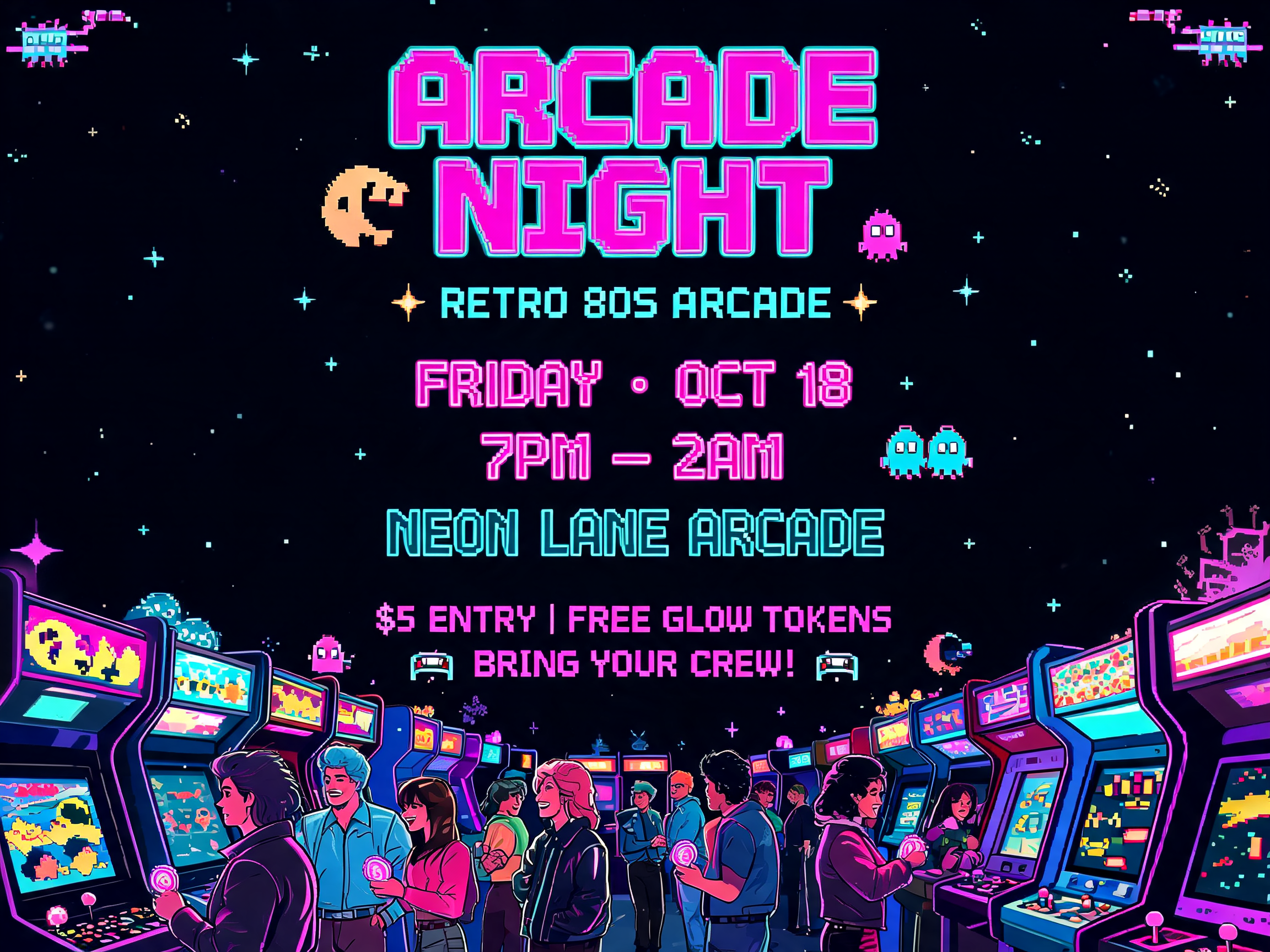
Retro Arcade Night Poster
A bold poster for a retro arcade night. The design features neon arcade cabinets, pixel-art accents, glowing tokens, and a lively crowd in an 1980s-inspired color palette of hot pink, cyan, purple, and black. Typography is chunky, nostalgic, and energetic. The poster should feel playful and social.

Children's Space Camp Poster
A colorful and imaginative poster for a children’s space camp. The design is a cheerful cartoon illustration featuring kids in astronaut suits building a small rocket, looking through telescopes, and floating planets in the background. The typography is rounded, playful, and easy to read. The poster should feel educational, adventurous, and inspiring for young students

Luxury Skincare Serum Advertisement
A sleek and elegant advertisement for a luxury skincare serum. The main visual is a photorealistic glass bottle floating above soft silk fabric with dewdrops and botanical elements. The background uses a clean cream and champagne color palette. Typography is refined, minimal, and premium. The design should feel calm, high-end, and trustworthy.
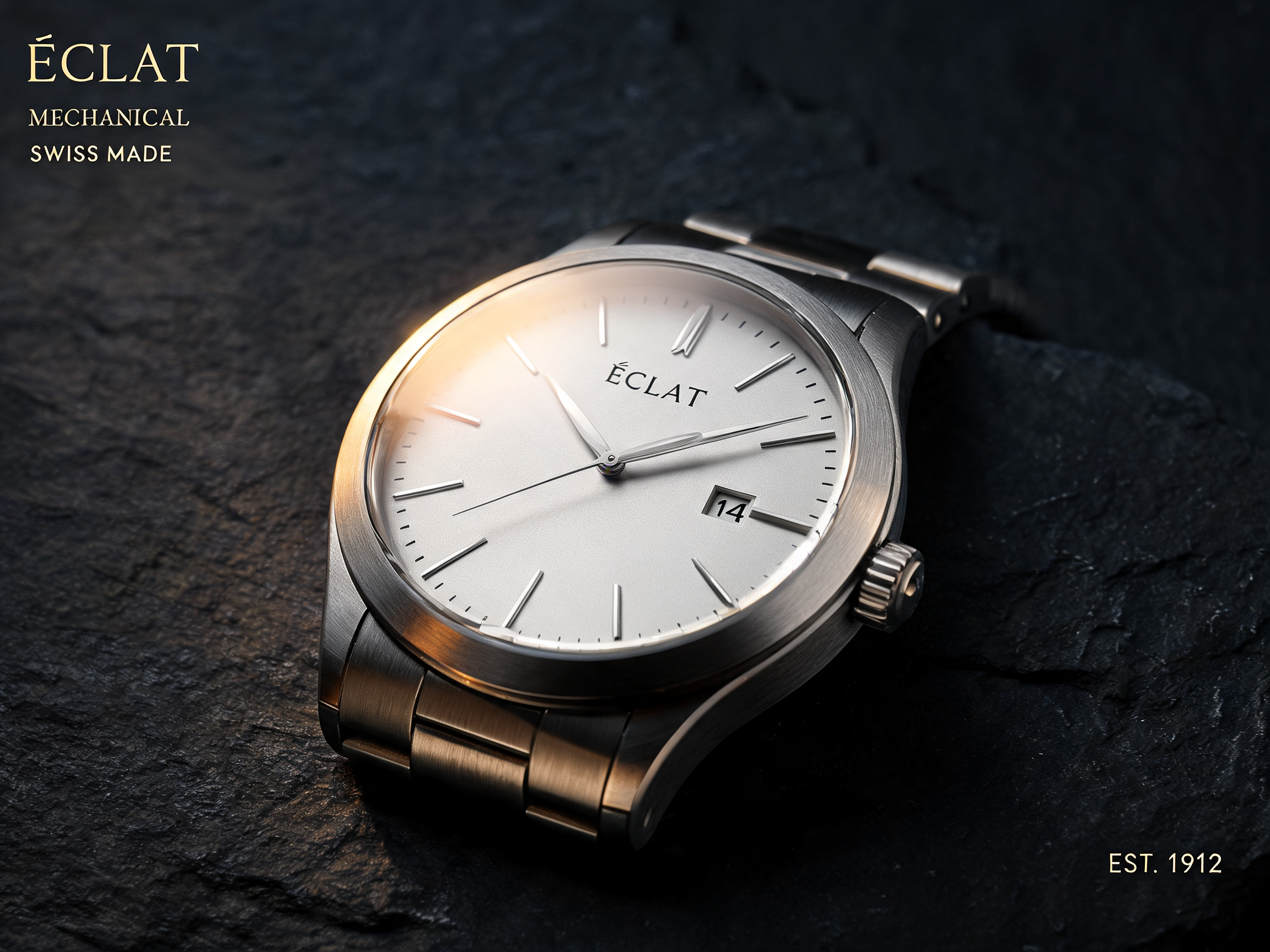
A dramatic advertisement for a luxury mechanical watch. Show a close-up macro product shot of the watch resting on dark
A dramatic advertisement for a luxury mechanical watch. Show a close-up macro product shot of the watch resting on dark stone, with warm directional light revealing brushed metal, sapphire glass, and precise dial details. Typography is minimal, elegant, and placed with generous negative space. The mood should feel timeless, precise, and premium.
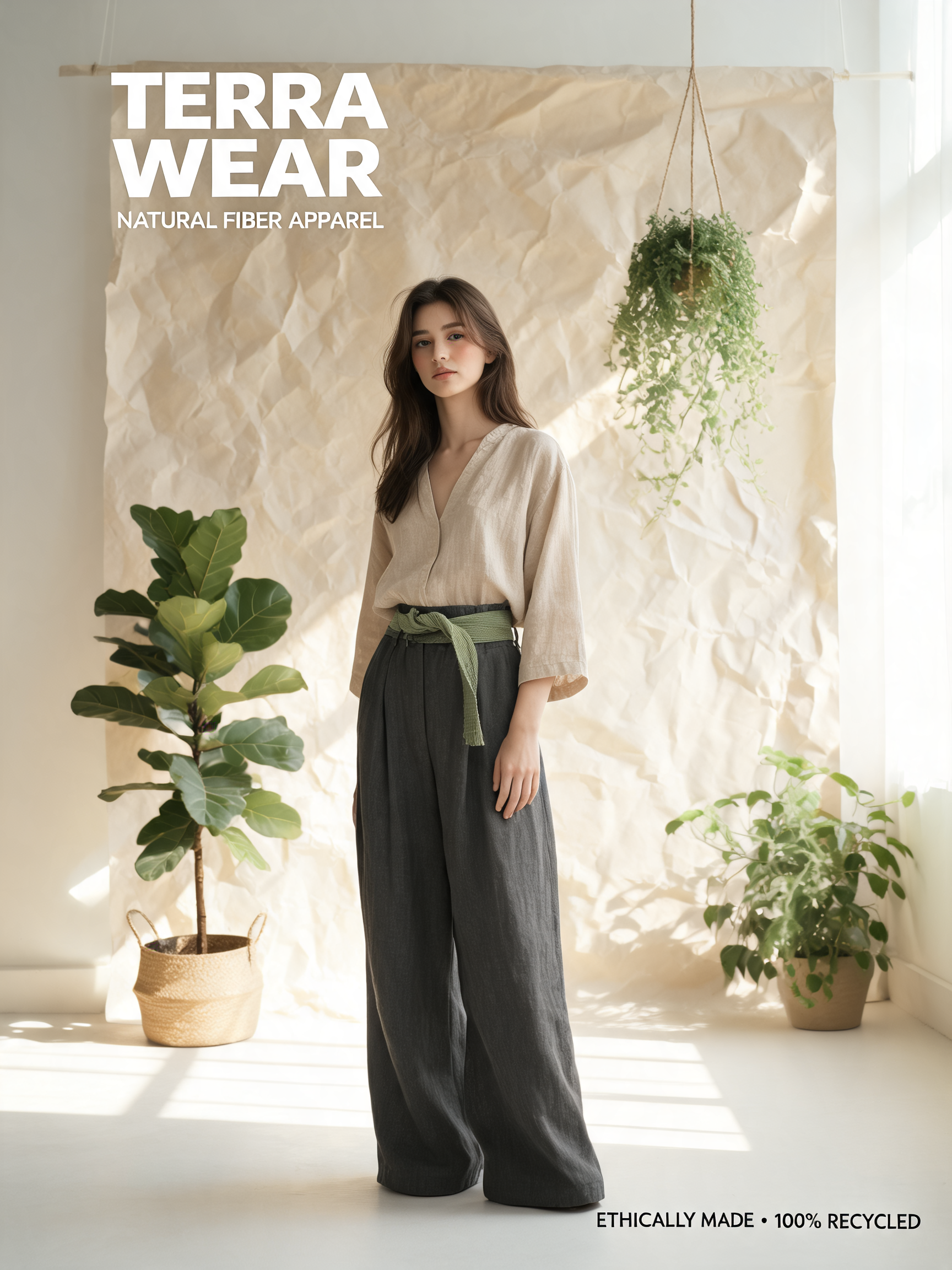
Sustainable Fashion Editorial Campaign
A refined editorial campaign image for a sustainable fashion brand. The main visual is a model wearing natural-fiber clothing in a sunlit studio with recycled paper backdrops and plants. The color palette is muted green, oat, charcoal, and soft white. Typography is simple and fashion-forward. The mood is ethical, modern, and premium.
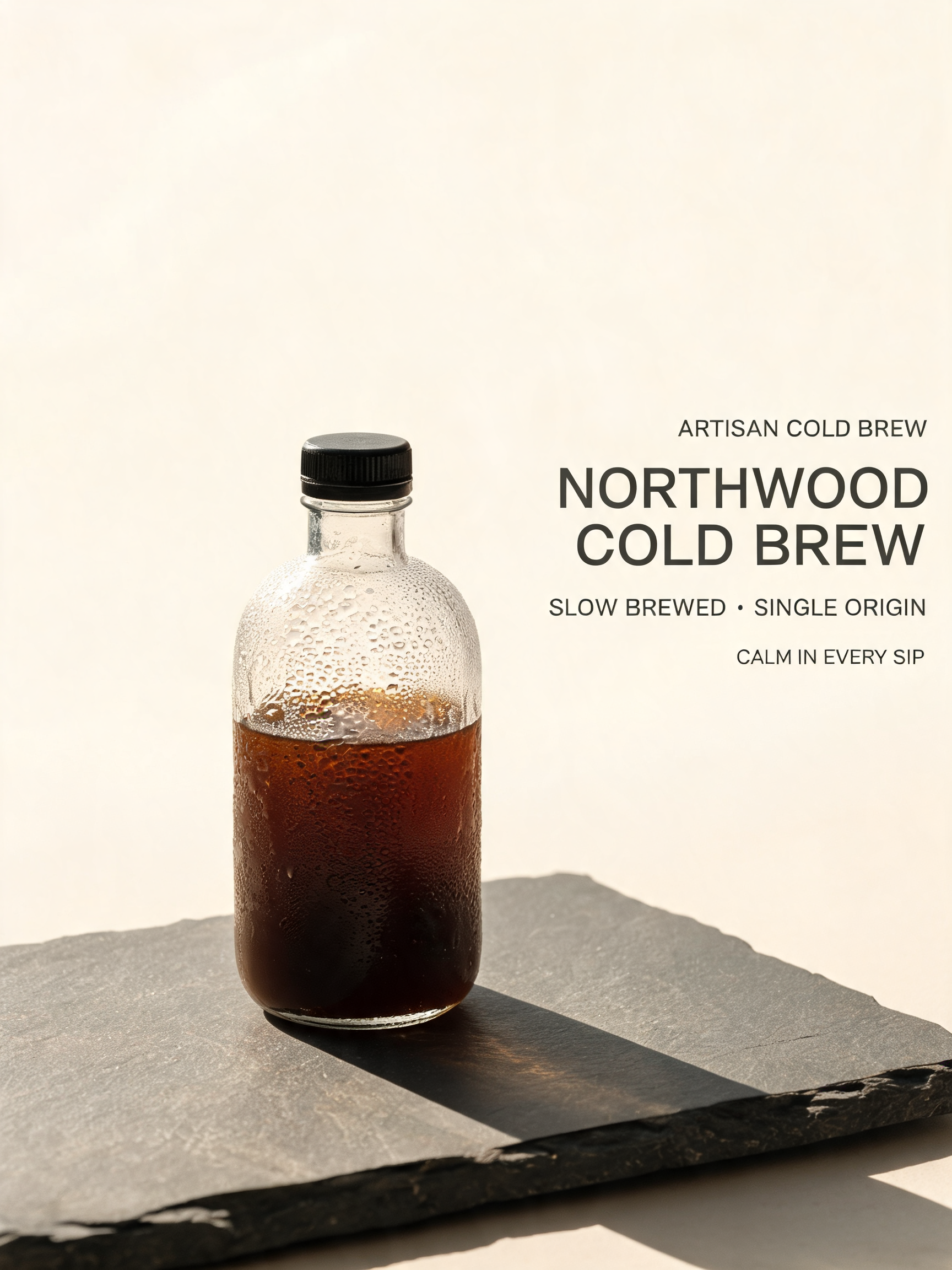
Minimalist Cold Brew Coffee Advertisement
A minimalist poster advertisement for a premium cold brew coffee brand. The main visual is a single condensation-covered bottle on a matte stone surface, with soft morning light and deep shadows. Typography is clean, modern, and restrained. The composition should use generous negative space and feel sophisticated, calm, and artisanal.
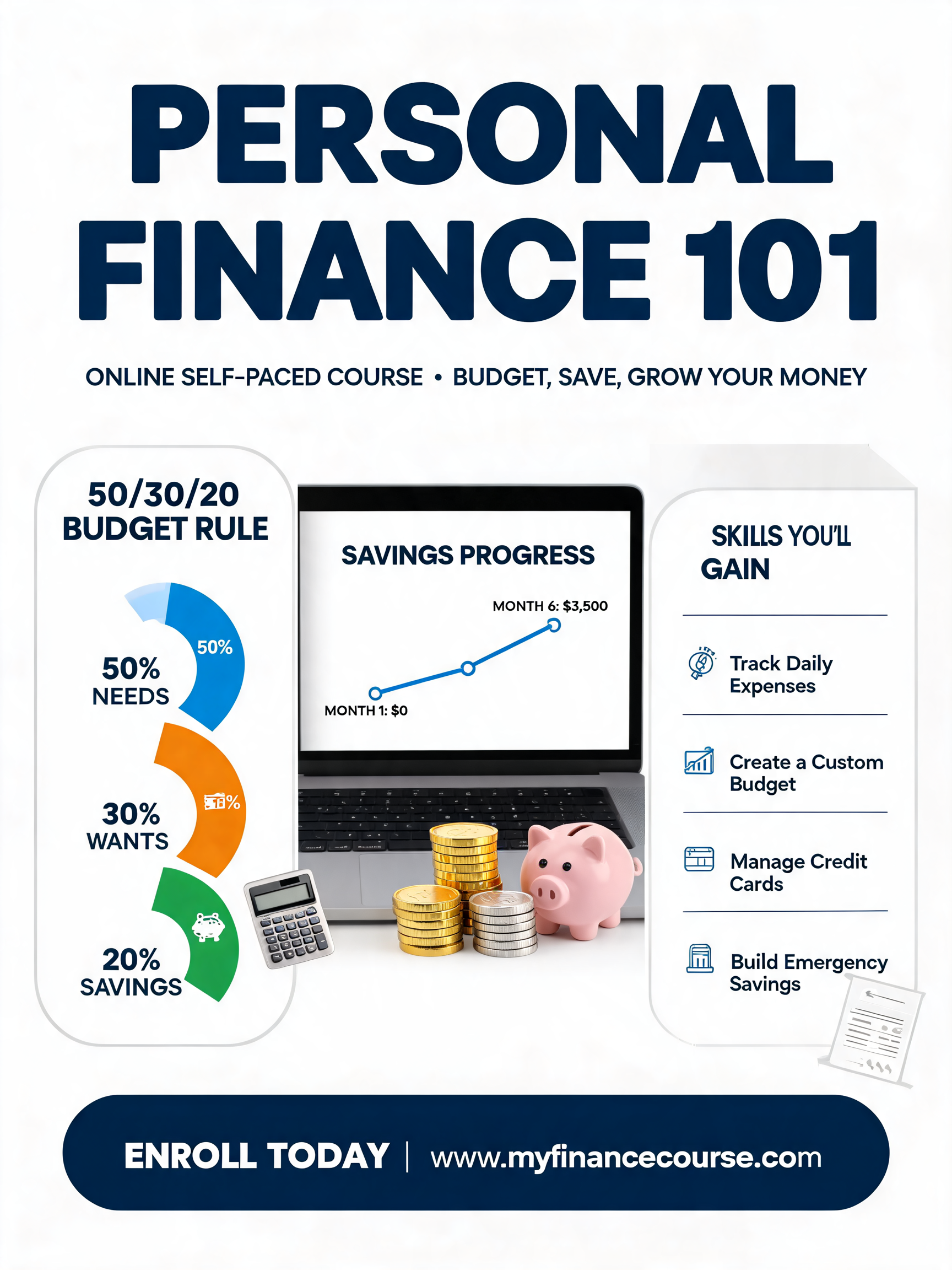
Personal Finance Online Course Infographic
An informative poster for an online course about personal finance. The design is a clean infographic with illustrated charts, coins, budgeting icons, and a central laptop showing simple financial progress visuals. Typography is clear and professional. The layout should be organized, accessible, and easy to scan quickly.
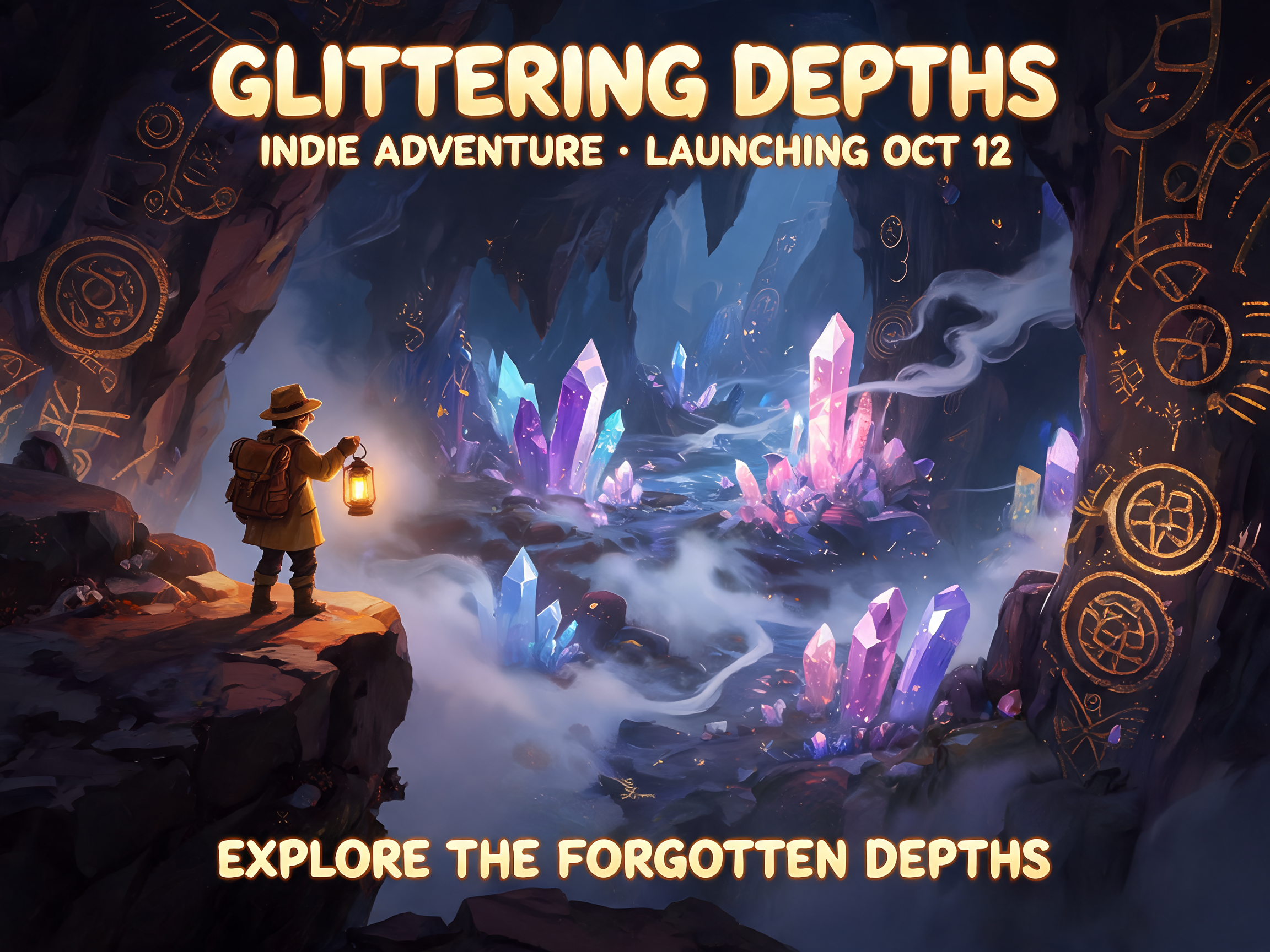
A stylized poster for an indie adventure game launch. The image shows a tiny explorer standing at the edge of a glowing
A stylized poster for an indie adventure game launch. The image shows a tiny explorer standing at the edge of a glowing underground cavern filled with crystals, ancient symbols, and soft mist. Use painterly lighting, rich shadows, and whimsical fantasy details. Typography is bold, playful, and slightly mysterious.
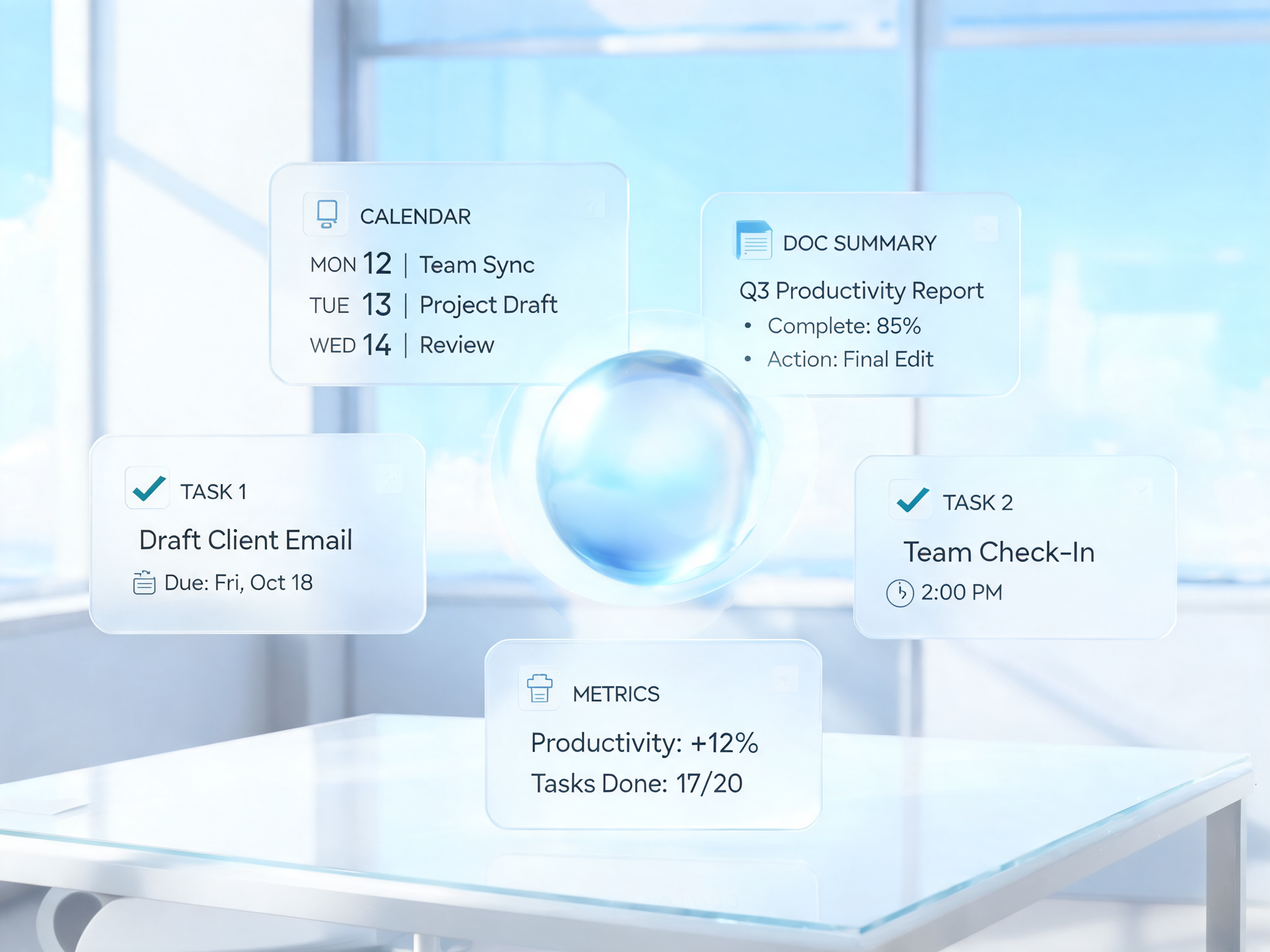
A clean, futuristic hero image for an AI productivity tool. The design shows a calm workspace with floating task cards,
A clean, futuristic hero image for an AI productivity tool. The design shows a calm workspace with floating task cards, calendar blocks, and document summaries arranged around a glowing central assistant orb. The style is polished 3D with soft gradients and subtle glass materials. No clutter, no logos, no unreadable UI.
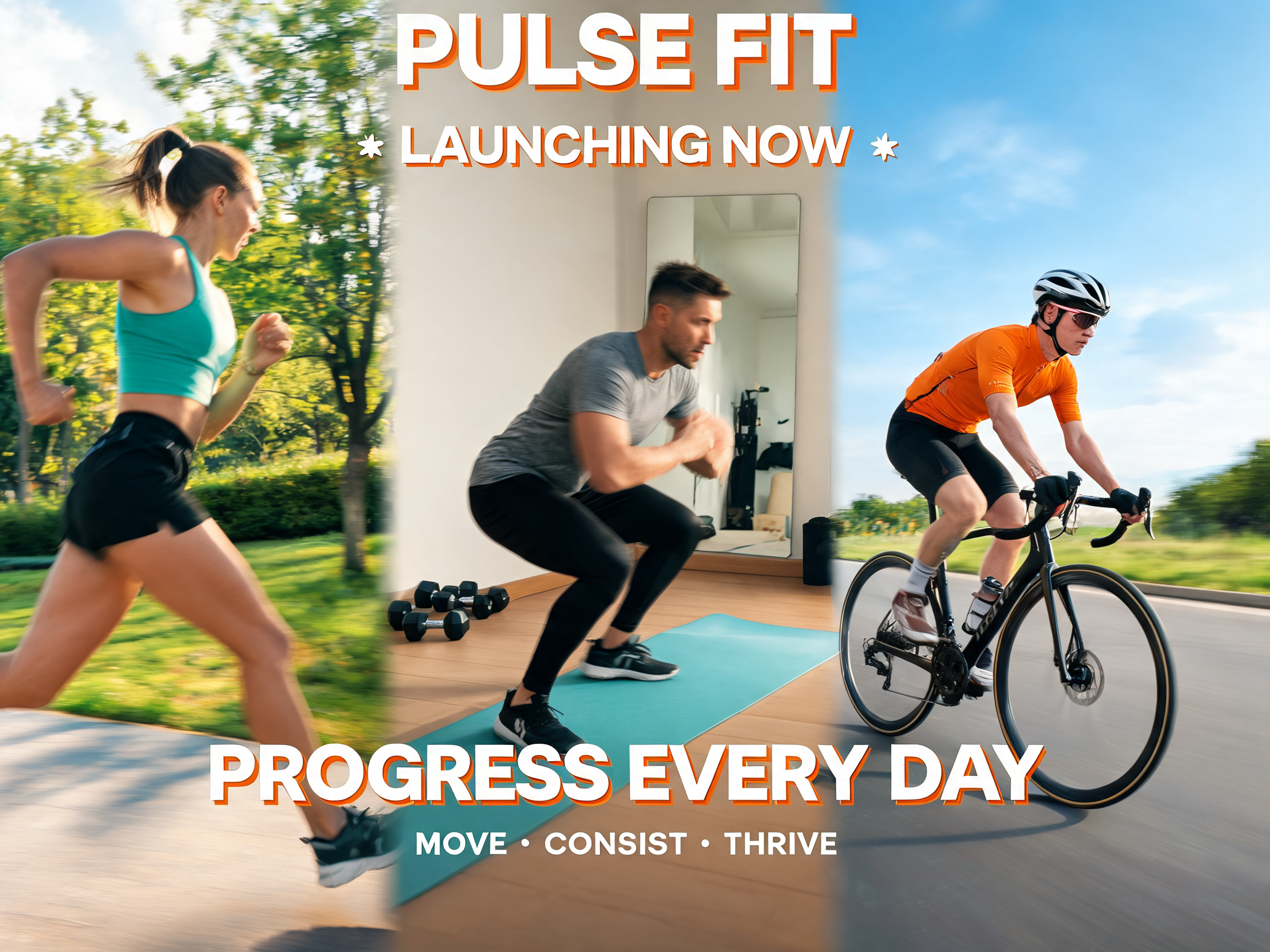
Fitness App Launch Banner
A dynamic horizontal banner for a fitness app launch. The image shows diverse athletes training in different environments, blended into a clean split-scene composition with motion blur and energetic color accents. Typography is bold and modern. The design should communicate progress, motivation, and daily consistency.
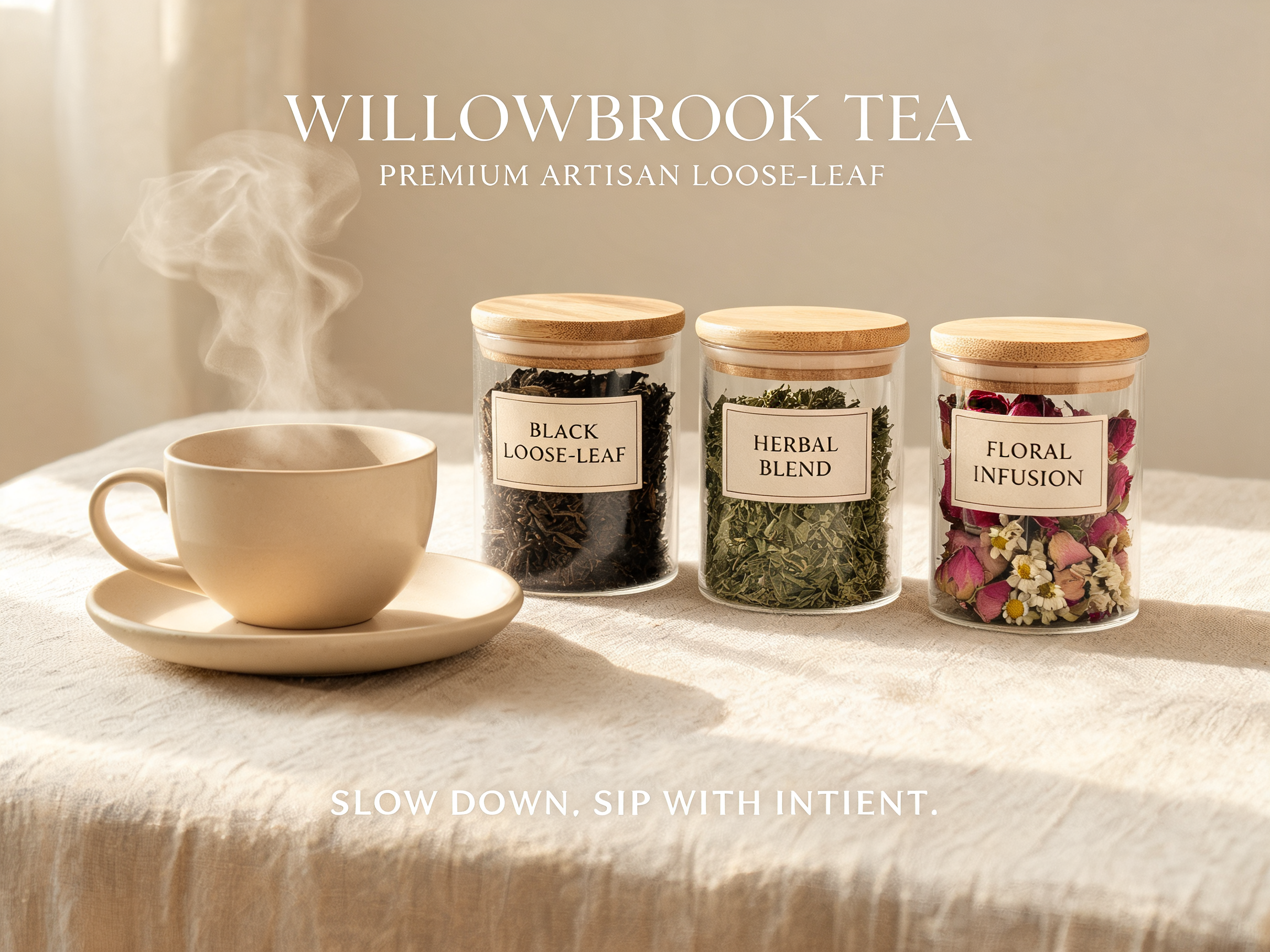
Premium Loose-Leaf Tea Advertisement
A calm advertisement for a premium loose-leaf tea brand. The main visual is a ceramic teacup beside glass jars of tea leaves, herbs, and dried flowers on a natural linen surface. Use soft daylight, warm neutral tones, and elegant minimal typography. The image should feel refined, soothing, and artisanal.
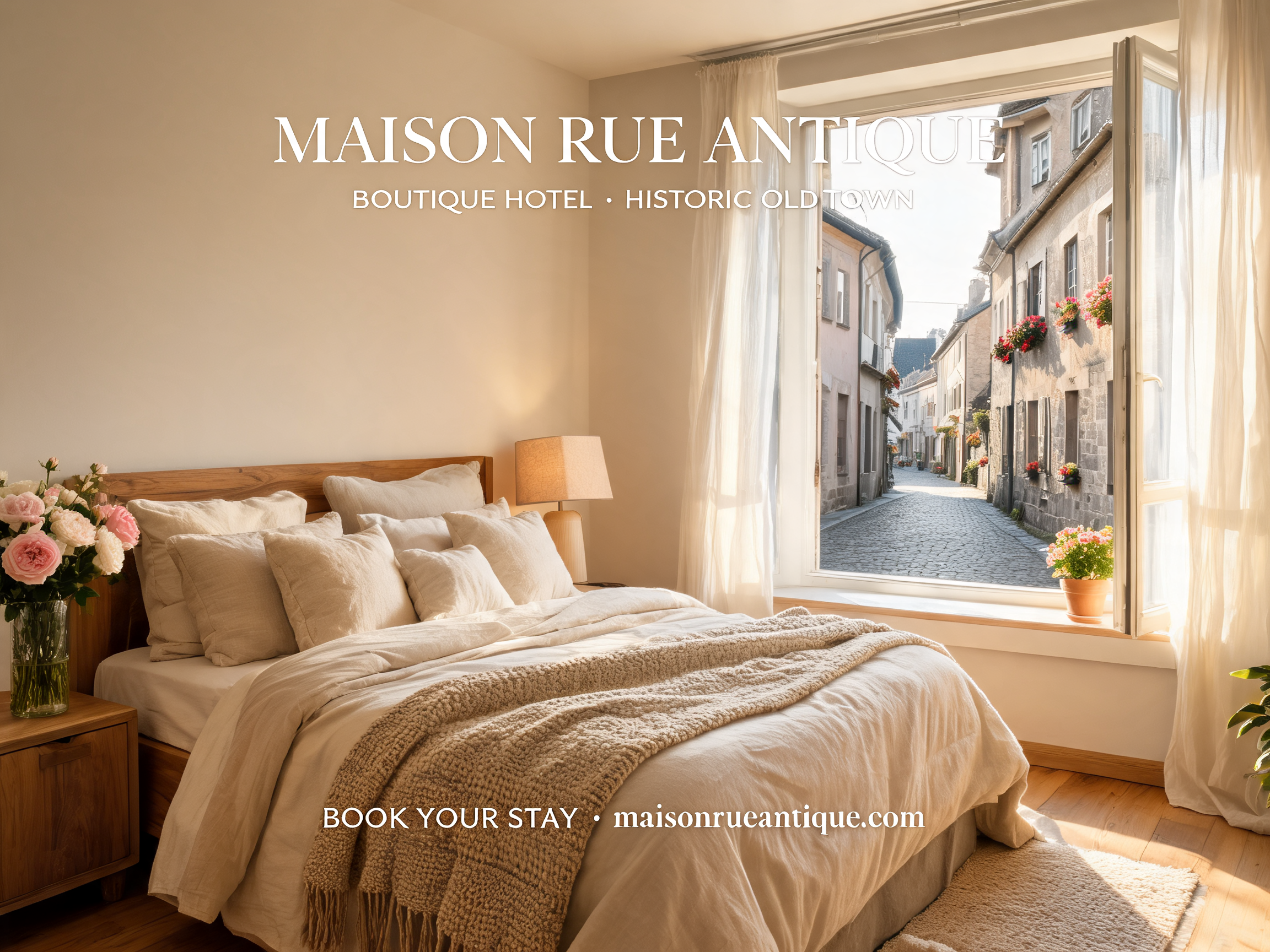
Boutique Hotel Promotional Image
A refined promotional image for a boutique hotel. Show a cozy sunlit guest room with linen bedding, warm wood furniture, fresh flowers, and a large window overlooking a quiet old-town street. Typography is elegant and understated, with space for the hotel name and booking message. The mood should feel intimate, calm, and premium.
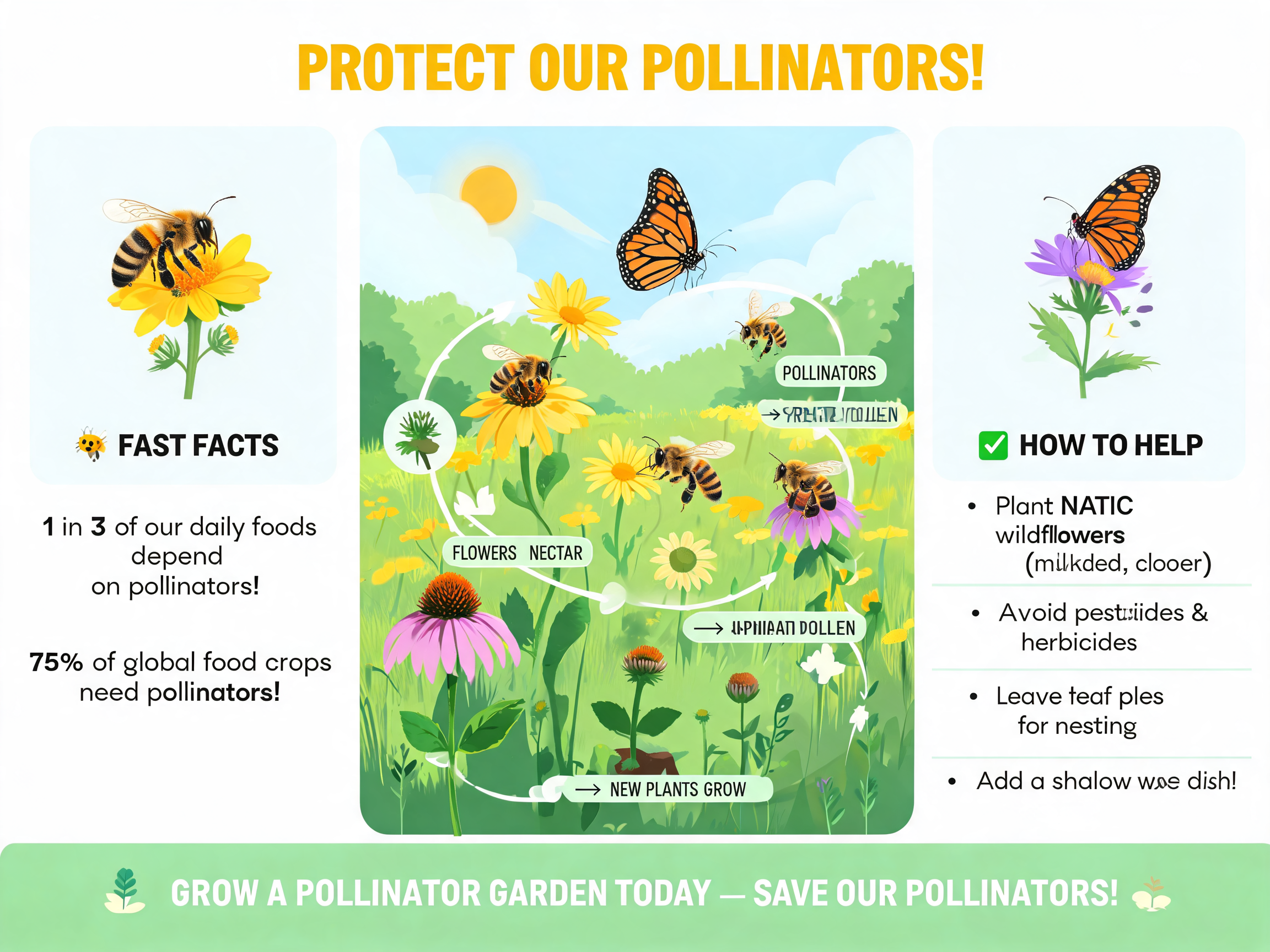
Pollinator Protection Infographic
A clean 4:3 infographic-style poster about protecting pollinators. The central graphic shows bees, butterflies, wildflowers, and a simple ecosystem diagram. Use friendly icons, natural greens and yellows, and organized sections for quick facts. Typography should be clear and educational. The design should feel informative, optimistic, and accessible.
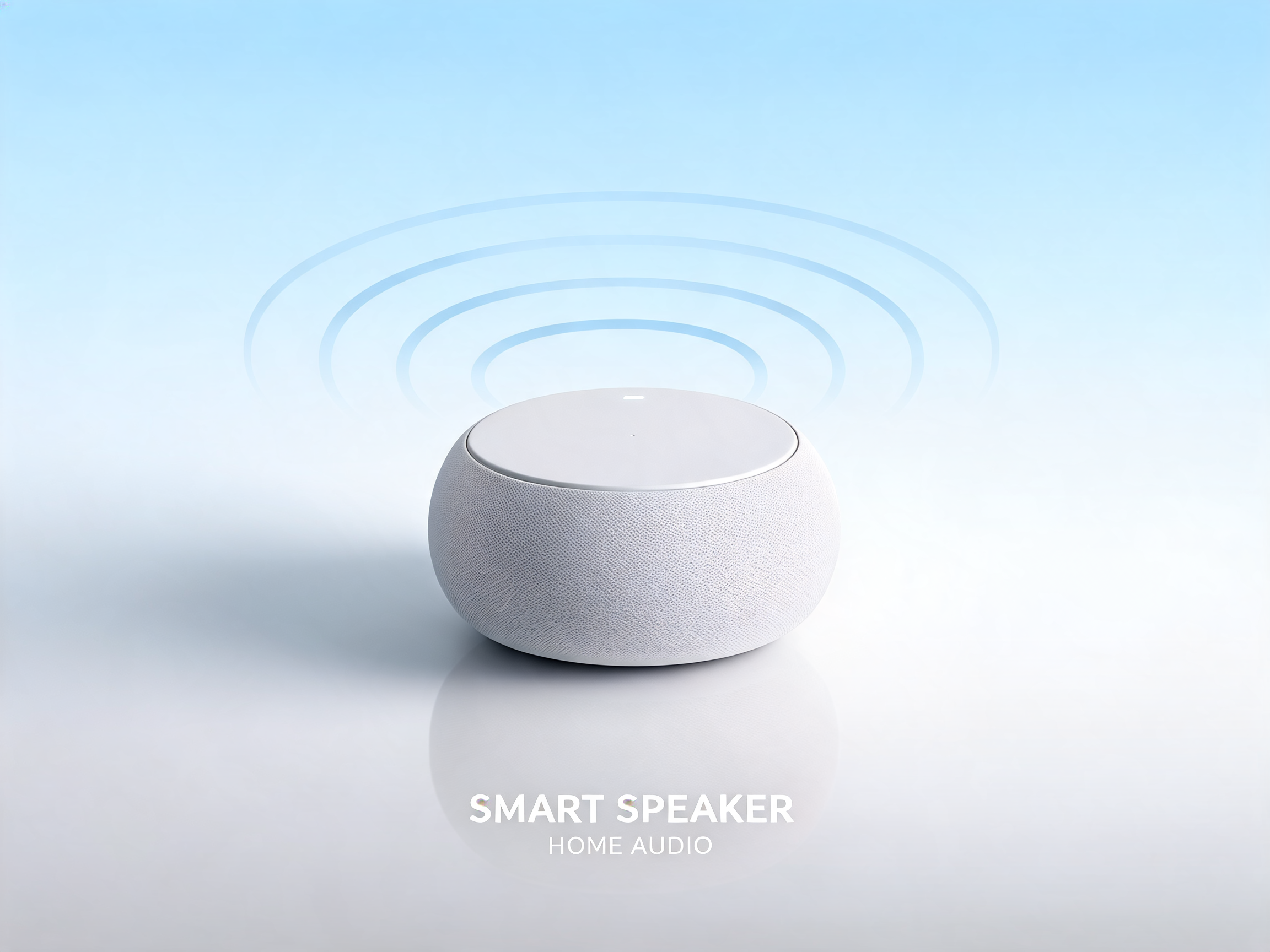
Compact Smart Home Speaker 3D Render
A sleek product image for a compact smart home speaker. The speaker is shown as a high-resolution 3D render on a matte surface, with subtle sound-wave shapes in the background. Use a clean gradient, soft reflections, and modern sans-serif typography. The composition should feel minimal, premium, and product-focused.
Seedream 5 Prompt Guide and Example Library
Use Seedream 5 Prompt structure to describe subjects, layout, lighting, typography, references, and finishing details.
Seedream 5 Prompt writing works best when a creative idea becomes a precise visual brief. Use this Seedream 5 Prompt page to compare examples, borrow structure, and build prompts for portraits, posters, products, diagrams, interiors, and brand visuals.
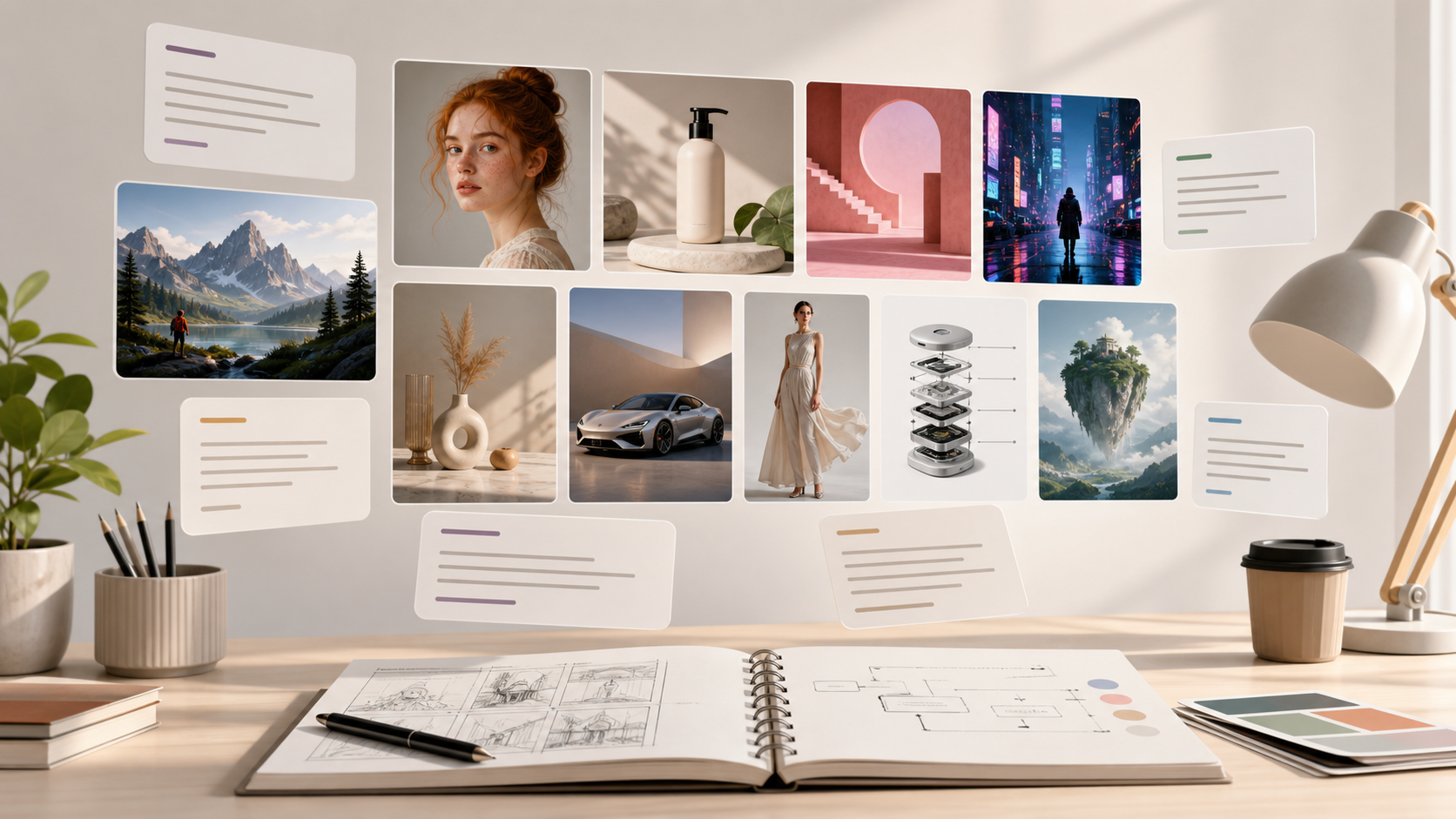
How to Use a Seedream 5 Prompt Workflow
A reliable Seedream 5 Prompt workflow moves from intent to detail to review. These three steps help you turn a loose image idea into a prompt Seedream 5.0 can follow more consistently. Keep the Seedream 5 Prompt visible while reviewing each result.

Start with the Visual Goal
Define the main subject, scene, output type, and audience before adding style. A Seedream 5 Prompt should answer what the image must communicate, where the subject appears, and which elements are essential to preserve.

Layer Style and Controls
Add composition, camera angle, lighting, mood, typography, color palette, and exclusions. When you prompt Seedream 5.0, these details keep the request specific without turning the Seedream 5 Prompt into a confusing checklist.

Review, Refine, and Reuse
Compare the result against the original brief, then tighten weak areas such as spatial relationships, readable text, or material texture. Save successful Seedream 5 Prompts as patterns for future campaigns and creative tests.
Seedream 5 Prompt Features for Better Results
Use this Seedream 5 Prompt framework to handle different image goals without starting from scratch. A Seedream 5 Prompt library makes those decisions easier to reuse.
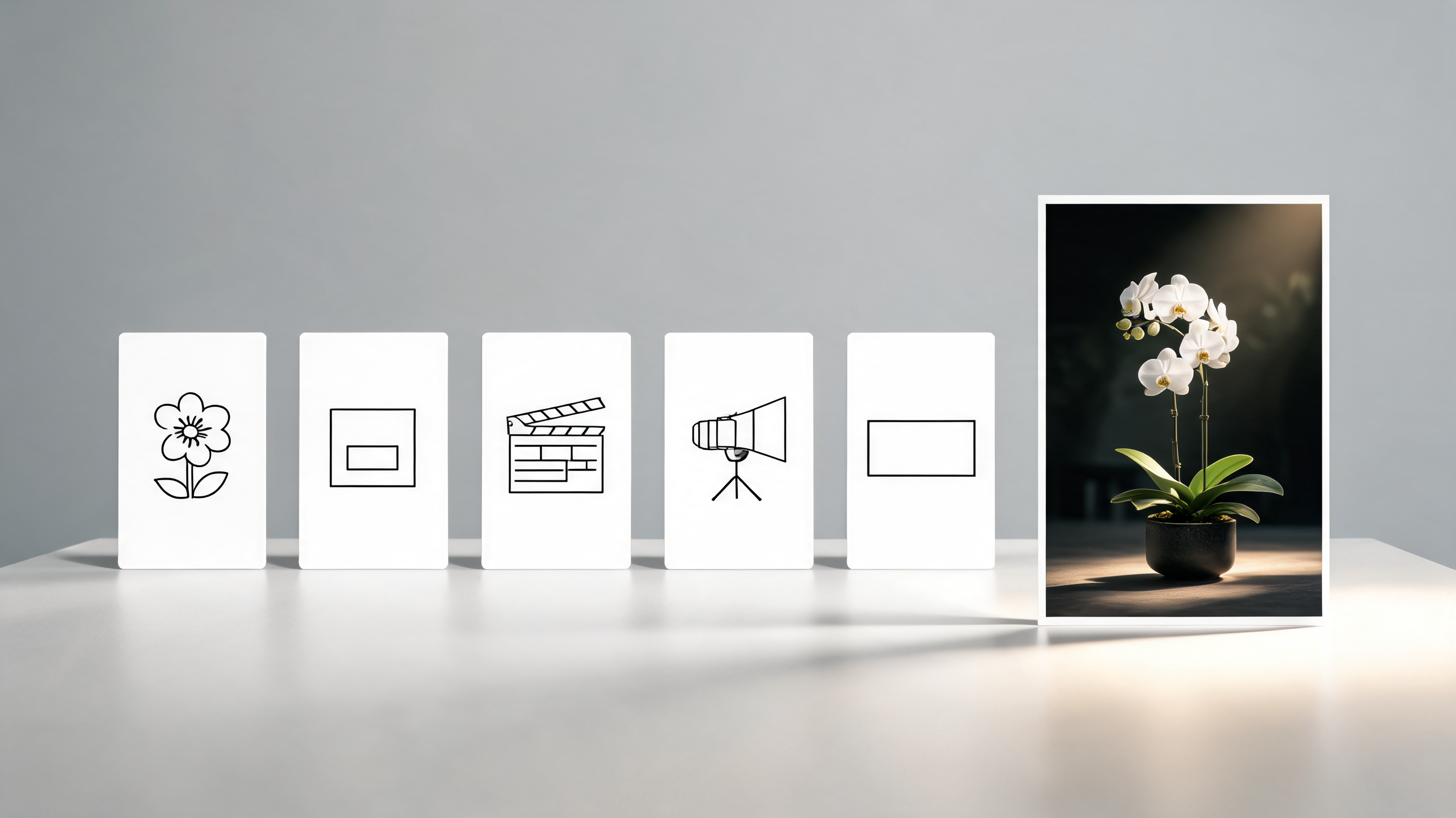
Structured Prompt Anatomy
- A useful Seedream 5 Prompt starts with a clear subject, then adds composition, style, lighting, and technical boundaries.
- Use Seedream 5 Prompts to separate must-have details from optional style cues.
- When you prompt Seedream 5.0, include exact text in quotes only when the image needs readable typography.
- This Seedream 5.0 prompting guide keeps the brief concise enough for iteration.
- Keep the Seedream 5 Prompt easy to scan so collaborators can revise one decision at a time.
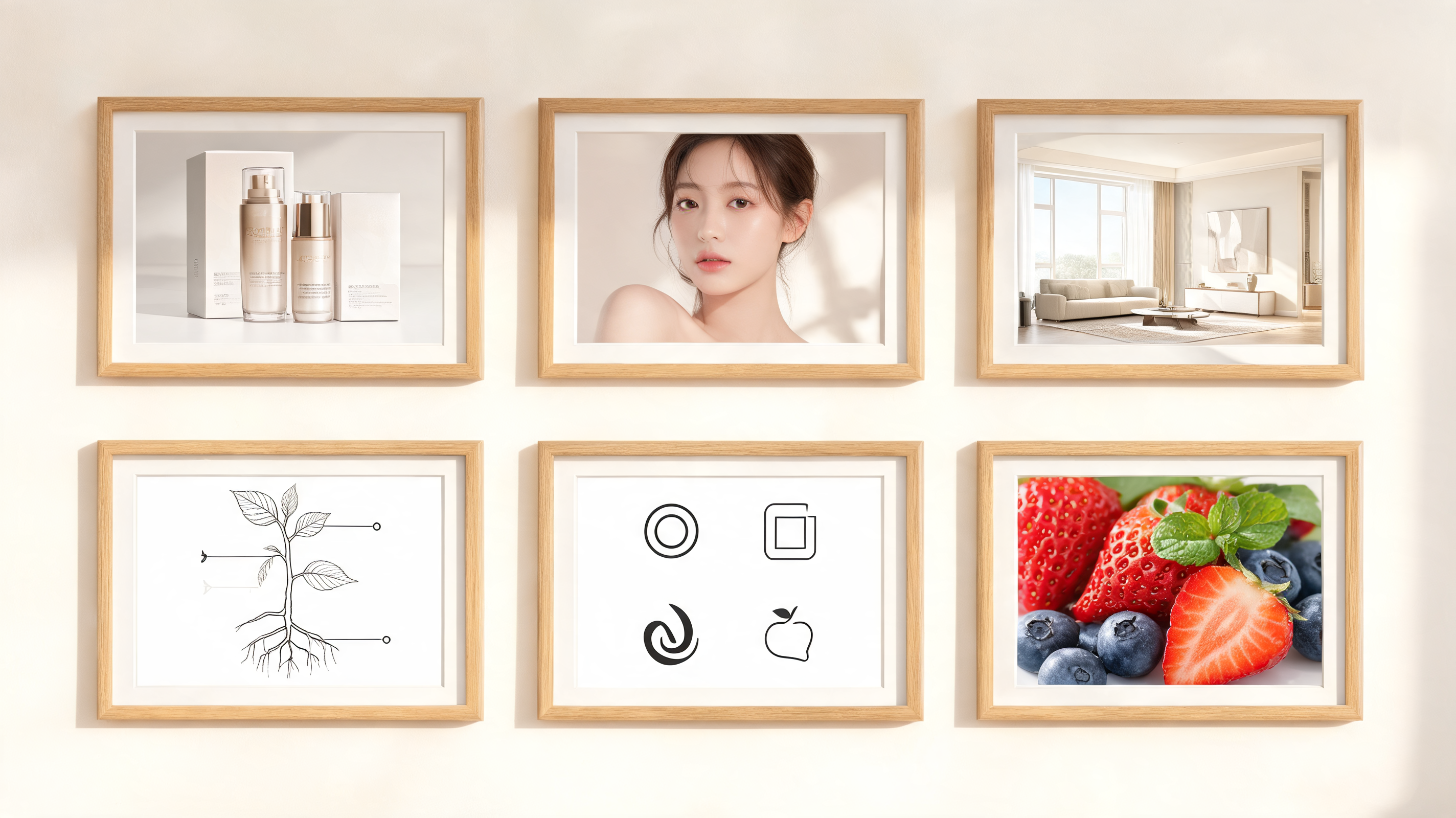
Prompt Library by Use Case
- Explore Seedream 5 Prompts for product photography, posters, concept art, educational diagrams, editorial portraits, logos, and interior visualization.
- Each Seedream 5 Prompt shows how to balance subject, environment, surface detail, and final finish.
- A saved Seedream 5 Prompt also gives teams a repeatable base for future visual tests.
Text, Layout, and Detail Control
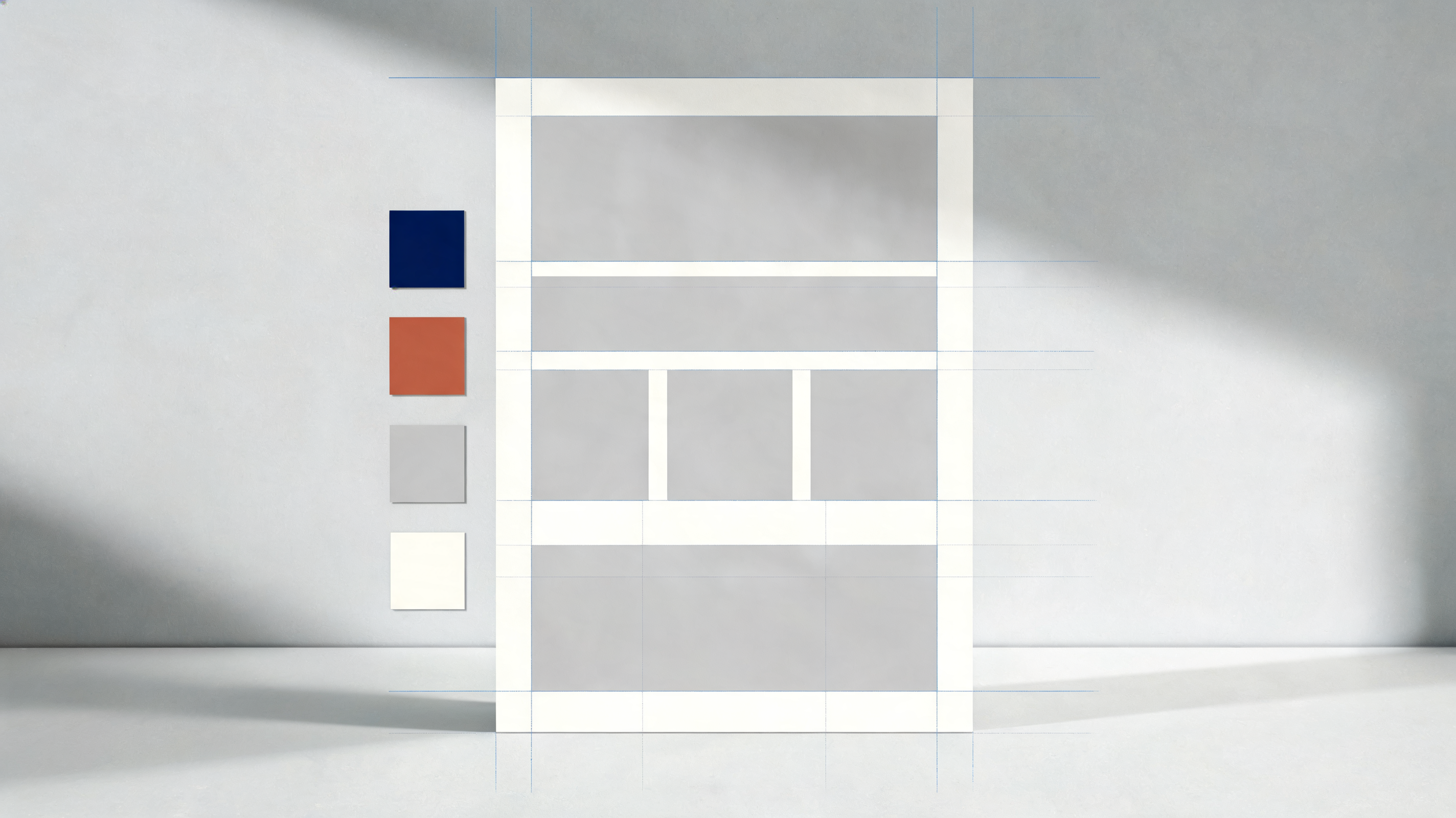
- A Seedream 5 Prompt can describe spatial relationships, quantities, labels, and visual hierarchy when the image needs more than a beautiful subject.
- The Seedream 5.0 prompting guide approach helps reduce missing objects, unclear layouts, and decorative text that was never requested.
- This Seedream 5 Prompt discipline is useful when exact placement or hierarchy matters.
Reference-Aware Editing Language
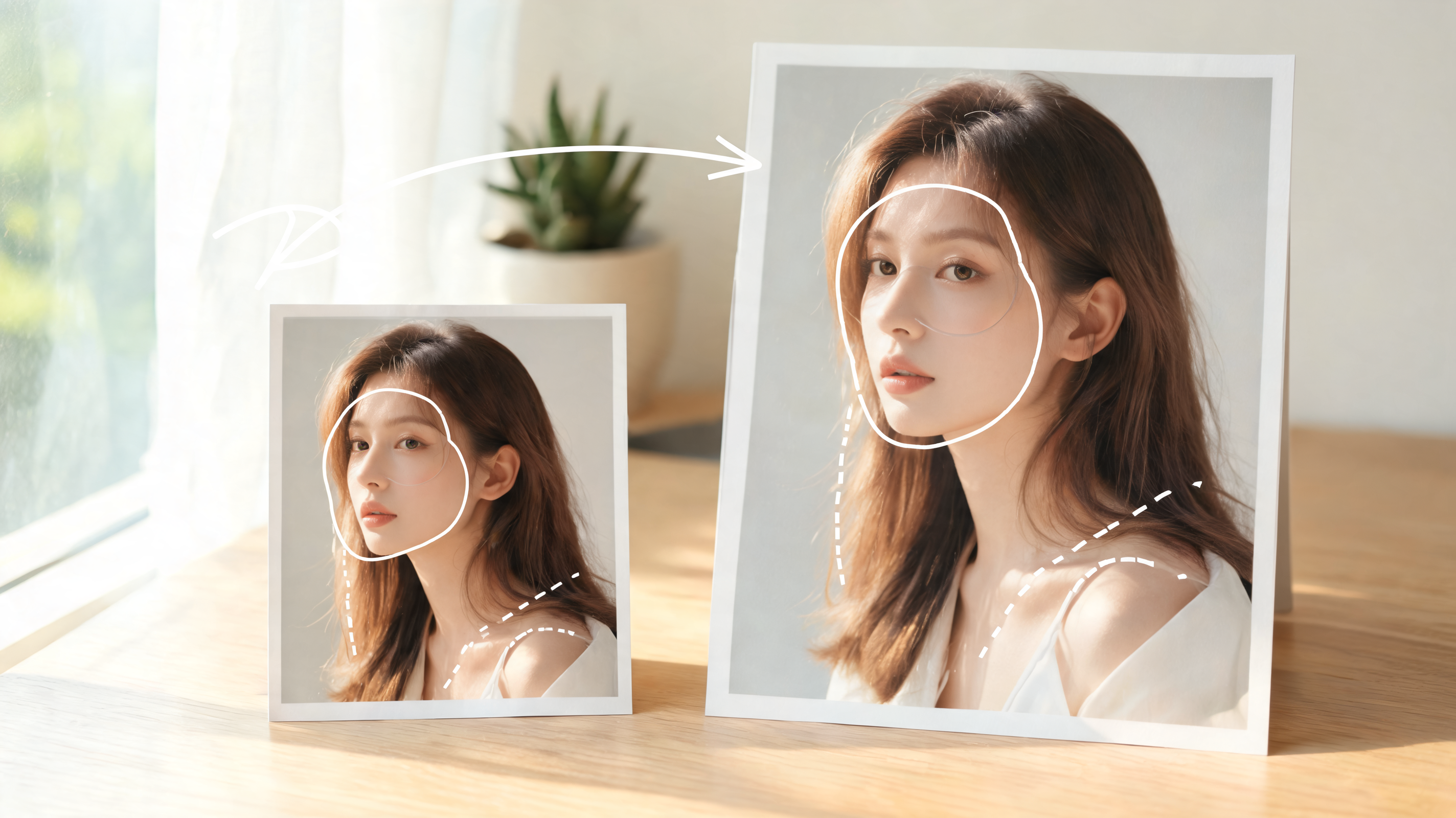
- For image-to-image tasks, a Seedream 5 Prompt should name what stays fixed and what changes.
- When you prompt Seedream 5.0 with references, clear preservation rules help the output feel intentional instead of over-edited.
- The final Seedream 5 Prompt should make the edit boundary obvious before generation starts.
Why Creators Use Seedream 5 Prompt Examples
Seedream 5 Prompt examples give teams a practical starting point for visual planning. Use them to shorten experimentation, align stakeholders, and document the choices behind a finished image direction.

Campaign Visuals
Marketing teams use a Seedream 5 Prompt to define product position, audience, message hierarchy, and art direction before testing variations. Seedream 5 Prompts are especially useful for poster concepts, launch assets, thumbnails, social posts, and seasonal creative where the same idea needs several polished visual routes. The Seedream 5 Prompt also gives reviewers a concrete brief to approve before production assets are explored. The Seedream 5 Prompt keeps the campaign idea aligned across channels.

Product and Brand Systems
A product-focused Seedream 5 Prompt can specify material finish, label placement, packaging details, props, camera angle, and background tone. The result is a reusable prompt Seedream 5.0 brief for exploring cohesive brand identity sets, product flat lays, packaging scenes, and clean commercial photography concepts. A documented Seedream 5 Prompt helps compare variations without losing the commercial objective. The Seedream 5 Prompt keeps product cues consistent across scene options.

Editorial Portraits
Portrait prompts need control over identity cues, lens choice, expression, wardrobe, lighting, and retouching style. A Seedream 5 Prompt helps creators avoid vague beauty language and instead define the visual decisions that shape a credible fashion, beauty, executive, or creator portrait. A focused Seedream 5 Prompt keeps the portrait direction specific while leaving room for controlled style tests.

Education and Diagrams
For explainers, lesson visuals, and annotated diagrams, Seedream 5 Prompts can describe information flow, labels, arrows, scientific conventions, and scene accuracy. A clear Seedream 5.0 prompting guide is useful when the image must teach, not just decorate, because structure matters as much as aesthetics. A precise Seedream 5 Prompt keeps the learning goal visible throughout the creative process.

Interior and Environment Concepts
A Seedream 5 Prompt can turn a room, landscape, or architectural idea into a directional rendering by naming layout, materials, light direction, season, and spatial constraints. This helps designers compare atmospheres while keeping the same functional brief across multiple creative variations. The Seedream 5 Prompt becomes a reference point when a client wants another version of the same space.

Personal Creative Practice
Artists and hobbyists use Seedream 5 Prompts to learn how wording changes output. By collecting examples, revising weak instructions, and saving strong phrasing, they build a personal library of visual techniques instead of relying on random experimentation every time inspiration appears. A personal Seedream 5 Prompt archive also makes improvement visible from one experiment to the next.
What Creators Say About Seedream 5 Prompt Workflows
These practical stories show how a Seedream 5 Prompt library supports repeatable creative work across marketing, education, design, and content production without turning every image into a new guessing game.
Our team used to write every image brief from scratch. A Seedream 5 Prompt pattern gave us a shared language for subject, layout, lighting, and copy. Review cycles became easier because everyone could see which visual instruction needed changing. The Seedream 5 Prompt became our shared review note.
I use Seedream 5 Prompts when planning product scenes for small brands. The examples remind me to specify materials, reflections, label placement, and camera angle. That detail helps each concept look intentional before I brief a designer. The Seedream 5 Prompt saves time during each concept pass.
The Seedream 5.0 prompting guide format is useful for classroom diagrams. I can separate what students need to learn from the style of the image, then adjust labels, arrows, and hierarchy without rewriting the whole prompt.
When I prompt Seedream 5.0 for editorial concepts, the checklist keeps me from drifting into generic art direction. I define the subject, frame, light quality, wardrobe, and exclusions first, then test style variations with more confidence.
A Seedream 5 Prompt library helped our content team stay consistent across thumbnails and blog visuals. We still customize every brief, but the saved structures keep tone, composition, and visual polish aligned from one campaign to the next.
I like having Seedream 5 Prompts organized by use case. It makes experimentation less random. Instead of chasing styles, I can start with a proven structure and then change the subject, palette, or lighting for the project.




FAQs About Seedream 5 Prompt Writing
Use these answers to understand how a Seedream 5 Prompt should be structured, when examples help, and how to adapt the same framework across different creative tasks.
A Seedream 5 Prompt is a written visual brief designed for Seedream 5 image generation or editing. It usually defines the subject, composition, style, lighting, text requirements, technical finish, and constraints. A good Seedream 5 Prompt is specific enough to guide the model, but still readable enough for a creator to revise after seeing the first result. Treat the Seedream 5 Prompt as both instruction and review checklist. The Seedream 5 Prompt should remain clear enough for collaborators to edit.
Start Seedream 5 Prompts with the main subject and intended output, then add composition, environment, lighting, style, camera or medium, and quality guardrails. If text must appear in the image, put the exact wording in quotation marks. If something must be excluded, state it clearly. This order keeps the instruction focused and easier to debug. This makes each Seedream 5 Prompt easier to compare after generation. A concise Seedream 5 Prompt reduces revision noise.
Use a Seedream 5.0 prompting guide when your image goal has multiple constraints, such as product packaging, posters with readable copy, annotated diagrams, brand systems, or character consistency. The guide helps you decide which details belong in the prompt and which details should be tested later as variations, so revisions stay deliberate. The Seedream 5 Prompt then becomes a stable brief rather than a guess. The Seedream 5 Prompt keeps the image goal explicit.
Some examples work better because they give the model concrete visual information. They name the subject, describe relationships between objects, define light direction, and avoid conflicting style cues. Weak examples often stack adjectives without priorities. A stronger Seedream 5 Prompt tells the model what matters most, what should remain secondary, and what should not appear. That is why a Seedream 5 Prompt should prioritize decisions, not decoration. A better Seedream 5 Prompt makes tradeoffs easier to see.
Yes, you can prompt Seedream 5.0 for posters, labels, invitations, and other visuals that require readable text, but the instruction should be precise. Put the required copy in quotation marks, describe its placement, font style, color, and visual hierarchy, then keep unrelated text out of the prompt. Shorter text usually gives you more control. A concise Seedream 5 Prompt gives the model less room to invent extras.
Seedream 5 Prompts can support image-to-image tasks when they define preservation rules clearly. If you upload a reference, say which parts must stay fixed, such as identity, pose, product shape, or room layout. Then describe the exact change, like a new background, style transfer, object replacement, or lighting adjustment, without asking for unrelated transformations. The Seedream 5 Prompt should protect the source details before adding style.
Compare the output with the brief and find the missing instruction. If the layout failed, add spatial relationships. If the style feels generic, name one specific visual anchor instead of many. If text is wrong, simplify the copy and placement. The best Seedream 5 Prompt revisions change one major variable at a time. Each Seedream 5 Prompt revision should have a clear reason.
A single Seedream 5 Prompt can describe a set, series, storyboard, icon pack, or brand flat lay when consistency is part of the instruction. Specify the number of images or panels, shared palette, recurring subject, layout rules, and differences between each item. This helps the model understand both the common system and the required variations. The Seedream 5 Prompt should explain the system before listing variations.
Write a Better Seedream 5 Prompt Today
Use this Seedream 5 Prompt guide to move from vague ideas to structured briefs. Browse examples, adapt the framework, and write Seedream 5 Prompts that communicate subject, style, layout, and constraints clearly.
