
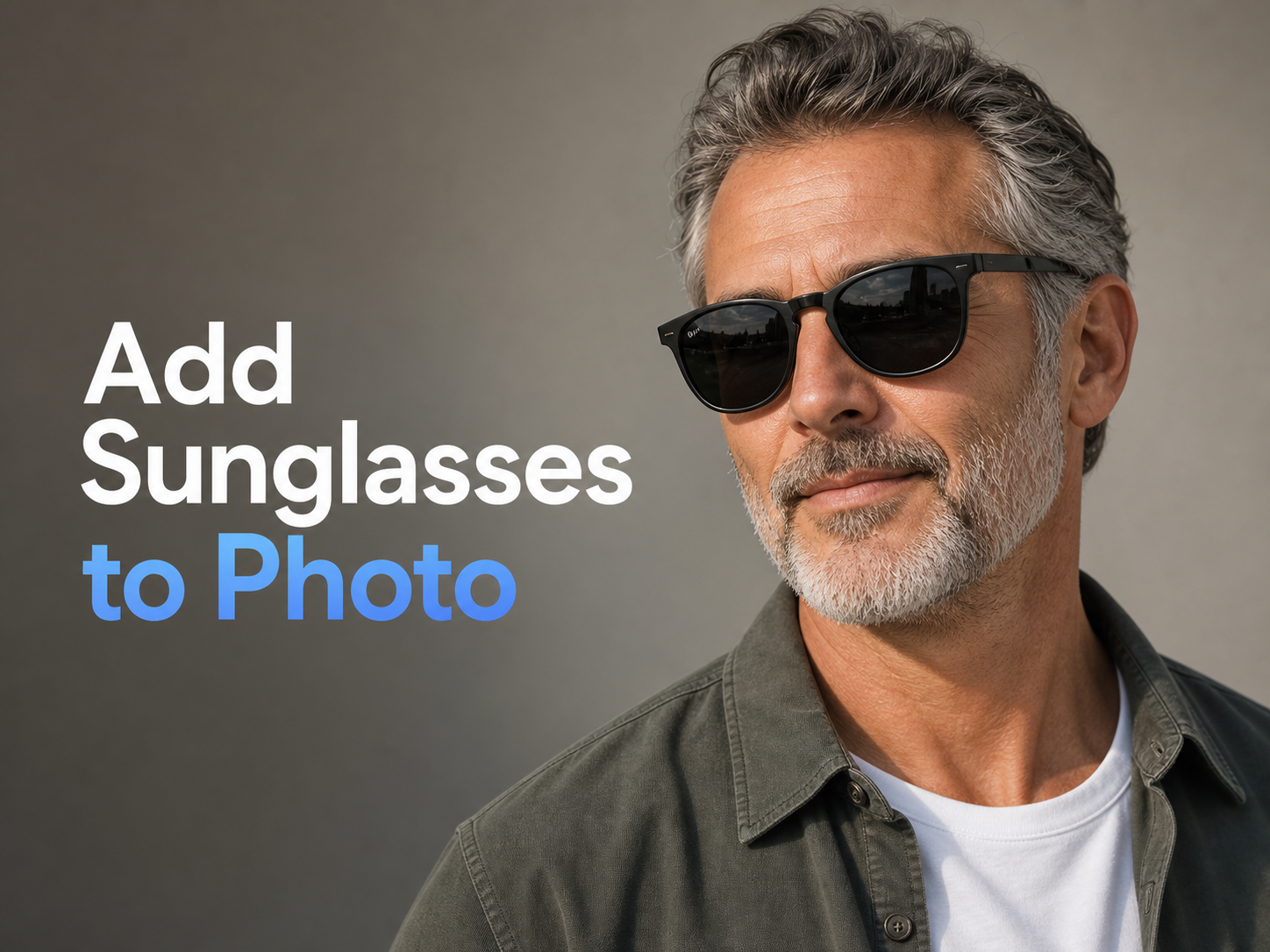
More AI Image Generators
Explore our collection of specialized AI image generators designed for different creative needs and styles
























Add Sunglasses to Photo With Sunglasses Filter AI
Use Add Sunglasses to Photo to preview frames that match face angle, lighting, and mood.
Add Sunglasses to Photo turns a regular portrait into a styled eyewear preview. Upload a selfie, describe the sunglasses, and get a realistic result that respects facial structure, lighting, and the original scene.
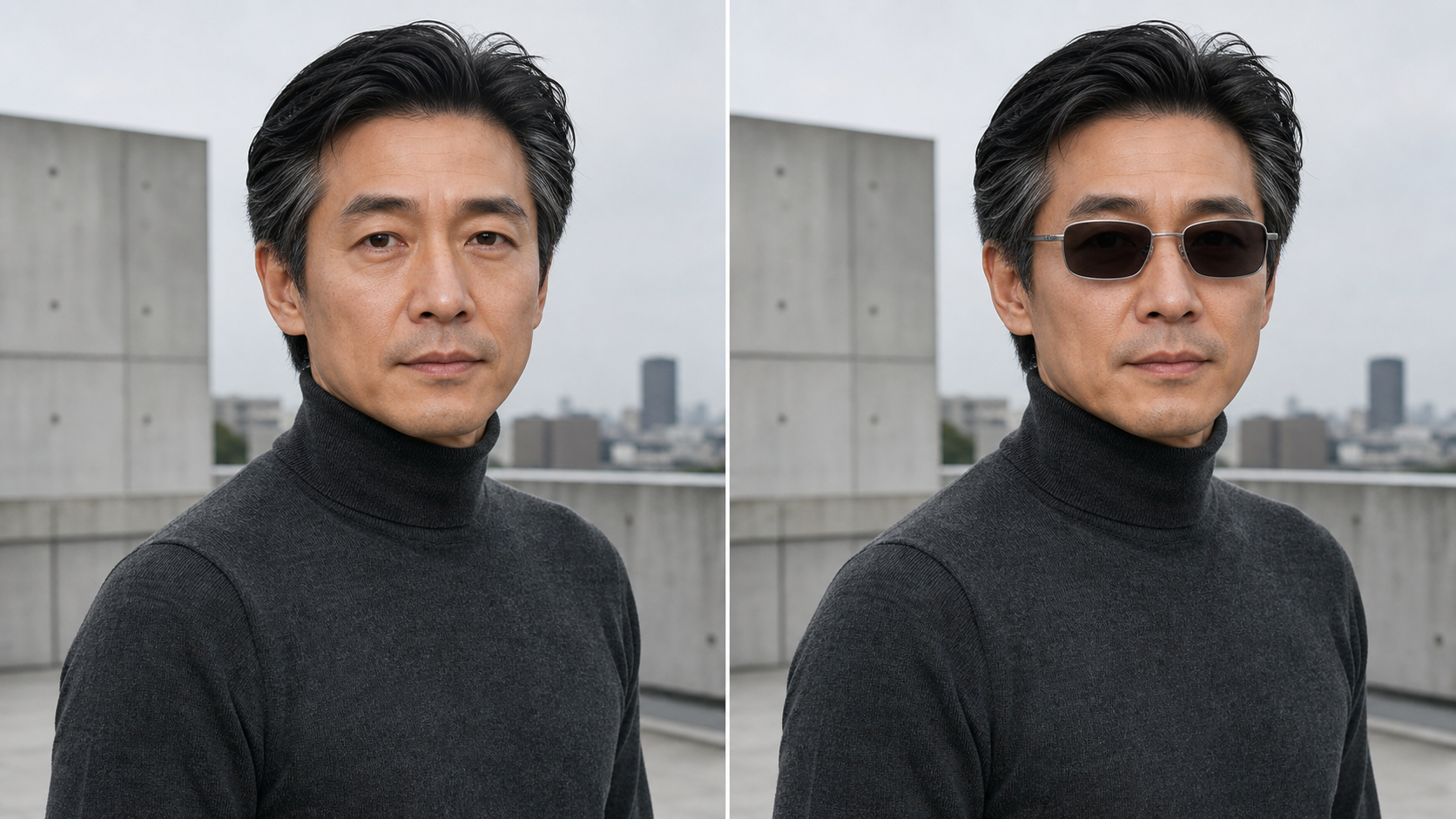
How to Use Add Sunglasses to Photo
Add Sunglasses to Photo keeps the workflow simple: upload a portrait, guide the eyewear style, review a natural edit, and refine the result before saving a polished version for your next use.

Upload a Clear Portrait
Start Add Sunglasses to Photo with a selfie, profile image, travel shot, or campaign portrait. A clear face angle helps the AI Virtual Sunglasses Try On understand eye position, nose bridge, head tilt, and existing light so the final sunglasses feel placed in the photo.

Describe the Sunglasses Style
Tell Add Sunglasses to Photo what look you want, from slim gold rounds to sporty wraparound shades. The Sunglasses Filter AI interprets frame shape, lens tint, material, and mood, then builds a result that feels intentional rather than pasted on.

Compare and Save the Result
Review the Add Sunglasses to Photo before-and-after output and check whether the frames sit naturally on the face. If the style needs a softer lens, wider bridge, or bolder silhouette, adjust the prompt and generate another polished option.
Best AI Image Tools for Creative Projects
Explore creative tools for image, learn tips and tricks, and see how AI can be your assistant in turning concepts into finished projects.
Add Sunglasses to Photo Features
Add Sunglasses to Photo is built for believable eyewear edits, not sticker-like overlays. Use it for styling tests, profile updates, creator visuals, and product-inspired sunglasses concepts with clearer visual direction.
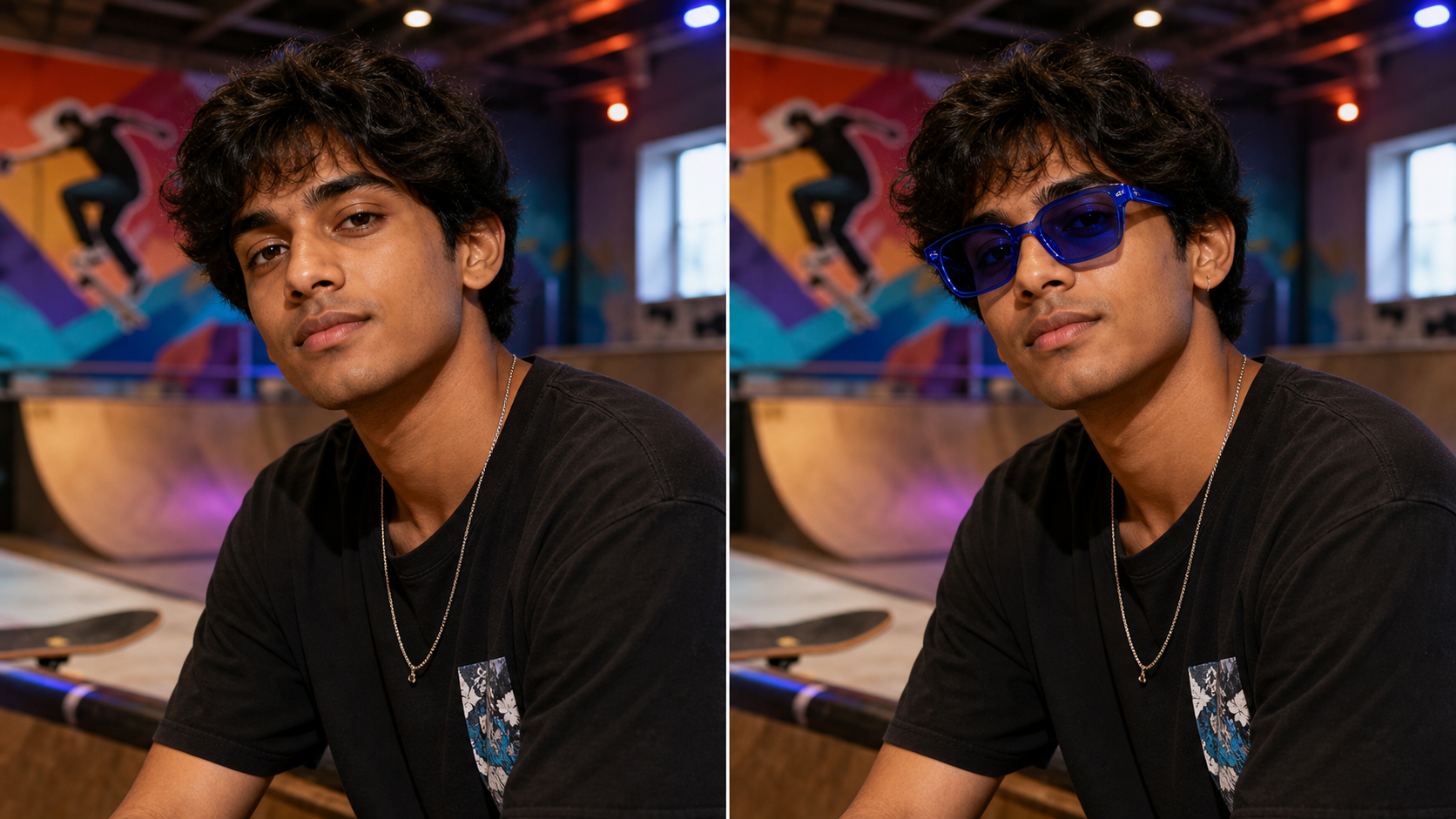
Natural Fit for Face Shape and Angle
Add Sunglasses to Photo analyzes where frames should sit around the eyes, nose bridge, and temples. The AI Virtual Sunglasses Try On should respect head angle, lens perspective, and cheek shadows, so the sunglasses look photographed with the person instead of floating above the face. Add Sunglasses to Photo also keeps the surrounding hairline and skin detail stable for a cleaner comparison.
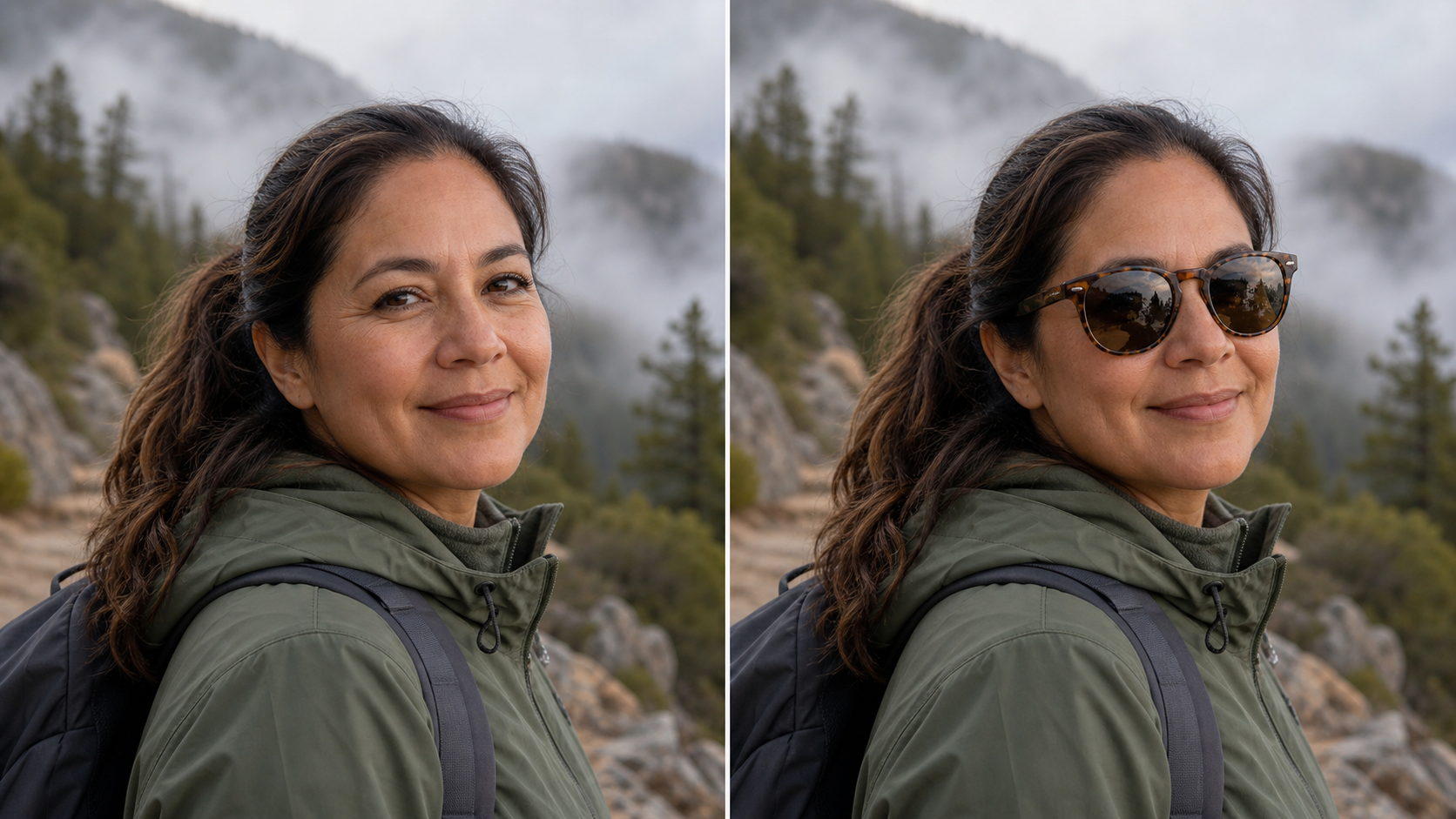
Create Styles From a Short Prompt
Use Add Sunglasses to Photo when you know the vibe but not the exact product. Type classic aviators, translucent orange square frames, mirrored festival lenses, or minimalist black acetate. The AI Sunglasses Generator turns that direction into eyewear that matches the portrait and scene. Add Sunglasses to Photo makes each prompt feel like a practical styling brief, not a generic effect.
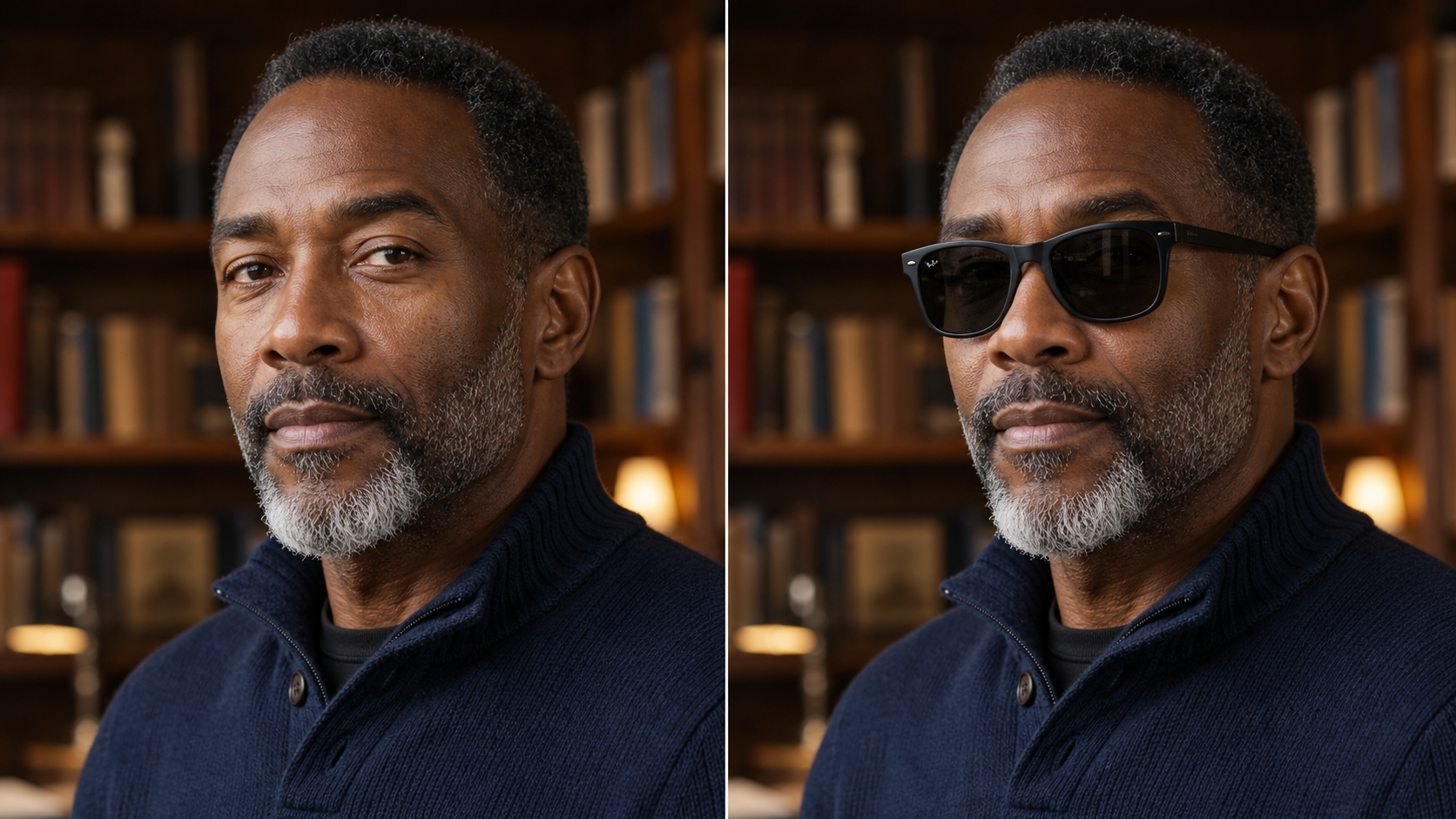
Before-and-After Results for Content
Add Sunglasses to Photo makes it easier to show a clean transformation without changing the whole image. The Sunglasses Filter AI can keep hair, skin texture, clothing, background, and expression consistent while adding frames that suit the image for posts, thumbnails, or style boards. Add Sunglasses to Photo helps the result read as a believable before-and-after edit. For quick review.
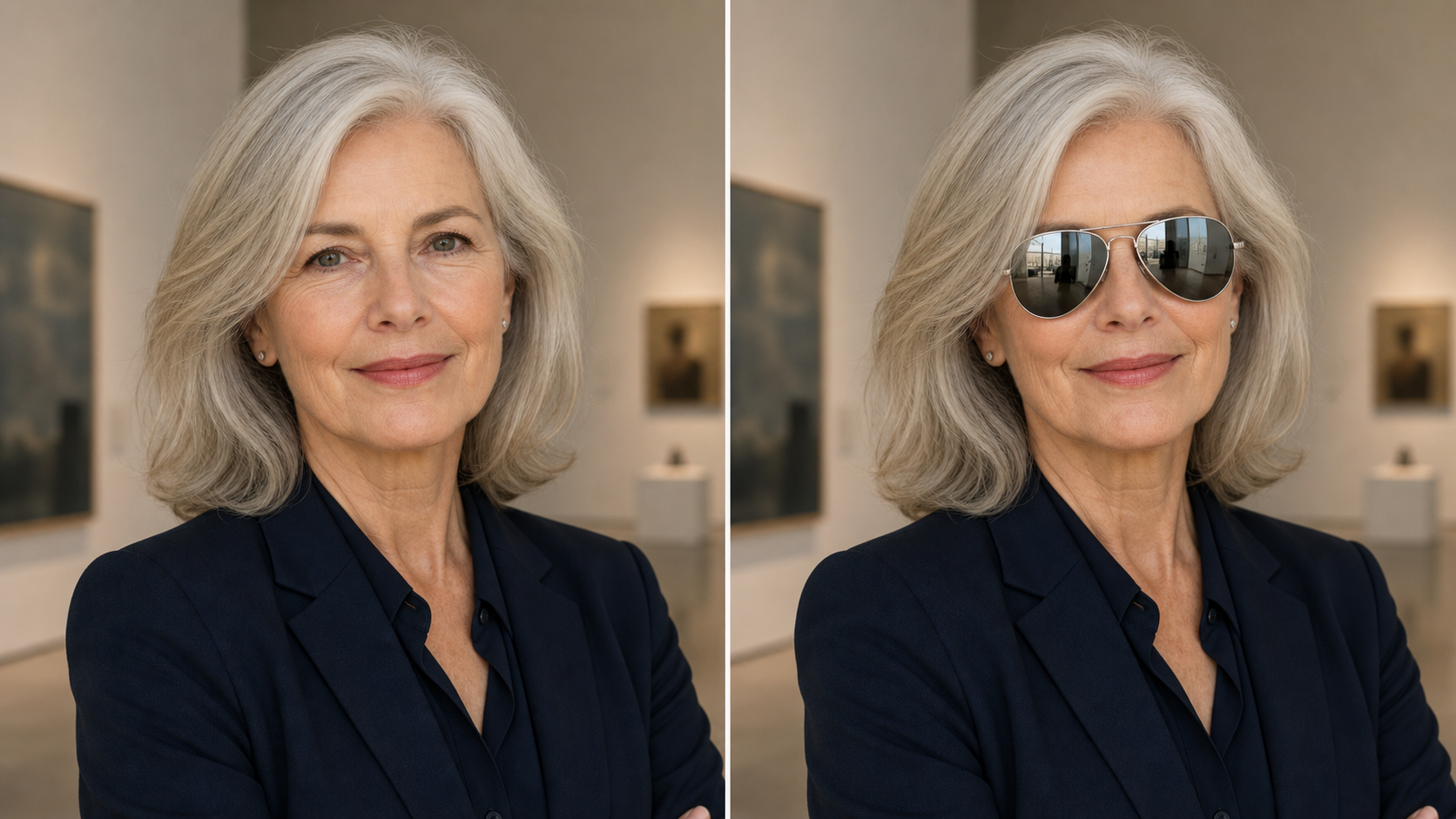
Useful for Styling, Shopping, and Campaign Ideas
Add Sunglasses to Photo supports quick visual decisions before a shoot, purchase, or social post. Creators can test a bold accessory, shoppers can compare frame moods, and marketers can explore eyewear concepts with Add Glasses to Photo AI before committing to production. Add Sunglasses to Photo keeps the idea tied to the original portrait, which helps teams judge fit and mood.
Why Choose Add Sunglasses to Photo
Add Sunglasses to Photo focuses on practical eyewear edits: convincing placement, flexible style direction, stable portrait preservation, and results that keep the original person recognizable across styling, shopping, and campaign-planning workflows.

Portraits That Still Look Like You
Add Sunglasses to Photo should preserve identity, expression, hairstyle, skin detail, and the overall composition while changing only the eyewear area. This makes it useful for profile photos and dating app images where a Sunglasses Filter AI result needs to look stylish without feeling artificial. Add Sunglasses to Photo is strongest when the person remains instantly recognizable. During close review.
Frame Ideas Without a Photo Shoot
Use Add Sunglasses to Photo when you want to explore several looks from one image. The AI Virtual Sunglasses Try On can help compare round, rectangular, aviator, cat-eye, and sporty frames before you buy accessories, plan wardrobe, or brief a photographer. Add Sunglasses to Photo gives every option the same base pose, which makes comparison easier. Side by side quickly.

Creator-Ready Social Visuals
Add Sunglasses to Photo gives creators an easy way to refresh portraits, travel shots, and lifestyle posts. The AI Sunglasses Generator can add a bolder personality to an existing image while keeping the background and pose stable for reels covers, thumbnails, and profile updates. Add Sunglasses to Photo also helps keep a feed visually consistent across variations. Without visual drift.

Brand and E-Commerce Mockups
Add Sunglasses to Photo can support early campaign exploration for eyewear sellers, stylists, and creative teams. Use Add Glasses to Photo AI to test how frames might read on different faces, lighting conditions, and wardrobe palettes before scheduling new product photography. Add Sunglasses to Photo turns rough styling ideas into reviewable visuals for internal feedback. Before outside creative review begins.

Prompt Control for Specific Aesthetics
Add Sunglasses to Photo works best when the prompt names concrete visual details such as lens color, frame thickness, material, era, and finish. A precise Sunglasses Filter AI instruction can produce sharper direction than a generic filter, especially for fashion-forward portraits. Add Sunglasses to Photo rewards simple, specific language and avoids unnecessary scene changes. For cleaner, more predictable edited outcomes.

Realistic Light, Shadow, and Reflections
Add Sunglasses to Photo should adapt the frame color, lens opacity, rim highlights, and contact shadows to the source photo. The AI Virtual Sunglasses Try On goal is not just to add sunglasses, but to make the edit feel coherent with sunlight, studio light, or street reflections. Add Sunglasses to Photo should make the accessory belong in the original lighting.
What Users Say About Add Sunglasses to Photo
People use Add Sunglasses to Photo for styling decisions, social visuals, and fast eyewear concepts that still feel close to the original portrait without requiring a new shoot or complex editing plan.
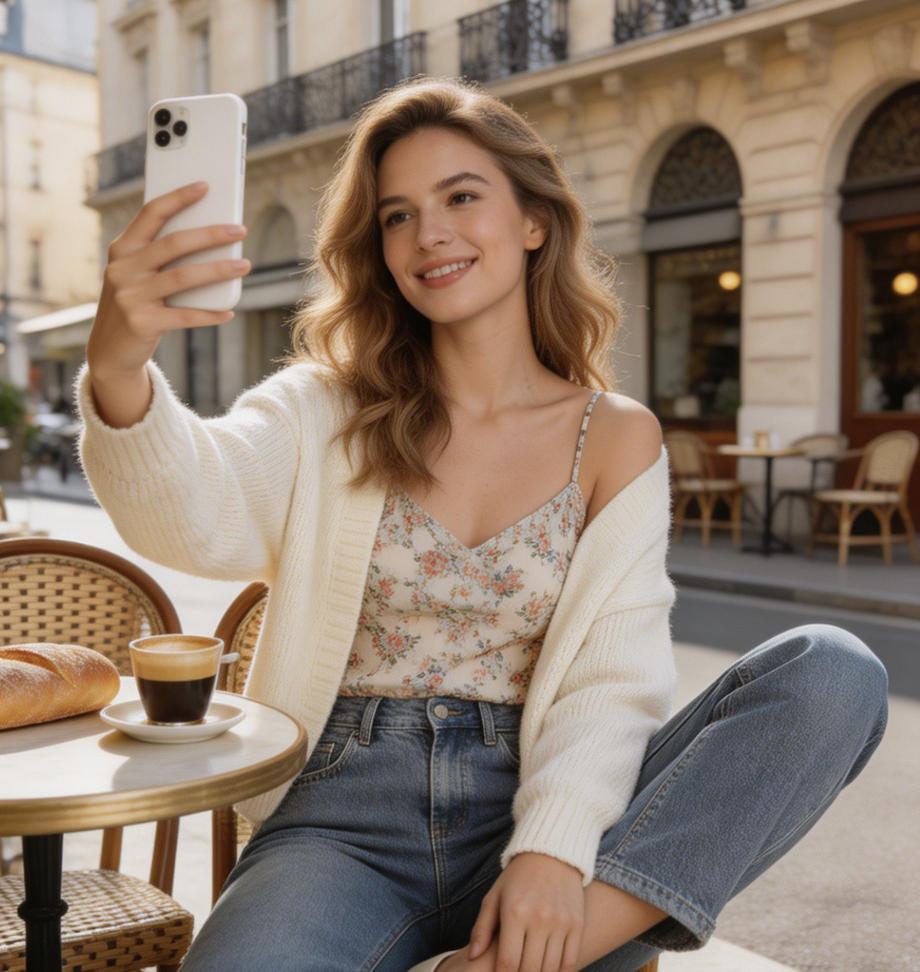
Add Sunglasses to Photo helped me turn a simple summer portrait into three usable style options. The AI Virtual Sunglasses Try On kept my expression and lighting intact, so the final post felt like a real accessory choice rather than an obvious edit. I could compare frames without rebuilding the shot.
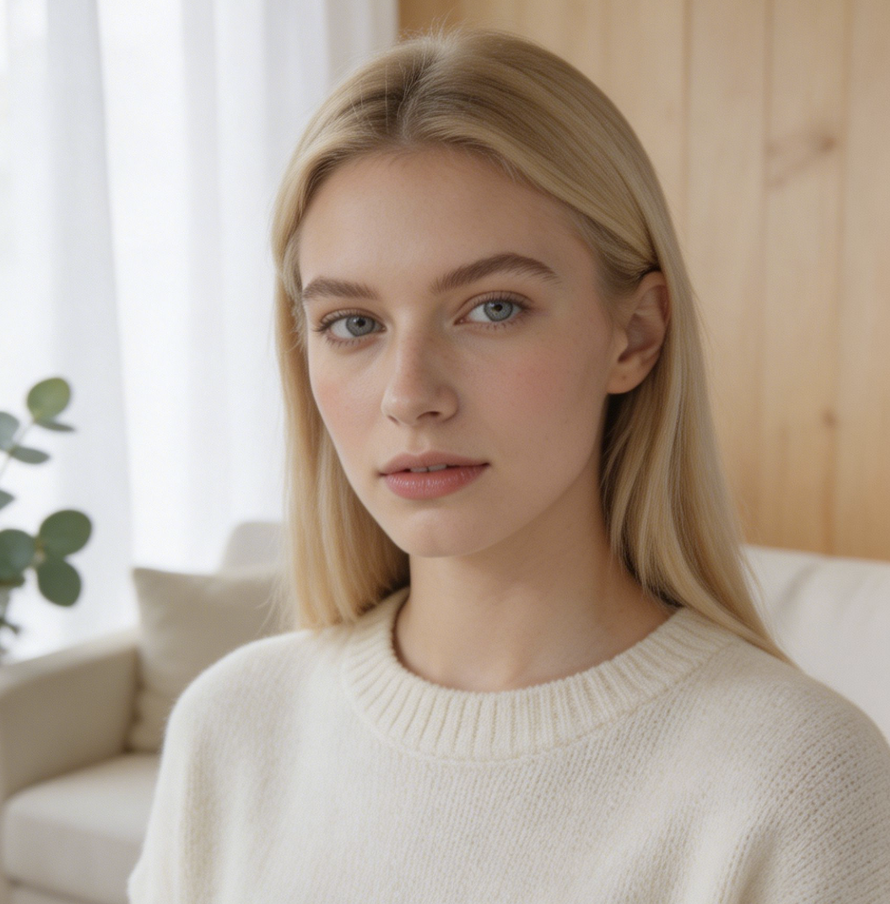
I use Add Sunglasses to Photo when I need quick concept images before a campaign shoot. The Add Glasses to Photo AI output gives my team a visual starting point for discussing frame shape, lens tint, and the mood we want. Add Sunglasses to Photo helps us decide faster.
The Sunglasses Filter AI is useful when a portrait needs a stronger editorial feel but the original photo is already approved. Add Sunglasses to Photo lets us test different looks without reshooting the model or rebuilding the background, and the edits are easy to compare with stakeholders.
I wanted a beach photo to feel more polished, and Add Sunglasses to Photo made the update believable. The AI Sunglasses Generator gave me warm lenses that matched the sunset instead of overpowering the face. Add Sunglasses to Photo kept the vacation mood intact.
For client mood boards, Add Sunglasses to Photo is a practical way to compare accessories on the same portrait. AI Virtual Sunglasses Try On helps clients understand whether a frame shape complements their features before shopping, and Add Sunglasses to Photo makes the options easy to discuss.
Add Sunglasses to Photo saves time during early art direction. We can explore bold frames, minimal frames, and sports shades quickly, then decide which looks deserve a real shoot or product mockup. Add Sunglasses to Photo is now part of our pre-production styling checklist.

FAQs About Add Sunglasses to Photo
Get practical answers about Add Sunglasses to Photo, including image choice, prompt writing, realism, AI Virtual Sunglasses Try On expectations, Sunglasses Filter AI control, and ways to improve generated eyewear previews.
Add Sunglasses to Photo is an AI photo editing workflow for adding realistic sunglasses to an existing portrait. You upload an image, guide the frame style, and review an edited version where the sunglasses match the face angle, scene, and lighting. Add Sunglasses to Photo is useful for style tests, social updates, creative mockups, and visualizing eyewear ideas before a shoot.
AI Virtual Sunglasses Try On uses the portrait as the source and estimates where frames should align around the eyes, nose bridge, and temples. The edit should preserve the original identity, expression, pose, and background while adding sunglasses that fit the visible perspective. For best results, use a clear face photo and describe the frame shape, lens color, and material.
Yes. Add Sunglasses to Photo works best when the prompt gives concrete style direction. You can request aviators, round frames, cat-eye sunglasses, oversized square shades, mirrored sports lenses, or transparent colored frames. Add Glasses to Photo AI can also follow details such as gold metal rims, matte black acetate, amber lenses, or a retro vacation mood. Add Sunglasses to Photo turns those details into a focused edit.
The goal of Add Sunglasses to Photo is natural placement across different face shapes, skin tones, poses, and lighting conditions. Results improve when the eyes and nose bridge are visible and the source photo is not heavily blurred. If a first result feels too large, too dark, or slightly misaligned, revise the prompt with more specific size, tint, and frame-position guidance.
Add Sunglasses to Photo works best with portraits where the face is visible, the head angle is not extreme, and the eye area is not blocked by hair, hands, or heavy shadows. Outdoor, studio, travel, and street portraits can all work. Higher clarity usually helps the AI Sunglasses Generator understand facial landmarks and blend the sunglasses more convincingly. Add Sunglasses to Photo benefits from clean eye-area detail.
Yes. Add Sunglasses to Photo is helpful for profile images, lifestyle posts, creator thumbnails, outfit planning, and early eyewear campaign concepts. It can show how a frame mood changes the same portrait without rebuilding the full scene. For commercial publishing, review the final image carefully and follow your platform, brand, and model-release requirements. Add Sunglasses to Photo works best as a creative preview.
If Add Sunglasses to Photo creates a look that feels off, revise one detail at a time. Mention smaller frames, lighter lenses, a thinner bridge, a lower fit, or a different material. You can also ask Add Sunglasses to Photo AI for a more subtle style, then compare versions until the sunglasses feel balanced with the face and photo mood.
Create Your Sunglasses Look Today
Use Add Sunglasses to Photo to turn any clear portrait into a natural eyewear preview. Try a subtle frame, a bold lens tint, or a complete style shift in minutes.
