
More AI Image Generators
Explore our collection of specialized AI image generators designed for different creative needs and styles
























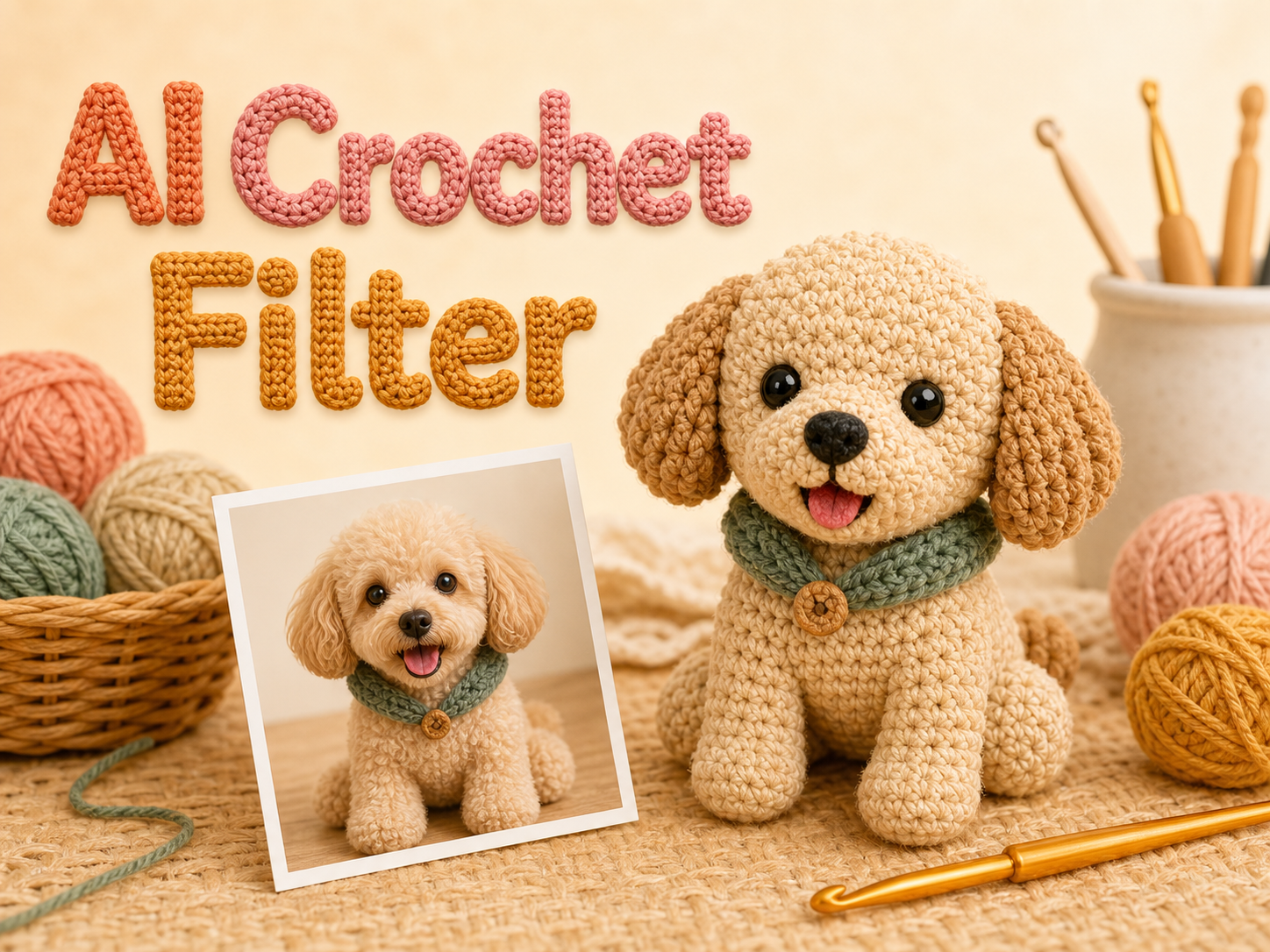
AI Crochet Filter for Cozy Crochet Art
Let AI Crochet Filter reinterpret the photo as a soft crochet-style image.
AI Crochet Filter turns portraits, pets, characters, objects, and everyday snapshots into crochet-inspired artwork while keeping the source image recognizable. Use AI Crochet Filter when you want a playful yarn look with visible stitches, warm texture, and a crafted digital result.
How to Use AI Crochet Filter
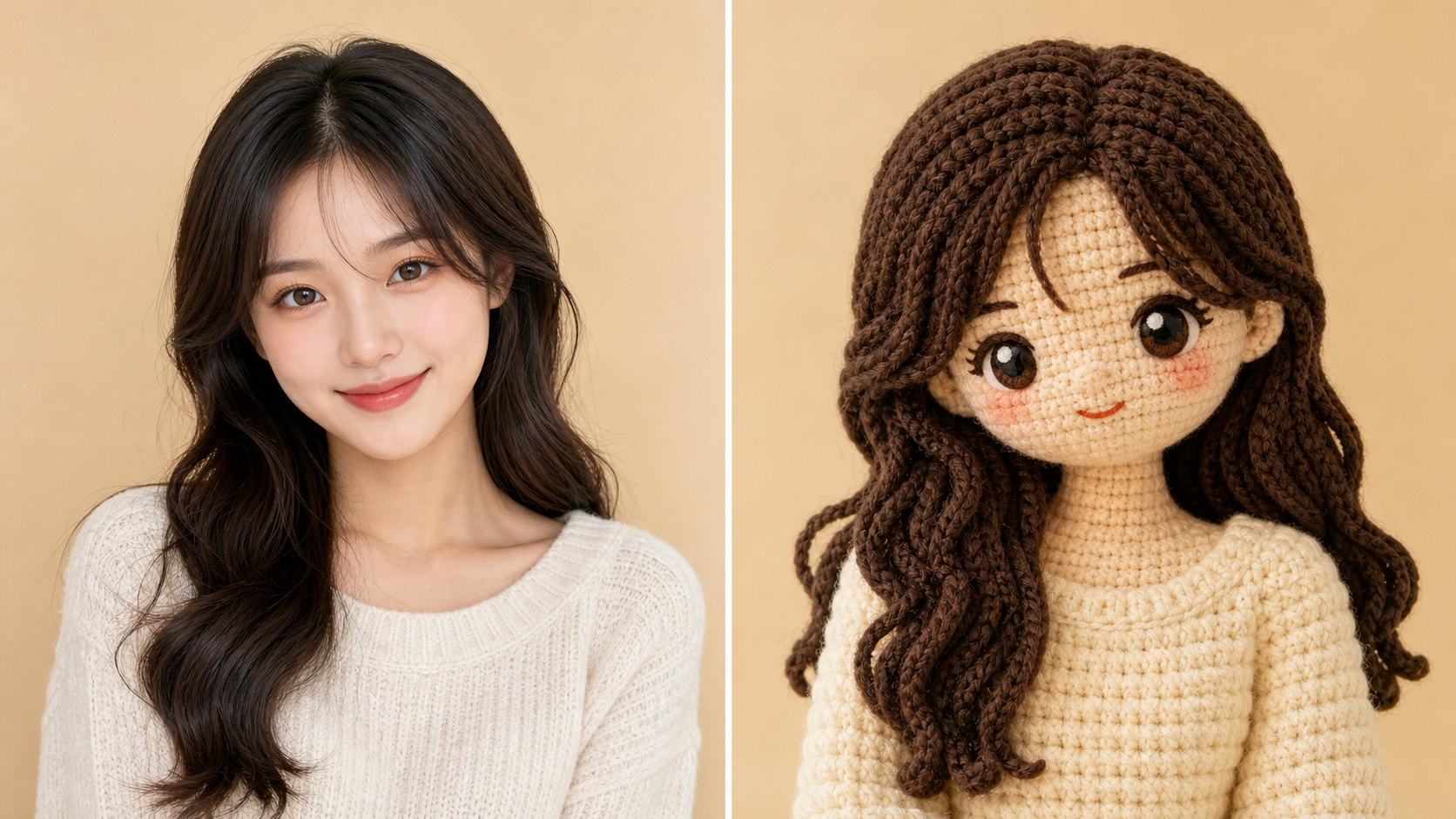
AI Crochet Filter keeps the workflow simple: upload a source image, generate a crochet-style transformation, then review the yarn-textured result. The process is built around recognizable subjects and soft handmade detail.

Upload the Photo
Start with an image where the subject, pose, clothing, expression, or object shape is easy to read. AI Crochet Filter uses the upload as the foundation, so clear portraits, pet photos, character art, product shots, and simple scenes usually give the Crochet AI Filter more structure to preserve.

Generate the Crochet Style
AI Crochet Filter studies the source composition and converts visual detail into yarn-like loops, plush stitch shading, soft contours, and simplified handmade surfaces. The Crochet AI Generator should keep the subject's identity, camera angle, color relationships, and important props while changing the medium into crochet-style art.

Review the Yarn Artwork
Compare the original upload with the transformed image and choose the result that best matches your idea. AI Crochet Filter is useful for avatars, pet keepsakes, character redraws, social visuals, gift concepts, and craft inspiration when you want the image to feel handmade without losing the original subject.
Best AI Image Tools for Creative Projects
Explore creative tools for image, learn tips and tricks, and see how AI can be your assistant in turning concepts into finished projects.
Features of AI Crochet Filter
AI Crochet Filter combines source-photo preservation with crochet-style transformation. It helps convert people, pets, characters, products, and everyday scenes into yarn-textured artwork with stitched surfaces, softened forms, and recognizable composition.
Realistic Yarn and Stitch Texture
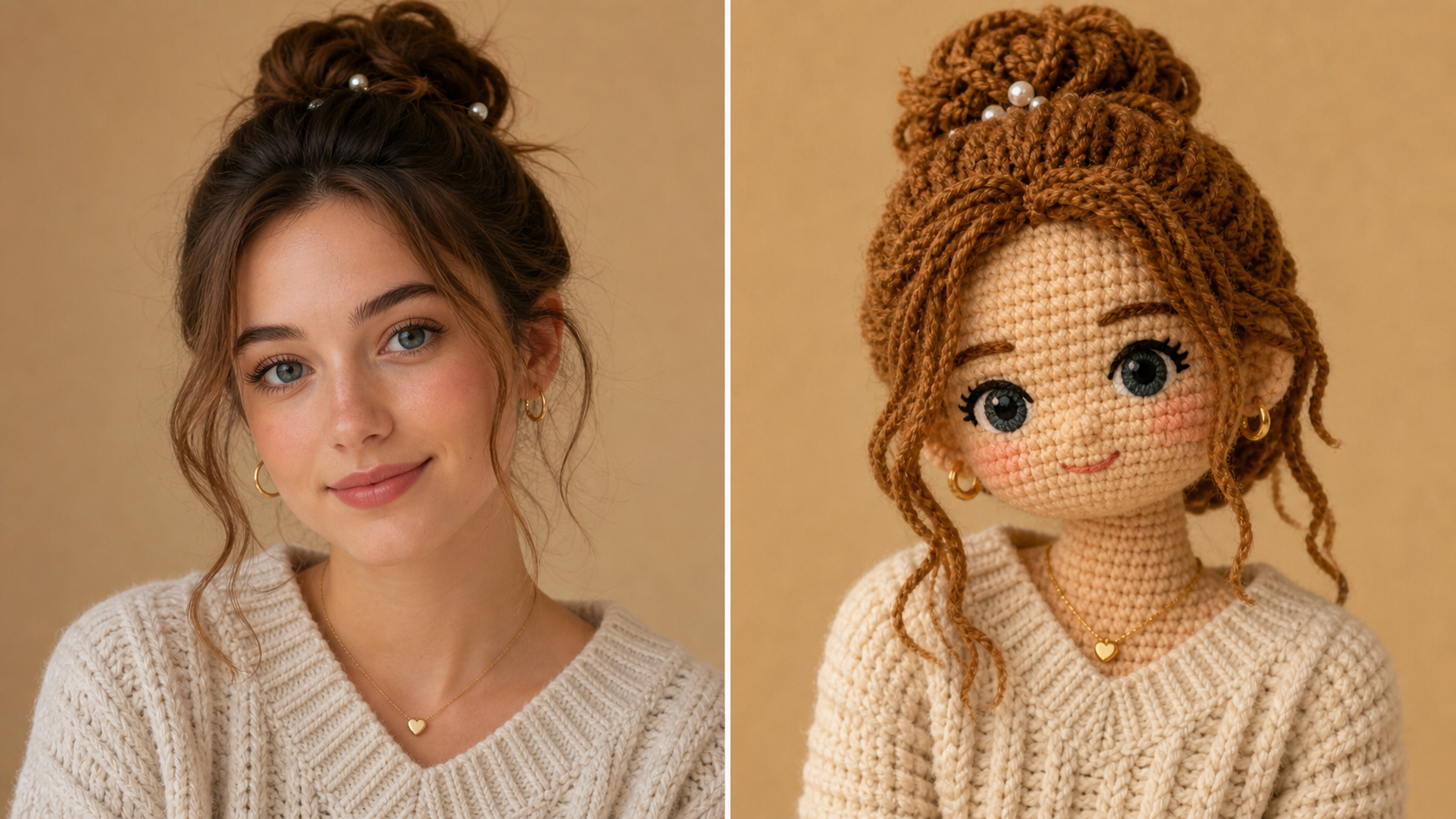
- AI Crochet Filter can translate flat photo detail into tactile crochet-style surfaces with visible loops, soft yarn fibers, and rounded stitch forms.
- The Crochet AI Filter should avoid a simple fabric overlay and instead rebuild the image with believable handmade texture.
- Use AI Crochet Filter when you want portraits, pets, or objects to look like small stitched figures with depth, softness, and a crafted finish.
Source Identity Stays Recognizable
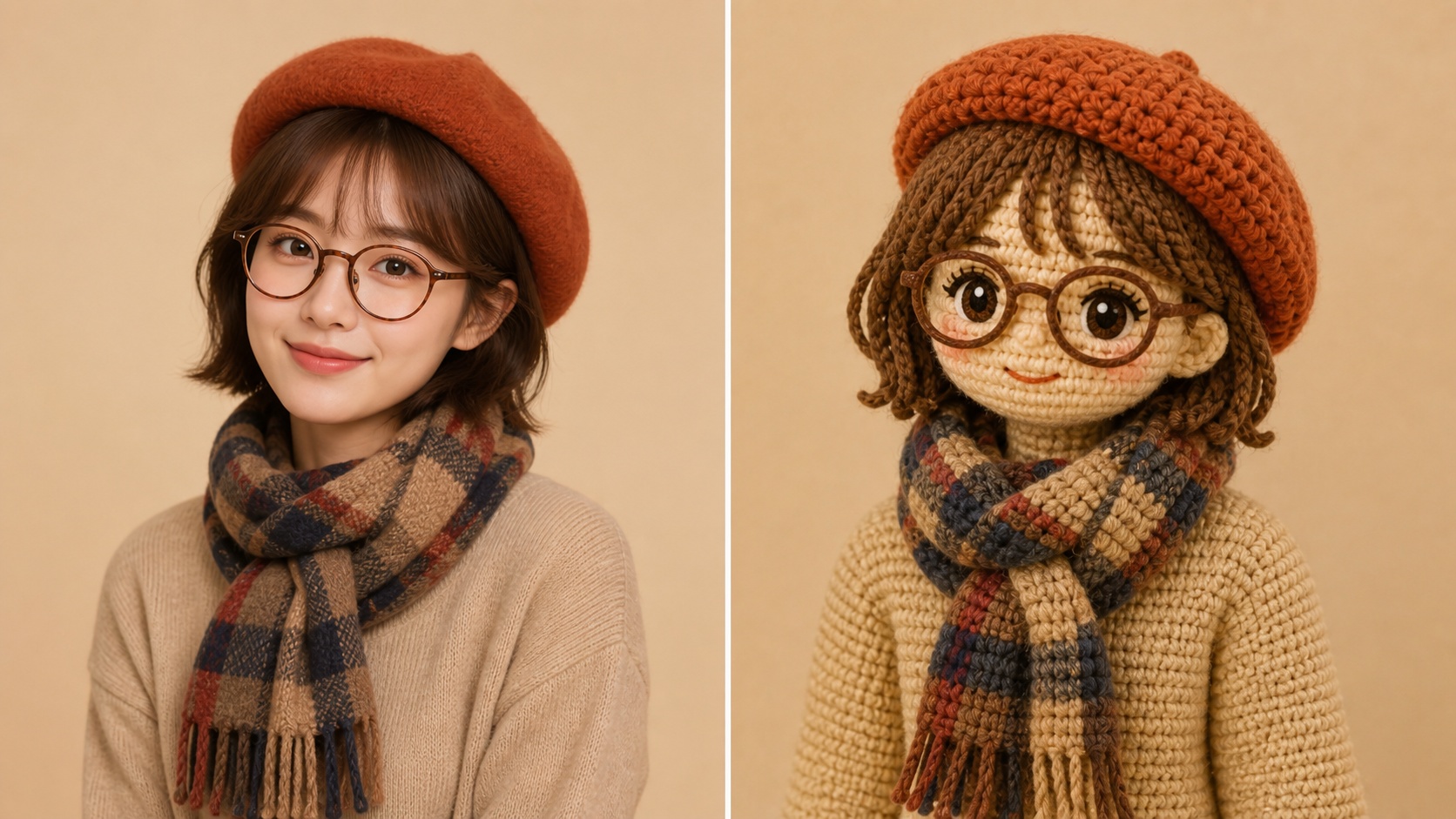
- AI Crochet Filter is designed for image-to-image style transfer, so the upload guides pose, silhouette, expression, clothing, accessories, and scene layout.
- The Crochet AI Generator changes the visual medium while keeping the subject connected to the original picture.
- Use AI Crochet Filter for character art, profile pictures, couple photos, and pet portraits where recognition matters as much as the crochet effect.
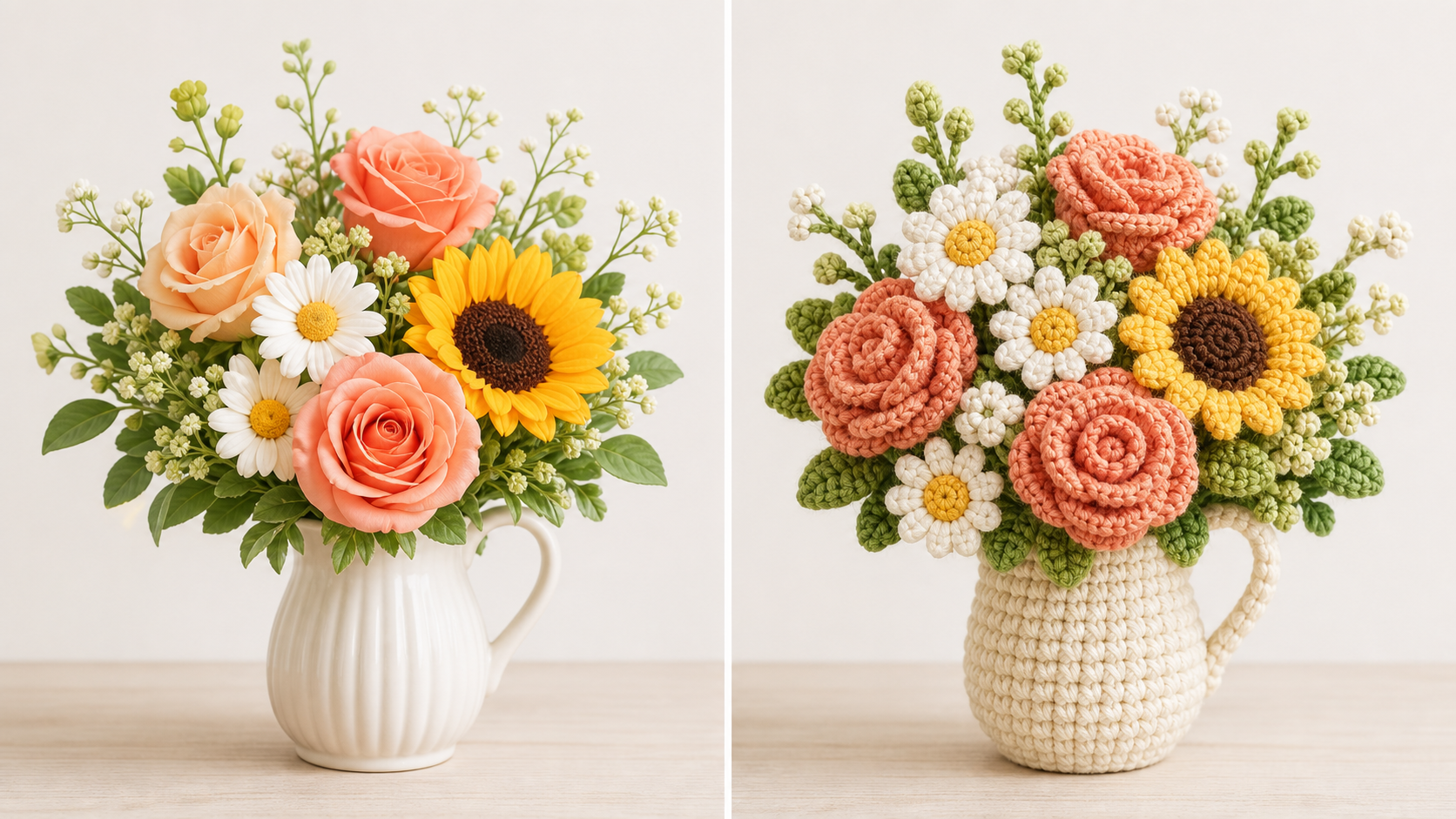
Color Palettes That Feel Handmade
- AI Crochet Filter can simplify photographic color into yarn-friendly blocks while preserving the important palette of the upload.
- Shadows, hair, clothes, fur, accessories, and background cues become stitched color changes instead of harsh photo realism.
- The Crochet AI Filter helps the result feel warm, dimensional, and intentionally handmade, especially for cute characters, cozy portraits, food images, and decorative objects.
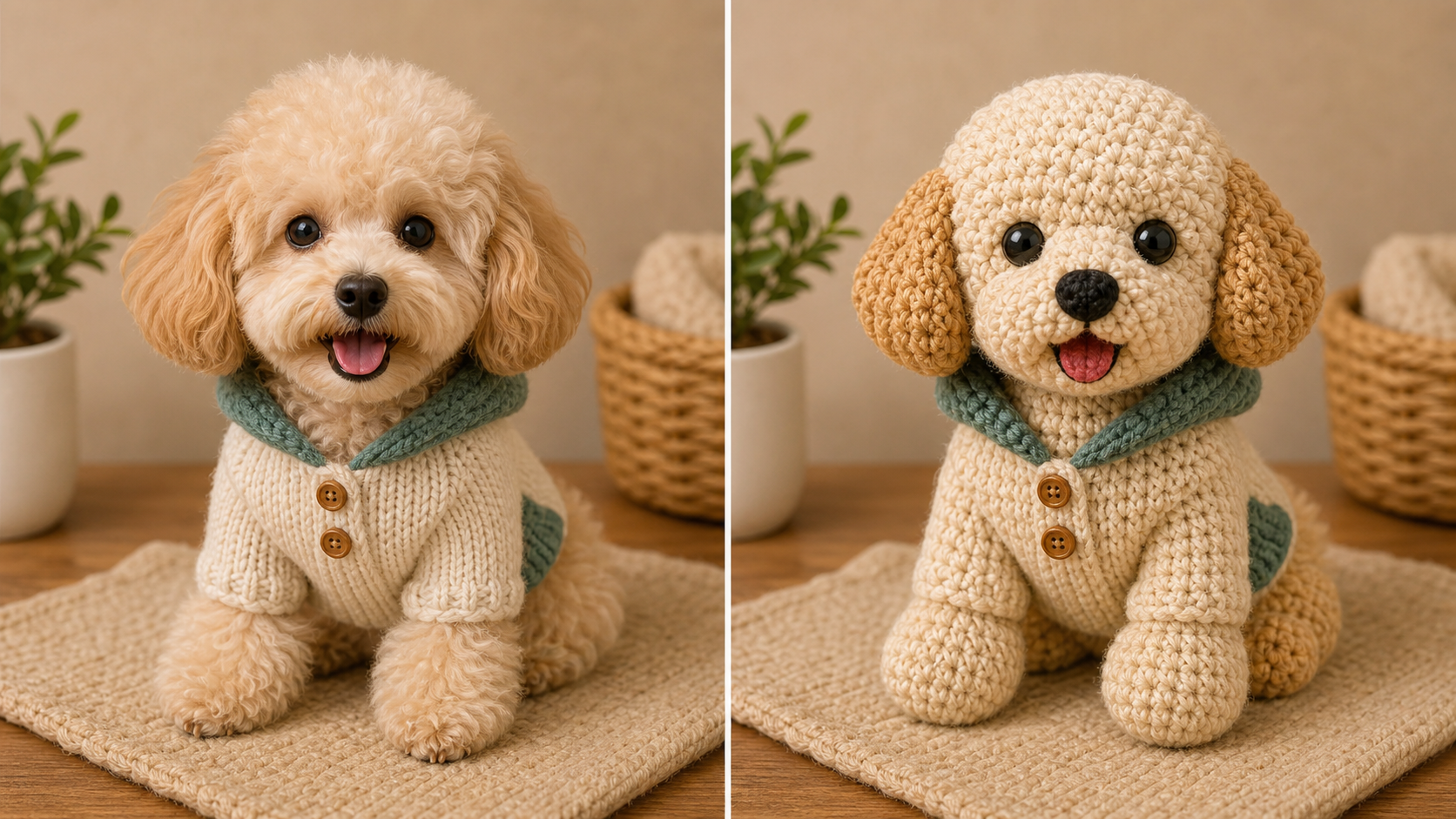
Creative Uses Beyond Portraits
- AI Crochet Filter works for more than faces. Try pets, toys, mascots, flowers, food, fashion items, packaging concepts, and stylized illustrations.
- The Crochet AI Generator can turn ordinary source images into playful visual references for posts, cards, stickers, mood boards, and handmade gift ideas.
- Use AI Crochet Filter when a normal photo needs a softer craft-inspired identity.
Why Choose AI Crochet Filter
AI Crochet Filter is practical for creators who want recognizable image edits with a handmade textile look. AI Crochet Filter supports portraits, pets, characters, products, social visuals, gifts, and craft-inspired references.

Create Crochet Portrait Avatars
A portrait can feel more distinctive when it becomes a soft stitched character. AI Crochet Filter can keep the face direction, hair shape, glasses, outfit, and expression while turning the surface into plush yarn. Use the Crochet AI Filter for profile refreshes, creator portraits, couple art, or personal images that need a cozy handmade mood.

Turn Pets into Yarn Keepsakes
Pet photos often depend on eyes, ears, fur pattern, posture, and personality. AI Crochet Filter can reinterpret those cues as a crochet-style figure with rounded yarn texture and warm color blocks. The Crochet AI Generator is useful for pet memorial concepts, social posts, framed preview ideas, and playful gift visuals.

Make Character Art Feel Touchable
Illustrations, mascots, game avatars, and anime-style characters can become crochet-inspired figures without losing their defining silhouette. AI Crochet Filter can convert flat shapes into stitched volume, soft yarn edges, and plush proportions. Use AI Crochet Filter when a character needs a cute craft aesthetic for thumbnails, fan concepts, or collectible-style visuals.

Explore Craft and Gift Concepts
AI Crochet Filter can help you imagine how a photo might look as a handmade object before you build a card, poster, sticker, or gift mockup around it. The Crochet AI Filter gives designers and hobbyists a visual direction with yarn texture, simplified color, and a softer emotional tone.

Build Scroll-Stopping Social Images
A familiar image can stand out when it looks like a small crocheted figure. AI Crochet Filter gives lifestyle creators, pet accounts, craft pages, and visual marketers a way to transform existing photos into warm textured posts. The Crochet AI Generator helps keep content tied to real moments while making the style more memorable.

Soften Products and Objects
Objects, food, flowers, toys, packaging, and room details can gain a whimsical surface after a crochet pass. AI Crochet Filter can keep the object silhouette and key colors while replacing hard photo realism with yarn loops. Use AI Crochet Filter for mood boards, concept previews, seasonal graphics, and product-inspired visual experiments.
What Users Say About AI Crochet Filter
Creators use AI Crochet Filter for avatars, pet keepsakes, character concepts, seasonal visuals, product experiments, and gift ideas. AI Crochet Filter gives them crochet-style results while keeping the uploaded image as the creative anchor.
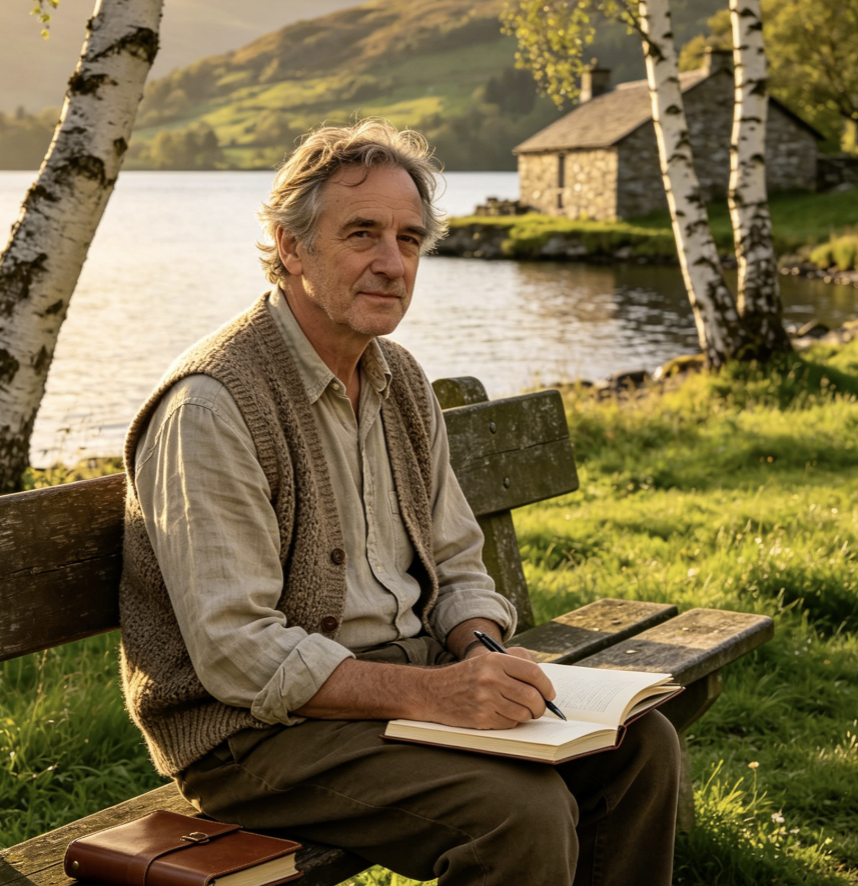
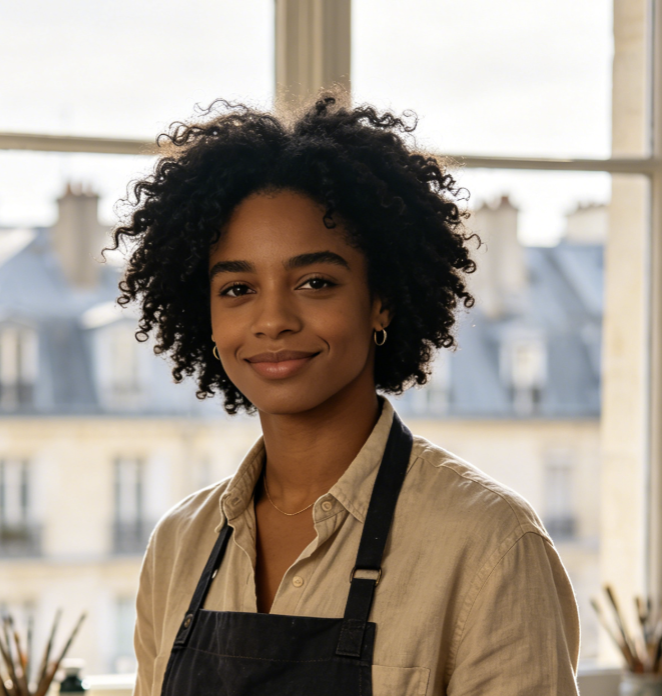
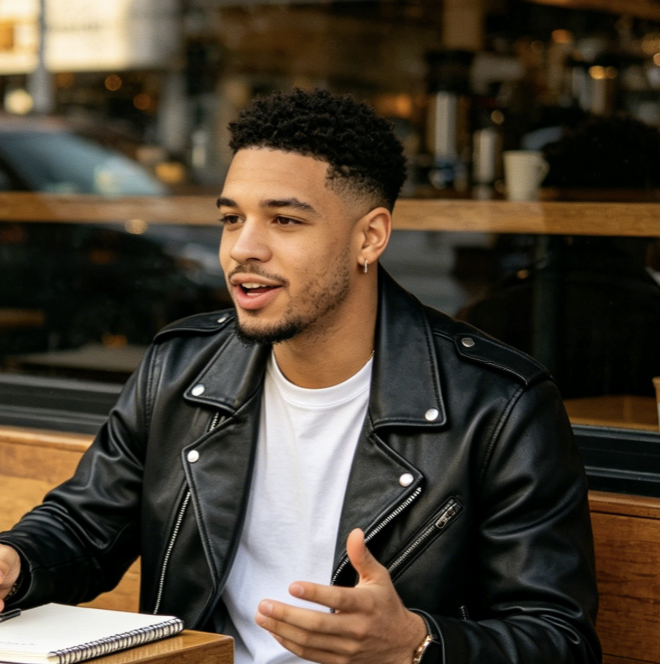
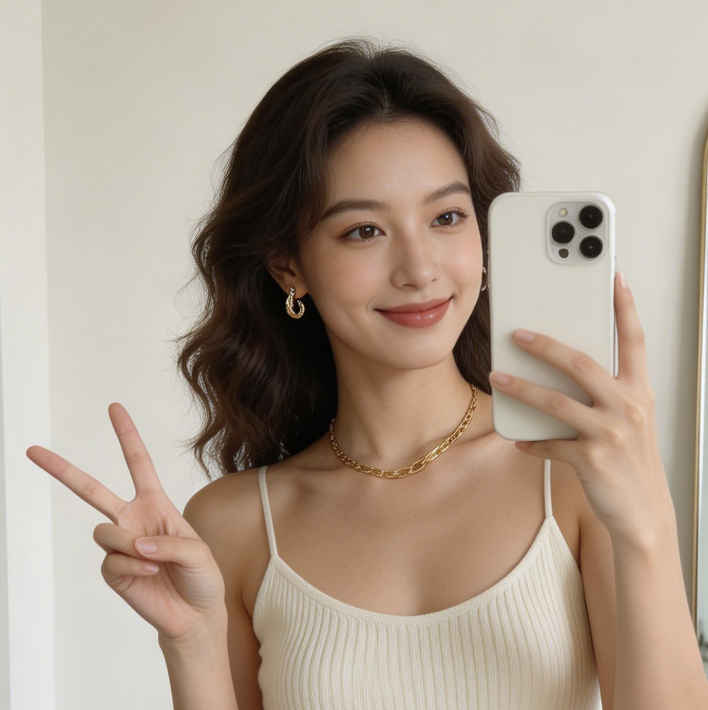
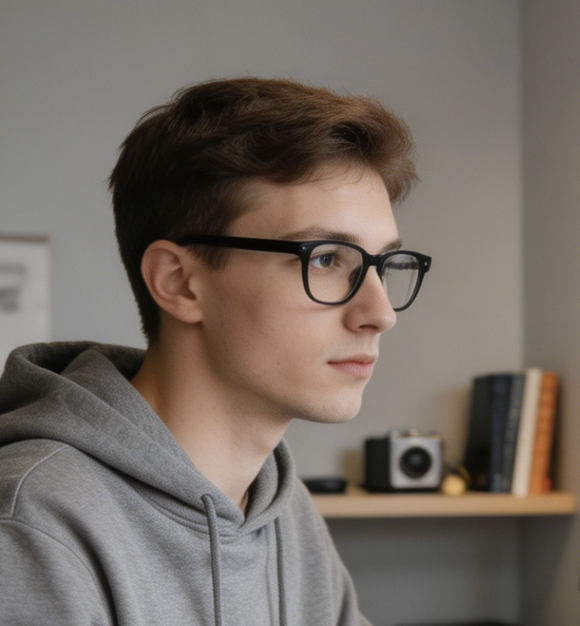
AI Crochet Filter helped me turn a plain profile photo into a soft yarn-style avatar that still looked like me. The stitched texture felt playful without hiding the glasses, hair shape, or expression, which made the result much easier to use.
I used AI Crochet Filter on pet photos for a gift concept board. The Crochet AI Filter preserved the posture and eyes while making each image feel like a little handmade figure, which gave the project a much warmer direction.
The Crochet AI Generator gave my character sketches a completely different mood. AI Crochet Filter kept the original costumes and silhouettes readable, but the yarn texture made the artwork feel like collectible plush craft photography.
AI Crochet Filter is useful when a normal product photo feels too literal for a seasonal post. It helped us test a softer craft-inspired style while keeping the object shape and color cues clear enough for the campaign team.
I wanted a visual reference for handmade greeting cards, and AI Crochet Filter gave me exactly the cozy stitched direction I needed. The result felt crafted, but it still followed the family photo I uploaded.
AI Crochet Filter made our social posts look more personal because the images came from real photos, not unrelated prompt art. The Crochet AI Generator effect added texture and charm while keeping the original scene easy to recognize.

FAQs About AI Crochet Filter
Learn how AI Crochet Filter transforms uploaded images into yarn-style art, what inputs work best, what details it should preserve, and how the Crochet AI Filter differs from ordinary texture effects.
AI Crochet Filter is an image transformation tool that turns an uploaded photo into crochet-style artwork. Instead of creating an unrelated image from text alone, it uses your source picture as the visual anchor. The result should keep the main subject, pose, composition, and important colors while replacing photo realism with looped yarn texture, rounded stitches, and a softer handmade surface.
AI Crochet Filter works best when the subject is clear and the source image has enough visual detail for the model to understand shapes. Portraits, pets, character art, toys, food, flowers, fashion items, and simple objects can all work well. Very dark, blurry, crowded, or heavily cropped images may still transform, but cleaner inputs usually help the Crochet AI Filter produce more readable yarn details.
The Crochet AI Generator should preserve the subject's silhouette, expression, pose, clothing, accessories, object shape, camera angle, and important color relationships. It changes the medium into a crochet-style image, not the core identity of the upload. With AI Crochet Filter, a portrait should still feel like the same person, and a pet photo should still keep the animal's most recognizable features.
You can use AI Crochet Filter for profile images, character redraws, pet keepsakes, greeting card concepts, social posts, craft mood boards, gift previews, thumbnails, and decorative image experiments. It is especially useful when you want the source photo to stay recognizable but feel softer, cuter, and more handmade. The Crochet AI Generator can also help artists explore yarn-inspired visual direction before final design work.
A Crochet AI Filter result should show clear stitch direction, yarn-like volume, soft fiber detail, and color transitions that follow the original image. The best results do not simply blur the photo or cover it with a flat pattern. AI Crochet Filter should balance interpretation and preservation so faces, pets, objects, and character designs remain readable while gaining a tactile crochet-style finish.
AI Crochet Filter is better suited to image-to-image editing than pure text-to-image generation because the upload controls the subject and composition. A text prompt might invent new details, while AI Crochet Filter starts from your actual photo. That makes it useful for personal portraits, pets, products, and character references where recognition is important and the crochet style should follow the original picture.
Use AI Crochet Filter with a source image that has visible edges, balanced lighting, and enough room around the subject. Avoid relying on tiny details that would be hard to express as yarn, and check whether the finished result preserves the most important features. When using AI Crochet Filter for portraits or pets, focus on recognizable eyes, silhouette, outfit, and key colors.
Turn Photos into Crochet Style
Use AI Crochet Filter to transform a favorite portrait, pet, character, or object into cozy yarn-style artwork. Try the Crochet AI Generator when you want a recognizable image with stitched texture, soft color, and handmade charm. AI Crochet Filter keeps the source image at the center, so the finished artwork still feels personal.
