
More AI Image Generators
Explore our collection of specialized AI image generators designed for different creative needs and styles
























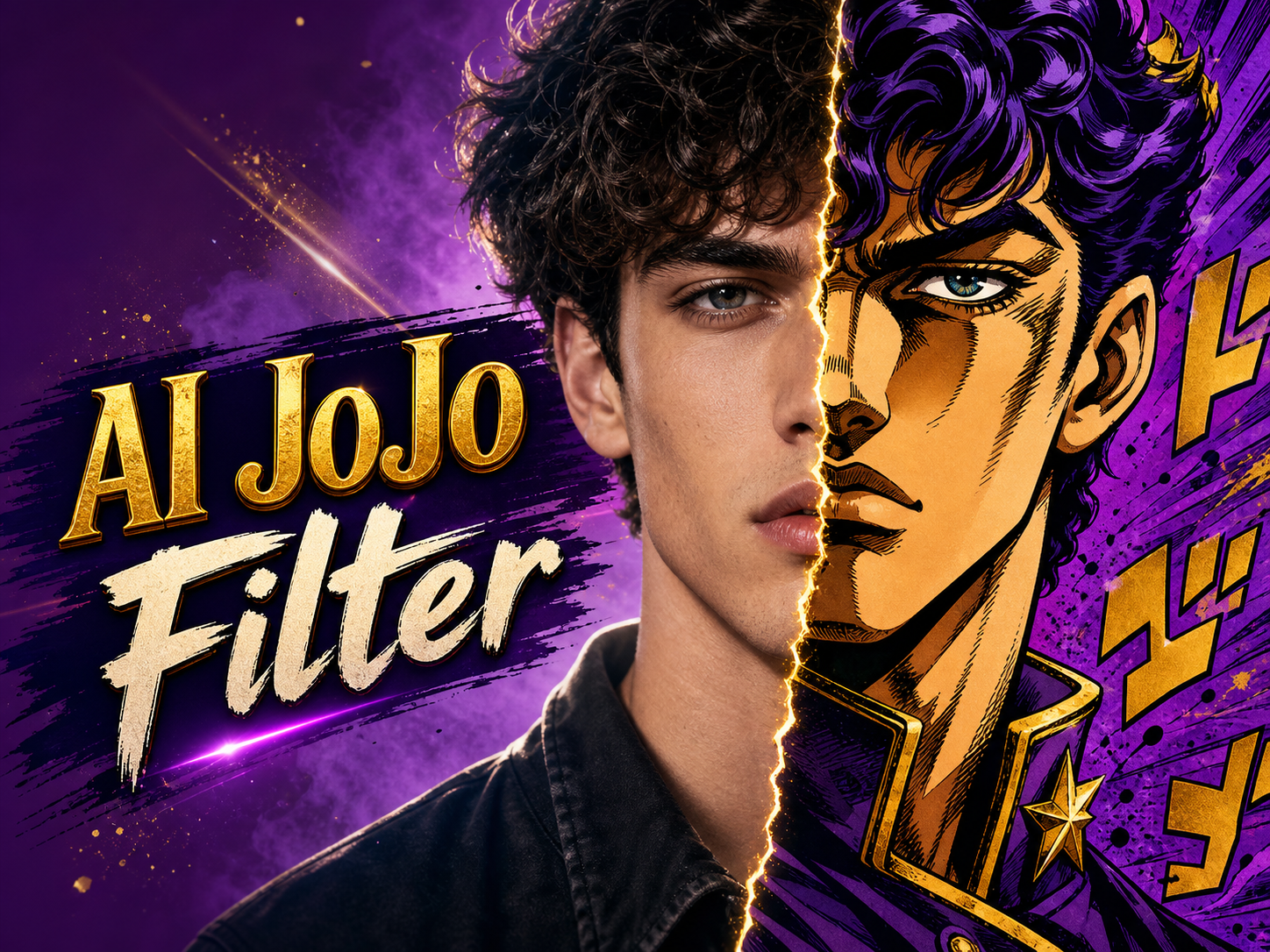
AI JoJo Filter for JoJo Style AI Photos
Let AI JoJo Filter redraw photos with bold linework, sculpted shadows, saturated color, and the expressive energy of JoJo-inspired manga art.
AI JoJo Filter turns ordinary uploaded images into stylized manga portraits and scenes while keeping the source subject recognizable. Use AI JoJo Filter when you want dramatic ink, angular shading, and JoJo Style AI energy without manually redrawing every face, pose, and background detail.
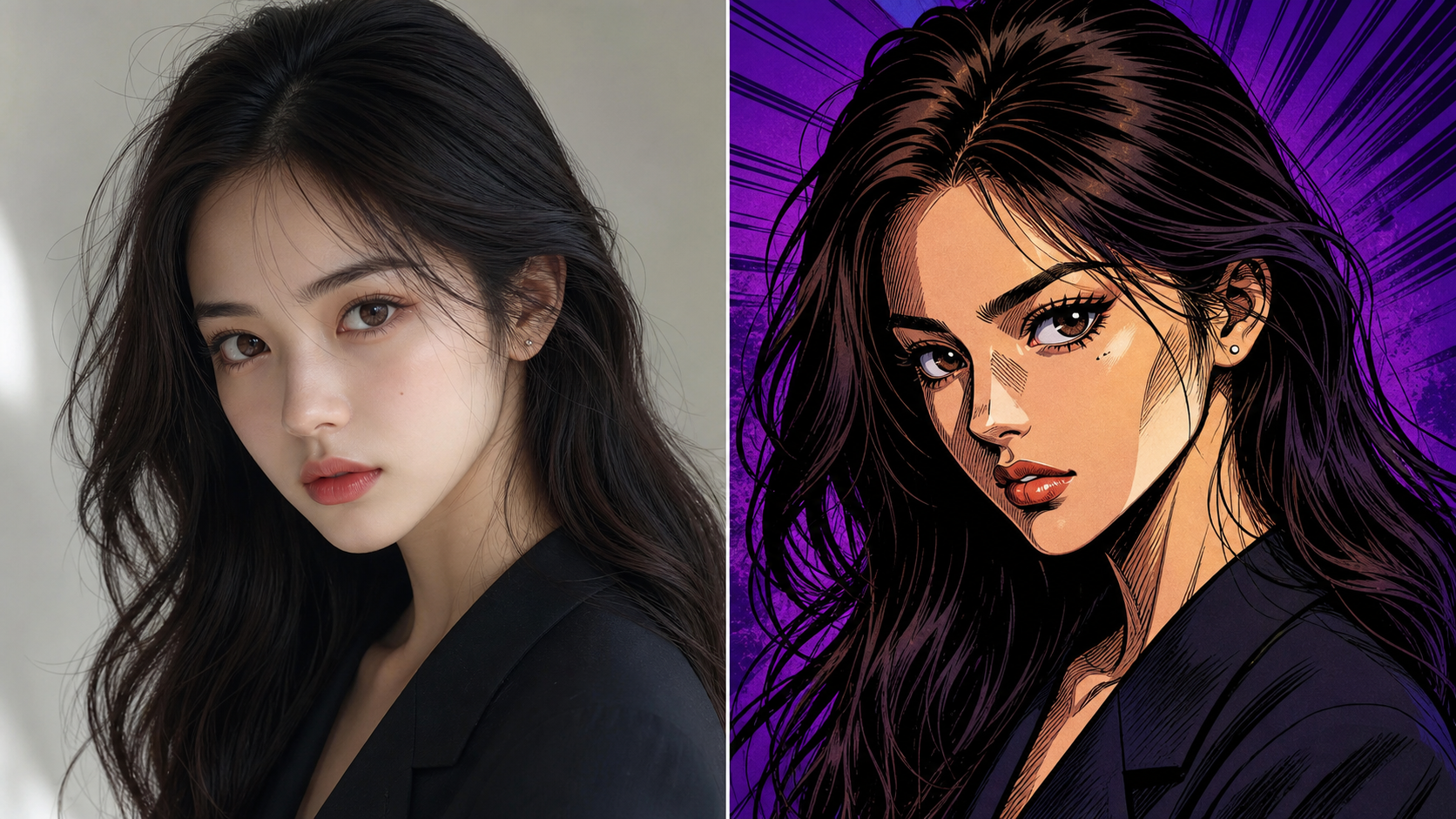
How to Use AI JoJo Filter
AI JoJo Filter keeps the workflow direct: upload a photo, generate a stylized version, then review the result. AI JoJo Filter focuses on recognizable subjects and bold manga-inspired transformation.

Upload a Photo to AI JoJo Filter
Start with a clear portrait, group shot, pet image, cosplay photo, or everyday scene. AI JoJo Filter uses the upload as the visual base, so visible faces, strong silhouettes, and readable lighting help the JoJo Style AI result feel intentional instead of random.

Generate the Manga-Inspired Treatment
After upload, AI JoJo Filter analyzes identity, pose, clothing, background structure, and important edges before applying a JoJo AI Filter look. The JoJo AI Generator can add thick contours, expressive eyes, sharp cheek shading, vivid palettes, and dynamic manga atmosphere.

Review the Stylized Result
Compare the original with the transformed artwork and choose the version that best fits your use. AI JoJo Filter works best when the edit still feels connected to the source photo, so check face structure, pose, outfit details, and background balance before saving.
Best AI Image Tools for Creative Projects
Explore creative tools for image, learn tips and tricks, and see how AI can be your assistant in turning concepts into finished projects.
Features of AI JoJo Filter
AI JoJo Filter balances source-photo preservation with theatrical manga styling. AI JoJo Filter can support portraits, poses, pets, scenes, and JoJo Style AI concepts with bold outlines and dramatic shading.
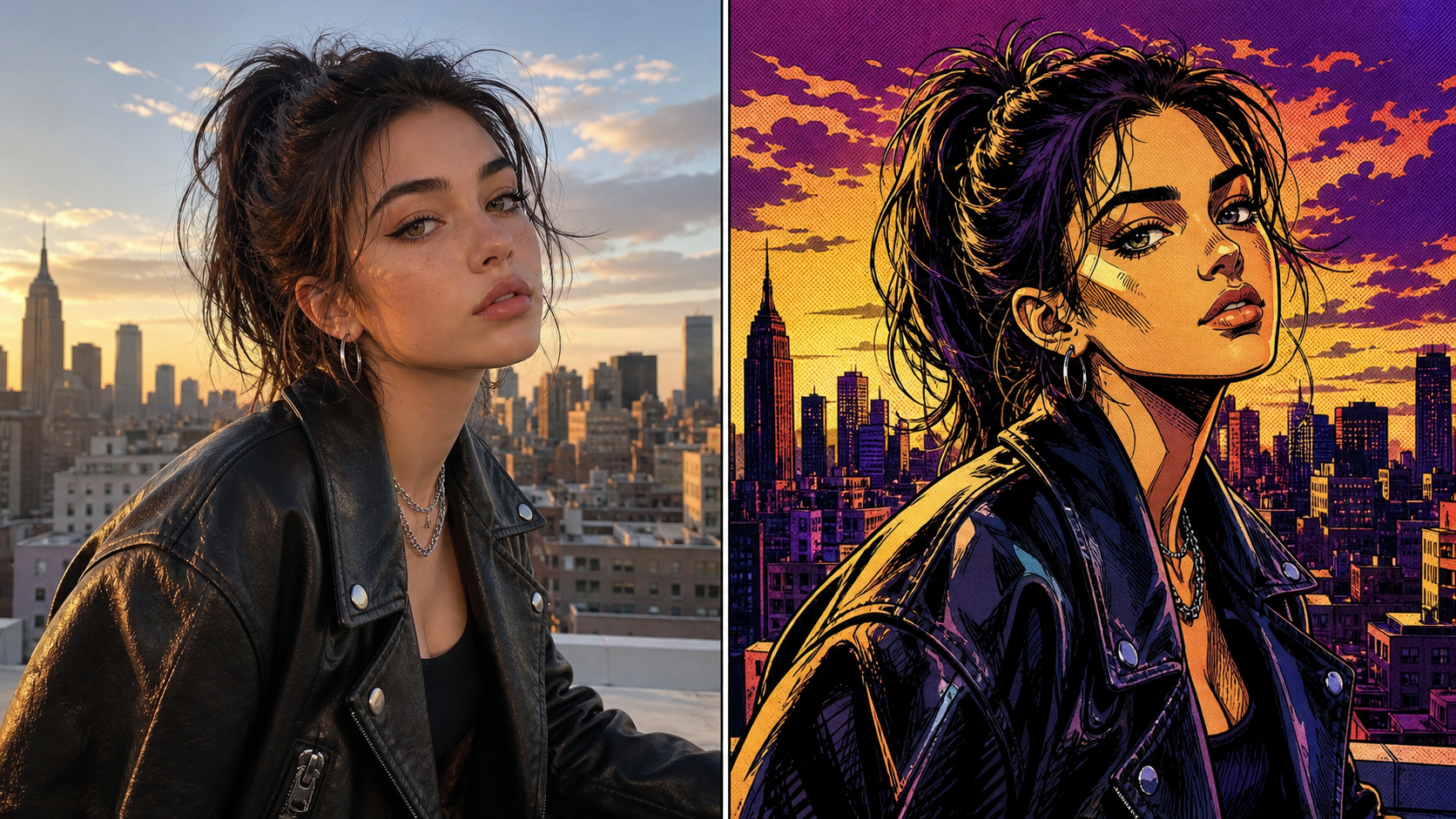
AI JoJo Filter for Expressive Portraits
- AI JoJo Filter can transform selfies, headshots, and character photos into dramatic manga-style portraits while keeping the person identifiable.
- The JoJo AI Filter look emphasizes confident eyes, carved facial planes, strong ink contours, and stylized hair shapes.
- Use AI JoJo Filter when a normal portrait needs theatrical attitude without losing expression, pose, or wardrobe cues.
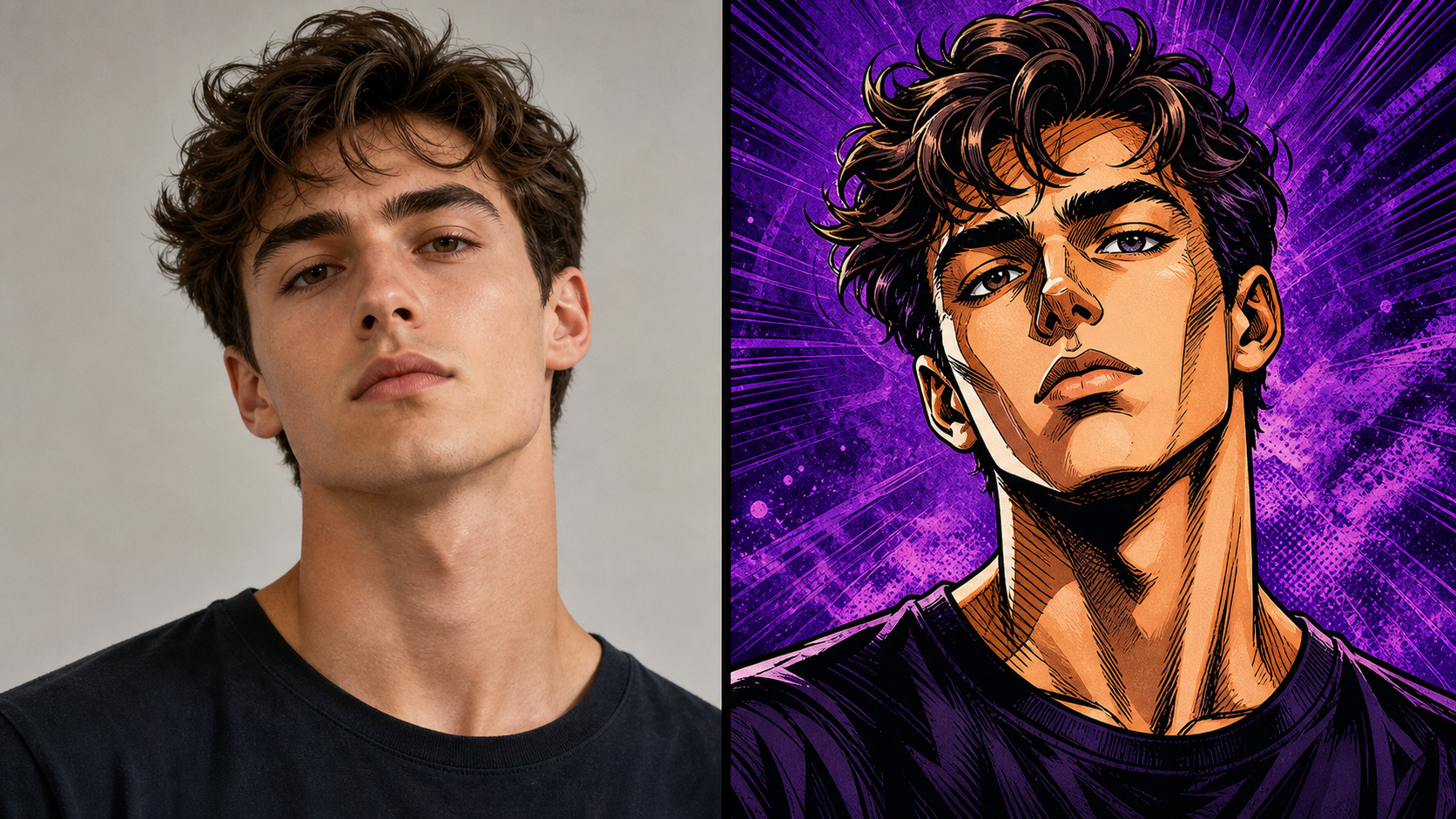
AI JoJo Filter for Dynamic Pose Energy
- AI JoJo Filter can make a standing pose, action shot, or cosplay image feel more graphic through angular anatomy, dramatic contrast, and assertive composition.
- JoJo Style AI works best when the source pose is readable and the subject has clear body lines.
- Use AI JoJo Filter to explore poster-ready character energy while preserving the original stance.
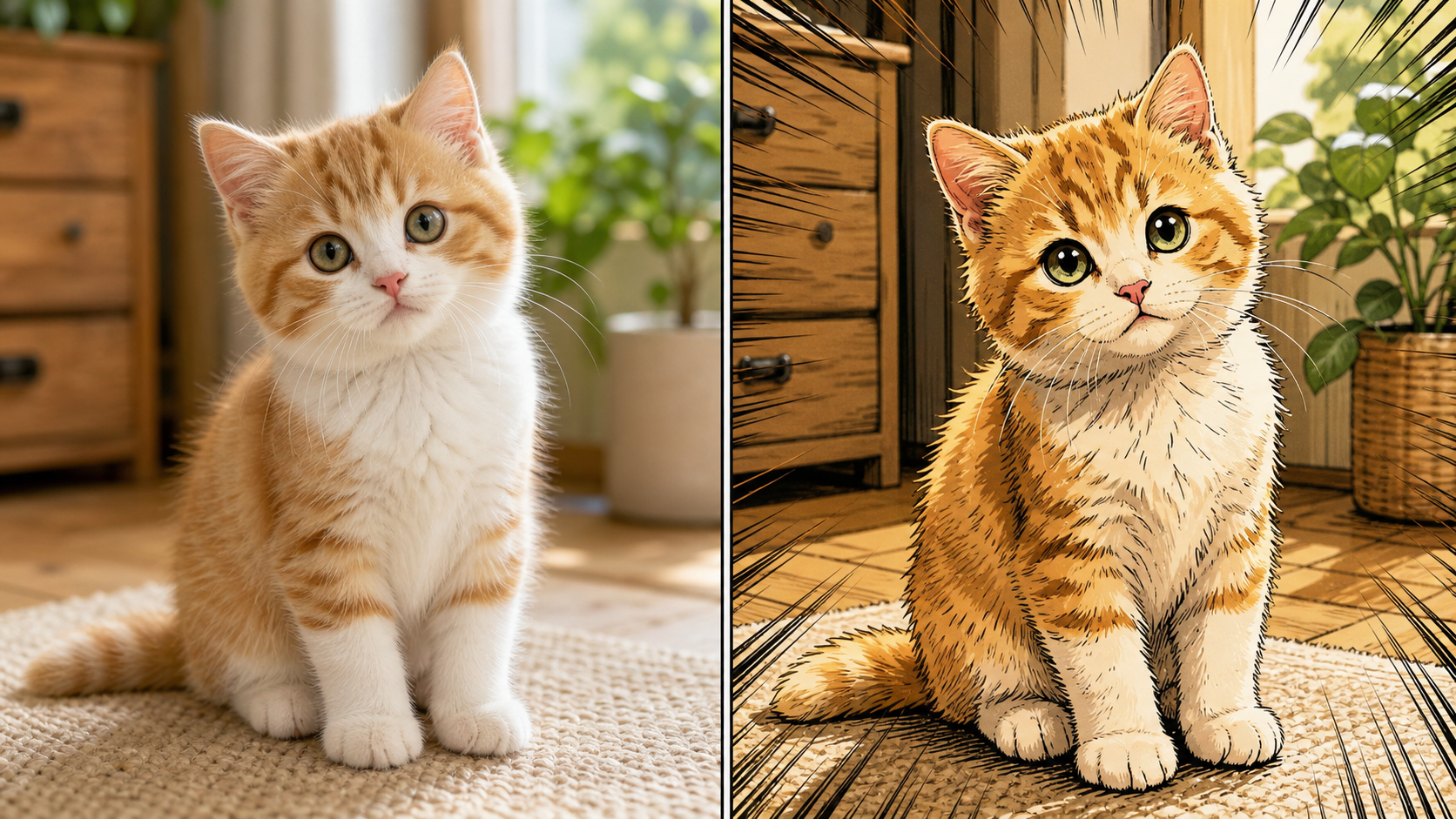
AI JoJo Filter for People, Pets, and Scenes
- AI JoJo Filter is not limited to close portraits. It can reinterpret group photos, pets, fashion shots, food images, vehicles, interiors, and outdoor scenes.
- The JoJo AI Generator should keep key subject shapes and scene cues while simplifying clutter into punchy manga forms.
- Use AI JoJo Filter when a familiar photo needs a stronger visual identity.
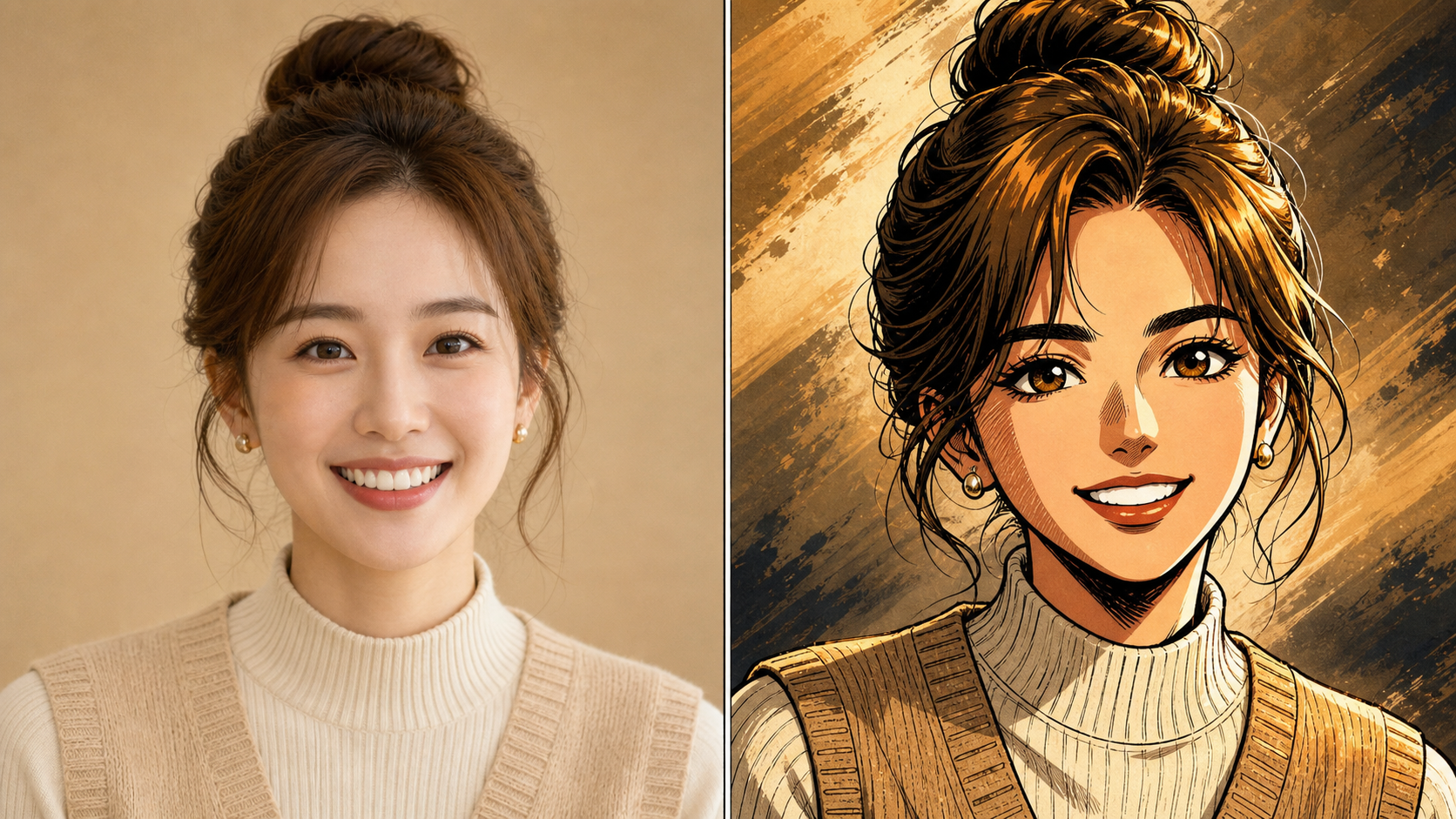
AI JoJo Filter for Bold Shareable Artwork
- AI JoJo Filter gives creators a fast way to turn uploaded photos into images with heavy inks, speed-line rhythm, intense color contrast, and manga poster presence.
- A strong JoJo AI Filter result remains clear at social sizes while still showing the source subject.
- Use AI JoJo Filter for avatars, thumbnails, fan edits, mood boards, and creative tests.
Why Choose AI JoJo Filter
AI JoJo Filter is practical for creators who want recognizable uploads with bolder manga attitude. AI JoJo Filter helps shape portraits, characters, pets, and scenes into expressive artwork.

Create Standout Anime Avatars
Profile images need to read quickly. AI JoJo Filter can convert a clear selfie into a manga-inspired avatar with intense eyes, strong facial shadows, and clean edge definition. Use AI JoJo Filter when a standard portrait feels too quiet for creator profiles, gaming communities, fan accounts, or social launches. A tight crop also helps the final image stay readable in small circles.
Rework Cosplay and Character Photos
Costumes, makeup, and staged poses often pair well with a theatrical manga treatment. AI JoJo Filter can reinforce the character feeling by sharpening silhouettes, exaggerating light, and adding graphic atmosphere. The JoJo AI Generator is useful for testing character art directions before moving into manual retouching or layout work. It gives each costume shot a clearer visual point of view.

Turn Pet Photos into Manga Moments
A pet photo can become more memorable when the edit preserves expression while changing the visual language. AI JoJo Filter can reinterpret fur, eyes, ears, and pose with bold ink and stylized color. Use AI JoJo Filter for playful gifts, profile images, or shareable edits that still feel like the original pet. Clear eye contact and simple backgrounds usually make the character read better.

Explore Graphic Social Concepts
Social images often need a sharper hook than the original camera file. AI JoJo Filter can help creators test manga-style direction for posts, story covers, playlist art, and thumbnail ideas. JoJo Style AI edits work especially well when the source has a clear subject, strong contrast, and room for dramatic background energy. The result can guide later cropping, color, and layout decisions.

Build Fan-Art Direction from Photos
Fan edits and concept boards usually start with a visual reference. AI JoJo Filter can turn photos into manga-inspired base art that suggests line weight, palette, shadows, and mood. Use AI JoJo Filter to explore possibilities before refining the best result in a separate drawing, design, or editing workflow. This helps separate promising directions from ideas that only work in theory.

Give Everyday Scenes More Impact
Not every image needs to be a portrait. AI JoJo Filter can add graphic structure to street photos, cafe shots, rooms, vehicles, food images, and travel scenes. The JoJo AI Filter treatment can simplify busy backgrounds into sharper shapes while keeping the core scene readable and visually connected to the upload. Strong foreground objects make the transformation easier to understand at a glance.
What Users Say About AI JoJo Filter
Creators use AI JoJo Filter for portraits, cosplay shots, pet art, thumbnails, and themed social sets. AI JoJo Filter gives them stylized manga results while preserving uploaded-photo structure.
AI JoJo Filter gave my profile portraits the exact level of drama I wanted. The faces still looked like my friends, but the linework, shadows, and color felt much more like stylized manga art. I used the JoJo AI Filter result as the base for a creator banner, then adjusted cropping and typography around the finished image.
I tried AI JoJo Filter on cosplay photos from a convention and the pose energy became much stronger. The JoJo Style AI edit kept the costume details readable while adding bolder eyes and sharper contrast. It helped me choose which shots were worth polishing further, especially when several poses looked similar in the raw gallery.
For pet portrait concepts, AI JoJo Filter made ordinary snapshots feel collectible without turning the animal into something unrecognizable. The JoJo AI Generator effect worked best when I used clear photos with bright eyes and simple backgrounds. Clients liked seeing a familiar expression inside a much bolder art direction.
AI JoJo Filter is useful during early art direction because it changes the attitude of a photo quickly. I can test a JoJo AI Filter look, compare it with the original, and decide whether the concept deserves a more detailed design pass. That makes it valuable for mood boards, thumbnails, and pitch explorations.
I needed thumbnails that felt louder than plain lifestyle photos. AI JoJo Filter helped create sharper compositions with heavy outlines and expressive color. The JoJo Style AI result gave me a consistent visual direction before I added titles in another tool. It also helped separate the subject from busy background details.
AI JoJo Filter worked well for a set of friend-group images where I wanted the same manga-inspired mood across every photo. The subject details stayed recognizable, and the JoJo AI Generator style made the whole set feel connected. The final images looked cohesive without making every person look identical.


FAQs About AI JoJo Filter
These answers explain how AI JoJo Filter works, which photos suit it, and how AI JoJo Filter can help creators produce recognizable JoJo-inspired manga artwork.
AI JoJo Filter is an image editing tool that transforms an uploaded photo into a JoJo-inspired manga style. It uses the source image as the base, then adds bold outlines, sculpted facial shadows, expressive eyes, saturated color, and dramatic background energy. The goal is to make the result feel stylized while still preserving the subject, pose, and overall composition.
AI JoJo Filter works best with images that have a clear subject, visible face or silhouette, and enough lighting for the model to understand the scene. Portraits, cosplay photos, pets, fashion shots, group images, and simple backgrounds are strong choices. Very dark, blurry, crowded, or heavily cropped uploads can still transform, but the final style may feel less controlled.
A JoJo AI Filter look usually changes the visual language rather than the basic subject. Expect stronger contours, sharper cheek and nose shadows, intense eyes, angular hair shapes, bolder clothing folds, richer color, and manga-style atmosphere. AI JoJo Filter should keep the original pose and identity cues, so the image reads as a stylized version of your upload.
Yes. AI JoJo Filter can work on more than selfies when the subject and scene are readable. Pets, vehicles, rooms, street photos, food shots, and landscapes can all become JoJo Style AI artwork. For non-portrait images, choose a photo with a strong main subject and avoid excessive clutter, because clean structure gives the generator more control.
Yes, AI JoJo Filter can be useful for avatars, thumbnails, fan edits, poster concepts, and creative references. The best results usually come from photos with a clear head shape, visible eyes, and strong contrast. If you plan to add text later, choose a source image with enough background space so the final artwork stays readable.
The model should preserve the main subject, pose, face structure, expression, clothing, important objects, and composition while changing the artistic treatment. AI JoJo Filter is most useful when the result still clearly comes from the uploaded photo. If identity matters, use a sharp source image where the face is not hidden by blur, heavy shadows, or cropping.
For a cleaner JoJo AI Filter result, upload a photo with a strong subject, balanced lighting, and minimal motion blur. Avoid images where faces are tiny, hands cover key features, or the background competes with the subject. AI JoJo Filter can add manga drama, but it still needs a readable source photo to guide the transformation.
Create Manga-Style Photo Art with AI JoJo Filter
Turn a favorite upload into bold manga-inspired artwork. AI JoJo Filter helps preserve the subject while adding JoJo AI Filter linework, dramatic shadows, and expressive color.
