
More AI Image Generators
Explore our collection of specialized AI image generators designed for different creative needs and styles
























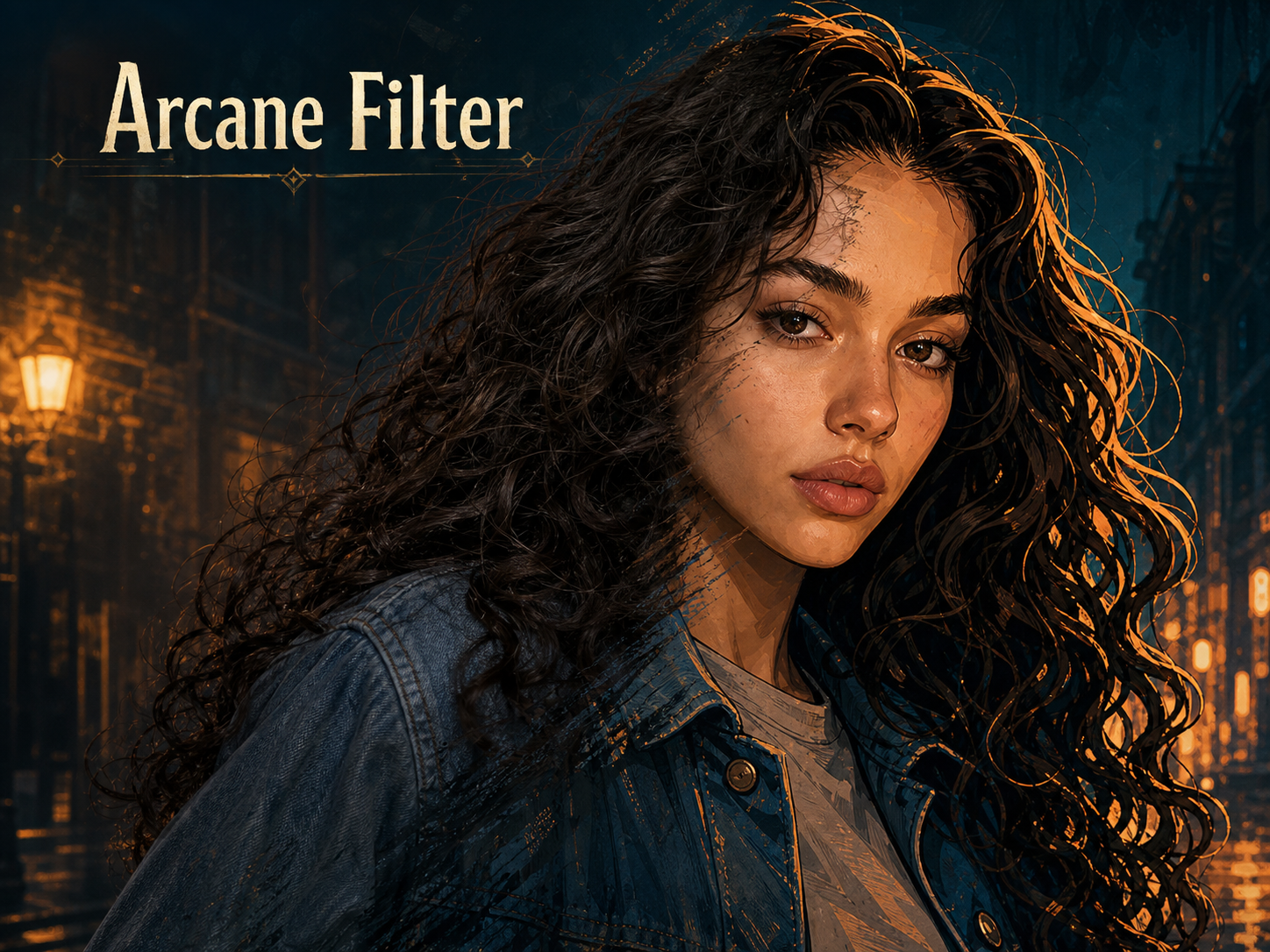
Arcane Filter AI for Cinematic Character Portraits
Use Arcane AI Filter styling to redraw photo with dramatic lighting, bold outlines, painterly texture, and a character-focused look.
Arcane Filter turns an uploaded image into a stylized character portrait with hand-painted energy, structured facial detail, moody color, and cinematic depth. Use Arcane Filter for avatars, profile images, fan-inspired edits, story visuals, and polished social posts.
How to Use AI Arcane Filter
The workflow keeps the creative process direct: upload a photo, let Arcane Filter reinterpret the subject, then review a cinematic character-style image shaped by the source composition, with minimal setup or editing knowledge.

Upload a Clear Portrait
Start Arcane Filter with a photo that clearly shows the subject you want to transform. A front-facing portrait, soft side angle, or clean upper-body image gives AI Arcane Filter enough structure to preserve expression, hairstyle, clothing shape, and the emotional tone of the original frame.

Apply the Cinematic Style
After upload, Arcane Filter studies the face, pose, lighting, and background relationship before redrawing the image with bold contour lines, rich shadows, painted skin texture, and atmospheric color. Arcane AI Filter works as a photo-aware style transformation, so the result feels built from your image instead of pasted over it.

Review the Character Result
Preview the finished Arcane Filter result and check the balance between likeness, drama, and character design. If you want a different mood, try another source crop or expression. Arcane Filter AI results are strongest when the uploaded photo has a readable face, clear silhouette, and purposeful lighting.
Best AI Image Tools for Creative Projects
Explore creative tools for image, learn tips and tricks, and see how AI can be your assistant in turning concepts into finished projects.
Features Built for Arcane Filter AI
Arcane Filter focuses on source-aware transformation: it keeps the uploaded image as the foundation while adding painted texture, bold line language, cinematic lighting, and cohesive character design for portraits that need stronger presence.
Turn Portraits into Cinematic Characters
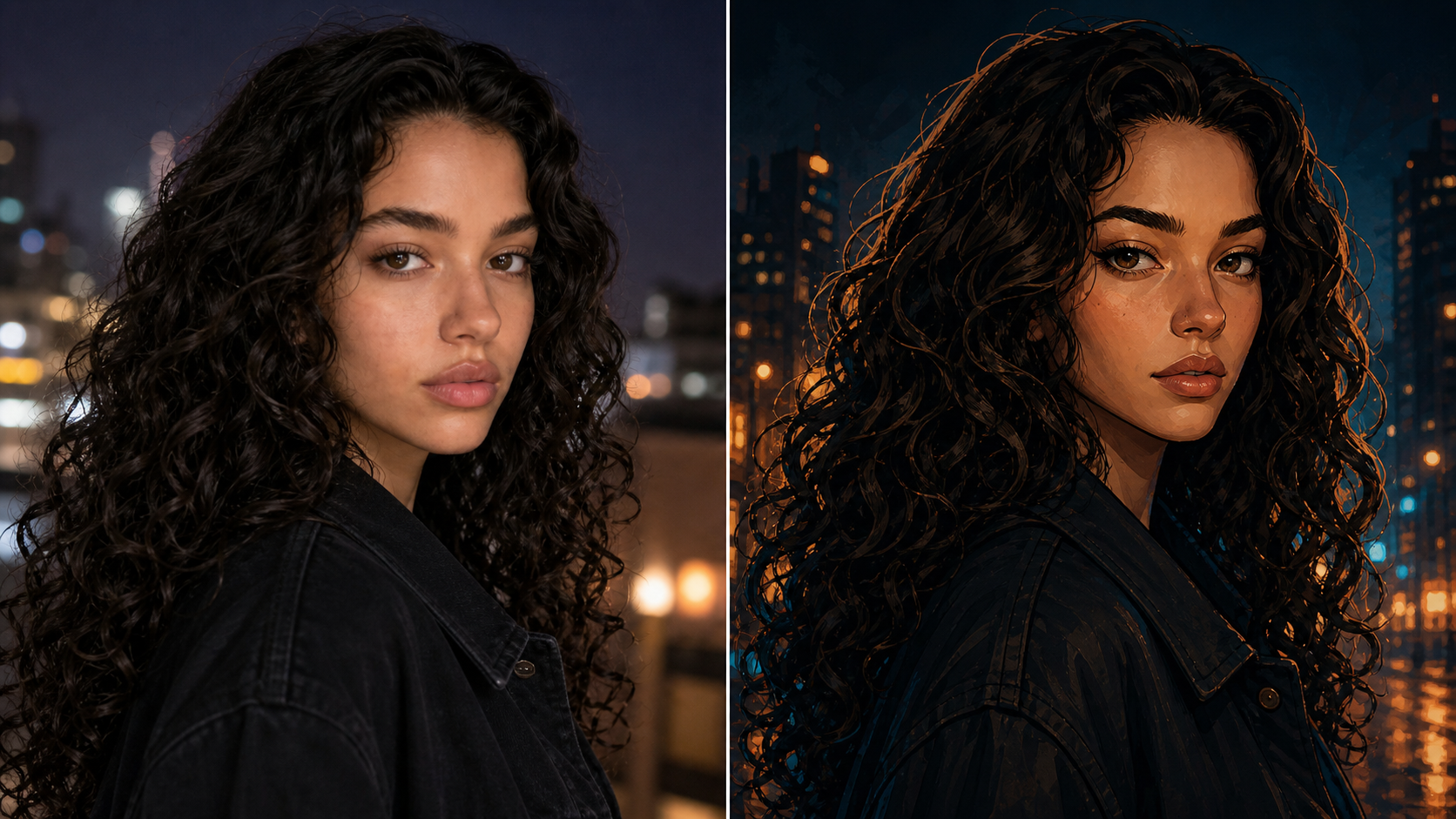
- Arcane Filter can transform selfies and portrait photos into expressive illustrated characters with sharp eyes, structured features, and a dramatic close-up mood.
- Arcane AI Filter is useful when a normal profile photo feels too plain, but a fully invented character would lose the personal connection.
- Use Arcane Filter for avatars, profile refreshes, and visual introductions.
Add Dramatic Light and Painted Texture
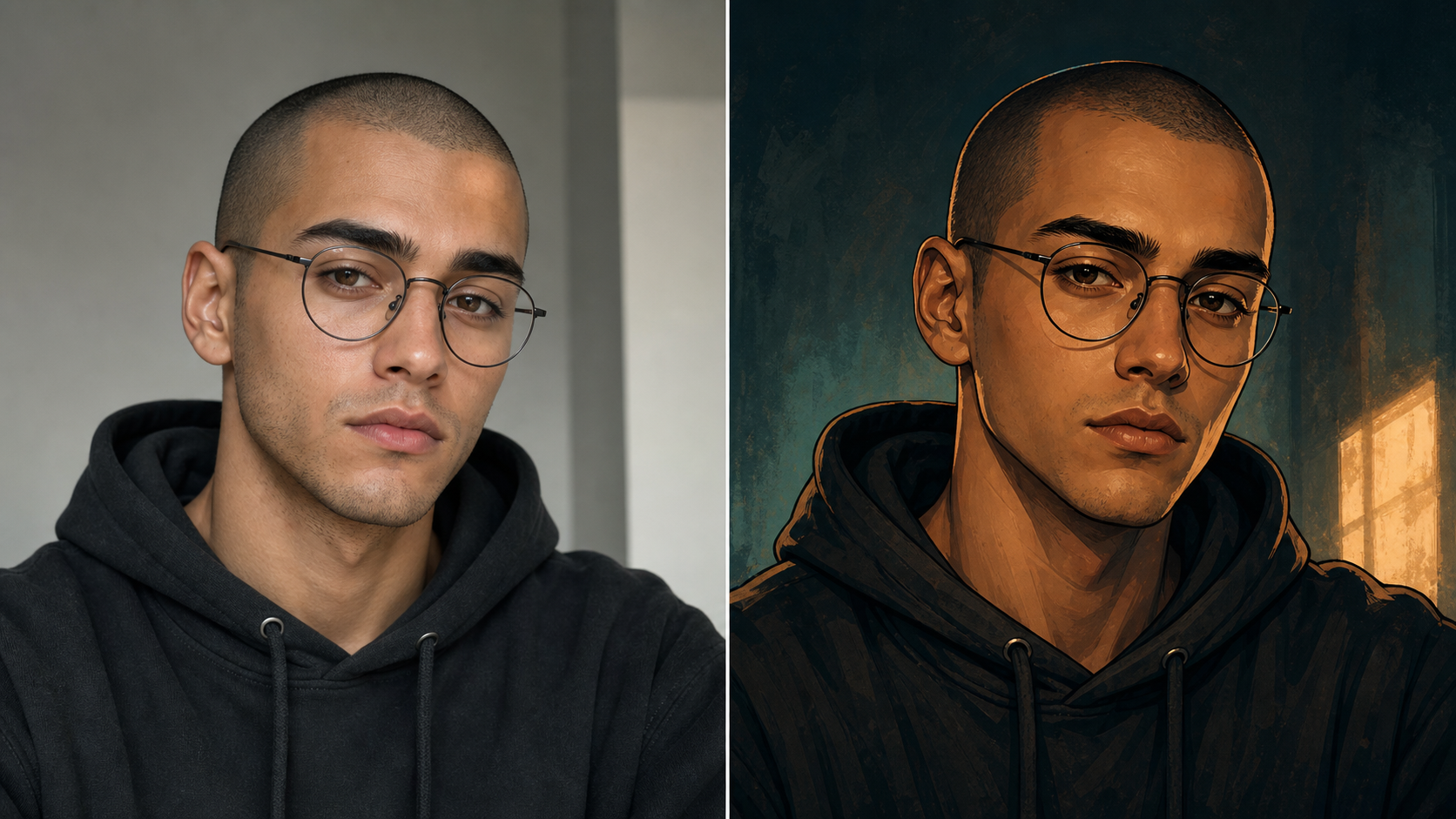
- Arcane Filter is built around atmosphere as much as line work, giving portraits deeper shadows, warmer highlights, and a polished animated-poster finish.
- Instead of simply raising contrast, AI Arcane Filter reshapes light around facial planes, hair, fabric, and background depth.
- Arcane Filter works best when the original image already has a visible light direction.
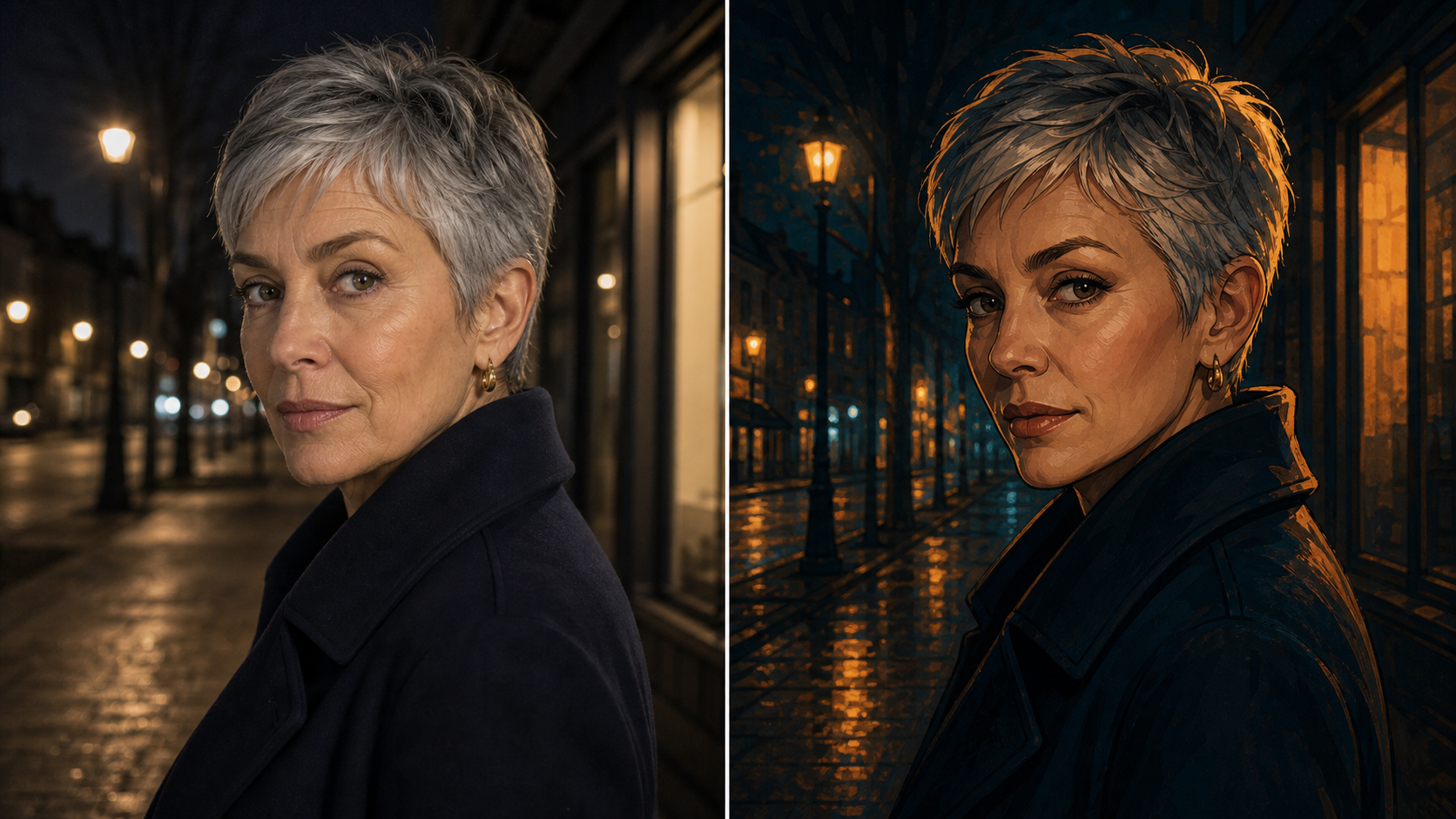
Keep Backgrounds Cohesive with the Subject
- Arcane Filter can restyle simple streets, rooms, alleys, studios, or travel backgrounds into painterly environmental shapes that match the transformed subject.
- Arcane Filter AI keeps important context while reducing visual noise, so the final image reads as one unified frame.
- Choose photos with a clear foreground for the cleanest character-and-setting balance.
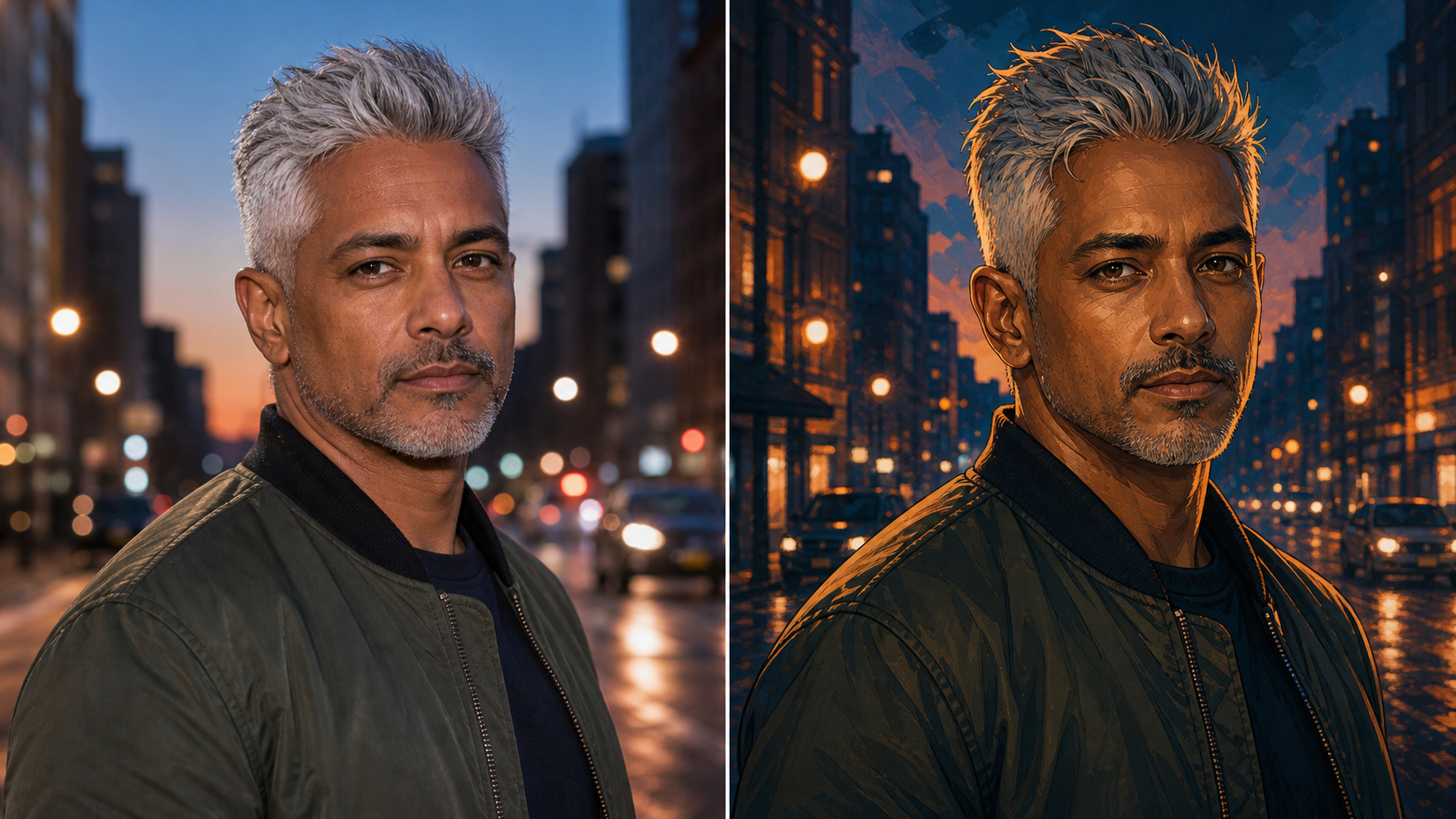
Create Avatars, Fan Visuals, and Story Concepts
- Arcane Filter helps creators turn existing photos into profile images, roleplay portraits, campaign visuals, character boards, and fan-inspired social graphics.
- Arcane AI Filter can also support visual brainstorming when writers or creators need a fast character direction from a real reference.
- Use AI Arcane Filter results responsibly in public projects.
Why Creators Choose AI Arcane Filter
Choose Arcane Filter when you want a photo transformation that feels cinematic, character-driven, and grounded in the original image rather than a generic style overlay or unrelated generated portrait across personal and creator workflows.
Photo-First Character Transformation
Arcane Filter starts with your uploaded image instead of asking you to invent a character from a blank prompt. That makes the workflow useful when you already like the face, pose, outfit, or setting in a source photo. Arcane AI Filter can preserve the parts that make the image personal while changing the surface into a more cinematic illustration.

Recognizable Identity and Expression
A strong transformation should still feel connected to the person in the uploaded photo. Arcane Filter aims to keep the face shape, expression, hairstyle, pose, and clothing silhouette readable while increasing graphic contrast and dramatic color. AI Arcane Filter works best when the subject is well lit, not heavily blurred, and not hidden behind busy foreground objects.

Cinematic Mood for Social Profiles
Arcane Filter is suited to profile images, creator banners, gaming avatars, chat icons, and personal branding moments where a standard selfie feels flat. The output can make the subject look more story-driven without needing manual painting. Arcane Filter AI is especially useful for creators who want a consistent visual mood across several photos or channels.

Style Direction without Drawing Skills
You do not need to paint, sketch, mask, or rebuild a scene to use Arcane Filter. The uploaded photo gives the model the core structure, and the transformation handles the stylized rendering. Arcane AI Filter keeps the creative direction narrow enough to feel consistent while still allowing different source photos to produce distinct characters and moods.

Useful for Concepts and Visual Storytelling
Writers, roleplayers, streamers, and visual creators can use Arcane Filter to explore how a real person, outfit, or pose might read as a dramatic character portrait. The result can support mood boards, thumbnails, story references, or fan-inspired experiments. Arcane Filter gives the concept a concrete visual anchor without requiring a complete illustration brief first.

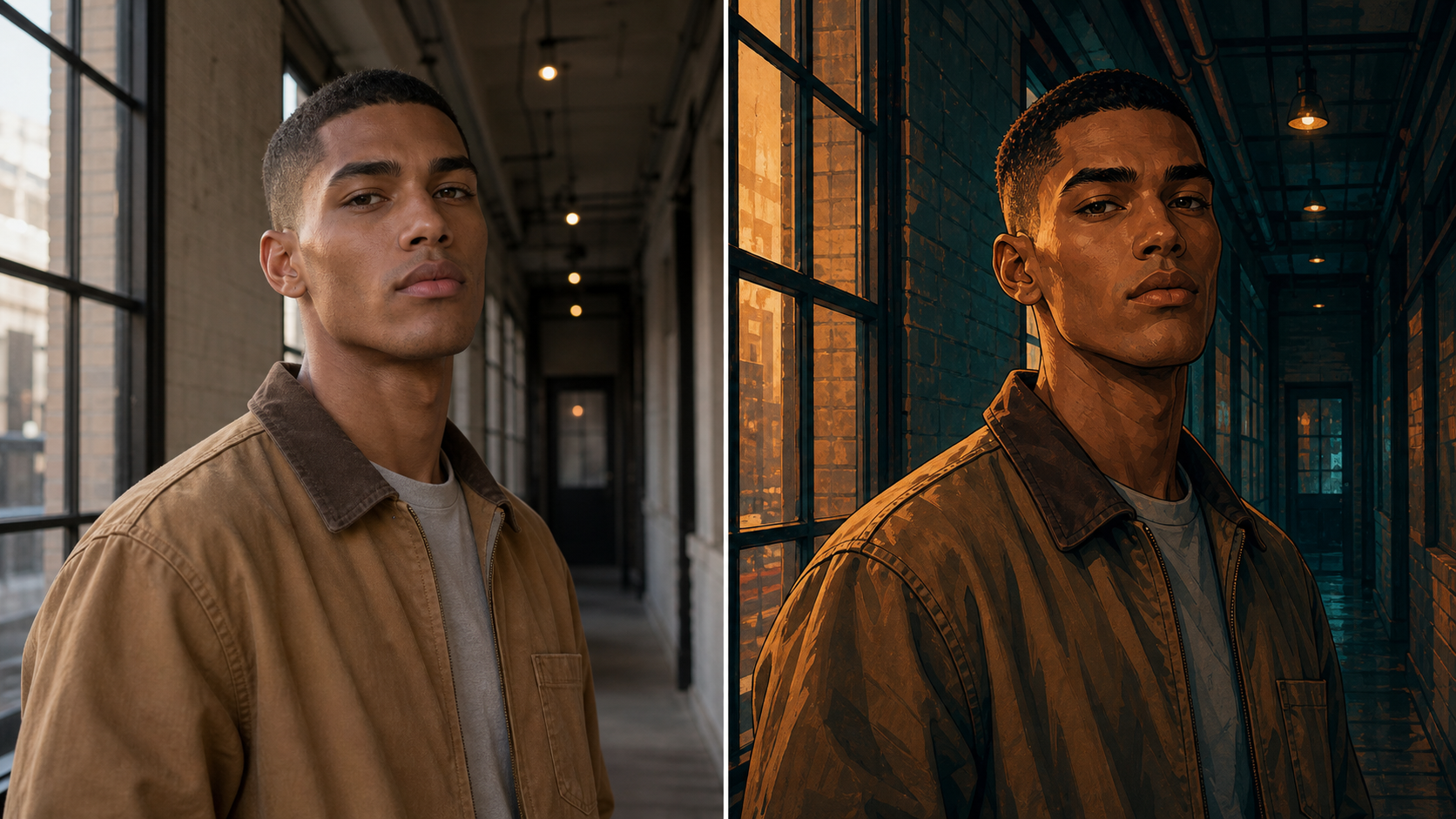
Before-and-After Friendly Results
Because Arcane Filter changes an existing image, it works naturally in before-and-after comparisons. The original side shows the uploaded photo, while the transformed side shows the illustrated character interpretation. Arcane Filter AI comparisons make the value easy to understand in tutorials, landing pages, social posts, and creative review sessions without adding interface clutter.
What Users Say About Arcane Filter AI
These example user stories show how Arcane Filter fits practical creative workflows, from avatars and creator thumbnails to character boards, group portraits, mood references, and social visuals without requiring manual painting or retouching.
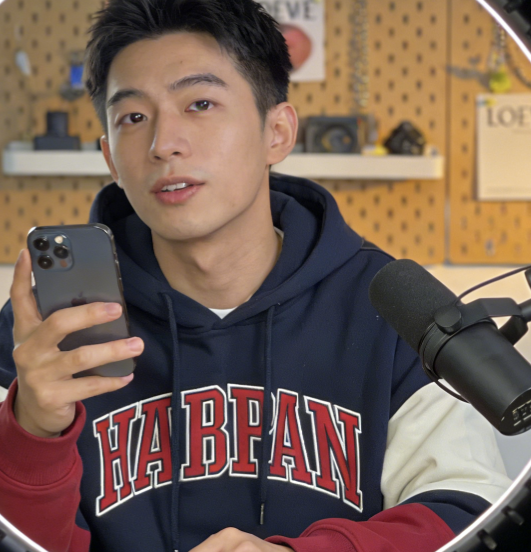
Arcane Filter gave my profile photo a sharper mood without making it look like a different person. The eyes, hair, and jacket still felt familiar, but the painted lighting made the image stand out.
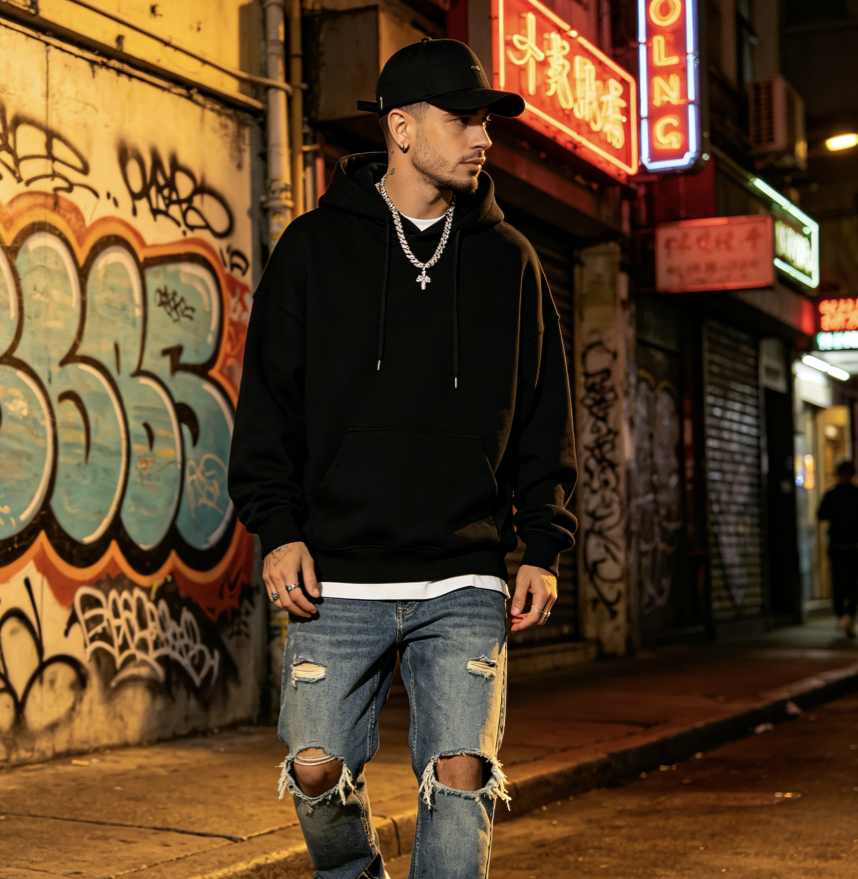
I used Arcane AI Filter on a simple street portrait for a character board. The result kept the pose and outfit, then added the dramatic shadows I wanted for a more story-focused visual.
For social thumbnails, Arcane Filter is easier than explaining a full illustration from scratch. I can start with a real photo, test the mood quickly, and pick the version that feels strongest.
AI Arcane Filter helped our small roleplay group make matching portraits from different photos. Each image had its own personality, but the lighting and painted texture made the set feel connected.
I tested Arcane Filter AI with a dim selfie and a cleaner portrait. The cleaner image was much better, which made the workflow easy to understand: choose a readable source and the style lands harder.
Arcane Filter turned a normal author photo into something I could use for a speculative fiction mood board. It stayed recognizable while giving the image the dramatic character energy I needed.


FAQs About Arcane AI Filter
Learn how AI Arcane Filter works, what images to upload, how to guide the transformation, and how to use the generated character-style result for avatars, concepts, and creative visuals before creating another variation from the same source.
Arcane Filter AI is a photo transformation tool that takes an uploaded image and generates a stylized character version with cinematic lighting, bold outlines, painted texture, and atmospheric color. It is best understood as image-to-image styling rather than a blank text prompt. Arcane Filter AI uses the source photo as the visual anchor, so the final result can keep likeness, pose, outfit cues, and composition. This keeps the outcome tied to the uploaded frame while giving it a stronger visual role.
Arcane AI Filter analyzes the uploaded photo for the main subject, facial structure, lighting direction, and background context, then redraws those elements in a dramatic animated-painterly direction. The goal is not to add a simple color overlay. AI Arcane Filter changes line quality, shadow shape, texture, and mood while trying to preserve the identity and composition that made the source image useful.
AI Arcane Filter usually works best with clear portraits, upper-body photos, or character-focused images where the face and silhouette are easy to read. Avoid heavy blur, tiny faces, harsh obstructions, and crowded group shots if likeness matters. AI Arcane Filter can still stylize challenging images, but a clean source gives the model better information about expression, hair, clothing, and light direction.
Yes. A normal photo filter often changes color, contrast, grain, or exposure while leaving the underlying photo mostly intact. Arcane Filter AI is closer to a style-transfer edit because it redraws the subject with graphic lines, painterly surfaces, stronger shadows, and character-focused design choices. That deeper transformation is why Arcane Filter AI can make a selfie feel like a cinematic portrait instead of a retouched snapshot.
Yes, avatars and profile images are natural use cases for AI Arcane Filter because the style emphasizes faces, silhouettes, and mood. Upload a photo where your expression and head shape are clear, then choose a crop that will still read at small sizes. Arcane AI Filter can help make a profile image feel more distinctive while keeping enough source detail for friends or followers to recognize it.
Arcane Filter AI can use the original background as context, but the output should not be expected to preserve every object exactly. The transformation may simplify signs, furniture, streets, walls, or lighting into painterly shapes that support the subject. If the background is important, choose a source where the setting is visible but not cluttered. Arcane Filter AI works best when the subject remains the clear focal point.
No. AI Arcane Filter is strongest for portraits, but it can also support couple shots, character references, fashion photos, creator images, cosplay ideas, and simple scenes with one clear subject. If the image contains many people or tiny details, the result may become less controlled. For the most reliable AI Arcane Filter output, start with one main subject and a composition that already tells a clear visual story.
Your most important control is the source image. Lighting, crop, facial angle, expression, clothing, and background all shape the final AI Arcane Filter result. If a generated version feels too intense, too soft, or not close enough, try another photo with better facial detail or a different mood. Arcane AI Filter responds well to clear visual inputs because the transformation is grounded in what you upload.
Create with Arcane Filter AI
Upload a favorite portrait and let Arcane Filter turn it into a cinematic, hand-painted character image that keeps the original expression, pose, and story while adding a dramatic illustrated finish, ready for profiles, concepts, and expressive posts.
