
More AI Image Generators
Explore our collection of specialized AI image generators designed for different creative needs and styles
























Baroque Art Style Painting Generator
Upload any photo, choose an image size, and turn it into a dramatic Baroque art style artwork with ornate detail, deep shadows, and theatrical beauty.
Create a Baroque art style result from any uploaded photo in seconds. This image to image tool studies your portrait, product, pet, landscape, or object image, then rebuilds it as a Baroque period style image with dramatic chiaroscuro, rich oil texture, royal fabric, golden glow, and highly theatrical composition. Use Baroque art style to give ordinary photos the power of a museum painting. Use Baroque period style image output when you want deep contrast, emotional staging, sculptural depth, and ornate European elegance, Baroque art style detail, Baroque art style atmosphere, and Baroque art style drama. Baroque art style effects help creators make portraits, posters, social visuals, product scenes, and fantasy images feel majestic, historical, and cinematic.
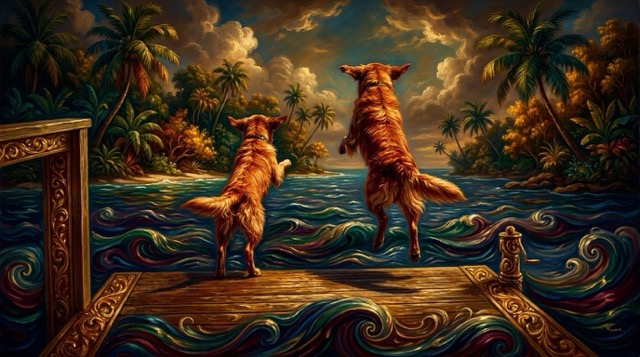
How to Create a Baroque Art Style Image
The process is simple: upload an image, choose the output size, and click generate. In one image to image workflow, Baroque art style turns your reference photo into a Baroque period style image with a dramatic Baroque art style atmosphere.

Upload Your Photo
Start by uploading any image. The Baroque art style tool can transform portraits, pets, products, buildings, food, fashion shots, and landscapes into a Baroque period style image while keeping the main subject recognizable.

Choose the Output Image Size
Select the image size you need for a post, cover, poster, avatar, campaign visual, or creative project. The Baroque art style workflow prepares a Baroque period style image that fits your chosen format.

Click Generate
Click generate and let AI convert your upload into a Baroque art style with ornate lighting, bold shadows, painterly texture, luxurious color, and a theatrical Baroque art style finish.
Best AI Image Tools for Creative Projects
Explore creative tools for image, learn tips and tricks, and see how AI can be your assistant in turning concepts into finished projects.
Baroque Art Style Features and Steps
This feature section explains the complete Baroque art style workflow: upload your image, select the output size, and generate a Baroque period style image. Every Baroque art style result is designed to feel dramatic, ornate, and visually rich.
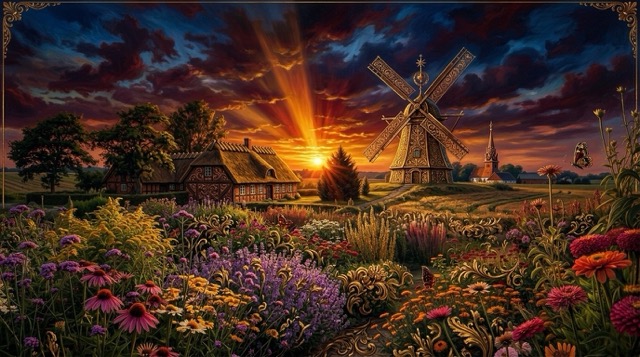
Step 1: Upload Any Image
- Upload a portrait, product photo, pet image, landscape, fashion shot, or object image.
- The Baroque art style engine reads the subject, pose, composition, and visual structure.
- It keeps the core image recognizable while preparing a Baroque period style image.
- This makes each Baroque art style feel connected to your original photo.
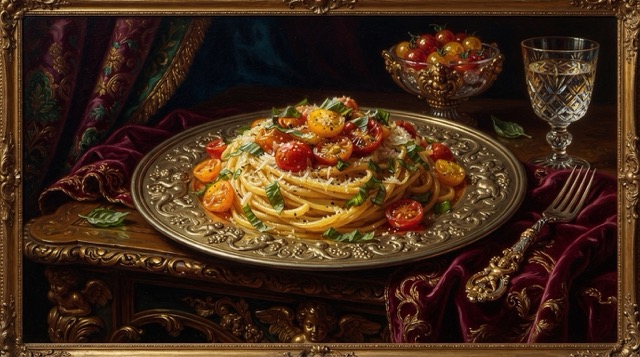
Step 2: Select Your Image Size
- Pick a size for social media, website covers, posters, profile images, or campaign art.
- Baroque art style can support square, vertical, and wide creative needs.
- A Baroque period style image should look balanced in the format you choose.
- The result gives your Baroque art style a cleaner layout for publishing.
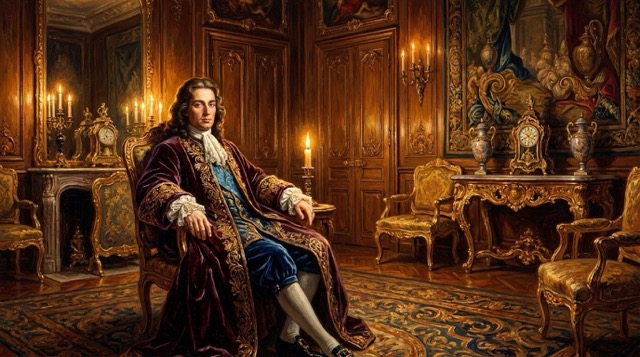
Step 3: Generate the Baroque Result
- Click generate to create a Baroque art style artwork from your uploaded image.
- AI adds dramatic chiaroscuro, warm candlelight, ornate details, and rich oil paint texture.
- Your Baroque period style image gains theatrical depth, elegant shadows, and a grand classical mood.
- The final Baroque art style is ready for creative use, social sharing, or design inspiration.
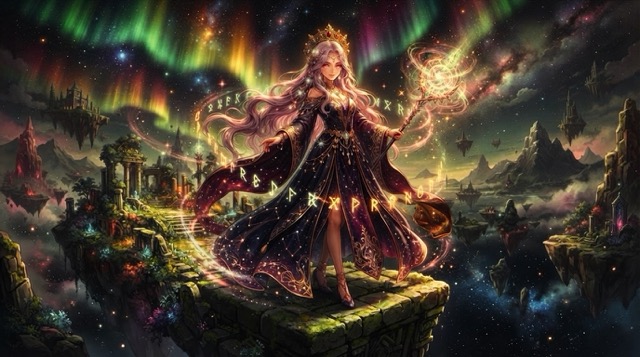
Dramatic Lighting and Ornate Detail
- Baroque art style is known for deep contrast, emotional staging, and grand visual drama.
- The tool turns your upload into a Baroque period style image with shadows, gold highlights, velvet textures, and decorative richness.
- It creates a Baroque art style look for users who want art that feels highly theatrical and ornate.
- Use it when a normal photo needs a more classical, powerful, and museum-like finish.
Why Choose Baroque Art Style
Choose Baroque art style when you want more than a simple filter. This tool builds a Baroque period style image with dramatic light, rich texture, gold-toned elegance, and Baaroque style painting detail for many creative uses.

Portraits with Classical Drama
Turn selfies, studio photos, or character portraits into Baroque art style portraits. A Baroque period style image can add noble lighting, emotional expression, and elegant depth to a personal Baroque art style.

Product Images with Luxury Mood
Use Baroque art style to make product visuals feel premium and theatrical. A perfume, jewelry, bag, bottle, or decor item can become a Baroque period style image with ornate atmosphere and Baroque art style texture.

Pet Photos as Royal Paintings
Transform pet photos into Baroque art style portraits with royal charm. The tool can create a Baroque period style image that turns a cat, dog, or horse into a grand Baroque art style.

Social Media Visuals
Create scroll-stopping posts with Baroque art style effects. A Baroque period style image gives your profile content, campaign graphic, or themed post a dramatic Baaroque style painting identity.

Fantasy and Story Concepts
Use Baroque art style for fantasy characters, royal scenes, historical concepts, and visual storytelling. Each Baroque period style image can add stage-like lighting and ornate Baaroque style painting energy.

Decor and Poster Inspiration
Generate Baroque art style images for poster concepts, wall art ideas, mood boards, and interior visuals. A Baroque period style image gives creative projects a rich Baaroque style painting look.
What Users Say About Baroque Art Style
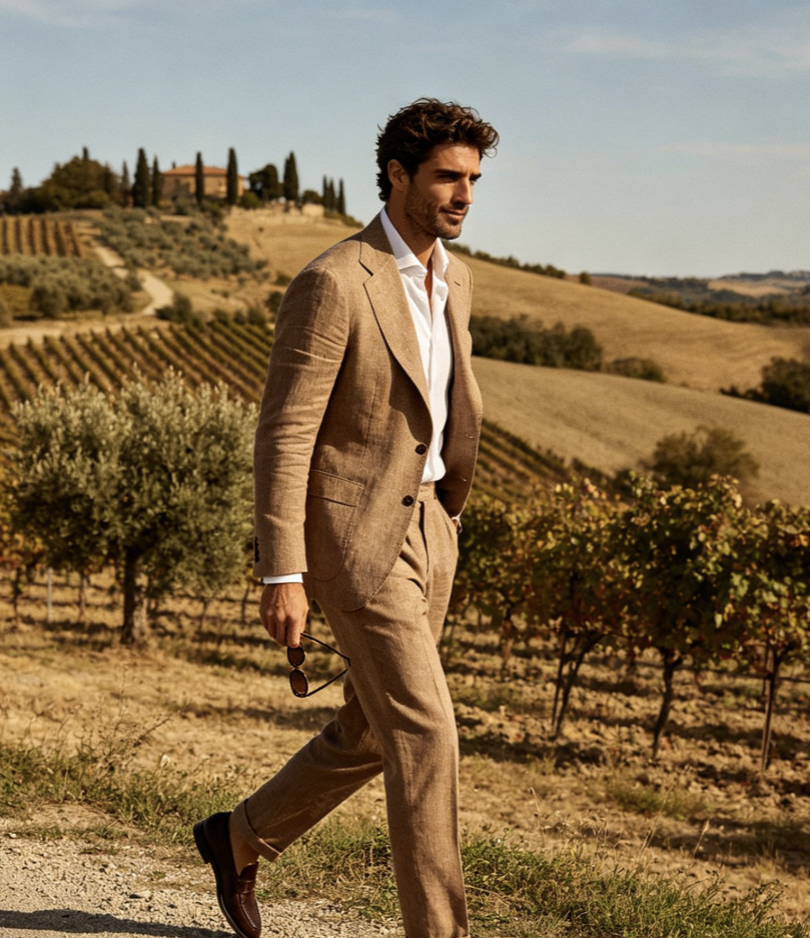
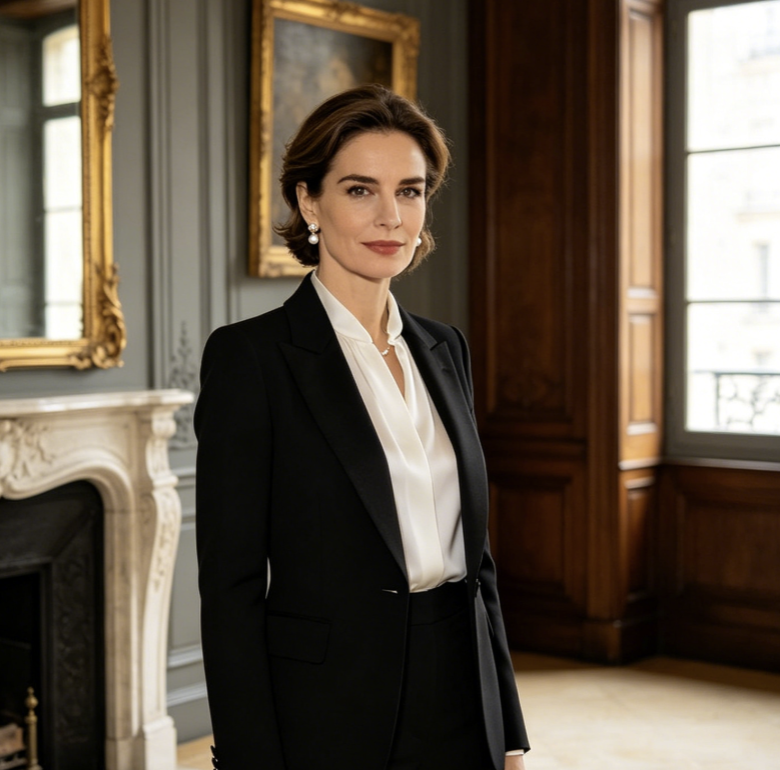
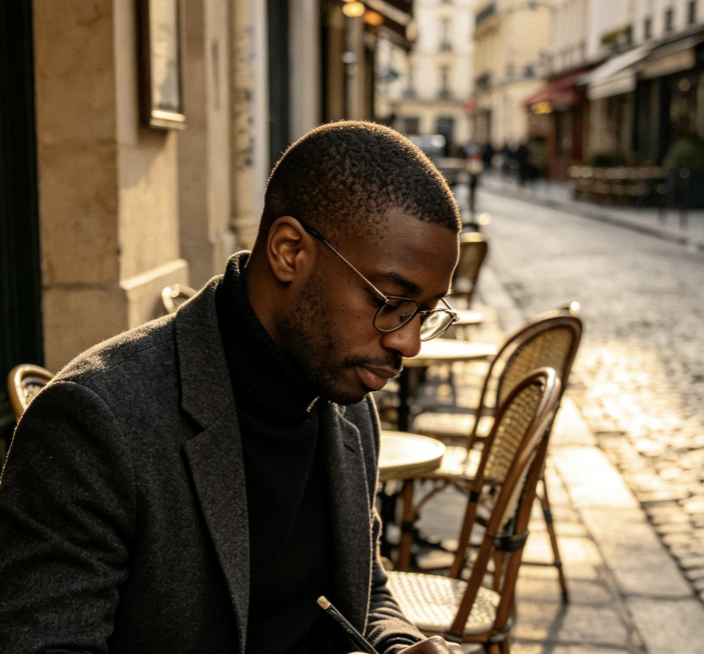
Creators choose Baroque art style because it gives photos a theatrical, ornate, and classical transformation. These users create Baroque period style image results and Baaroque style painting visuals for portraits, products, pets, posts, and concepts.
The Baroque art style result made my portrait feel like a classical gallery piece. The Baroque period style image kept my face recognizable, while the Baaroque style painting texture added real drama.
I used Baroque art style for a luxury product concept, and the lighting looked rich and theatrical. The Baroque period style image gave the campaign a strong Baaroque style painting mood.
For social posts, Baroque art style makes ordinary photos much more memorable. I like how each Baroque period style image feels ornate, cinematic, and close to a real Baaroque style painting.
The tool helped me turn a simple character image into a dramatic Baroque art style concept. The Baroque period style image had strong shadows, gold details, and a refined Baaroque style painting finish.
I created pet portraits with Baroque art style, and the results looked royal and funny at the same time. The Baroque period style image gave every Baaroque style painting a premium look.
Baroque art style is useful for poster ideas and dramatic visual concepts. The Baroque period style image output gave me a strong Baaroque style painting direction before final design work.


Frequently Asked Questions About Baroque Art Style
Learn how Baroque art style works, how to create a Baroque period style image, and how a Baaroque style painting effect can transform uploaded photos into theatrical artwork.
Baroque art style is a dramatic classical art direction known for deep shadows, bright highlights, emotional movement, ornate decoration, and rich oil painting texture. This tool turns an uploaded photo into a Baroque period style image with a Baaroque style painting look.
Upload your photo, choose the image size, and click generate. The AI will transform the reference into Baroque art style artwork and create a Baroque period style image with dramatic lighting and Baaroque style painting detail.
You can upload portraits, products, pets, landscapes, food photos, fashion images, objects, or concept visuals. Baroque art style works best when the subject is clear, because the final Baroque period style image needs strong focus and theatrical Baaroque style painting depth.
The tool aims to keep the main subject recognizable while applying Baroque art style effects. It can preserve the general pose, composition, and key details while creating a Baroque period style image with a Baaroque style painting mood.
Yes. Baroque art style is useful for posters, social media, product concepts, profile visuals, story art, pet portraits, and design inspiration. A Baroque period style image can make a simple photo feel like a dramatic Baaroque style painting.
This is not a basic color filter. Baroque art style rebuilds the image with theatrical light, ornate detail, oil paint texture, and classical composition. The goal is a Baroque period style image that looks closer to a Baaroque style painting than a simple photo effect.
Create Your Baroque Art Style Painting
Upload any photo, choose an image size, and click generate. Turn your image into Baroque art style artwork, create a Baroque period style image, and explore a dramatic Baaroque style painting look online.
