
More AI Image Generators
Explore our collection of specialized AI image generators designed for different creative needs and styles
























Edit Text in Image with AI
Upload a photo, replace the words inside it, and keep the original text style with our AI image text editor.
BananaPro AI gives you an AI image text editor for files that need word replacement without redesigning the whole picture. Upload any photo with visible words, type a simple prompt such as Replace "SUMMER SALE" with "BLACK FRIDAY", choose the image size, and generate a clean result. Our AI image text editor is built for posters, ads, product photos, signs, screenshots, banners, packaging, and social visuals. When you need to edit text in image with same font, the tool aims to match the original lettering, color, texture, shadow, perspective, and layout while keeping the rest of the image unchanged.
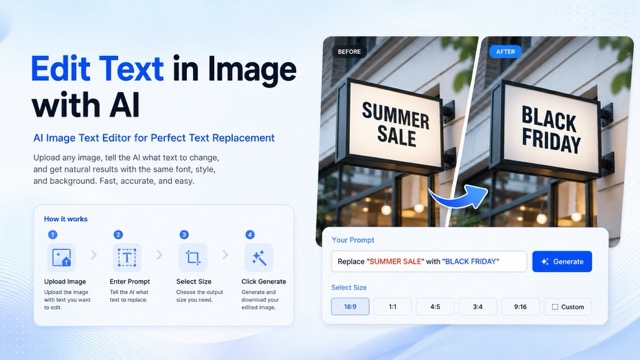
How to Edit Text in Image Online
The workflow is simple: upload image, add replacement prompt, choose size, and generate. BananaPro AI gives you a focused AI image text editor for users who want the AI image text editor to revise designs quickly.

Upload Your Image
Start by uploading a photo, poster, product label, sign, menu, ad creative, or screenshot that contains text. The AI image text editor reads the visible text area so the AI image text editor can update content without rebuilding the original design.

Enter Your Text Prompt
Type a clear instruction like Replace "OLD TEXT" with "NEW TEXT". If you want to edit text in image with same font, mention the exact replacement text and let the AI image text editor preserve the original typography style.

Choose Image Size
Select the output size that fits your use case, from social posts to web banners. This helps the AI image text editor prepare results for different platforms while keeping the same composition and visual direction.

Click Generate
Generate and preview the edited result. The AI image text editor replaces only the requested words, then helps you edit text in image with same font, matching the original style as closely as possible.
Best AI Image Tools for Creative Projects
Explore creative tools for image, learn tips and tricks, and see how AI can be your assistant in turning concepts into finished projects.
Edit Text in Image with a Focused AI Workflow
BananaPro AI is designed for users who need a practical AI image text editor instead of a general image generator. Use it when you want to edit text in image with same font, keep the original scene, and replace only the requested words.
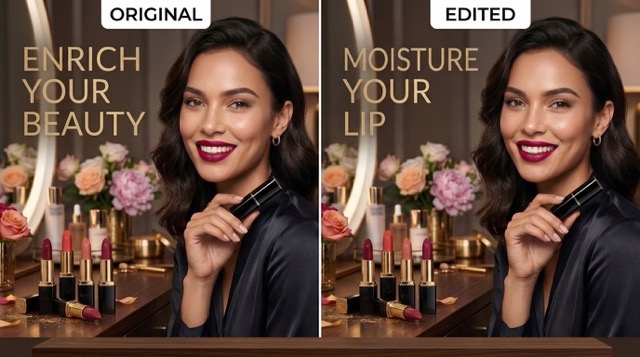
Upload Any Image with Text
- Use the AI image text editor on posters, ads, labels, flyers, screenshots, signs, packaging, and social images.
- The AI image text editor can handle files even when the text is part of a realistic scene, printed object, or designed graphic.
- BananaPro AI focuses on the text area so the background, product, face, object, lighting, and layout stay stable.
- This makes it easier to edit text in image with same font when the original visual style matters.
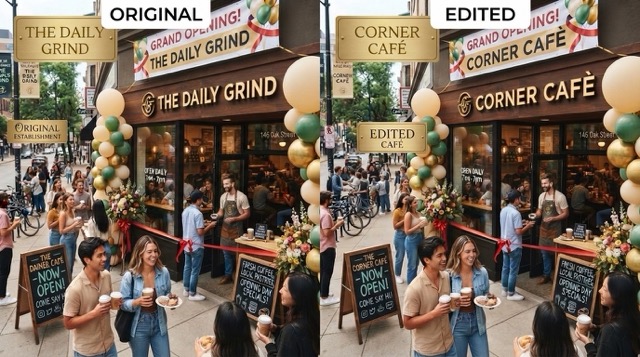
Prompt the Exact Text Replacement
- The recommended prompt format is simple: Replace "OLD TEXT" with "NEW TEXT".
- The AI image text editor understands that your goal is to change the words, not redesign the full image.
- Use clear quotes around the original and new text when you want more accurate replacement.
- If the original text style is important, ask the tool to edit text in image with same font for a more natural result.
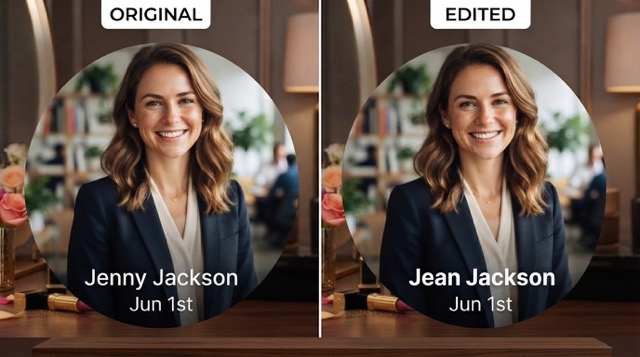
Select the Best Output Size
- Choose an image size before generation so the final result fits your channel, campaign, store page, or design draft.
- The AI image text editor supports flexible creative testing for square posts, wide banners, vertical stories, and product visuals.
- When you adjust visual text content for different placements, size control helps reduce extra cropping and manual edits.
- You can also edit text in image with same font after choosing a layout that matches your final publishing need.
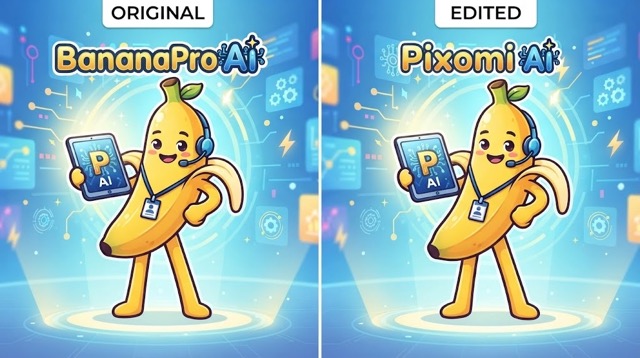
Generate a Seamless Same Style Result
- Click generate to let the AI image text editor replace the selected words while preserving the original image.
- The result should keep the font feel, color, shadow, texture, spacing, lighting, and perspective close to the source.
- This is useful when you need to edit text in image with same font for client mockups, localized creatives, seasonal campaigns, or corrected copy.
- The AI image text editor helps you revise visual copy faster than manual retouching.
Why Use BananaPro AI to Edit Text in Image
A focused AI image text editor is useful when the design already looks good but the words need to change. BananaPro AI helps you edit text in image with same font while protecting the parts you do not want to edit.

Marketing Posters and Ad Creatives
Edit campaign slogans, sale labels, event names, and promotional lines inside existing visuals. The AI image text editor helps marketers update campaign text assets while keeping the original layout.

Product Packaging and Labels
Change flavor names, mockup text, taglines, or label copy on product photos. Use BananaPro AI to edit text in image with same font when packaging realism matters.

Social Media Graphics
Update captions, dates, discounts, and title words in social posts. The AI image text editor lets creators update social text content for fast daily publishing.

Signs, Menus, and Storefront Photos
Replace words on signs, menus, posters, or boards while preserving realistic lighting and perspective. This is ideal when you need to edit text in image with same font in real-world scenes.

Localization and Translation Mockups
Swap English text into another language or test localized message versions. The AI image text editor helps teams edit text in image designs before final production.

Quick Copy Fixes
Correct typos, update dates, change prices, or replace outdated text without starting from the source file. Use BananaPro AI to edit text in image with same font and save editing time.
What Users Say About Our AI Image Text Editor
Creators, marketers, designers, and localization teams use BananaPro AI to edit text in image assets, test new wording, and edit text in image with same font for realistic design updates.
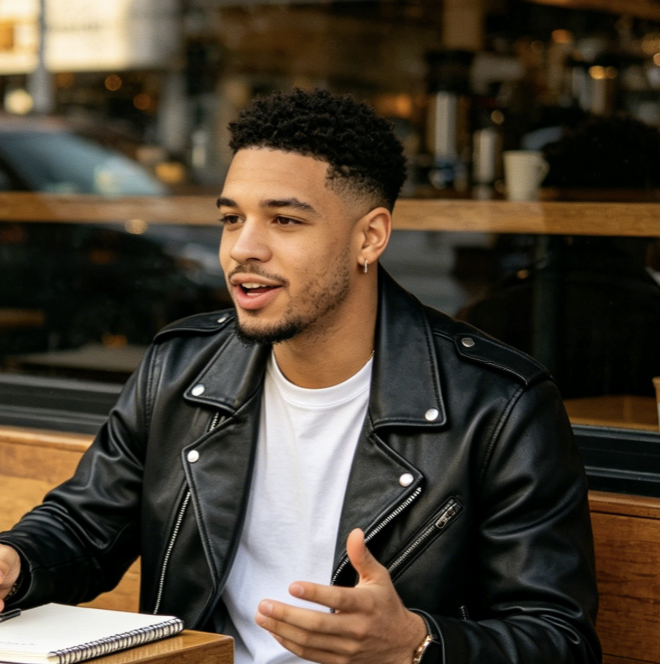
I use BananaPro AI when I need to edit text in image mockups for ad testing. The AI image text editor saves time because I can replace headline copy without touching the rest of the creative.
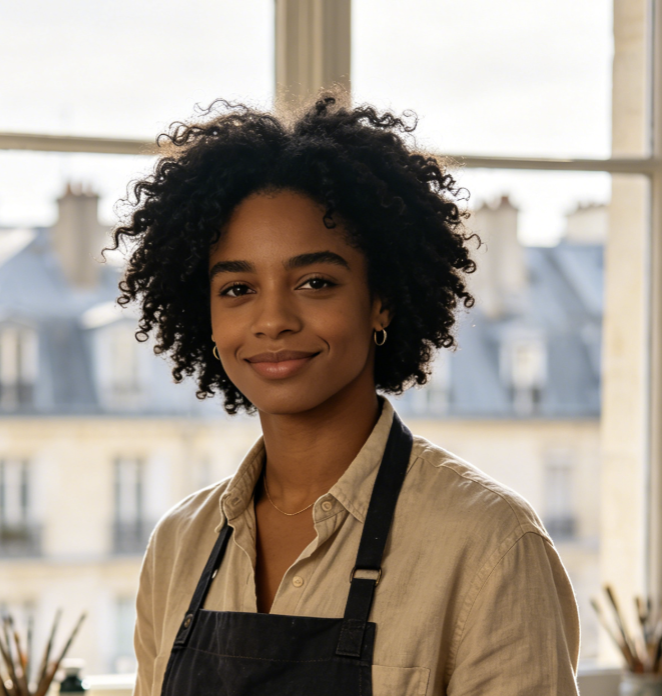
The prompt format is easy for my team. We write Replace this with that, and the AI image text editor helps us edit text in image with same font for quick client previews.
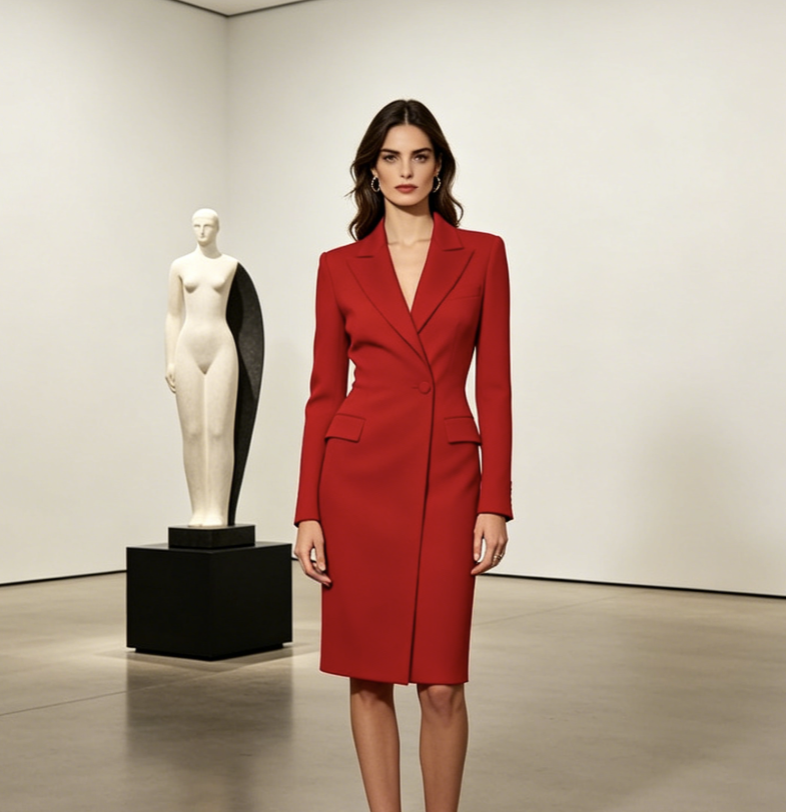
For product labels, I often need small copy changes. BananaPro AI lets me update image text files and keep the original photography, which is exactly what I need for early packaging concepts.
I needed to edit text in image with same font for a localized banner draft. The AI image text editor helped me test translated wording before sending the final version to our designer.
As a social creator, I reuse good layouts all the time. BananaPro AI gives me a fast way to edit text in image posts, update dates, and keep the visual style consistent.
The AI image text editor is helpful for campaign variations. I can edit text in image with same font, compare different offers, and create cleaner mockups without a full design handoff.


Frequently Asked Questions About Edit Text in Image
Learn how to use BananaPro AI as an AI image text editor, how to write replacement prompts, and how to edit text in image with same font for cleaner visual updates.
This tool lets you replace text inside images by uploading a picture and entering a text replacement prompt. The AI image text editor is made for changing visible words while preserving the original background, object, layout, and style.
Upload your image, type a prompt such as Replace "OPEN" with "SALE", choose an output size, and click generate. BananaPro AI will use the AI image text editor workflow to replace the requested text area.
Yes. The tool is designed to help you edit text in image with same font as closely as possible. It tries to match the original font style, size, color, lighting, texture, perspective, and shadow so the new words look natural.
For best results, use this format: Replace "OLD TEXT" with "NEW TEXT". This tells the AI image text editor exactly which words to change and what new text to place in the image.
The workflow is built to preserve non-text elements. When you edit text in image content, BananaPro AI aims to keep the original composition, subject, product, background, color, camera angle, and lighting unchanged.
You can use the tool on posters, ads, product labels, menus, signs, screenshots, social graphics, storefront photos, and banners. It is especially useful when you need to edit text in image with same font for realistic revisions.
Start to Edit Text in Image with AI
Upload a photo, enter your replacement prompt, choose the image size, and generate. BananaPro AI helps you edit text in image content, use an AI image text editor for faster revisions, and edit text in image with same font for realistic same style results.
