
More AI Image Generators
Explore our collection of specialized AI image generators designed for different creative needs and styles
























Kawaii AI Generator: Create Cute Art from Text or Photos
Use Kawaii AI Generator to turn written ideas or uploaded images into charming kawaii artwork with soft colors, rounded forms, expressive faces, and playful details.
Kawaii AI Generator helps you create original cute scenes or restyle a reference image while keeping the important subject recognizable. Kawaii Image Generator follows your prompt for characters, pets, food, objects, outfits, moods, and backgrounds. Use kawaii ai generator free to explore ideas, then refine the prompt until the result feels right.
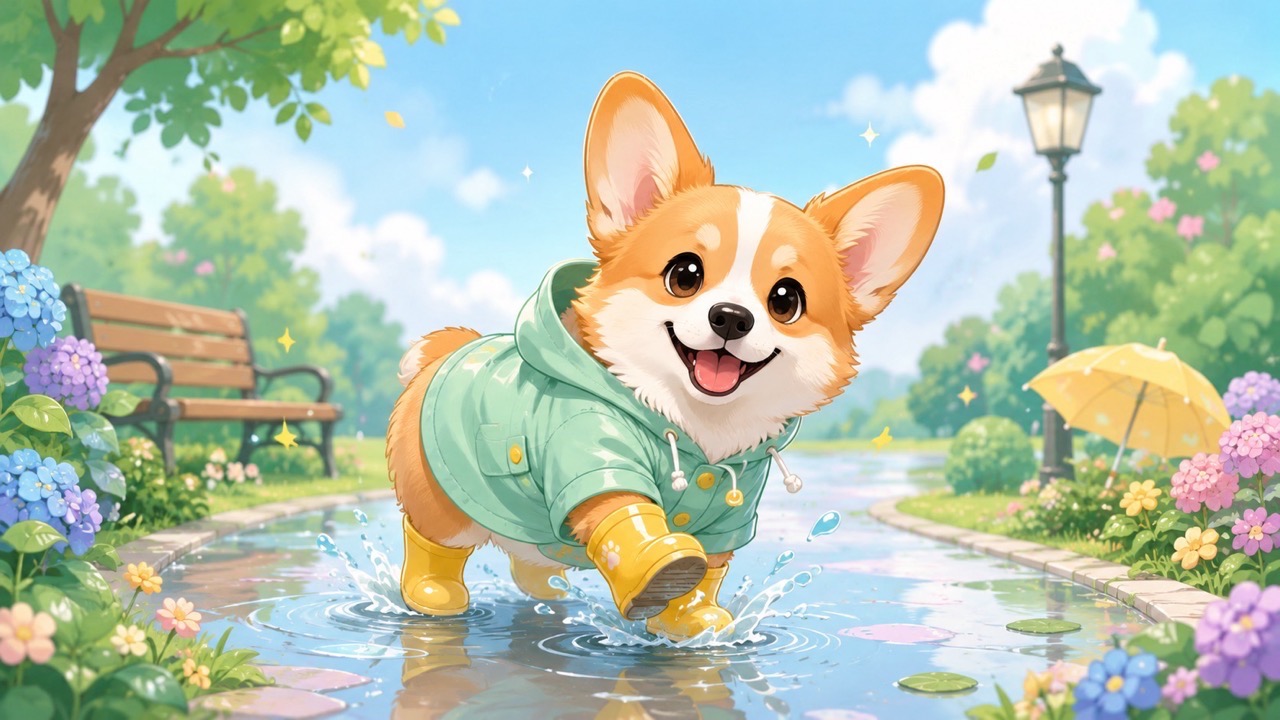
How to Use Kawaii AI Generator in 3 Steps
Kawaii AI Generator supports two simple workflows: type a prompt to create a new image, or upload an image and add a prompt to guide its transformation. Kawaii Image Generator keeps the process focused on your idea, while kawaii ai generator free makes early concept exploration easy.

Enter a Prompt or Upload an Image
Start Kawaii AI Generator with either a written prompt or a reference image plus a prompt. Describe the subject, colors, expression, clothing, setting, and mood you want. When you upload a photo, explain what should stay recognizable and what should become cuter. Kawaii Image Generator uses these directions to shape the composition instead of applying one fixed look. Kawaii AI Generator keeps your chosen details central throughout the transformation.

Click Generate
Review your instructions, then click generate. Kawaii AI Generator interprets the prompt and, when provided, the uploaded image. Clear wording helps Kawaii AI Art Generator understand whether you want a pastel mascot, a sweet portrait, a cute animal scene, or another kawaii concept. Keep the request focused so the main subject remains easy to recognize. Kawaii AI Generator then turns that focused direction into a unified image.

Review and Refine the Result
Check the generated image and adjust your prompt when needed. Ask Kawaii AI Generator to change the pose, palette, expression, background, outfit, or decorative details without replacing the central idea. Kawaii AI Image Generator is useful for quick visual iteration because each revised prompt can move the artwork closer to the exact mood and style you imagined. Kawaii AI Generator makes targeted revisions easier to compare.
Best AI Image Tools for Creative Projects
Explore creative tools for image, learn tips and tricks, and see how AI can be your assistant in turning concepts into finished projects.
What Kawaii AI Generator Helps You Create
Kawaii AI Generator is built for more than adding cute eyes to an image. It helps you develop expressive characters, transform meaningful photos, and create a consistent visual mood. Kawaii Image Generator responds to both broad concepts and detailed art direction, giving your prompt a direct role in the result. Kawaii AI Generator keeps that creative control connected to every generation.
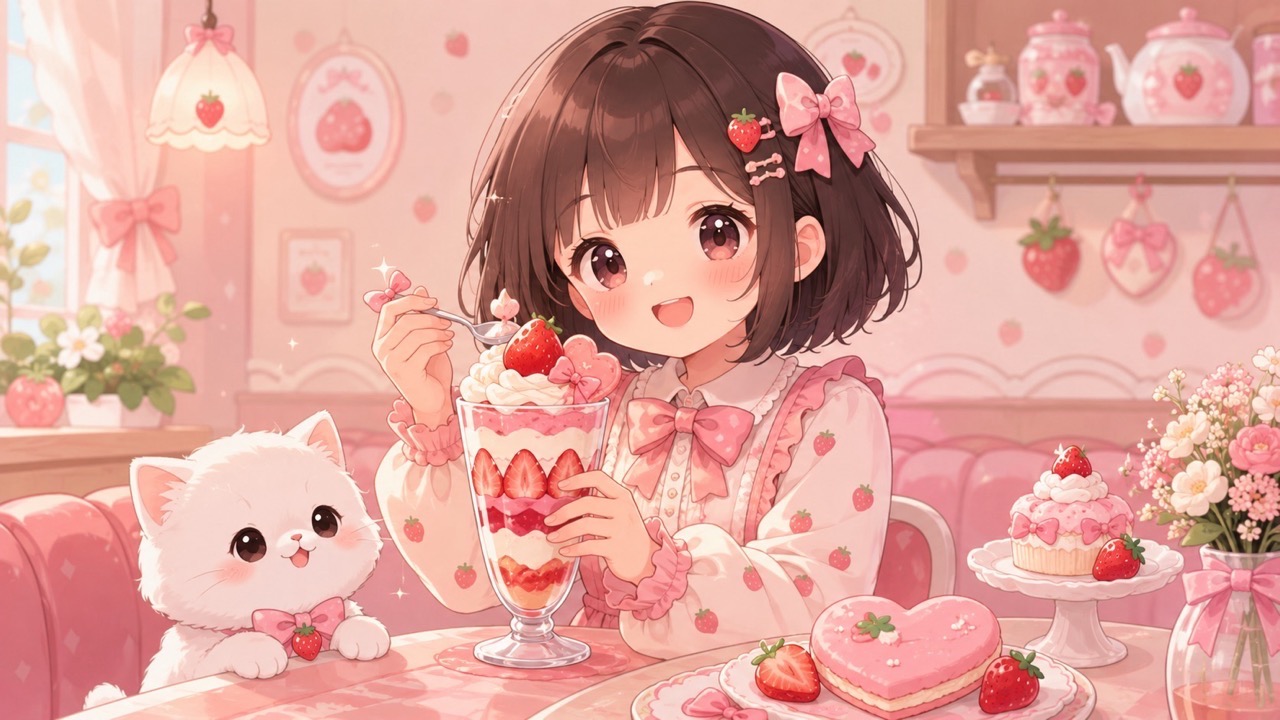
Turn Any Clear Idea into a Kawaii Scene
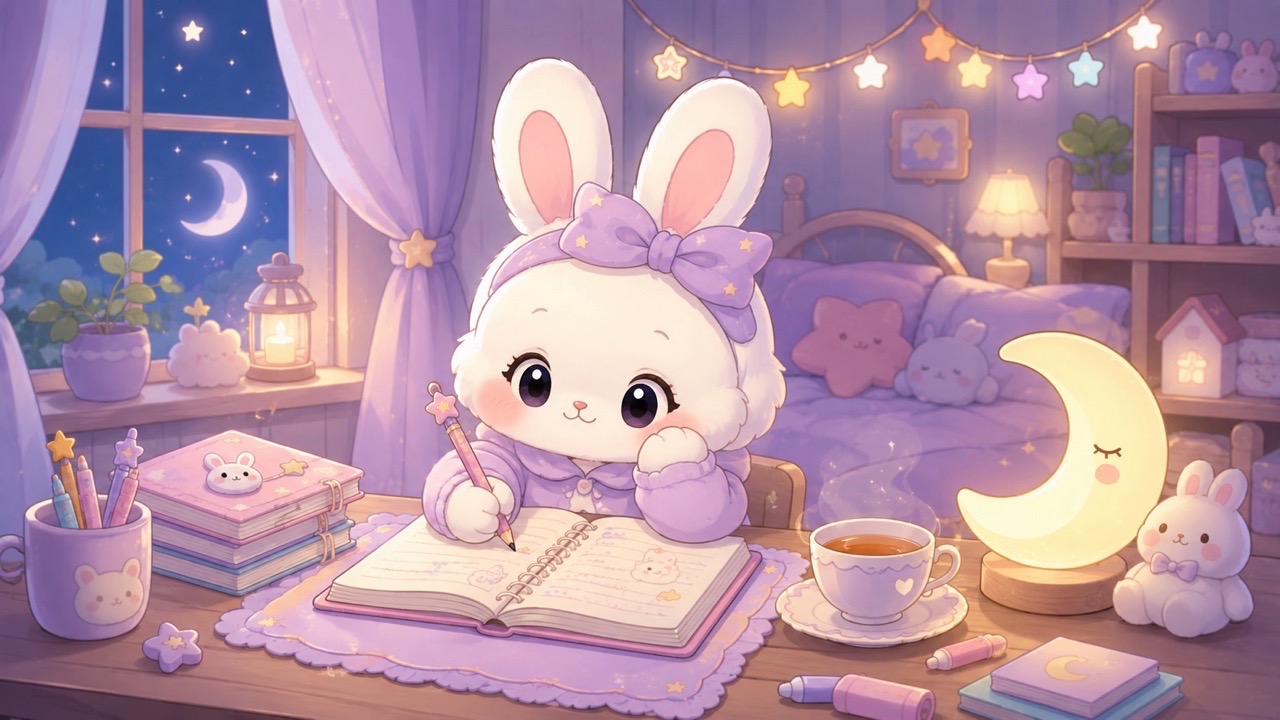
Kawaii AI Generator helps turn a simple concept into a complete visual instead of leaving you with a generic cute character. Describe a sleepy cloud café, a strawberry-themed cat, a cheerful bakery mascot, or a cozy bedroom filled with tiny decorative objects. Kawaii Image Generator can connect the subject, setting, color palette, and emotional tone into one coherent scene. Add specific materials, props, facial expressions, and lighting cues when they matter. Kawaii AI Art Generator works best when your prompt explains what makes the idea special, allowing the final image to feel personal rather than copied from a standard kawaii formula. Kawaii AI Generator can also help test contrasting moods without changing the subject.
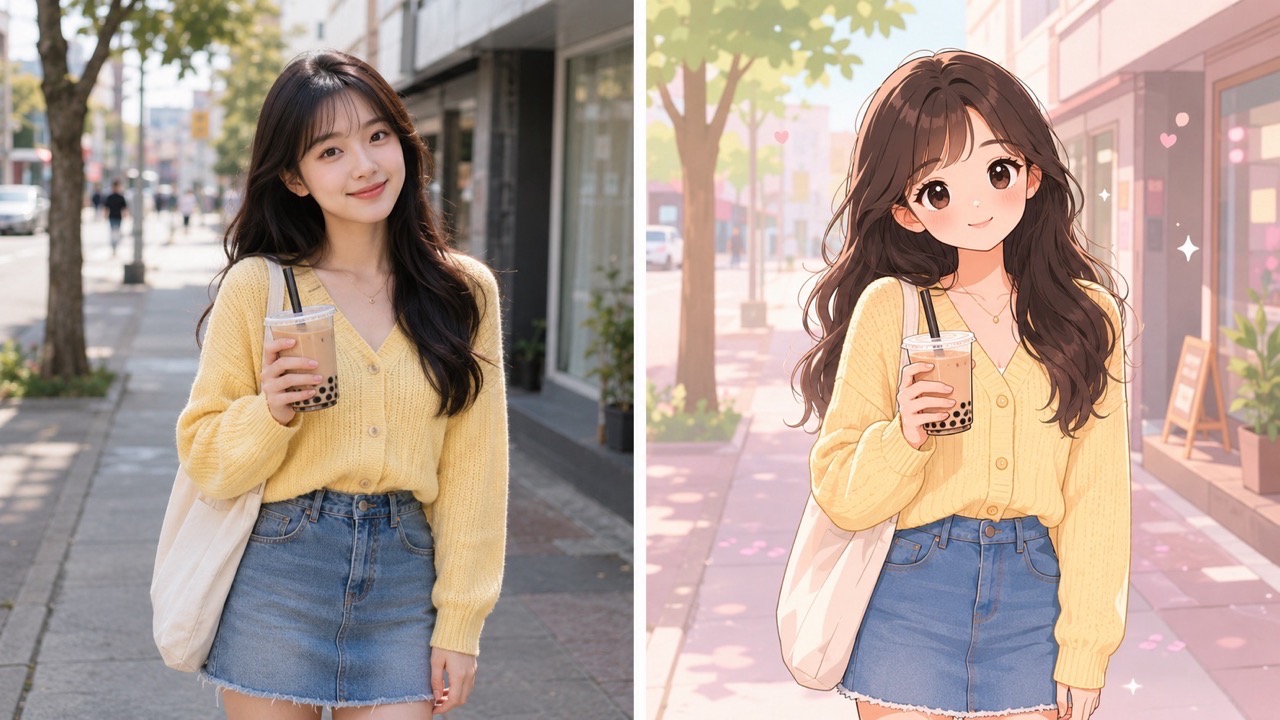
Transform Photos without Losing the Main Subject
Upload a portrait, pet photo, object, or everyday scene and tell Kawaii AI Generator how you want it restyled. You can request softer proportions, rounded shapes, pastel colors, sparkling accents, simplified textures, or a storybook atmosphere while asking the main face, pose, markings, or object shape to remain recognizable. Kawaii AI Image Generator uses both the reference and your prompt, so you control more than a preset filter. Kawaii Image Generator is especially useful when you want a cute interpretation that still feels connected to the source. Try kawaii ai generator free for early variations before choosing the direction that best matches your subject. Kawaii AI Generator makes those source-based choices part of the creative direction.
Build a Consistent Cute Visual Direction
Kawaii AI Generator gives creators a practical way to define recurring visual traits across different ideas. Reuse prompt language for rounded silhouettes, blush details, gentle highlights, pastel palettes, tiny accessories, and uncluttered backgrounds. Kawaii Image Generator can then produce related characters, props, scenes, or themed illustrations that share a recognizable mood. This helps when planning a sticker collection, mascot family, social series, or product concept. Kawaii AI Art Generator can explore several directions while your prompt protects the core identity. With Kawaii AI Generator, visual consistency comes from clear repeated instructions rather than relying on chance.
Who Can Use Kawaii AI Generator?
Kawaii AI Generator supports personal creativity, content planning, character exploration, and photo restyling. Kawaii Image Generator is useful whenever you need a cute visual that follows a specific prompt rather than a random preset. Kawaii AI Image Generator also helps users guide transformations with both source details and written direction. Kawaii AI Generator keeps the workflow approachable.

Cute Avatars and Profile Pictures
Use Kawaii AI Generator to create a friendly avatar from a written description or transform a clear portrait into a softer illustrated identity. Specify hairstyle, expression, favorite colors, clothing, accessories, and background symbols that represent you. Kawaii Image Generator can make the result feel intentional instead of producing an unrelated face. Kawaii AI Image Generator is also useful for matching an avatar to a gaming profile, community account, or creator page. Keep the prompt focused on recognizable features and the emotional impression you want the portrait to communicate. Kawaii AI Generator helps those identity cues remain central to the portrait.

Mascots, Stickers, and Character Concepts
Kawaii AI Generator can help shape an early mascot or sticker idea before you commit to a final design. Describe the creature, object, expression, pose, costume, signature prop, and personality. Kawaii AI Art Generator can explore whether the concept should feel energetic, shy, comforting, mischievous, or elegant. Kawaii Image Generator makes it easier to compare visual directions while keeping the same core theme. For quick ideation, kawaii ai generator free can turn rough thoughts into references that support later illustration, branding discussions, or content planning. Kawaii AI Generator supports fast comparison before a concept moves forward.

Social Posts, Thumbnails, and Seasonal Visuals
Create cheerful images for announcements, themed posts, channel art, or seasonal content with Kawaii AI Generator. A prompt can combine your subject with birthday decorations, spring flowers, winter sweets, study themes, or cozy weekend scenes. Kawaii Image Generator helps maintain a clear focal point, which matters when an image must communicate quickly on a feed. Kawaii AI Image Generator can also restyle an existing photo to fit a campaign mood while preserving important people or products. Use concise art direction so decorative elements support the message instead of overwhelming it. Kawaii AI Generator helps each themed visual stay connected to the original message.

Personal Gifts and Memory Illustrations
Kawaii AI Generator can reinterpret a favorite pet, friendship photo, travel memory, or meaningful object as a warm kawaii illustration. Tell the generator which details carry emotional value, such as a pet's markings, a shared outfit, a memorable place, or a small keepsake. Kawaii Image Generator can surround those details with softer colors and playful symbols without changing the heart of the image. Kawaii AI Art Generator is useful for exploring card art, digital keepsakes, party graphics, or personalized surprise concepts. With Kawaii AI Generator, a familiar memory can become a new creative scene.
What Users Say About Kawaii AI Generator
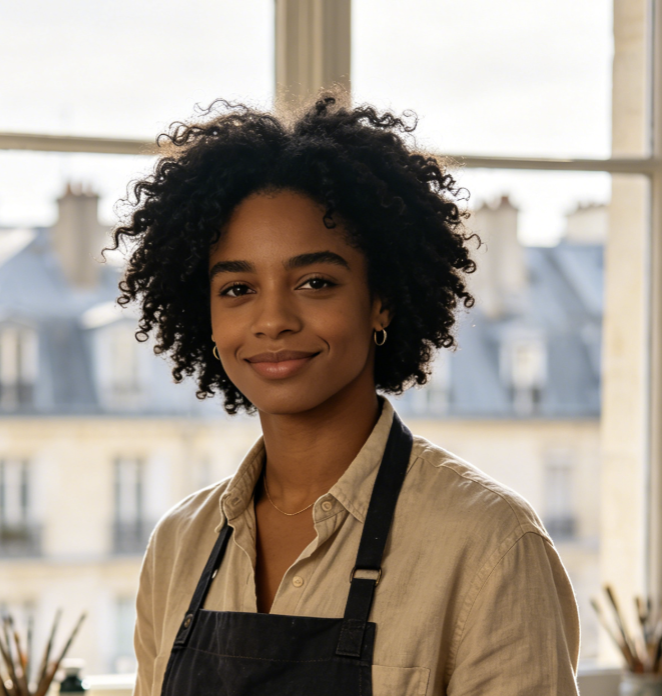
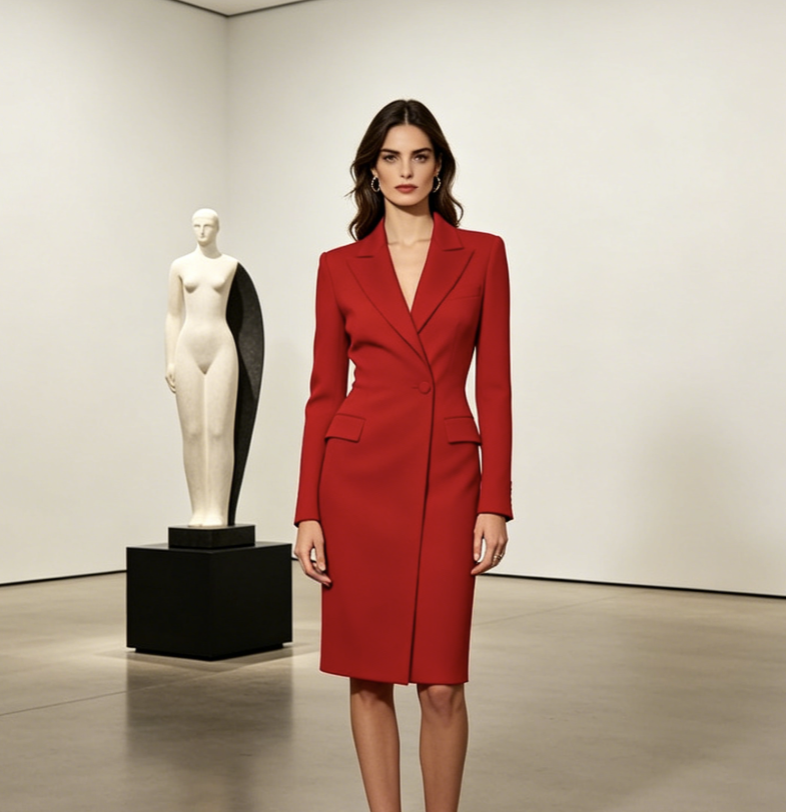
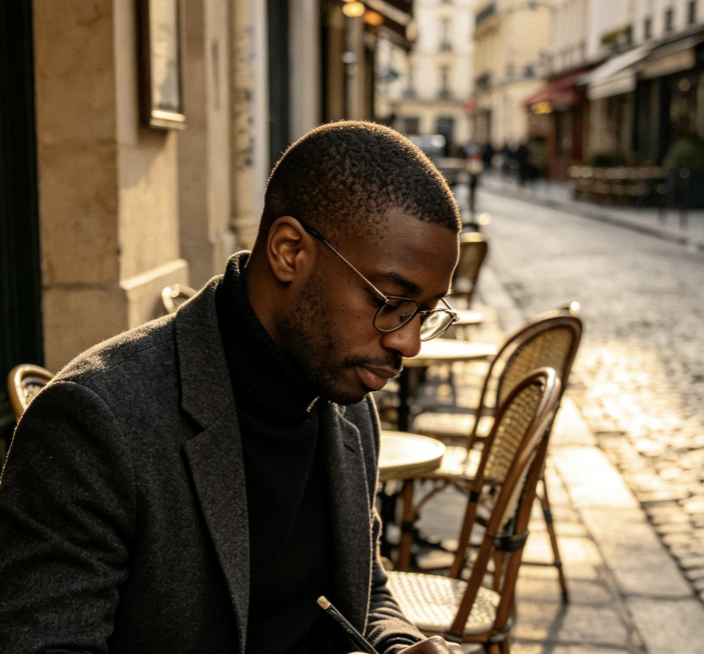
Users choose Kawaii AI Generator when they want cute results that still reflect a real prompt, subject, or memory. Their experiences show how Kawaii Image Generator can support careful photo transformation, character ideation, and consistent visual storytelling. Kawaii AI Generator gives each user room to refine the result through direct feedback.
I used Kawaii AI Generator to turn a photo of my dog into a birthday illustration. I asked it to keep his brown ear patch and add a tiny cake, balloons, and a soft blue background. Kawaii Image Generator kept the feature that makes him recognizable, while the expression and decorations looked genuinely cute. I tried two prompt changes, and Kawaii AI Generator gave me a version that felt personal enough to use on the invitation.
For a small mascot project, Kawaii AI Generator helped me compare several personalities for the same tea-cup character. I changed only the pose, face, and accessory in each prompt. Kawaii AI Art Generator made the differences easy to see without losing the central concept. Kawaii Image Generator saved me from explaining abstract ideas with words alone, and Kawaii AI Generator gave our group a clear visual direction for the next design stage.
I wanted matching images for a week of cozy study posts. Kawaii AI Generator let me reuse the same palette and character details while changing the desk objects and activities. Kawaii AI Image Generator followed my recurring instructions better when I kept the prompts simple. After testing kawaii ai generator free, I refined the wording and created a series that looked connected. Kawaii AI Generator made planning the visual theme much easier.
Kawaii AI Generator was helpful for turning a family travel photo into a lighthearted keepsake. I described the landmarks, clothing colors, and small expressions I wanted preserved. Kawaii Image Generator simplified the scene without making it unrecognizable. I also used kawaii ai generator free to test a pastel version and a storybook version. Kawaii AI Generator gave me enough control to choose the mood that suited the memory. Kawaii AI Generator made comparison straightforward.

FAQs About Kawaii AI Generator
Find concise answers about prompts, photo transformation, subject consistency, and the types of artwork Kawaii AI Generator can create with Kawaii Image Generator.
Enter a prompt to create a new scene, or upload an image and add a prompt describing the changes you want. Click generate, then refine the wording if needed. Kawaii AI Generator uses your directions to shape the subject, mood, colors, and setting.
Yes. Kawaii AI Generator can create original artwork from a text prompt alone. Describe the subject, action, palette, setting, expression, and important decorative details. Kawaii AI Art Generator generally produces clearer concepts when the prompt has one strong focal idea.
Use a clear image and state which features must remain recognizable. Mention identity, facial traits, pet markings, pose, colors, or object shape. Kawaii AI Image Generator can then apply cute styling while following those preservation instructions. Kawaii AI Generator follows those priorities.
Include concrete details such as rounded forms, pastel colors, expressive eyes, soft lighting, tiny accessories, and a simple background. Kawaii Image Generator responds better to specific visual direction than vague requests such as make it cute.
Kawaii AI Generator can create portraits, pets, food characters, mascots, stickers, objects, fantasy creatures, rooms, seasonal scenes, and memory illustrations. Kawaii AI Art Generator is flexible as long as your prompt clearly describes the desired subject and mood.
Rewrite only the parts that need improvement. Ask Kawaii AI Generator to adjust the expression, pose, palette, outfit, background, or decorative details while keeping the main subject unchanged. Small targeted edits usually make comparison easier.
Create Your Next Cute Idea with Kawaii AI Generator
Describe a new concept or upload an image with clear transformation instructions. Kawaii AI Generator turns your direction into expressive kawaii artwork, while Kawaii Image Generator helps you refine characters, memories, mascots, and scenes through focused prompt changes. Kawaii AI Generator keeps your prompt in control.
