
More AI Image Generators
Explore our collection of specialized AI image generators designed for different creative needs and styles
























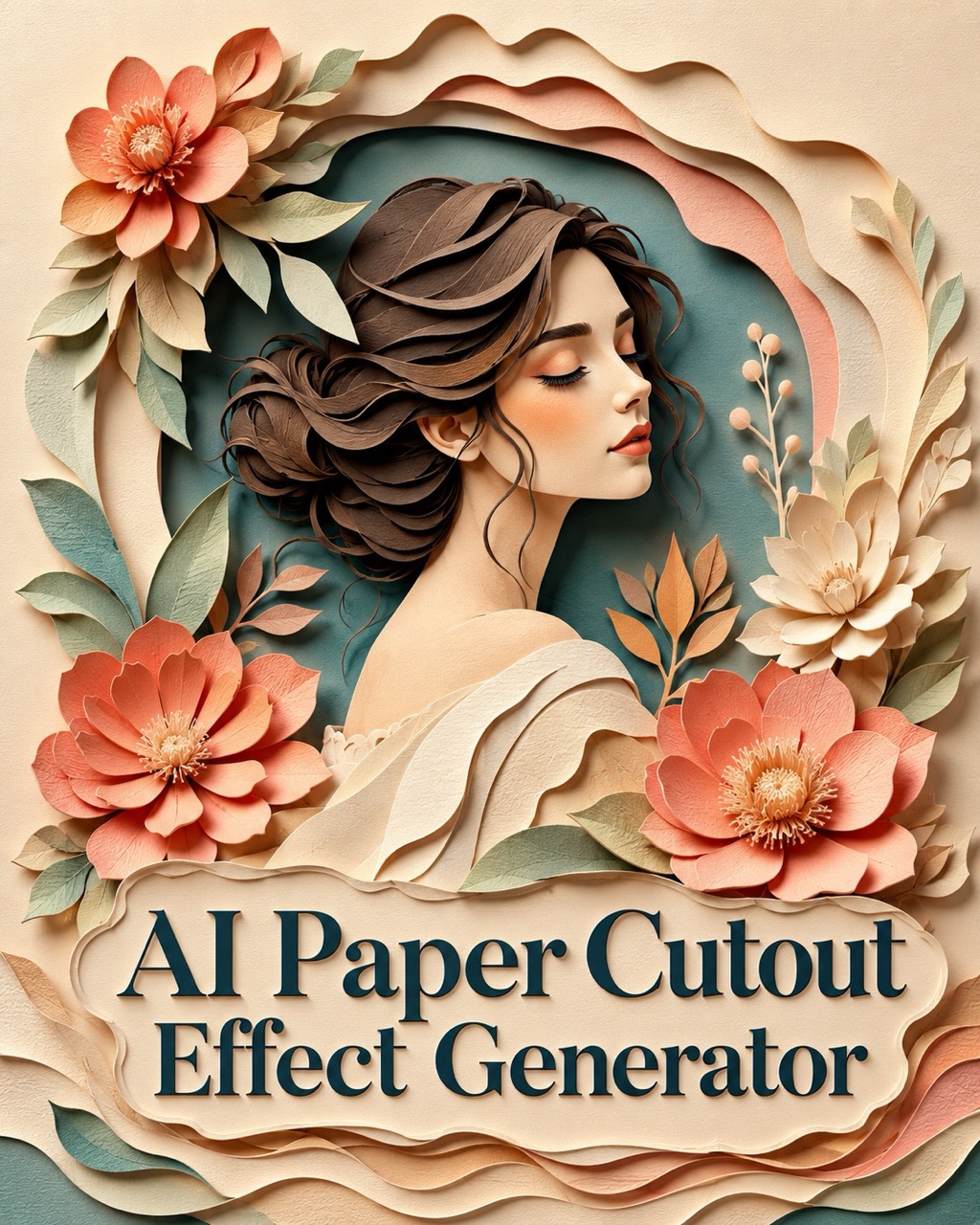
AI Paper Cutout Effect Generator for Layered Paper Art
Turn prompts or uploaded photos into layered paper artwork with AI Paper Cutout Effect Generator. Create crisp cut edges, soft shadows, paper texture, and handcrafted depth with precise style control.
AI Paper Cutout Effect Generator transforms a text idea or uploaded image into layered paper art. Use AI Paper Cutout Effect Generator to keep subjects recognizable while adding cut-paper edges, paper grain, dimensional shadows, and a polished handcrafted look. AI Paper Cutout Effect Generator is ideal for cards, posters, portraits, pets, and visual concepts that need paper depth.
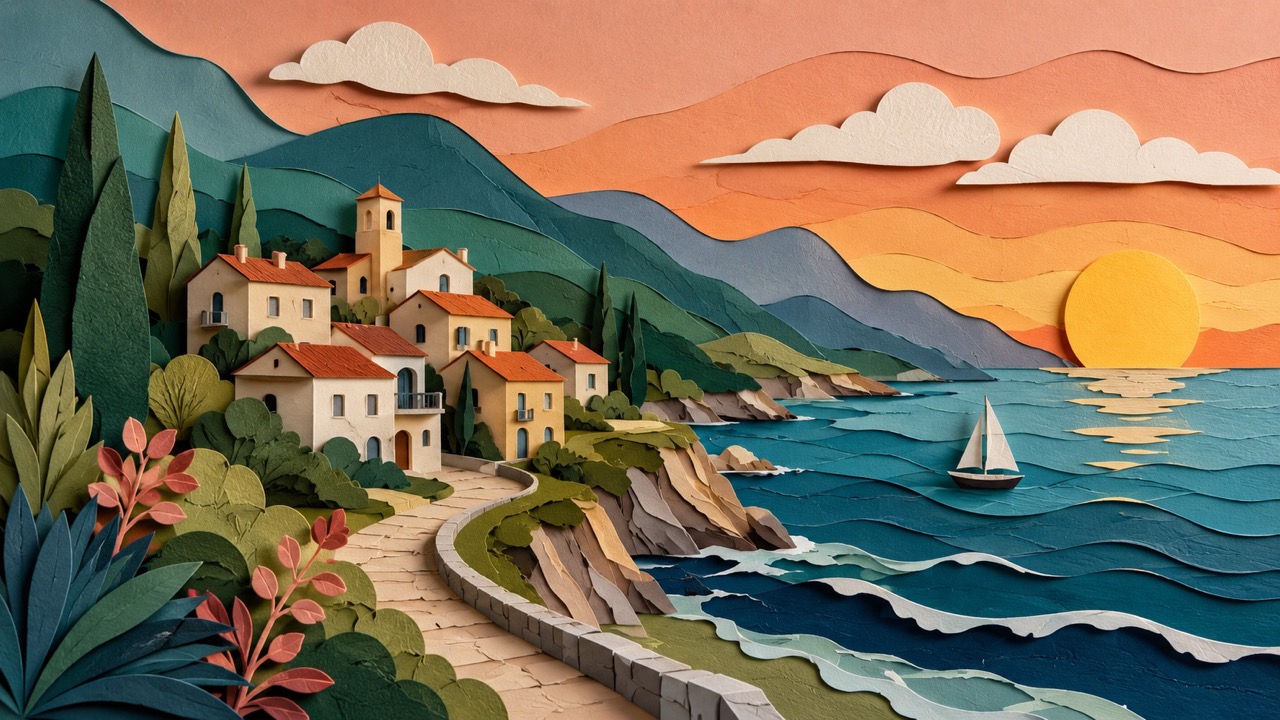
How to Use AI Paper Cutout Effect Generator
AI Paper Cutout Effect Generator follows a simple creative flow: describe an idea, upload an image if needed, click generate, and receive a paper cutout result. AI Paper Cutout Generator supports both direct prompt creation and optional prompt guidance for uploaded images. AI Paper Cutout Effect Generator keeps the process direct for both quick experiments and more guided visual edits.

Enter a Prompt or Upload an Image
Start AI Paper Cutout Effect Generator with a written idea, or upload a photo as the reference. For image input, the prompt is optional, but adding a short note such as colorful forest layers or softer paper shadows helps AI Paper Cutout Generator understand the exact style you want. AI Paper Cutout Effect Generator can follow simple scene notes, color notes, and mood notes without long instructions.

Click Generate
Click the generate button and AI Paper Cutout Effect Generator will read the prompt, reference image, or both. AI Paper Cutout Generator then rebuilds the scene with layered paper shapes, clean cut edges, visible texture, and soft shadows while keeping the visual idea clear. AI Paper Cutout Effect Generator balances style conversion with subject readability, so the output still communicates the intended scene.

Get Your Paper Cutout Result
Review the generated paper artwork after AI Paper Cutout Effect Generator finishes. The result should show a clear subject, layered paper depth, and a handcrafted effect. Use AI Paper Cutout Generator again with a revised prompt when you want stronger shadows, simpler shapes, or a different mood. AI Paper Cutout Effect Generator is also useful for testing several versions until the paper texture feels right.
Best AI Image Tools for Creative Projects
Explore creative tools for image, learn tips and tricks, and see how AI can be your assistant in turning concepts into finished projects.
What AI Paper Cutout Effect Generator Helps You Create
AI Paper Cutout Effect Generator is built for visual ideas that need charm, depth, and handcrafted character. AI Paper Cutout Generator helps prompts and photos become layered paper illustrations instead of ordinary flat images. AI Paper Cutout Effect Generator is especially helpful when you want the image to look designed, tactile, and friendly.
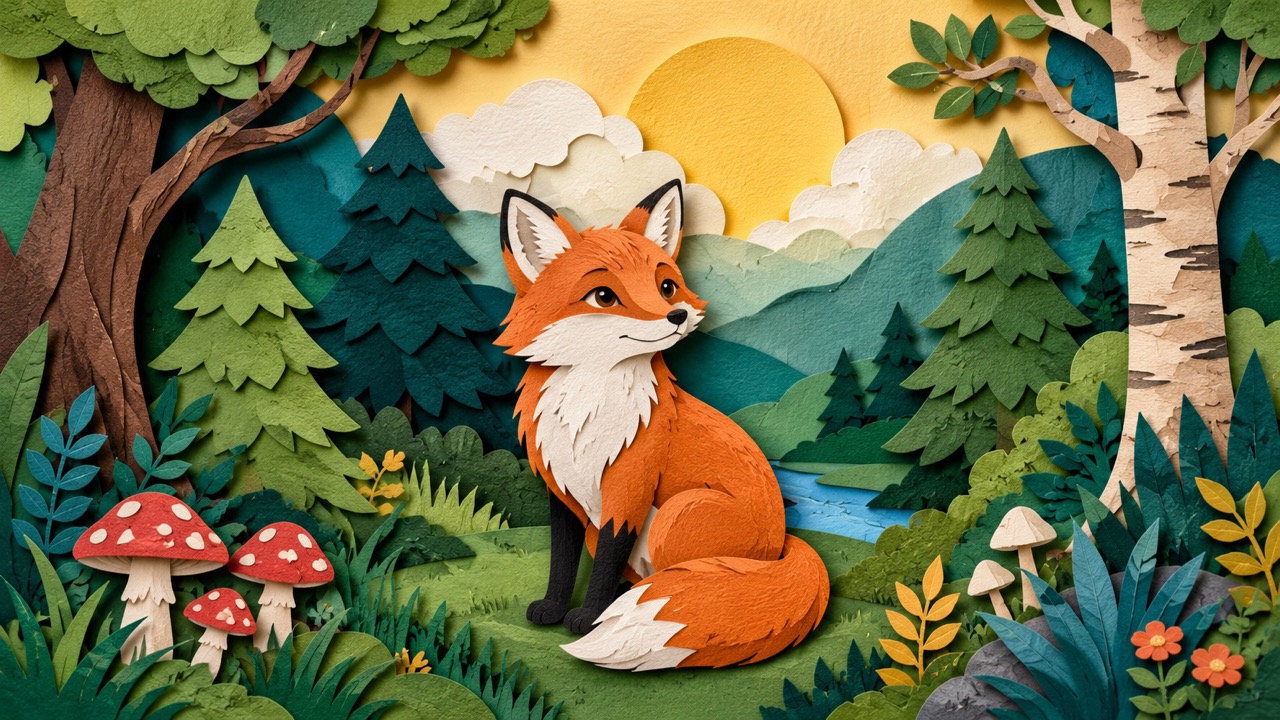
Turn Plain Ideas into Layered Paper Scenes
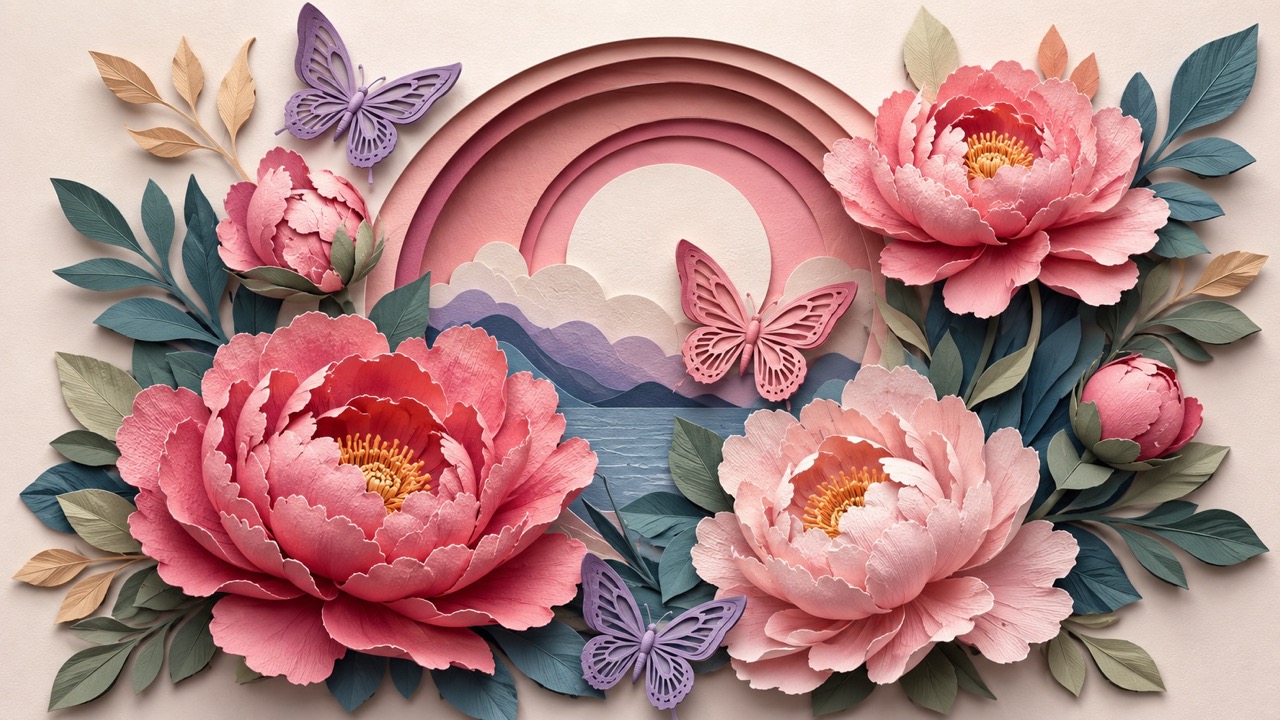
AI Paper Cutout Effect Generator is useful when an idea feels too flat in a normal image. A fox in a forest, a birthday card, a flower garden, or a dreamy city view can become a scene made from stacked paper layers. AI Paper Cutout Effect Generator helps turn broad prompts into clear visual structure by emphasizing silhouettes, depth, texture, and shadow. AI Paper Cutout Generator works especially well for posters, greeting visuals, story concepts, social images, and decorative artwork that needs a handmade feeling without looking messy. AI Paper Cutout Effect Generator helps separate foreground, middle ground, and background into readable layers. AI Paper Cutout Effect Generator also gives simple ideas a finished visual identity. This approach helps the final image feel dimensional, organized, and easy to understand at first glance.
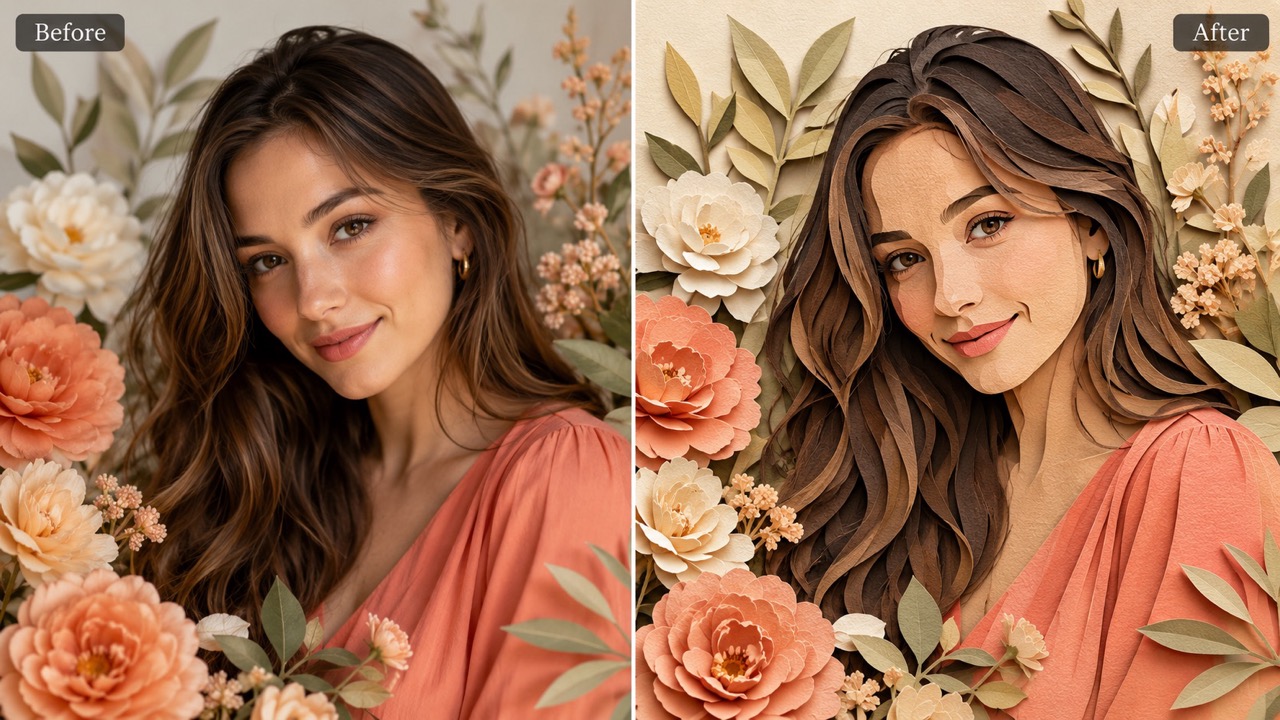
Convert Photos into Crafted Paper Artwork
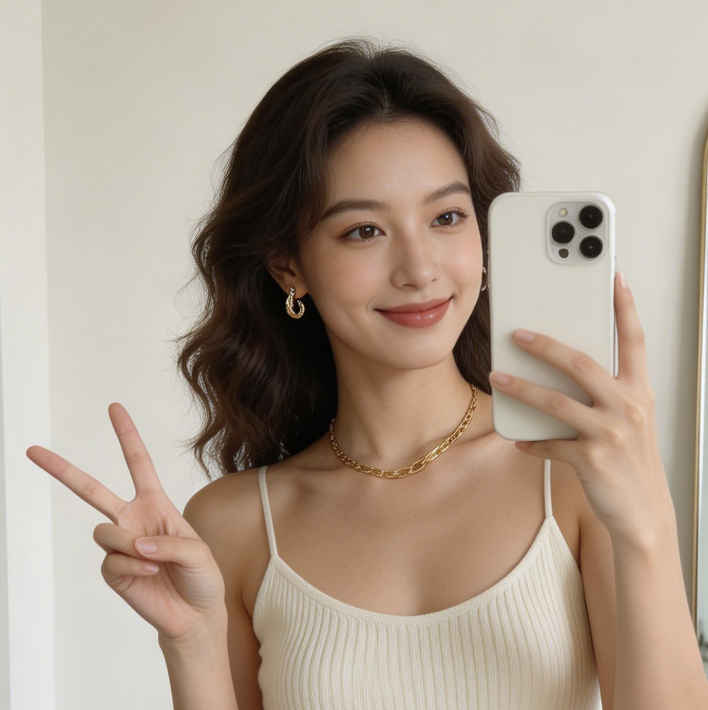
With an uploaded reference, AI Paper Cutout Effect Generator can keep the subject, pose, and main composition while changing the surface into paper craft. A portrait can become a soft paper portrait, a pet photo can become a playful layered illustration, and a product scene can gain a warm editorial look. AI Paper Cutout Effect Generator is helpful when users want a recognizable image, not a completely new scene. AI Paper Cutout Generator gives the photo a stylized cut-paper finish while preserving the parts that make it personal. AI Paper Cutout Effect Generator helps separate foreground, middle ground, and background into readable layers. AI Paper Cutout Effect Generator also gives simple ideas a finished visual identity. The effect is useful when a familiar photo needs a more editorial, decorative, or storybook-like treatment.
Guide the Effect Without Writing Long Prompts
AI Paper Cutout Effect Generator does not require users to write complex instructions. A short phrase like warm sunset layers, clean white paper, cute children’s book style, or bold shadow box depth can guide the final look. This matters because paper cutout images depend on texture, spacing, edge clarity, and shadow direction. AI Paper Cutout Effect Generator gives users control without making the workflow difficult. AI Paper Cutout Generator can follow simple style notes and still create a complete layered paper result. AI Paper Cutout Effect Generator helps separate foreground, middle ground, and background into readable layers. AI Paper Cutout Effect Generator also gives simple ideas a finished visual identity. Users can keep direction light while still shaping the atmosphere, from delicate and minimal to bold and playful.
Who Can Use AI Paper Cutout Effect Generator?
AI Paper Cutout Effect Generator fits creators, marketers, teachers, designers, writers, and everyday users who want images with paper texture and depth. AI Paper Cutout Generator supports quick ideas as well as guided photo transformations. AI Paper Cutout Effect Generator turns everyday concepts into visuals with a clear handcrafted personality.

Social Posts and Creative Thumbnails
AI Paper Cutout Effect Generator helps creators make visuals that stand out in crowded feeds. Instead of another flat image, a topic can appear as stacked paper scenery with clear shapes and pleasing shadows. AI Paper Cutout Generator is useful for seasonal posts, quote backgrounds, channel thumbnails, and campaign visuals that need an inviting crafted style. AI Paper Cutout Effect Generator makes the result feel more intentional than a plain style change. It gives ordinary topics a tactile look that can attract attention without relying on loud visual tricks.

Cards, Posters, and Event Graphics
AI Paper Cutout Effect Generator works well for birthday cards, wedding mood boards, holiday posters, classroom visuals, and event announcements. Paper layers make simple messages feel warmer and more memorable. AI Paper Cutout Generator can turn flowers, animals, landscapes, and symbolic objects into friendly paper scenes that suit both playful and elegant designs. AI Paper Cutout Effect Generator makes the result feel more intentional than a plain style change. The paper style can make a simple announcement feel more personal, warm, and designed for the occasion.

Storybook and Character Concepts
Writers and illustrators can use AI Paper Cutout Effect Generator to explore visual worlds before committing to a final direction. A character, magical forest, underwater scene, or cozy room can be tested in paper craft style. AI Paper Cutout Generator helps users see whether a story idea feels gentle, whimsical, dramatic, or child-friendly. AI Paper Cutout Effect Generator makes the result feel more intentional than a plain style change. Early visual tests can reveal whether a character or setting has enough charm before more detailed work begins.

Photo Styling for Personal Memories
AI Paper Cutout Effect Generator can reshape personal images into keepsake-style art. Family moments, pet portraits, travel scenes, and favorite objects can become layered paper pieces with a softer emotional tone. AI Paper Cutout Generator is useful when users want a photo-inspired image that feels crafted, decorative, and different from a standard filter. AI Paper Cutout Effect Generator makes the result feel more intentional than a plain style change. The result can feel like a custom illustration while still being based on the original memory.
What Users Say About AI Paper Cutout Effect Generator
Users choose AI Paper Cutout Effect Generator when they want images that feel crafted, clear, and visually memorable. AI Paper Cutout Generator helps turn simple prompts and photos into layered paper art.
I used AI Paper Cutout Effect Generator for a spring event graphic, and the result felt much warmer than a regular illustration. The flowers had soft shadows and layered petals, but the composition stayed clean. AI Paper Cutout Generator made it easy to test several moods with short prompts. The output felt ready to use right away, with no heavy editing needed.
I uploaded a pet photo and used AI Paper Cutout Effect Generator to turn it into a playful paper portrait. The face still looked like my dog, but the fur became simple layered shapes. AI Paper Cutout Generator gave the image a handmade feeling without needing a long prompt. The output felt ready to use right away, with no heavy editing needed.
For classroom visuals, AI Paper Cutout Effect Generator helped me make animals, trees, and weather icons in a friendly paper style. The images looked clear enough for children and more interesting than basic clip art. AI Paper Cutout Generator was especially useful for building themed lesson materials. The output felt ready to use right away, with no heavy editing needed.
I needed a thumbnail style that did not look like every other AI image. AI Paper Cutout Effect Generator gave my concept more depth through paper layers and shadows. AI Paper Cutout Generator also kept the subject readable, which matters a lot for small preview images. The output felt ready to use right away, with no heavy editing needed.



FAQs About AI Paper Cutout Effect Generator
Find quick answers about prompts, uploads, image results, and how AI Paper Cutout Effect Generator creates a layered paper cutout look. AI Paper Cutout Generator keeps the workflow simple.
Use AI Paper Cutout Effect Generator by entering a prompt, or upload an image and add an optional prompt. Then click generate to create the paper cutout result. The workflow stays focused on a clean final paper artwork.
Yes. AI Paper Cutout Effect Generator can create from text prompts and can also transform uploaded images with optional prompt guidance. The workflow stays focused on a clean final paper artwork.
No. For uploaded images, AI Paper Cutout Effect Generator can work without extra text, but a short prompt helps guide color, mood, and paper layer style. The workflow stays focused on a clean final paper artwork.
AI Paper Cutout Effect Generator works best with clear subjects such as portraits, pets, flowers, landscapes, objects, cards, posters, and storybook scenes. The workflow stays focused on a clean final paper artwork.
AI Paper Cutout Effect Generator aims to preserve the main subject, pose, and composition while converting the image into layered paper art. A clear input image usually produces a more stable and recognizable paper-style result.
AI Paper Cutout Effect Generator focuses on stacked paper layers, cut edges, texture, shadows, and handcrafted depth rather than flat color changes. The focus is on rebuilding the image as layered art, not simply changing surface color.
Create Layered Art with AI Paper Cutout Effect Generator
Use AI Paper Cutout Effect Generator to turn a prompt or uploaded image into crafted paper artwork. AI Paper Cutout Generator helps you create depth, texture, shadows, and clean cut-paper charm in a simple flow. AI Paper Cutout Effect Generator is ready for quick ideas, photo styling, and decorative visual projects.
