How to Create a Cinematic Storm 2 Dance Video With AI
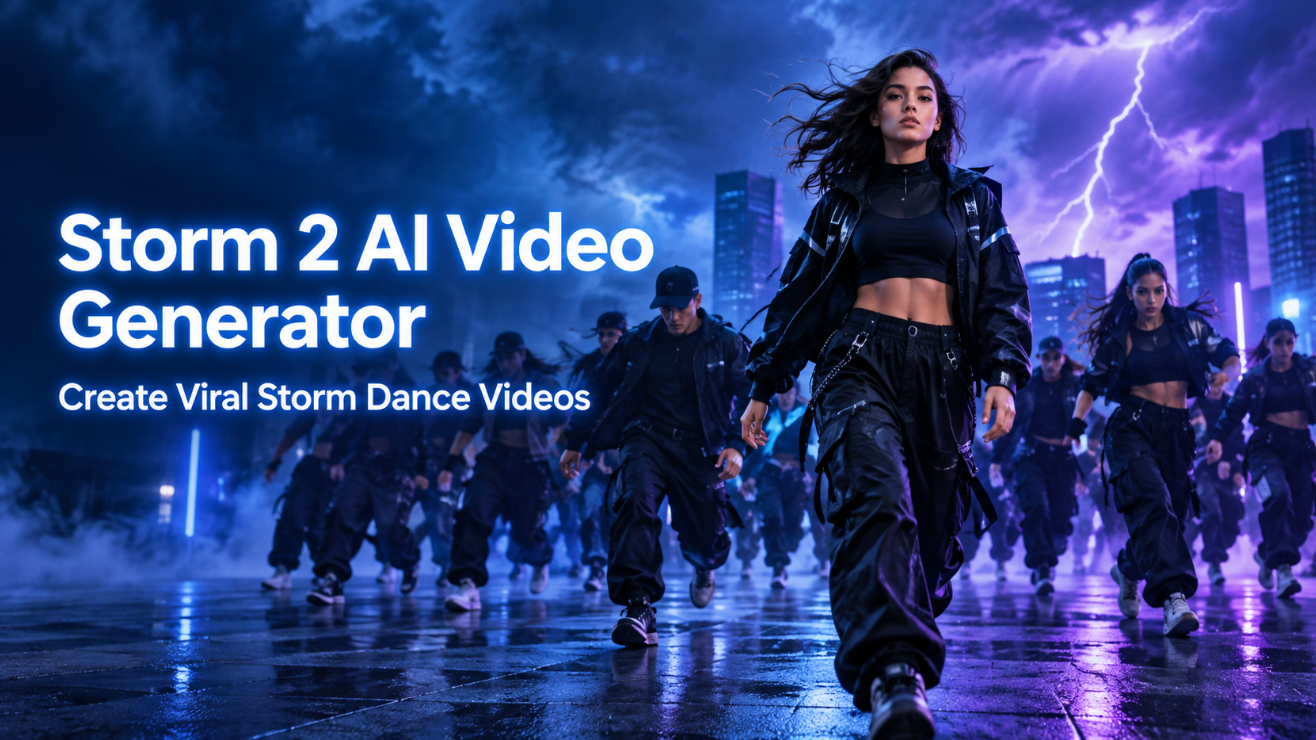
Storm 2 turns a portrait and a reference dance video into a cinematic AI video with consistent character identity, choreography, and camera movement.
What Is a Storm 2 AI Dance Video?
A Storm 2-style AI video is a cinematic character-replacement edit built around a recognizable dance sequence. Instead of creating a new animation from scratch, you begin with two essential assets:
- A clear portrait or character image that represents the main subject
- A reference video that provides the dance moves, pacing, framing, and group performance structure
The goal is not simply to swap a face. A stronger result keeps the full lead character visually coherent, including facial identity, hairstyle, body proportions, wardrobe direction, and overall presence across different camera angles.
By separating the role of each reference, creators can achieve more predictable outputs:
| Reference asset | Main role in generation |
|---|---|
| Portrait image | Facial identity, hairstyle, appearance, and character consistency |
| Reference video | Choreography, gestures, walking path, composition, cuts, and camera motion |
| Text prompt | Styling priorities, scene constraints, and refinement instructions |
This makes the workflow far more controllable than relying on a text-only prompt for a complex group dance scene.
Why Reference-Based Video Creation Works Better
Text prompts are useful for visual direction, but they can struggle to reproduce precise movement sequences. When a video includes synchronized dancers, changing crowd formations, close-ups, full-body motion, and timed camera transitions, visual references give the model a clearer creative structure.
With Storm 2 character replacement tools, the reference footage can guide the overall performance while your uploaded image determines who appears as the central character. This lets you preserve the recognizable tension of a calm lead surrounded by increasingly energetic movement.
A reference-first workflow can help maintain:
- The original choreography and body positions
- Camera distance, tracking movement, and shot pacing
- Group formation and crowd timing
- A stable central character from wide shots to close-ups
- A consistent social-video style across multiple campaign variations
For creators producing content at scale, this is also an efficient format: one dance structure can become many unique videos through different portraits, outfits, brand personalities, or campaign concepts.
How to Create a Better Storm 2 Video
A polished output depends more on clean inputs and clear prompt priorities than on writing an extremely long description. Follow these steps to improve identity stability and motion consistency.
1. Start With a High-Quality Portrait
Choose a well-lit portrait where the face is visible, sharp, and naturally proportioned. The subject should face the camera or sit close to a neutral angle. Hair should be visible, and accessories should not hide important facial features.
Avoid images with:
- Heavy beauty filters
- Extreme side angles
- Strong motion blur
- Oversized sunglasses or face coverings
- Overexposed lighting
- Multiple people in the same image
A clean portrait gives the AI a more reliable identity reference, especially when the lead character turns, walks, or appears at different distances during the dance sequence.
2. Let the Video Control Motion
Your reference video should remain responsible for the physical performance. It provides the choreography, crowd movement, hand gestures, body rhythm, camera timing, and scene transitions.
Do not try to override every movement through text. Instead, give the model a focused instruction that protects the source structure.
For example:
Replace the central dancer with the character from the uploaded portrait. Preserve facial identity, hairstyle, natural proportions, and outfit details. Follow the reference video choreography, walking path, camera movement, shot timing, crowd formation, and scene rhythm. Keep the lead character recognizable in every shot.
This prompt clearly separates appearance from motion, which helps reduce conflicting instructions.
3. Define Styling Without Changing the Performance
Once identity and movement are stable, you can use styling to create a more distinctive version. A fashion brand may place the lead character in a tailored suit or streetwear outfit. A music creator may choose an editorial pop-star look. A campaign may use a branded color palette or uniform-style wardrobe.
The key is to alter the central visual identity without disrupting the choreography and camera flow.
For example:
Keep the character’s facial identity and hairstyle consistent. Dress the lead in a structured black blazer with subtle metallic details. Preserve the exact reference choreography, camera pacing, and crowd performance. Do not add extra cuts, new dancers, rain, water, or unrelated visual effects.
Specific exclusions are valuable because they prevent the model from introducing effects that do not belong in the intended dance scene.
Common Problems and How to Fix Them
Even with good references, AI-generated dance videos may need refinement. The most effective approach is to adjust one problem at a time rather than rewriting the entire prompt after each generation.
Identity Drift
If the face changes across frames, use a stronger portrait and reduce competing style directions. Reinforce the core identity traits instead of adding extra beauty or transformation language.
Try adding:
Maintain the uploaded subject’s facial structure, skin tone, hairstyle, and natural proportions throughout the entire video.
Incorrect Choreography
If body positions or dance timing shift too far from the source, make the reference video higher priority.
Try adding:
Follow the reference video exactly for choreography, timing, pose sequence, camera framing, and group movement.
Unwanted Camera Changes
If the output adds cuts, zooms, or angles that were not present in the reference, state that the original edit rhythm must remain intact.
Try adding:
Preserve the reference shot order, camera distance, camera movement, and pacing. Do not introduce new cuts or alternate camera angles.
Overly Artificial Appearance
If the character looks too smooth, distorted, or inconsistent, remove unnecessary style modifiers. Natural faces, believable proportions, and simple wardrobe instructions usually create stronger results than highly decorative prompts.
Creative Uses for Storm 2 Dance Videos
The Storm 2 video creation workflow is flexible enough for more than one viral post. Because the core dance sequence can remain consistent, creators can produce multiple variations efficiently.
Personal Social Media Edits
Turn a personal portrait into a trend-based dance clip for TikTok, Instagram Reels, YouTube Shorts, or profile content. Keep the recognizable dance structure while making the lead character personal and memorable.
Fashion and Lookbook Campaigns
Use the same choreography with different outfits, from formal suits and luxury outerwear to sportswear, uniforms, or street fashion. The crowd remains visually secondary while the lead character becomes the campaign focal point.
Entertainment and Fan Content
Creators can develop fictional character edits, music-inspired clips, creator collaborations, or fan-style remakes. Maintain a consistent dance format while testing different characters and visual themes.
Team and Event Videos
For teams, communities, clubs, or event campaigns, a shared dance structure can become a repeatable creative format. Each participant can have a personalized version while the core cinematic language stays consistent.
Best Practices for Publishing AI Dance Content
Before publishing, review the generated video for four areas:
- Identity: Is the main character recognizable from beginning to end?
- Motion: Does the dance follow the intended reference sequence?
- Camera: Are the framing, cuts, and pacing consistent with the source?
- Style: Does wardrobe or branding enhance the video without distracting from the performance?
For short-form platforms, create multiple exports when possible. A vertical 9:16 version works well for Reels, TikTok, and Shorts, while square or landscape variations may be useful for feeds, websites, and campaign landing pages.
It is also important to use reference videos, images, music, and visual assets that you have the right to use. This is particularly important for commercial projects, paid campaigns, client work, and brand accounts.
Create Your Own Storm 2 Dance Edit
A successful AI dance remake is built on clear creative roles: the portrait defines the person, the reference video defines the performance, and the prompt protects the elements that matter most. When those inputs work together, you can create a visually cohesive dance video without rebuilding choreography, crowd scenes, and camera movement from scratch.
Try the Storm 2 AI Video Generator on Pixomi to turn a portrait into a cinematic character-replacement dance edit with controlled identity, motion, styling, and scene rhythm.