
Veo 3 Prompts: AI Video Prompt Guide (Copy & Paste)
Explore copy-ready Veo 3 prompts with previews, prompt examples, and a practical Veo 3 prompt guide for creating cinematic AI videos faster.
Describe your idea and let AI create the perfect prompt for you
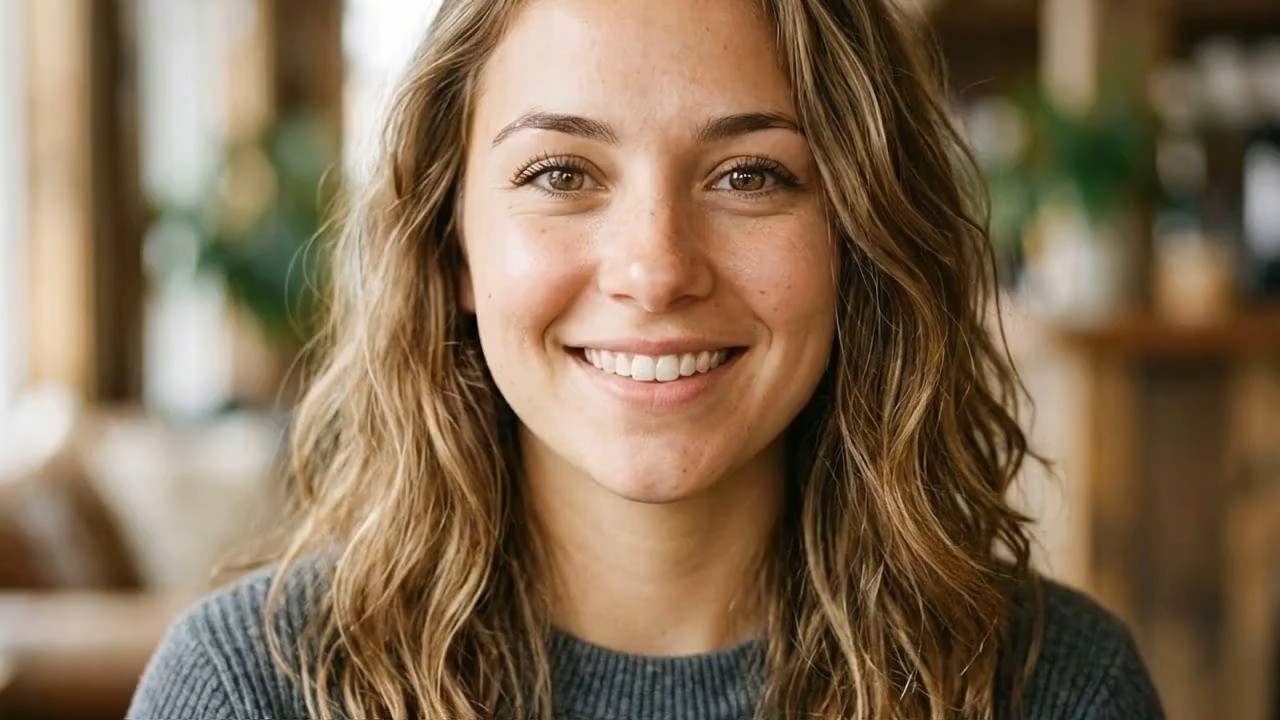
Ultra-realistic cinematic video. Transform the uploaded person into a glamorous celebrity walking on a luxury nighttime
Ultra-realistic cinematic video. Transform the uploaded person into a glamorous celebrity walking on a luxury nighttime red carpet at a high-end film festival gala. Keep the uploaded person’s face identity, facial structure, eye shape, skin tone, age, and recognizable features consistent. Do not change the person into another celebrity. Add elegant red carpet makeup, polished skin texture, refined hairstyle, diamond earrings, and a sleek black couture evening gown or luxury formal outfit that naturally fits the person. The scene feels like authentic fan-captured paparazzi footage, shot on a handheld iPhone from behind the crowd. Slight camera shake, autofocus breathing, flash bloom, shallow depth of field, realistic motion blur, natural crowd movement, luxury Hollywood premiere atmosphere, Cannes Film Festival aesthetic, red carpet barriers, fans holding phones, glossy autograph photos, paparazzi cameras, bright flash lights, glowing red carpet, grand staircase in the background. 0–3s: The uploaded person, now styled as a glamorous red carpet celebrity, walks slowly toward the fans on the red carpet. Paparazzi flashes explode around them. A bald bearded security guard in a black suit walks protectively beside them and gently keeps the crowd back. The handheld camera pushes through the excited crowd, trying to capture the person’s face. The person looks elegant, confident, slightly mysterious, and naturally aware of the attention. 3–5s: Tight close-up near the silver barriers. The person signs glossy photos with a black marker. Keep the uploaded face highly recognizable. They look down while signing, then briefly glance up toward the camera with a soft celebrity smile. Fans hold out phones and photos, flashes reflect on the skin and outfit, realistic hand movement, natural facial expression, no over-beautification. 5–7s: The person turns gracefully away from the fans and walks toward a grand staircase with glowing red steps and bright overhead lights. The couture outfit moves naturally with each step. The security guard guides nearby people back. The handheld camera follows from behind the crowd with slight shake and zoom adjustment. 7–9s: At the staircase, the person suddenly turns back toward the camera and strikes an iconic red carpet pose. One hand on the hip, direct eye contact with the camera, poised expression, slightly parted lips, confident celebrity aura. Paparazzi flashes burst intensely around them. The final moment feels like a viral fan-camera red carpet clip. Style: raw paparazzi realism, authentic fan-camera footage, luxury gala atmosphere, cinematic red carpet lighting, realistic skin texture, natural body movement, elegant celebrity mystique, Vogue editorial energy, shallow depth of field, realistic crowd audio feeling, handheld iPhone footage, candid but glamorous. Negative prompt: do not change the uploaded person’s identity, do not create a different celebrity face, no plastic skin, no anime style, no cartoon style, no beauty filter face, no enlarged eyes, no V-shaped jaw, no unrealistic body proportions, no stiff walking, no frozen hands, no distorted fingers, no warped face, no duplicated face, no extra limbs, no excessive blur, no low-quality CGI, no over-smoothed skin, no fake studio photoshoot look.
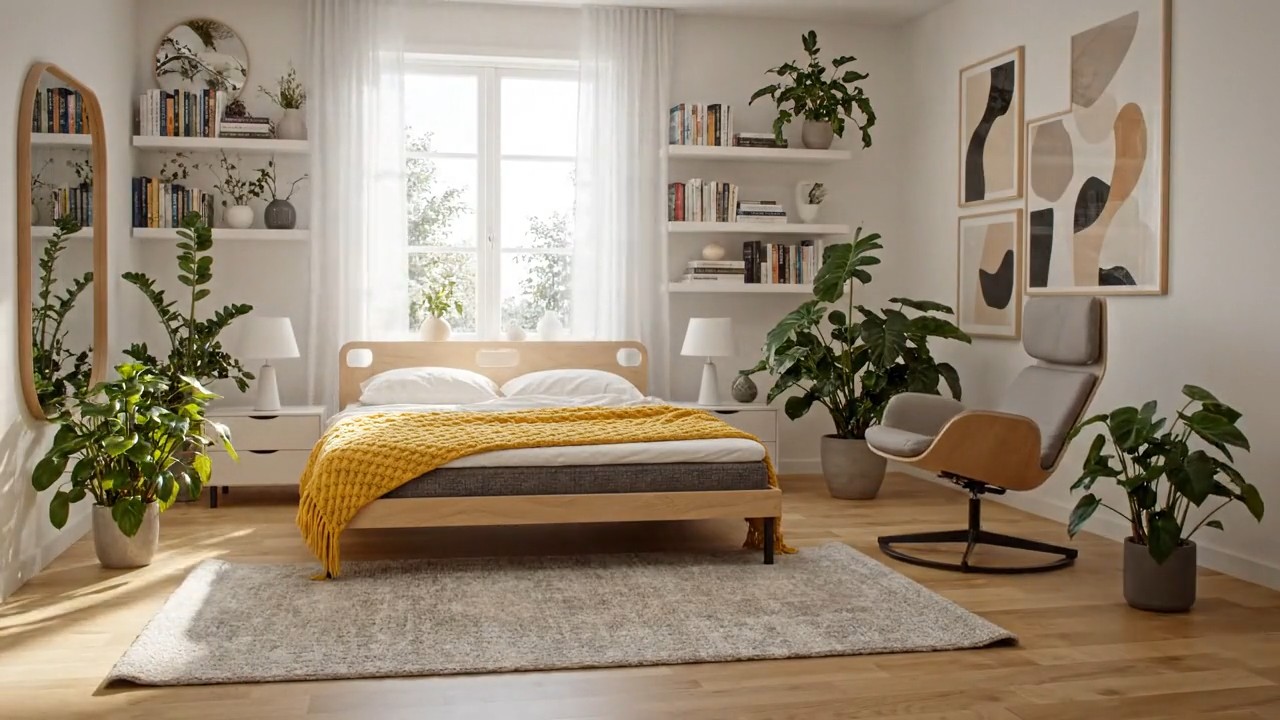
Cinematic IKEA Furniture Assembly
{ "description": "Cinematic shot of a sunlit Scandinavian bedroom. A sealed IKEA box trembles, opens, and flat pack furniture assembles rapidly into a serene, styled room highlighted by a yellow IKEA throw on the bed. No text.", "style": cinematic", "camera": "fixed wide angle", "lighting": "natural warm with cool accents", "room": "Scandinavian bedroom", "elements": [ "IKEA box (logo visible)", "bed with yellow throw", "bedside tables", "lamps", "wardrobe", "shelves", "mirror", "art", "rug", "curtains", "reading chair", "plants" ], "motion": "box opens, furniture assembles precisely and rapidly", "ending": "calm, modern space with yellow IKEA accent", "text": "none", "keywords": [ "16:9", "IKEA", "Scandinavian", "fast assembly", "no text", "warm & cool tones" ] }
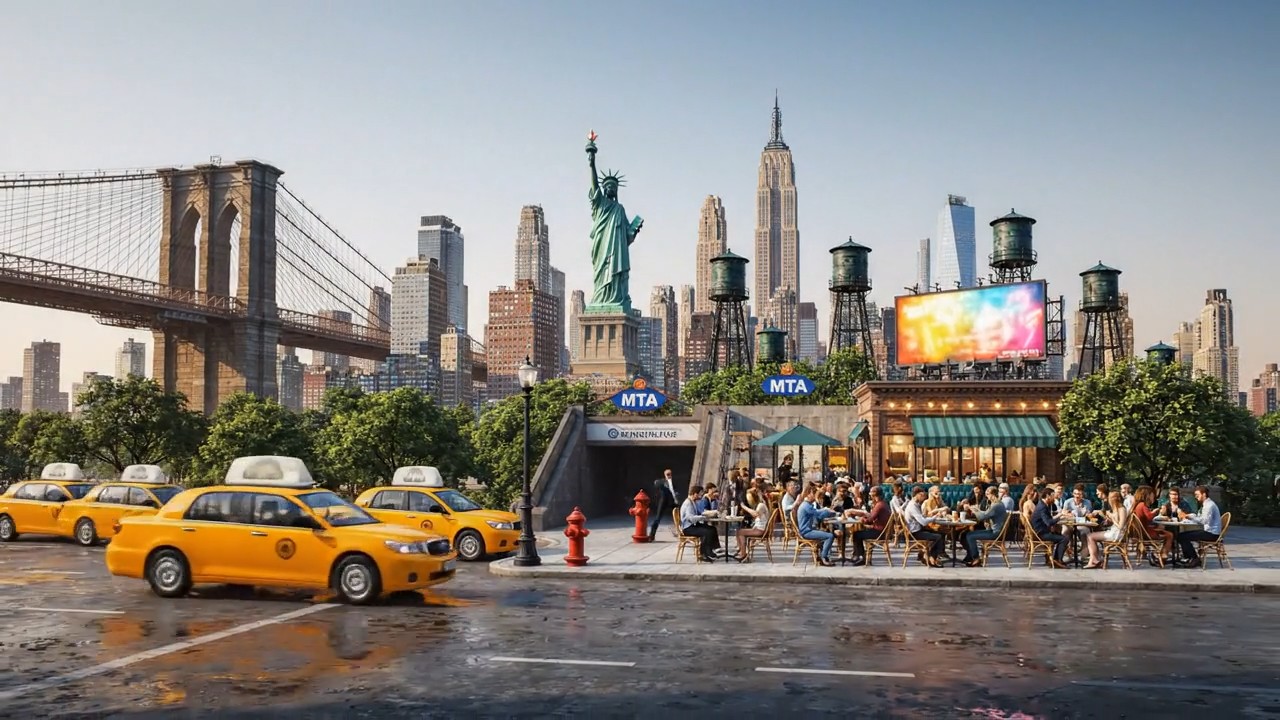
NYC City Assembly
metadata: prompt_name: "NYC City Assembly" base_style: "cinematic, photorealistic, 4K" aspect_ratio: "16:9" city_description: "A vast, empty urban plaza at dawn, ground level view with concrete pavement stretching into the mist." camera_setup: "A single, fixed, wide-angle shot. The camera holds its position for the entire 8-second duration." key_elements: - "A sealed steel shipping container stamped with 'NYC' in bold letters" assembled_elements: - "iconic Manhattan skyscrapers (e.g., Empire State Building, Chrysler Building)" - "Brooklyn Bridge arching into frame" - "yellow taxi cabs lined up along a street" - "hydrant and classic black street lamps" - "subway entrance staircase with MTA sign" - "Statue of Liberty’s torch and crown silhouette" - "Central Park trees emerging in the background" - "water towers perched on rooftop structures" - "billboard frames and neon signs" - "sidewalk café tables and chairs full of people" negative_prompts: ["no text overlays", "no overt graphics"] timeline: - sequence: 1 timestamp: "00:00-00:01" action: "In the center of the barren plaza sits the sealed NYC container. It begins to tremble as light fog swirls around it." audio: "Deep, resonant rumble echoing across empty concrete." - sequence: 2 timestamp: "00:01-00:02" action: "The container’s steel doors burst open outward, releasing a spray of mist and loose rivets." audio: "Sharp metallic clang, followed by hissing steam." - sequence: 3 timestamp: "00:02-00:06" action: "Hyper-lapse: From the fixed vantage, city elements rocket out of the container and lock into place—steel beams rise, glass facades snap on, bridges span into view, and yellow taxis line up automatically." audio: "A rapid sequence of ASMR city-building sounds: metal clanks, glass sliding, cables snapping, engines revving softly." - sequence: 4 timestamp: "00:06-00:08" action: "The final element—a single yellow taxi—glides forward and parks beside the newfound curb. All motion freezes as morning light bathes the fully formed New York Cityscape." audio: "A soft engine cut-off 'chug,' then the distant hum of awakening city traffic, fading into serene dawn silence."
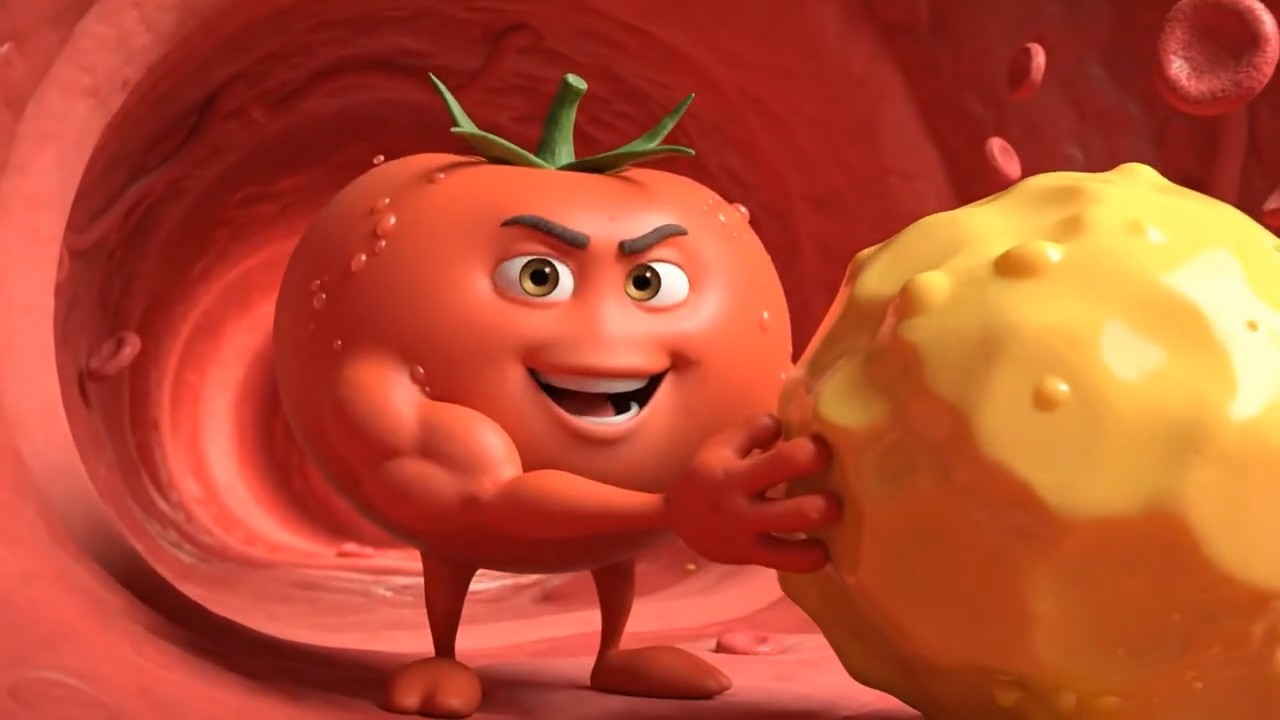
3D Animated Tomato Health Character
A cute 3D Pixar-style animated Tomato character with arms and legs, pushing a massive, heavy ball of yellow waxy cholesterol along the floor of a red artery. The Tomato looks determined and strong. The background shows a blood vessel being cleared. Cinematic lighting, dynamic angle, 8k, highly detailed. As it pushes, the character looks at the camera and says with a deep friendly voice: "Hi, I am Tomato, the best fruit to lower cholesterol." Cinematic lighting, 3D animation.
Veo 3 prompts Library for Cinematic AI Video Ideas
Copy, test, and launch Veo-ready ideas faster with Pixomi AI.
Pixomi AI brings you a regularly updated library of Veo 3 prompts built for creators who want stronger scenes, cleaner camera direction, richer audio ideas, and faster video results. This Veo 3 prompt guide helps you move from a vague idea to a copy-ready prompt with visual examples, effect previews, and a direct creation button. Browse prompts for Veo 3, copy the one you like, open Pixomi AI, and turn your next short film, product clip, social ad, or cinematic scene into a finished AI video. New Veo 3 prompts are added for creators who want fast, practical inspiration.
How to Use This Veo 3 Prompt Guide
This Veo 3 prompt guide keeps the workflow simple. Choose from Veo 3 prompts, study the effect preview, copy the text, then generate inside Pixomi AI. Each prompt is written to describe one focused moment with clear subject, setting, camera motion, lighting, sound, and style. The result is a practical set of Veo 3 prompts for daily creation.

Browse the Veo 3 Prompts Library
Start with the category that matches your goal. You can explore cinematic Veo 3 prompts, ad-ready Veo 3 prompts, realistic Veo 3 prompts, or surreal prompts for Veo 3. Every item in this Veo 3 prompt guide is designed to help you understand the visual effect before you create.

Copy a Ready Prompt
Open any prompt card, read the preview notes, and copy the full text. These Veo 3 prompts include camera angle, subject action, scene details, mood, ambient sound, dialogue direction, and style references. The prompts for Veo 3 are written for direct testing, not abstract theory.

Generate & Preview
Click the button to jump into Pixomi AI and paste the prompt. The Veo 3 prompt guide gives you a structured starting point, while Pixomi AI helps you preview variations, compare results, and refine motion. Test multiple Veo 3 prompts to find the strongest visual.

Download & Share
Once your video looks right, download it and share it across social posts, ads, landing pages, product demos, or storyboards. Save your favorite Veo 3 prompts, revisit this Veo 3 prompt guide, and keep testing new prompts for Veo 3 as the library grows.
Featured Veo 3 Prompts You Can Copy Today
Use these Veo 3 prompts as a starting point for high-impact AI video creation. This Veo 3 prompt guide focuses on prompts for Veo 3 that describe a single strong scene, so your result feels clearer, sharper, and easier to control. These Veo 3 prompts help you test more ideas with less rewriting.
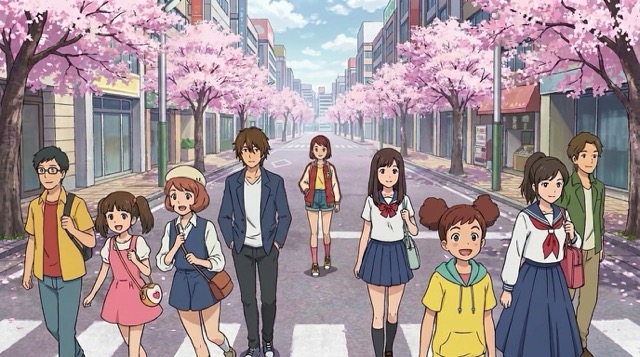
Cinematic Street Rain Scene
Veo 3 prompts: A low-angle cinematic shot of a lone courier walking through a neon-lit alley during heavy rain. The camera slowly tracks backward as reflections ripple across the pavement. Steam rises from vents, soft blue and amber light blend in the mist, and distant city traffic hums under a tense synth score. This Veo 3 prompt guide example shows how prompts for Veo 3 can combine lighting, motion, atmosphere, and sound into one focused moment.

Luxury Product Reveal
Veo 3 prompts: A macro studio shot of a glass perfume bottle on black marble. The camera slowly pushes in while gold particles drift around the bottle. A soft spotlight sweeps across the label, liquid shimmer moves inside the glass, and elegant strings rise with a gentle sparkle sound. This Veo 3 prompt guide example is made for ads, launches, and premium product pages. Try prompts for Veo 3 like this when you need polished commercial energy.

Emotional Character Close-Up
Veo 3 prompts: A close-up portrait of a tired astronaut inside a quiet spacecraft cockpit. The camera holds steady as warning lights blink across the visor. The astronaut breathes slowly, a soft radio crackle plays in the background, and Earth glows through the window behind them. This Veo 3 prompt guide example helps creators write prompts for Veo 3 with emotion, face detail, sound cues, and cinematic restraint.
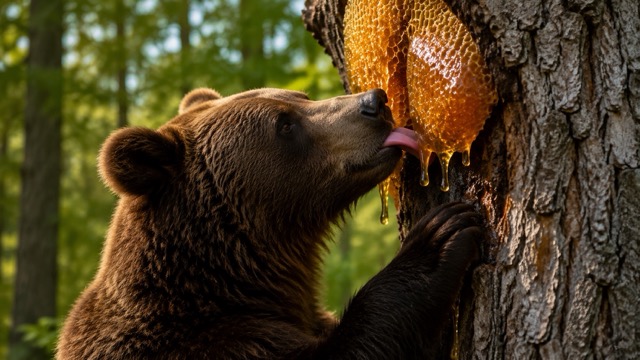
Surreal Food Animation
Veo 3 prompts: A stop-motion style breakfast table where tiny pancake builders stack syrupy towers at sunrise. The camera pans slowly across the table as blueberries roll like boulders, butter melts like golden lava, and small cheerful construction sounds mix with a playful marimba rhythm. This Veo 3 prompt guide example shows how prompts for Veo 3 can make simple objects feel like a complete mini story.
Prompt Styles Updated for Veo Creators
Pixomi AI keeps adding Veo 3 prompts for different creator goals. This Veo 3 prompt guide covers cinematic storytelling, social hooks, product visuals, fantasy worlds, character shots, and fast concept testing. New prompts for Veo 3 are added so you can keep your content fresh. Each update adds Veo 3 prompts for new use cases.



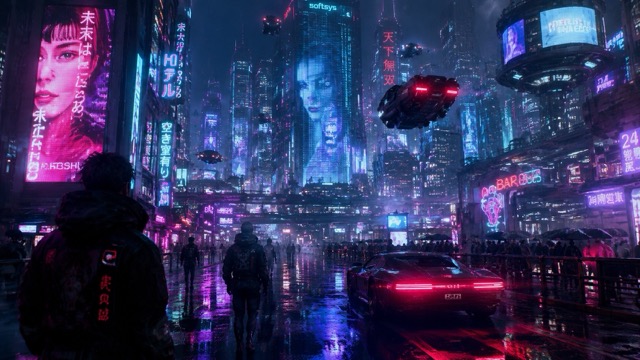
Cinematic Story Prompts
For short films and dramatic reels
Use Veo 3 prompts that define the subject, conflict, camera move, lighting, sound, and emotional beat. This Veo 3 prompt guide style works best when you want a scene that feels like one memorable shot instead of a loose idea.
Product Ad Prompts
For ecommerce and brand videos
Use Veo 3 prompts with polished product placement, controlled light, premium movement, clean backgrounds, and precise sound cues. These prompts for Veo 3 help marketers create fast product demos, launch teasers, and conversion-focused visuals.
Social Hook Prompts
For TikTok, Reels, and Shorts
Use Veo 3 prompts that open with a striking action, unusual object, expressive face, or visual twist. This Veo 3 prompt guide helps you create prompts for Veo 3 that grab attention quickly and still keep the scene simple.
Audio-Driven Prompts
For dialogue, ambience, and sound design
Use Veo 3 prompts that pair motion with ambient sound, voice style, music mood, and environmental audio. This Veo 3 prompt guide makes prompts for Veo 3 easier to control when sound is part of the creative idea.
What Can You Create with Veo 3 Prompts?
The Pixomi AI library turns Veo 3 prompts into practical creative shortcuts. Use this Veo 3 prompt guide to test prompts for Veo 3 for ads, entertainment, storyboards, content calendars, and brand experiments. Save Veo 3 prompts that match your workflow.

AI Short Films
Build cinematic scenes with Veo 3 prompts that define mood, camera language, character action, and sound. The Veo 3 prompt guide helps you keep each clip focused.

Product Marketing
Create launch clips, hero videos, and ecommerce demos with Veo 3 prompts made for clean product motion. Use prompts for Veo 3 to speed up ad testing.

Social Content
Generate scroll-stopping clips with Veo 3 prompts that start strong, move clearly, and fit short-form video formats. This Veo 3 prompt guide supports repeatable posting ideas.

Moodboard Videos
Turn art direction into moving references with Veo 3 prompts for lighting, atmosphere, location, lens feel, and audio. Prompts for Veo 3 are useful for quick concept validation.

Creator Experiments
Try surreal, funny, realistic, cinematic, or animated Veo 3 prompts when you want fresh visual ideas. The Veo 3 prompt guide gives you a structured testing base.

Client Presentations
Use Veo 3 prompts to create quick sample clips for campaigns, storyboards, and pitches. Prompts for Veo 3 can help your idea feel tangible before production.
Creators Are Using This Veo 3 Prompt Guide
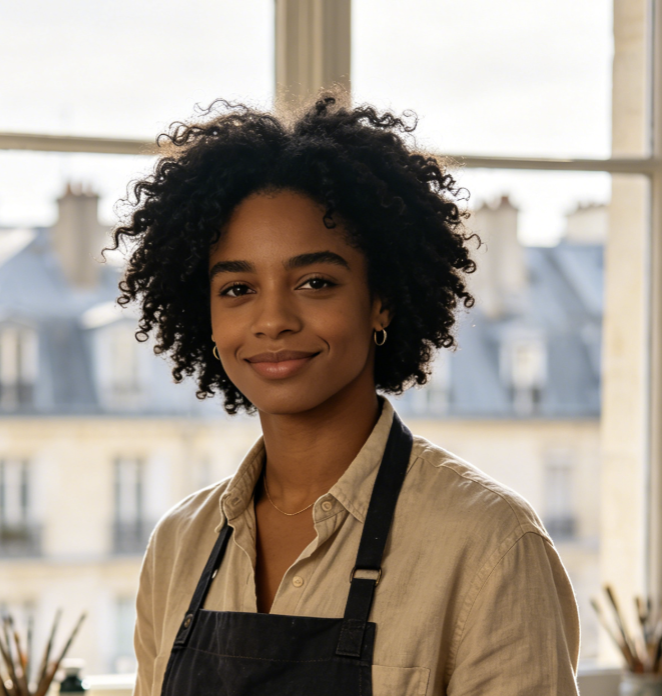
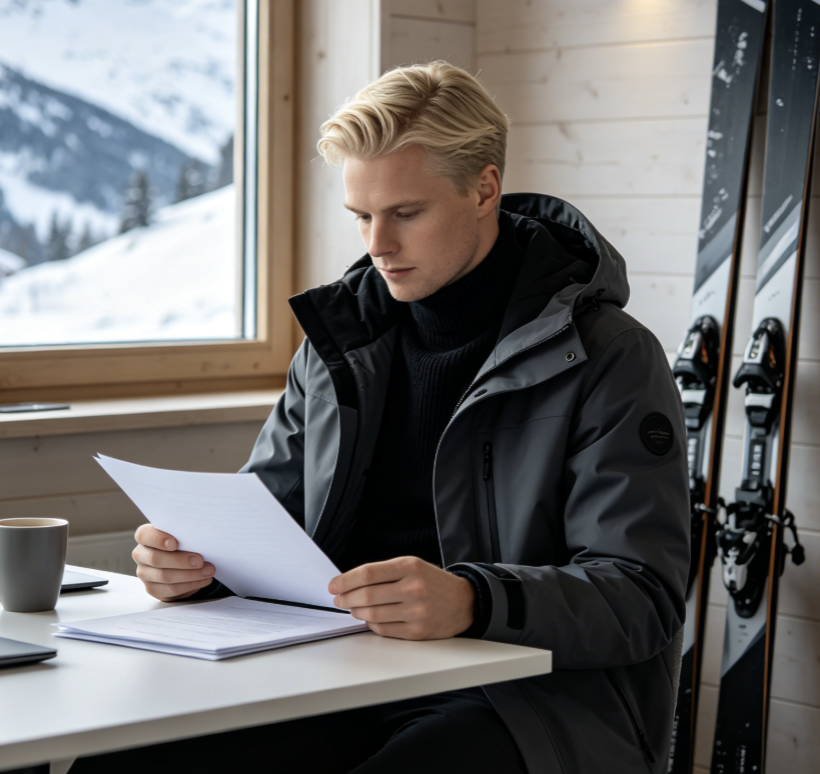
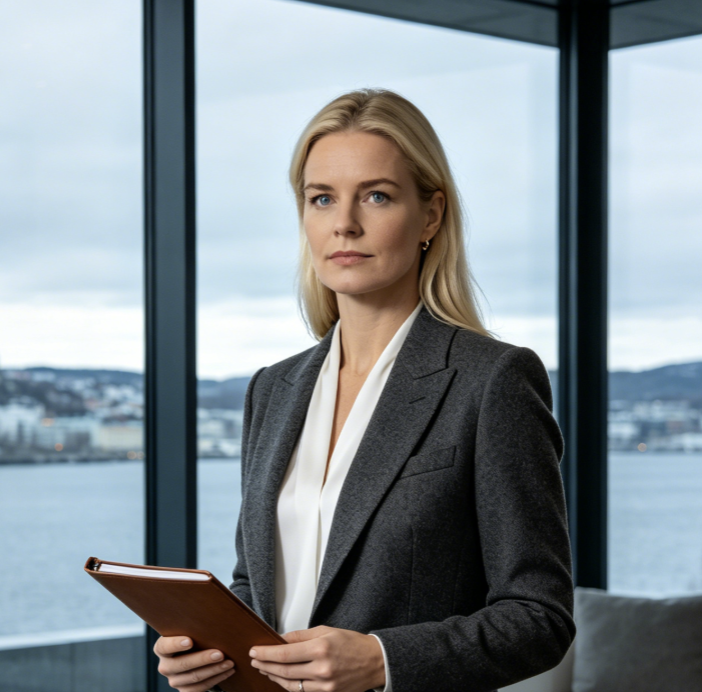
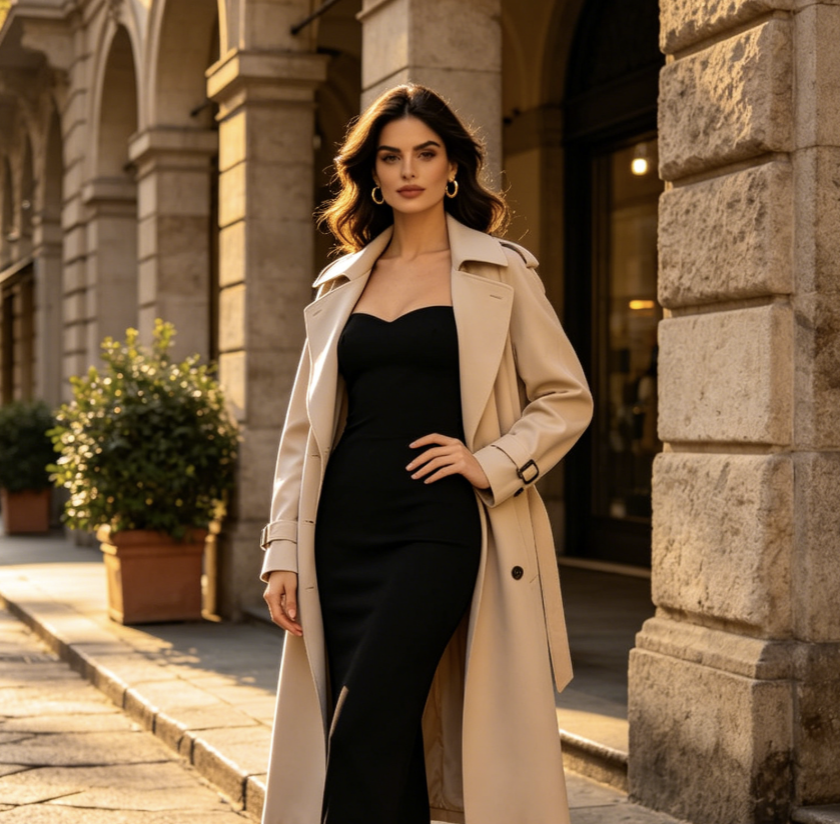
Real creators use Pixomi AI to save time, organize ideas, and test better Veo 3 prompts. The library keeps prompts for Veo 3 easy to copy, preview, and reuse.
As a video strategist, I need ideas that move fast. The Veo 3 prompts in Pixomi AI gave me scene structure, camera direction, and sound notes in one place. This Veo 3 prompt guide made prompts for Veo 3 feel much easier to test for client concepts.
I used to write messy video ideas and hope for a good output. Now I start with Veo 3 prompts from this page, adjust the product details, and generate cleaner clips. The Veo 3 prompt guide is practical, especially for Veo-ready prompts in ecommerce campaigns.
The best part is that the Veo 3 prompts are not vague. They include camera motion, atmosphere, lighting, and audio cues. This Veo 3 prompt guide helped me create Veo-ready prompts that feel closer to a real director brief.
For social content, speed matters. I can browse Veo 3 prompts, copy one, and adapt it for a vertical hook. The Veo 3 prompt guide gives me Veo-ready prompts that are simple enough to test but detailed enough to look polished.
I like using the Veo 3 prompts for pitch decks because they turn abstract visual directions into something clients can understand. This Veo 3 prompt guide saves me time, and the Veo-ready prompts work well for moodboards.
Pixomi AI gives me a repeatable way to explore Veo 3 prompts without starting from zero. The Veo 3 prompt guide helps me compare styles, and the Veo-ready prompts are useful when I need fast cinematic tests.
Veo 3 Prompt Guide FAQ
Learn how this Veo 3 prompt guide helps you write, copy, and test Veo 3 prompts inside Pixomi AI. The page keeps Veo 3 prompts organized for fast use.
Veo 3 prompts are text instructions that describe the video you want to generate. Strong Veo 3 prompts usually include subject, setting, style, camera movement, action, lighting, mood, and sound. This Veo 3 prompt guide gives you ready examples so you can create faster.
Pixomi AI plans to update this library regularly with new Veo 3 prompts for cinematic scenes, social clips, product ads, character shots, and experimental styles. New prompts for Veo 3 help creators keep testing fresh ideas.
Yes. This Veo 3 prompt guide is designed for beginners and experienced creators. You can copy the Veo 3 prompts directly, then replace the subject, product, scene, or mood with your own idea.
Copy-ready prompts for Veo 3 save time because the structure is already prepared. Instead of writing from a blank page, you start with Veo 3 prompts that include visual direction, sound ideas, and scene logic.
Yes. Many Veo 3 prompts in this library are built for product showcases, brand films, launch teasers, and social ads. The Veo 3 prompt guide helps you test commercial concepts before building a full campaign.
Yes. You can find Veo-ready prompts for realistic film, animation, stop-motion, luxury product shots, fantasy worlds, emotional close-ups, and viral social scenes. Keep the core structure and change the creative details.
Start Creating with Veo 3 Prompts on Pixomi AI
Stop staring at a blank prompt box. Open the Pixomi AI Veo 3 prompt guide, copy tested Veo 3 prompts, explore Veo-ready prompts with previews, and turn your idea into a cinematic AI video faster. Start with Veo 3 prompts, then customize the details.
