
More AI Video Generators
Explore our collection of specialized AI video generators designed for different creative needs and styles




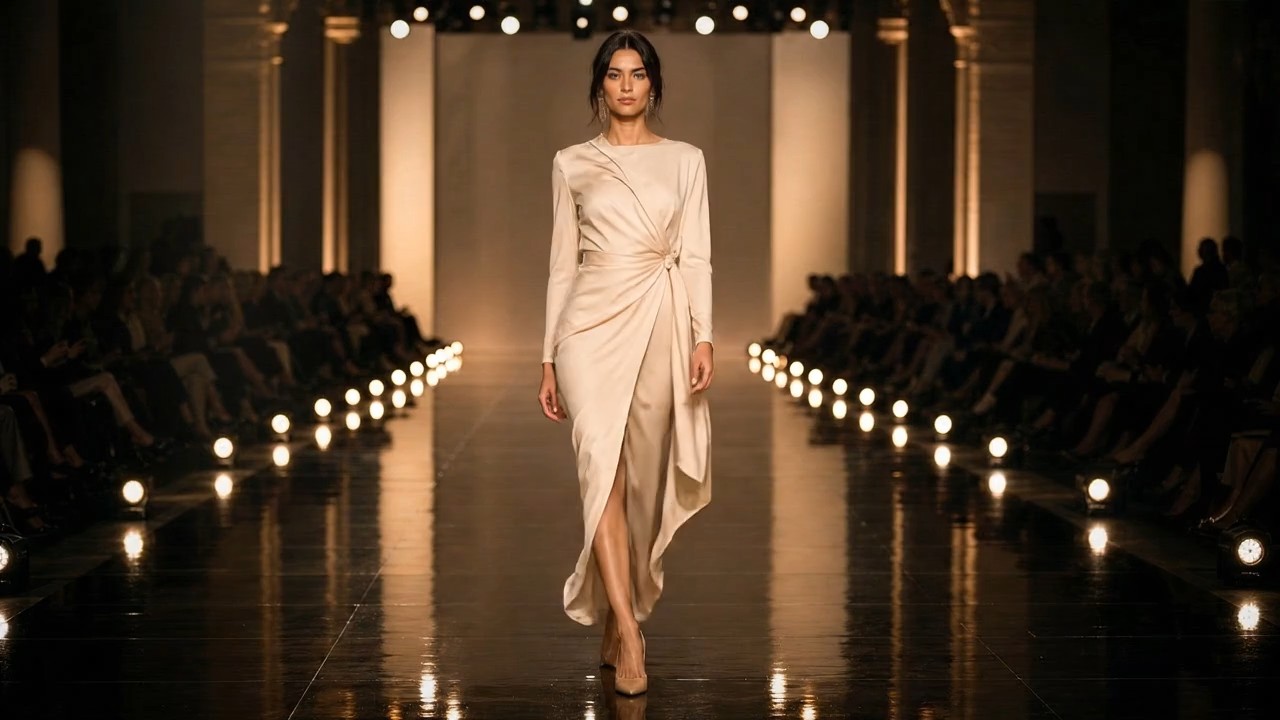
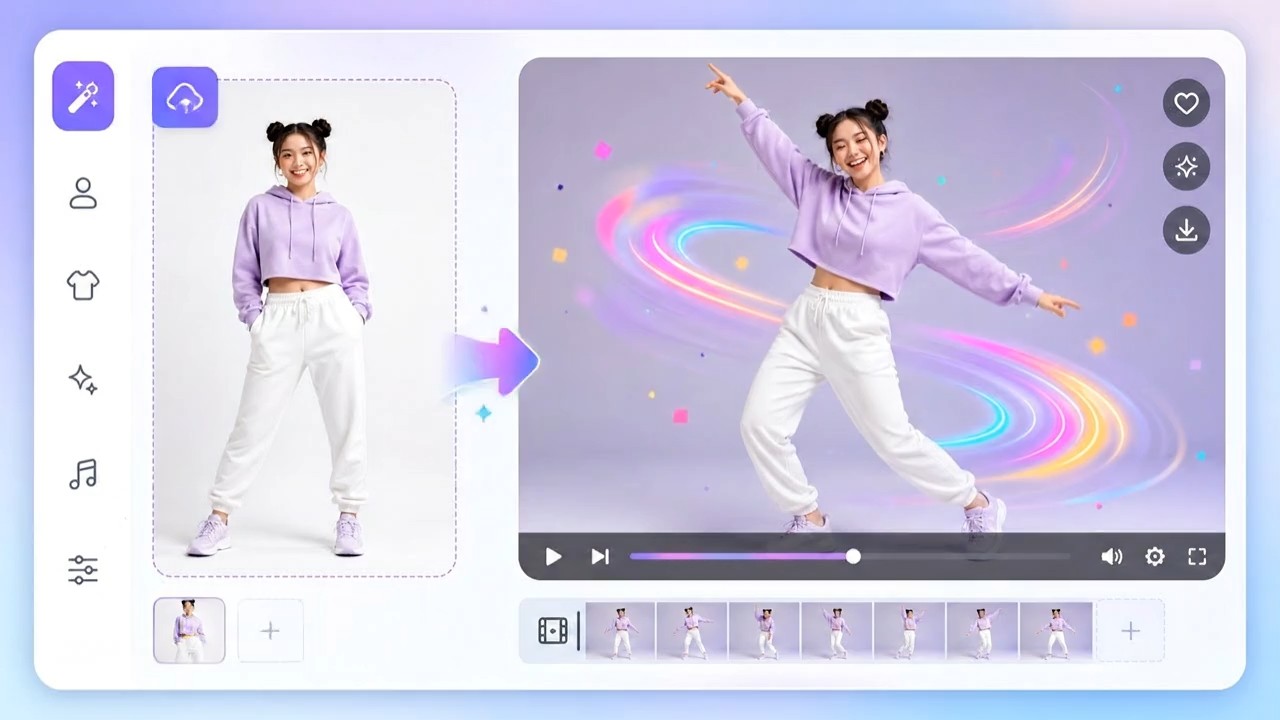

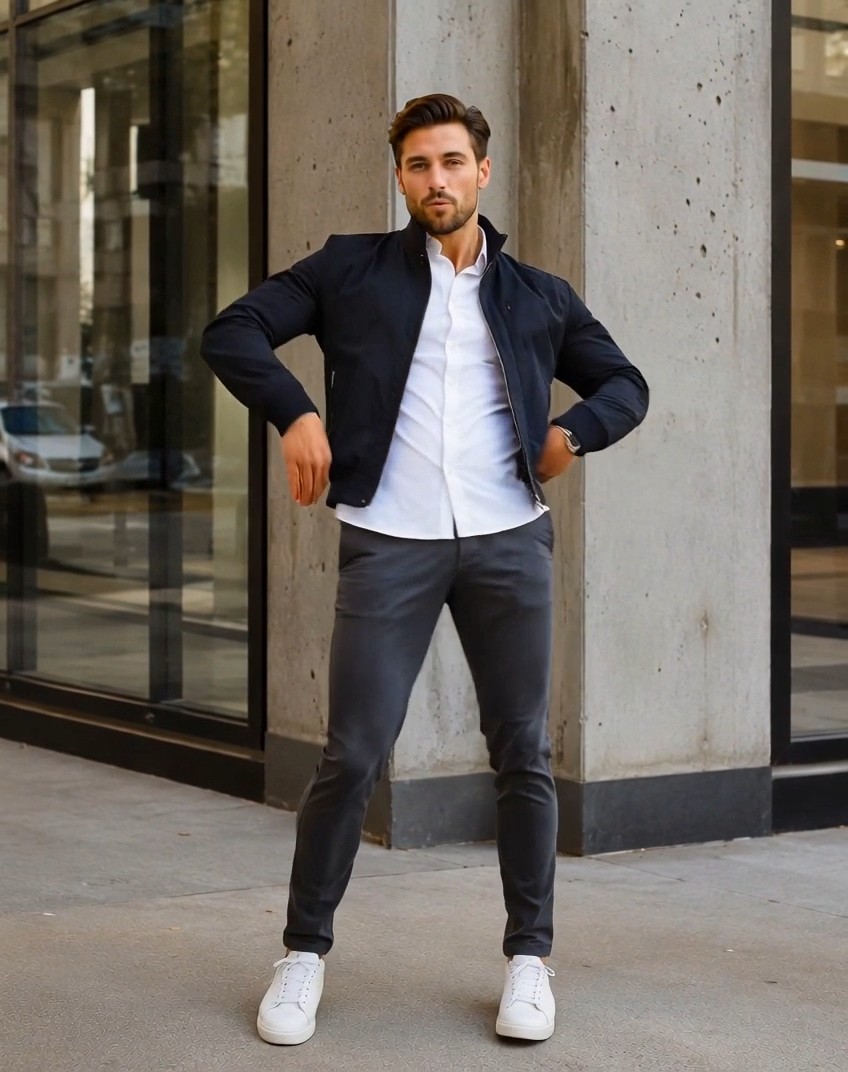
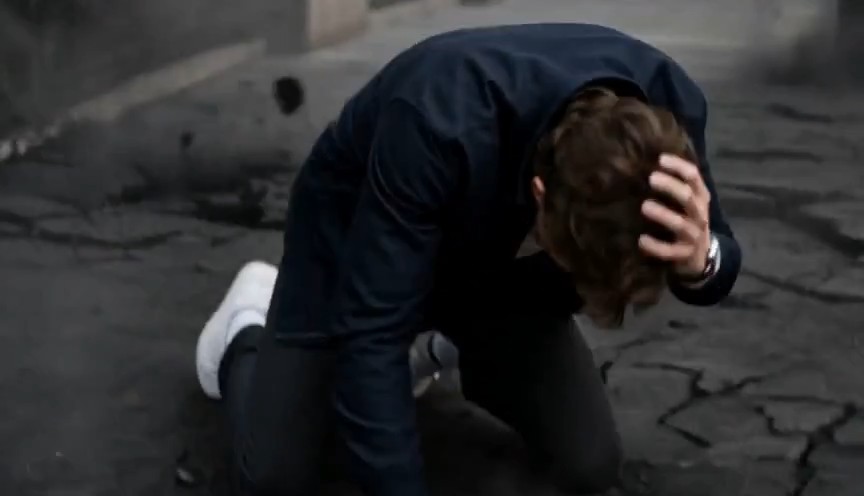
Minimax H3 Max Turbo for Fast, Directed AI Video
Turn a written shot or still image into motion with Minimax H3 Max Turbo, then iterate while the creative decision is still fresh.
Minimax H3 Max Turbo is a fast AI video generator for prompt-led scenes and image-guided motion. Use Minimax H3 Max Turbo to test cinematic ideas, product moments, character actions, and social concepts in a direct online workflow.
How to Create with Minimax H3 Max Turbo
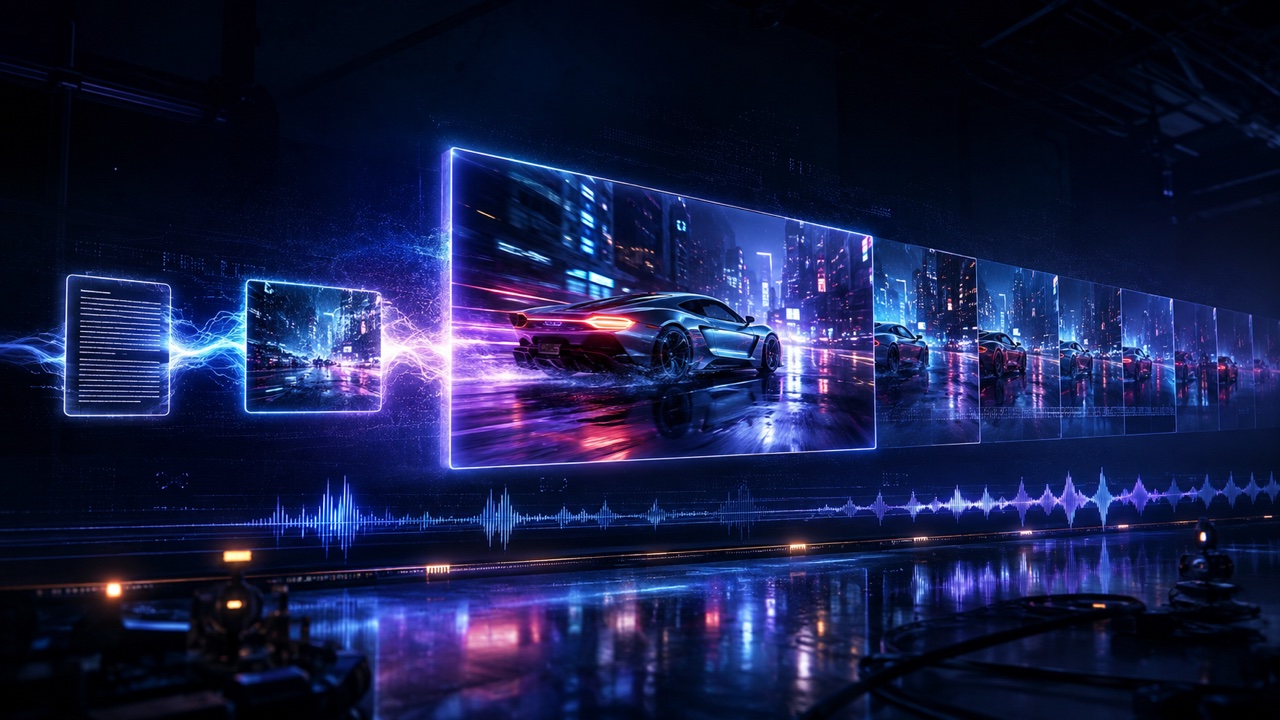
Minimax H3 Max Turbo keeps rapid video iteration focused. Choose text or image input, write one clear shot, generate with the AI video generator, and review the result before changing one creative variable.

Choose Text or Image Input
Start Minimax H3 Max Turbo in text-to-video mode when the scene exists only as an idea. Choose image-to-video when a still already defines the subject, composition, product, or visual style. The AI video generator can invent an opening or preserve the visual anchor you provide. Minimax H3 Max Turbo makes that first workflow choice easy to understand.

Write One Directed Shot
Describe the subject, one readable action, the environment, the camera movement, and the intended mood. Minimax H3 Max Turbo responds best to a coherent shot brief instead of competing events. Treat the AI video generator like a camera crew: establish what matters, explain what changes, and name movement only when it serves the story. Minimax H3 Max Turbo rewards clear direction.

Generate and Inspect the Motion
Run Minimax H3 Max Turbo and watch the complete clip before judging one frame. Check whether the subject stays recognizable, the action reads clearly, the camera follows its path, and the sound fits. This AI video generator creates a draft for evaluation; review reveals which detail deserves the next adjustment. Minimax H3 Max Turbo makes rapid iteration actionable.

Refine One Decision at a Time
If the first result misses the intention, revise one element instead of rewriting everything. Ask Minimax H3 Max Turbo for a slower push-in, clearer product action, steadier movement, warmer lighting, or quieter atmosphere. Keeping the rest stable makes the AI video generator easier to direct and reveals which instruction changed the next take. Minimax H3 Max Turbo supports useful comparisons.
Best AI Video Tools for Creative Projects
Explore creative tools for video, learn tips and tricks, and see how AI can be your assistant in turning concepts into finished projects.


Create and Iterate Faster with Minimax H3 Max Turbo
Minimax H3 Max Turbo supports two practical starting points: language and imagery. Write a scene when the model should establish the visual world, or animate a frame when appearance already matters. The AI video generator interprets action, camera direction, atmosphere, and sound as one shot. Minimax H3 Max Turbo works best as a focused loop: choose the strongest input, make the event unmistakable, review the result, and refine the instruction with the greatest creative impact.

Turn a Written Idea into a Moving Scene
Minimax H3 Max Turbo text to video begins with a written shot instead of prepared artwork. Describe the subject, setting, visible action, camera behavior, lighting, and sound cues. Minimax H3 Max Turbo can establish the opening frame and carry that direction through the sequence, which helps when a concept has no key art. As an AI video generator, it lets creative teams see whether an imagined scene works in motion. Keep the event focused, avoid conflicting camera commands, and refine one choice per generation. Minimax H3 Max Turbo supports repeatable, fast AI video generation.

Animate a Still Without Losing Its Visual Intent
Minimax H3 Max Turbo image to video begins from a visual anchor. Upload a frame that defines the character, product, environment, palette, or composition, then describe the desired motion and camera behavior. Minimax H3 Max Turbo uses the image as opening context while the prompt supplies action and timing. This AI video generator workflow helps a brand image, illustration, portrait, or concept frame remain recognizable. Use a clean source, identify the central action, and avoid instructions that contradict the uploaded design. Minimax H3 Max Turbo benefits from one clear focal point.
Shape Camera Movement with Clear Language
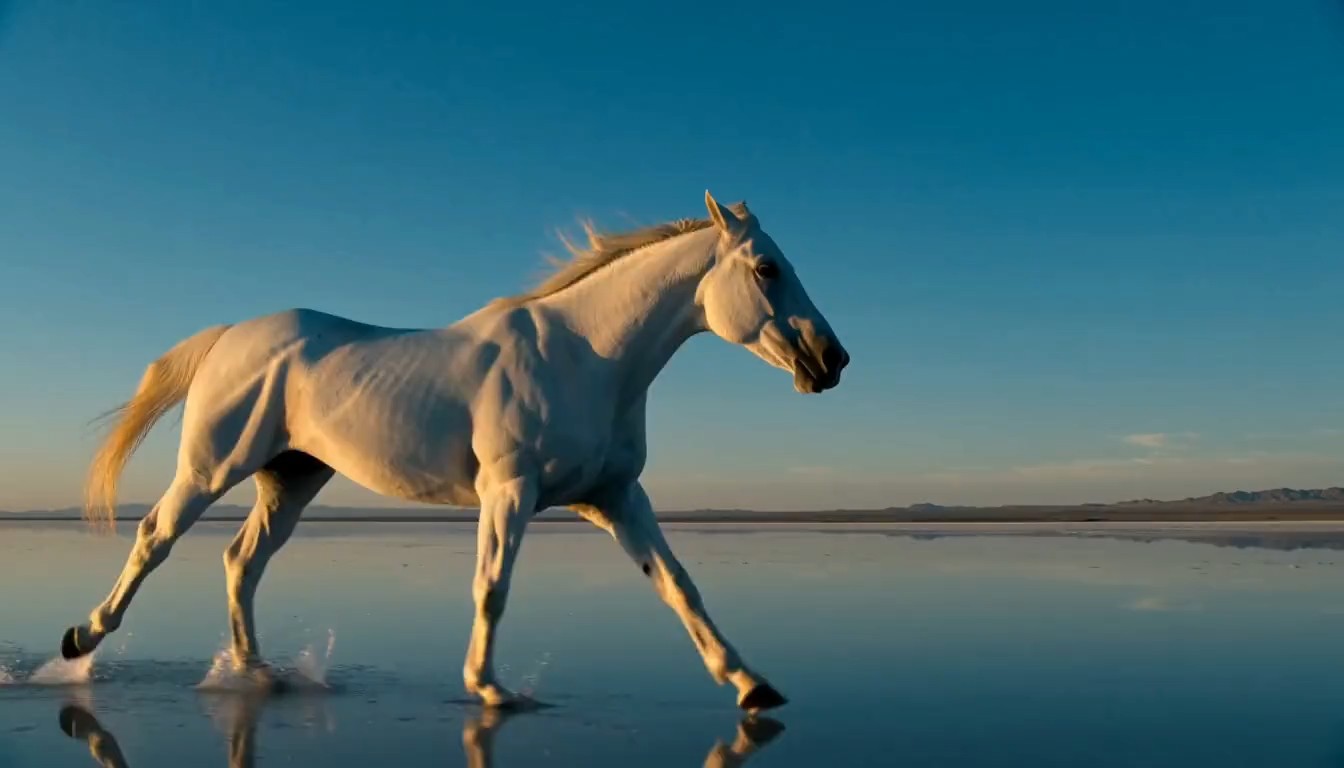
Camera language changes how a generated scene feels. Tell Minimax H3 Max Turbo to remain locked, track beside the subject, push forward, orbit a product, or follow with handheld energy. Give the movement a purpose: reveal information, increase tension, show scale, or stay close to an expression. Minimax H3 Max Turbo behaves more predictably when one primary move leads the composition. Used as an AI video generator for previsualization, it helps creators compare approaches before a shoot or edit. Review framing across the complete clip. Minimax H3 Max Turbo visualizes those camera instructions quickly.

Build Motion and Sound as One Creative Moment
A convincing short clip needs more than attractive frames. Minimax H3 Max Turbo can treat a scene as an audiovisual event, so prompts may include sound cues, atmosphere, dialogue intent, or rhythmic action. Give Minimax H3 Max Turbo a clear hierarchy: the visible event comes first, while audio reinforces place, pace, and emotion. The AI video generator can create motion and sound in the same moment. Review speech, timing, background sound, text, and brand details before public or commercial use. Minimax H3 Max Turbo still requires editorial judgment.
Where Minimax H3 Max Turbo Fits Real Creative Work
Minimax H3 Max Turbo helps teams turn a static brief into a moving object they can discuss. The AI video generator is useful for early exploration, rapid variations, and short-form deliverables where visual direction matters. Minimax H3 Max Turbo can support production thinking without replacing human review, editing, rights checks, or final quality control.

Campaign Concepts and Product Stories
Marketing teams can use Minimax H3 Max Turbo to visualize product reveals, lifestyle moments, branded transitions, and campaign hooks before a full production plan is locked. A written brief can establish a new scene, while a product still can anchor image-to-video motion. The AI video generator makes timing, camera angle, and atmosphere visible enough for focused feedback. Minimax H3 Max Turbo also helps teams compare several directions, but every output should be checked for product accuracy, readable branding, realistic behavior, and suitability for the intended audience. Minimax H3 Max Turbo supports exploration; the team remains responsible for the final claim.

Storyboards, Previsualization, and Pitching
Directors, animators, and independent storytellers can use Minimax H3 Max Turbo to test a shot before investing in production. Describe blocking, performance, lens behavior, and mood, or animate a storyboard frame to explore the next beat. The AI video generator turns abstract direction into a clip collaborators can watch together. Minimax H3 Max Turbo is especially useful for comparing camera ideas and communicating pacing, while the final production still benefits from intentional cinematography, editing, sound design, and continuity planning. Minimax H3 Max Turbo makes an early visual hypothesis easier to discuss.

Social Videos and Fast Creative Iteration
Social creators can use Minimax H3 Max Turbo for short visual hooks, character moments, atmospheric loops, and format experiments. Start from text when the idea needs a fresh visual identity, or animate a strong still when the post already has key art. The AI video generator makes it practical to test several openings and choose the clearest one. Minimax H3 Max Turbo works best when each variation changes a specific factor, such as pace, framing, action, or mood, rather than rebuilding the entire concept at random. Minimax H3 Max Turbo helps creators learn from every variation.
Design Motion and Experience Prototypes
Designers can use Minimax H3 Max Turbo to show how a product concept, environment, interface moment, installation, or speculative object might behave over time. Animate a reference frame and describe the interaction, user attention, material response, and camera viewpoint. The AI video generator helps turn a static proposal into an experience that stakeholders can evaluate. Minimax H3 Max Turbo outputs remain concept media rather than validated prototypes, so teams should separately verify usability, engineering feasibility, accessibility, and factual claims. Minimax H3 Max Turbo clarifies motion intent without proving implementation feasibility.
Creators Use Minimax H3 Max Turbo to Make Ideas Discussable
Minimax H3 Max Turbo gives different creative roles a shared way to explore movement, sound, framing, and visual tone. These fictional examples illustrate how the workflow can help people evaluate a direction before deeper production begins.
I use Minimax H3 Max Turbo to turn campaign notes into a scene my team can react to. Seeing the product action and camera movement together makes feedback much more concrete. The AI video generator gives us a useful first take, then we adjust one part of the prompt and compare the result instead of debating an abstract storyboard. Minimax H3 Max Turbo keeps that comparison centered on a visible creative choice.
For previsualization, Minimax H3 Max Turbo helps me test whether a shot has the right pace and emotional distance. I can begin with a storyboard image, describe the performance, and review how the composition changes. The AI video generator does not replace planning, but it gives collaborators a moving reference that makes the next production decision easier. Minimax H3 Max Turbo helps us arrive at that decision with shared evidence.
Minimax H3 Max Turbo is useful when a social concept needs several possible openings. I keep the core idea stable, change the movement or camera instruction, and quickly learn which version communicates best. The AI video generator supports that exploration, while I still handle final editing, captions, music choices, platform formatting, and every detail tied to the audience. Minimax H3 Max Turbo gives me options without making the final decision for me.
Our design reviews improve when a static concept becomes a short motion study. Minimax H3 Max Turbo lets me animate a product frame and show the intended interaction or material response. The AI video generator makes the idea easier to critique, and the team can identify what still needs engineering validation instead of mistaking a polished image for a finished prototype. Minimax H3 Max Turbo makes that distinction easier to communicate.




Minimax H3 Max Turbo Questions
Learn how text input, image input, prompt direction, motion, sound, and output review work in this focused video creation workflow.
Minimax H3 Max Turbo can create short moving scenes from a written prompt or a starting image. Use it for concepts, character actions, product moments, social ideas, and previsualization. Review every result for continuity, text, sound, visual accuracy, and rights before wider use. Minimax H3 Max Turbo is a creative generator, not an automatic approval step.
Choose text to video when the model should invent the opening visual from your description. Choose image to video when appearance, composition, or identity already exists in a still. Minimax H3 Max Turbo can support both paths, so the right mode depends on what must stay visually anchored. Minimax H3 Max Turbo lets that anchor guide the first moving result.
State the main subject, one readable action, the setting, the preferred camera behavior, and the mood. Add sound cues only when they serve the event. Minimax H3 Max Turbo is easier to direct when the prompt describes one coherent shot instead of several unrelated scenes or conflicting movements.
Input availability depends on the controls shown for the selected model and mode. When an ending frame is offered, use it to define the intended destination of the shot and explain the transition clearly. Minimax H3 Max Turbo results still need review for motion continuity between visual anchors.
Minimax H3 Max Turbo can create audiovisual output, but sound quality and availability should be confirmed in the current generator settings. Describe essential ambience, action sounds, or speech intent clearly. Always listen to the complete result and verify timing, pronunciation, content, and suitability before publishing it.
Review the full clip, identify the single issue that most affects the idea, and revise that instruction first. Keep successful details stable while changing pace, action, framing, lighting, or sound. Minimax H3 Max Turbo becomes easier to evaluate when each new take tests a clear creative hypothesis.
Create Your Next Shot with Minimax H3 Max Turbo
Bring one strong scene idea or starting image into Minimax H3 Max Turbo and turn it into a moving draft. Review the result, refine the most important direction, and build a clearer creative take with each generation.
