
Kling 4.0 AI Video GeneratorBring Your Story to Life
Turn your ideas into scenes worth watching.
Bring your ideas to the screen with Kling 4.0. Develop a product reveal, a character scene, or an imagined world around the action you want viewers to remember, then give it a distinct visual style.
More AI Video Generators
Explore our collection of specialized AI video generators designed for different creative needs and styles


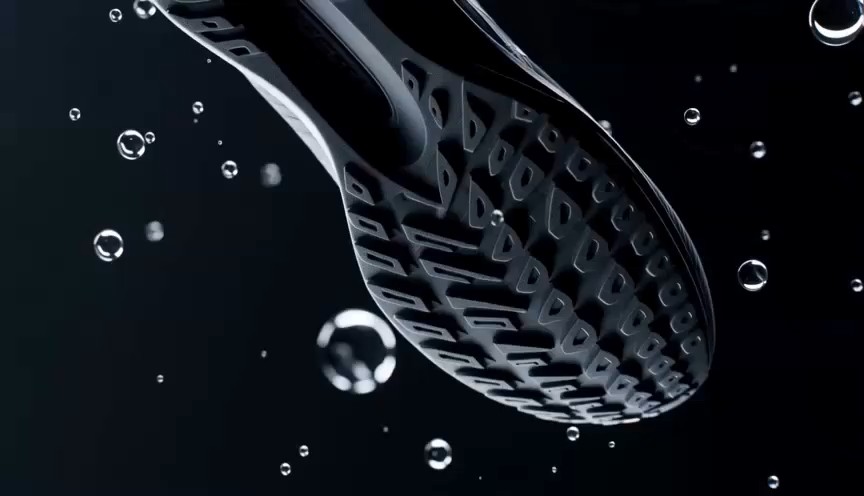
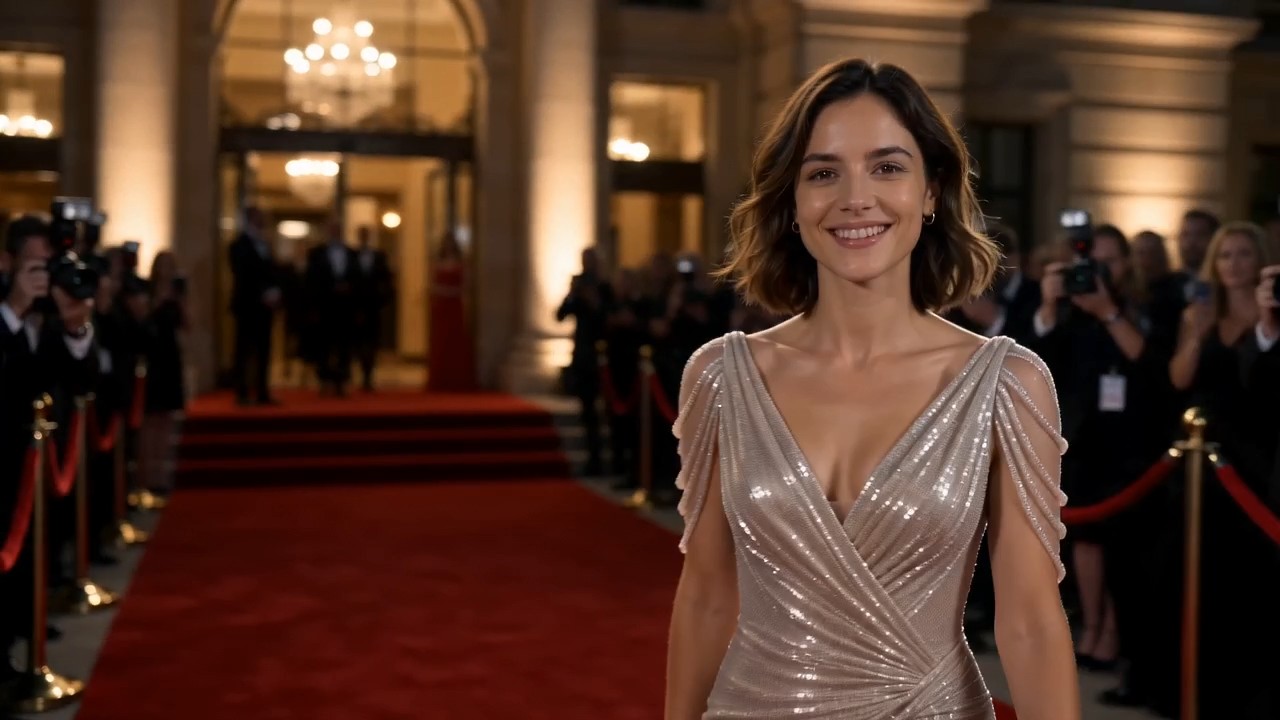


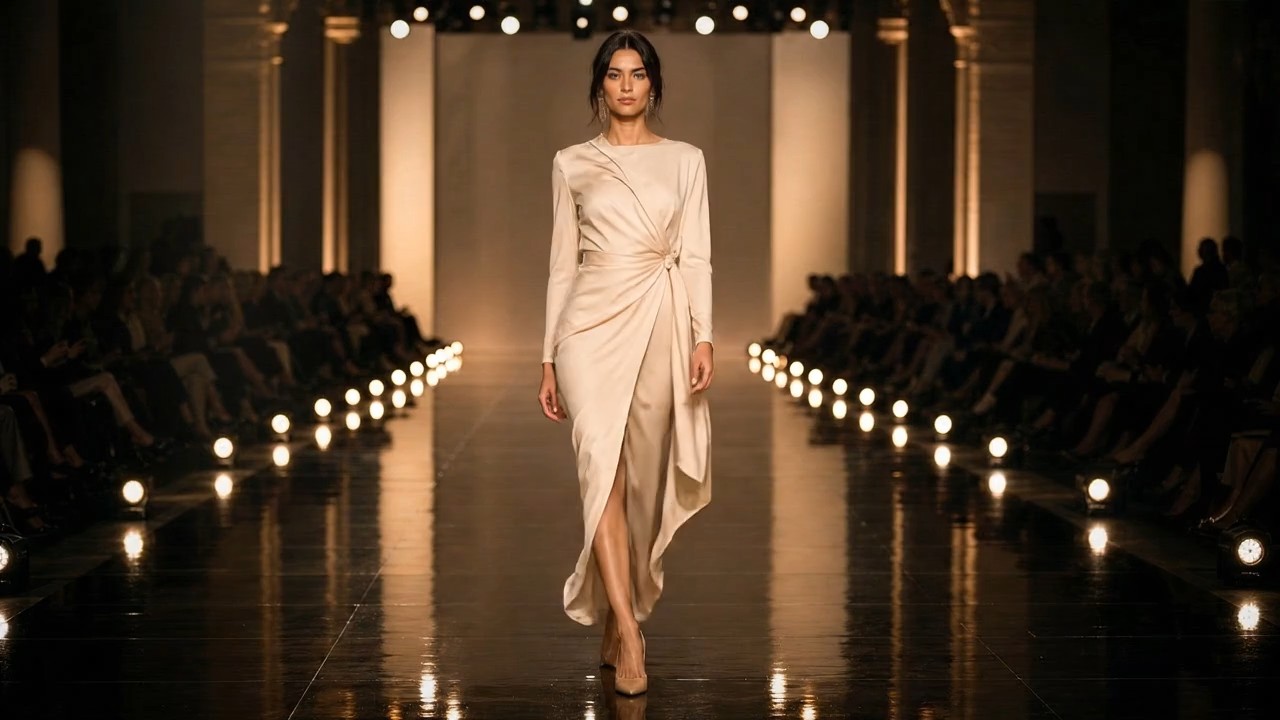


Kling 4.0: From an Idea to a Moving Scene
Create videos for campaigns, social content, and visual storytelling, with your subject and story at the center.
Make Kling 4.0 part of your video creation process. Turn a campaign concept or story idea into a scene, explore its visual direction, and build toward an edit that communicates something specific to your audience.

How to Create with Kling 4.0
A strong video begins with a clear decision about what viewers should notice. Organize your Kling 4.0 workflow around the subject, the action, and the camera, then refine the details that carry the story.

Describe Your Kling 4.0 Scene
Start your Kling 4.0 prompt with one visible event: a door opens, a dancer turns, or sunlight reaches a product. Describe who or what appears, where the scene takes place, and what changes during the shot. Keep the central action easy to follow. When creating with Kling AI, a specific moment gives you a stronger starting point than a long list of cinematic adjectives.

Set the Direction for Kling 4.0
Give your Kling 4.0 scene a clear viewpoint. Specify whether the camera stays still, moves alongside the subject, or slowly reveals the setting. Add lighting and material details that help establish the mood, such as window light on brushed metal or rain on dark pavement. With the Kling 4.0 AI Video Generator, describe the shot you want to see, with one clear visual priority.

Review Your Kling 4.0 Scene
Review your Kling 4.0 sequence as a viewer before judging individual frames. Does the action make sense? Does the camera reveal the right detail? Look closely at faces, hands, reflections, and the edges of moving objects. Change one part of your prompt at a time so you can assess its effect. Keep the strongest direction and build the next shot around the same visual choices.
Best AI Video Tools for Creative Projects
Explore creative tools for video, learn tips and tricks, and see how AI can be your assistant in turning concepts into finished projects.


What Will You Create with Kling 4.0?
Bring Kling 4.0 into the scenes your project needs: an immersive setting, a recognizable human moment, a product reveal, or an action sequence. Explore these creative possibilities with a clear purpose for every shot.
Create Immersive Worlds
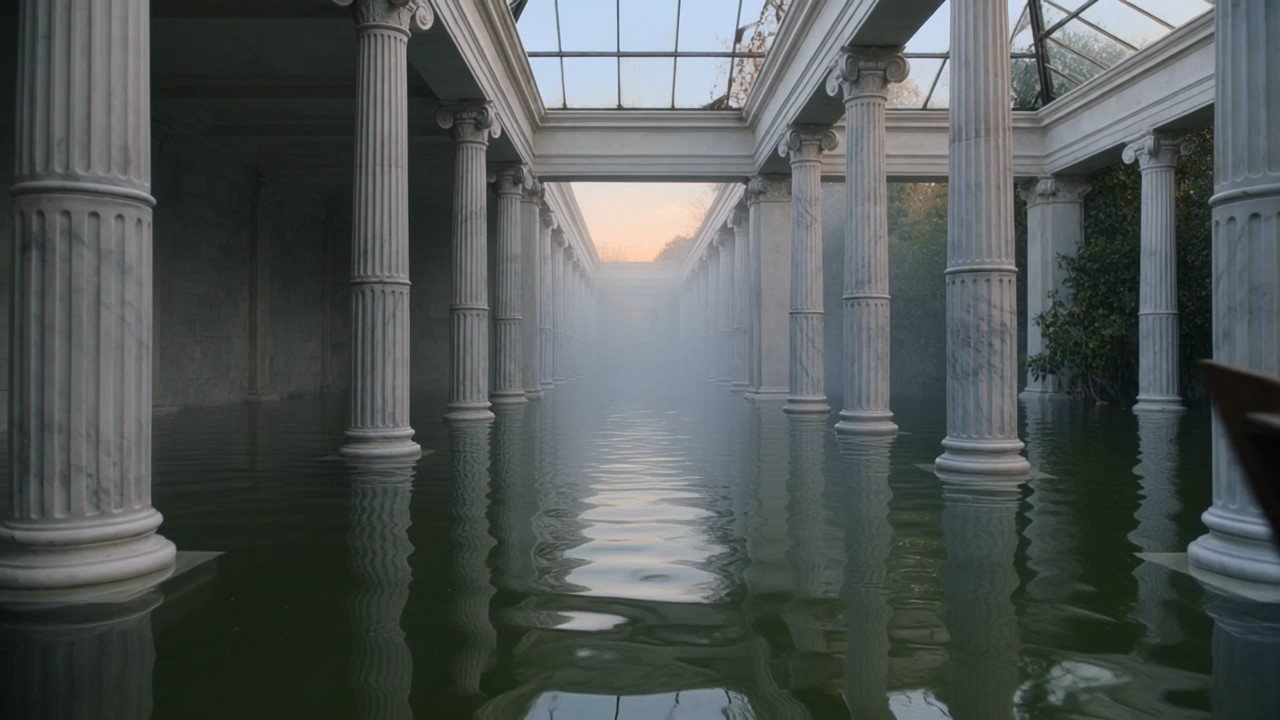
Explore imagined settings with Kling 4.0, from a quiet garden behind an ordinary door to a flooded conservatory crossed by a wooden boat. Give the environment a role in the story: a narrow passage builds anticipation, while an open landscape changes the sense of scale. For a Kling 4.0 scene, choose details that draw viewers into the space and make the subject’s presence there feel meaningful.
Put the Character at the Center
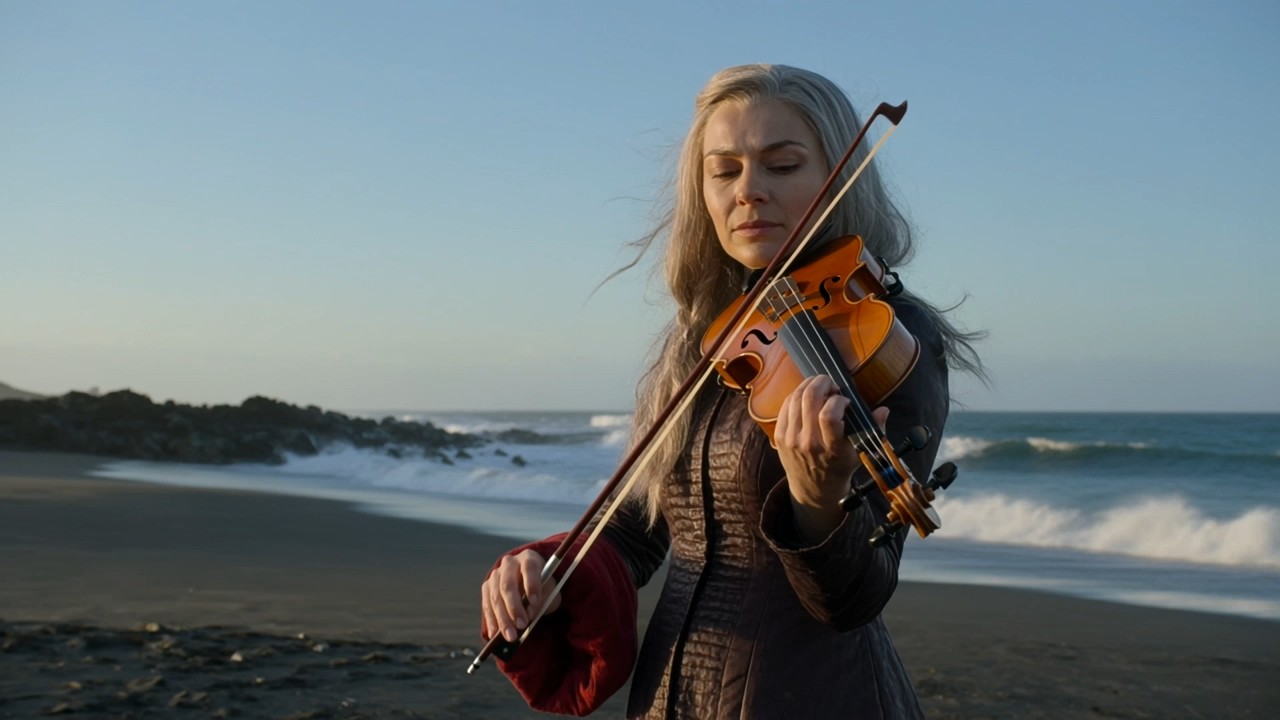
Give your Kling 4.0 character scene a moment viewers can recognize: a musician gathering courage, a traveler returning home, or a runner catching their breath. Expression and posture establish what the moment means before any dialogue is added. Use Kling AI for a story concept where a small reaction carries the scene, with the surrounding space and camera angle drawing attention to the person at its center.

Show Products in a New Setting
Explore a different visual setting for a Kling 4.0 product video. An amber bottle beside a sunlit window suggests warmth; the same object against dark stone creates a more dramatic mood. Use the Kling 4.0 AI Video Generator to develop that contrast around the product’s shape, texture, and color. Keep the object easy to recognize, and choose a reveal that supports what the campaign needs to communicate.
Build a Scene Around Movement
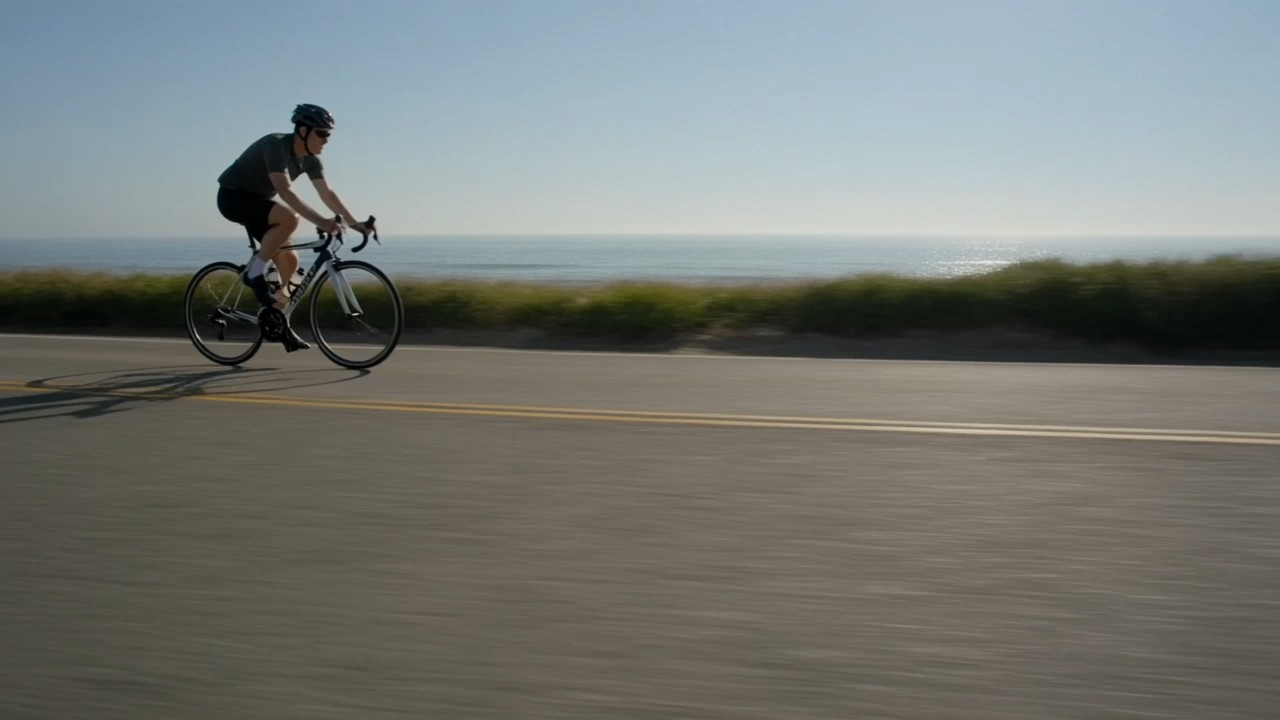
Make movement the reason to watch your Kling 4.0 scene. Follow a cyclist around a coastal bend, reveal a performer through a drifting curtain, or watch a wave break behind a still figure. The action gives the sequence its rhythm. In a Kling 4.0 video concept, choose a clear beginning and ending so the motion carries the viewer somewhere and gives the next shot a natural place to begin.
Find Your Next Kling 4.0 Project
From an opening hook to a film treatment, different projects need different kinds of shots. Use these Kling 4.0 ideas to connect your visual choices with the audience, message, and purpose of the finished piece.

Kling 4.0 Campaign Concepts
Use Kling 4.0 to explore a campaign’s visual direction before committing to a final edit. Compare a warm, everyday setting with a more dramatic treatment, keeping the product and central message recognizable. These variations give the creative discussion something concrete to focus on. Choose the direction that fits the brand and the audience, then carry its colors and mood into the rest of the campaign.

Kling 4.0 Social Video Openings
Build a Kling 4.0 opening around something viewers can understand immediately: an unexpected reveal, a change in scale, or an object entering the frame. The first moment should connect with what follows, so the video delivers on the attention it earns. For Kling AI social content, consider where captions will sit and how the subject reads on a small screen before assembling the final edit.

Kling 4.0 Film and Story Treatments
Develop a Kling 4.0 scene for a film treatment, a character introduction, or a visual pitch. Focus on the moment that changes the story: someone hesitates at a doorway, recognizes an object, or decides to leave. Give each Kling 4.0 shot a narrative role so the sequence communicates more than atmosphere. This approach helps collaborators discuss pacing, staging, and tone in terms of what appears on screen.

Kling 4.0 Music and Performance Concepts
Create a Kling 4.0 visual concept around the mood of a performance. A still portrait can offer a pause, while repeating movement can accompany a musical phrase. Plan where those changes belong in the edit and choose imagery that gives the performer room to hold attention. Add and refine the soundtrack during editing, checking that the picture supports the music without distracting from its most important moments.
Creator Perspectives on Kling 4.0
Different creators bring different priorities to Kling 4.0. From product detail and character performance to the rhythm of an edit, these perspectives focus on the creative decisions that give each video a purpose of its own.
I approach Kling 4.0 with a particular product detail in mind: the curve of a bottle or light crossing its surface. That gives me something specific to judge. For a campaign, I want the product to feel recognizable and the setting to support the message.
With Kling 4.0, I’m most interested in the moment before a character acts. A glance toward an empty chair can do more for a scene than a dramatic camera move. My Kling AI projects start with that small story decision, then I work outward from it.
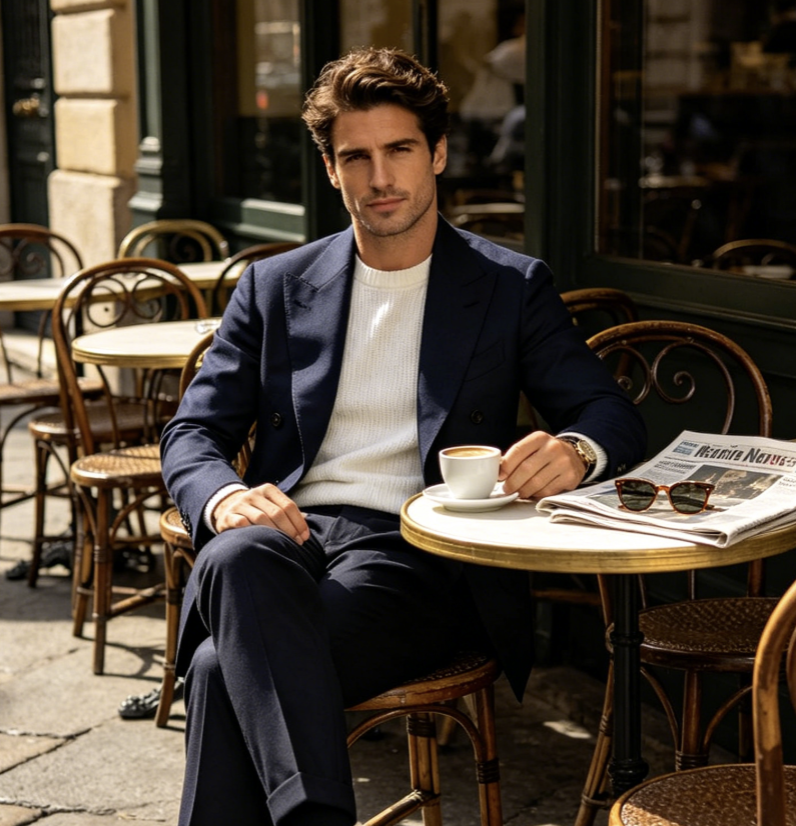
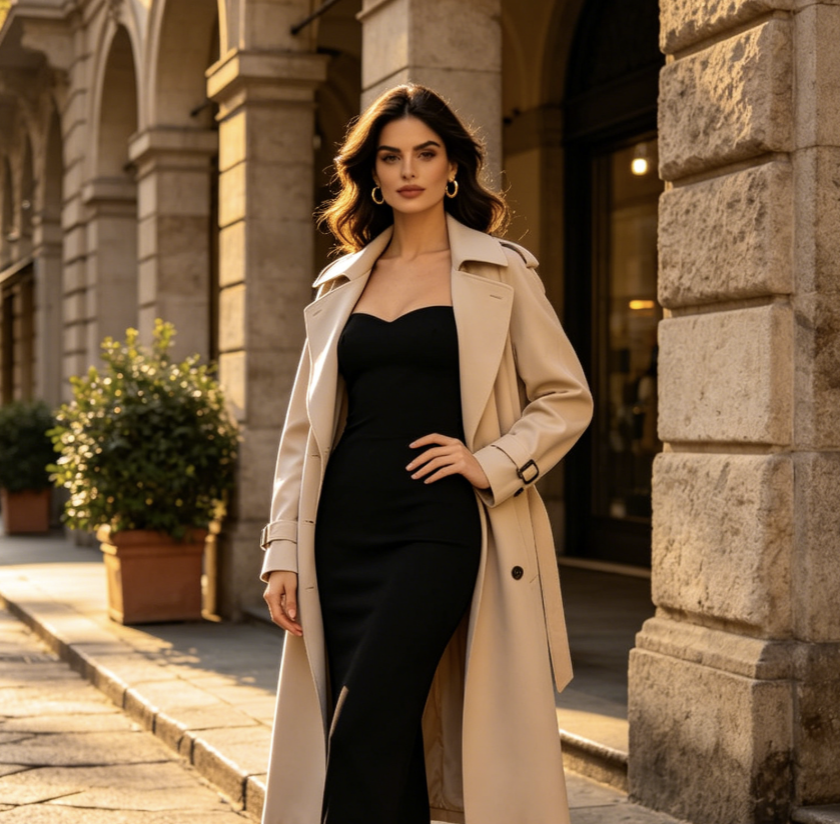
For a Kling 4.0 fashion video, I want to see how the garment moves. A simple turn can reveal its weight and silhouette. I keep the background quiet so I can judge whether the shot shows the clothing clearly, rather than just creating an attractive atmosphere.
I think about Kling 4.0 scenes in relation to a track: where the picture needs energy and where it needs a pause. A performer holding still against moving water is the kind of contrast I look for. I make the final timing decisions in the edit.
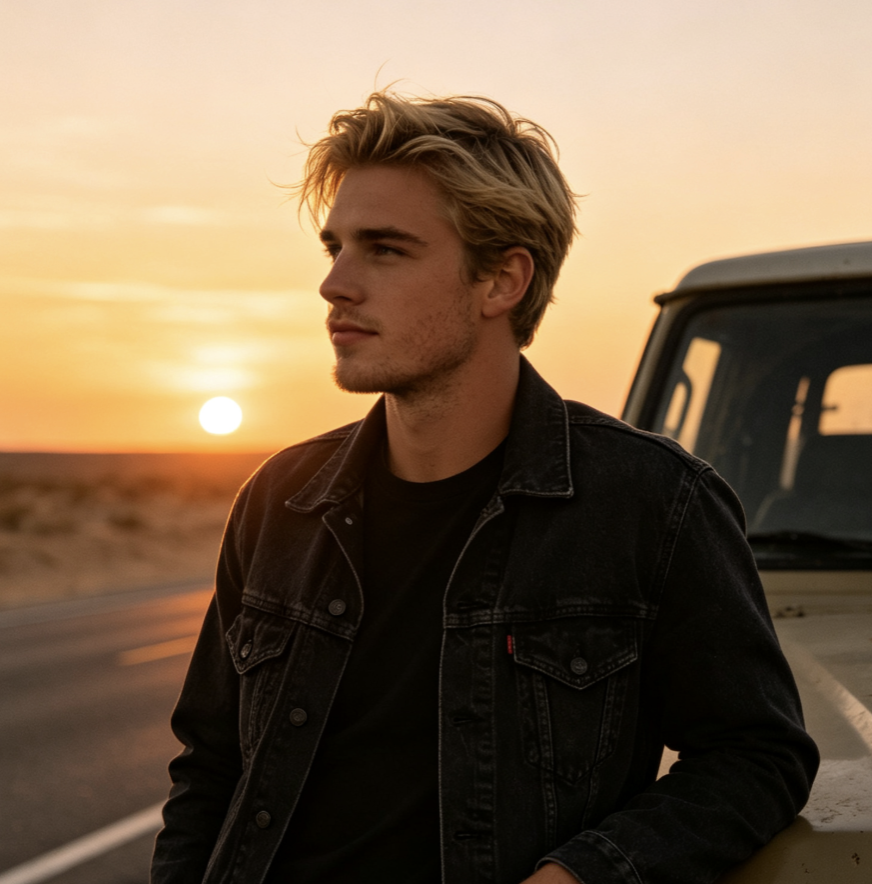
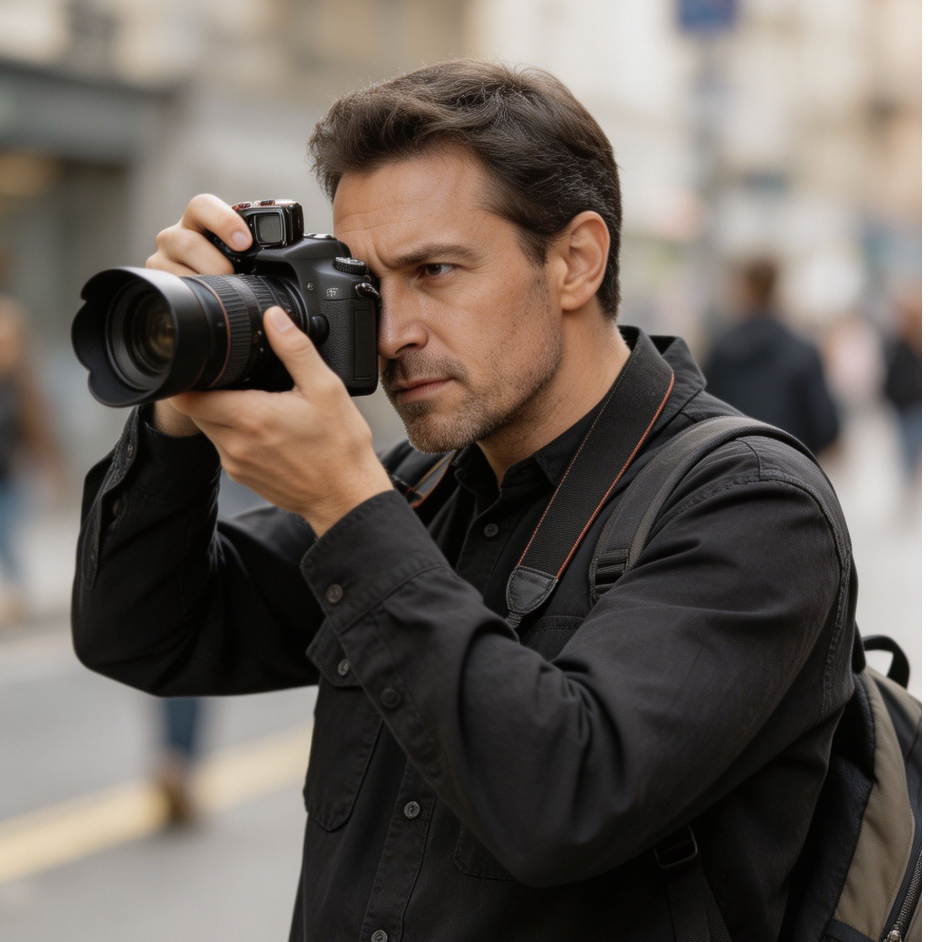
My starting point for Kling 4.0 is an opening viewers can understand without a caption. I look for a visible action that connects to what comes next. With Kling AI, I keep the subject prominent and consider how the composition will read on a phone screen.
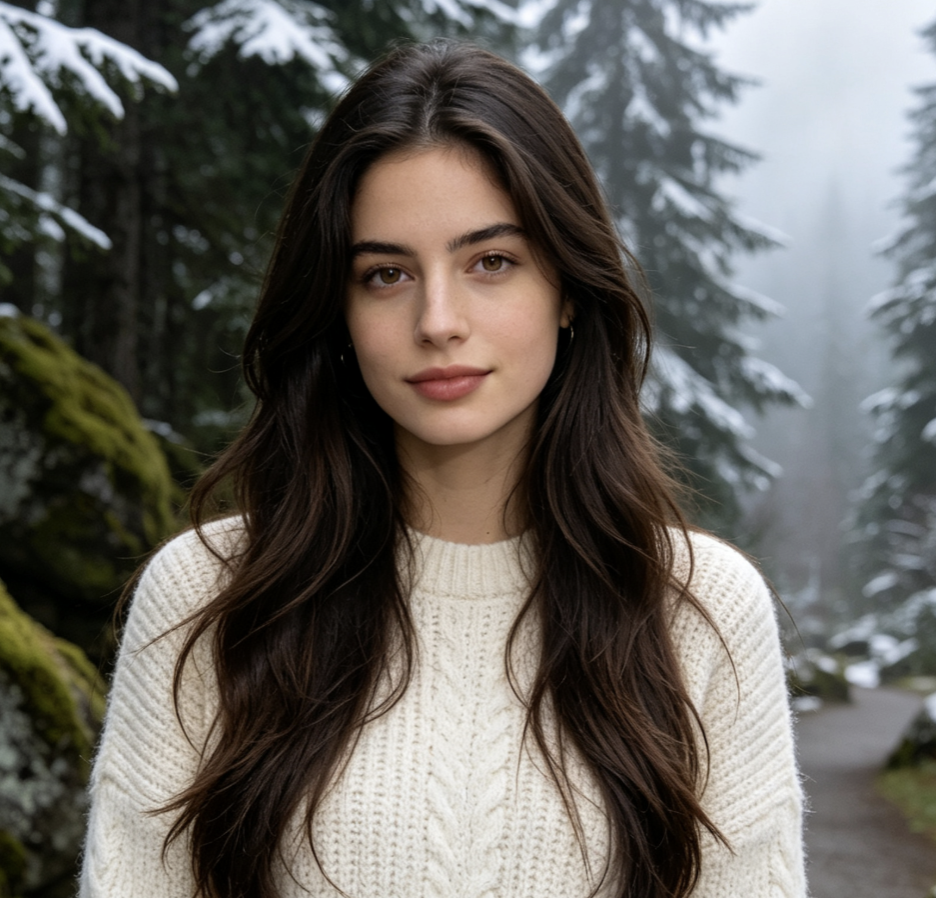
For Kling 4.0 character work, I prefer a small reaction over a busy sequence. A bird noticing a leaf gives me a clear emotional beat to build around. I pay close attention to the pause before it moves, because that is often where the character’s personality comes through.

FAQs About Creating with Kling 4.0
Get practical guidance for planning Kling 4.0 projects, from writing a focused scene brief to reviewing movement and preparing an edit. Start with the creative choices that have the greatest effect on what viewers notice.
Use the Kling 4.0 AI Video Generator for product films, character scenes, imagined environments, and opening shots for social content. Choose a project where movement adds meaning: a camera reveal changes what viewers know, while a person’s reaction can establish the mood. Start with one scene that has a clear role in the finished video. Then explore how its setting and action support the message you want to convey.
Write the subject, setting, action, camera movement, and lighting in that order. For Kling 4.0, concrete direction is easier to evaluate than a collection of style labels. Instead of asking for an epic scene, describe a traveler crossing a narrow bridge as the camera follows from behind. Add the details that must remain stable, then remove any instructions that compete with the central action or change the scene’s purpose.
Plan what carries across the cut: a character’s position, an object, a direction of movement, or a shared color. For a Kling 4.0 sequence, keep essential details consistent in your prompts and compare adjacent clips together. A matching wardrobe alone does not make two shots connect; the action and geography also need to make sense. Use the strongest transitions when you assemble the sequence in your editor.
Identify the part of the shot that needs to change before revising your prompt. If a Kling 4.0 scene feels crowded, simplify the background or reduce the number of actions. If the main gesture is hard to follow, choose a closer viewpoint. Change one instruction at a time, then compare the result with your original intention. Check faces, hands, object shapes, and ground contact as you review the movement.
Plan the larger edit before collecting individual shots. Give each Kling 4.0 scene a role, such as establishing the setting, showing a detail, or resolving an action. Arrange the strongest material in your editor, then add the soundtrack, titles, and any required brand assets. Review pacing at the intended viewing size. A finished video depends on how the shots work together, including what you choose to leave out of the sequence.
Try a tabletop scene with a single object, soft light, and one slow camera move. The limited setting makes it easier to judge framing, texture, and motion. Write a Kling 4.0 AI Video Generator brief for an unbranded ceramic cup as steam rises beside a window. Keep the background still and the lighting consistent. Once the direction feels clear, explore a different angle or setting while keeping the main subject unchanged.
Create Your Next Video with Kling 4.0
Bring a story, a product, or a character to Kling 4.0 and start creating your next video. Choose the moment that matters, give it a visual direction, and build a scene your audience will remember.
