
More AI Music Generation Tools
Explore our collection of specialized AI music generators designed for different creative needs and styles
MiniMax Music 3.0 AI Music Generator: Create Complete AI Songs from Text
Turn a music idea, lyric concept, or style direction into a finished track with MiniMax Music 3.0 AI Music Generator. Use Simple mode for fast prompt-based creation or Custom mode when you want direct control over lyrics, structure, and musical style.
MiniMax Music 3.0 gives creators a flexible way to move from an idea to a complete track. Describe the mood, genre, instruments, energy, or scene, then let MiniMax Music 3 AI Music Generator develop the concept. For lyric-led songs, minimax music 3 ai song generator works in Custom mode, where you can shape words, structure, and style.
How to Use MiniMax Music 3.0 in 3 Steps
MiniMax Music 3 Generator supports a fast prompt workflow and a more detailed lyric workflow. Whether you begin with one sentence or a complete song draft, minimax music 3 ai song generator keeps the process focused on the choices that matter: concept, lyrics, style, structure, vocals, and instrumentation.

Choose Simple or Custom Mode in MiniMax Music 3.0
Start MiniMax Music 3.0 AI Music Generator in Simple mode when you want to describe the music in one prompt. You can enter a short idea, turn Instrumental on or off, and use Inspiration tags such as Country, Folk, Rock, or Blues. Choose Custom when you want more direct control over the title, lyrics, song structure, and styles before generating.

Describe Your Song for MiniMax Music 3.0
In Simple mode, write what you want the track to sound and feel like in the Prompt box. This AI Music Generator from Text can respond to genre, mood, instrumentation, pacing, and creative direction. In Custom mode, minimax music 3 ai song generator lets you add a title, enter your lyrics, use Structure to organize sections, and describe Styles. MiniMax Music 3.0 AI Music Generator lets you guide both the words and musical identity.

Set Options and Generate with MiniMax Music 3.0
Review your settings before generation. Simple mode includes an Instrumental switch, Inspiration choices, and Public Visibility control. Custom mode provides the Instrumental switch plus More Options for additional adjustments. When everything matches your idea, minimax music 3 ai song generator is ready; select Generate Music. MiniMax Music 3.0 AI Music Generator then turns your instructions into a track you can review and refine through another generation if needed.
Create More with MiniMax Music 3.0
MiniMax Music 3.0 is designed for different stages of music ideation, from the first prompt to lyric-led song planning. MiniMax Music 3.0 AI Music Generator combines fast Text to Music AI creation with options for lyrics, structure, style, and instrumental generation, while minimax music 3 ai song generator supports lyric-led creation, so the workflow can stay simple or become more specific as your idea develops.
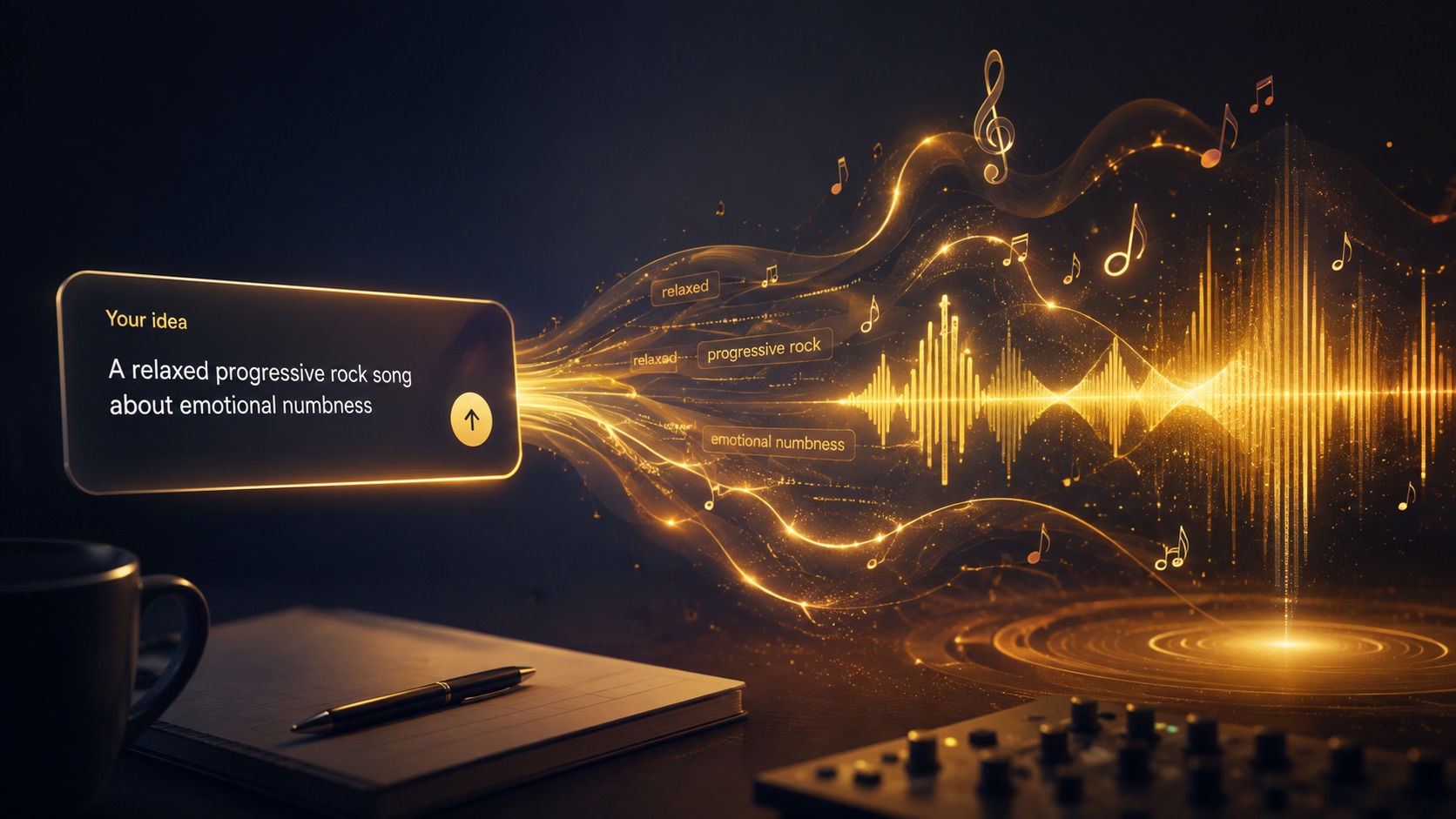
Turn an Idea Into Music with MiniMax Music 3.0
A rough idea should not require a full production brief before you can hear it. MiniMax Music 3.0 AI Music Generator works as an AI Music Generator from Text, so you can describe the emotional tone, genre, instruments, tempo feel, vocal character, or scene you imagine. MiniMax Music 3 AI Music Generator is useful when you know the feeling you want but have not written every musical detail. Text to Music AI turns that direction into something audible, helping you test whether an idea should become intimate, energetic, cinematic, playful, dark, acoustic, electronic, or something between those categories.
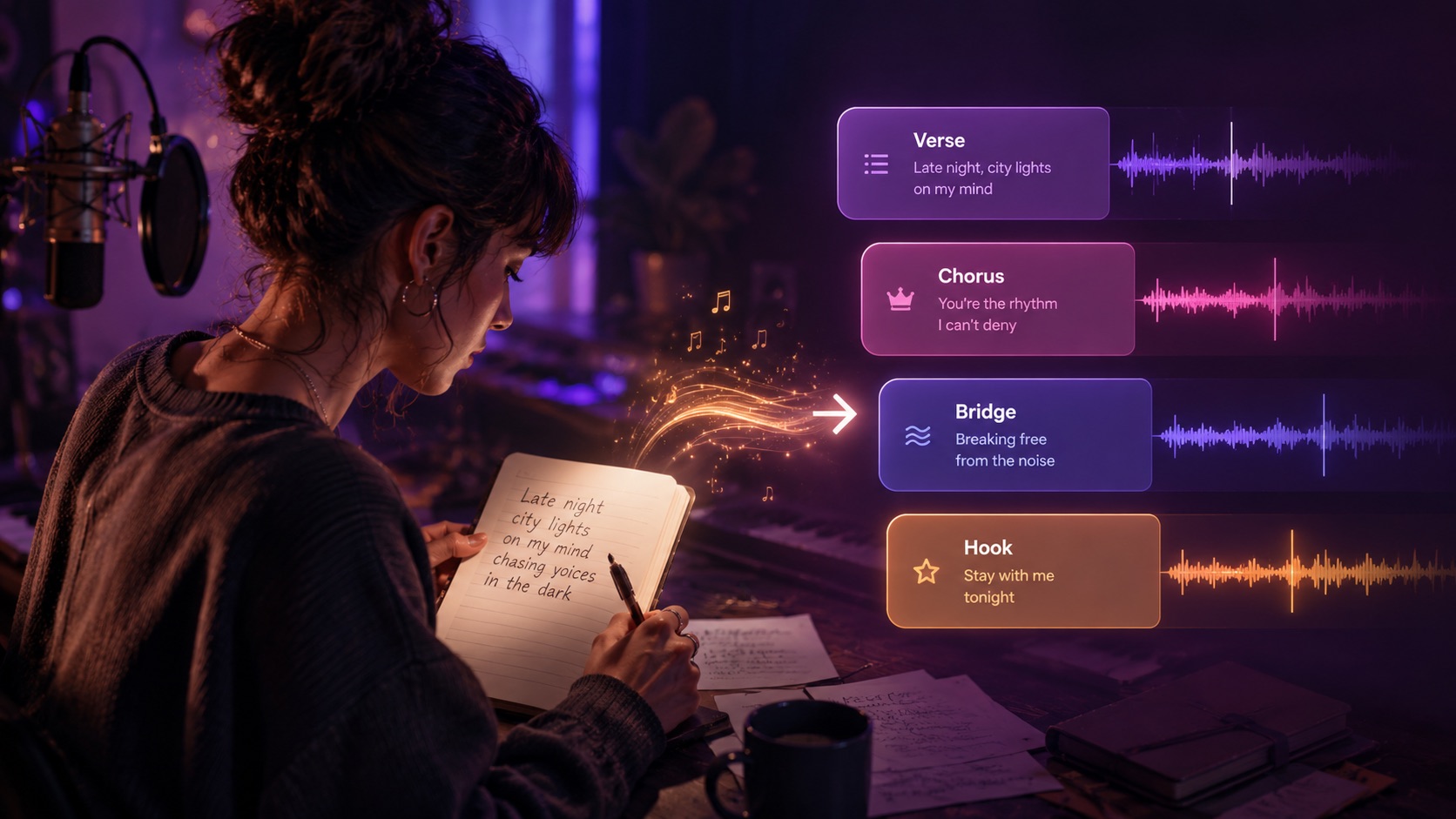
Shape Lyrics and Structure with MiniMax Music 3.0
When the words matter as much as the sound, switch from a one-prompt workflow to Custom mode. MiniMax Music 3.0 lets you add a title, paste or write lyrics, and use song structure to organize sections before generation. With MiniMax Music 3.0 AI Music Generator, lyric writers can hear how verses, hooks, choruses, bridges, or instrumental passages may work together. minimax music 3 ai song generator is especially useful for turning unfinished writing into a listenable song concept without forcing you to surrender the lyrics that carry the message.
Explore Genres with MiniMax Music 3.0
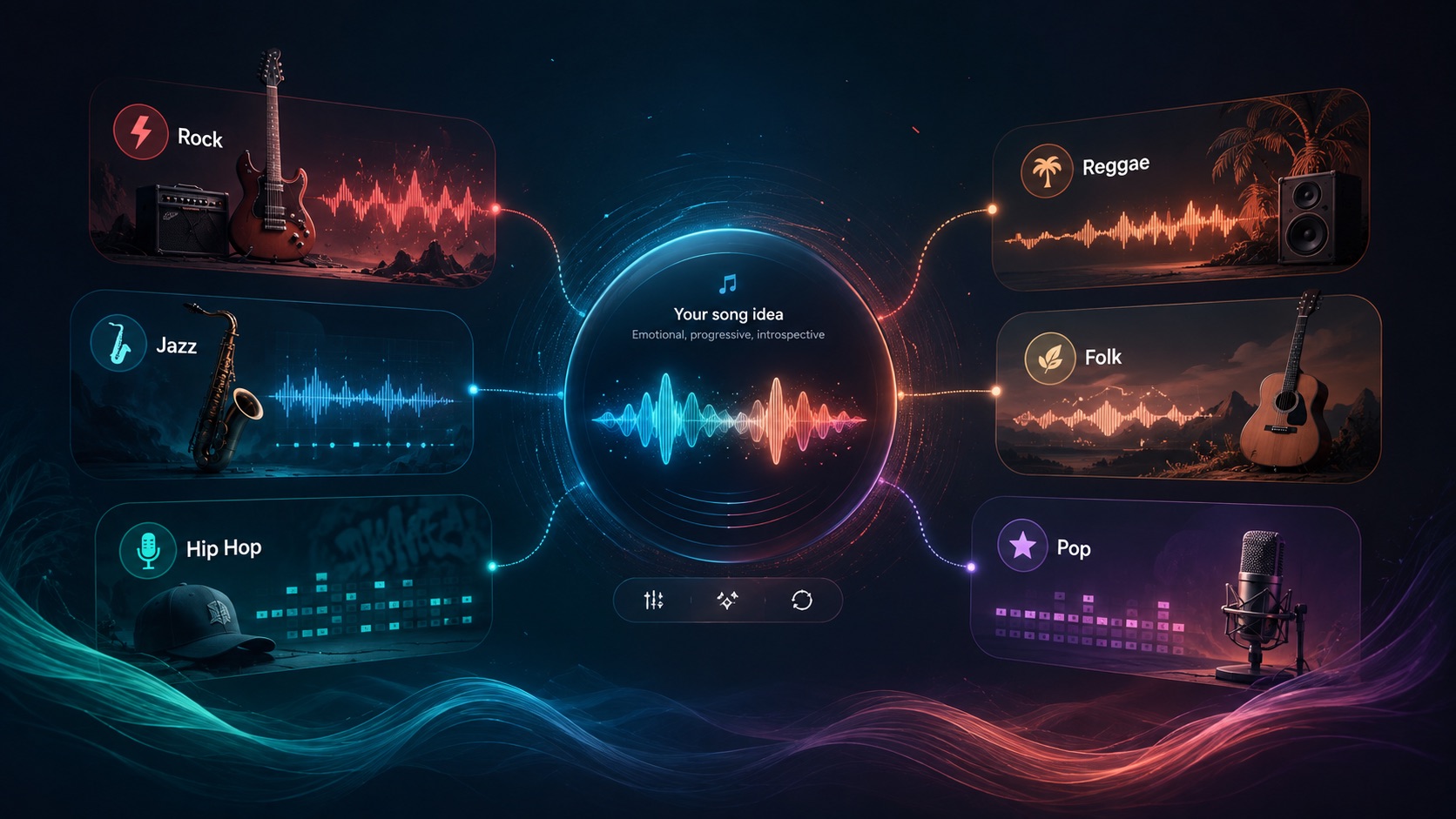
Creative exploration becomes easier when changing direction does not mean rebuilding a track manually. MiniMax Music 3.0 AI Music Generator includes Inspiration choices in Simple mode and a dedicated Styles field in Custom mode. Use MiniMax Music 3 Generator to move between rock, jazz, reggae, country, hip hop, folk, blues, pop, or more detailed hybrid descriptions. MiniMax Music 3 AI Music Generator can also create instrumental-focused concepts when vocals are not needed. For creators comparing several directions, minimax music 3 ai song generator can support lyric-led versions, while Text to Music AI makes it practical to hear contrasting approaches before choosing the version worth developing further.
Who Can Use MiniMax Music 3.0?
MiniMax Music 3 AI Music Generator can support creators at several stages of music development. Use it for fast ideation, lyric testing, background music concepts, instrumental experiments, or alternate genre treatments. Because MiniMax Music 3.0 offers both Simple and Custom workflows, beginners can start with a prompt, minimax music 3 ai song generator can support lyric-first ideas, and more specific creators can work directly with lyrics and styles.
Songwriters Testing Lyrics with MiniMax Music 3.0
A lyric can read well on the page and still feel different once it is sung. MiniMax Music 3.0 helps songwriters test verses, hooks, choruses, and emotional pacing as music. minimax music 3 ai song generator gives writers a way to explore how their words may sit inside different styles before they invest more time in arrangement or production. MiniMax Music 3.0 AI Music Generator can also support early demos when the goal is to compare musical directions rather than finalize every production choice.

Video Creators Using MiniMax Music 3.0
Video projects often need music with a specific mood instead of a generic track. MiniMax Music 3.0 AI Music Generator lets creators describe a scene, pace, atmosphere, or emotional arc and turn that direction into music. As an AI Music Generator from Text, it is useful for testing background themes, intros, montage ideas, or narrative songs. For vocal projects, minimax music 3 ai song generator can build around lyrics, while MiniMax Music 3 AI Music Generator can produce instrumental directions when lyrics would distract from dialogue or visual storytelling.

Build Songs from Prompts with MiniMax Music 3.0
Not every song begins with finished lyrics. MiniMax Music 3.0 AI Music Generator supports creators who start with a phrase such as upbeat indie pop for a road trip or slow blues with a tired late-night mood. Text to Music AI makes those loose descriptions useful starting points. MiniMax Music 3 Generator helps you move quickly from imagination to a track you can react to, revise, and redirect. If the idea grows into lyrics, minimax music 3 ai song generator gives you another path. This is valuable when experimentation matters more than writing a detailed production plan first.

Explore Alternate Styles with MiniMax Music 3.0
A melody concept or lyric theme can lead to very different results depending on genre, instrumentation, and vocal treatment. MiniMax Music 3.0 makes style comparison easier by letting you change the musical description and generate another interpretation. MiniMax Music 3.0 AI Music Generator supports both broad genre cues and more specific style language, while minimax music 3 ai song generator gives lyric-based creators a practical way to hear how the same words may feel in different musical settings.
What Creators Say About MiniMax Music 3.0
Creators use MiniMax Music 3.0 for different reasons: turning a short prompt into music, testing lyrics inside a song, comparing styles, or building instrumental concepts. MiniMax Music 3.0 AI Music Generator keeps those workflows in one place, while MiniMax Music 3 AI Music Generator gives creators a flexible starting point even when the musical idea is still incomplete.
I usually have a mood and a chorus idea before I know what the full track should be. MiniMax Music 3.0 made that stage much easier. I used Simple mode first, then moved into Custom when I wanted to test my own lyrics. MiniMax Music 3.0 AI Music Generator gave me enough structure to hear what was working without making the process feel complicated. For early songwriting ideas, MiniMax Music 3.0 keeps experimentation practical, and minimax music 3 ai song generator fits the way I already think.
I needed background music ideas for short travel edits, but I did not want every clip to sound the same. With MiniMax Music 3.0 AI Music Generator, I could describe a sunny acoustic direction, then try a more rhythmic electronic version. MiniMax Music 3.0 kept the process focused. The AI Music Generator from Text workflow was quick enough for comparison. MiniMax Music 3 AI Music Generator also let me switch to instrumental concepts, which was useful when the video already had narration. I would use minimax music 3 ai song generator for a sung version.
With MiniMax Music 3.0, the part I liked most was being able to separate lyrics from style. I could keep the same words, change the musical direction, and hear a completely different interpretation. MiniMax Music 3.0 helped me compare versions without rewriting the song each time. minimax music 3 ai song generator was especially useful for testing whether my chorus worked better as indie pop, softer folk, or something more dramatic.
I am not a producer, so I wanted something that could start from normal language instead of technical settings. MiniMax Music 3.0 AI Music Generator gave me that in Simple mode. MiniMax Music 3.0 also helped when I wanted more control. Custom mode let me add lyrics and styles without changing the whole workflow. Text to Music AI felt approachable, while minimax music 3 ai song generator gave lyric ideas a clear path. MiniMax Music 3 Generator made it easy to test several directions before deciding which idea deserved more work.




FAQs About MiniMax Music 3.0
Use MiniMax Music 3.0 with confidence. Find quick answers about prompts, lyrics, instrumental creation, modes, and song structure. MiniMax Music 3 AI Music Generator supports both fast text-based creation and more detailed lyric workflows, and minimax music 3 ai song generator supports lyric-led creation, giving you different ways to shape a track from the first idea.
MiniMax Music 3.0 turns a written music description into a generated track. In Simple mode, enter a prompt and choose inspiration or instrumental settings. MiniMax Music 3.0 AI Music Generator then uses that creative direction to build the music.
Yes. In MiniMax Music 3.0, Custom mode lets you enter your own lyrics, add a title, organize song structure, and describe the style. minimax music 3 ai song generator is built for lyric-led creation as well as prompt-led music generation.
In MiniMax Music 3.0, turn on Instrumental when you want music without a vocal-led song. MiniMax Music 3 Generator can then focus on the musical direction described in your prompt or style settings.
With MiniMax Music 3.0, use Simple mode for fast AI Music Generator from Text creation from one prompt. Use Custom mode when you want to control the title, lyrics, structure, styles, and additional options in more detail.
For MiniMax Music 3.0, describe genre, mood, instrumentation, energy, pacing, vocal character, and the situation the music should fit. Text to Music AI and minimax music 3 ai song generator both benefit from clear creative direction instead of a list of unrelated terms.
Use Structure in Custom mode to organize sections such as verses, choruses, bridges, or instrumental passages. minimax music 3 ai song generator can use the same structure, while MiniMax Music 3.0 AI Music Generator can use those sections as part of the song direction.
Turn Your Next Idea Into Music with MiniMax Music 3.0
Describe a sound, build around your own lyrics, or explore a new style with MiniMax Music 3.0. Use MiniMax Music 3.0 AI Music Generator for prompt-based creation or minimax music 3 ai song generator when lyrics and song structure are central to the idea.
