
Grok Imagine Image Prompt: Grok AI Prompts Guide
Learn how to write a Grok Imagine image prompt with subject, lighting, camera, and style for stronger AI image results. Use Grok prompts for image generation.
Describe your idea and let AI create the perfect prompt for you
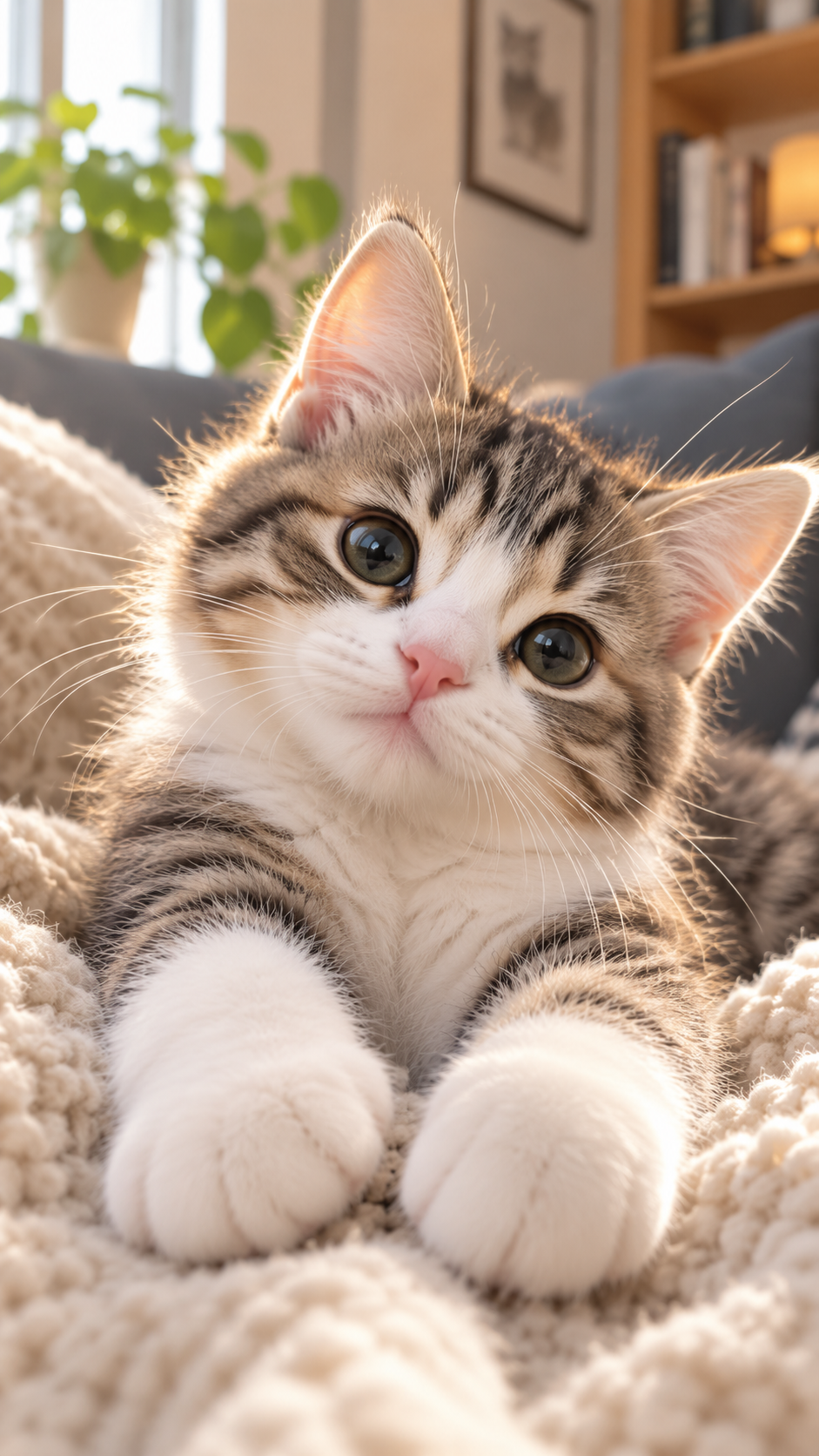
Cozy Tabby Kitten Portrait
A heart-melting close-up portrait of an adorable young tabby-and-white kitten resting comfortably on a thick cream-colored chunky knitted blanket in a cozy modern living room. The kitten has a soft round face, large glossy olive-gray eyes with natural window reflections, a tiny pink nose, white muzzle and chest, symmetrical brown-and-black tabby markings across the forehead and cheeks, upright translucent pink ears, long delicate white whiskers, and oversized fluffy white front paws stretched toward the camera. Its head is tilted slightly to one side with a gentle, curious, innocent expression, looking directly into the lens. Photographed from a low, intimate close-focus perspective, with the kitten’s paws prominent in the foreground and its face as the sharp visual focus. Warm late-afternoon sunlight enters from a window on the left, creating a luminous golden rim around the ears and individual strands of fur while keeping the face naturally exposed and detailed. Soft realistic shadows, delicate fur texture, subtle skin detail inside the ears, and physically accurate whiskers. The softly blurred background contains a bright window, leafy green houseplants, a gray sofa, framed cat artwork, a warm wooden bookshelf, books, and a softly glowing table lamp. Cozy Scandinavian home atmosphere, warm cream and natural wood palette, cinematic domestic pet photography, realistic full-frame camera image, 35mm close-focus lens, f/1.8, extremely shallow depth of field, creamy natural bokeh, gentle optical falloff, crisp eyes, authentic fur detail, clean high-resolution photography, vertical 9:16 composition. No collar, clothing, accessories, text, logo, signature, or watermark. No cartoon, illustration, painting, CGI, plastic fur, waxy texture, excessive HDR, artificial sharpening, oversaturation, distorted eyes, crossed eyes, malformed paws, extra toes, extra limbs, duplicated ears, or additional animals.
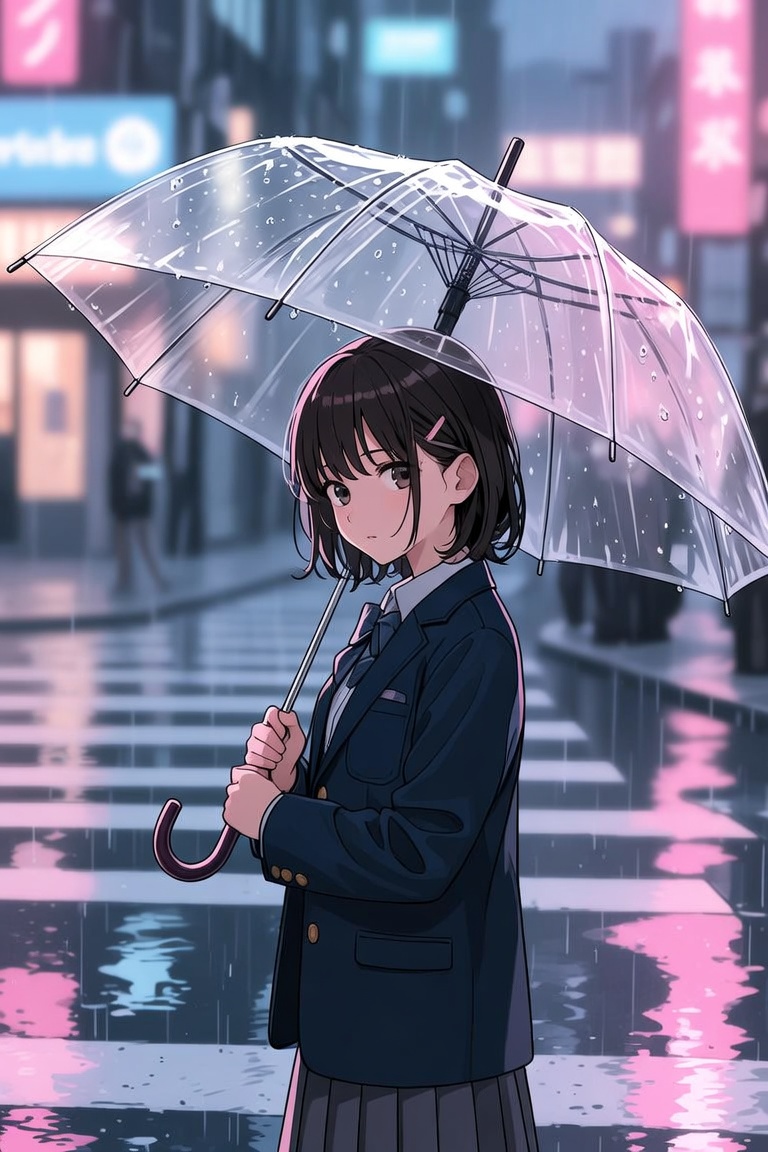
Anime-style girl standing under a transparent umbrella at a rainy crosswalk, city lights reflected in puddles, school un
Anime-style girl standing under a transparent umbrella at a rainy crosswalk, city lights reflected in puddles, school uniform, quiet emotional expression, soft pastel neon palette, clean linework, cinematic vertical composition.
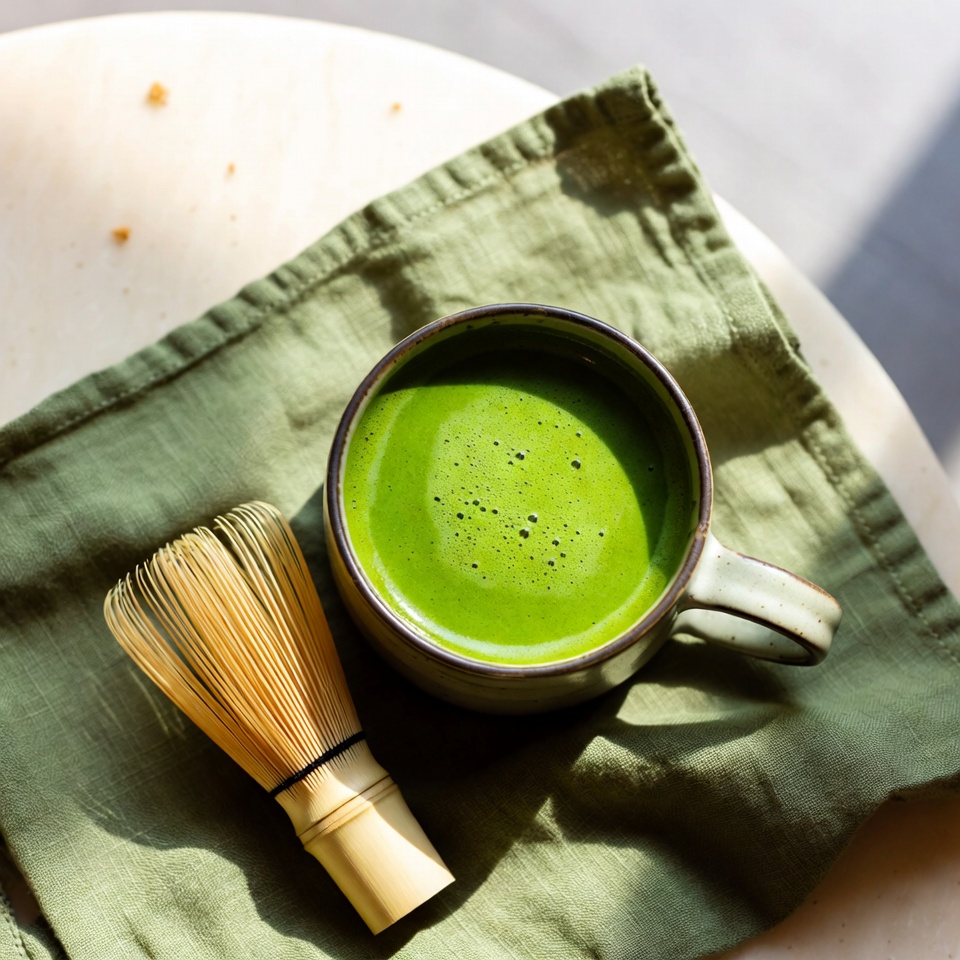
A bright matcha latte in a handmade ceramic cup, top-down view, bamboo whisk, soft green napkin, clean cafe table, natur
A bright matcha latte in a handmade ceramic cup, top-down view, bamboo whisk, soft green napkin, clean cafe table, natural morning light, minimal square composition, editorial lifestyle photography.
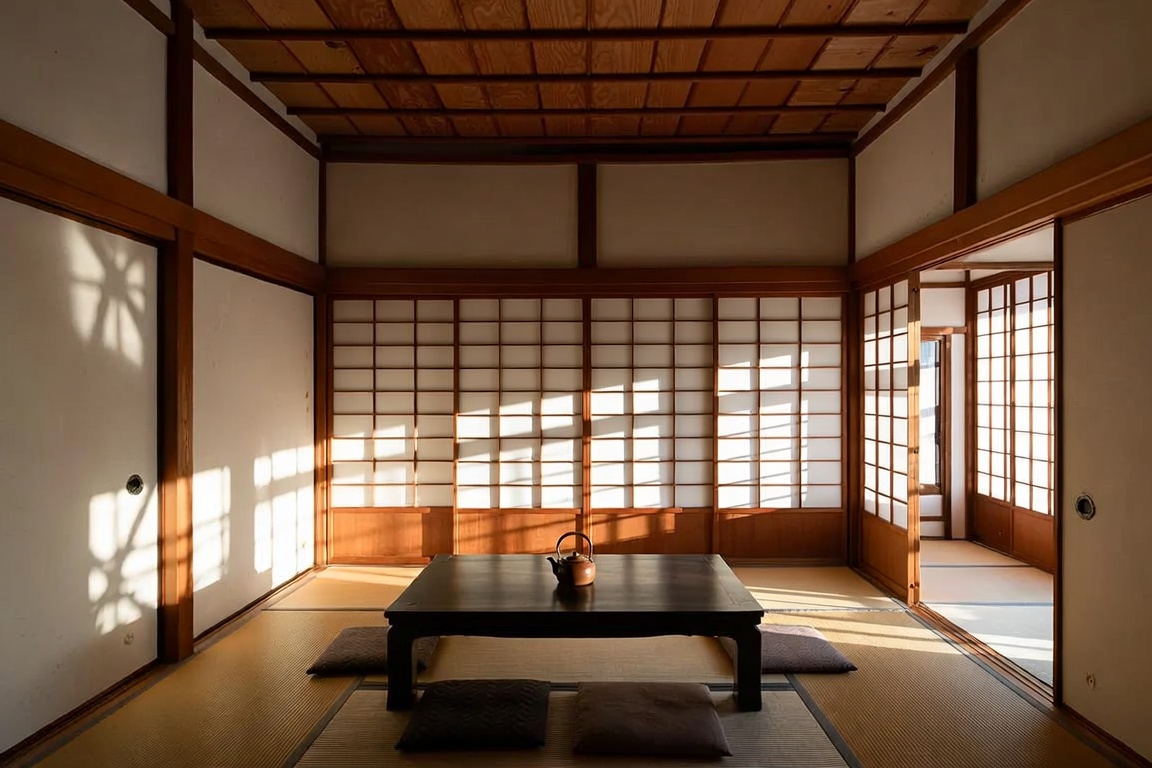
A modern Japanese tea room with low wooden table, paper screens, single ceramic teapot, warm sunlight casting geometric
A modern Japanese tea room with low wooden table, paper screens, single ceramic teapot, warm sunlight casting geometric shadows, calm minimalist architecture photography, natural wood texture, wide 3:2 composition.
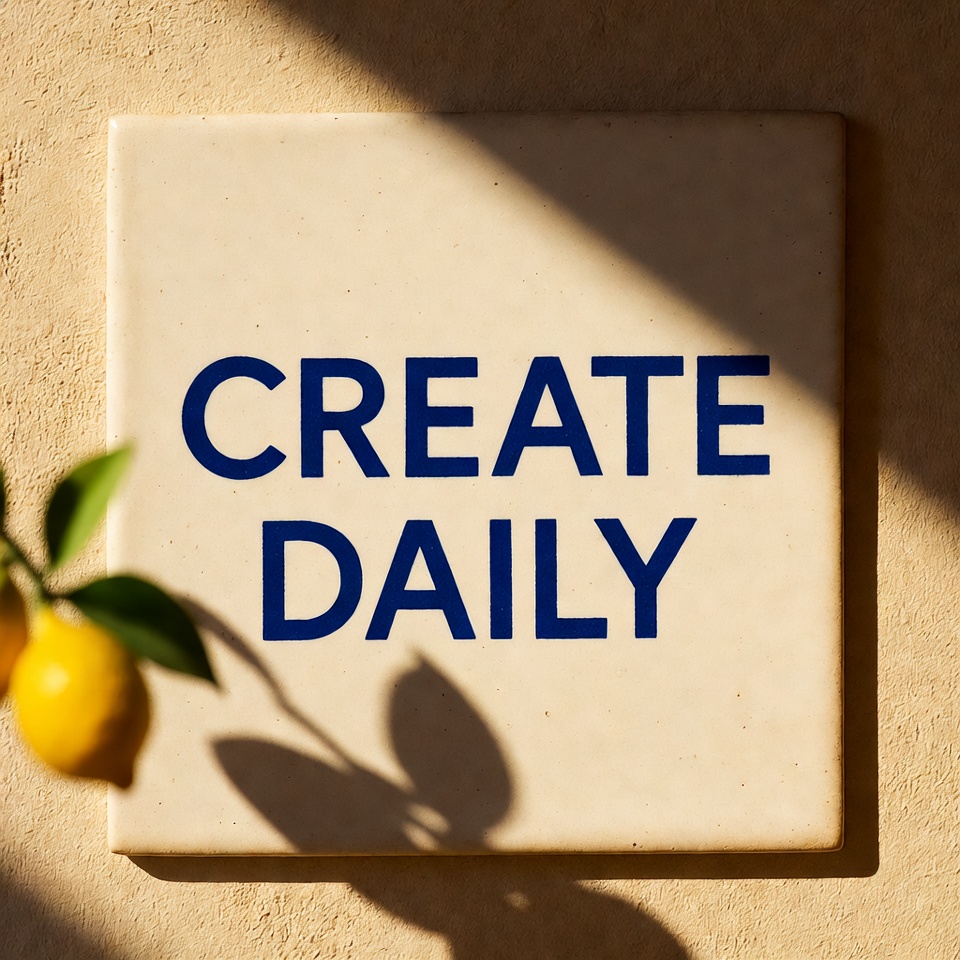
A ceramic wall tile with exact text “CREATE DAILY” painted in bold cobalt blue letters, Mediterranean sunlight, small le
A ceramic wall tile with exact text “CREATE DAILY” painted in bold cobalt blue letters, Mediterranean sunlight, small lemon branch shadow across the tile, clean square composition, no extra words, no watermark.
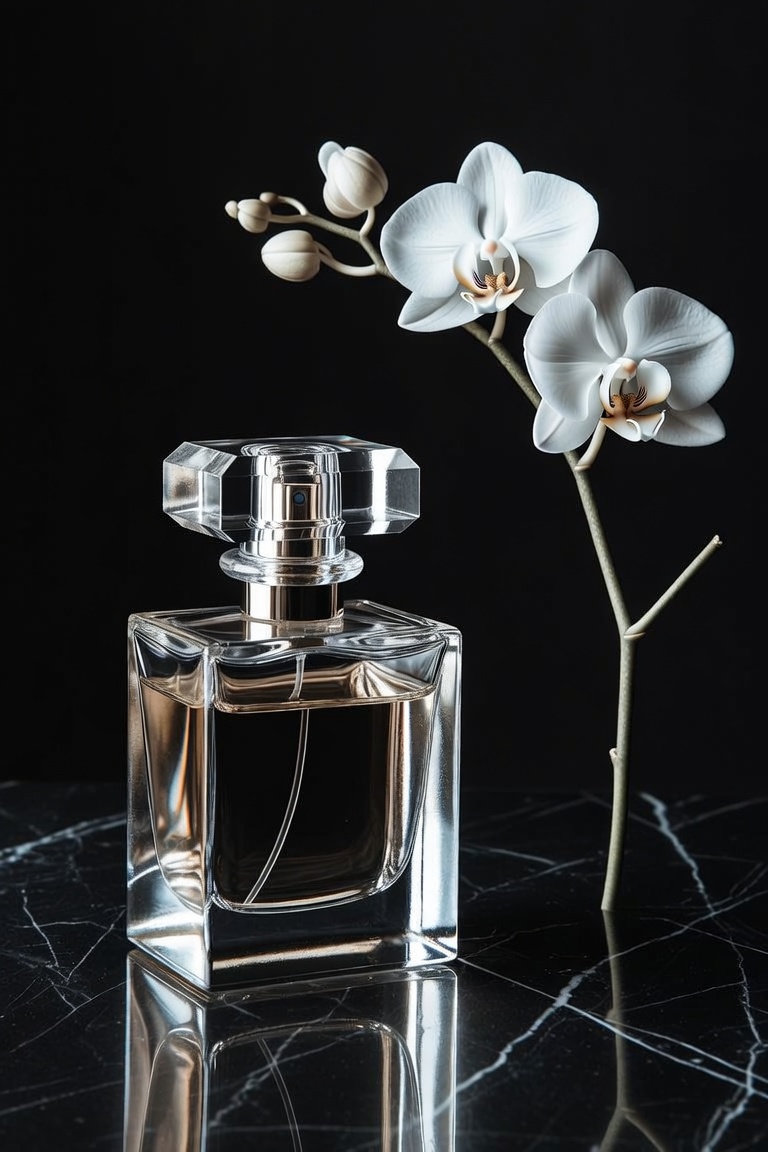
A luxury perfume bottle on black marble, single white orchid beside it, sharp glass reflections, warm amber rim light, e
A luxury perfume bottle on black marble, single white orchid beside it, sharp glass reflections, warm amber rim light, elegant vertical commercial photography, premium minimal composition, no logo, no readable label.
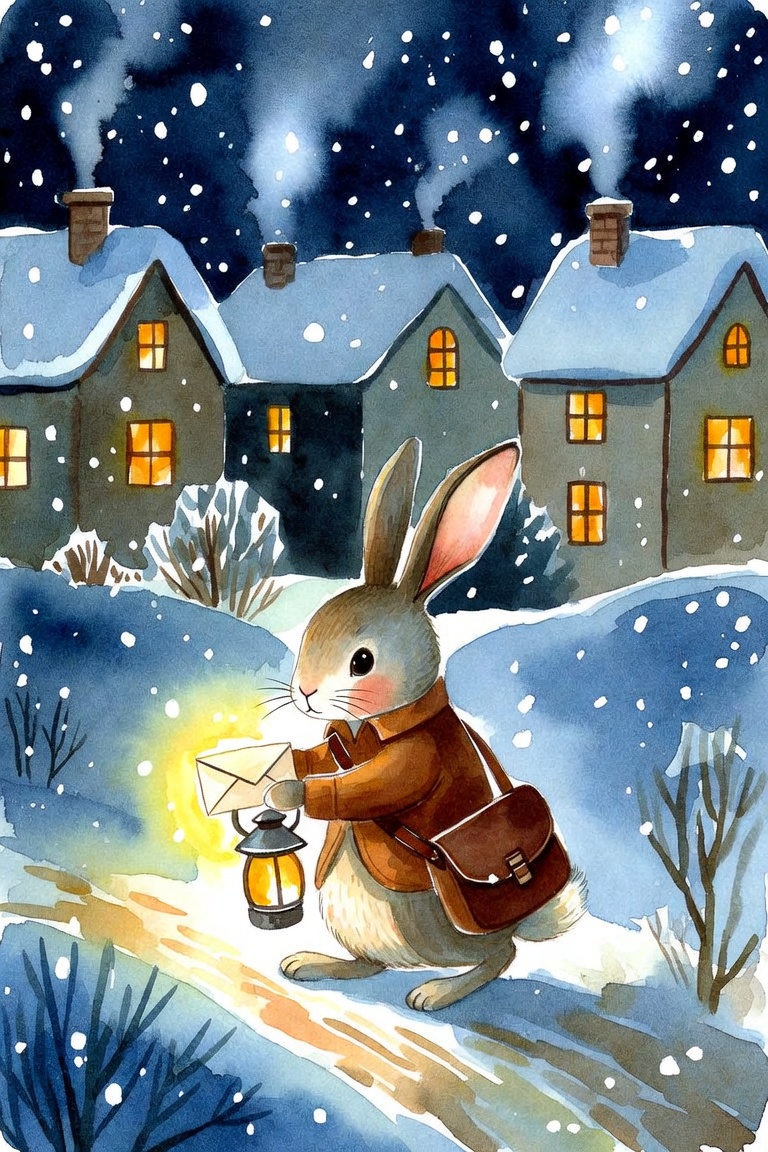
A tiny rabbit postman delivering a glowing letter through a snowy village at night, cozy lit windows, soft watercolor te
A tiny rabbit postman delivering a glowing letter through a snowy village at night, cozy lit windows, soft watercolor texture, gentle expression, charming vertical storybook composition, warm lantern light.
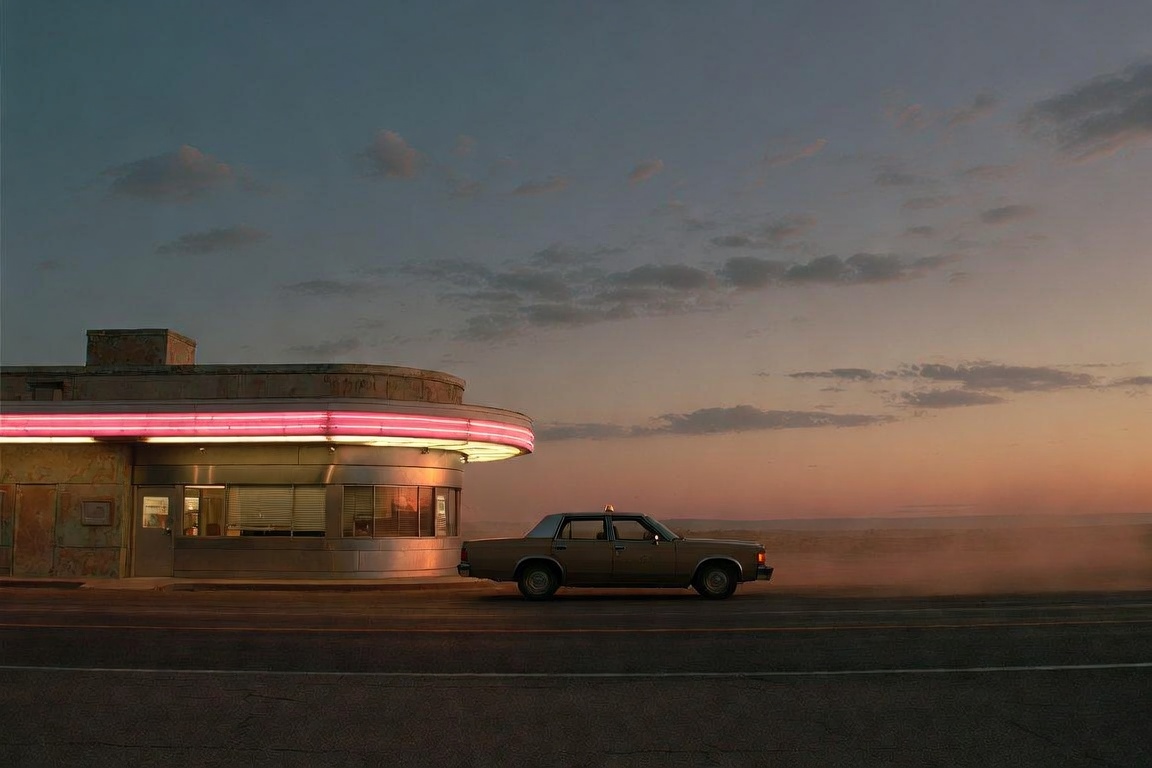
A lone taxi parked outside a closed diner on a desert highway at dusk, pink neon glow, dust in the air, long shadows, ci
A lone taxi parked outside a closed diner on a desert highway at dusk, pink neon glow, dust in the air, long shadows, cinematic wide frame, 35mm lens, muted Americana color palette, no readable signage.
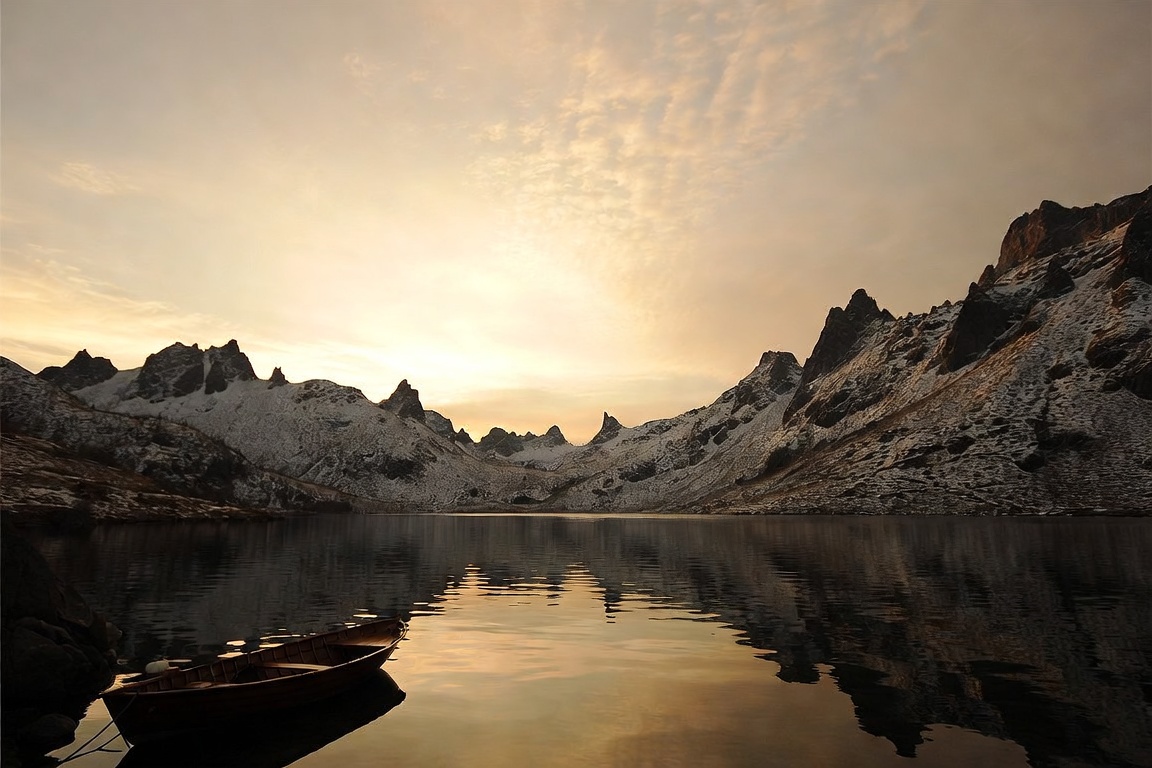
A wide alpine lake at sunrise, still water reflecting jagged snow peaks, small wooden boat in the foreground, pale gold
A wide alpine lake at sunrise, still water reflecting jagged snow peaks, small wooden boat in the foreground, pale gold sky, crisp mountain air, documentary landscape photography, 24mm lens, balanced wide composition.
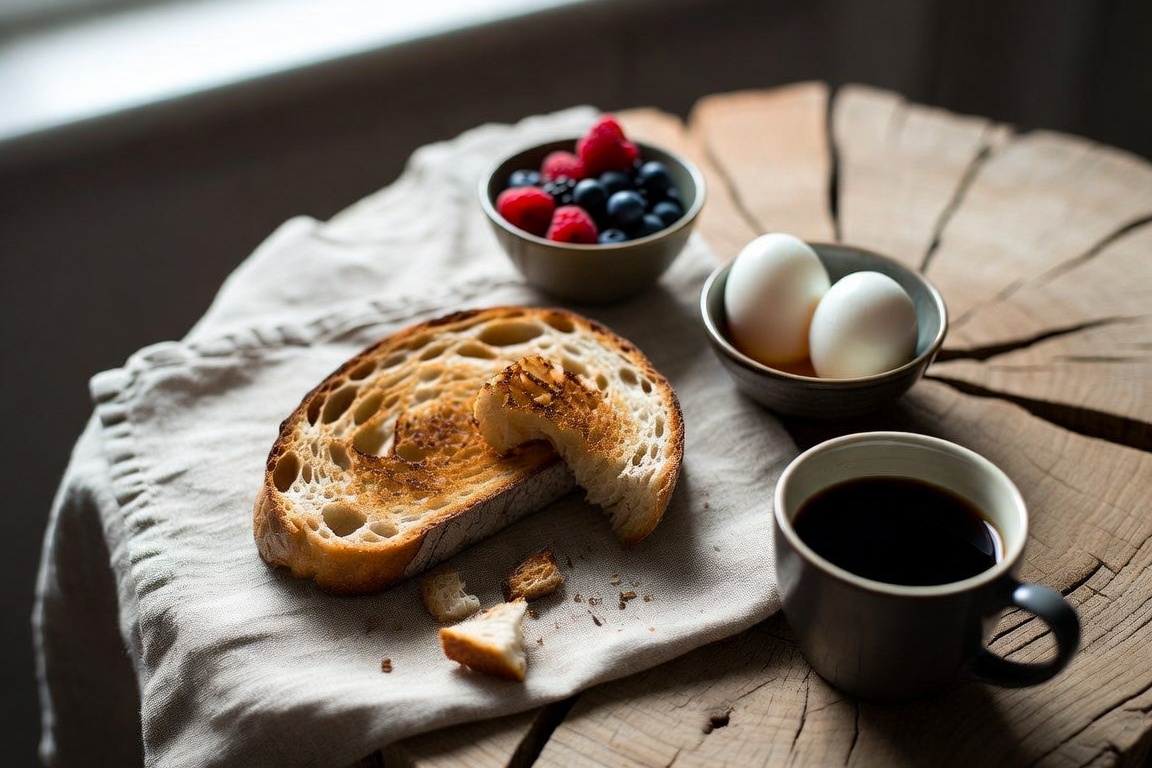
A rustic breakfast table with sourdough toast, soft-boiled eggs, berries, linen napkin, and black coffee, early morning
A rustic breakfast table with sourdough toast, soft-boiled eggs, berries, linen napkin, and black coffee, early morning window light, natural crumbs and texture, editorial food photography, warm neutral tones.
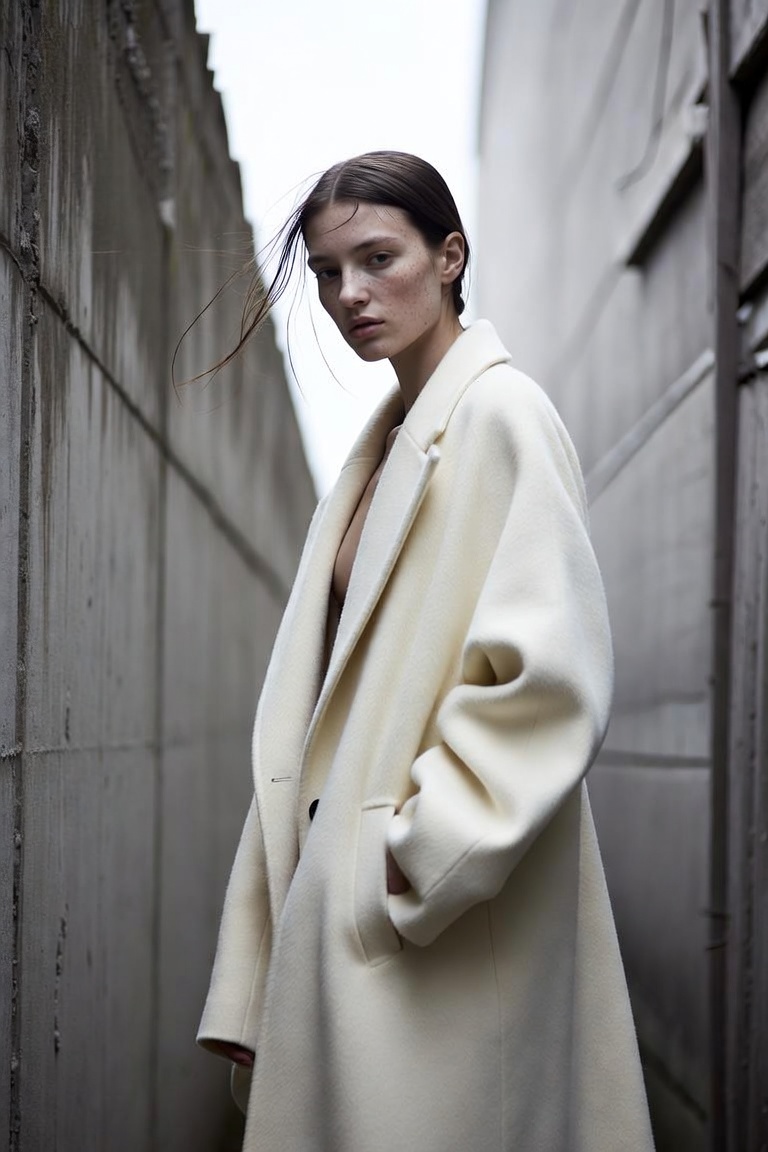
A model wearing an oversized ivory wool coat in a narrow concrete alley, soft winter fog, minimal styling, strong vertic
A model wearing an oversized ivory wool coat in a narrow concrete alley, soft winter fog, minimal styling, strong vertical posture, muted gray and cream palette, high-fashion editorial photography, natural skin texture, 85mm portrait framing.
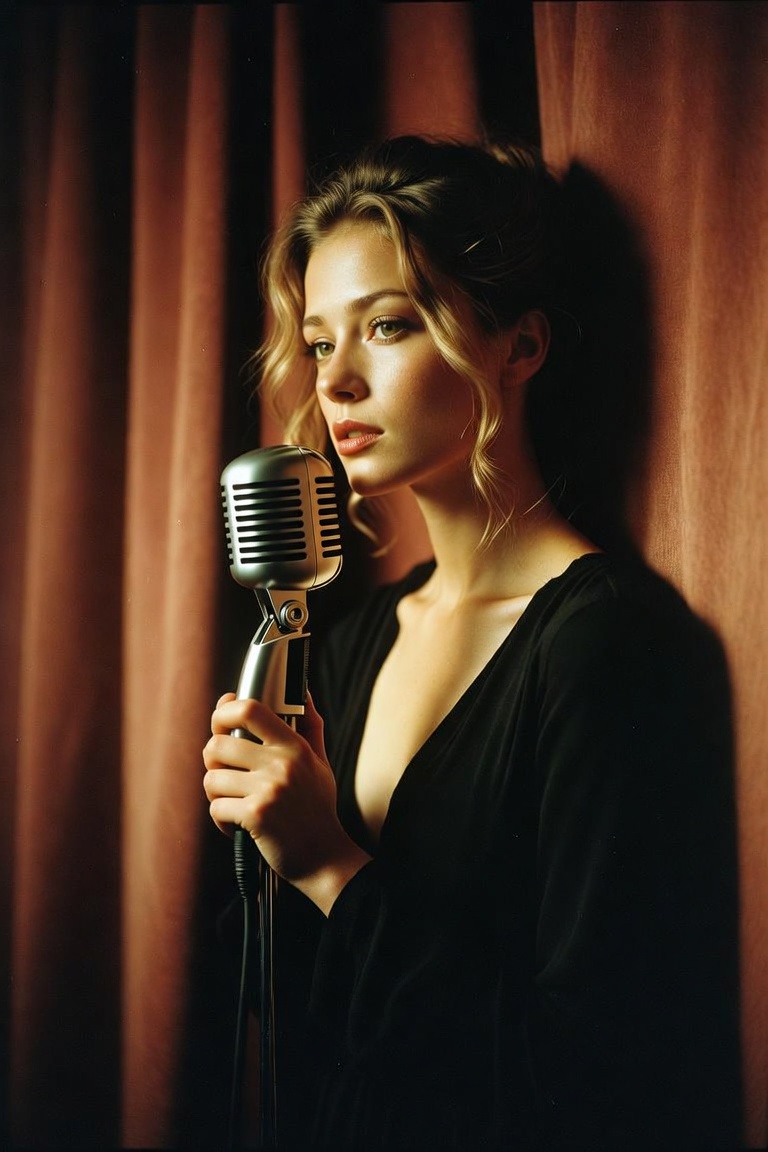
A young jazz singer standing backstage before a midnight show, velvet burgundy curtain behind her, soft spotlight on her
A young jazz singer standing backstage before a midnight show, velvet burgundy curtain behind her, soft spotlight on her face, vintage microphone in hand, elegant black dress, cinematic portrait, 85mm lens, shallow depth of field, warm film grain.
Grok Imagine Image Prompt GuideBuild Better Grok Imagine Prompts Ideas
Write a Grok Imagine Image Prompt that turns a loose idea into a vivid image brief.
A strong Grok Imagine Image Prompt gives Grok a clear subject, scene, camera, light, style, and guardrails before you iterate. Use this guide to build Grok Imagine Image Prompt ideas that feel specific, visual, and easy to revise without copying another creator's formula.
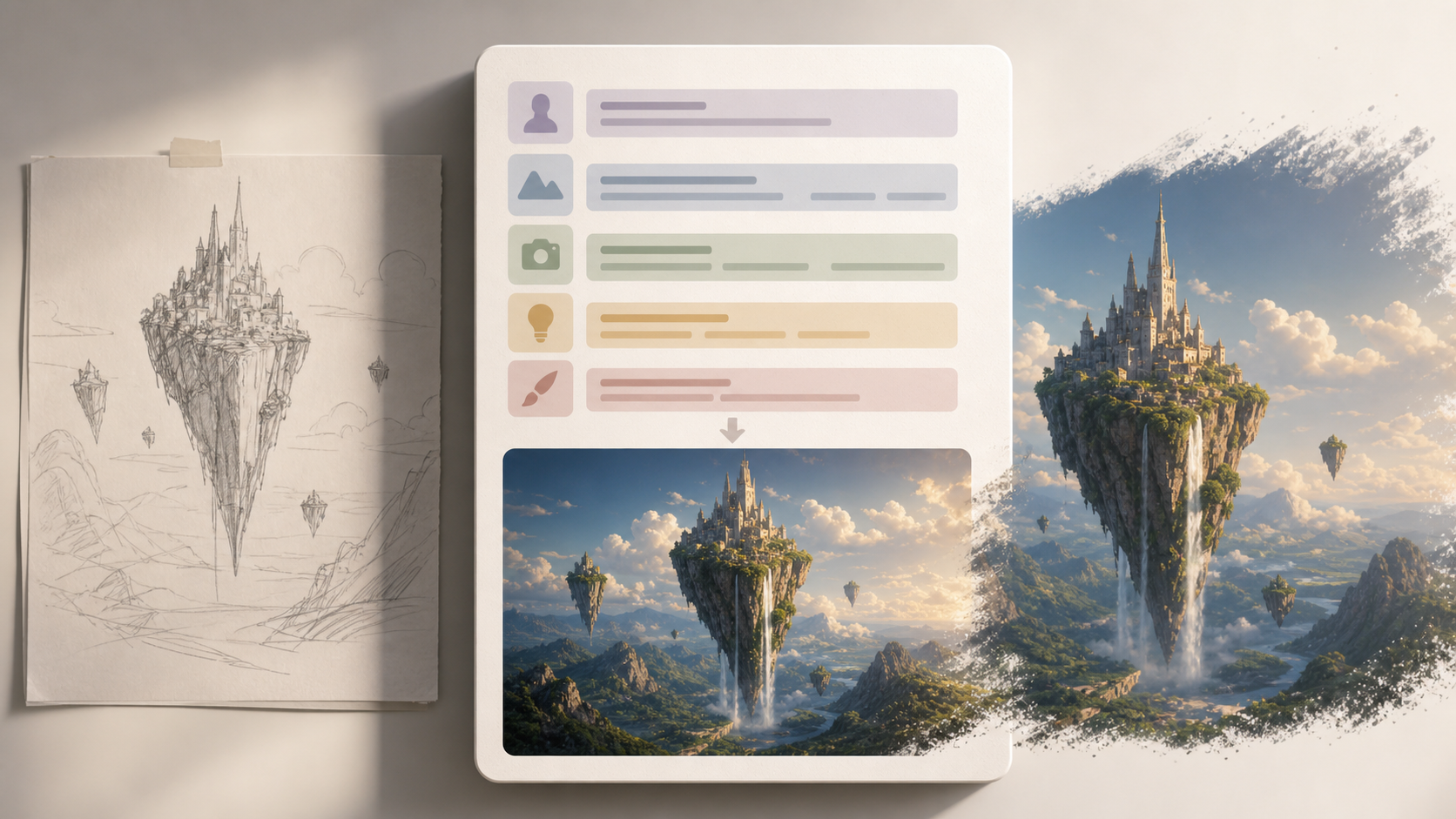
Grok Imagine Image Prompt Examples for Better AI Images
Use practical prompt structure to describe subjects, environments, lighting, composition, and mood for more intentional Grok Imagine results.
A Grok Imagine Image Prompt should read like a compact creative brief, not a pile of style words. Start with the image goal, name the main subject, set the environment, define the camera view, then add lighting and finishing details. This Grok Imagine Image Prompt guide helps creators turn reference ideas into original Grok Imagine Image Prompt drafts.

How to Write a Grok Imagine Image Prompt
A reliable Grok Imagine Image Prompt moves from intent to visual detail to focused iteration. Follow this three-step flow to make a Grok Imagine Image Prompt easier to test, review, and reuse across different image styles.

Define the Image Goal
Begin each Grok Imagine Image Prompt with the result you want: a poster, product photo, character portrait, interior concept, thumbnail, or surreal scene. A precise goal keeps each Grok Imagine Image Prompt focused and helps you decide which details belong in the first draft instead of adding every idea at once.

Add Visual Direction
Build the Grok Imagine Image Prompt around concrete visual cues: subject, setting, action, camera angle, lighting, palette, texture, and mood. A useful Grok Image Prompt uses specific language such as soft window light or low-angle product photography rather than empty adjectives that are hard to evaluate.

Iterate with One Change
After Grok AI Imagine returns an image, revise one decision at a time. Keep the core Grok Imagine Image Prompt intact while testing a different lens, tighter crop, calmer palette, or clearer exclusion. This makes each version easier to compare and prevents the prompt from drifting away from the original idea.
Grok Imagine Image Prompt Features
Use this Grok Imagine Image Prompt framework to plan image ideas with less trial and error. The sections below show how Grok Imagine Prompts can stay concise while still controlling subject, style, composition, and revision.
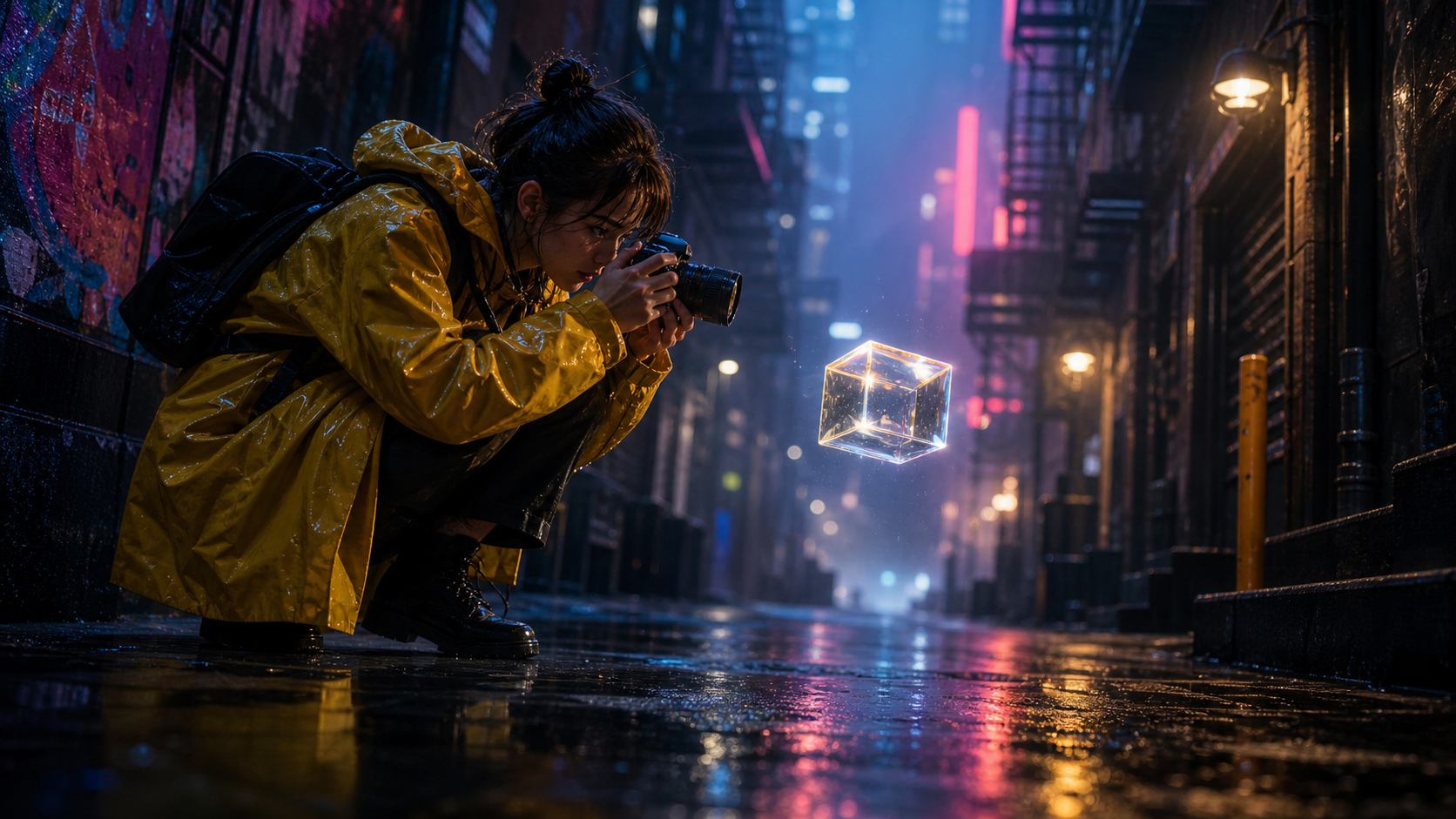
Prompt Anatomy That Grok Can Follow
- A strong Grok Imagine Image Prompt usually starts with subject and image type, then adds scene, action, camera, light, and style.
- Keep the first sentence readable so the creative idea is obvious.
- Use the next sentence for constraints such as no watermark, no extra text, or no distorted hands.
- This Grok Image Prompt structure helps beginners write with control while giving advanced creators a repeatable checklist.
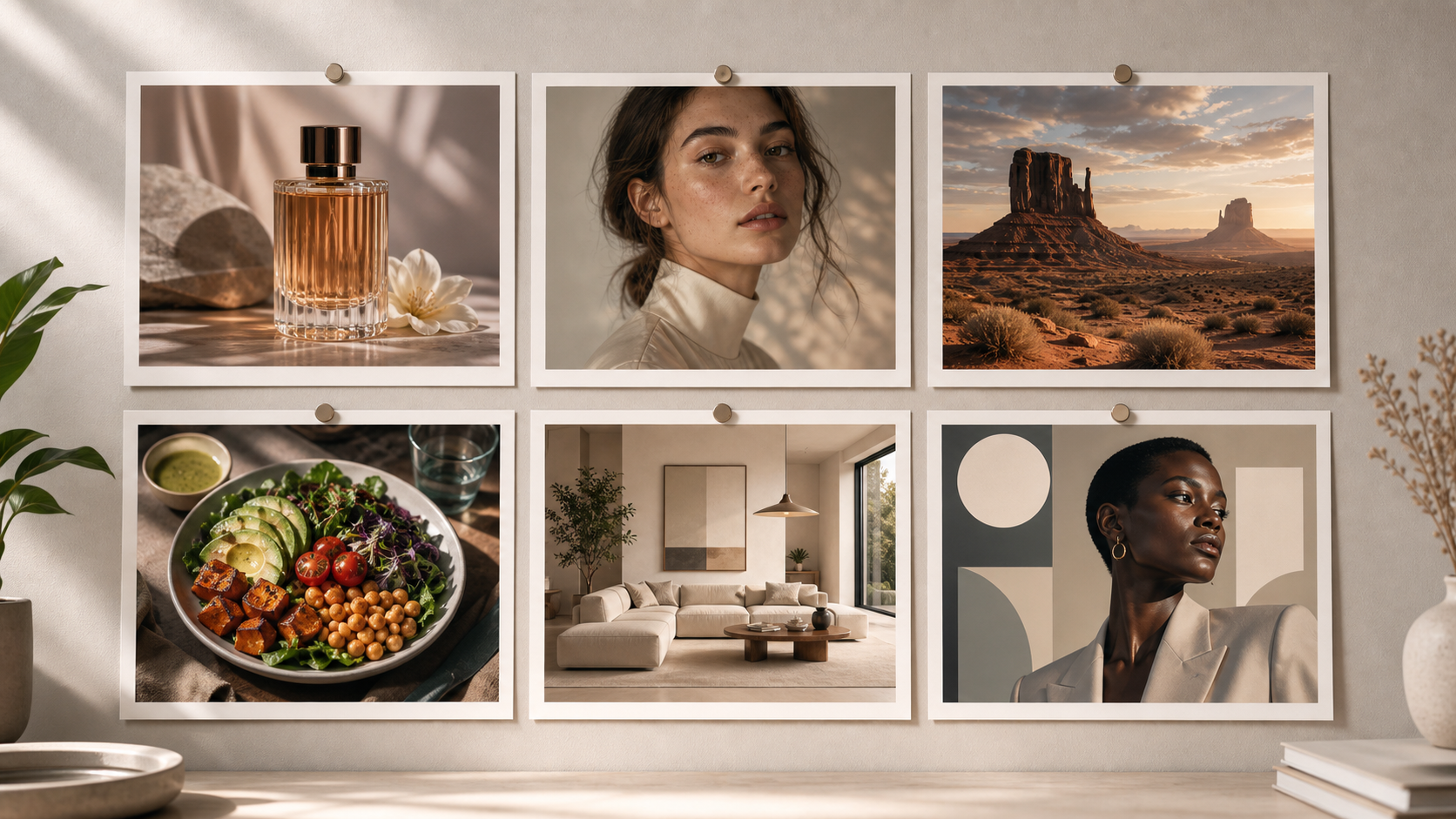
Use Cases for Different Creative Results
- A Grok Imagine Image Prompt can support product mockups, fashion portraits, cinematic scenes, social thumbnails, concept art, room visuals, and editorial graphics.
- A product Grok Imagine Image Prompt should name materials and camera position, while a portrait prompt should describe framing, expression, wardrobe, and light.
- Matching the prompt to the use case keeps Grok AI Imagine direction practical instead of relying on generic style stacks.
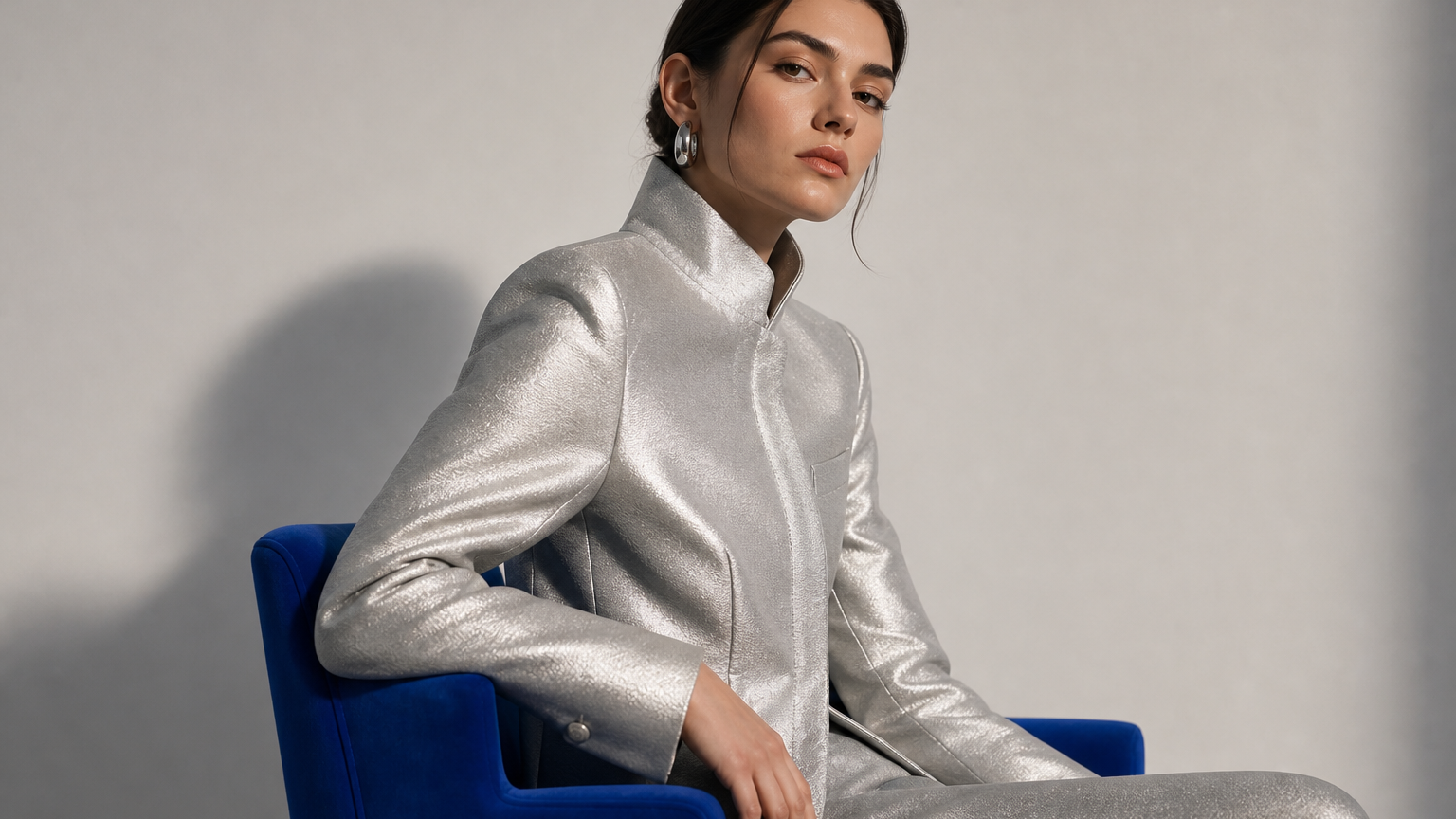
Style Control Without Prompt Stuffing
- Style works best when it supports the image goal. A Grok Imagine Image Prompt for a fashion editorial can mention lens feel, fabric texture, set design, and color temperature.
- A Grok Image Prompt for a sticker, logo idea, or icon should stay simpler and protect the silhouette.
- Choose a few strong details, then remove style words that repeat the same instruction.
Revision Notes That Improve the Next Image
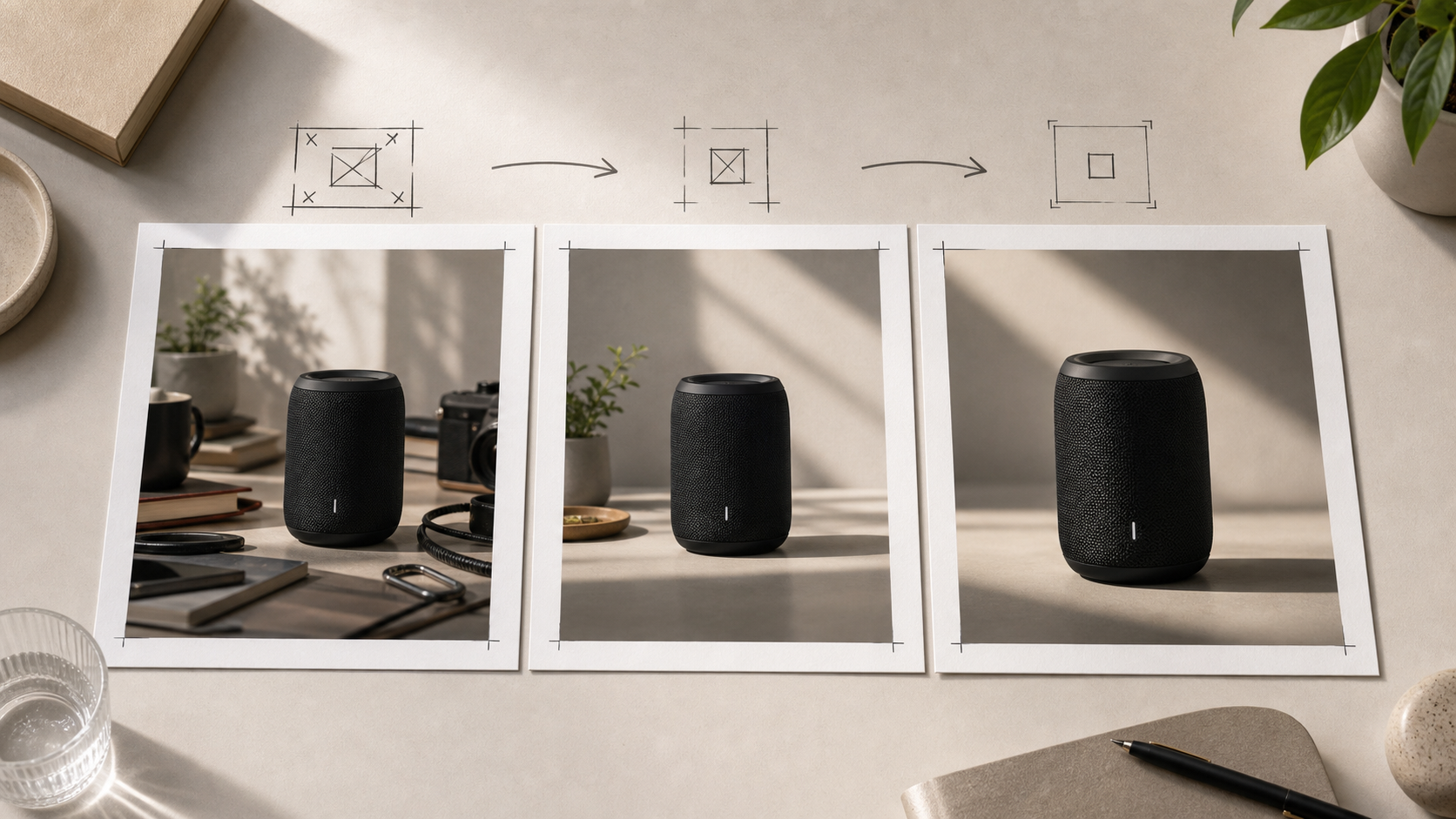
- Treat every Grok Imagine Image Prompt as a draft you can debug.
- If the scene looks crowded, reduce props and clarify hierarchy.
- If Grok AI Imagine invents text or logos, add visual guardrails.
- Grok Imagine Prompts become more useful when revision notes describe the concrete issue and the next controlled change.
Where Grok Imagine Prompts Help Most
Grok Imagine Prompts are useful whenever an image idea needs sharper visual direction. Use a Grok Imagine Image Prompt to align the subject, setting, style, and constraints before spending time on variations.

Creator Thumbnails and Social Visuals
A Grok Imagine Image Prompt for thumbnails should define the core visual hook before asking for polish. Name the subject, reaction, environment, crop, and contrast. Grok Imagine Prompts for social posts work best when they avoid tiny text and focus on a bold, readable composition that can survive a fast scroll.

Product Concepts and Mockups
For product imagery, the Grok Imagine Image Prompt should specify material, finish, scale, camera angle, background, and lighting. A bottle, sneaker, gadget, or packaging idea becomes easier to judge when the prompt describes the commercial context. Use Grok AI Imagine wording that keeps logos and unrelated readable text out unless you intentionally need fictional typography.

Portraits, Fashion, and Character Looks
Portrait-focused Grok Imagine Prompts need details about pose, expression, framing, wardrobe, hair, lighting, and background. A Grok Imagine Image Prompt can also define lens feel and retouching style without overloading the image. Keep identity-sensitive requests respectful, avoid real-person impersonation, and describe the visual direction rather than leaning on celebrity names.

Cinematic Scenes and Worldbuilding
A cinematic Grok Imagine Image Prompt should make the world visible through specific details: weather, architecture, clothing, materials, and the main action. Grok Image Prompt examples for worldbuilding often improve when they state one focal moment instead of describing an entire movie. The image needs a clear scene, not a plot summary.

Posters, Covers, and Editorial Layouts
When a poster or cover needs readable type, put exact words in quotes and ask for no extra copy. If text is not essential, keep the Grok Imagine Image Prompt visual-only. Grok AI Imagine can explore mood, hierarchy, and art direction more cleanly when typography is limited, positioned, and treated as part of the composition.

Personal Prompt Libraries
Save every Grok Imagine Image Prompt that produces a useful direction, then label why it worked. Over time, Grok Imagine Prompts become a personal system for subjects, camera choices, lighting patterns, and visual guardrails. Reuse the structure, not the exact idea, so new images still feel original and intentional.
What Creators Say About Grok Imagine Image Prompt Workflows
These workflow stories show how a Grok Imagine Image Prompt can make image generation more deliberate. Creators use prompt structure to compare results, share direction, and turn rough ideas into repeatable Grok Imagine Prompts.
I used to write one-line requests and hope for the best. A Grok Imagine Image Prompt checklist helped me separate the subject, camera angle, and lighting. My revisions became easier because I could tell which instruction needed to change.
The Grok Image Prompt structure is useful for product concepts. I can describe materials, reflections, and background before style. That makes the first image feel closer to a real creative brief instead of a random visual experiment.
Organizing Grok Imagine Prompts by use case changed how I test ideas. I keep separate patterns for portraits, posters, thumbnails, and product scenes, then customize the details for each project instead of rewriting everything.
For cinematic images, one Grok Imagine Image Prompt with a clear focal action beats a long list of effects. The guide pushed me to write the scene first, then add atmosphere only where it supports the image.
Grok AI Imagine became easier to review when I stopped changing everything at once. I now revise one variable per version, such as the crop, color temperature, or prop count. The process feels much more controlled.
The biggest improvement was learning to write exclusions clearly. My Grok Imagine Image Prompt now says when I do not want extra text, logos, clutter, or distorted details. That makes each result easier to judge.
FAQs About Grok Imagine Image Prompt Writing
Use these answers to understand how a Grok Imagine Image Prompt works, how Grok Imagine Image Prompt examples should be structured, and how to revise Grok AI Imagine wording without losing the creative goal.
A Grok Imagine Image Prompt is a written image brief for Grok Imagine. It usually names the subject, setting, composition, style, lighting, and constraints. The goal is not to write the longest possible instruction. The goal is to make the visual priority clear enough that you can evaluate the output, revise one decision, and reuse the structure for new ideas.
Start Grok Imagine Prompts with the main subject and image type, then add scene details, camera view, lighting, mood, style, and exclusions. A Grok Imagine Image Prompt with this order is easier to revise. If the image needs exact text, put that text in quotes and ask for no extra wording. A clear order helps you debug the result because each part has a visible job.
A good Grok Image Prompt is specific without becoming noisy. A Grok Imagine Image Prompt should name concrete visual decisions, such as a studio product shot on brushed metal or a close portrait in soft side light. Weak prompts often stack broad style terms without explaining the subject or scene. A Grok Imagine Image Prompt works better when it describes what viewers should notice first.
Yes. Grok AI Imagine can be easier to control when you use prompt patterns for different goals. Product concepts need material and camera detail. Portraits need pose, expression, and lighting. Posters need hierarchy and text rules. A Grok Imagine Image Prompt pattern saves time, but each final Grok Imagine Image Prompt should still match the specific image you want to create.
If your Grok Imagine Image Prompt produces a weak result, change one element at a time. Move the subject earlier, simplify the setting, add a camera angle, or clarify what should not appear. Rewriting the Grok Imagine Image Prompt completely makes it harder to learn what mattered. Keep a short note about each revision so useful prompt patterns do not disappear.
Use negative instructions as concrete visual guardrails rather than a long list of unrelated bans. For example, say no watermark, no logo, no extra readable text, or no distorted hands when those issues matter. A Grok Imagine Image Prompt still needs positive direction first, because the model needs the Grok Imagine Image Prompt to define what to create before it can avoid mistakes.
The best Grok Imagine Prompts are usually long enough to define the image and short enough to revise. One or two focused sentences can work for a simple Grok Imagine Image Prompt. Complex scenes may need more structure, especially if they include multiple subjects, exact text, a specific camera view, or strict style requirements. Remove details that repeat the same instruction.
Yes, but use examples as structure rather than finished copy. A Grok Imagine Image Prompt borrowed word for word will often feel generic or mismatched. Study how examples organize subject, scene, style, light, and constraints, then replace the idea with your own Grok Imagine Image Prompt. That approach helps you learn reusable prompt logic while keeping the final image direction original.
Write Your Next Grok Imagine Image Prompt
Turn a rough idea into a clear Grok Imagine Image Prompt with practical structure, visual guardrails, and reusable Grok Imagine Prompts for your next image session.
