
Grok Imagine 1.5 AI Video Prompt: Copy AI Video Prompts
Copy Grok Imagine video prompts, preview prompt ideas, edit scene details, and generate clearer AI videos from prompt concepts online.
Describe your idea and let AI create the perfect prompt for you
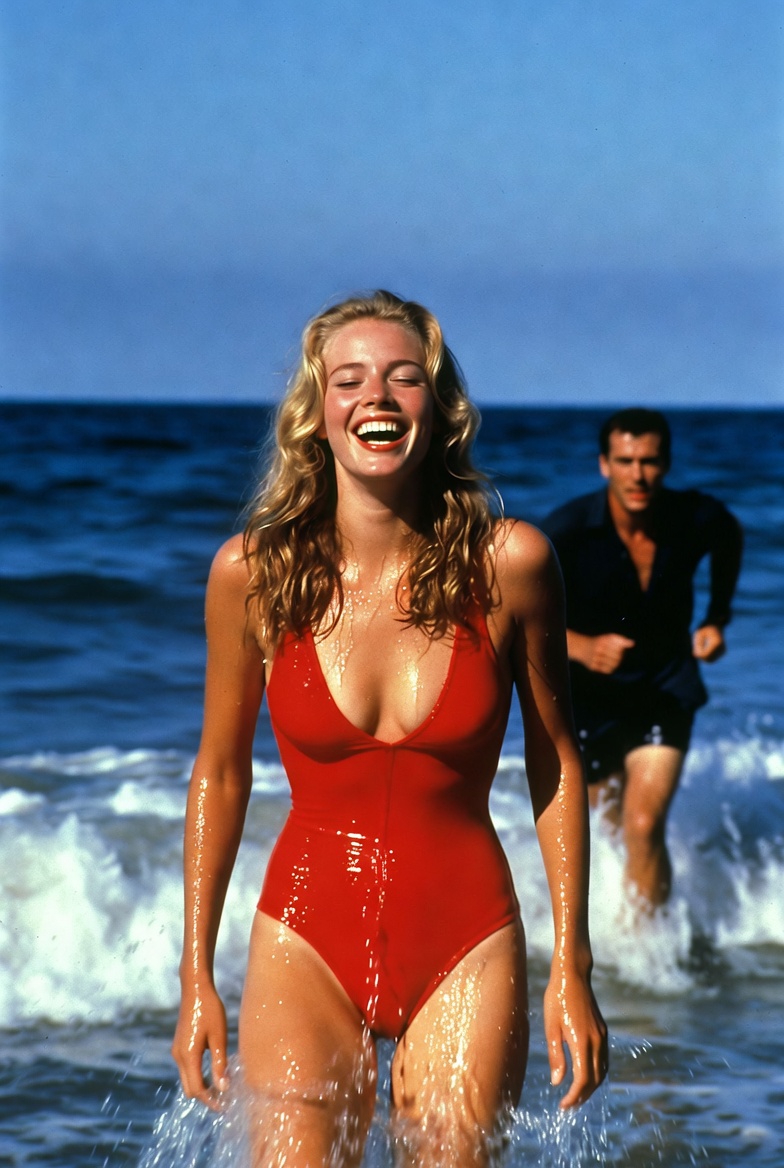
he catches up with her and embraces her slowly
he catches up with her and embraces her slowly
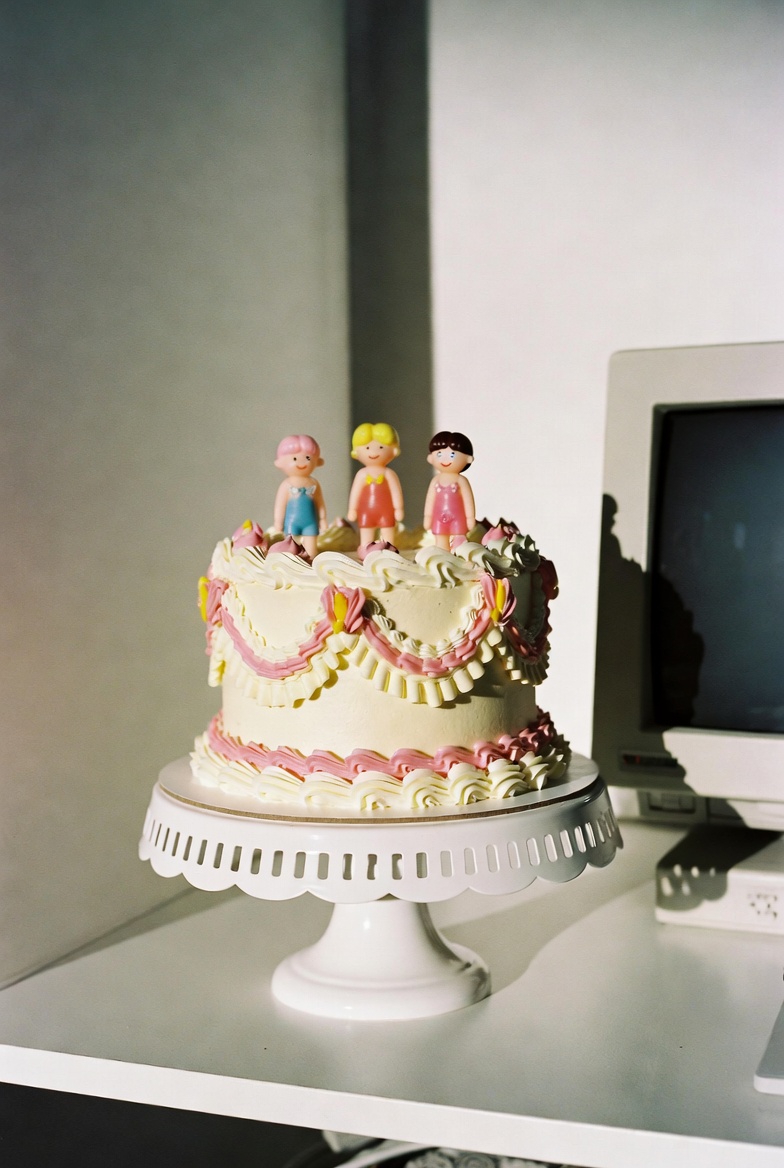
two hands squish the cake once and fully smush it, asmr sounds
two hands squish the cake once and fully smush it, asmr sounds
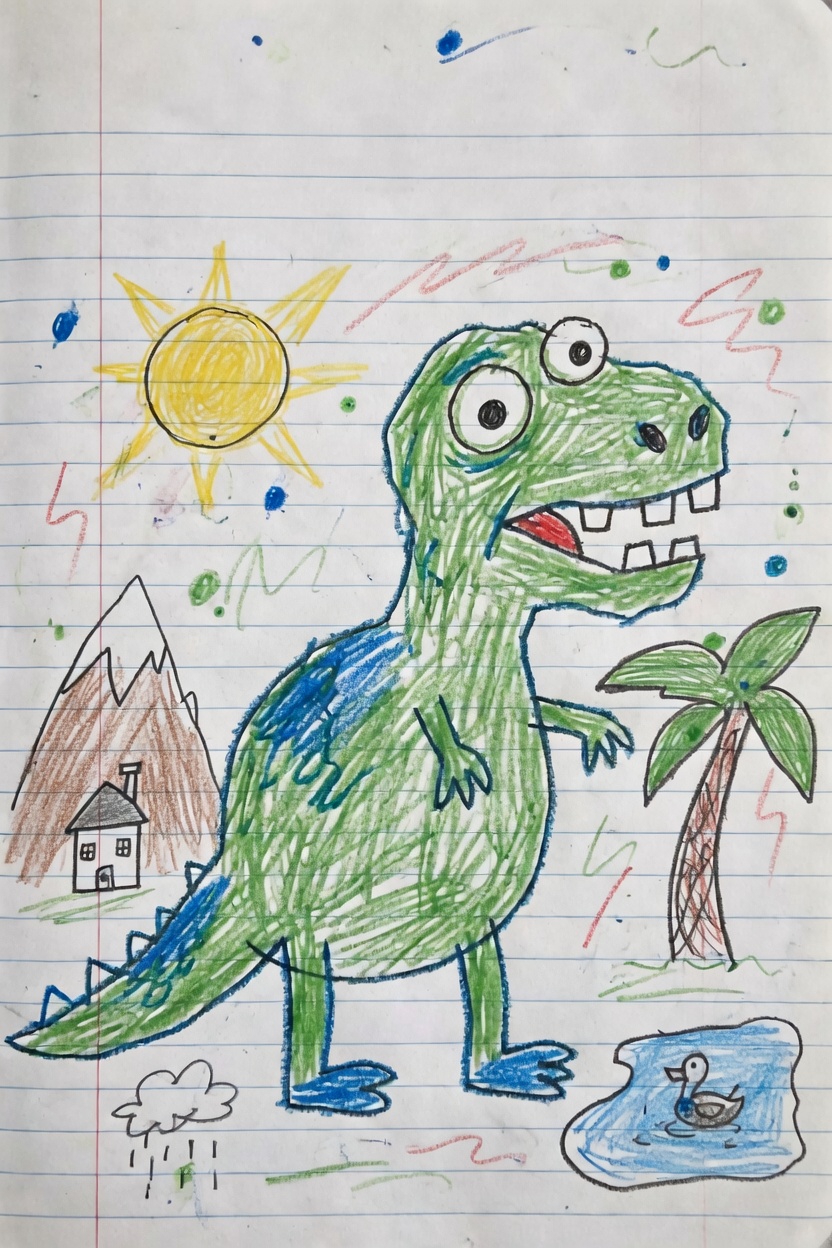
Use the uploaded image as the first frame. Animate it into a playful children’s drawing video while preserving the origi
Use the uploaded image as the first frame. Animate it into a playful children’s drawing video while preserving the original hand-drawn crayon style, notebook paper background, and colorful sketchy lines. The green dinosaur becomes lively and cheerful. It gently bounces in place, blinks its eyes, opens and closes its mouth as if happily roaring, and slightly wiggles its tiny arms and tail. Its body moves with cute, simple cartoon-like motion while keeping the original drawing proportions and childlike appearance. Add subtle animation to the surrounding elements: the sun glows softly and gives off a warm cheerful feeling, the palm tree sways lightly, the small duck in the pond bobs gently on the water with tiny ripples, and the little rain cloud drizzles softly. The background doodles and colorful scribbles can lightly shimmer or wiggle to make the whole page feel alive. Camera motion: a very slow gentle push-in with soft, steady movement, like a living illustration. Mood: fun, cute, playful, imaginative, childlike, storybook energy. Keep the original crayon drawing style, lined notebook paper texture, and simple handmade feel. Do not make it too realistic. No text, no new objects, no major design changes.
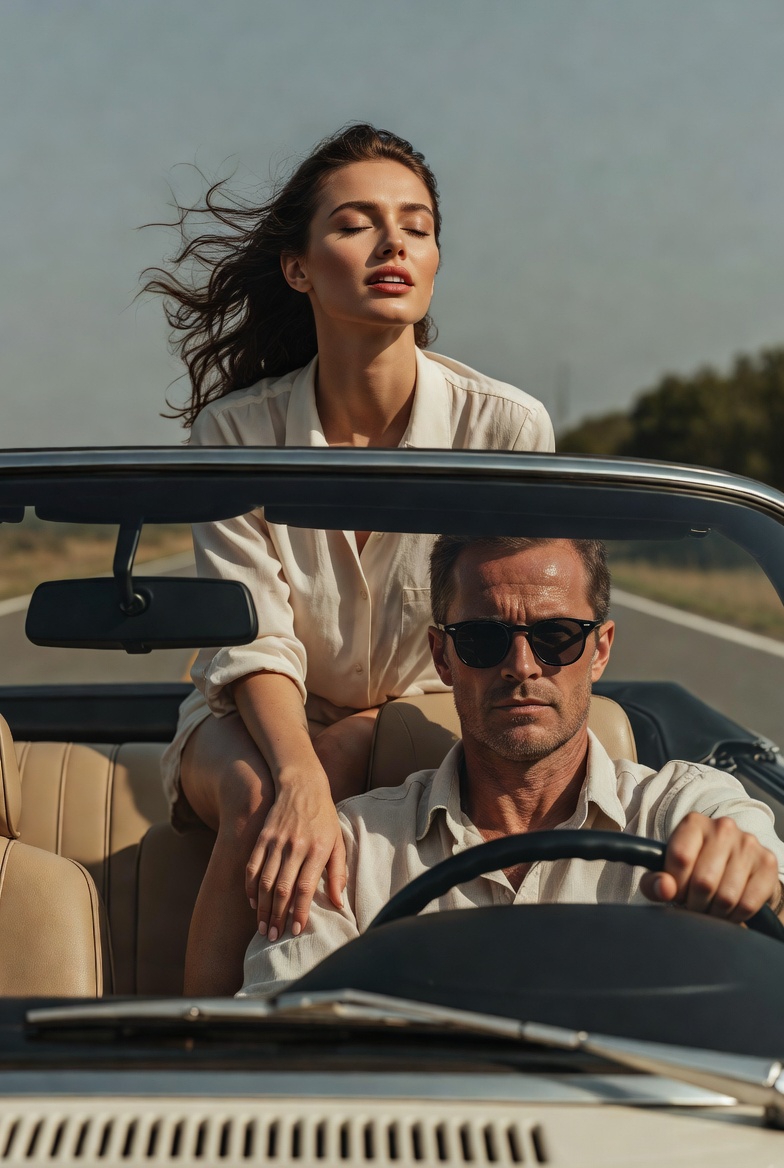
she throws her arms back fast
she throws her arms back fast
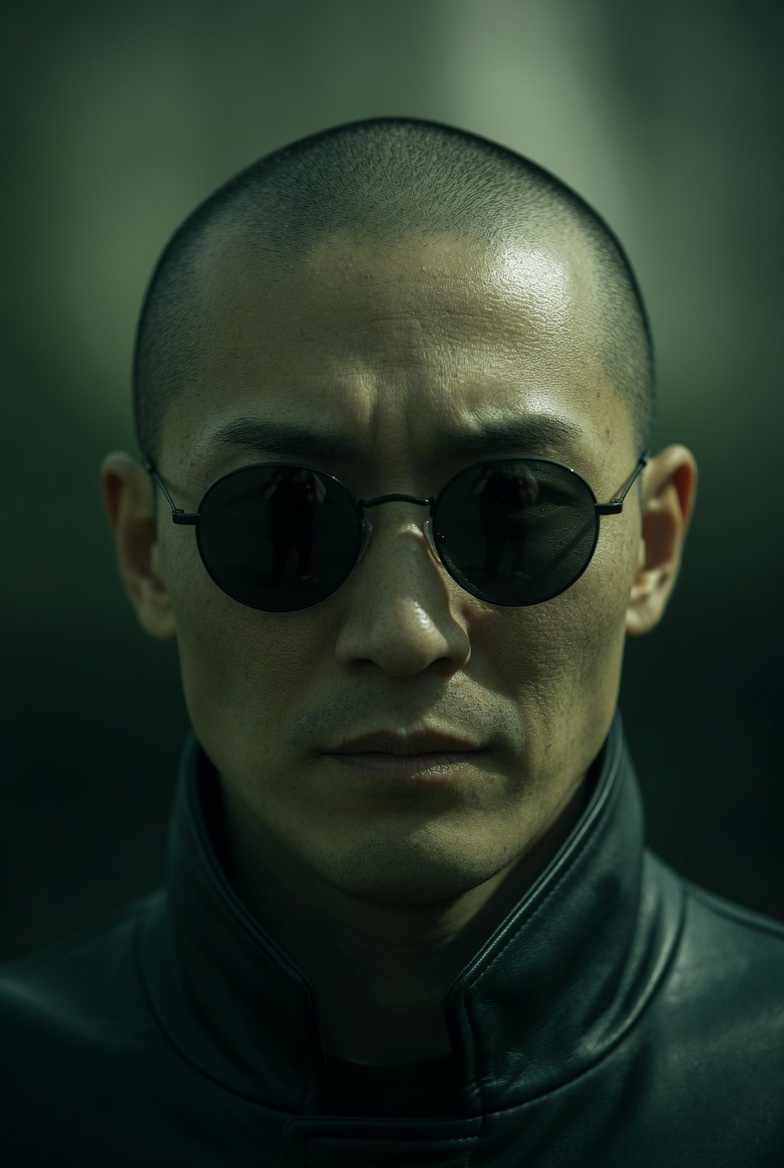
Extreme close-up of a Japanese man in small, round black sunglasses, neutral expression. Camera slowly pans downward fr
Extreme close-up of a Japanese man in small, round black sunglasses, neutral expression. Camera slowly pans downward from his face to his hands. As the frame lowers, he reveals both hands held forward: a blue pill in the left hand and a red pill in the right, presented calmly and deliberately. He remains still and composed, not reacting to the camera. Lighting: directional, high contrast, strong shadows Color: green-tinted, desaturated tones, deep blacks Camera: slow, smooth downward pan, shallow depth of field Style: cinematic, minimal, dystopian, 35mm look
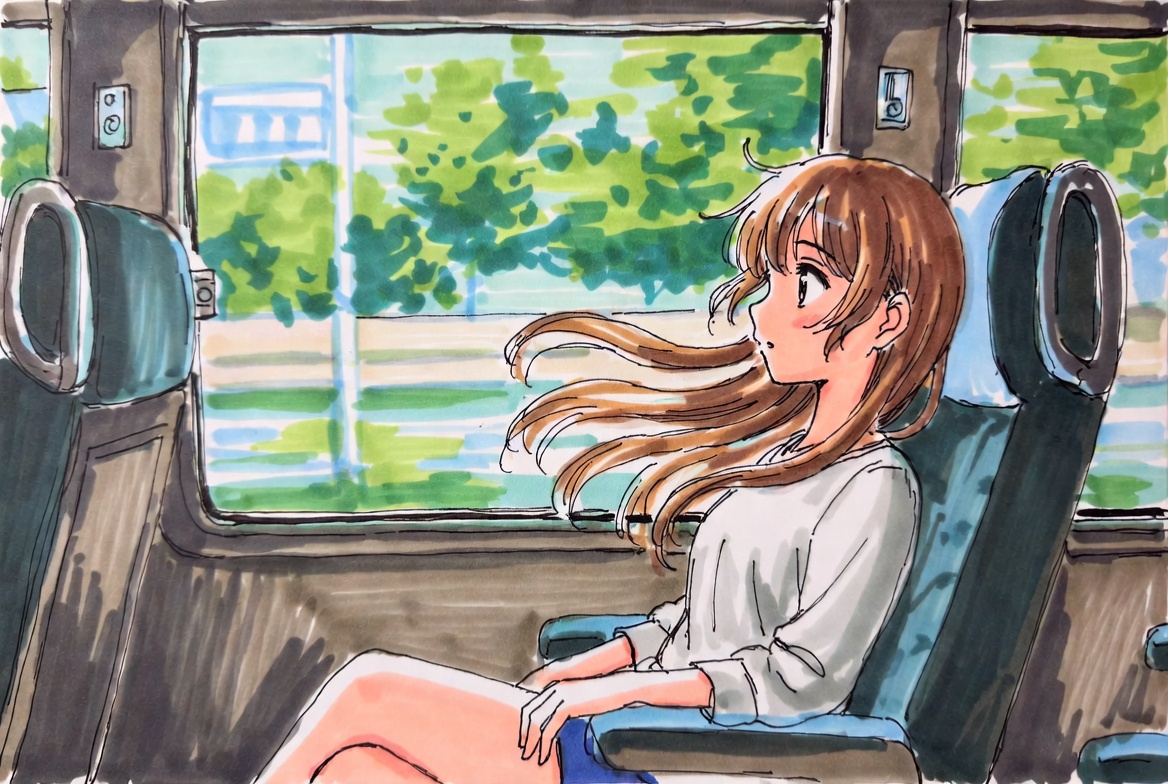
Use the uploaded image as the first frame. Animate the scene as if the girl is sitting inside a moving train carriage. K
Use the uploaded image as the first frame. Animate the scene as if the girl is sitting inside a moving train carriage. Keep the original anime illustration style, soft hand-drawn lines, and bright watercolor-like colors consistent. The train is moving smoothly forward, and the scenery outside the window flows past from right to left with natural motion blur, creating a clear sense of travel. Her hair gently floats and sways in the breeze, with a few strands moving naturally around her face. Add subtle motion to the character: slight breathing, small head movements, occasional blinking, tiny shifts in posture, and gentle hand or shoulder movement, as if reacting naturally to the motion of the train. The seat, window frame, and interior should remain stable, while the overall scene feels lively and immersive. Camera motion: mostly fixed medium shot, with a very subtle handheld vibration or soft carriage shake to suggest the vehicle is in motion. Mood: calm, fresh, dreamy, slice-of-life, peaceful travel moment. Keep the animation soft, natural, and elegant. No new objects, no text, no major style changes.
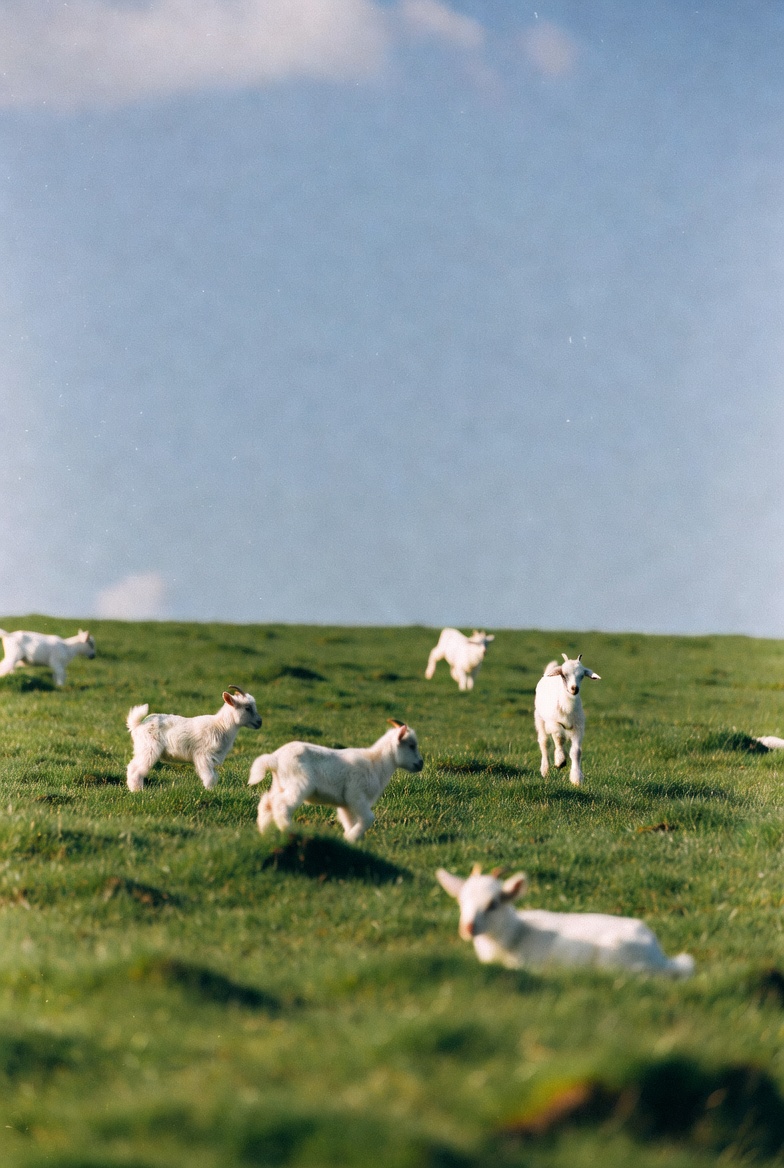
Use the uploaded image as the first frame. Animate the scene into a gentle pastoral video of baby lambs running and hopp
Use the uploaded image as the first frame. Animate the scene into a gentle pastoral video of baby lambs running and hopping across a green meadow. Keep the original soft, natural, dreamy photographic style and the open grassy landscape consistent. The lambs move playfully across the field, running in different directions, making small joyful hops and light bouncy jumps. A few lambs trot forward, one or two leap briefly into the air, and others scamper naturally through the grass. Their ears and little tails move as they run. The grass sways softly in the breeze, and the scene feels lively but calm. Camera motion: a subtle handheld or very gentle cinematic drift, as if observing the lambs from a short distance. Keep the composition airy and peaceful, with soft depth of field and natural daylight. Mood: playful, fresh, peaceful, springtime, heartwarming, pastoral. Avoid adding new animals, avoid changing the landscape, and keep the lambs cute, realistic, and naturally proportioned. No text, no logos, no dramatic style changes.
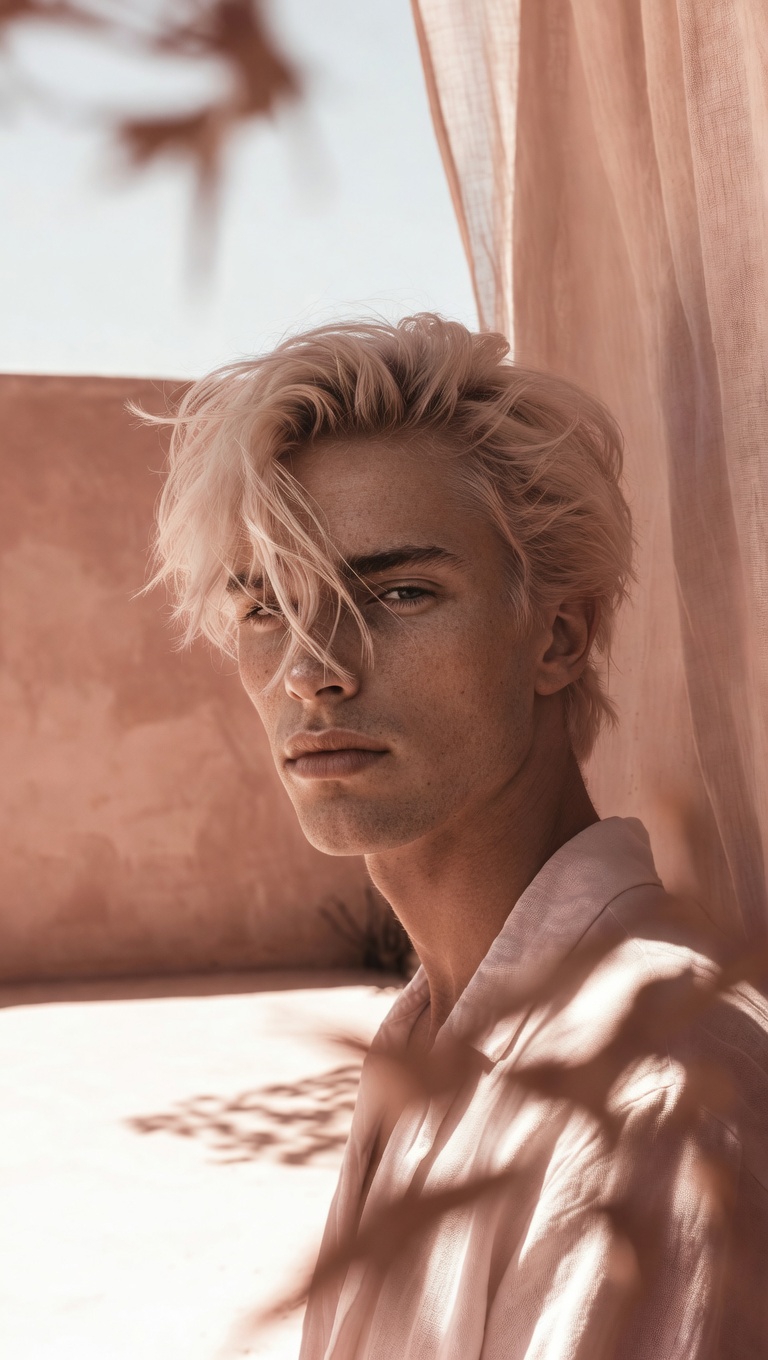
camera slowly zooms in on him, he's smiling, natural hand held cam
camera slowly zooms in on him, he's smiling, natural hand held cam
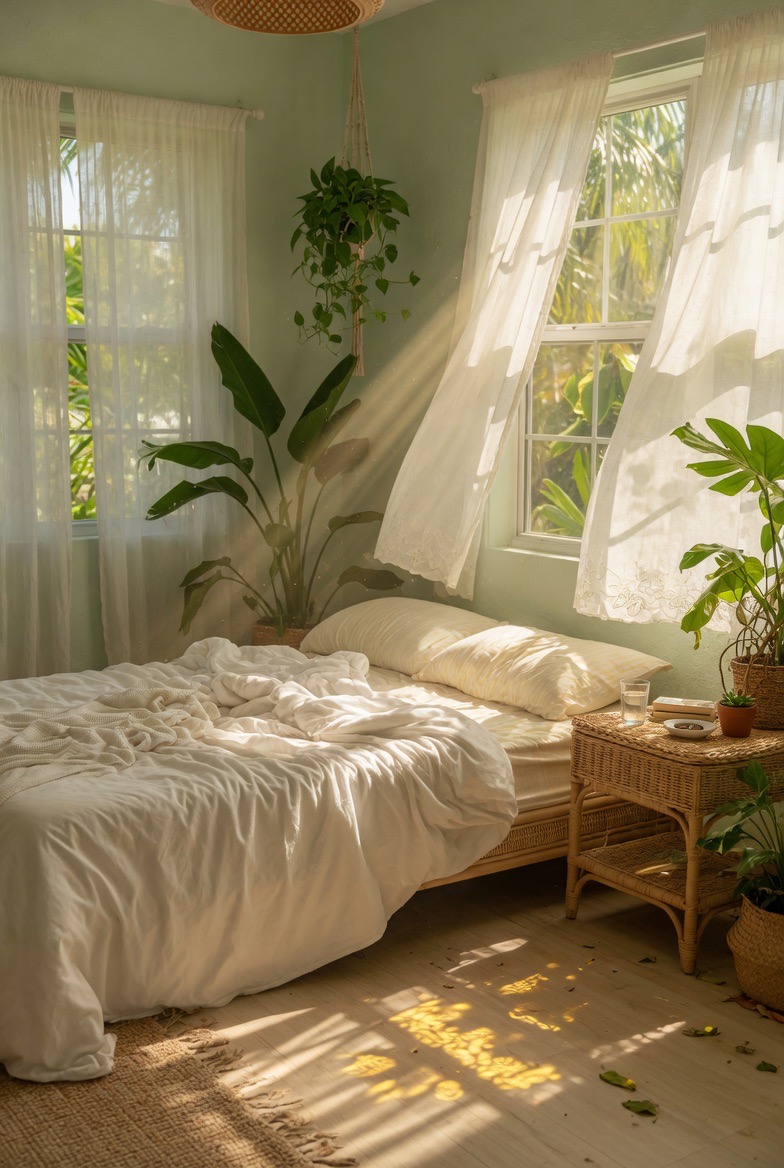
Use the uploaded image as the first frame. Animate the scene into a calm sunlit bedroom with a soft breeze flowing throu
Use the uploaded image as the first frame. Animate the scene into a calm sunlit bedroom with a soft breeze flowing through the room. Keep the original cozy interior, warm natural lighting, and peaceful atmosphere consistent. The sheer white curtains billow and sway gently in the wind, lifting and flowing naturally near the open windows. Sunlight streams through the curtains, with soft moving rays and shifting shadows across the bed, floor, and furniture. The hanging plant sways lightly, and the leaves of the indoor plants move subtly in the breeze. The bed sheets and blanket ripple slightly, as if touched by the wind. Add tiny floating dust particles in the sunbeams to make the room feel warm and alive. Camera motion: very slow gentle push-in or soft cinematic drift, steady and peaceful. Mood: airy, relaxing, tranquil, cozy, sun-washed, dreamy. Keep the motion delicate and natural. No new objects, no text, no dramatic changes to the composition.
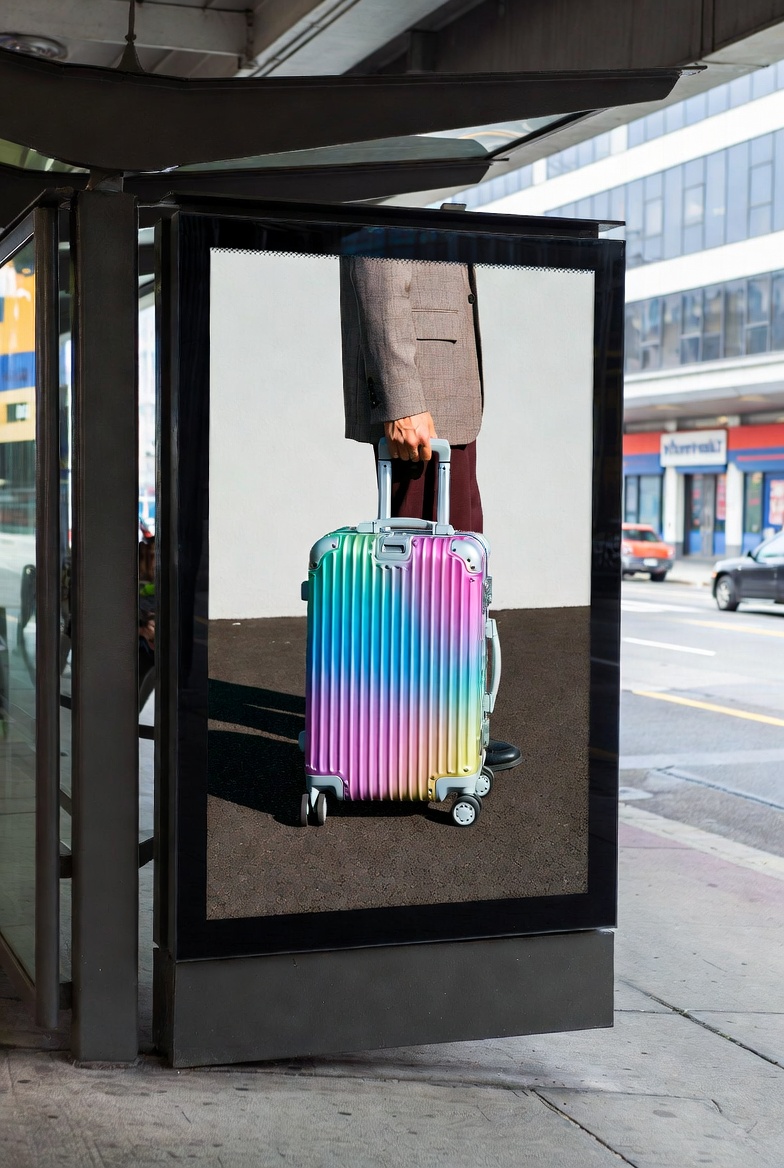
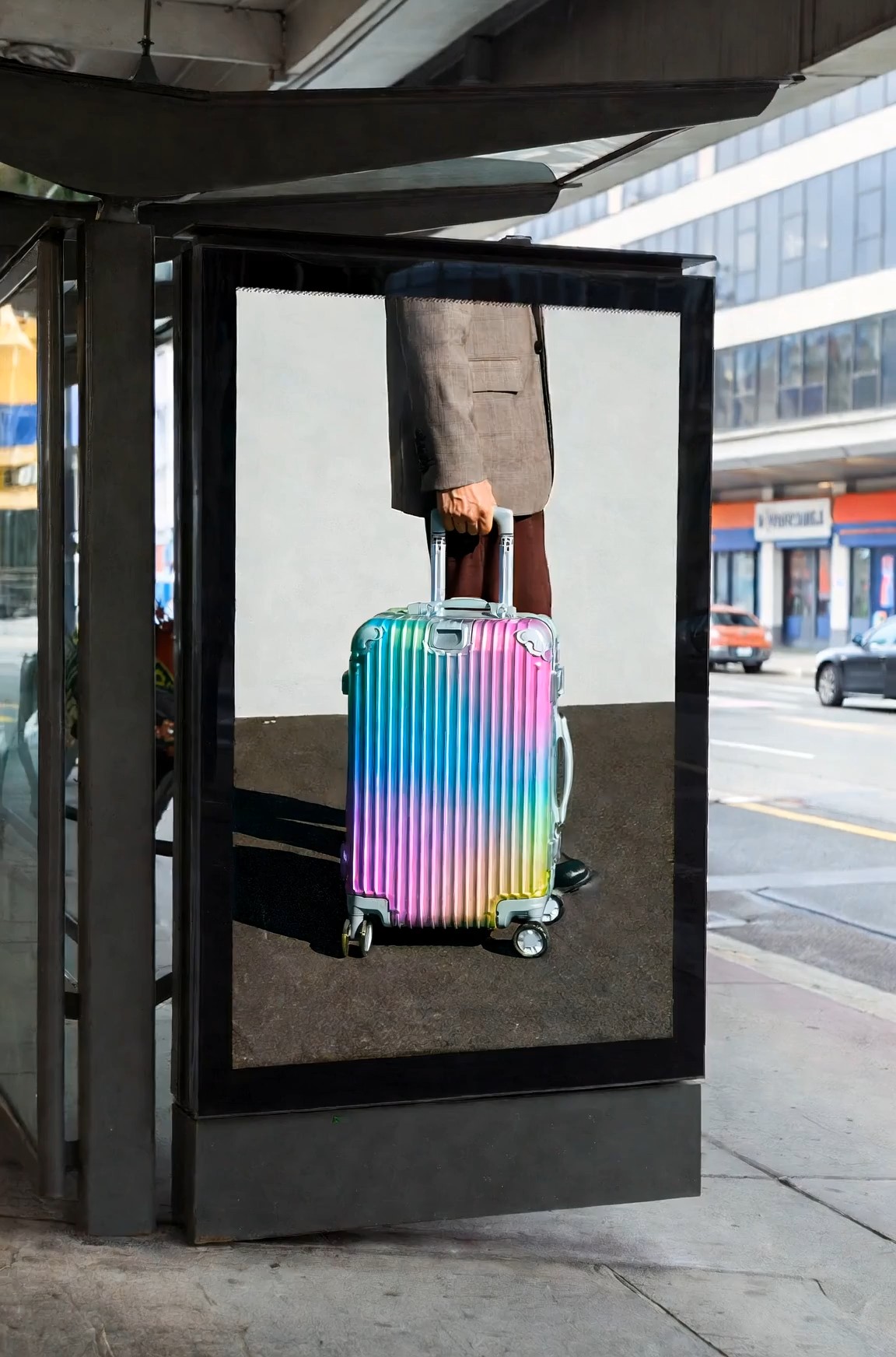
Cinematic surreal luxury luggage commercial at a modern urban bus stop, featuring a large black-framed digital billboard
Cinematic surreal luxury luggage commercial at a modern urban bus stop, featuring a large black-framed digital billboard integrated into the street architecture. Inside the billboard screen, a fashion model wearing a beige tailored blazer, dark trousers, and black-frame glasses slowly walks toward the right edge of the digital display while pulling a glossy iridescent aluminum suitcase with a telescopic handle. The movement is calm, elegant, and deliberate. The camera performs a slow horizontal tracking shot from left to right, maintaining a natural street-level perspective. As the model inside the screen reaches the billboard’s right boundary, the figure gradually disappears into the edge of the digital space without distortion or glitch effects, as if the billboard contains a seamless parallel dimension. At the exact moment the model fully disappears inside the advertisement, a second identical model — same outfit, same black-frame glasses, same rainbow-colored aluminum suitcase — calmly emerges from behind the real-world right side of the physical billboard structure onto the sidewalk, facing the street. The transition between digital space and reality feels smooth, magical, and understated, with no screen breaking or sci-fi portal effects. The suitcase wheels roll naturally on the pavement, synchronized between the billboard world and the real environment, reinforcing the illusion that the character has crossed dimensions through the advertisement itself. Kodak Vision3 250D film look, gentle contrast, soft bloom, realistic shadow transitions, muted architectural tones contrasted by the vibrant metallic suitcase colors. Clean visual storytelling, no crowds, no logos, no text, no exaggerated VFX, no glitches, no broken screen.
Grok Imagine Video Prompt: Copy AI Video Ideas Faster
Browse ready-to-copy prompts, study the sample effect, and turn stronger video ideas into clear generation instructions for cinematic scenes, product clips, social posts, fantasy moments, and story-driven visuals.
Grok Imagine Video Prompt helps creators move from vague ideas to usable video directions. Explore prompt examples, compare creative styles, copy a favorite, and adjust it for characters, motion, mood, camera direction, and scene detail before generating. Grok Imagine Video Prompt keeps the creative path simple.
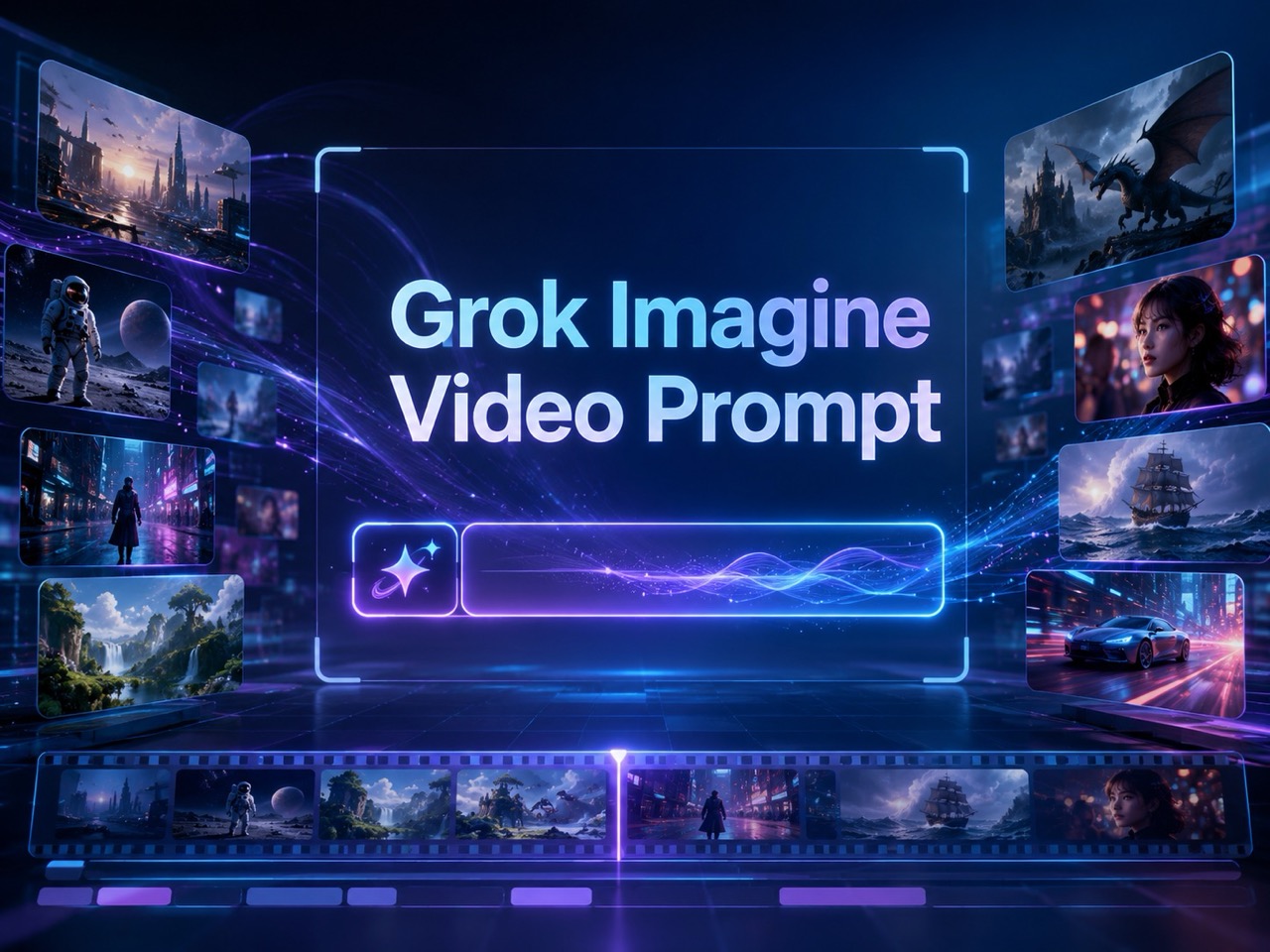
How to Use Grok Imagine Video Prompt in 3 Steps
This prompt guide for Grok Imagine Video keeps the workflow simple: copy a strong idea, open the video page, customize the wording, and generate. Use Grok Imagine Video Prompt as a practical starting point instead of writing every scene from zero. Grok Imagine Video Prompt also helps you compare how small wording choices change motion, mood, and visual clarity.

Choose an Image and Copy a Prompt
Start with a reference image or first frame that matches the scene you want to animate. Then browse the examples above and copy Grok Imagine Video Prompt that best fits your desired motion, camera style, or mood. A clear image plus a focused prompt gives your video a stronger creative base.

Enter the Grok Imagine Video Page
Go to the Grok Imagine Video page and upload your reference image. Keep Grok Imagine Video Prompt ready so you can paste it into the video prompt box after the image is added. This keeps the image-to-video workflow clear and focused.

Paste, Modify, and Generate
Paste Grok Imagine Video Prompt, modify details such as character, setting, camera angle, pacing, and visual style, then click Generate. Small edits help the prompt feel personal while keeping the structure strong. Review your wording before you create.
Why Grok Imagine Video Prompt Helps Creators
Grok Imagine Video Prompt is built for people who want useful video prompt examples, not generic feature claims. It helps users understand scene writing, choose stronger visual language, and adapt prompts for different creative goals. Grok Imagine Video Prompt supports faster creative decisions by showing what each prompt is meant to accomplish.
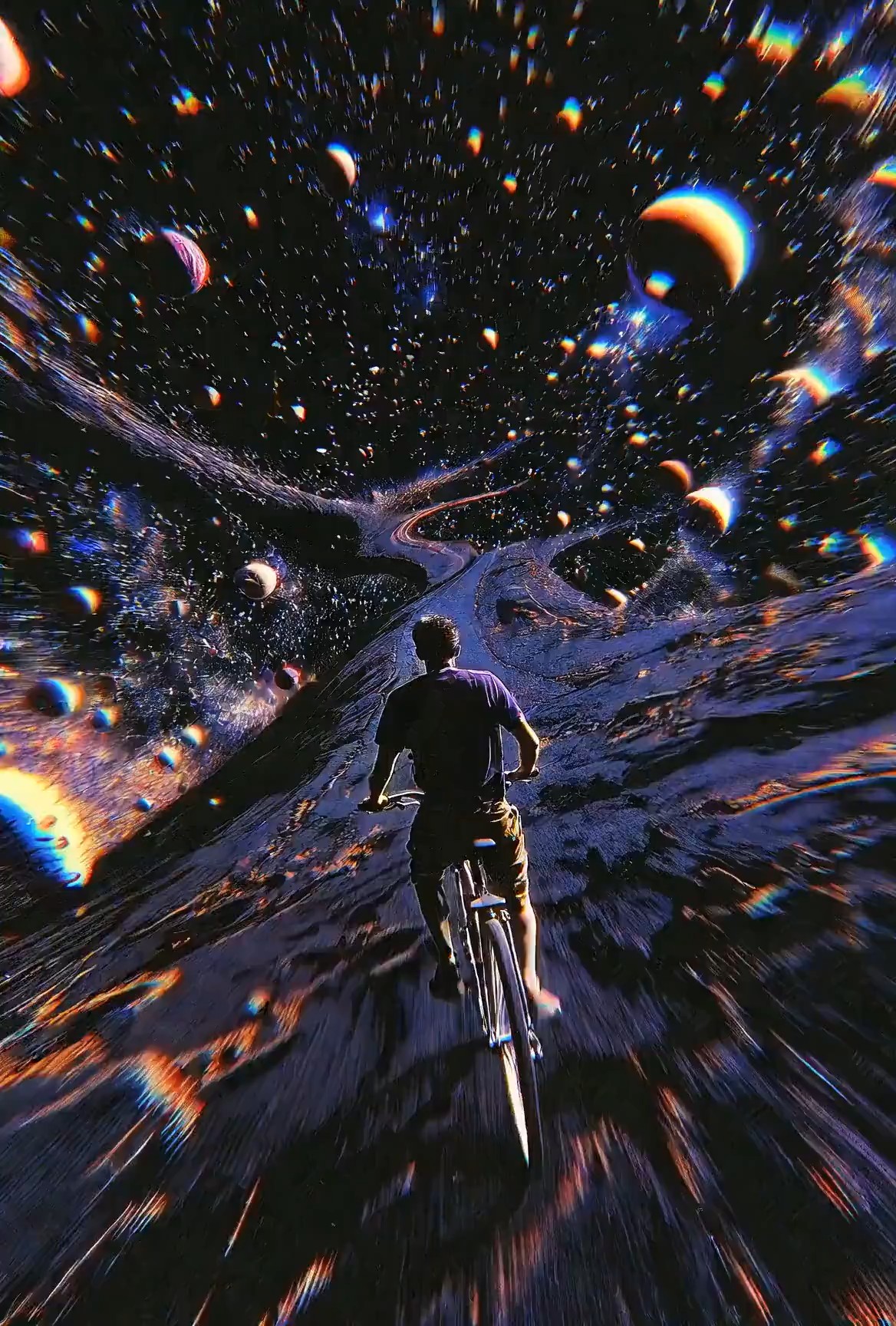
Turn a Loose Idea into a Clear Video Direction
A rough idea like a girl running through rain often lacks the detail needed for a strong clip. Grok Imagine Video Prompt expands that idea into subject, setting, action, mood, movement, and visual tone. This helps users avoid empty prompts and gives each scene a more useful creative direction. Grok Imagine 1.5 AI Video Promtp can also work as a reference phrase for users searching for focused examples. With Grok Imagine Video Prompt, the page becomes a place to learn how wording changes the final video effect. Grok Imagine Video Prompt is especially useful when you know the feeling you want but cannot yet describe the full scene. It is useful for creators who need to move quickly while still giving the generation process enough context.
Compare Prompt Styles Before You Copy
Many creators know the result they want, but not the language that gets them there. Grok Imagine Video Prompt examples show different scene types, from cinematic portraits to product reveals, fantasy shots, travel moments, and social clips. Seeing prompt structure beside the effect helps users understand what to copy and what to change. This prompt guide for Grok Imagine Video is useful when you want inspiration without random guessing. Grok Imagine Video Prompt gives each style a practical path from idea to usable generation text. Grok Imagine Video Prompt also helps users compare realism, animation, commercial, and storytelling directions. It can also help teams build a repeatable prompt vocabulary across different content needs.
Edit Prompts Without Breaking the Scene
Changing a prompt can easily remove the parts that made it work. Grok Imagine Video Prompt helps users edit safely by keeping core scene logic intact: who appears, what happens, where it happens, how the camera moves, and what mood should be felt. You can replace the subject, adjust the background, or shift the visual style while preserving a stable structure. Grok Imagine 1.5 AI Video Promtp appears naturally for users who need model-specific phrasing. Grok Imagine Video Prompt makes customization faster and less confusing. Grok Imagine Video Prompt gives edits a clear anchor. That makes it easier to test variations while keeping the original scene purpose visible.
Who Should Use Grok Imagine Video Prompt?
Grok Imagine Video Prompt fits creators who want faster idea development and clearer video instructions. It works for social content, visual exploration, marketing concepts, storytelling, and anyone learning how prompt wording affects motion and style. Grok Imagine Video Prompt is most useful when users need both inspiration and a usable starting structure.

Short Video Creators
Creators making reels, shorts, or story clips can use Grok Imagine Video Prompt to shape quick concepts into more complete scenes. Instead of writing only a topic, they can copy a prompt that already includes motion, camera feel, pacing, and atmosphere. This prompt guide for Grok Imagine Video is especially helpful when deadlines are tight and ideas need to become visual drafts fast. Grok Imagine Video Prompt helps keep each clip idea focused. It also helps creators avoid overloading short clips with too many competing details.

Product and Marketing Teams
Marketing teams often need video concepts for launches, ads, and product demos. Grok Imagine Video Prompt helps turn product features into scenes with setting, movement, lighting, and emotional angle. A bottle reveal, fashion detail shot, or tech showcase becomes easier to describe. Grok Imagine Video Prompt gives teams a shared starting point before they refine brand tone and audience message. Grok Imagine Video Prompt can make campaign ideation more organized. Teams can draft multiple directions and compare which one best supports the product story.

Artists and Visual Designers
Artists can use Grok Imagine Video Prompt to test visual worlds before developing a full concept. The examples help with atmosphere, character placement, motion, and cinematic framing. Grok Imagine 1.5 AI Video Promtp also gives search-focused users a direct way to find ideas tied to video prompt creation. Grok Imagine Video Prompt supports exploration without forcing every scene to start from a blank page. Grok Imagine Video Prompt helps artists save promising directions for later refinement. This is helpful when building mood boards, style tests, or early story concepts.

Beginners Learning Prompt Writing
Beginners often struggle because they write prompts that are too short or too broad. Grok Imagine Video Prompt shows how to include action, subject, environment, camera motion, lighting, and tone in one readable instruction. This prompt guide for Grok Imagine Video gives new users a pattern they can copy, edit, and learn from while building confidence with video generation wording. Grok Imagine Video Prompt makes the learning curve feel practical. Users can learn by replacing one detail at a time and watching how the idea changes.
What Users Say About Grok Imagine Video Prompt
Creators use Grok Imagine Video Prompt to write clearer scene directions, understand prompt structure, and move from loose ideas to usable video instructions with less trial and error. Grok Imagine Video Prompt is especially helpful when users want examples they can study and copy.
I used to write video prompts that sounded nice but produced random results. Grok Imagine Video Prompt helped me understand what details were missing. I copied a cinematic street scene, changed the character and lighting, and the final direction felt much clearer. This prompt guide for Grok Imagine Video made prompt writing feel less like guessing. Grok Imagine Video Prompt now gives me a reliable starting point.
For product clips, I need prompts that explain movement, background, and mood quickly. Grok Imagine Video Prompt gave me a clean structure to adapt for launches and visual tests. I also found Grok Imagine 1.5 AI Video Promtp helpful as a search term when collecting ideas for our internal prompt notes. Grok Imagine Video Prompt saves time during early concept development.
The best part is seeing how a prompt is built before copying it. Grok Imagine Video Prompt made me notice camera movement, pacing, and atmosphere, not just subject description. I now start with a prompt example, rewrite the scene details, and generate faster without losing the original creative structure. Grok Imagine Video Prompt helps me stay consistent.
I was new to video prompting and kept writing one-line ideas. Grok Imagine Video Prompt showed me how to turn those ideas into full scenes. The examples are easy to modify, and the workflow is simple. Copy, paste, adjust, and generate. It helped me learn by doing. Grok Imagine Video Prompt made my first attempts feel less overwhelming.


FAQs About Grok Imagine Video Prompt
Use these quick answers to understand Grok Imagine Video Prompt, copy examples correctly, and improve your video prompt workflow without overcomplicating the process. Grok Imagine Video Prompt works best when you edit details with a clear goal.
Grok Imagine Video Prompt is a collection of video prompt examples designed to help users write clearer generation instructions with subject, action, camera movement, setting, and mood. Grok Imagine Video Prompt is meant for copying, studying, and adapting.
Copy Grok Imagine Video Prompt you like, paste it into the video page, adjust the details for your scene, and click Generate. Keep the structure, but personalize the subject and style.
A strong Grok Imagine Video Prompt usually includes the subject, action, location, camera movement, lighting, mood, and style direction. Clear motion details are especially important.
Yes. Grok Imagine Video Prompt is made to be edited. Replace characters, locations, motion, camera angle, or visual style while keeping the main structure.
Yes. This prompt guide for Grok Imagine Video is useful for beginners because it gives copyable structures and shows which details matter most.
Grok Imagine 1.5 AI Video Promtp refers to model-focused video prompt examples and search intent. The wording is kept for users looking for that exact prompt topic and related Grok Imagine Video Prompt ideas.
Start Creating with Grok Imagine Video Prompt
Use Grok Imagine Video Prompt to find stronger scene ideas, copy prompt structures that already work, and turn your next video concept into a clearer generation instruction. Grok Imagine Video Prompt helps you move from idea browsing to action faster.
