
An adventurer descends from one towering cliff edge to another far below, forging a path downward where none exists, each step creating the way. He stands at the brink, boots inches from the drop, staring down at a distant ledge barely visible through the swirling mist. Without hesitation, he steps forward into the void. As his foot lowers, a stone tile coils into existence from the air below, locking into place just in time. He descends. Another step, another tile, appears beneath him with a faint swirl of mist and light. The camera hovers beside and slightly above him, then slowly spirals around, revealing the full vertical drop. The cliff he departed from looms above; the one he’s heading toward waits below, still shrouded in fog. With each footfall, a narrow staircase forms downward in midair, impossibly suspended, leading him deeper into the abyss. The mist shifts with his movement, catching glimpses of the descending path as it assembles, silent and surreal.
LTX Prompts: Explore the Best AI Video Prompts for Free
Discover LTX prompts for AI video creation. Browse trending prompts, preview results, copy instantly, also create your own with our free AI prompt generator.
Describe your idea and let AI create the perfect prompt for you
Latest LTX 2.5 AI Video Prompts, Examples and Best Practices
Discover Curated LTX Prompts and Create Better AI Videos Faster
Explore a curated library of LTX prompts for AI video creation. Preview inspiring results, copy production-ready prompts instantly, and use our free AI prompt generator to turn a simple idea into a detailed LTX 2.5 video prompt.

From Discovery to Creation: How LTX Prompts Work
LTX Prompts streamlines your AI video workflow from inspiration to creation. Browse curated LTX prompt examples, copy and customize your favorite prompt, or use the AI-powered LTX prompt generator to turn a simple idea into a detailed video prompt.
Browse Curated LTX Prompts
Explore our regularly updated LTX prompt library and discover video ideas for cinematic scenes, character animation, product showcases, social content, and more. Review each LTX prompt example and choose one that matches your creative vision.
Copy and Customize Your Favorite LTX Prompt
Found the right LTX prompt? Copy it instantly, then customize the subject, action, setting, camera movement, lighting, mood, and visual style. Your selected LTX video prompt is ready to adapt to your project without writing everything from scratch.
Generate Custom LTX Prompts with AI
Need something more specific? Describe your video idea in natural language and use the AI LTX prompt generator to create a detailed, optimized LTX 2.5 prompt tailored to your needs. Refine the result and start creating your AI video in seconds.
Generate LTX 2.5 Video Prompts with AI
Describe the video you want to create and turn your idea into a clear, cinematic LTX prompt. Add the subject, action, environment, camera movement, lighting, mood, and visual style for more consistent AI video results.
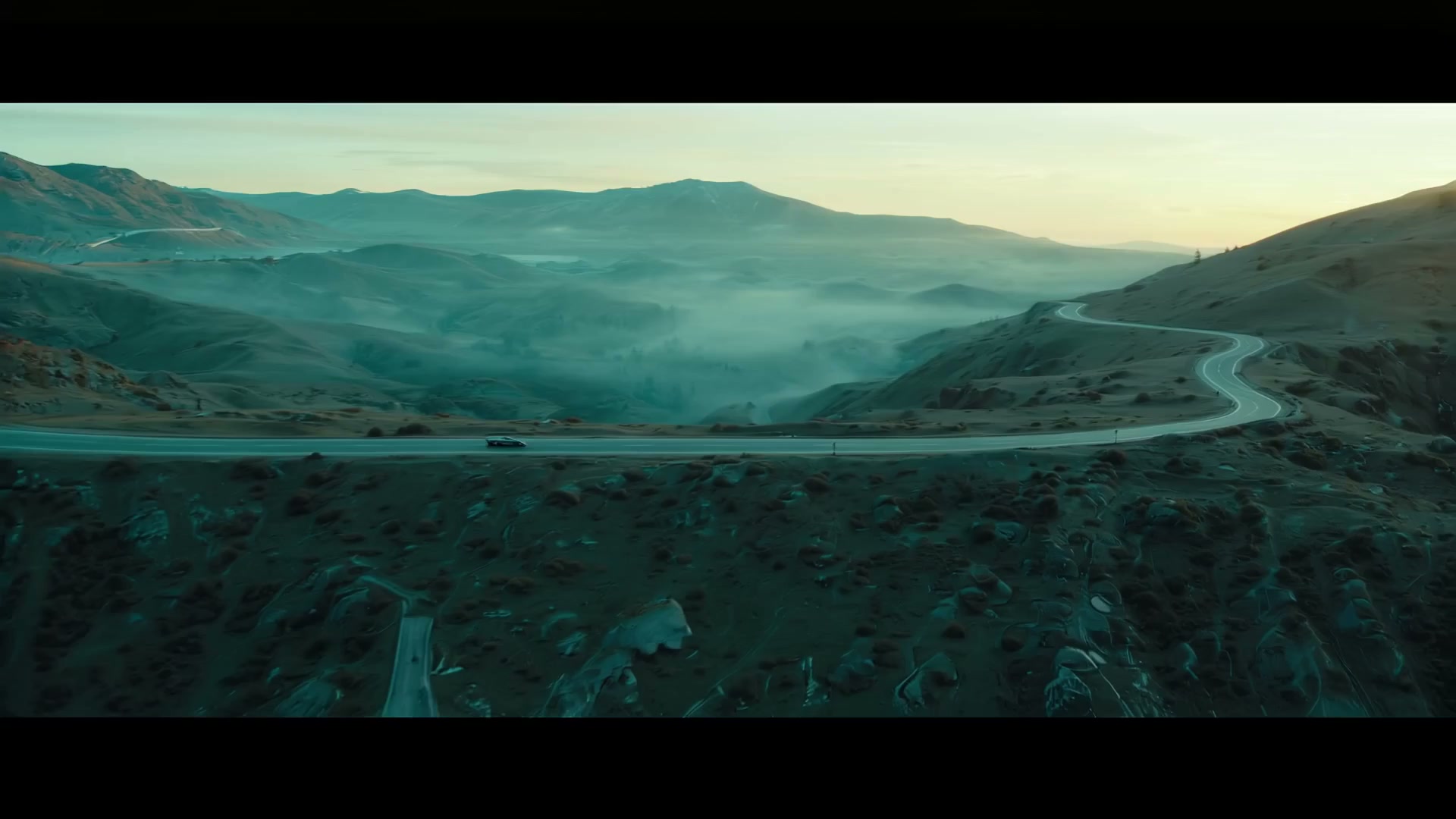
Turn Any Idea into a Detailed LTX Prompt
Start with a short concept such as ‘driving along the mountain roads.’ The prompt generator expands it into a structured LTX 2.5 prompt with subject details, motion, camera direction, lighting, atmosphere, timing, and style.

Preview, Refine, and Copy Instantly
Browse ready-to-use LTX video prompt examples, study how each prompt controls the scene, and copy the full text in one click. Refine the details to match your subject, aspect ratio, duration, and creative direction.
Why LTX Prompts Is the Ultimate AI Video Prompt Resource
LTX Prompts makes it easier to discover, use, and create effective LTX prompts for AI video generation. Explore the LTX prompt features creators use to turn ideas into polished LTX 2.5 videos.
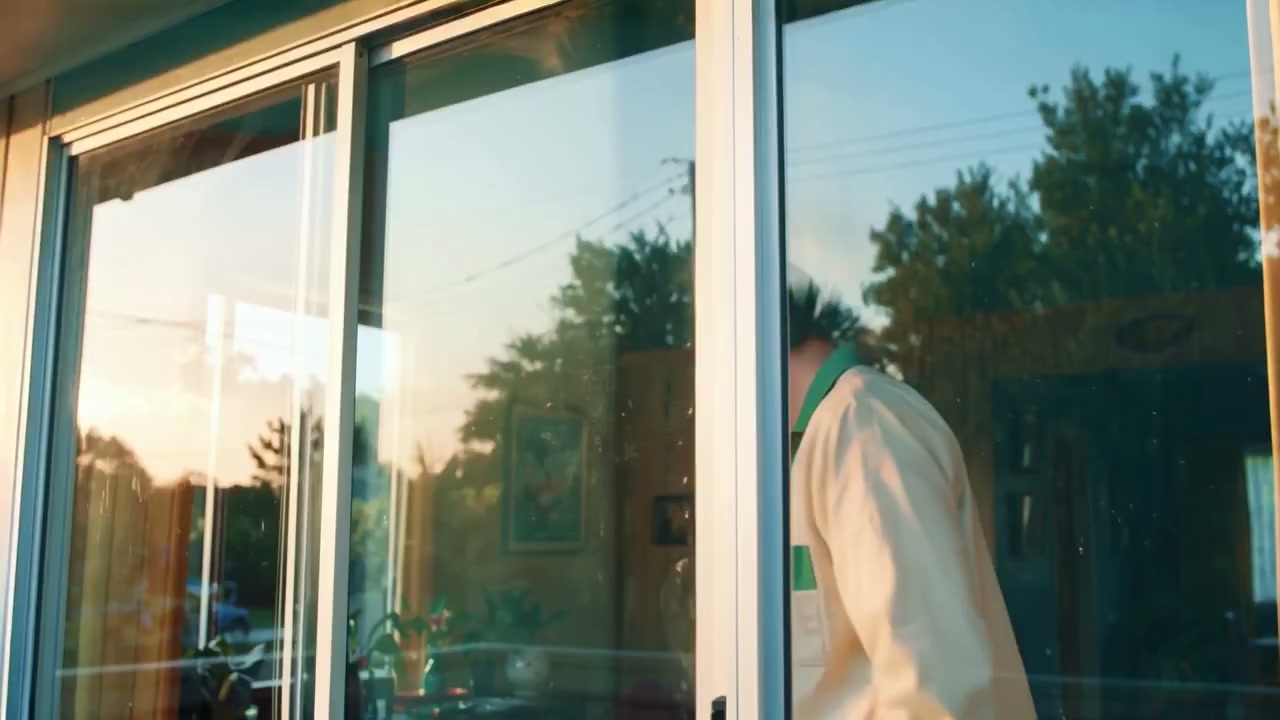
Fresh LTX 2.5 Prompts Updated Regularly
Discover Fresh LTX Video Ideas and Trending Styles
Stay inspired with a growing collection of curated LTX prompts and LTX 2.5 prompt examples based on popular video styles, cinematic techniques, and emerging creative trends. Each LTX prompt combines clear subject direction, natural motion, camera language, lighting, and atmosphere, giving you a strong starting point for your next AI video.



Who Benefits from LTX Prompts?
LTX Prompts supports creators across industries and experience levels. Discover how professionals, marketers, filmmakers, and AI enthusiasts use our LTX prompt library, curated LTX prompts, and free LTX prompt generator to simplify video workflows and unlock new creative possibilities.
Content Creators and Social Media Influencers
Quickly create attention-grabbing video concepts for TikTok, Instagram, YouTube, and other social platforms. Ready-to-use LTX prompts help creators experiment with cinematic scenes, visual trends, and storytelling styles. Copy an LTX prompt, customize the action and camera movement, and produce stronger short-form video ideas without spending hours writing instructions.
Filmmakers and Video Professionals
Explore shots, camera movements, lighting setups, and visual directions before production. Filmmakers can use a structured LTX prompt to prototype scenes, build mood references, and test creative treatments. Detailed LTX 2.5 prompts also make it easier to communicate shot composition, pacing, atmosphere, and intended motion clearly.
Brands, Marketers, and Creative Teams
Develop product reveals, campaign concepts, branded social videos, and advertising visuals faster with adaptable LTX prompts. Creative teams can customize a proven LTX prompt structure to match the audience, product, brand colors, message, camera direction, and commercial style while keeping campaigns visually consistent.
AI Artists, Beginners, and Prompt Enthusiasts
Learn how an effective LTX prompt combines subjects, actions, environments, camera direction, lighting, and mood. Beginners can start with curated LTX prompt examples, while experienced users can refine each LTX 2.5 prompt structure or use the LTX prompt generator for more ambitious video experiments.
LTX Prompts FAQ
Answers to common questions about writing, copying, and customizing LTX 2.5 prompts for AI video generation.
An LTX prompt is a written description that tells an LTX video model what to generate and how the scene should unfold. A complete LTX prompt usually defines the main subject, the subject’s action, the environment, shot size, camera movement, lighting, mood, visual style, and important motion details.
Start with the most important information: who or what appears in the scene and what the subject is doing. Next, describe the location and background, followed by the framing and one primary camera movement such as a slow dolly-in, tracking shot, orbit, or locked-off shot. Finish the LTX 2.5 prompt with lighting, time of day, mood, color palette, realism level, and any essential motion details. Keep each clip focused on one clear visual idea. Avoid combining several unrelated actions, sudden location changes, or conflicting camera instructions in the same LTX prompt.
Yes. Every LTX prompt example is intended to be copied, adapted, and used as a creative starting point. You can replace the subject, action, location, time of day, camera movement, lighting, mood, color palette, and visual style while preserving the prompt’s overall structure. For the fastest workflow, change one group of details at a time and generate a test result before making additional edits. This makes it easier to identify which wording improves the video and helps you build reusable LTX prompt templates for future projects.
Useful directions include ‘slow dolly forward,’ ‘side tracking shot,’ ‘smooth 180-degree orbit,’ ‘camera cranes upward,’ ‘handheld close-up,’ or ‘locked camera.’ It is usually best to choose one primary camera movement for a short LTX video prompt. You can also specify the framing—wide shot, medium shot, close-up, low angle, or overhead view—and mention the desired pace. The camera should support the subject’s action rather than move in a conflicting direction or change angles too frequently.
Yes. You can browse the curated LTX prompt examples, copy prompts, and use the LTX prompt generator for free. Describe your idea in natural language and the generator will help organize it into a more detailed LTX 2.5 video prompt.
For most videos, one focused paragraph covering the subject, action, setting, camera, lighting, mood, and style is a strong starting point. Add details that can actually be seen on screen, but remove repeated adjectives and background information that does not affect the shot. If the result feels unstable, simplify the LTX prompt and prioritize the most important action and camera direction.
If the generated video does not match your idea, revise the LTX prompt in small steps. First check whether the subject and main action are stated clearly. Then simplify conflicting motion, specify one camera movement, and clarify the lighting or environment. Keep character appearance and important objects described consistently across related clips. Changing only one or two elements between tests helps you understand what the model responds to and makes prompt refinement faster and more predictable.
Create Your Next AI Video with an LTX Prompt
Turn a simple idea into a structured LTX 2.5 prompt, explore proven video prompt examples, and start creating more cinematic and consistent AI videos today.
