
Free Nano Banana 2.1 Prompts—Copy&Paste Ideas for Images
Find your next image idea with Nano Banana 2.1 prompts for portraits, products, and creative edits. Get practical tips and make each prompt your own.
Describe your idea and let AI create the perfect prompt for you
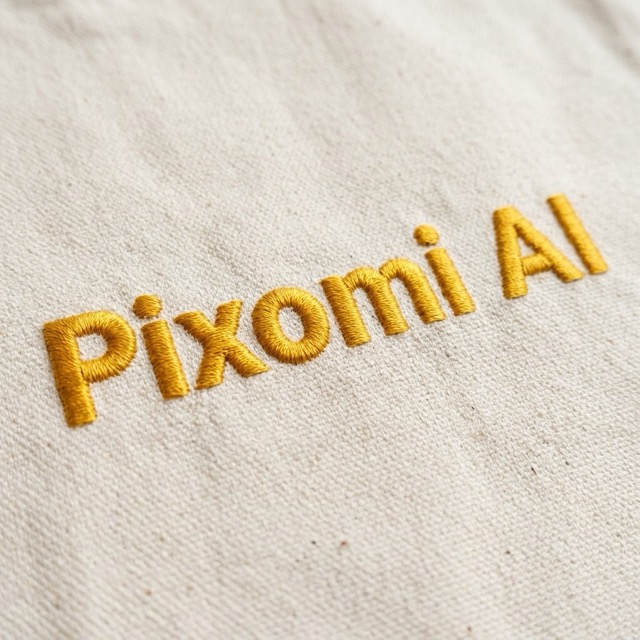
Embroidered Logo Mockup
Recreate the uploaded logo as physical embroidery on off-white cotton canvas. Preserve the exact outline, proportions, lettering, and color arrangement. Use dense satin stitches for filled areas and fine running stitches for small details, with thread direction following each shape. Show slight fabric puckering, visible cotton weave, and soft side lighting in a close-up product photograph. Do not add decorative elements.
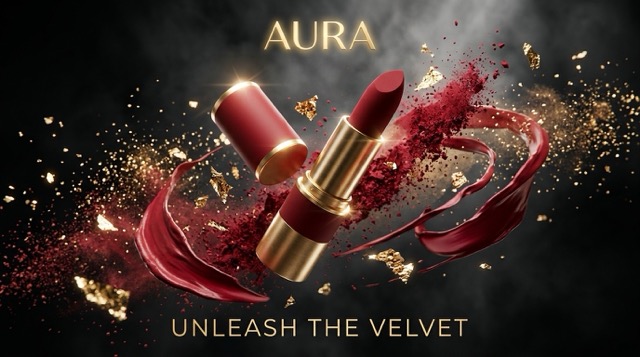
Cinematic 3D Product Action Ad
Cinematic 3D action-packed advertisement for reference product, captured in an intense mid-motion moment with dramatic studio lighting, dynamic particle effects, and high-impact slow-motion energy. Ultra-hyperrealistic rendering, razor-sharp details, glossy commercial finish, atmospheric depth, and powerful contrast. Viral-ready composition with the brand logo seamlessly integrated into the scene and a sleek, modern slogan positioned cleanly beneath. High-end blockbuster commercial aesthetic
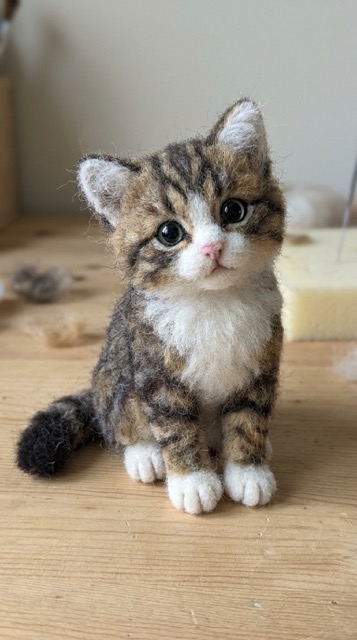
Needle-Felted Pet Sculpture Transformation
Transform the pet in the uploaded photograph into a handmade needle-felted wool sculpture. Preserve its distinctive fur markings, ear shape, eye color, expression, and pose. Build the body from softly compacted wool with visible fine fibers and gently simplified forms. Photograph it on a neutral craft table with soft daylight and realistic contact shadows. Keep it recognizable as this specific pet.
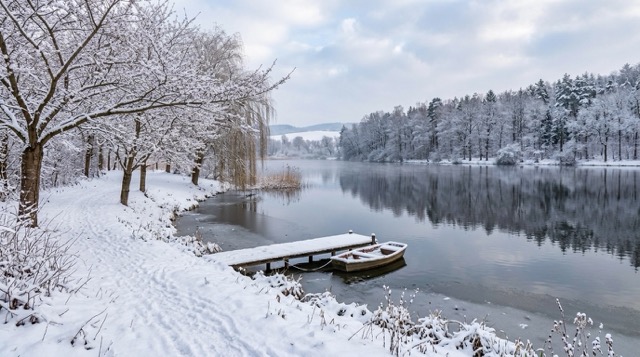
Winter Morning Scene Transformation
Transform the uploaded scene into a believable winter morning after fresh snowfall. Preserve the exact architecture, camera position, perspective, and placement of major objects. Add snow naturally to rooftops, branches, and horizontal surfaces, with uneven accumulation and subtle footprints on walkways. Replace summer foliage with seasonally appropriate vegetation. Use soft overcast daylight and realistic snow texture without obscuring important landmarks.
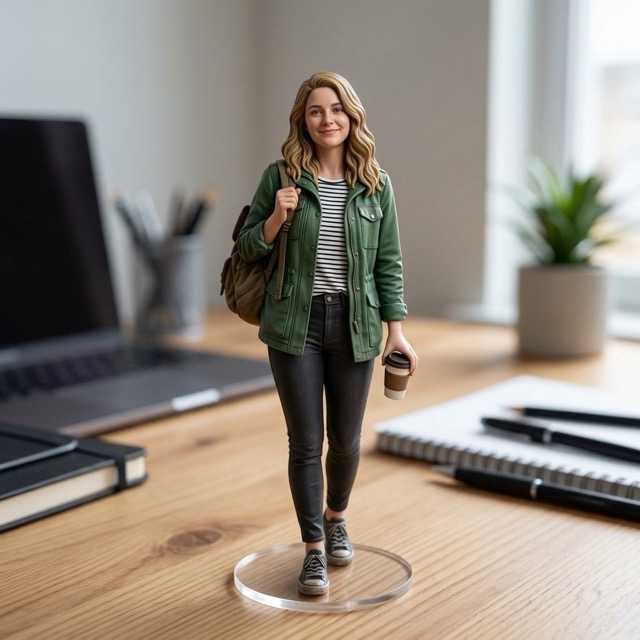
Collectible Figurine Transformation
Transform the subject in the uploaded image into a premium painted collectible figurine photographed on a wooden desk. Preserve the recognizable hairstyle, outfit colors, expression, and signature accessories. Give the figure realistic molded resin surfaces, subtle paint details, and a clear circular display stand. Use soft window light, believable contact shadows, and a gently blurred workspace background. Show the entire figurine.
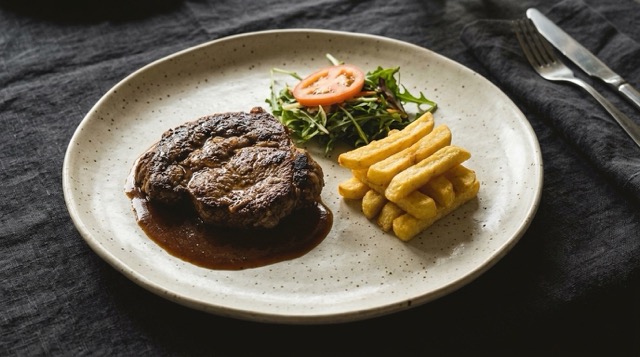
Refined Restaurant Plating Restyle
Restyle the uploaded dish as refined restaurant plating while preserving its recognizable ingredients and cooking characteristics. Arrange the food neatly on a handmade ceramic plate with generous negative space, controlled sauce placement, and a small garnish made only from ingredients already visible. Remove table clutter and use a dark linen surface. Keep food textures moist and believable, with soft directional light and no artificial plastic shine.
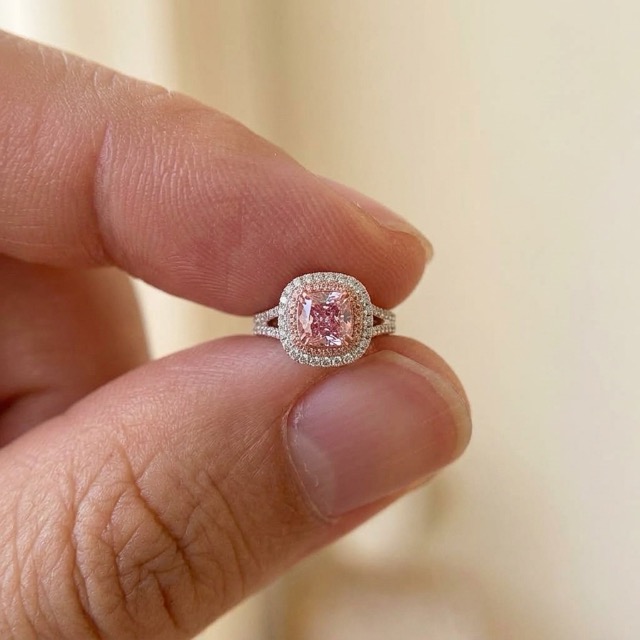
Miniature Product Handheld Close-up
Turn the ring only in the uploaded image into a tiny physical miniature gently held between a thumb and index finger. Preserve its recognizable silhouette, proportions, colors, and packaging design. Photograph it close up against a warm ivory studio background. Show realistic skin creases, believable fingertip pressure, and soft contact shadows. Keep the miniature sharp and the hand slightly softer. No additional text.
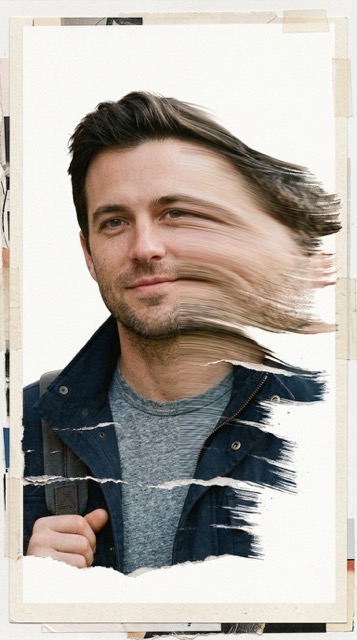
Surreal Mixed-Media Glitch Portrait
A surreal mixed-media portrait of reference, set against a clean, plain white background with visible fine-grain paper texture. The character's face is the subject of a controlled, stylized distortion. Instead of chaotic fragmentation, the facial features are horizontally stretched into smooth, flowing bands of color and texture, resembling a deliberate digital scanline effect or a long exposure photograph pushed sideways. Key identifying features (like eyes, mouth, or distinct accessories) remain partially recognizable within these stretched streaks, creating a sense of fluid motion rather than destruction. The aesthetic blends analog collage textures with digital glitch art, feeling tactile and composed.
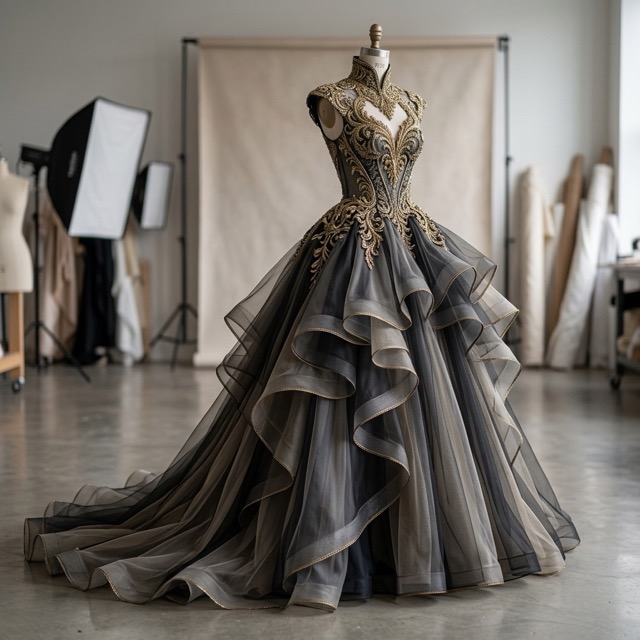
Sketch to Photorealistic Product Prototype
Convert the uploaded product sketch into a photorealistic physical prototype. Follow the drawn silhouette, component placement, proportions, and viewing angle closely. Interpret the main housing as matte ceramic, structural parts as brushed aluminum, and controls as textured rubber where appropriate. Use a neutral studio background and soft product lighting. Do not invent extra buttons, openings, logos, or components absent from the sketch.
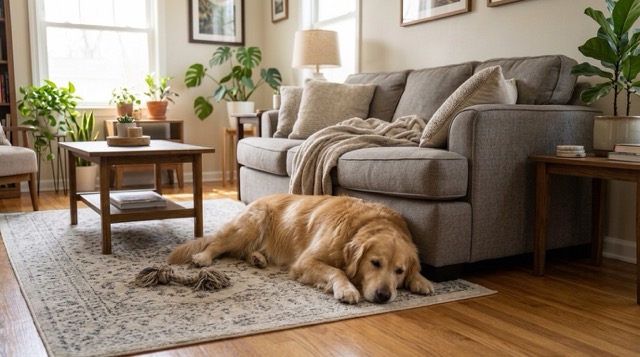
Horizontal Image Expansion (Outpainting)
Expand this photograph horizontally into a 16:9 composition. Keep the existing image centered at its original scale and preserve all original subjects and details. Generate only the missing surroundings on the left and right. Continue the scene with matching perspective, lighting, textures, and depth of field. Make the transitions seamless. Do not stretch the image, duplicate the subject, or add prominent new objects.
Nano Banana 2.1 prompts for Images Worth Creating
Explore Nano Banana 2.1 prompts and find a free Nano Banana 2.1 prompt example
Turn a rough idea into a deliberate visual with Nano Banana 2.1 prompts. Start with a free Nano Banana 2.1 prompt example, choose your subject, and shape the light, setting, and composition. Explore portraits, product scenes, architecture, fantasy environments, illustrations, and sculptural designs with room for your own creative direction.
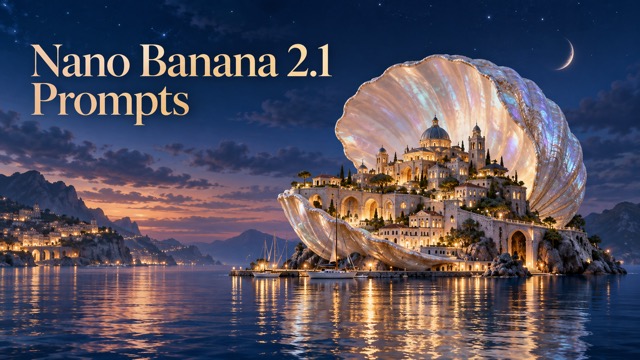
How to Use Nano Banana 2.1 prompts
Make Nano Banana 2.1 prompts work for your project by moving from inspiration to a clear brief. A free Nano Banana 2.1 prompt example provides a starting structure; your choices give the finished image its purpose.

Choose Your Nano Banana 2.1 prompts
Choose Nano Banana 2.1 prompts around the image you actually need, rather than the longest description. Read a free Nano Banana 2.1 prompt example and identify its subject, setting, lighting, and framing. Decide which of those details support your project. A product launch, an illustrated story, and an environment concept each need a different visual focus.

Personalize Your Nano Banana 2.1 prompts
Adapt Nano Banana 2.1 prompts by replacing the subject and adding a small set of meaningful details. Use a free Nano Banana 2.1 prompt example to define materials, color, camera distance, or atmosphere. Keep related instructions together and remove contradictions. If the frame needs empty space for a headline, describe where that space belongs before you generate.

Refine Your Nano Banana 2.1 prompts
Review Nano Banana 2.1 prompts alongside the generated result and change one important detail per attempt. Return to the free Nano Banana 2.1 prompt example when the direction becomes unclear. Keep successful elements in your next instruction, then adjust the background, angle, or light. Check small objects, text, reflections, and edges before choosing a final image.
Nano Banana 2.1 prompts for Photographic Images
Explore Nano Banana 2.1 prompts through three familiar photographic directions. Each free Nano Banana 2.1 prompt example combines concrete visual instructions with space to adapt the subject. The images illustrate creative possibilities, not guaranteed outputs from a particular model.
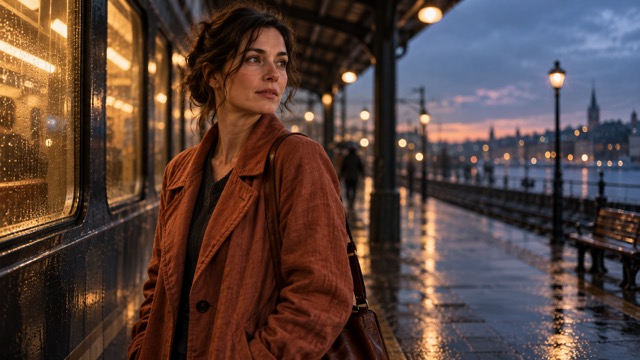
Cinematic Nano Banana 2.1 prompts
For cinematic Nano Banana 2.1 prompts, give the viewer a person, a place, and a clear source of light. Try this free Nano Banana 2.1 prompt example: an adult woman in a terracotta linen coat waits on a rain-damp train platform at dusk, framed from the waist up, with warm carriage light and cool ambient shadows. Request natural skin texture and distant lights that soften into the background. Adapt these Nano Banana 2.1 prompts with a different expression, season, or location while keeping the lighting coherent. A free Nano Banana 2.1 prompt example becomes more personal when you describe the feeling through visible details, such as an open posture or a quiet, empty platform.
Product Photography Nano Banana 2.1 prompts
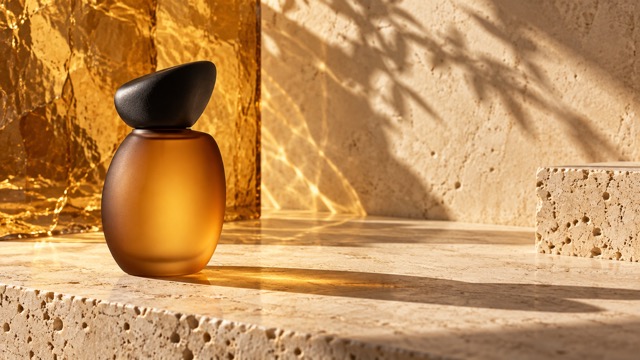
Product-focused Nano Banana 2.1 prompts begin with the object and the surfaces around it. Use this free Nano Banana 2.1 prompt example: an unbranded amber perfume bottle with a black sculptural cap stands on pale travertine, lit by directional sunlight, with elegant shadows and a warm glass backdrop. Leave open space beside the bottle in a wide composition. Customize these Nano Banana 2.1 prompts by specifying the material, finish, and camera angle that suit your product. Treat the free Nano Banana 2.1 prompt example as a lighting study, then examine reflections, proportions, and the contact shadow. Describe the actual product carefully when resemblance matters, and review every detail before using the image.
Architecture Nano Banana 2.1 prompts
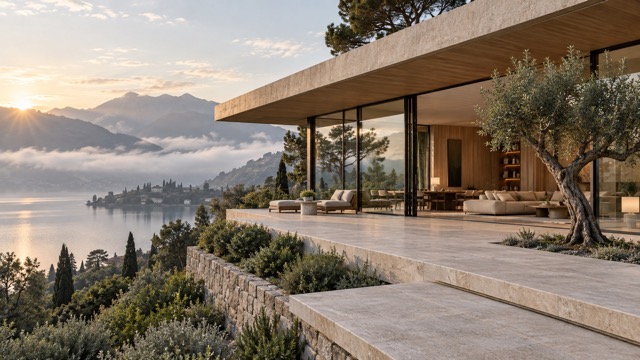
Architectural Nano Banana 2.1 prompts benefit from credible structure and a defined viewpoint. Begin with a free Nano Banana 2.1 prompt example: a contemporary hillside house overlooks a misty lake, with a low roof, oak walls, broad glazing, and a pale stone terrace in early morning light. Frame the building against its landscape so the setting supports the design. Develop these Nano Banana 2.1 prompts by changing the facade material, planting, weather, or interior warmth. A free Nano Banana 2.1 prompt example can help you compare visual directions while keeping the same building concept. Inspect perspective, railings, window divisions, and structural connections; an appealing concept image still needs careful architectural interpretation.
Nano Banana 2.1 prompts Beyond Photography
Take Nano Banana 2.1 prompts into imagined worlds, painted stories, and material experiments. Choose a free Nano Banana 2.1 prompt example that fits the mood of your project, then keep the scene focused around one strong idea.
Fantasy Nano Banana 2.1 prompts
Build a World With Atmosphere
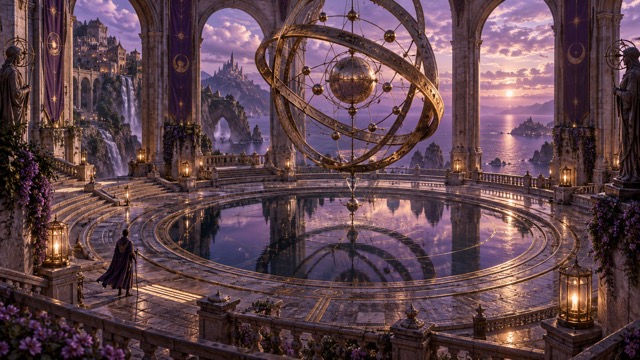
Fantasy Nano Banana 2.1 prompts become more convincing when scale and atmosphere agree. Try a free Nano Banana 2.1 prompt example showing a circular observatory carved into a seaside cliff, a brass armillary sphere above a tidal pool, and stone arches opening toward a lavender sea. Add one small traveler to establish scale. Personalize the free Nano Banana 2.1 prompt example with a different landmark or time of day. Keep the light direction and materials consistent so the environment feels like one place rather than a collection of unrelated objects.
Illustration Nano Banana 2.1 prompts
Give an Original Character a Story
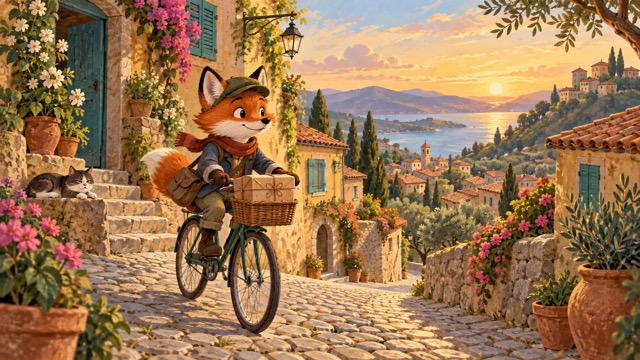
Illustrative Nano Banana 2.1 prompts can connect a simple action with a distinctive visual texture. Start with a free Nano Banana 2.1 prompt example: a small fox delivers a parcel by bicycle through an ochre hillside village, passing turquoise shutters and flowers in warm afternoon light. Ask for textured gouache, restrained pencil detail, and a clear focal subject. Adapt this free Nano Banana 2.1 prompt example with your own character, season, and destination. For a series, repeat the same character description, palette, and medium while changing only the action or location.
Sculptural 3D Nano Banana 2.1 prompts
Explore Material, Form, and Light
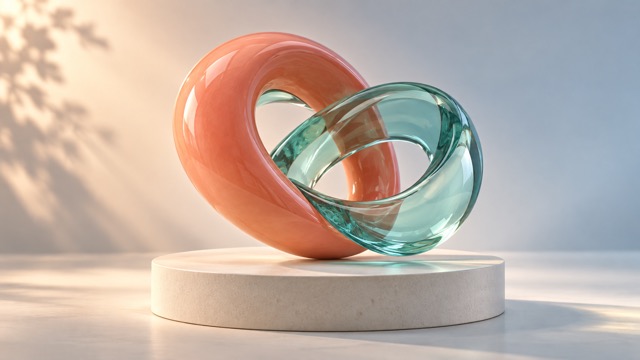
Design-oriented Nano Banana 2.1 prompts work well when geometry stays simple enough to read. Use a free Nano Banana 2.1 prompt example describing an original interlocking-loop sculpture in coral ceramic and aqua glass on an ivory pedestal. Request realistic contact shadows, convincing refractions, and a spacious studio composition. Modify the free Nano Banana 2.1 prompt example to explore a different finish or relationship between opaque and transparent materials. Evaluate the silhouette at a small size, then inspect intersections and reflections closely. Use the result as a visual concept to develop further.
Who Can Create With Nano Banana 2.1 prompts?
Use Nano Banana 2.1 prompts wherever a clearer visual brief would help. A free Nano Banana 2.1 prompt example can support early exploration, planning, or discussion without replacing your own creative judgment.

Digital Artists
Artists can use Nano Banana 2.1 prompts to explore an unfamiliar palette or setting before developing original work. Start with a free Nano Banana 2.1 prompt example and replace the central subject with your own concept. Keep notes on the details that create the mood you want. Revisit Nano Banana 2.1 prompts to explore alternate compositions while maintaining a recognizable visual direction.

Marketing and Brand Teams
Brand teams can shape Nano Banana 2.1 prompts around a product, audience, and campaign mood. Adapt a free Nano Banana 2.1 prompt example with specific materials, colors, and space for later typography. Compare concepts against the same brief rather than judging them in isolation. Use Nano Banana 2.1 prompts to guide discussion, then check product accuracy and refine the selected visual before delivery.

Game and World Designers
World designers can organize Nano Banana 2.1 prompts around a landmark, a believable scale, and a consistent atmosphere. A free Nano Banana 2.1 prompt example offers a useful structure for exploring location ideas. Reuse material and lighting descriptions across related scenes. Adjust Nano Banana 2.1 prompts to test how the same environment feels at dawn, in rain, or under a different color palette.

Content Creators
Creators can adapt Nano Banana 2.1 prompts for article illustrations, video backdrops, and thumbnail concepts. Select a free Nano Banana 2.1 prompt example with one clear focal subject, then request the framing your format needs. Leave room for text you plan to add separately. Review Nano Banana 2.1 prompts after each generation and simplify distracting details that compete with the main message.
Creative Perspectives on Nano Banana 2.1 prompts
These fictional scenarios illustrate how creative roles might adapt a free Nano Banana 2.1 prompt example. They are examples of possible workflows, not verified customer reviews.
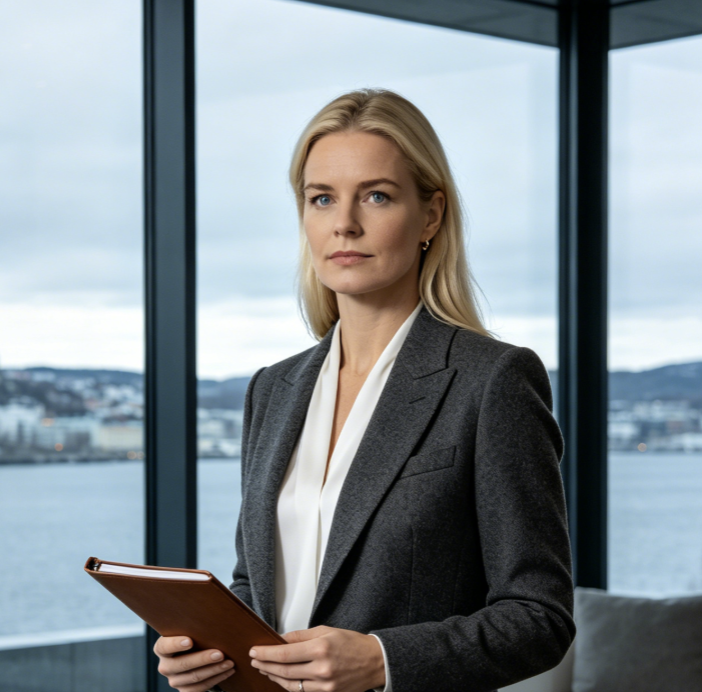
I would use Nano Banana 2.1 prompts to compare two campaign directions around the same product. A free Nano Banana 2.1 prompt example would help me describe the lighting clearly before changing the palette and background.
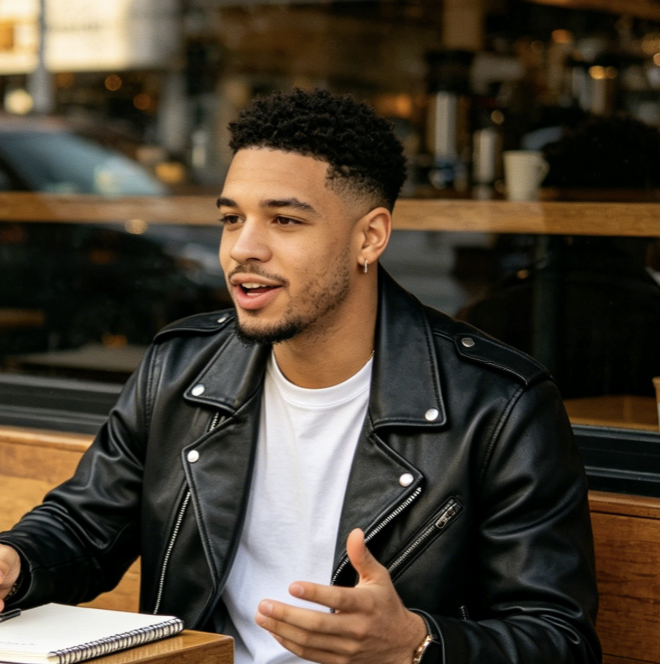
For concept exploration, Nano Banana 2.1 prompts would give me a useful starting structure: one landmark, one atmosphere, and a small figure for scale. I would develop the strongest idea through further sketches.
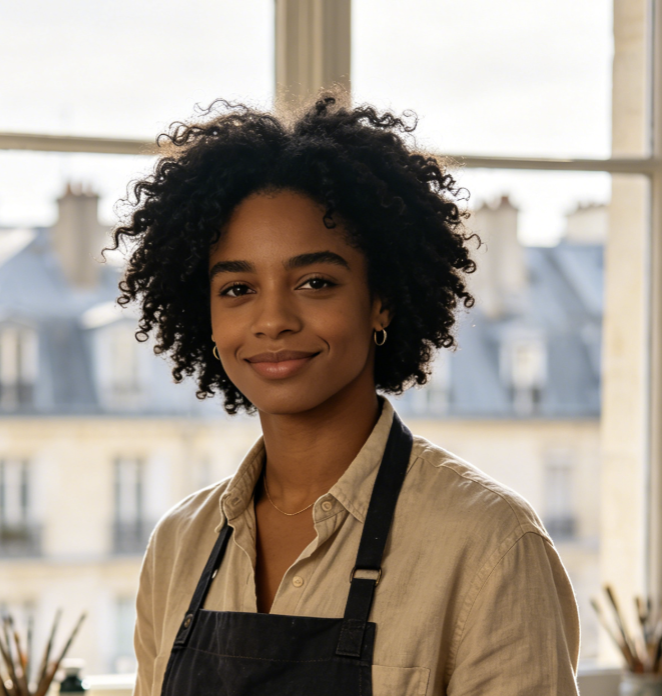
I would adapt Nano Banana 2.1 prompts to explore the relationship between glass and ceramic. Starting with a free Nano Banana 2.1 prompt example, I could simplify the geometry and judge whether the silhouette communicates the intended idea.
I would use Nano Banana 2.1 prompts to plan a wide thumbnail composition with room for a headline. The key decision would be what to remove so the subject remains readable on a small screen.
I would personalize Nano Banana 2.1 prompts with a different character and season while keeping the painted texture consistent. A free Nano Banana 2.1 prompt example would be a useful reminder to describe the action as clearly as the style.
For environment design, Nano Banana 2.1 prompts would help me connect surface materials, viewpoint, and time of day. I would change one element per attempt and compare the results against the same visual brief.

Nano Banana 2.1 prompts: Frequently Asked Questions
Learn how to adapt a free Nano Banana 2.1 prompt example, clarify your instructions, and approach each generation as a creative iteration.
Start with the subject, setting, action, composition, and style. Add lighting and material details when they affect the result. Use a free Nano Banana 2.1 prompt example to identify these building blocks, then replace generic adjectives with concrete choices. Request the aspect ratio you need and avoid directions that compete with one another.
When your selected generator supports reference images, upload a clear source and explain what should change and what should remain. Adapt a free Nano Banana 2.1 prompt example to describe the new background, light, or styling while identifying the details you want preserved. Review the output against the reference instead of assuming every detail will match.
No exact match is guaranteed. A free Nano Banana 2.1 prompt example describes a creative direction, while the selected model, settings, references, and variation between generations affect the result. The displayed images are illustrations, not model benchmarks. Free refers to the example text; image generation may require credits. Check the generator before running your prompt.
Make Nano Banana 2.1 prompts Your Starting Point
Choose Nano Banana 2.1 prompts that match the image you want to create. Start with a free Nano Banana 2.1 prompt example, make the subject and setting your own, and refine the details that matter. Keep your favorite version as a reusable brief. Your next free Nano Banana 2.1 prompt example can begin with the same structure and a completely different creative idea.
