Kling Image 4.0 Review: Native 8K, Text Rendering, and Consistent Image Sets
Explore Kling Image 4.0 Through Its Native 8K Output, Detailed Text Rendering, and Consistent Image Sets. Understand What the Official Launch Claims Mean for Creative Work, How API Pricing Scales, and Which Practical Checks Matter Before Choosing It for Your Next Campaign.
Kling Image 4.0 brings three practical promises to AI image creation: native 8K output, up to 2,000 characters inside one image, and coordinated sets of up to 10 images from a single prompt. Together, they target a familiar design problem: producing visuals that look good, carry useful information, and belong to the same campaign.
This review examines Kling's official launch announcement and API pricing, rather than reporting hands-on test results. The model is available in Kling Creative Studio and through its API. Crucially, it is an image model; the similarly named Kling 4.0 video model is a separate product.
Kling Image 4.0 at a Glance
Kling describes a unified architecture that combines visual understanding and image generation. For creators, the more useful question is what that enables.
| Capability | Officially Announced Support | Practical Relevance |
|---|---|---|
| Resolution | Native 8K generation | Detailed crops and high-resolution artwork |
| Text | Up to 2,000 characters per image | Posters, explainers, and product layouts |
| Prompt length | Up to 15,000 tokens | More detailed creative briefs |
| Image sets | Up to 10 images per prompt | Coordinated campaigns and storyboards |
| Long-form images | Product detail and web layouts | Extended visual storytelling |
These are capability limits and vendor claims, not guarantees that every output will meet a production brief. Tokens are chunks of input text; the prompt limit is separate from the number of characters rendered in an image.
What Native 8K Means for Creative Work
The Kling Image 4.0 8K proposition is especially relevant when an image must survive cropping or close inspection. Kling highlights skin texture, fabric, glass, metal, and lighting transitions as areas of improvement. Native generation means the advertised output is generated at that resolution, rather than described simply as a later enlargement.
For a product campaign, this could provide more flexibility to extract a close-up from a wider composition. For portraits, finer detail may help at larger display sizes. Neither advantage proves that anatomy, reflections, or product geometry will always be correct.
A useful evaluation is to inspect the original file at full size, then check the actual delivery crop. Judge whether the detail supports the subject, rather than rewarding sharpness alone. Large output dimensions cannot repair an incorrect label or an implausible reflection.
Text Rendering: More Than a Headline
Kling says the model supports up to 2,000 characters within one image, alongside complex layouts and small text. That is a character limit, not a promise of 2,000 English words. The announcement also describes more than 70 preset commercial fonts and support for Simplified Chinese, Traditional Chinese, English, Japanese, Korean, Spanish, and Portuguese.
The useful opportunity is combining imagery with multiple layers of information: a headline, product benefits, supporting copy, and a call to action. Kling also describes editing text and font styles within images generated on its platform.
For a serious test, supply exact copy and a clear hierarchy. Separate headings from body text and specify placement. Then compare every rendered line with the brief, including punctuation, numbers, and accented characters. A readable poster is only useful if its information is accurate.
Consistent Image Sets From One Prompt
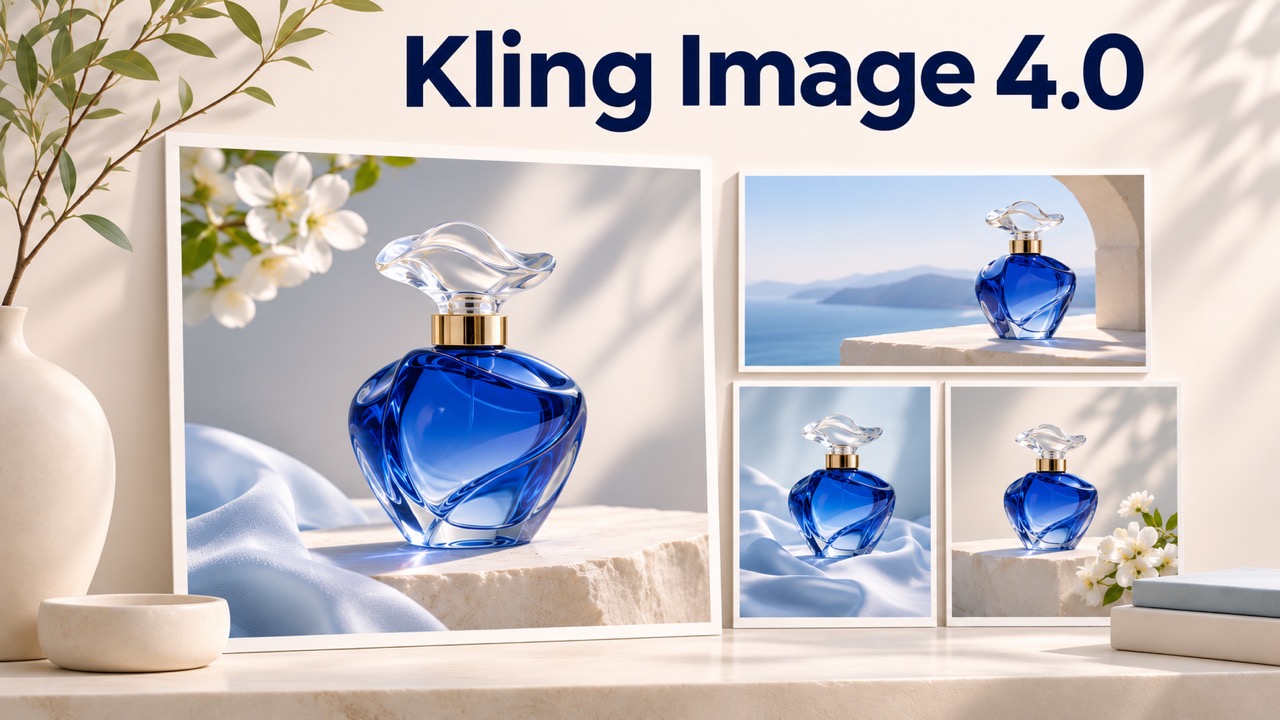
Generating a strong individual image does not automatically produce a coherent campaign. Kling's image-set feature addresses that gap with up to 10 images from one prompt, sharing a creative direction while covering different content.
The announcement describes planning across the set, with applications including storyboards, product showcases, advertisements, and presentation decks. Long-form image generation extends the idea to product detail pages and web design concepts.
A practical brief should define the common elements first: subject, palette, lighting, materials, and composition rules. Then explain each image's role. For example, a product series might include a hero composition, material close-up, lifestyle scene, and feature explanation.
Evaluate continuity across the complete set. Shared colors are helpful, but product shape, identifying details, and the intended story matter too. A generated web layout should also be treated as visual material; it is not evidence of a functioning website.
Kling Image 4.0 API Access and Pricing
Kling confirms API availability for enterprises and developers. As of November 18, 2026, its official Image API pricing lists the following rates for Kling Image 4.0 single images and image sets:
| Output Resolution | Output Charge |
|---|---|
| 2K | 16 units per image |
| 4K | 24 units per image |
| 8K | 40 units per image |
Reference images and reference elements are additionally billed at 0.8 units each. Kling defines one reference element as equivalent to one reference image for this charge. Long-image modes have separate rates and should not be budgeted using the table above.
An image set is charged per output image. Ten 8K outputs therefore total 400 output units before reference-input charges. Dollar costs depend on the purchased package, so units should not be mistaken for dollars or universal subscription credits.
For integration planning, verify the exact model identifier, supported parameters, and account access in the current API documentation. Website features should not be assumed to map directly to identical API controls. The launch announcement does not establish a universal free allowance.
Kling Image 4.0 vs Seedream: What to Compare
A useful Kling Image 4.0 vs Seedream comparison needs a named Seedream version and matched conditions. The official materials reviewed here do not provide a controlled head-to-head benchmark establishing a winner.
Use identical briefs, reference assets, target resolutions, and acceptance criteria. Measure text accuracy, subject continuity, usable outputs, and total cost after retries. Include both a simple image and a demanding multi-image brief; success on one does not settle the other.
Verdict: Worth Testing for Complete Visual Briefs
Kling Image 4.0 is worth evaluating when your work combines high-resolution visuals, substantial text, and coordinated assets. The strongest potential benefit is completing more of a visual brief within one generation workflow.
Start with a real campaign task and judge the full deliverable. For a practical starting point on Pixomi, explore the Kling image generator and check its current model options before generating. Choose based on usable results and total production effort, rather than launch-day attention alone.