
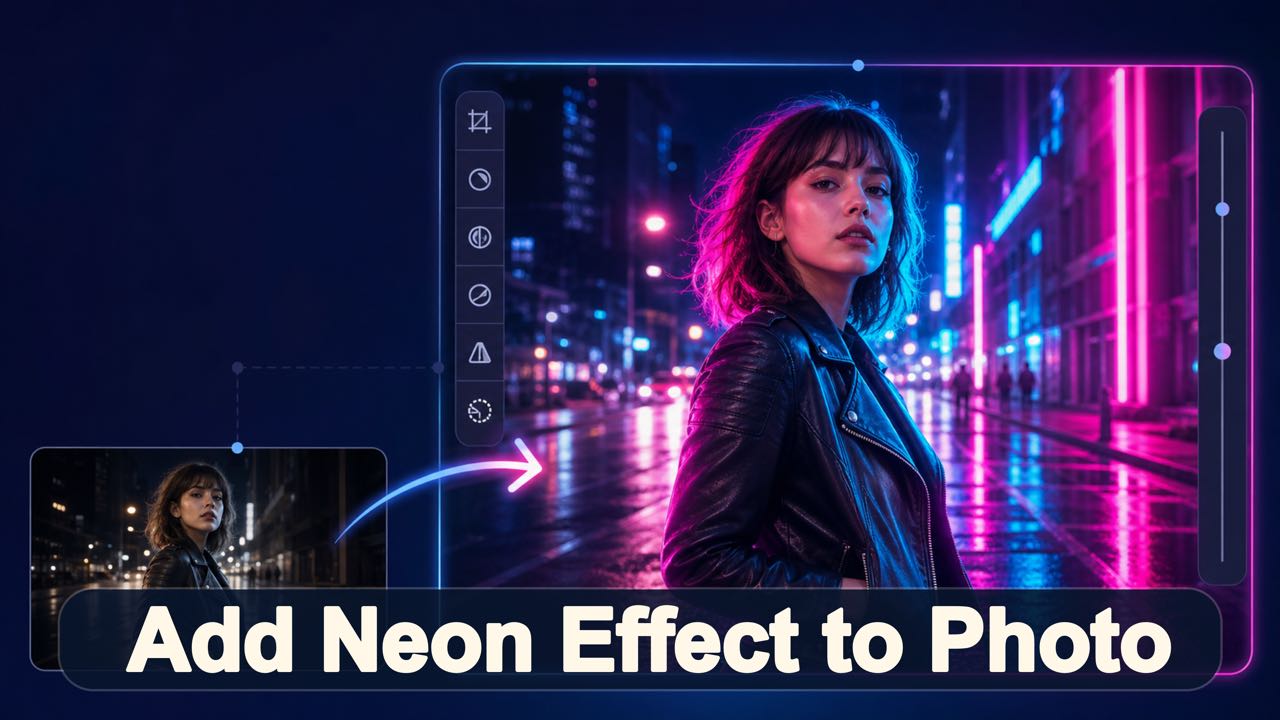
Upload a photo and describe the neon colors, glow, placement, and mood you want.
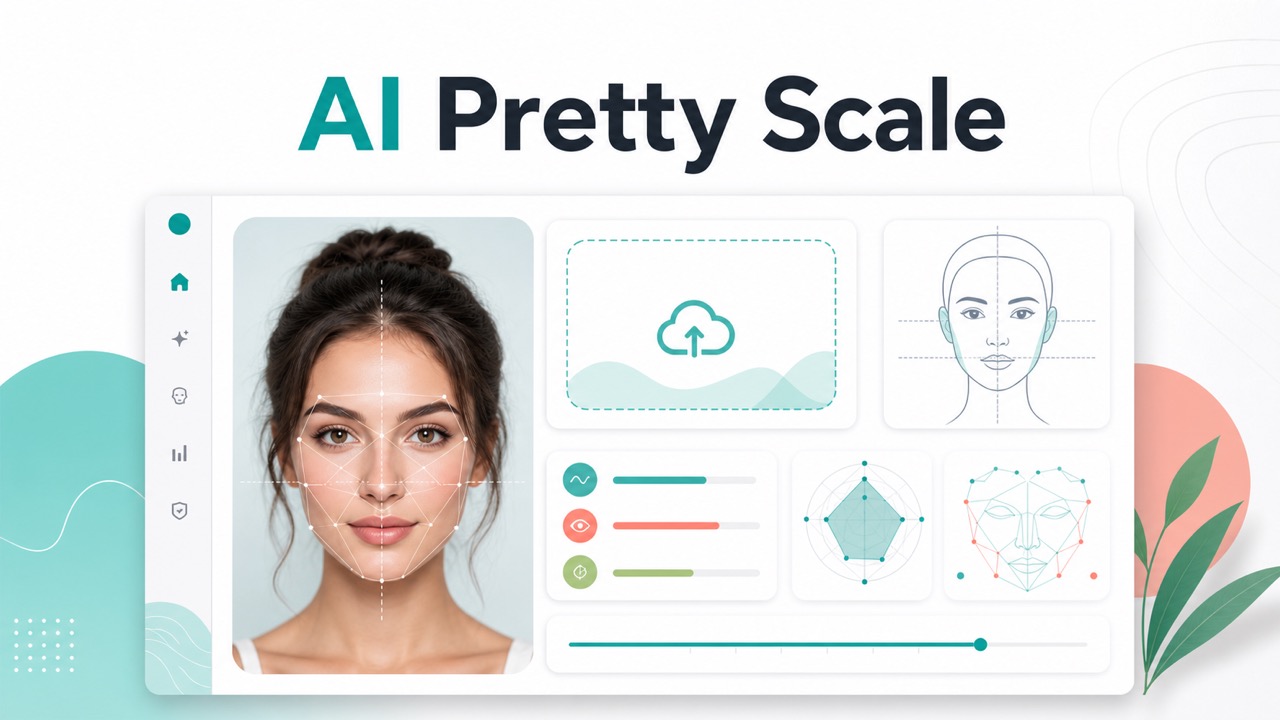
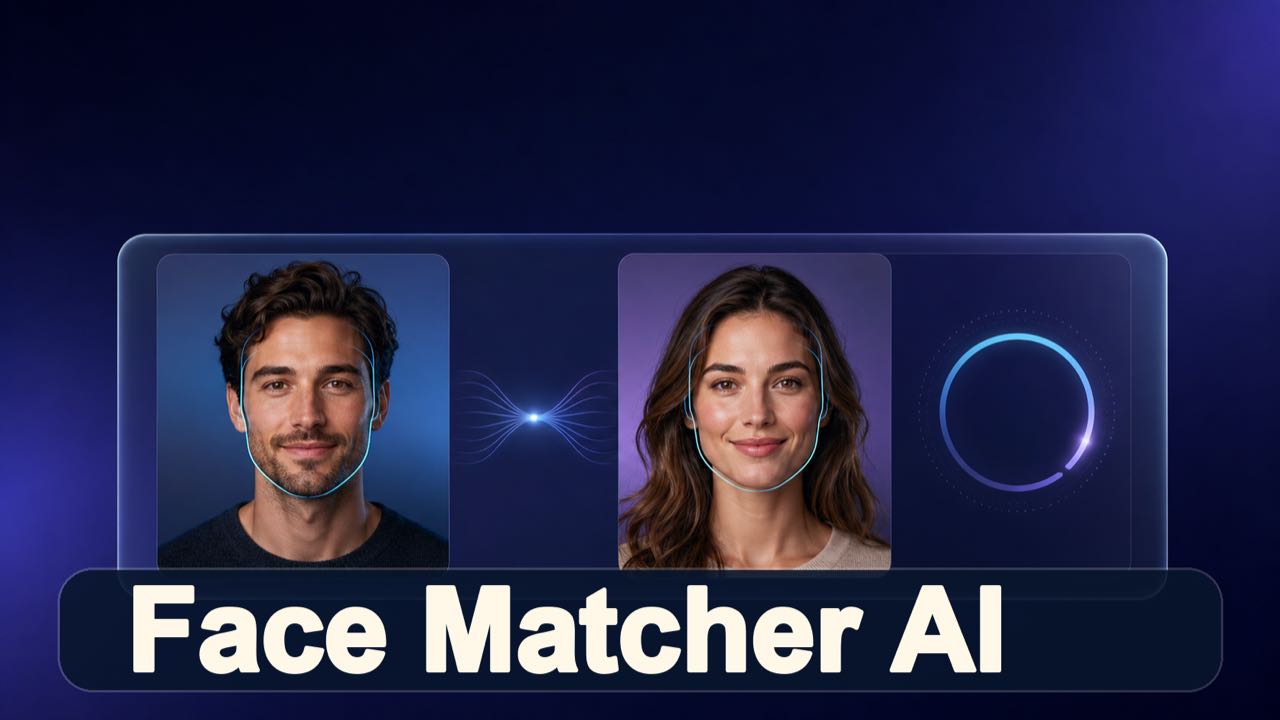
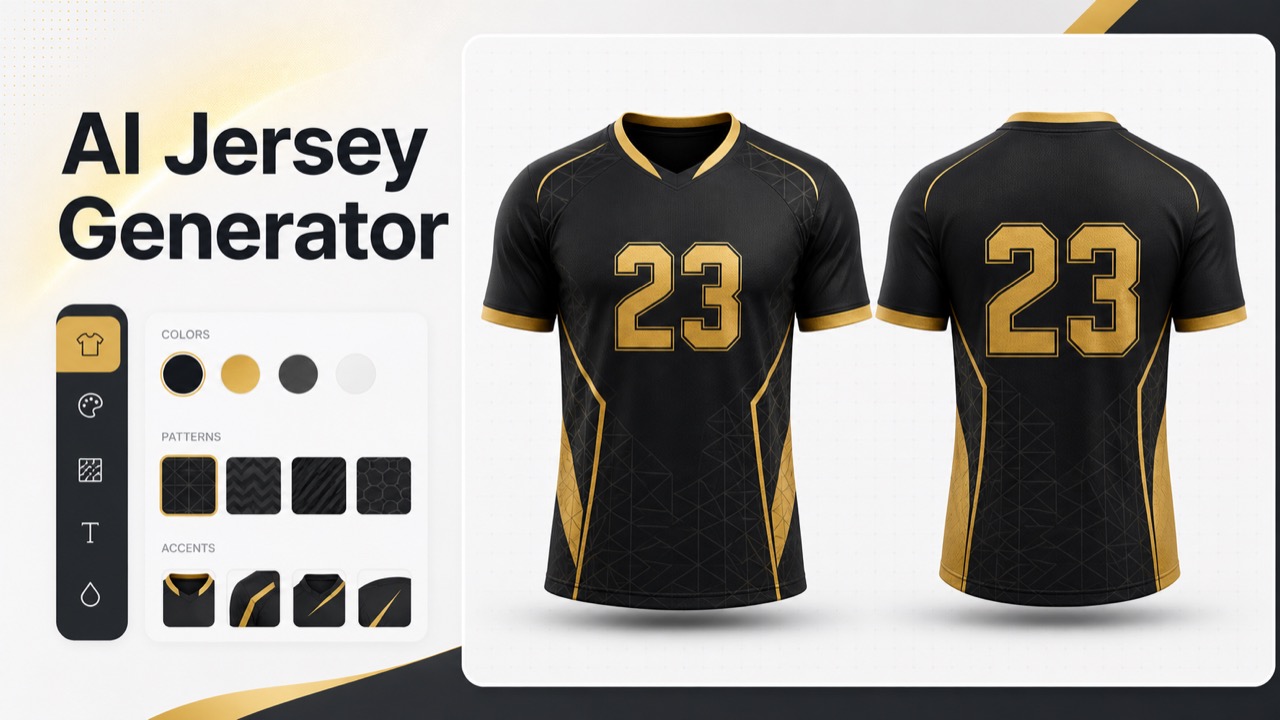
More AI Image Generators
Explore our collection of specialized AI image generators designed for different creative needs and styles
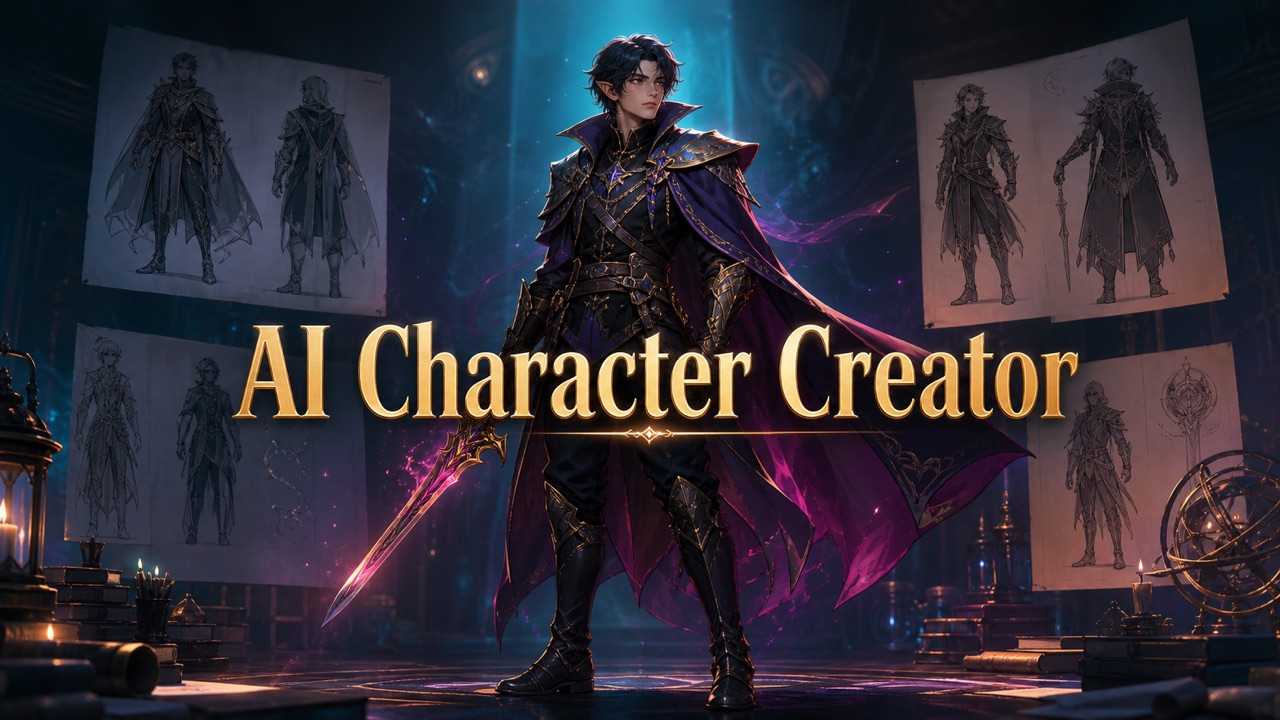
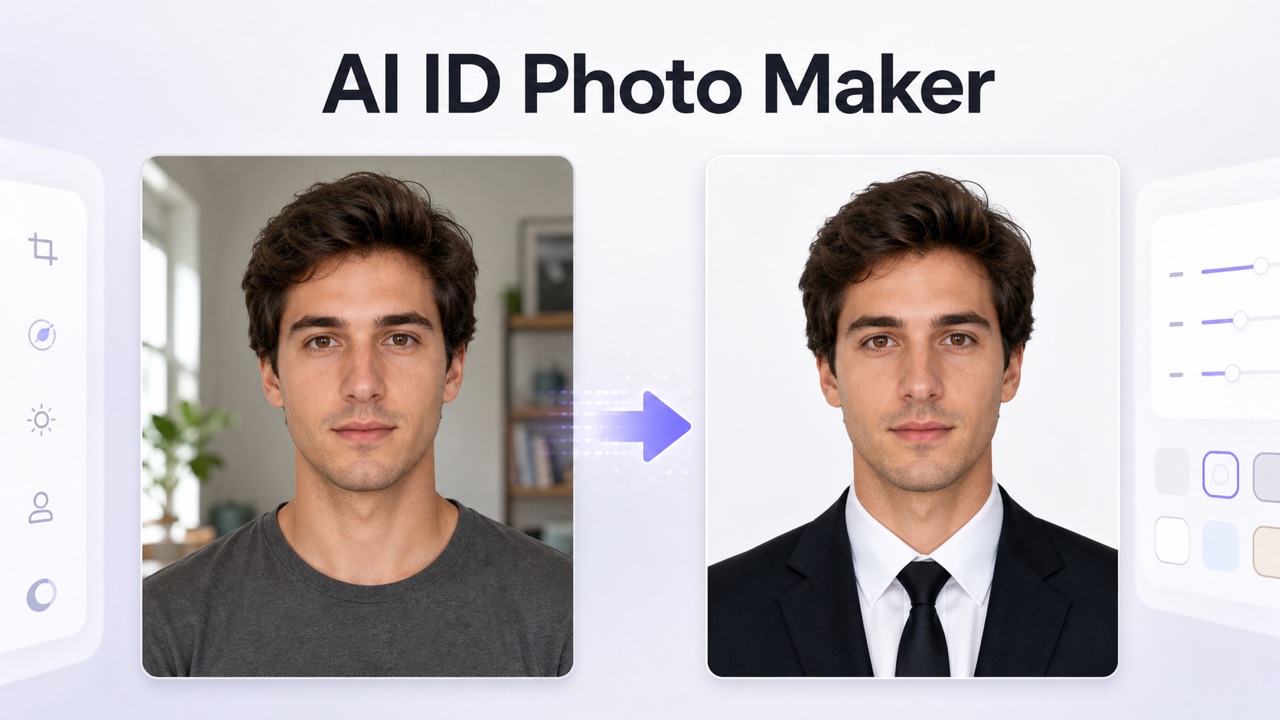
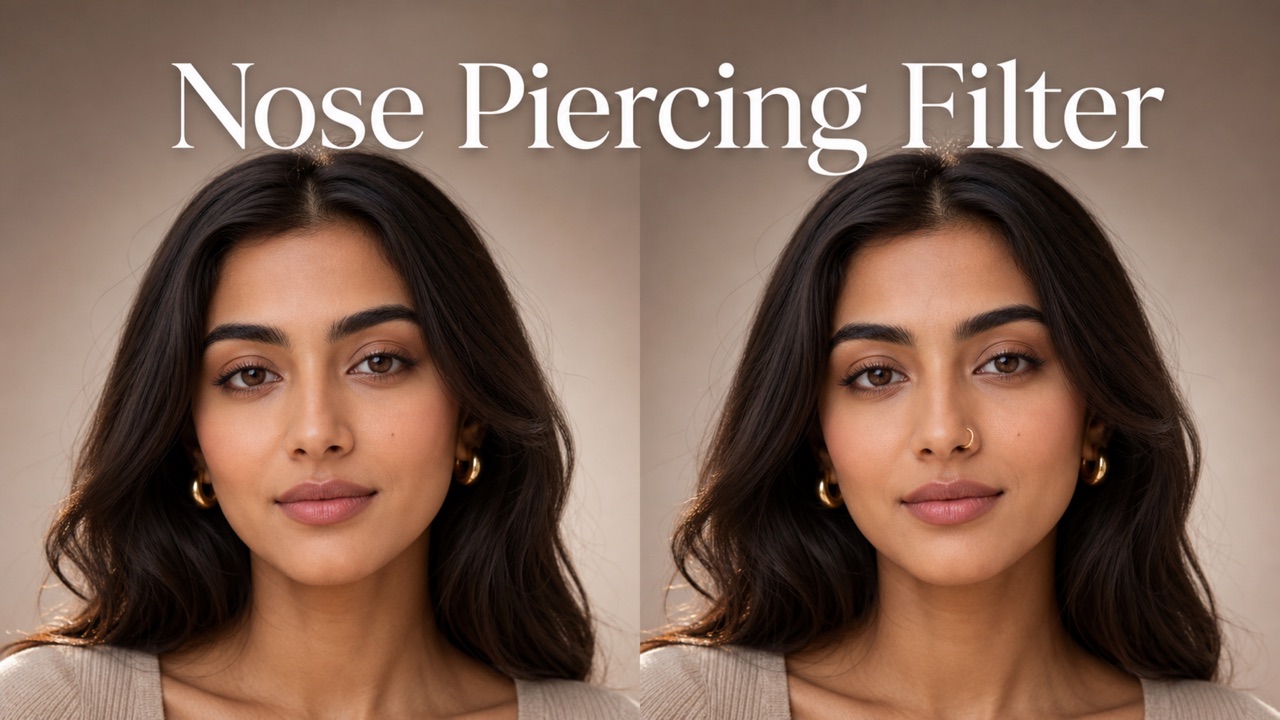
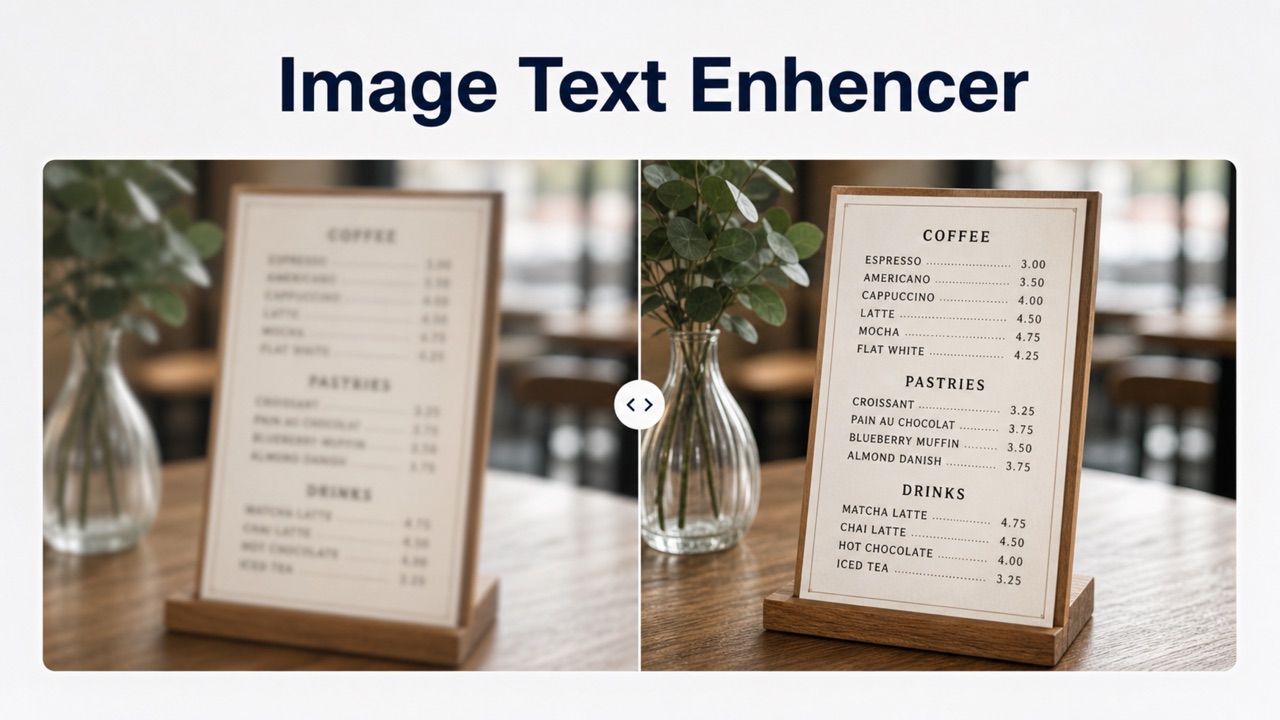








Apply AI Luminous Lighting: Instantly add neon effect to photo
Transform portraits, urban street shots, and night scenes into stunning neon-infused imagery with a glowing effect guided by your prompt.
Upload one image, precisely describe the glow effect you desire, and let our AI add neon effect to photo while meticulously preserving your subject. Watch as it blends colored light, dramatic rim lighting, and realistic reflections directly into the original scene.
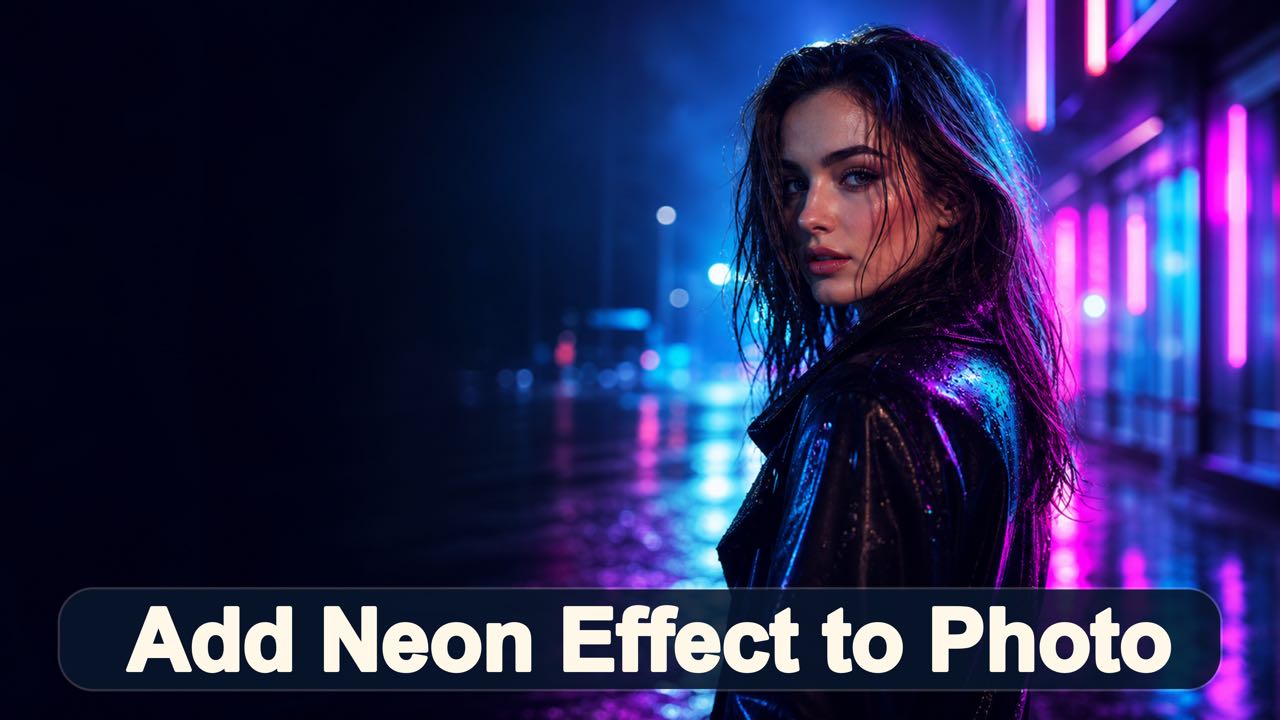
How to Add Neon Effect to Photo Online
The workflow keeps creative direction in your hands. Upload a clear image, describe the glow you envision, then review and download the result after the AI works to add neon effect to photo.
Select Image to Transform and Add Neon Glow
Choose a portrait, street photo, fashion image, or night scene. Clear subjects and visible surfaces enable the AI to add neon effect to photo with convincing edges, depth, and accurate light reflections.
Specify Luminous Accent Colors and Lighting
Enter a descriptive prompt for the colors, light placement, and atmosphere you want before you add neon effect to photo. Request specific effects like magenta rim light or cyan signs instead of using a fixed filter.
Process Photo, Review the Imagery, and Download
Start the edit process to add neon effect to photo and review how the lighting interacts with your subject. Refine the prompt when needed, then download the final version for your creative visual.
Best AI Image Tools for Creative Projects
Explore creative tools for image, learn tips and tricks, and see how AI can be your assistant in turning concepts into finished projects.


AI Technology with Realistic Integrated Glow
Boldly go far beyond a simplistic, flat colored light overlay. Utilize powerful, prompt-guided editing to add neon effect to photo with a precise visual direction that intelligently and dynamically responds to the unique content of the image.
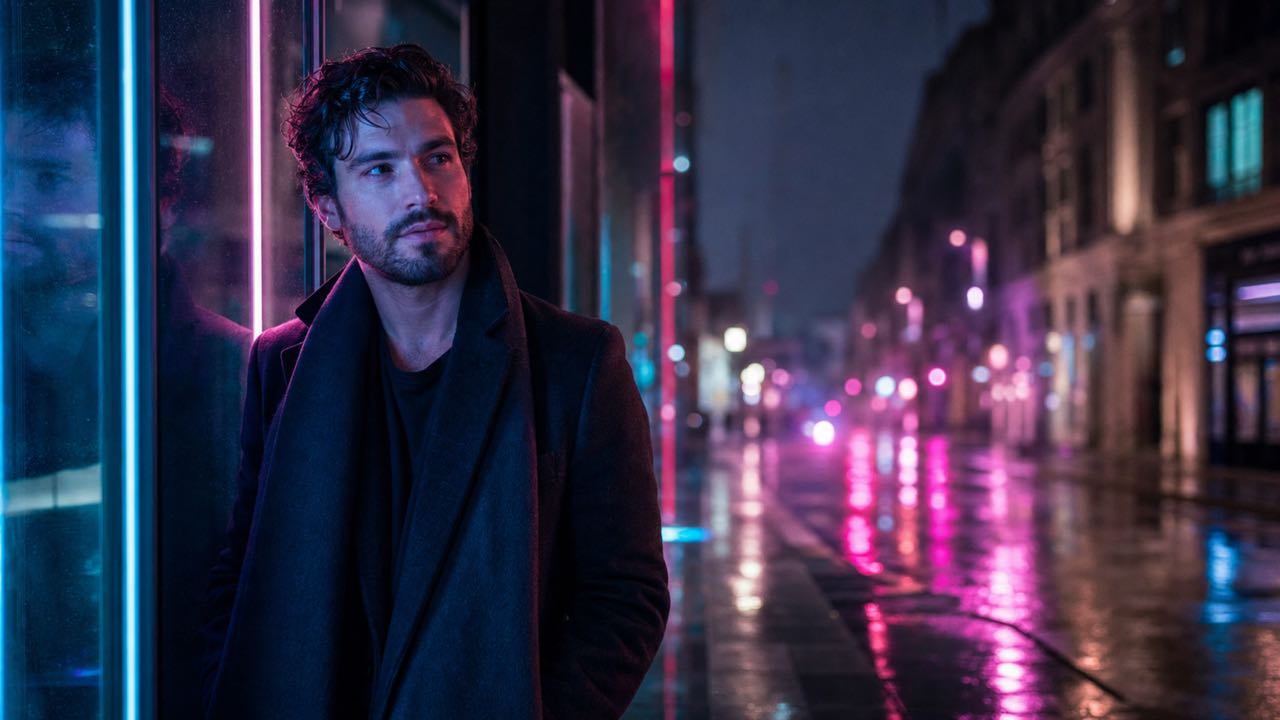
Incorporate Lighting with Faces, Urban Streets, and Reflections
A convincing glow should influence the scene, not just sit on top of it as a flat overlay when you add neon effect to photo.
-
Describe where the glow should originate to seamlessly add neon effect to photo, and the AI will build rim light around your subject and soft spill across clothing.
-
This makes it easier to add neon effect to photo while keeping the image recognizable.
-
For realistic results when you add neon effect to photo online, mention the light source, color, direction, and reflecting surfaces.
-
A prompt like 'add neon effect to photo with cyan signs and natural reflections' provides a clear visual plan.
-
This ensures every edit contributes to the atmospheric depth of your imagery.
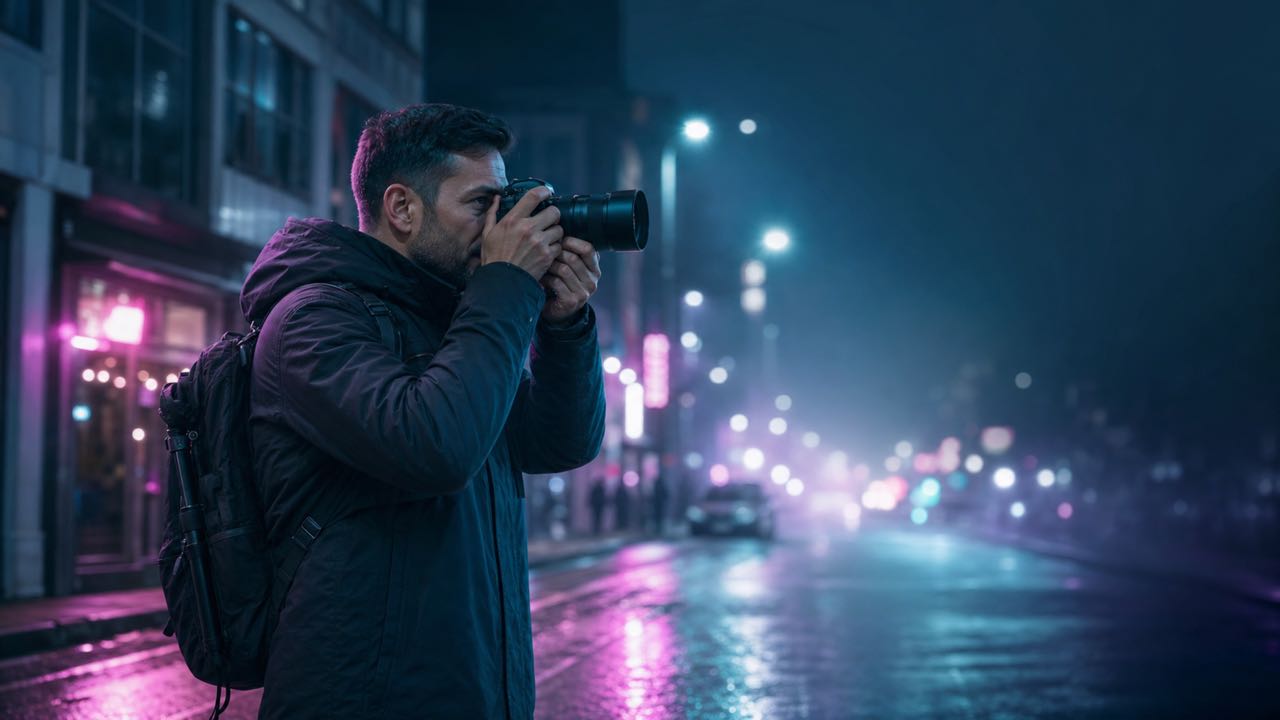
Achieve Creative Style Control with Precise Light Editing
The exact same source photo can support dramatically different looks when you add neon effect to photo.
-
When you add neon effect to photo, specify whether the glow is behind your subject, tracing the silhouette, or applied to selected objects.
-
Accurately describe the intensity with terms such as subtle, vivid, or cinematic to effectively add neon effect to photo.
-
For a retro result, request synthwave colors and geometric lines when you add neon effect to photo.
-
For a modern portrait, ask for clean cyan tubes and a narrow magenta rim light before you add neon effect to photo online.
-
Prompt-level control empowers the edit to perfectly fit your project, avoiding generic pre-set looks.
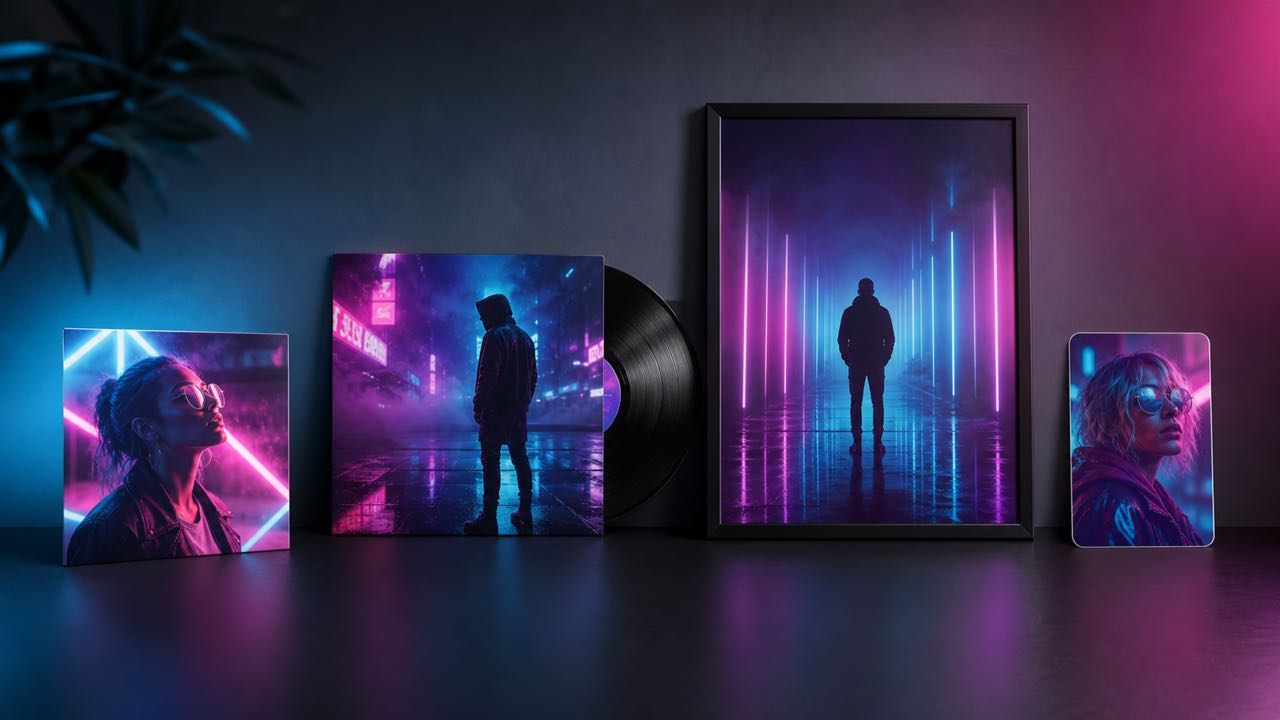
Effectively Preserve Original Scene Integrity with AI
A useful tool should enhance the photo without replacing the core elements that made it valuable when you add neon effect to photo.
-
Our prompt-guided system includes a direction that asks the model to preserve the main subject, face, pose, and crop while helping you add neon effect to photo.
-
This guidance is helpful when you need to add neon effect to photo for a profile image, fashion portrait, or a campaign concept.
-
Explicitly describe any crucial details that must remain untouched, like keeping the jacket color natural, before you add neon effect to photo online.
-
Strategically focus the remaining prompt on describing the new glow to successfully add neon effect to photo.
-
The result is a more intentional edit that supports the source image instead of transforming it into an unrelated scene.
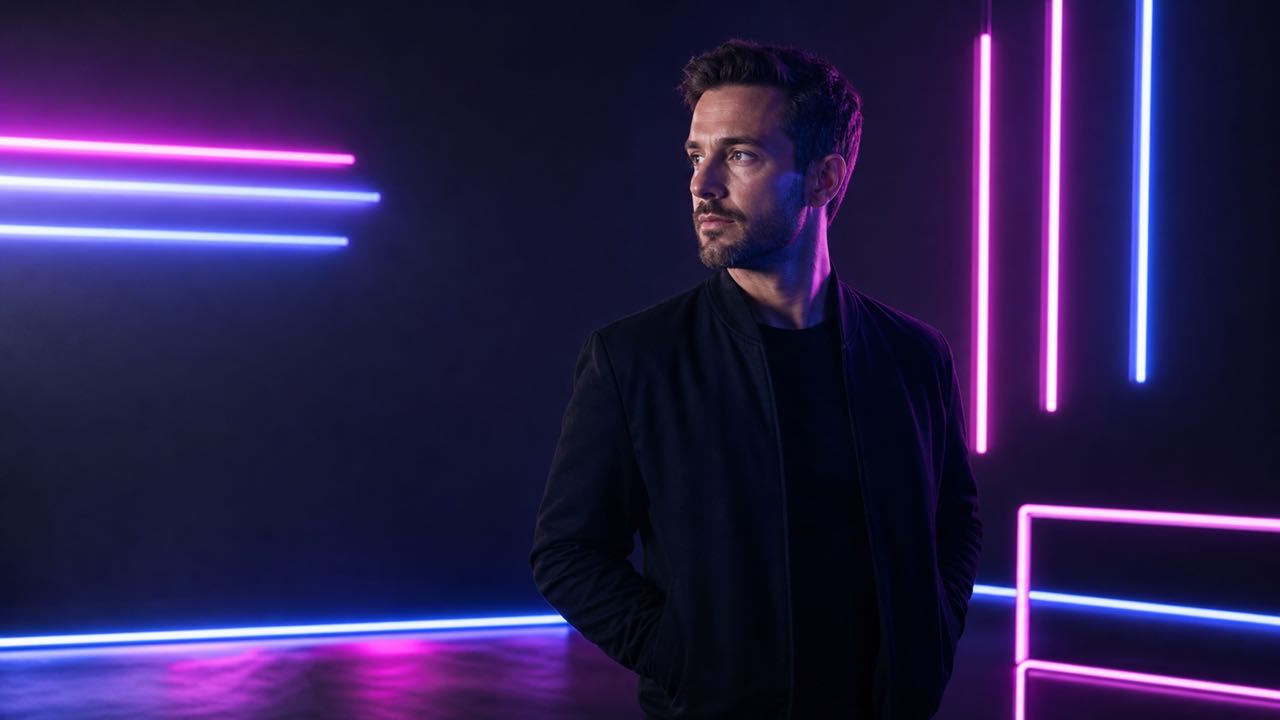
Easily Create Visuals for Social Media, Music, and Design
Use a single, powerful prompt-guided workflow to explore several finished image directions when you add neon effect to photo.
-
Add neon effect to photo to quickly create a profile picture, a vertical event graphic, an album-cover concept, or a gaming banner.
-
Start with the final image placement in mind and explicitly describe the available negative space when you add neon effect to photo online.
-
A social portrait might require you to add neon effect to photo with a bright face and clean bokeh, while a music visual can utilize deeper shadows.
-
An event image could benefit when you add neon effect to photo by tracing architectural lines that leave negative space for typography.
-
Because this tool follows written direction, you can adapt the edit to fit each format without learning manual masks.
Primary Advantages to Add Neon Effect to Photo Using AI
Prompt-guided editing technology makes applying lighting infinitely flexible and widely accessible for personal images, creative creator content, and innovative professional design concepts.
Enhance Creator Imagery and Profile Photos
Quickly transform an ordinary portrait into a vivid, professional social image featuring dramatic rim light, subtle bokeh, or a compelling urban-night mood. Effectively add neon effect to photo while meticulously keeping the face and original pose completely recognizable, then conveniently crop the resulting visual for all profile, feed, or story formats.
Empower Music Art and Event Graphics
Effortlessly build deeply atmospheric cover concepts, impactful announcement visuals, nightlife promotions, and high-energy performance imagery. A focused prompt to add neon effect to photo can instantly establish genre and energy before final typography is added in a separate professional design step.
Accelerate Photography Concepts and Moods
Rapidly explore potential lighting treatments before an actual shoot, dramatically extend an urban editorial series, or efficiently create mood-board alternatives from a single approved frame. Use descriptive prompts to add neon effect to photo in diverse cyan, magenta, violet, retro, futuristic, or restrained visual directions.
Elevate Brand Stories and Product Images
Effectively add neon effect to photo when a specific product, marketing campaign, or commercial mood requires a distinctly modern nightlife, vibrant gaming, technology, beauty, or entertainment aesthetic. Precisely describe exactly where reflections should realistically appear on product surfaces.
Creative Photo Examples for Diverse Professional Workflows
These fictional user scenarios are designed to effectively illustrate some of the numerous possible uses and creative benefits of applying this prompt-guided tool to add neon effect to photo.
I really wanted an authentic night-city portrait for a release teaser, but the original street lighting was far too neutral. I used the AI prompt to effectively add neon effect to photo, adding specific blue signs behind me and a very restrained magenta edge light. The final result gave me a tremendously strong mood-board image.
For a complex fashion concept, I absolutely needed the glow to look like completely authentic light interaction, rather than just a flat sticker overlay. Precisely describing the light source helped create a compelling way to add neon effect to photo that realistically interacted with glass and wet pavement in the scene.
I utilized the AI prompt editor to effectively add neon effect to photo to create a vibrant image for a vertical event announcement graphic. Keeping the subject strategically positioned on one side and explicitly asking for violet bokeh in the background successfully left enough clean negative space for all the final event details.
The precise prompt controls were incredibly useful for this project because I could explicitly request a very subtle cyan outline instead of a full, overpowering cyberpunk transformation. Being able to add neon effect to photo with this lighter approach perfectly fit our technology campaign concept while successfully keeping the product colors completely readable.
In my role, I frequently need to generate several distinct visual moods from a single approved creator portrait image. Being able to quickly add neon effect to photo with dramatically different colors, light placements, and overall atmosphere seamlessly gave me numerous impactful options for a feed post and a story cover.
For a major gaming community banner project, I precisely described electric-blue edge light, vibrant pink reflections, and a dark background featuring controlled atmospheric haze to add neon effect to photo. The resulting effect made the image feel significantly more immersive and high-energy while leaving the central subject completely clear.


Frequently Asked Questions
Learn the essentials of choosing an optimal input image, writing an effective, descriptive prompt, controlling all aspects of the glow, and accurately interpreting the results when you add neon effect to photo.
Upload one clear image, precisely describe the desired colors, light placement, glow intensity, and general atmosphere you want in your prompt, then generate the edit to add neon effect to photo. Explicitly mention details like cyan signs, magenta rim light, or reflections on wet pavement.
Portraits, urban street photos, fashion imagery, nightlife scenes, vehicles, product shots, and architectural photos can all work wonderfully. Images with clear subjects, distinct visible edges, and diverse surfaces like glass or wet ground provide natural places to interact when you add neon effect to photo.
Yes, absolutely. You have total creative control when you add neon effect to photo. Precisely write the desired colors and their exact location directly in your prompt. For example, explicitly request pink glow behind the subject or blue rim light around the entire silhouette.
Our advanced AI editing system includes an intrinsic direction that asks the model to meticulously preserve the main subject, original identity, face, pose, clothing, and crucial scene details while seamlessly helping you add neon effect to photo.
Precisely describe a believable light source and its realistic color interaction on nearby surfaces to ensure it looks authentic when you add neon effect to photo. Explicitly ask for specific effects like colored light spill on clothing, dramatic rim light around distinct edges, or realistic reflections on glass.
You can effortlessly create attention-grabbing social media feed posts, captivating story covers, professional album-cover concepts, impactful vertical event graphics, or immersive gaming community banners after you add neon effect to photo. Just add precise typography later using a dedicated design tool.
Add Lighting Mood by Generating Unique Visuals
Upload one original image, precisely describe the desired colors and entire atmosphere in your prompt, and expertly add neon effect to photo with prompt-guided dramatic rim light, realistic reflections, depth-aware bokeh, and intelligent scene-aware glow.
