
Create original character concepts from a text prompt and explore personalities, costumes, poses, worlds, and visual styles.
More AI Image Generators
Explore our collection of specialized AI image generators designed for different creative needs and styles



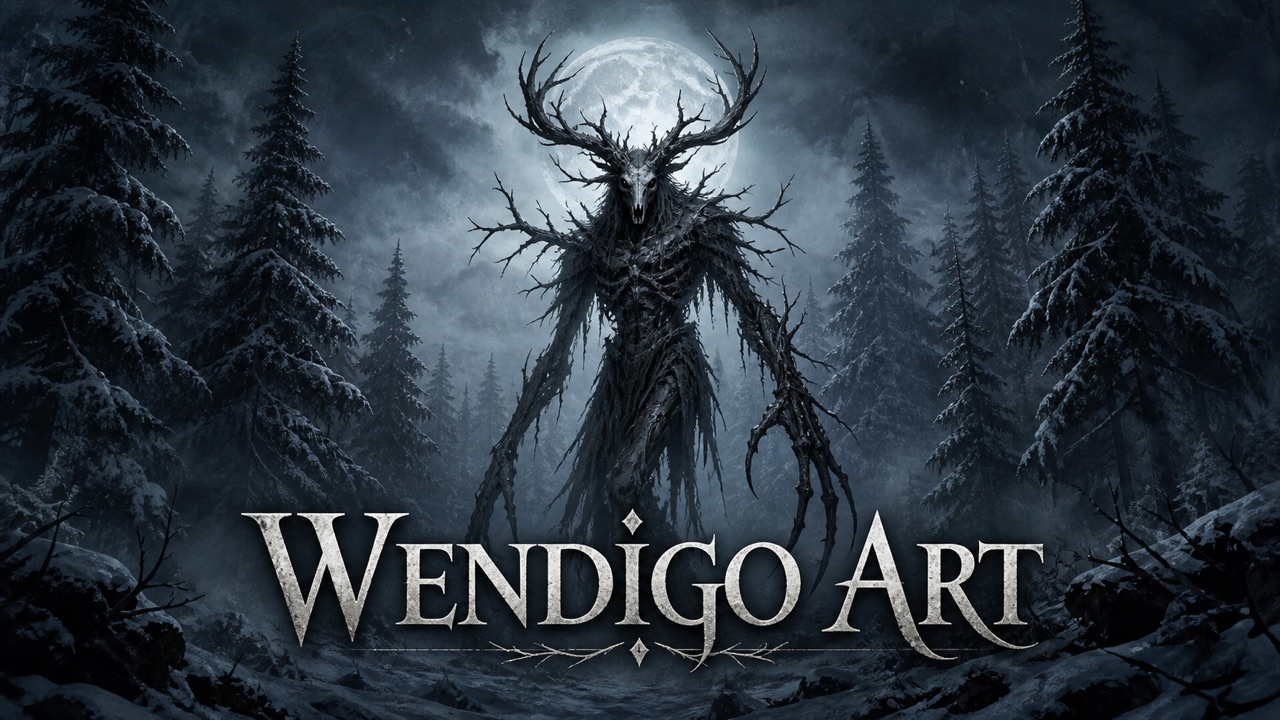













AI Character Creator for Character Designs
Turn an idea into a hero, villain, avatar, or story cast with AI Character Creator.
AI Character Creator helps you shape appearance, clothing, personality, pose, and setting in one prompt-led workflow. Use AI Character Creator to explore an original concept quickly, compare creative directions, and refine the details that make a character memorable.
How to Use AI Character Creator
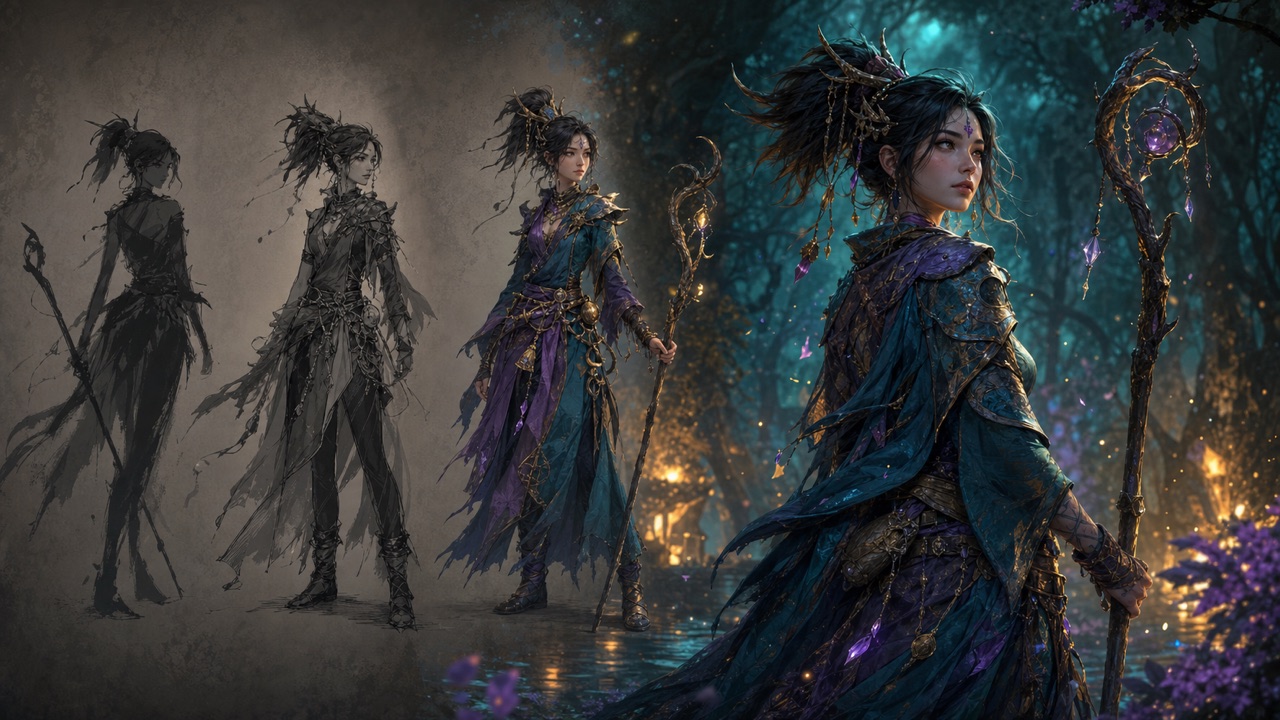
AI Character Creator keeps character ideation focused from the first description to the final image. Follow three simple steps to turn a narrative brief into a visual concept you can review, revise, and develop further.

Describe Your Character with AI Character Creator
Start with the role, age range, body language, facial features, clothing, accessories, and world around the character. Tell AI Character Creator which traits define the concept and which details are flexible. A useful prompt separates identity, costume, pose, camera view, environment, lighting, and art style. AI Character Creator can interpret concise instructions, but clear relationships make the result easier to direct: explain how a coat moves, why a tool is carried, or what an expression reveals. If you want several options, keep the core identity stable while changing one creative variable. This approach gives AI Character Creator enough structure to create characters from text without flattening every idea into the same generic archetype. The AI character generator also benefits from a short narrative purpose, such as a reluctant guide, an ambitious inventor, or a guardian returning from a long journey.

Choose a Model and Generate with AI Character Creator
Choose the available image model that suits your preferred balance of speed and visual interpretation, then review the prompt and click Generate. AI Character Creator sends the creative brief into the selected model and builds a new character image from those instructions. Place essential identity details before decorative requests so AI Character Creator does not lose the main idea among too many competing elements. The AI character generator works best when the camera framing matches your goal: use a close portrait for expression, a three-quarter view for costume detail, or a full-body composition for silhouette and equipment. Keep protected characters, celebrity likenesses, deceptive impersonation, and harmful material out of the request. Original descriptions give the model more room to produce a distinct result that supports your own story or project.

Review and Refine the Result in AI Character Creator
Inspect the generated face, silhouette, outfit, pose, props, and setting as a connected design rather than judging one isolated detail. AI Character Creator makes iteration practical: keep what communicates the role, then revise one or two uncertain choices. You might ask for a calmer expression, clearer material contrast, more readable equipment, or a background that better explains the world. AI Character Creator can respond more consistently when each revision states what should remain unchanged. Use the AI character generator to compare deliberate variations, not endless random outputs. After a useful result appears, save the prompt language that worked and use AI Character Creator again to develop a related costume, mood, scene, or supporting character while preserving the concept's central visual logic.
Best AI Image Tools for Creative Projects
Explore creative tools for image, learn tips and tricks, and see how AI can be your assistant in turning concepts into finished projects.
Build Better Concepts with AI Character Creator
AI Character Creator connects narrative choices with visible design decisions. Move from a loose idea to a character whose silhouette, costume, expression, and environment support the same identity, then use each result as a focused checkpoint for further creative development.
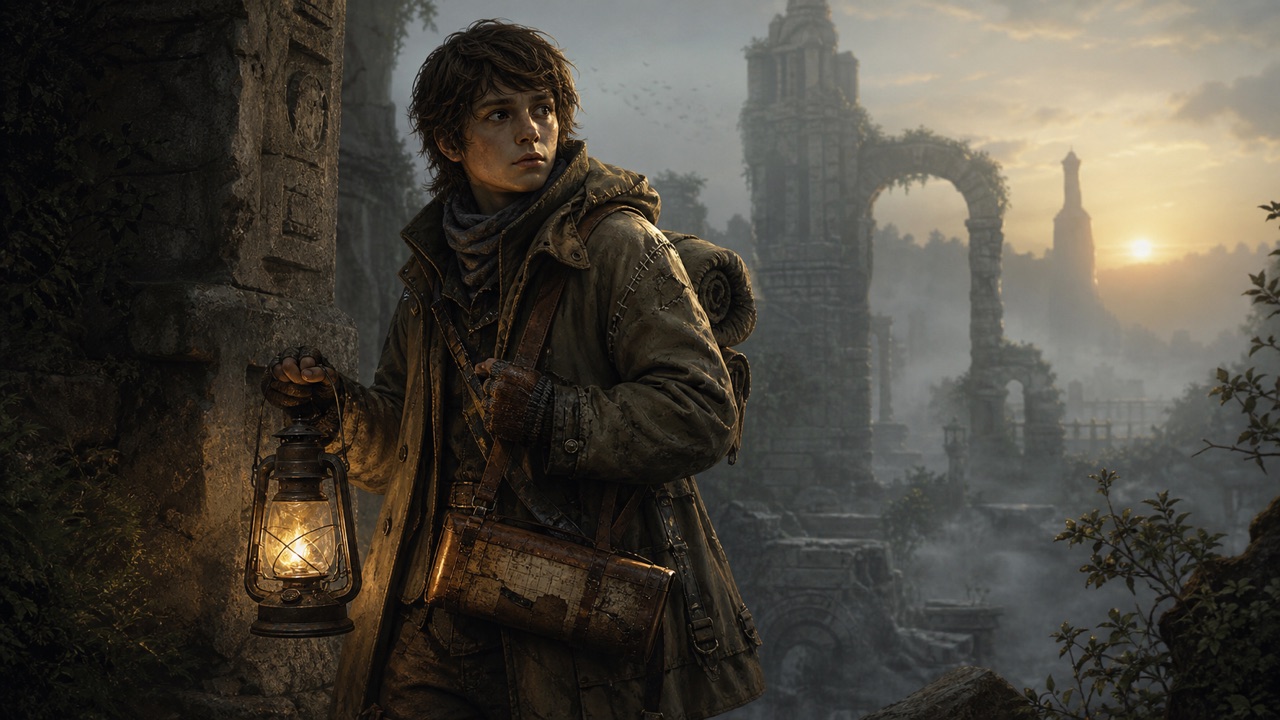
Turn Personality into Visual Direction with AI Character Creator
A convincing character begins with more than hair color and clothing. Describe temperament, motivation, status, habits, and the emotional impression you want the viewer to feel. AI Character Creator can translate those narrative clues into posture, expression, costume condition, color relationships, and meaningful objects. For example, a cautious explorer might hold equipment close, wear repaired layers, and scan the horizon instead of striking a triumphant pose. AI Character Creator is easier to guide when personality has visible consequences. Use the AI character generator to test whether the design reads as thoughtful, dangerous, playful, disciplined, or mysterious before you add more ornament. AI Character Creator can also compare two interpretations of the same role, helping you see which silhouette and facial language communicates the story fastest. When the concept feels vague, remove decorative details and let the AI character generator rebuild around one clear emotional idea.
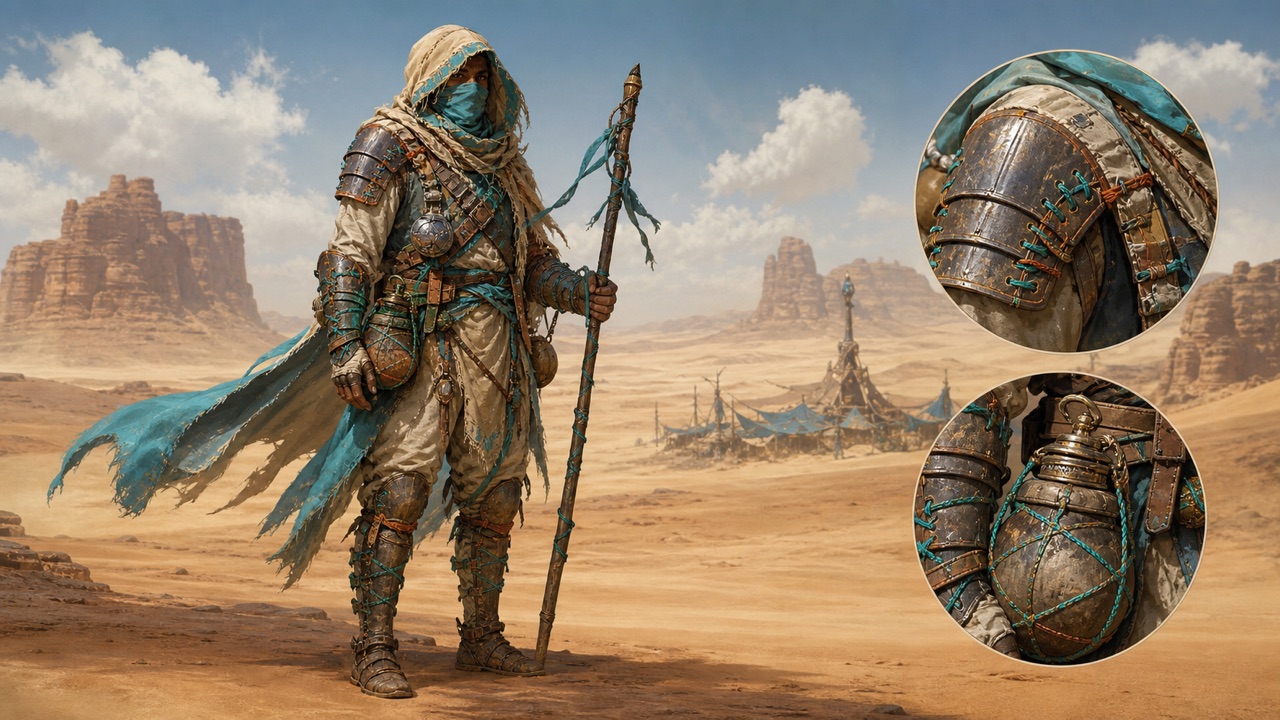
Design Costumes That Explain the World with AI Character Creator
Use costume as evidence of profession, culture, climate, wealth, movement, and personal history. AI Character Creator can combine material, construction, wear, color, and accessories into a coherent outfit when the prompt explains why each choice belongs. Instead of requesting generic fantasy armor, describe lightweight layered protection for a desert courier who repairs gear with bright woven cord. AI Character Creator can then connect function and style rather than stacking unrelated decorations. The AI character generator is useful for comparing formal, practical, ceremonial, damaged, or upgraded versions of one design. AI Character Creator also helps reveal whether important props disappear against the clothing or whether the silhouette becomes too busy. Ask for clear material contrast and a readable hierarchy between primary garments, equipment, and accents.
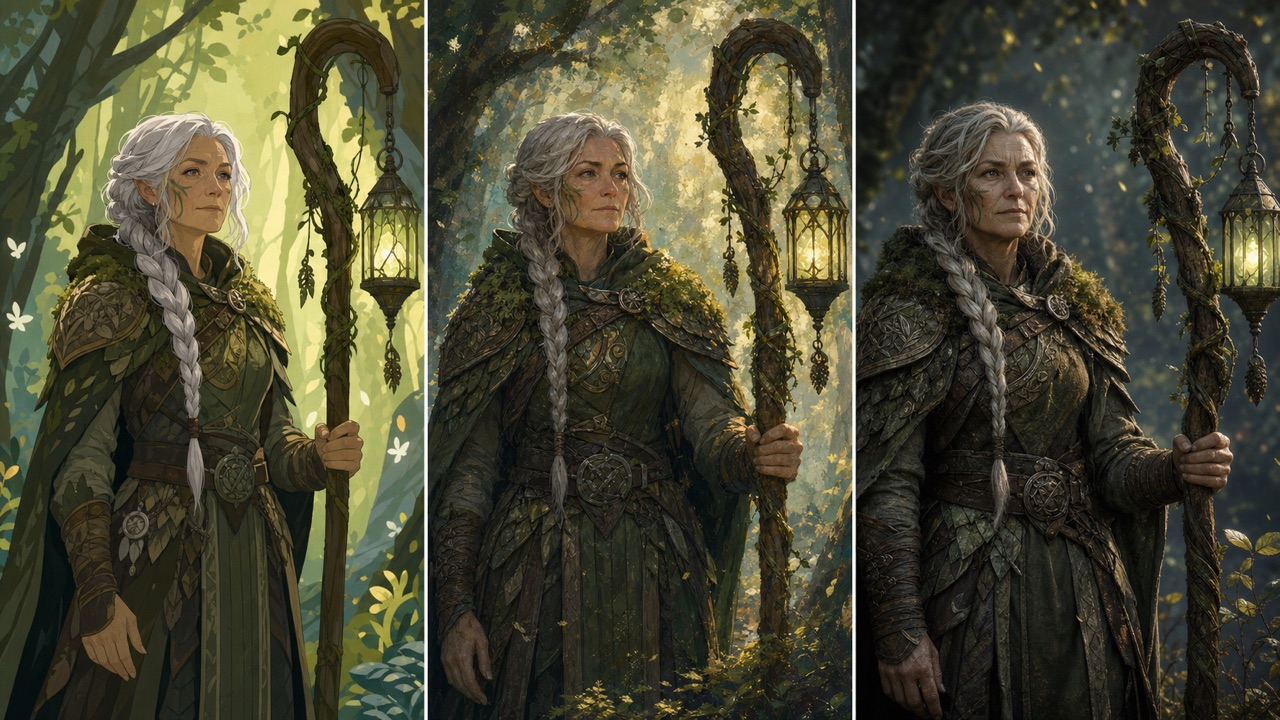
Explore Styles in AI Character Creator Without Losing the Core Identity
The same character can feel completely different in cinematic realism, graphic animation, storybook painting, retro science fiction, manga-inspired art, or a sculpted game-concept look. AI Character Creator lets you explore those treatments while keeping the role, silhouette, signature colors, and defining equipment stable. State the invariants first, then name the desired medium, line quality, texture, lighting, and level of detail. AI Character Creator can produce more useful comparisons when every variation shares the same camera view and emotional tone. The AI character generator then becomes a style evaluation tool rather than a source of unrelated characters. AI Character Creator can help a team decide whether a softer illustrated approach supports a young audience or a sharper treatment fits a dramatic setting. Avoid directly copying a living artist or protected franchise.
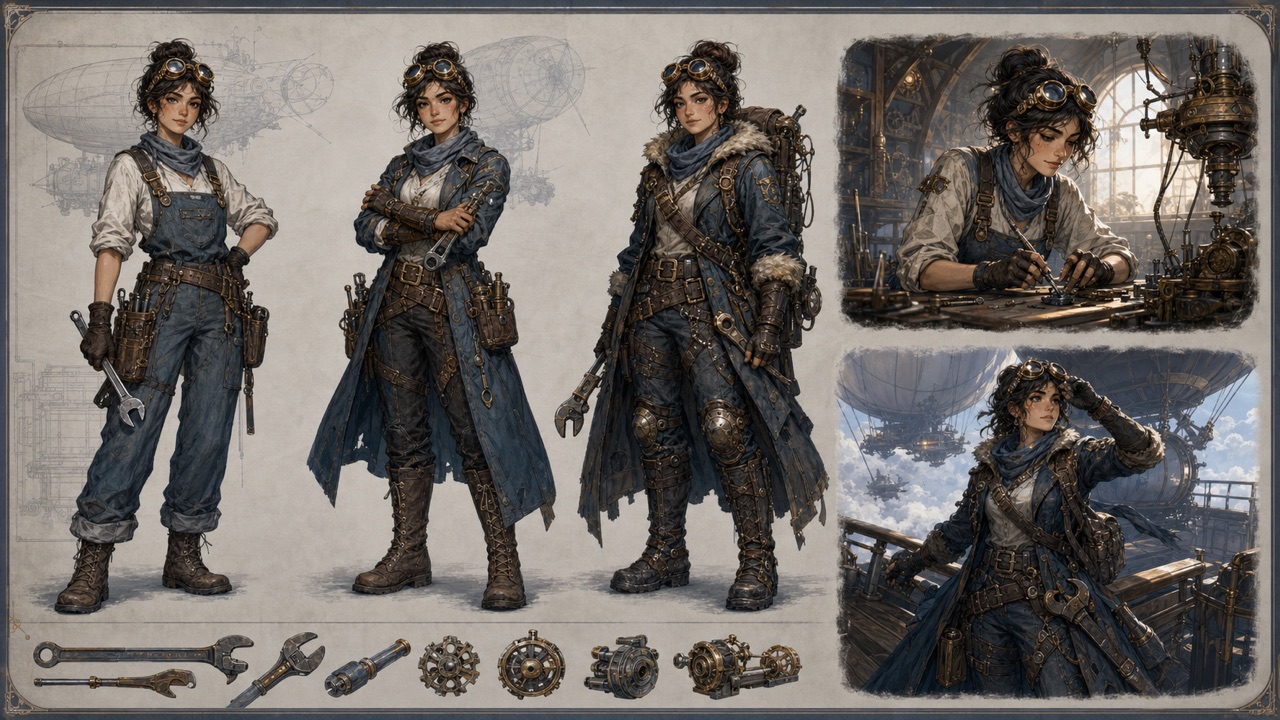
Develop Variations with Purpose
Variation is most valuable when it answers a design question. Use AI Character Creator to compare an early-career and veteran version, peaceful and battle-ready states, seasonal clothing, alternate tools, or emotional beats from the same story. Write down the traits that must remain recognizable, then change a limited set of variables. AI Character Creator can preserve clearer continuity when the prompt repeats signature features, proportions, colors, and role. The AI character generator may still reinterpret details, so treat each image as a concept reference rather than a fixed production model sheet. AI Character Creator helps you identify promising directions quickly, while human judgment decides which version best serves the narrative. Keep labels for successful prompts and note why each variation works. This makes AI Character Creator part of a deliberate creative process and helps future collaborators understand the choices behind the image.
What You Can Make with AI Character Creator
AI Character Creator supports early visual thinking for stories, games, campaigns, personal avatars, and classroom projects. Begin with an original purpose, use clear prompts, and treat every generated image as material for review rather than an automatic final answer.

Story and Novel Character Planning
Writers can use AI Character Creator to test how a written description reads visually before drafting scenes or commissioning finished art. Describe the character's role, background, emotional tension, clothing logic, and the setting that shaped them. The AI character generator can reveal whether the visual choices reinforce the voice on the page or introduce contradictions worth exploring. The AI character generator is especially useful for comparing cast members, because different silhouettes, palettes, and posture can make relationships clearer at a glance. Keep the concept original, label generated references accurately, and invite collaborators to challenge assumptions. Used this way, AI Character Creator becomes a flexible brainstorming aid that helps a story team discuss character direction with more concrete language.

Game Character Maker for Role-Playing Concepts
Game designers and role-players can use AI Character Creator to visualize classes, factions, companions, rivals, and player avatars before investing in detailed production art. Explain gameplay role, movement needs, equipment, environment, and visual hierarchy so the AI character generator can connect aesthetics with function. The AI character generator helps compare silhouettes that remain recognizable at different distances or costumes that communicate progression. AI Character Creator can also support tabletop sessions by turning an original backstory into a portrait or full-body concept that gives players a shared reference. Generated images are not finished rigged assets, balanced game systems, or ownership clearance. Review anatomy, equipment logic, cultural references, and rights separately.

Original Avatars and Online Personas
Create a fictional persona for a profile concept, streaming identity, community event, or personal creative project with AI Character Creator. Choose a mood, color system, clothing language, expression, and framing that represent the intended tone without copying a real person or protected character. The AI character generator can explore approachable, bold, whimsical, futuristic, or mysterious directions from text. The AI character generator is helpful when you want to compare portrait and full-body versions or test which accessories remain readable at avatar size. AI Character Creator should be used transparently and respectfully: do not impersonate others, create deceptive evidence, or use someone's likeness without permission. Add your own writing, layout, and design decisions so the result becomes part of an original identity system.

Creative Briefs and Learning Projects
Teachers, students, creative directors, and small teams can use AI Character Creator to make a brief easier to discuss. A generated concept can illustrate how visual evidence communicates role, historical influence, material choice, or mood. The AI character generator is useful for comparing prompt changes, documenting iteration, and asking why one design communicates more clearly than another. The AI character generator can support lessons about silhouette, color, costume, narrative archetypes, and responsible AI use when outputs are treated critically. AI Character Creator does not replace research, cultural review, source attribution, or professional judgment. Check factual details and avoid reducing cultures or identities to stereotypes.
How Creators Work with AI Character Creator
These fictional examples show how different creative roles might use AI Character Creator for early exploration, prompt comparison, and clearer collaboration before professional production begins.
AI Character Creator helps me see whether a character's visual presence matches the tension I wrote into the story. I use the AI character generator to compare costume and posture choices, then return to AI Character Creator with one focused revision instead of replacing the whole concept.
Our early game discussions become more specific when AI Character Creator turns a role description into a visible silhouette. The AI character generator helps us compare equipment and faction language, while AI Character Creator gives the team a shared reference before concept production starts.
I use AI Character Creator during workshops to demonstrate how prompt priorities affect a design. The AI character generator makes each change visible, and AI Character Creator gives students something concrete to critique while we discuss originality, stereotypes, and responsible creative choices.
AI Character Creator is useful when a campaign brief names a personality but lacks visual direction. I ask the AI character generator for deliberate variations, then use AI Character Creator to refine the strongest option and explain the design logic to collaborators.


AI Character Creator FAQ
Learn how AI Character Creator handles text prompts, styles, revisions, originality, practical use, and responsible character design.
AI Character Creator is a text-to-image tool for developing original character concepts from written descriptions. AI Character Creator can interpret appearance, clothing, pose, expression, environment, and visual style. Treat each result as creative reference material, then review and refine it with your own judgment.
Give AI Character Creator a clear role, defining traits, costume logic, body language, camera view, setting, and art direction. Place essential identity details first and remove conflicting instructions. AI Character Creator is easier to refine when you change one or two variables at a time.
Yes. AI Character Creator can explore broad anime-inspired, fantasy, science-fiction, storybook, cinematic, and game-concept directions. Describe visual qualities instead of requesting a direct copy of a protected franchise or living artist. AI Character Creator works best when the character, world, and style form an original combination.
No. AI Character Creator may interpret the same description differently across generations or models. Repeat the features that must remain recognizable, keep the framing consistent, and revise deliberately. AI Character Creator can support variation studies, but it is not a fixed character-sheet or identity-locking system.
Commercial use depends on current Pixomi terms, the selected model's terms, your prompt and source rights, and applicable law. The AI character generator does not provide legal clearance or ownership guarantees. Review every output and obtain professional advice when a project carries meaningful rights or brand risk.
Use AI Character Creator for lawful, respectful, and non-deceptive creation. Avoid non-consensual likeness use, sexual content involving minors, hateful stereotypes, fraud, impersonation, and protected-character copying. Check generated details critically, disclose AI involvement when appropriate, and follow the rules of any platform where you share the result.
Create an Original Concept with AI Character Creator
Describe personality, costume, pose, world, and visual style, then let AI Character Creator turn the brief into a character image. Return to AI Character Creator with focused revisions until the concept communicates the story you want to tell.
