
More AI Image Generators
Explore our collection of specialized AI image generators designed for different creative needs and styles























Remove Background from Logo Online
Turn a busy logo image into a clean, flexible brand asset in seconds.
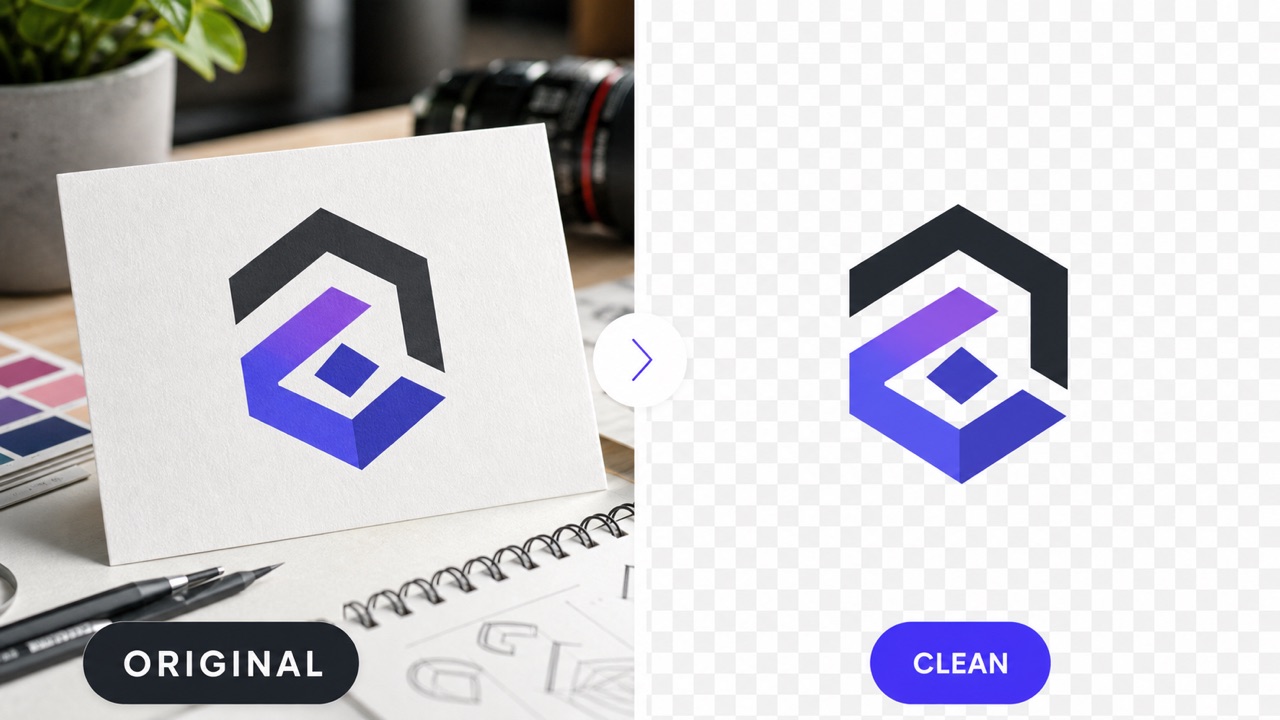
Remove Background from Logo with a simple upload-and-generate workflow. The advanced AI effortlessly isolates your logo, clears out any distracting or unwanted surroundings, and meticulously preserves important edges. This ensures you can confidently reuse the polished, transparent result across websites, product packaging, professional presentations, and dynamic social media content without any harsh borders.
How to Remove Background from Logo
Remove Background from Logo in three direct steps: upload, guide the edit, and generate. The workflow is designed for quick brand cleanup without complicated design software.

Upload Your Logo
Choose a JPG, PNG, or other supported logo image. Remove Background from Logo works best when the mark is visible and the file has enough resolution for clean edge detection.

Describe the Result
Add a short instruction if you need special handling. Remove Background from Logo can focus on keeping fine lettering, symbols, outlines, shadows, or internal negative spaces intact.

Generate and Download
Click generate and review the cleaned image. Remove Background from Logo creates a ready-to-use result without forcing you to trace shapes or erase pixels by hand.
Best AI Image Tools for Creative Projects
Explore creative tools for image, learn tips and tricks, and see how AI can be your assistant in turning concepts into finished projects.











Why Use Remove Background from Logo
Remove Background from Logo combines fast AI isolation with an easy browser workflow, helping you create cleaner brand assets for daily design and publishing tasks.
Keep Logo Edges Sharp
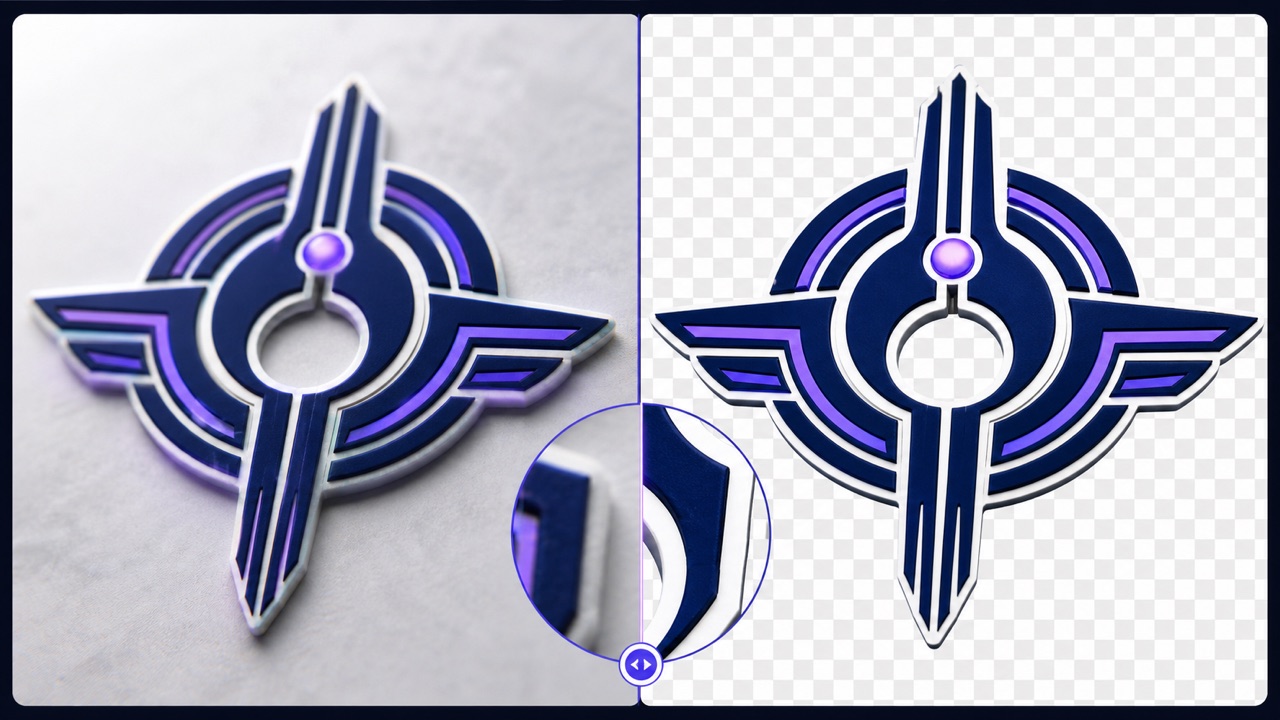
Remove Background from Logo while protecting the details that make a mark recognizable. AI-assisted separation follows letterforms, emblems, curves, and small gaps, helping Remove Background from Logo produce a cleaner asset than hurried manual erasing. Use Remove Background from Logo for logos with compact typography, detailed symbols, or mixed shapes that need careful edge treatment.
Clear White or Complex Backgrounds
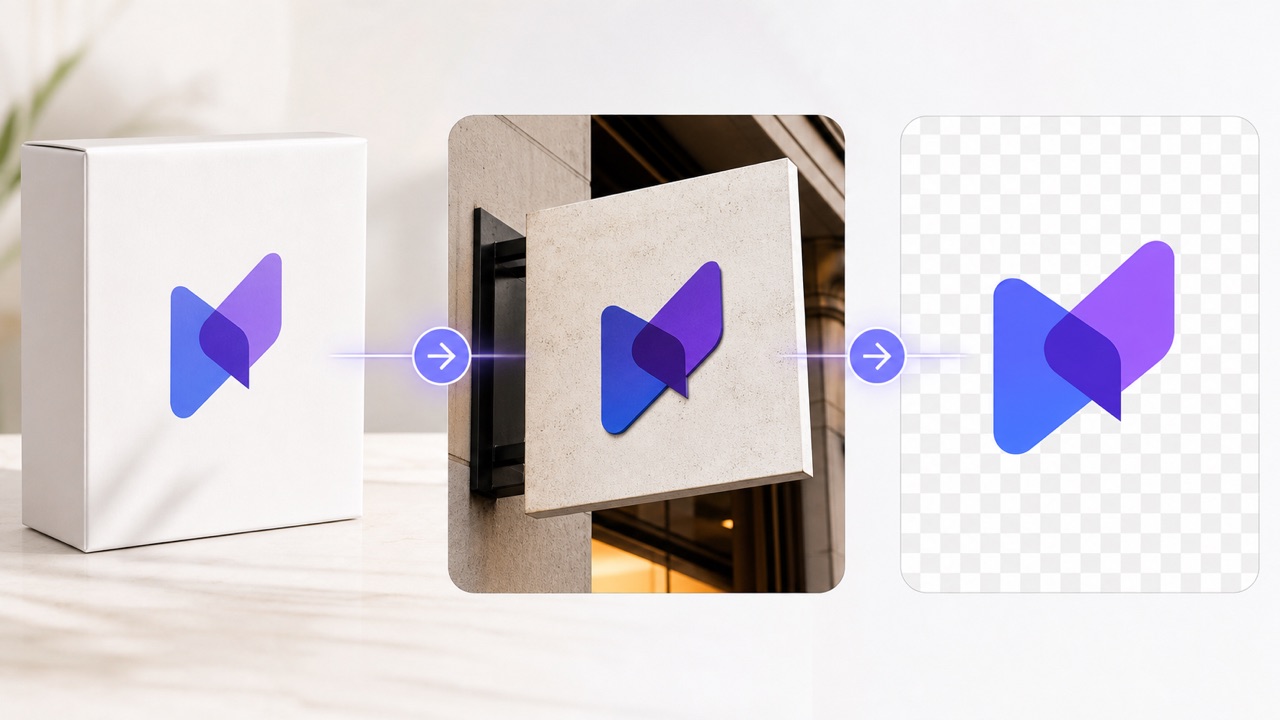
Remove Background from Logo whether the original sits on white, color, paper, signage, or a photographed surface. Remove Background from Logo identifies the central brand mark and removes distracting pixels around it. When the source includes uneven lighting or texture, Remove Background from Logo gives you a fast starting point for a polished transparent version.
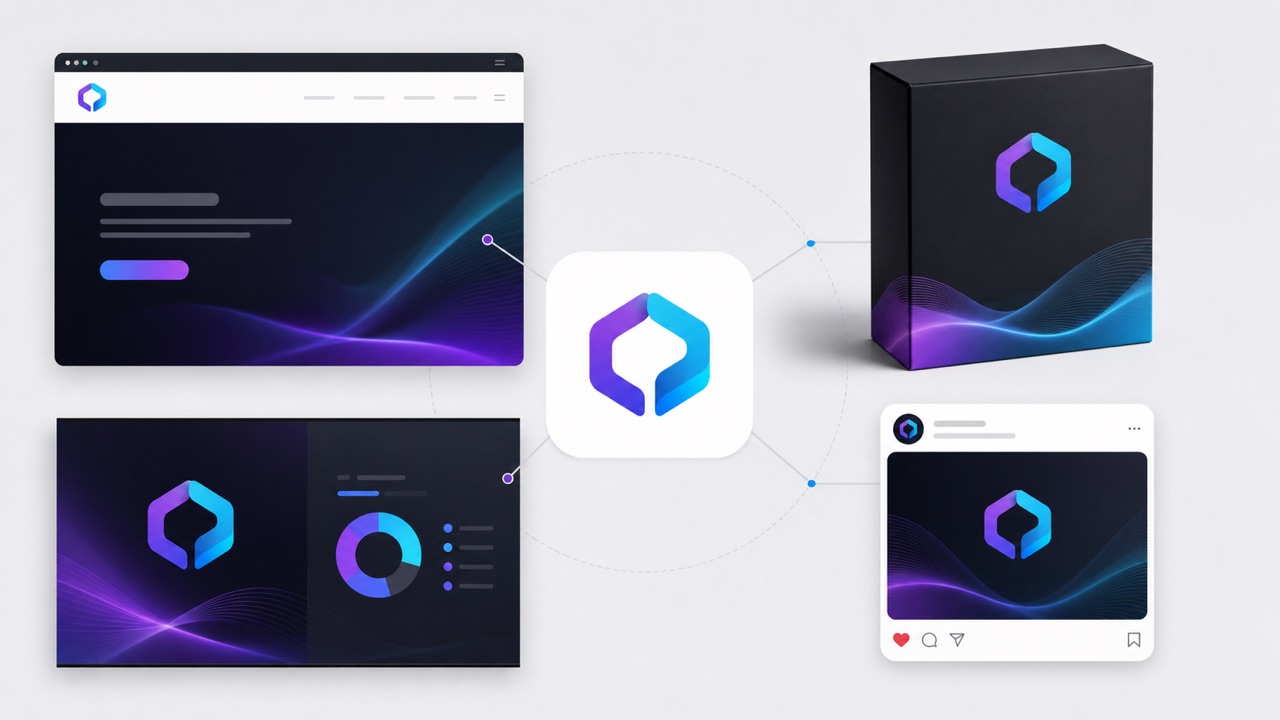
Reuse One Logo Everywhere
Remove Background from Logo once, then place the cleaned mark on web pages, product photos, slides, videos, and printed layouts. Remove Background from Logo helps small teams avoid maintaining separate copies for every background. With Remove Background from Logo, your visual identity stays consistent while layouts remain flexible across light, dark, colorful, and photographic scenes.
Where a Transparent Logo Helps
Remove Background from Logo for the everyday places where a crisp, clean brand mark matters most. A single, well-prepared transparent asset can seamlessly support your entire workflow across graphic design, digital marketing, e-commerce platforms, and internal corporate communications, saving you hours of repetitive editing.

Website and App Branding
Remove Background from Logo before placing a brand mark in navigation bars, splash screens, footers, or app mockups. Remove Background from Logo gives designers a cleaner asset that adapts beautifully to responsive interfaces, dark modes, and constantly changing color themes.

Product and Packaging Design
Remove Background from Logo for labels, boxes, merchandise, marketplace images, and product previews. Remove Background from Logo helps the mark sit naturally over textured materials and lifestyle photography without an ugly, visible rectangular block.
Social and Marketing Content
Remove Background from Logo for posts, ads, thumbnails, banners, reels, and campaign graphics. Remove Background from Logo makes it exponentially easier to keep your core branding highly visible while perfectly preserving the artistic composition underneath.

Presentations and Documents
Remove Background from Logo for pitch decks, proposals, reports, invoices, and training materials. Remove Background from Logo delivers a much more professional, high-end appearance across plain white pages, vividly colored slides, and complex photo-based layouts.
Trusted for Everyday Logo Cleanup
Remove Background from Logo consistently supports thousands of busy professionals, freelancers, and small business owners who urgently need a clean brand mark without interrupting their fast-paced production schedules or hiring an expensive agency.
I use Remove Background from Logo when a client sends only a flattened file. Remove Background from Logo gives me a clean version quickly, so I can move straight into layout work without missing a single deadline.
Remove Background from Logo makes our product listings look more consistent. I can place the same mark over different package colors without rebuilding the source artwork from scratch each and every time.
For fast campaign drafts, Remove Background from Logo saves a surprising amount of tedious editing time. Remove Background from Logo lets me prepare highly usable brand assets before the final high-res design files officially arrive.
I constantly recommend Remove Background from Logo to founders who do not have access to or time for advanced design software. The workflow is clear, and the expertly cleaned result is much easier to reuse across multiple pitch decks.
Remove Background from Logo helps me rapidly tidy up sponsor marks for decks and large event screens. Remove Background from Logo keeps the overall visual presentation polished even when the provided source files vary wildly in quality.
Our documentation team uses Remove Background from Logo for all our user guides and partner materials. Remove Background from Logo turns awkward, unprofessional boxed images into incredibly flexible assets that fit the page layouts perfectly.






Remove Background from Logo FAQ
Find practical, in-depth answers about exactly how Remove Background from Logo works under the hood, what specific types of files to upload for optimal results, and how to consistently prepare a much cleaner, more versatile brand asset.
Remove Background from Logo automatically isolates the primary logo in an uploaded image and seamlessly clears the unwanted area around it. It is intelligently designed to preserve useful lettering, intricate symbols, sharp outlines, and delicate internal spaces while creating a much cleaner, highly versatile asset for immediate reuse.
Yes. Remove Background from Logo can effectively separate many marks from plain white or solid-color backgrounds. Clear contrast usually helps, but Remove Background from Logo can also provide a highly useful result when the source image includes mild texture, subtle gradients, or slightly uneven ambient lighting.
Remove Background from Logo is specifically built to recognize fine edges, small counters in letters, narrow lines, and complex decorative shapes. Of course, the final results still heavily depend on the original source quality, so always upload the highest resolution and clearest available image when using Remove Background from Logo.
No. Remove Background from Logo uses a simple upload, prompt, and generate process. You absolutely do not need to draw intricate paths, manually select pixels, or understand complex professional photo editing tools to successfully use Remove Background from Logo. It is fully automated and beginner-friendly.
After you Remove Background from Logo, you can seamlessly place the transparent result into websites, mobile apps, social media posts, product packaging, slide presentations, promotional videos, and corporate documents. Just always make sure you have the proper legal permission or ownership rights to use and edit the logo.
Start with a sharp, well-lit image and keep the full logo completely visible within the frame. When absolutely needed, explicitly tell Remove Background from Logo which fine details, faint shadows, or tiny interior spaces to preserve, then carefully review the generated result before moving into final production use.
Remove Background from Logo Now
Upload your image right now and use Remove Background from Logo to instantly create a clean, incredibly flexible brand asset that will seamlessly elevate the quality of your next major design project.
