
More AI Video Generators
Explore our collection of specialized AI video generators designed for different creative needs and styles
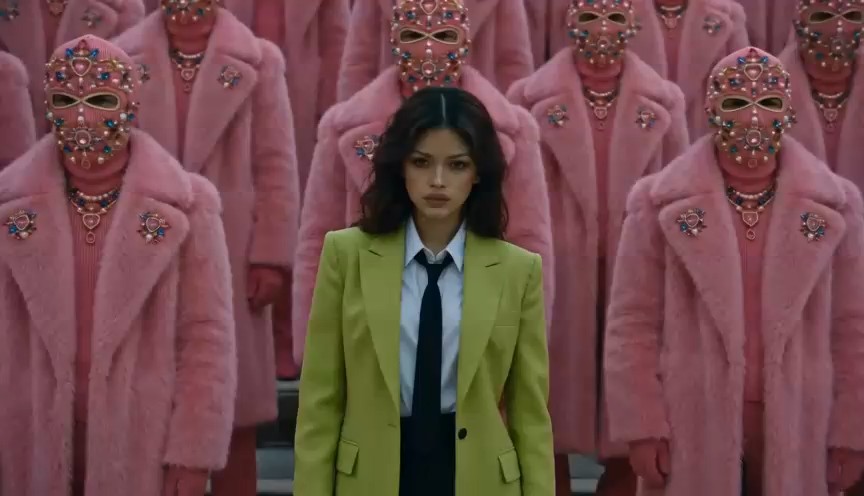
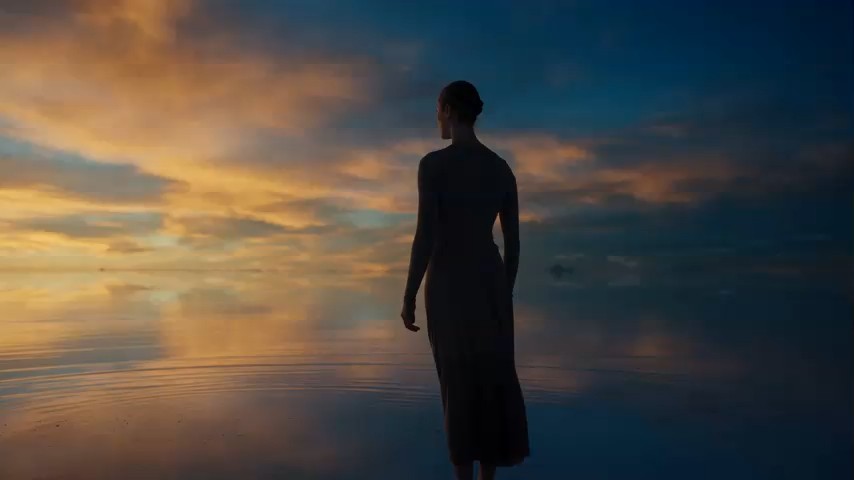
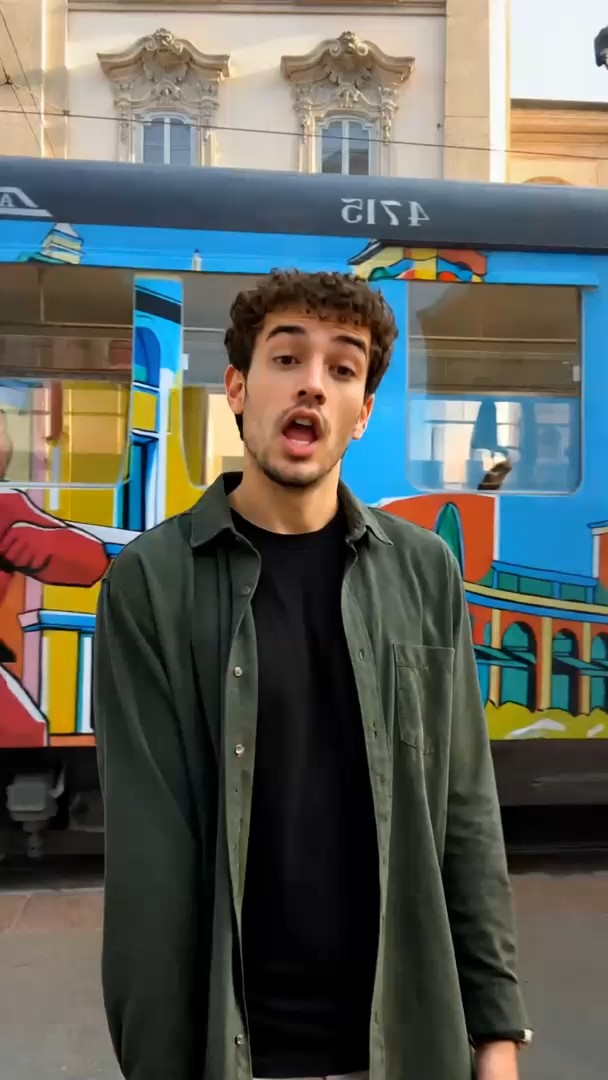
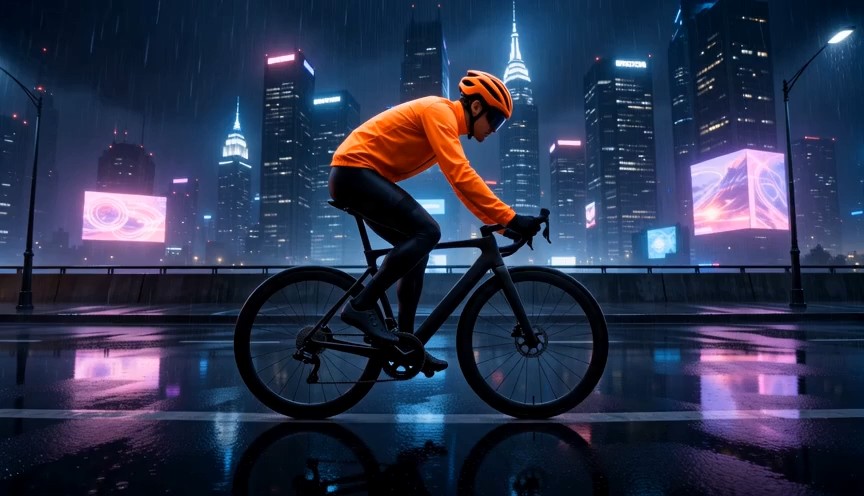
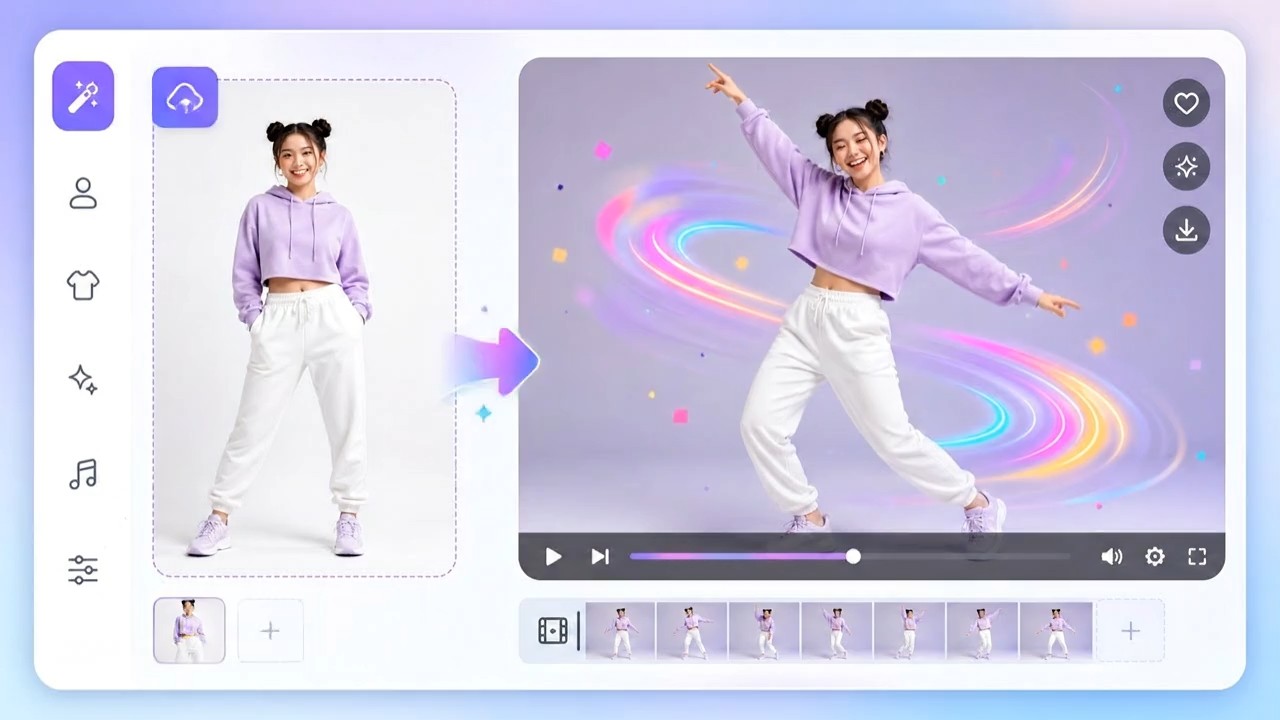
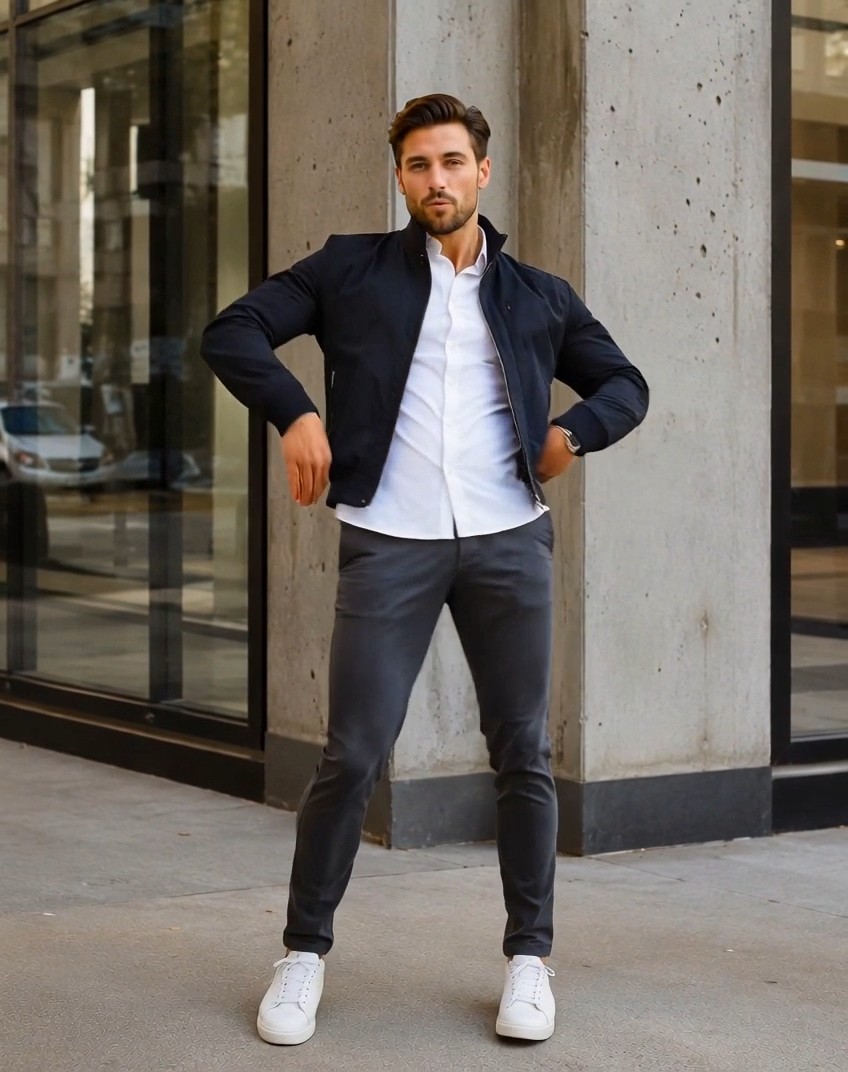
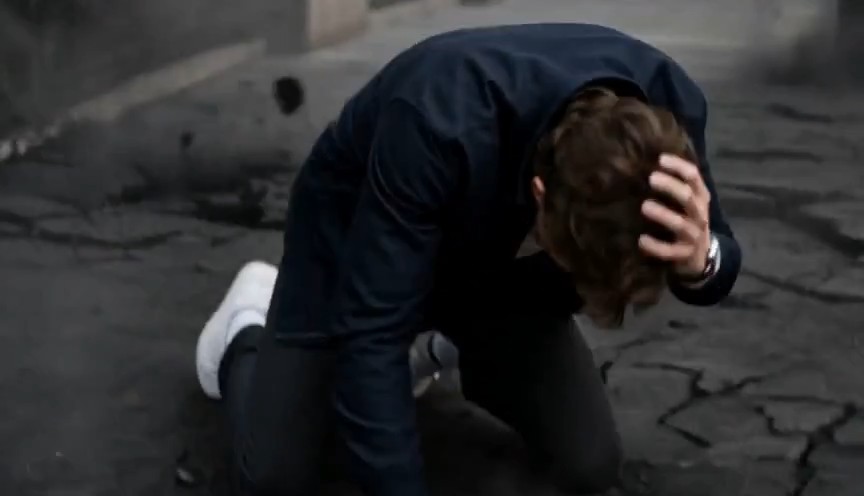
Photo to Video AI for Multi-Image Storytelling
Upload several images, describe the motion, choose Seedance settings, and turn your photo sequence into one polished video.
Create photo to video stories from several uploads with a focused photo video maker. Choose clarity, length, and ratio, then use photo to video AI free controls to generate smooth motion with Seedance 2 or 1.5.
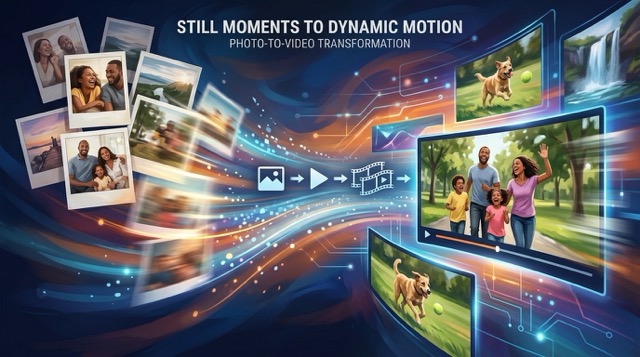
How to Turn Photo to Video in Four Steps
This photo video maker keeps photo to video creation simple: upload several photos, write a prompt, choose clarity, length, and ratio, then generate with Seedance. The photo to video AI free workflow gives beginners and creators direct control.

Upload Multiple Photos
Add the images you want to combine. The multi-image workspace reads their order, while the photo video maker prepares them as visual references for one connected free AI creation.

Describe Your Video
Enter the motion, transitions, camera movement, and story you want. The built-in instruction keeps the task focused, and prompt concatenation lets the photo video maker follow your custom photo to video AI free direction.

Choose Video Parameters
Select clarity, duration, and aspect ratio, then choose a Seedance 2 or 1.5 model. These photo to video controls help the photo video maker shape a photo to video AI free result for your screen and format.

Generate Your Video
Click generate and let the AI system animate and connect your uploads. The photo video maker processes your prompt and settings, producing a photo to video AI free result ready to review.
Best AI Video Tools for Creative Projects
Explore creative tools for video, learn tips and tricks, and see how AI can be your assistant in turning concepts into finished projects.


Photo to Video Features for Flexible Creation
The photo video maker combines multi-image upload, custom prompting, Seedance model choice, and practical output settings. Use photo to video AI free tools to plan motion and format, then create photo to video content in one guided workflow.
Combine Multiple Photos into One Visual Story
- Photo to video creation starts with multiple images, so your output can move through moments instead of relying on one frame.
- The photo video maker uses the uploaded sequence as the visual foundation for a connected clip.
- Arrange travel shots, portraits, product angles, illustrations, or family memories, then guide the photo to video result with a prompt.
- This photo to video AI free workflow makes a slideshow feel more cinematic through generated movement and transitions.
Control Motion with Built-In and Custom Prompts
- The built-in multi-image prompt tells the model to combine uploaded images into a coherent video.
- Turn on prompt concatenation to add your own camera moves, pacing, transitions, atmosphere, and subject actions.
- The photo video maker blends those instructions with the focused operation, helping each scene stay relevant.
- With photo to video AI free prompt control, you can request slow zooms, dynamic reveals, gentle parallax, or energetic cuts.
Choose Seedance 2 or Seedance 1.5
- Select from Seedance 2 and Seedance 1.5 series models inside the photo video maker.
- Model choice lets you match the generation job to the motion style and option available for your project.
- Keep the same uploaded references while testing another supported model for a different photo to video interpretation.
- The photo to video AI free entry point brings multi-image generation and model choice into one clear workspace.
Set Clarity, Length, and Aspect Ratio
- Choose clarity for the level of detail you need from the photo to video output.
- Set video length to match a quick social moment or a more developed visual sequence.
- Pick an aspect ratio in the photo video maker for vertical, square, or landscape publishing needs.
- These photo to video AI free settings help you plan a photo to video result before generation instead of fixing the format later.
What You Can Make with Photo to Video
Use the photo video maker for memories, marketing, social posts, products, events, and visual art. Every photo to video project can combine several references with custom direction, and photo to video AI free access makes experimentation approachable.

Travel Recap Videos
Turn destination photos into a moving travel diary. Smooth transitions can connect landscapes, meals, and portraits, while the photo video maker follows your pacing prompt for a shareable photo to video AI free recap.

Product Showcase Clips
Upload several product angles and use generated motion to reveal details. The photo video maker can follow prompts for camera sweeps and polished transitions, creating a free AI showcase for launches or listings.

Family Memory Montages
Combine celebrations, milestones, and everyday moments through photo to video storytelling. The photo video maker gives your sequence gentle motion, and free AI settings help fit the montage to the screen you use.

Social Media Stories
Build vertical, square, or landscape content from campaign photos. Use photo to video prompts for energetic movement, then let the photo video maker create a free AI clip for feeds, Reels, Shorts, or Stories.

Art and Character Sequences
Upload illustrations, concept art, or character frames and describe how the scene should unfold. Photo to video generation adds continuity, while the photo video maker turns the set into a directed free AI sequence.

Event Promotion Videos
Animate venue, speaker, performer, or poster images for an event teaser. The photo video maker can follow mood and transition instructions, making photo to video AI free production useful for fast photo to video promotion.
Creators Using Photo to Video
People choose this photo video maker when still images need movement, structure, and a publish-ready format. Their photo to video projects span personal memories and professional campaigns, with photo to video AI free controls supporting fast experimentation.
I turned an entire weekend album into a flowing video recap. The photo video maker understood my slow camera prompt, and the free AI workflow made testing the sequence easy.
For product launches, photo to video gives our still images far more energy. This photo video maker lets me set the ratio and length before generating a free AI draft.
The multi-upload process fits how I storyboard. I arrange key frames, add motion notes, and the photo video maker creates a free AI sequence I can review quickly.
I use photo to video for vertical social stories because the format controls are straightforward. The photo video maker follows my transition ideas, and photo to video AI free access helps me explore alternatives.
Our family photos became a warm photo to video montage without a complicated timeline editor. The photo video maker gave the images subtle motion through a simple photo to video AI free prompt.
For event teasers, photo to video is a fast way to animate approved stills. The photo video maker keeps the workflow focused, while photo to video AI free settings cover the formats our team needs.


Photo to Video FAQ
Learn how the photo video maker combines multiple uploads, prompt direction, Seedance models, and output settings. These answers explain the photo to video workflow and what to expect when starting with photo to video AI free tools.
Photo to video is an AI workflow that turns several uploaded images into one generated video. This photo video maker uses your images, prompt, chosen Seedance model, clarity, duration, and ratio to create movement and transitions through a photo to video AI free experience.
Upload the images you want to use, enter a prompt, choose clarity, length, and aspect ratio, then click generate. The photo video maker combines these inputs into a video result. Prompt concatenation adds your custom direction to the built-in instruction.
You can upload multiple images for the photo to video generation. Use them as a sequence of moments, product angles, character frames, or related scenes. The photo video maker uses the set as references instead of limiting your photo to video project to one picture.
The page supports Seedance 2 and Seedance 1.5 series models. Choose the available option that suits your project, then keep your images and prompt focused. The photo video maker places model selection beside the other video controls.
Yes. Enter camera movement, transitions, pacing, mood, and subject actions in the prompt box. When concatenation is enabled, the photo video maker combines your direction with the built-in instruction so the generated clip stays tied to your uploaded images.
You can choose clarity, video length, and aspect ratio before generating. These settings let the photo video maker prepare photo to video output for different screens and publishing formats. Available combinations can depend on the selected Seedance model.
Turn Your Photos into a Video Now
Upload several images, write your motion prompt, select Seedance, and choose clarity, length, and ratio. This photo video maker gives you a direct photo to video workflow with photo to video AI free access for your next story.
