
Meet World Labs Atlas, an Omni World Model forSpatial Intelligence
Explore how the new World Model from World Labs unifies generation, reconstruction, and simulation through a shared spatial context.
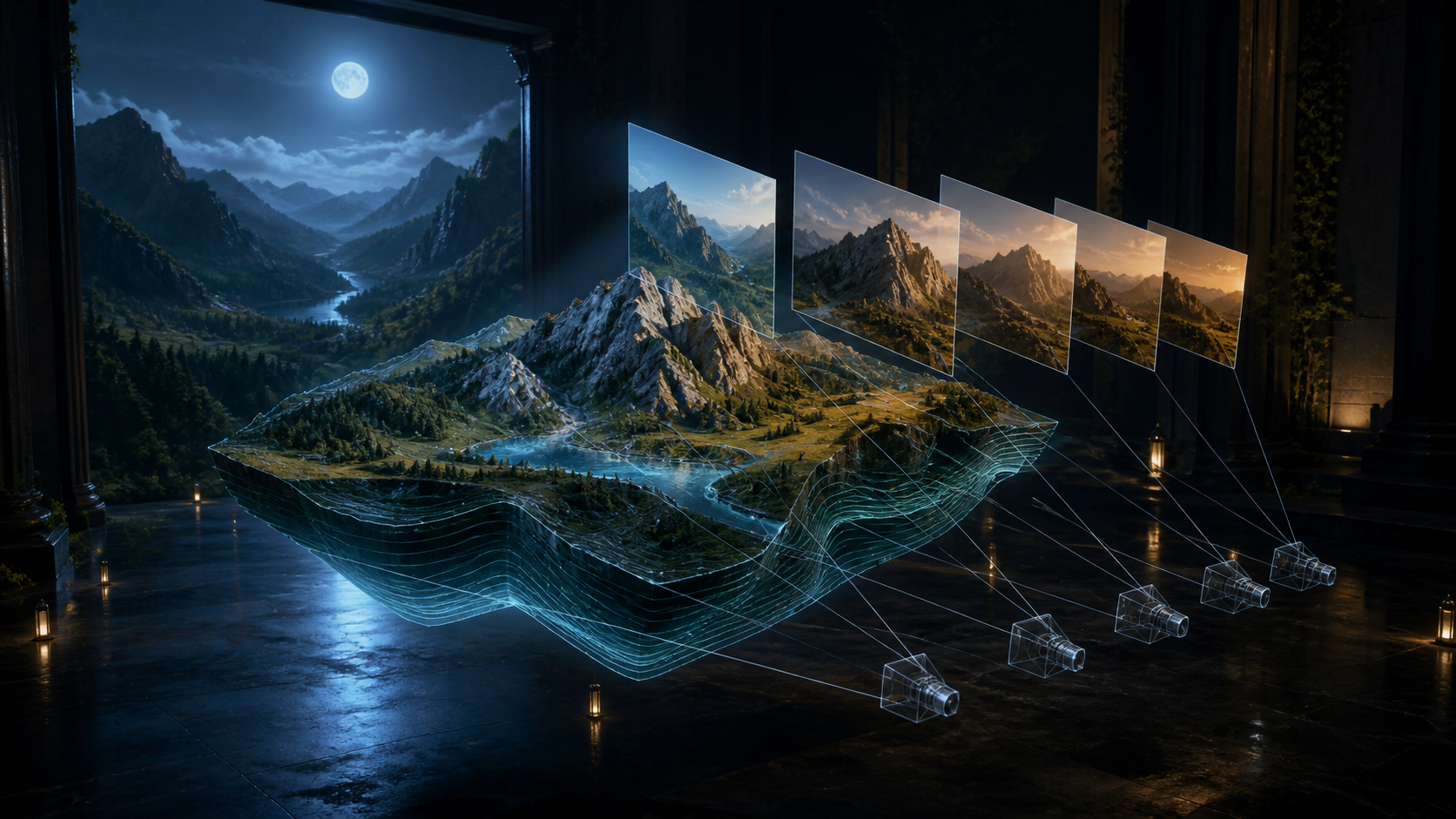
World Labs Atlas unifies images, camera poses, depth, and temporal context in one spatial architecture. Explore how it generates controlled views, reconstructs real environments, creates immersive imagery, and supports simulation across creative and technical workflows.
More AI Video Generators
Explore our collection of specialized AI video generators designed for different creative needs and styles
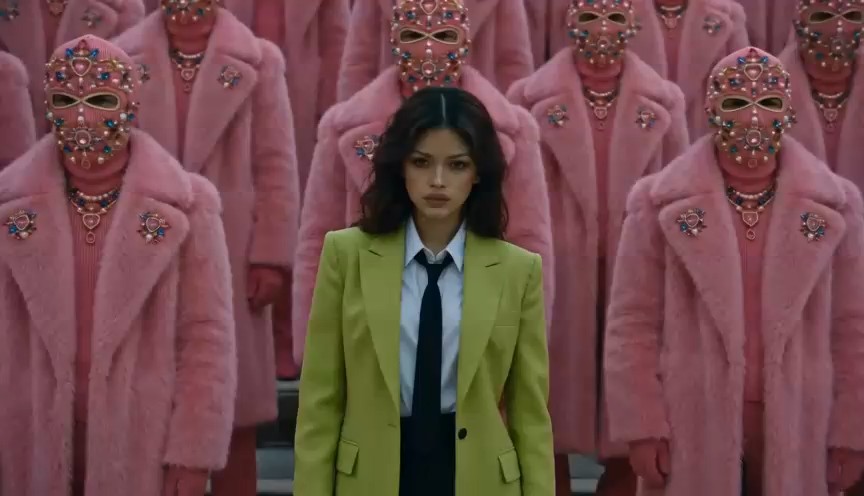
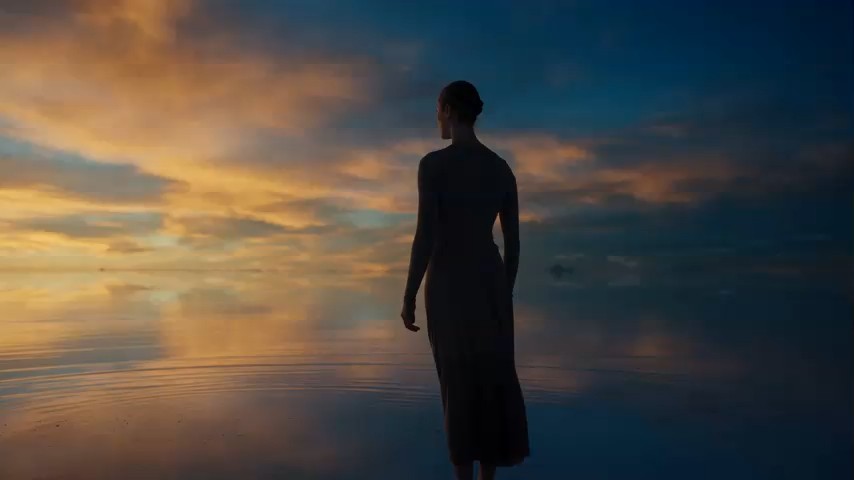


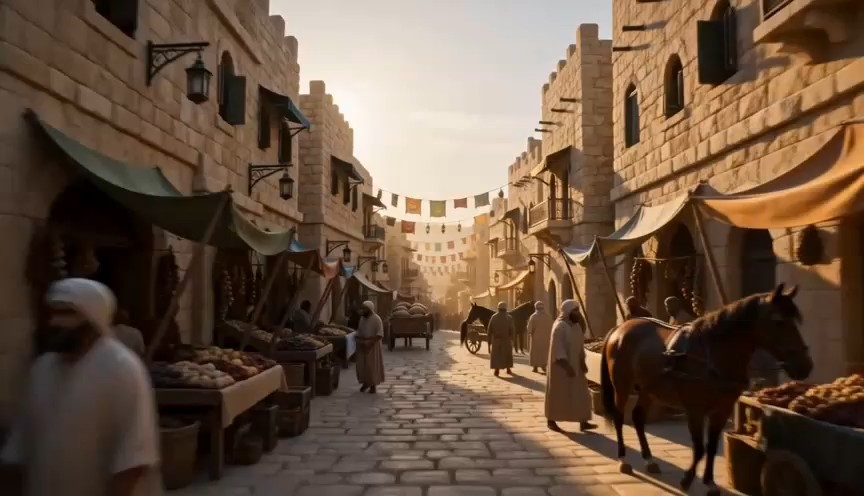
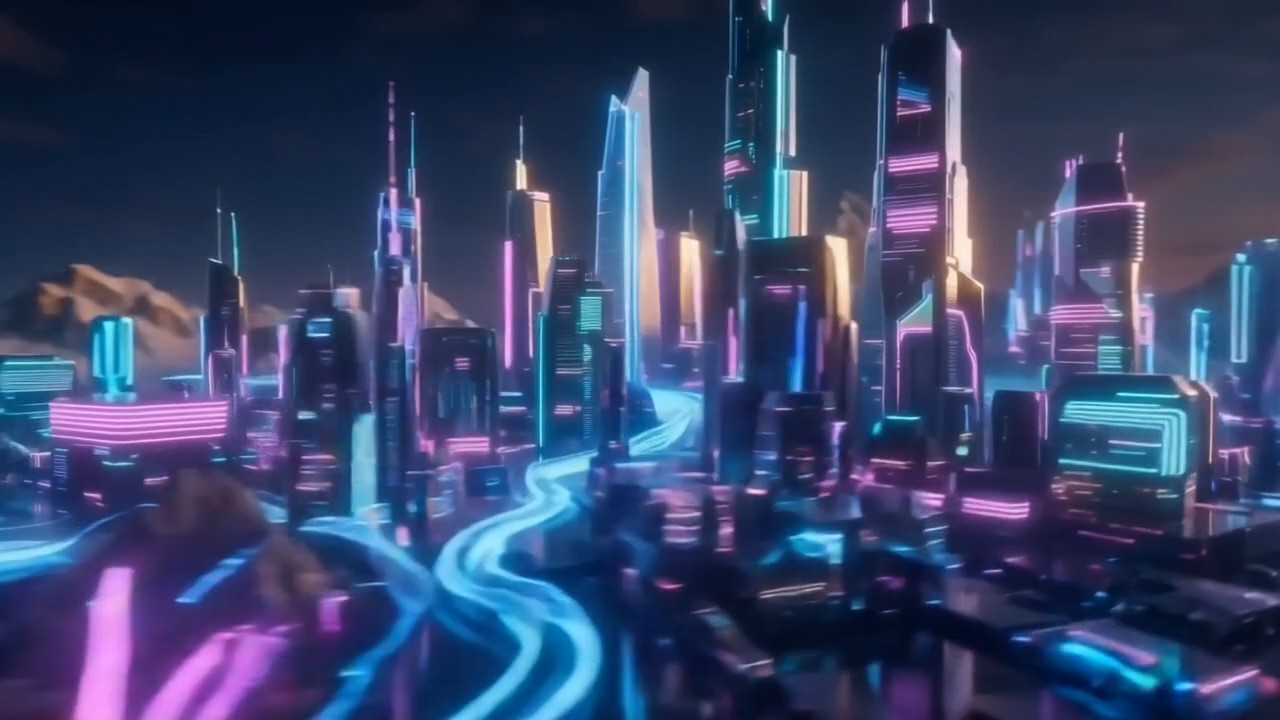
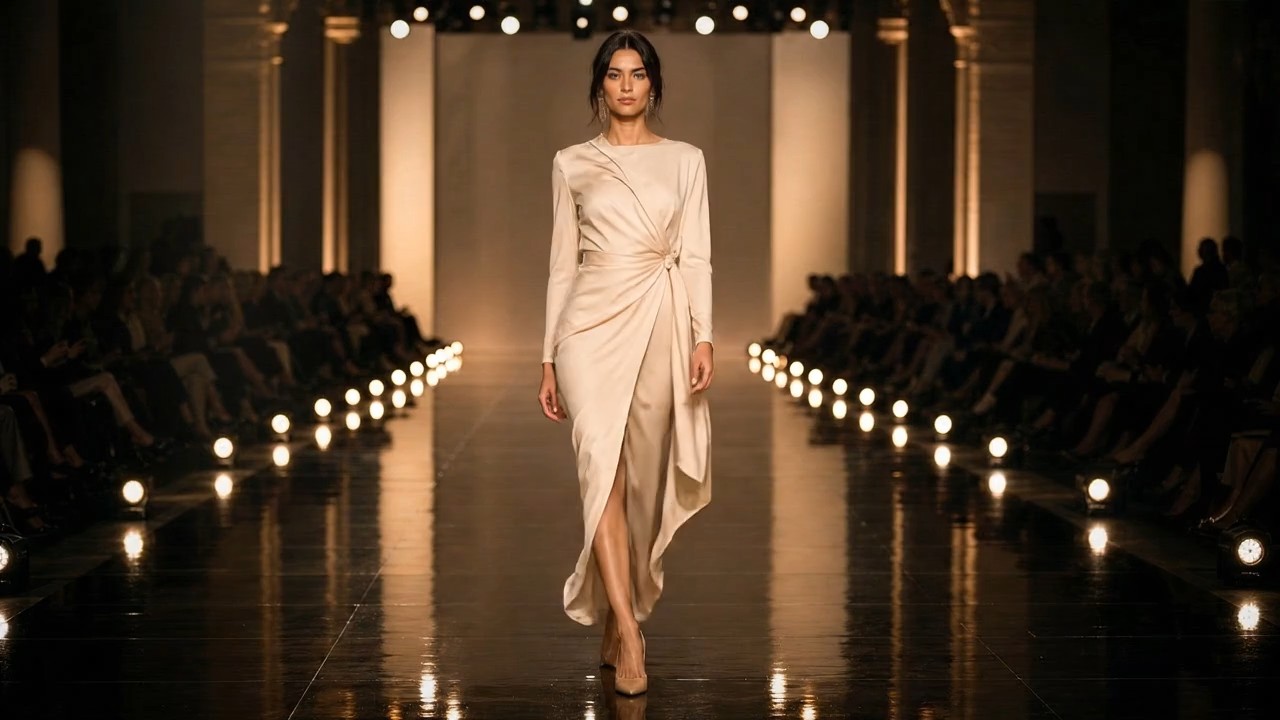

Explore World Labs Atlas Through Verified Spatial AI Capabilities
See how World Labs Atlas combines multimodal context with explicit camera geometry to generate new views, reconstruct spaces, and simulate scenes.
World Labs Atlas is the next-generation omni World Model from World Labs, built as a multimodal autoregressive diffusion transformer for shared 3D context. World Labs Atlas combines generation, reconstruction, and simulation while remaining in select-partner early access.
How World Labs Atlas Organizes a Spatial Task
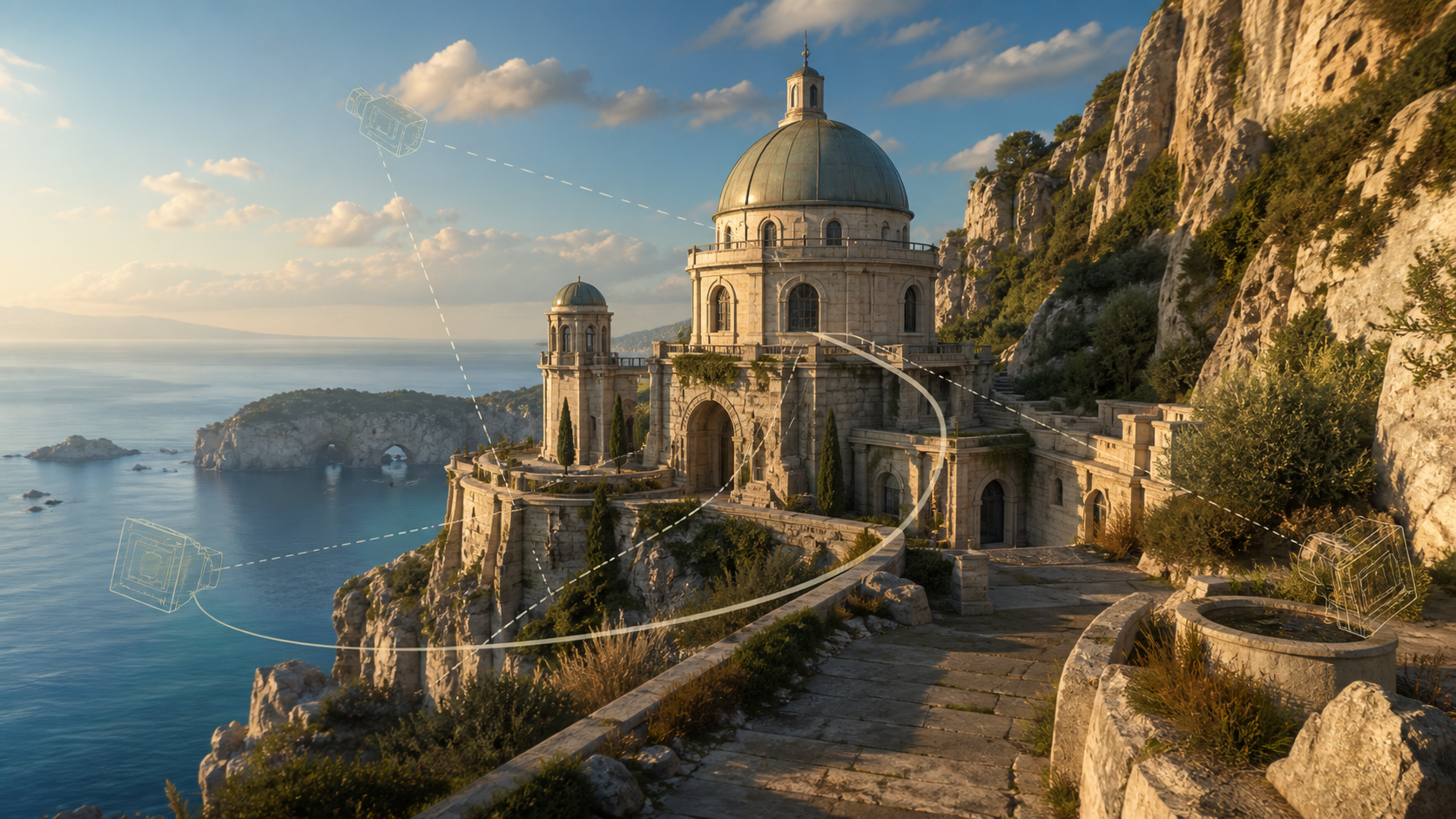
World Labs Atlas treats generation as a multimodal sequence grounded in 3D. The workflow moves from spatial context to conditioned output, then to a practical review of geometry, continuity, and inferred scene content.

Build the Spatial Context
Begin with the context the task requires: a text prompt, one or more images, camera poses, depth information, or video represented as image sequences. World Labs Atlas grounds visual inputs at positions in 3D space, giving the model a structured scene rather than an unordered collection of references. A well-defined context helps World Labs Atlas preserve relationships across every view it generates later consistently.

Define the Desired Output
Choose the next element the sequence should produce, such as a novel camera view, a controlled video path, a depth-aware reconstruction, or an image. World Labs Atlas conditions each generated element on the preceding spatial context, allowing one architecture to support several distinct tasks. For controlled work, make the camera request explicit and keep each Atlas output tied to the same coordinate frame.

Evaluate Spatial Consistency
Inspect geometry, viewpoint continuity, object placement, and imagined regions beyond the supplied views. More reference images can constrain World Labs Atlas when faithful reconstruction matters, while lighter context leaves greater room for plausible generation. Match the amount of input evidence to the intended workflow. Review World Labs Atlas outputs against held-out views whenever accuracy matters.
Best AI Video Tools for Creative Projects
Explore creative tools for video, learn tips and tricks, and see how AI can be your assistant in turning concepts into finished projects.


Verified World Labs Atlas Capabilities
World Labs Atlas brings precise camera conditioning, sparse-view reconstruction, explicit 3D representations, space-time simulation, and flexible image generation into one World Model.
World Labs Atlas Camera-Controlled Generation
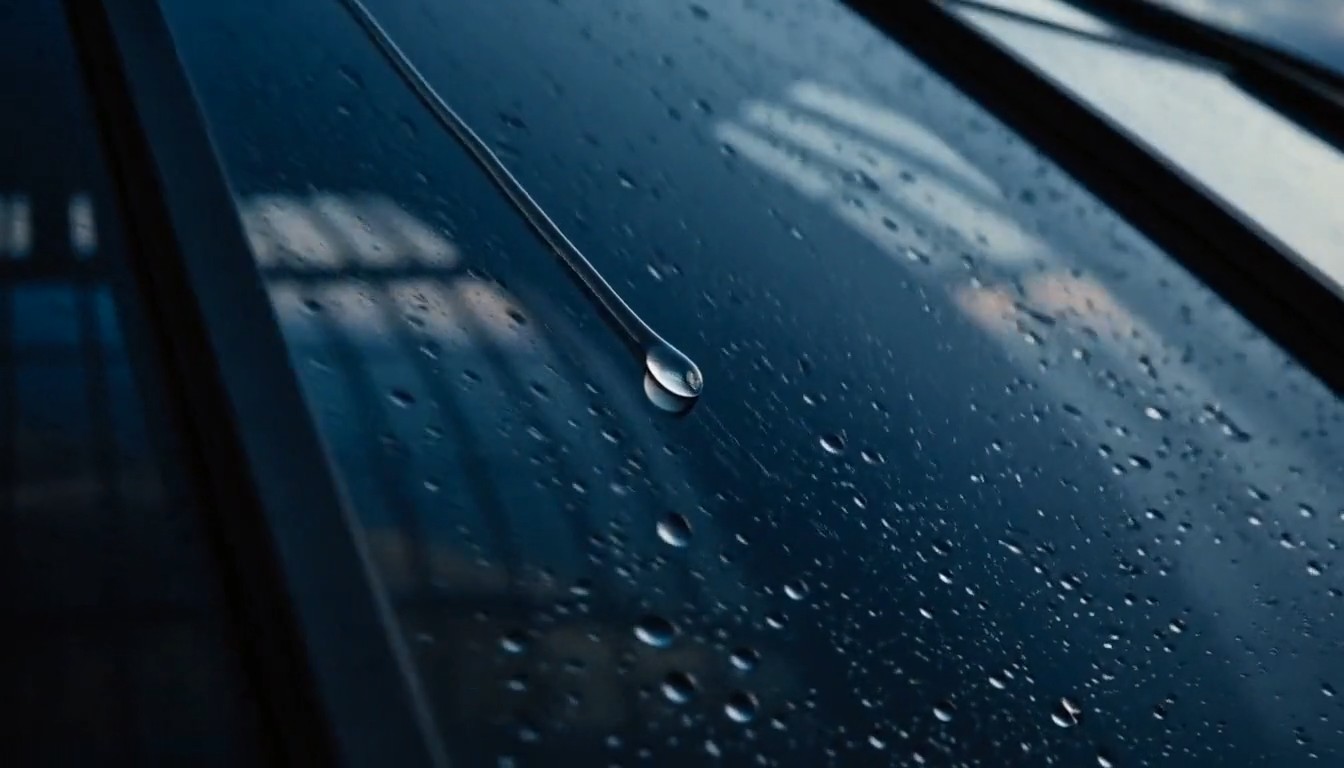
World Labs Atlas accepts one or more reference images and generates views from specified camera positions and angles. Because camera geometry is a native input, creators can design a path instead of relying only on motion language. Official demonstrations use one to six input images and include controlled video generation up to one minute at 1440p. This lets World Labs Atlas maintain deliberate framing through pans, trucks, cranes, and compound moves.
Sparse-View Spatial Reconstruction
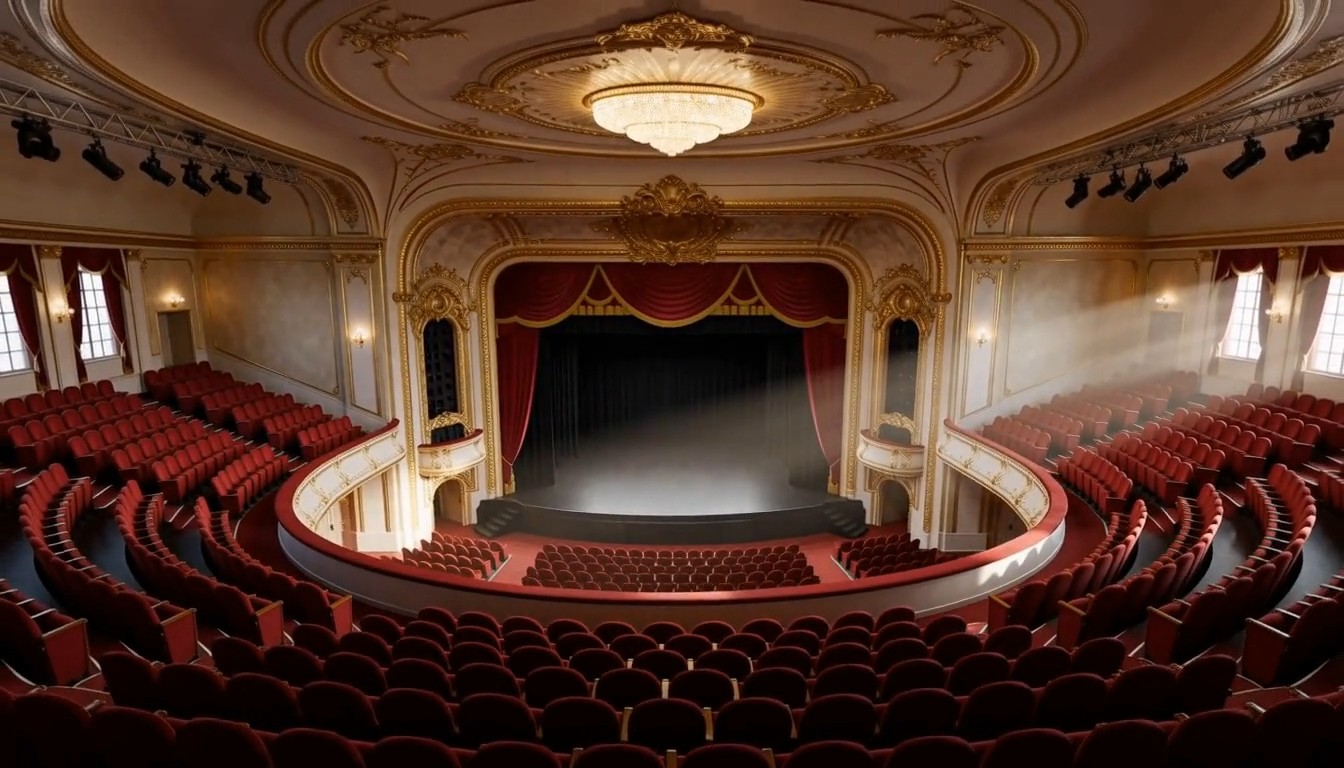
World Labs Atlas reconstructs real spaces from one or more images, producing novel views as well as explicit 3D outputs. With limited evidence, it fills unseen areas using learned world knowledge; additional views reduce that uncertainty. World Labs reports faithful results from two or three images in typical examples and support for far larger spatial contexts. Explicit outputs can include point clouds and Gaussian splats.
World Labs Atlas Space-Time Simulation
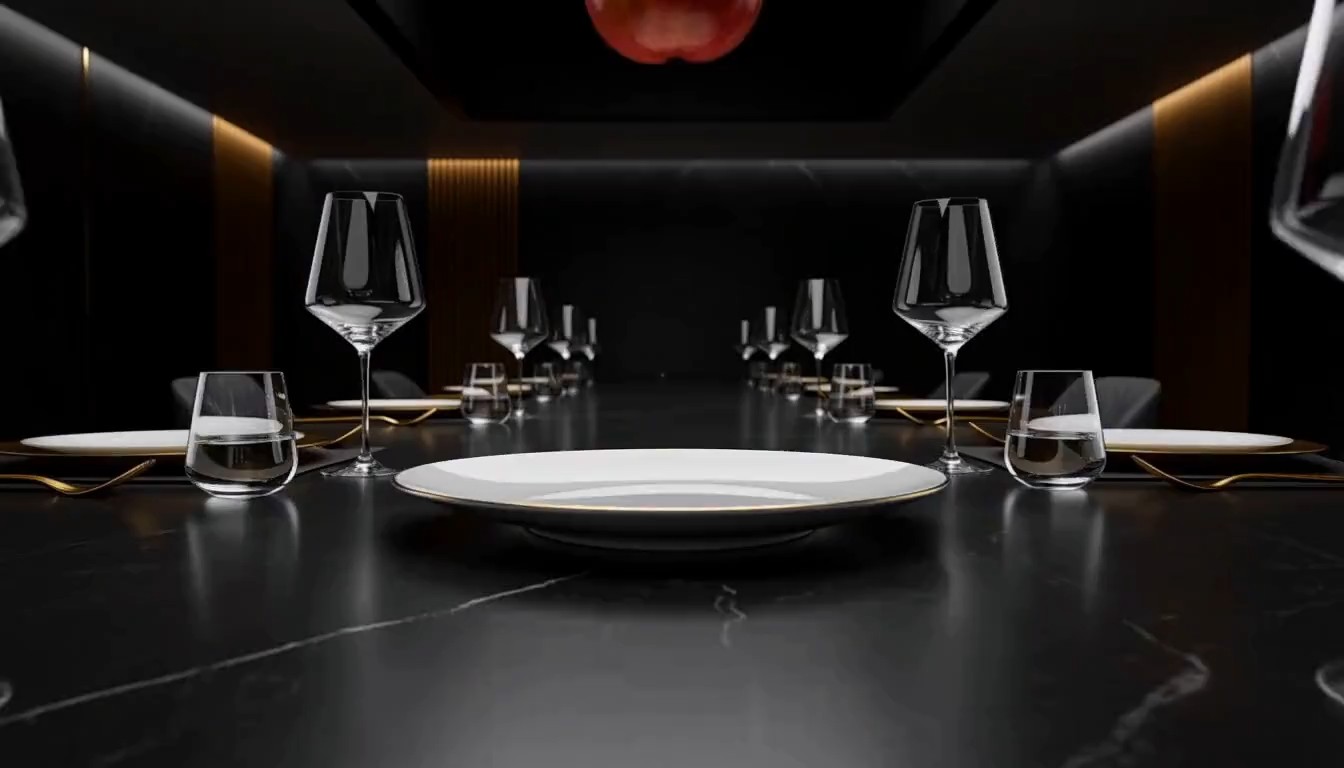
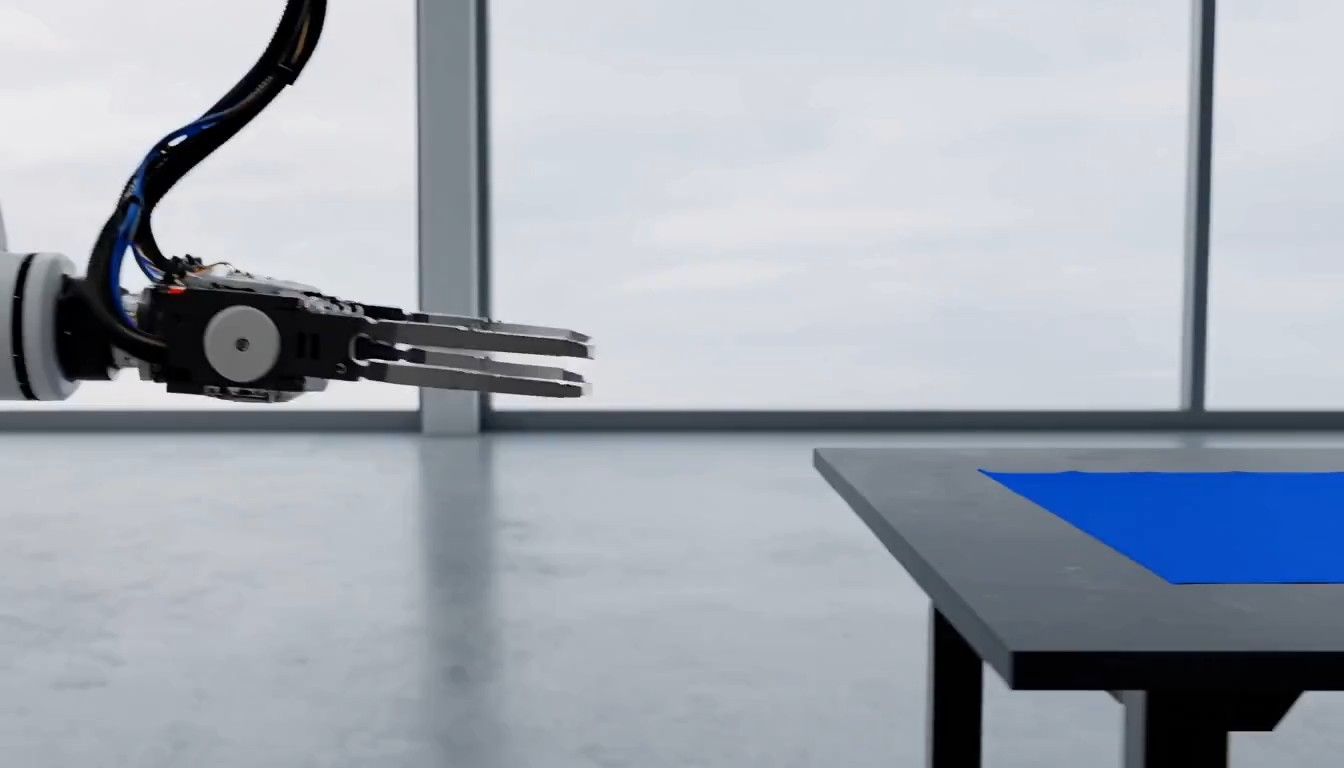
World Labs Atlas models how a scene is arranged and how it changes. Demonstrations reframe synchronized recordings from new viewpoints, including bullet-time effects captured with ordinary cameras. For robotics research, the model can support Real-to-Sim workflows by reconstructing environments and generating RGB and depth observations along simulated navigation or manipulation paths. World Labs Atlas therefore connects virtual cinematography with sensor-aware simulation inside one spatial representation.
Images and 360 Panoramas
Although world modeling is its primary focus, World Labs Atlas also generates images and 360 panoramas from text or image prompts. Official examples show varied scene types, visual styles, prompt following, and text rendering. These outputs matter because each generated frame can become another spatially grounded window into a broader scene or sequence. World Labs Atlas can carry those images forward as context for additional generated viewpoints.
Where World Labs Atlas Could Fit Real Workflows
World Labs Atlas connects creative generation with reconstruction and simulation. These grounded use cases show how a World Model could support media, 3D design, spatial computing, and robotics while remaining subject to workflow-specific evaluation.

Previsualization with Designed Camera Paths
Directors and previs artists could use World Labs Atlas to explore a scene from deliberately placed cameras before committing to a shoot or final render. The key advantage is geometric control: shots can be framed through camera poses and connected as a path. Outputs still require creative review, especially where the model must imagine content outside the references. World Labs Atlas keeps the virtual camera connected to scene structure throughout that exploration.

Location and Object Reconstruction
Design, VFX, and spatial computing teams could reconstruct a place or object from a sparse set of views. World Labs Atlas can produce novel frames, depth, point clouds, or 3D Gaussian splats. For fidelity-sensitive work, teams should supply more viewpoints and distinguish measured source detail from regions the model plausibly completes. World Labs Atlas can then convert dense geometry into a splat scene designed for practical rendering.

World Model Support for Robotics
Robotics teams need environments that connect geometry with sensor observations and changing interactions. World Labs Atlas can aid Real-to-Sim preparation by reconstructing spaces, generating RGB and depth views along robot paths, and varying scene conditions. These capabilities support controlled research across navigation and manipulation, with known sensor trajectories, dynamic objects, and failure cases providing useful benchmarks for every repeatable experiment.

Multi-Camera Reframing for VFX
World Labs Atlas can combine a handful of synchronized viewpoints into a representation that supports reframing from new angles. That opens practical experiments with frozen-time shots, virtual camera moves, and perspectives not captured by a physical camera. Production teams should still validate temporal continuity, fine detail, and any areas inferred between recordings. World Labs Atlas may reduce capture overhead for experiments, but source synchronization still matters.
What Creators Say About World Labs Atlas
See how creative and technical professionals describe World Labs Atlas across previsualization, 3D environment design, visual effects, robotics simulation, concept development, and immersive media workflows where spatial control and scene continuity matter.
What I like most about World Labs Atlas is that camera movement feels like something I can plan, not just describe. Starting from a few concept frames, I can think in terms of height, angle, and the path through a scene. That makes previs conversations much more concrete. I still review every generated view against the art direction, but the iteration loop is easier to compare and explain to the rest of the team.
World Labs Atlas gives me a practical way to move from a small reference set toward an explorable 3D scene. I like being able to add more views where accuracy matters and let the broader environment take shape around them. The point-cloud and Gaussian-splat outputs also make the process useful beyond a single image. I can inspect the structure, spot uncertain areas, and decide where the scene needs more visual evidence.
The reframing examples are what caught my attention. With World Labs Atlas, a moment captured from a few ordinary cameras can be explored from angles that would normally require a much larger rig. For VFX planning, that opens up interesting options for bullet-time shots and virtual moves. I would still check occlusion, edges, and temporal stability frame by frame, but the creative starting point feels much stronger.
For me, a useful World Model has to connect scene structure with what a moving sensor would actually observe. World Labs Atlas is interesting because the reconstructed environment, RGB views, and depth observations stay within the same spatial setup. That makes World Labs Atlas easier to evaluate with repeatable navigation paths and held-out captures. I can compare results against one baseline instead of reviewing disconnected simulations by eye.
I am most interested in using World Labs Atlas to connect visual references that were never designed as one place. Positioning those ideas in space gives the model a useful constraint, while the generated transition can suggest paths, rooms, or terrain we have not drawn yet. I would treat the strongest results as conversation starters for the art team, then use them as a foundation for more deliberate environment design.
The 360 output changes the question from whether one frame looks good to whether the whole surrounding scene feels connected. I would use World Labs Atlas for broad visual exploration, then inspect the panorama seam, landmark placement, and continuity across follow-up views. That gives me a faster way to shape an immersive brief without lowering the quality bar. The next production pass starts with clearer spatial decisions instead of a loose mood board.






FAQs About World Labs Atlas
Find clear answers about World Labs Atlas architecture, camera control, 3D reconstruction, image generation, robotics simulation, benchmark evidence, and select-partner early access, with practical details for evaluating each capability in a production workflow.
World Labs Atlas is an omni World Model for spatial intelligence introduced by World Labs. It combines multimodal inputs in a shared spatial context and generates outputs one element at a time. The core architecture is described as a multimodal autoregressive diffusion transformer. Its demonstrated tasks include camera-controlled image and video generation, 3D reconstruction, space-time simulation, image creation, and 360 panorama generation.
No. World Labs Atlas entered early access with select partners at launch. Interested teams can request access directly from World Labs, but the company has not announced broad public availability, published pricing, or guaranteed acceptance. Organizations considering the model should confirm current eligibility and access terms before making it a dependency for commercial production, research schedules, or live customer-facing services.
World Labs Atlas can take one or more reference images together with explicit camera positions and angles. It generates new views conditioned on that geometry, including areas beyond the original framing. Official demonstrations used one to six images for manually designed camera paths and produced video up to one minute at 1440p. Scene complexity, input coverage, and path design can influence continuity across the resulting sequence.
The model can reconstruct scenes from sparse image evidence and output novel frames plus explicit 3D representations. Supported demonstrations include depth, point clouds, and 3D Gaussian splats. With fewer views, unseen regions are plausibly inferred; with more views, the context can constrain the result more closely. Reconstruction accuracy therefore depends partly on visual coverage and the needs of the task.
A World Model represents how environments appear, behave, and change, rather than focusing only on isolated text or images. This unified system grounds visual elements in 3D positions and conditions later outputs on that context. The approach supports generation, reconstruction, and simulation inside one architecture, which is why spatial consistency and controllable viewpoints are central to the overall model design.
It can generate images and 360 panoramas from text or image prompts, and official examples show varied styles, complex prompt following, and text rendering. However, image generation is presented as one capability within a broader spatial system, not the model's only purpose. The larger goal is to connect generated visual frames with viewpoints, geometry, and surrounding spatial world context.
Explore the World Labs Atlas Early-Access Program
Review the official demonstrations, define a spatial task with measurable success criteria, and request World Labs Atlas early access from World Labs. Start with the capability your workflow actually needs, then evaluate control, consistency, geometry, and inferred content.
