
More AI Video Generators
Explore our collection of specialized AI video generators designed for different creative needs and styles


AI Creative Director for Brand Ready Video Ideas
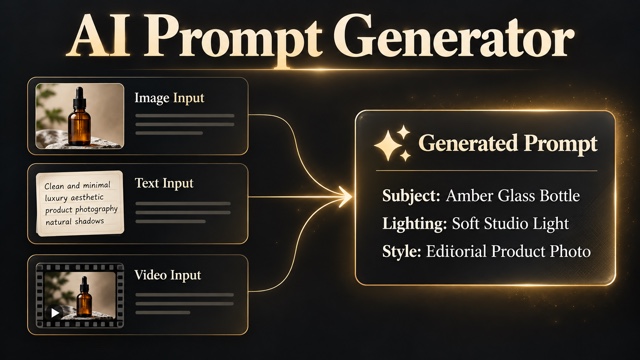
Upload text, images, or video references, describe your direction, set duration, ratio, and resolution, then create polished creative videos with an AI video generator.
AI Creative Director helps creators move from raw material to finished video faster. Upload a script, product image, brand asset, model photo, or video clip, then guide the AI Creative Director with a simple prompt. The AI video generator reads your direction, supports multiple input types, and turns the idea into a campaign ready clip. Use AI Creative Director when you need ad concepts, social content, product showcases, launch teasers, or visual experiments without a heavy editing setup. This video generation tool online free workflow gives teams a fast way to test motion, pacing, framing, and style before production. For teams that need quick creative testing, AI Creative Director keeps the video generation tool online free path direct and practical.
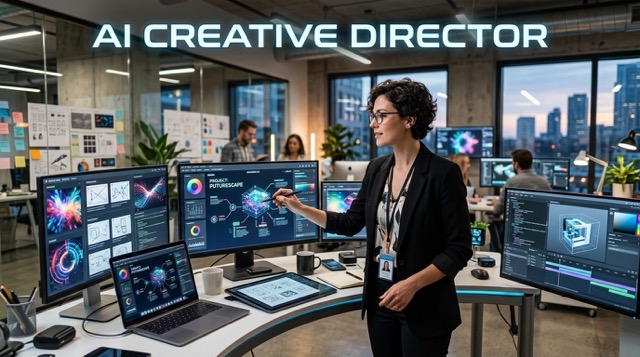
How to Use AI Creative Director
AI Creative Director keeps video creation practical. Instead of building every shot manually, you can use an AI video generator to combine your assets, prompt, and output settings in one smooth video generation tool online free workflow.

Upload Text, Image, or Video Assets
Start the AI Creative Director workflow with your own materials. Add a product photo, logo, campaign line, model image, video reference, or full prompt so the AI video generator understands your creative base.

Set Prompt and Video Parameters
Tell AI Creative Director what to create, then choose video duration, aspect ratio, and clarity. This video generation tool online free process helps you control format before the AI video generator starts.

Generate, Preview, and Download
Generate with AI Creative Director, preview the result, refine the prompt, and download the best clip. The AI video generator supports fast iteration for ads, social posts, and creative tests.
Best AI Video Tools for Creative Projects
Explore creative tools for video, learn tips and tricks, and see how AI can be your assistant in turning concepts into finished projects.


Features of Our AI Creative Director
AI Creative Director gives creators a cleaner way to direct AI video. From uploaded assets to prompt control and export settings, the AI video generator helps you build stronger creative videos with a practical video generation tool online free workflow.
Multi Input Creative Control
- AI Creative Director accepts text, image, and video references so your idea starts with real context.
- Use AI Creative Director to upload a brand logo, product shot, production photo, event poster, model photo, or old clip.
- The AI video generator can follow your uploaded material while adding motion, shot rhythm, lighting, and mood.
- This video generation tool online free setup is useful when you want one creative place for mixed media assets.

Prompt Based Direction for Campaign Videos
- AI Creative Director works like a fast creative partner for campaigns, trailers, reels, and product stories.
- Write a prompt for camera movement, emotion, audience, scene style, offer angle, or visual pacing.
- The AI video generator uses that prompt to shape the output instead of forcing you to edit every frame.
- With AI Creative Director, teams can compare concepts quickly and choose the strongest direction before publishing.
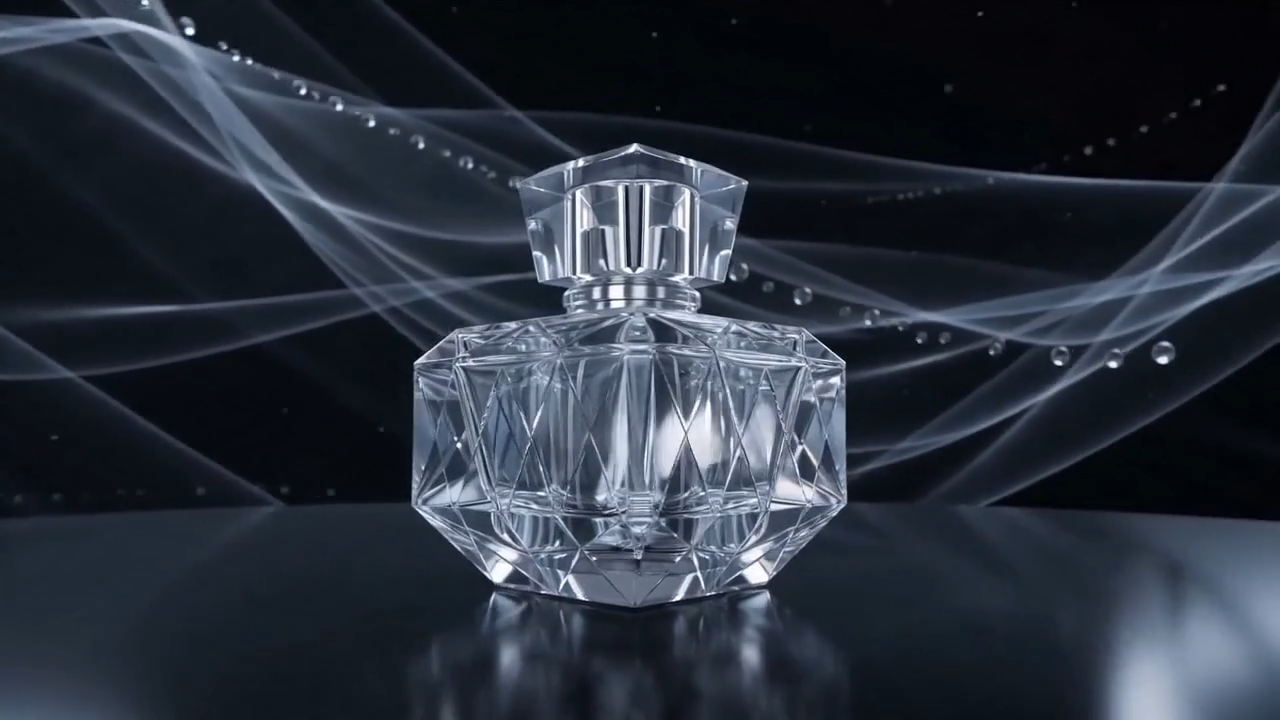
Flexible Video Duration, Ratio, and Clarity
- AI Creative Director lets you define practical output settings before generation.
- Choose video length, vertical or horizontal ratio, and resolution needs based on your channel.
- The AI video generator can help format clips for TikTok, Reels, Shorts, landing pages, paid ads, or product demos.
- This video generation tool online free experience reduces extra resizing work and keeps creative tests easier to manage.

Fast Iteration for Ads and Social Content
- AI Creative Director is built for fast idea testing when one video is not enough.
- Create multiple angles from the same asset, compare hooks, test motion styles, and refine your prompt.
- The AI video generator helps marketers and creators build more options with less manual production pressure.
- Use this video generation tool online free workflow to move from concept to usable video drafts in minutes.
Why Choose AI Creative Director
AI Creative Director is useful when you want more than a simple prompt box. It combines asset upload, creative instruction, and video settings so the AI video generator can produce content that fits real campaign needs.

Brand Advertising Video
Use AI Creative Director to turn brand assets into ad style clips. The AI video generator can help test hooks, product scenes, discount messages, and campaign visuals with a video generation tool online free process.

Product Launch Teaser
AI Creative Director can transform product photos and launch copy into cinematic teaser videos. The AI video generator helps brands preview angles before spending more time on production.

Social Media Reels and Shorts
Create vertical clips with AI Creative Director for TikTok, Instagram Reels, and YouTube Shorts. This video generation tool online free workflow helps creators react quickly to trends.

Event and Promotion Video
Upload event images, posters, or offer details and let AI Creative Director create motion driven promo content. The AI video generator can support seasonal campaigns and flash sales.

Storyboard and Pitch Concepts
AI Creative Director helps agencies prepare pitch visuals, rough storyboards, and mood clips. The AI video generator turns early ideas into clearer previews for clients and teams.

Creator Portfolio Experiments
Creators can use AI Creative Director to test styles, camera motion, and visual identities. This video generation tool online free workflow makes experimentation faster and less expensive.
What Users Say About AI Creative Director
Creators, marketers, and agencies use AI Creative Director to turn mixed assets into strong video concepts. Their feedback shows how an AI video generator can support faster creative decisions.
AI Creative Director helped our team turn product photos and rough copy into campaign video drafts. The AI video generator made early testing faster, and the video generation tool online free workflow was simple enough for non editors.
I use AI Creative Director when I need ad variations quickly. Uploading assets, setting the ratio, and guiding the AI video generator with a prompt saves time during performance testing.
For brand films and launch concepts, AI Creative Director gives me a practical way to preview motion ideas. The AI video generator is especially helpful before we commit to a larger production route.
AI Creative Director works well for e commerce teams. I can upload product shots, enter the selling angle, and let the AI video generator create fast video drafts for store pages and ads.
The best part of AI Creative Director is speed. This video generation tool online free experience lets me test multiple social concepts in one session without building everything from zero.
AI Creative Director feels like a useful bridge between strategy and production. The AI video generator helps my team make visual ideas easier to discuss with clients.




Frequently Asked Questions About AI Creative Director
Learn how AI Creative Director works, what you can upload, how the AI video generator uses prompts and settings, and why this video generation tool online free workflow helps modern content teams.
AI Creative Director is an AI video workflow that lets you upload text, images, or video materials, enter a creative prompt, choose output settings, and generate a new video. It works as an AI video generator for creators who need faster direction, testing, and content production.
You can upload text, product images, brand logos, model photos, reference videos, event assets, and campaign ideas. AI Creative Director uses these inputs with your prompt so the AI video generator can create a more relevant video result.
Yes. AI Creative Director lets you set video duration, aspect ratio, and clarity before generation. This makes the video generation tool online free workflow useful for social platforms, ads, product pages, and presentation videos.
AI Creative Director is suitable for marketers, creators, ecommerce teams, agencies, designers, and founders. Anyone who needs fast video ideas can use the AI video generator to create ad drafts, social clips, product videos, and storyboard previews.
A normal editor usually asks you to cut, resize, animate, and assemble clips manually. AI Creative Director uses your assets and prompt to generate a video directly, so the AI video generator can reduce manual work during early creative development.
Use AI Creative Director when you want a fast video generation tool online free option for creative testing. It helps you move from uploaded assets to generated clips with less friction, while the AI video generator gives you more room to compare different ideas.
Start Creating with AI Creative Director
Use AI Creative Director to upload assets, direct the scene, set video parameters, and generate creative clips online. Start with this AI video generator and explore a faster video generation tool online free workflow for ads, social content, product stories, and campaign ideas. This video generation tool online free page is built for quick testing and repeat creative output.
