
More AI Video Generators
Explore our collection of specialized AI video generators designed for different creative needs and styles
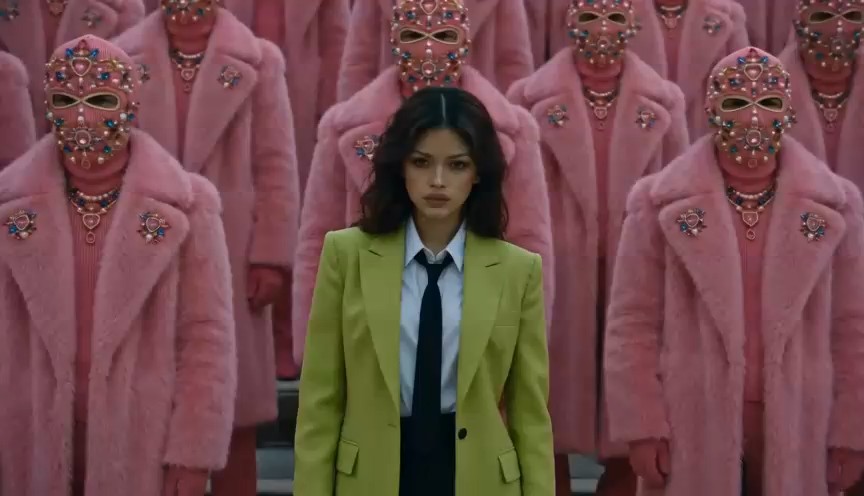


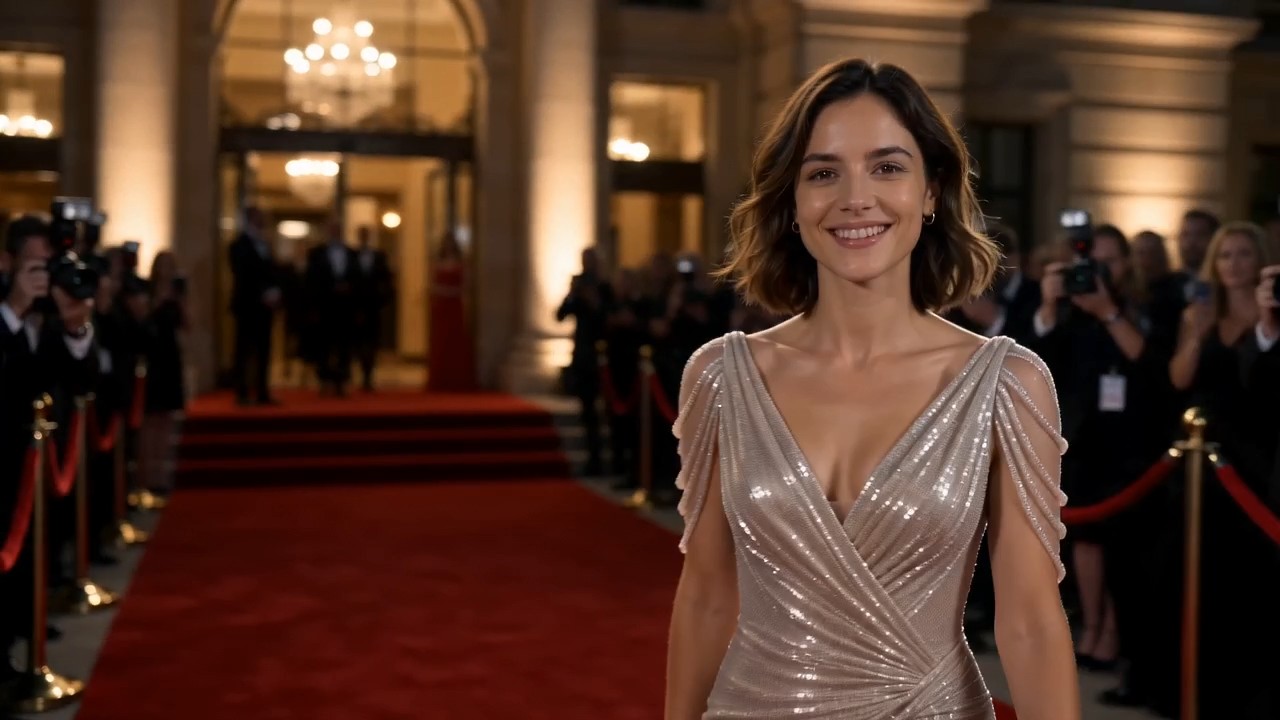
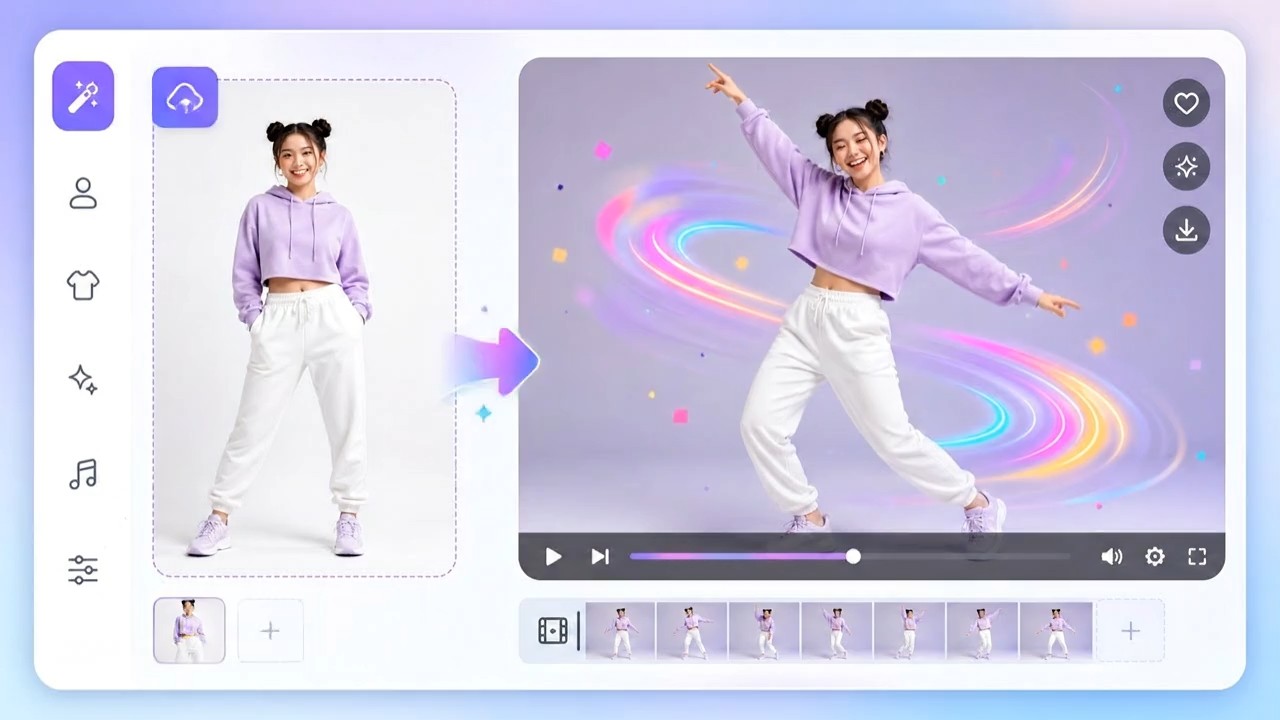

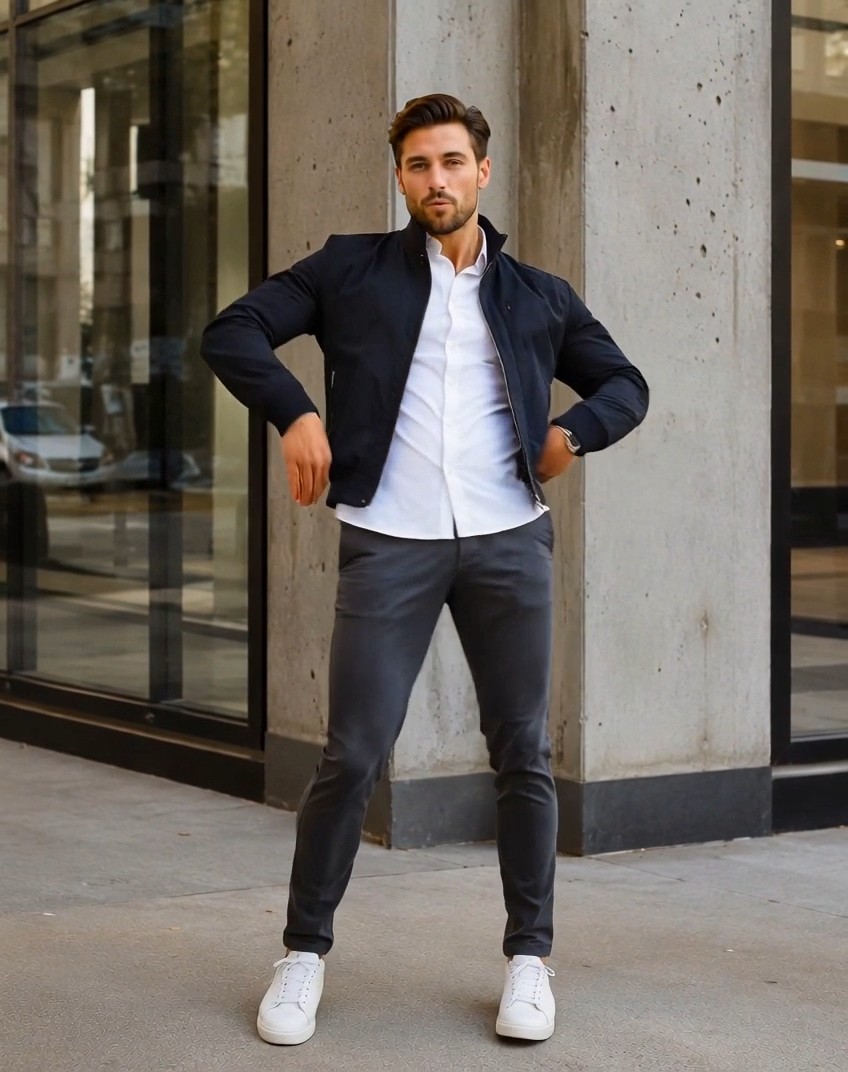
AI Catwalk Generator from Your Photo
Upload one portrait, selfie, or full-body shot and let AI Catwalk Generator turn it into a polished runway walk video.
AI Catwalk Generator is built for the simple flow users expect: upload a clear photo, click generate, and preview a fashion catwalk video where the same person walks confidently on a runway. AI Catwalk Generator keeps the first action obvious for new visitors.
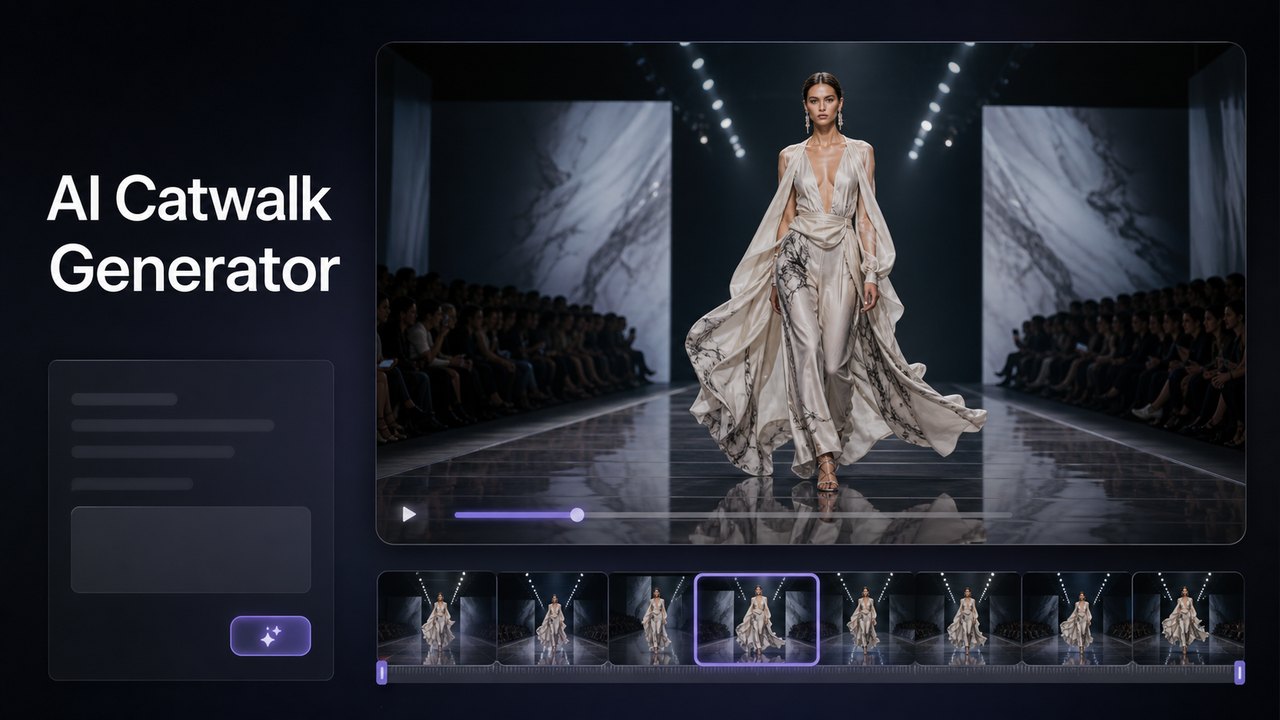
How AI Catwalk Generator Works
AI Catwalk Generator turns a still image into a runway walk without asking users to write a complex prompt. Upload one photo, let the AI runway video generator read the person and outfit, then create a catwalk video that feels ready for social sharing, fashion previews, or creative testing. AI Catwalk Generator keeps the workflow close to popular catwalk effect tools because the photo is the main input, not a long text brief. AI Catwalk Generator should feel like a direct video effect: users bring the image, the fashion video generator supplies the catwalk motion, and the page explains what kind of photo gives the cleanest result. This upload-first structure also matches people searching for AI Catwalk Generator after seeing selfie-to-runway trends online.

Upload One Clear Photo
Start AI Catwalk Generator by uploading a portrait, selfie, half-body photo, or full-body image. Choose a file where the face, clothing, and body position are visible, because the fashion video generator uses the image to preserve identity, outfit details, and styling. AI Catwalk Generator works best with one clear subject, simple framing, and enough visible outfit information for the AI runway video generator to animate a believable walk.

Generate the Runway Walk
Click generate and AI Catwalk Generator animates the uploaded person into a confident catwalk video. The AI runway video generator adds forward movement, runway lighting, natural posture, and subtle fabric motion while keeping the person recognizable. AI Catwalk Generator uses a built-in motion prompt behind the scenes, so users can create the effect without writing instructions, choosing stage language, or guessing video terms.
Preview and Share
Review the result from AI Catwalk Generator, then download or share the runway clip when it fits your look. The fashion video generator is useful for social posts, profile content, outfit reveals, model-style videos, and quick creative experiments. AI Catwalk Generator is also practical for testing different source photos, because a clearer image can produce a more stable runway walk and a stronger catwalk video.
Best AI Video Tools for Creative Projects
Explore creative tools for video, learn tips and tricks, and see how AI can be your assistant in turning concepts into finished projects.


Turn a Photo into a Runway Walk
AI Catwalk Generator focuses on the image-to-video effect users expect from this keyword. The user uploads a photo, and the AI runway video generator creates motion that makes the person appear to walk down a fashion runway. AI Catwalk Generator should present the experience as fast, visual, and photo-led, because the strongest search intent is not prompt engineering; it is turning a real image into a shareable catwalk video. AI Catwalk Generator also needs copy that explains photo quality without making the flow feel complicated: one clear subject, visible face, visible clothing, and enough body framing for motion. The fashion video generator can then add a runway setting, confident pacing, and polished motion while the page still feels like an easy effect tool. AI Catwalk Generator should reassure users that a better source photo usually means a better result, not a harder workflow.
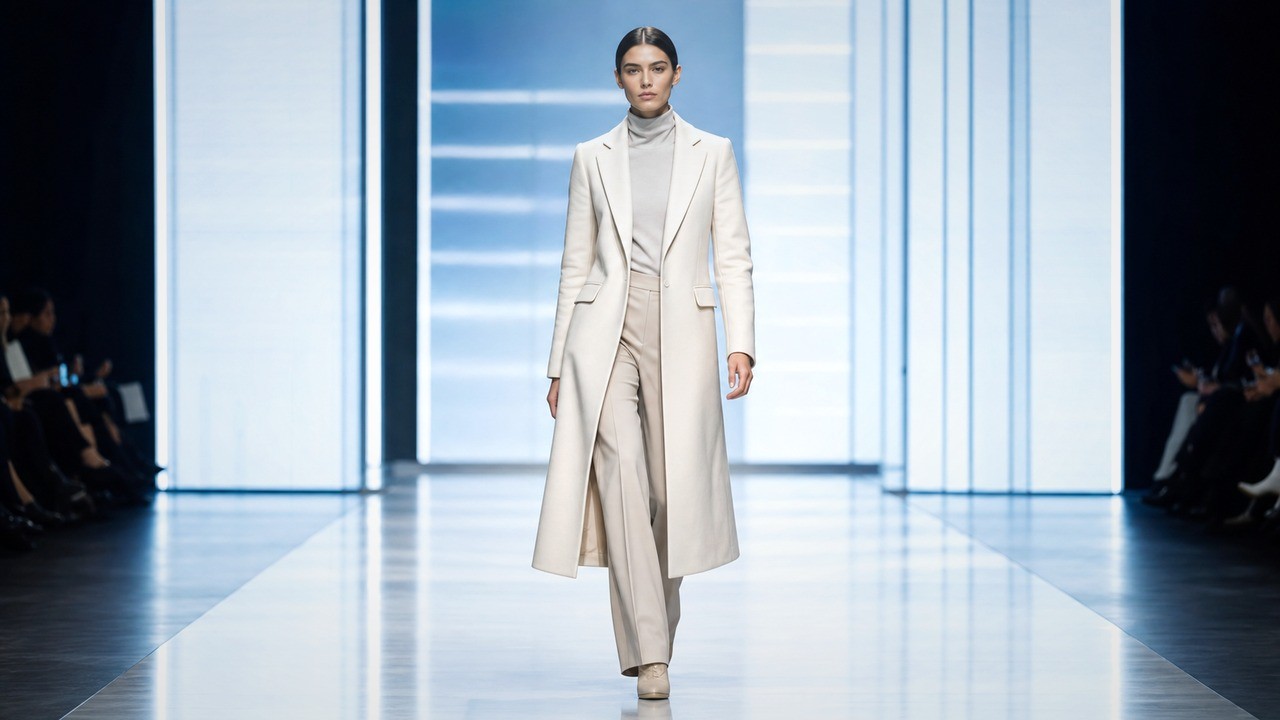
Keep the Person Recognizable
AI Catwalk Generator uses the uploaded image as the visual source, so the final video should keep the same person, face, hairstyle, body shape, outfit, and general style. This matters because users usually search AI Catwalk Generator to see themselves, a model, a pet, or a character walking like a runway star. The AI runway video generator should not feel like a new random model. It should feel like the original photo has stepped onto a catwalk, with smoother motion and fashion-show presence. AI Catwalk Generator supports this expectation by emphasizing source-photo quality, visible clothing, and one-subject framing. The fashion video generator should make the runway feel polished while still respecting the uploaded identity.
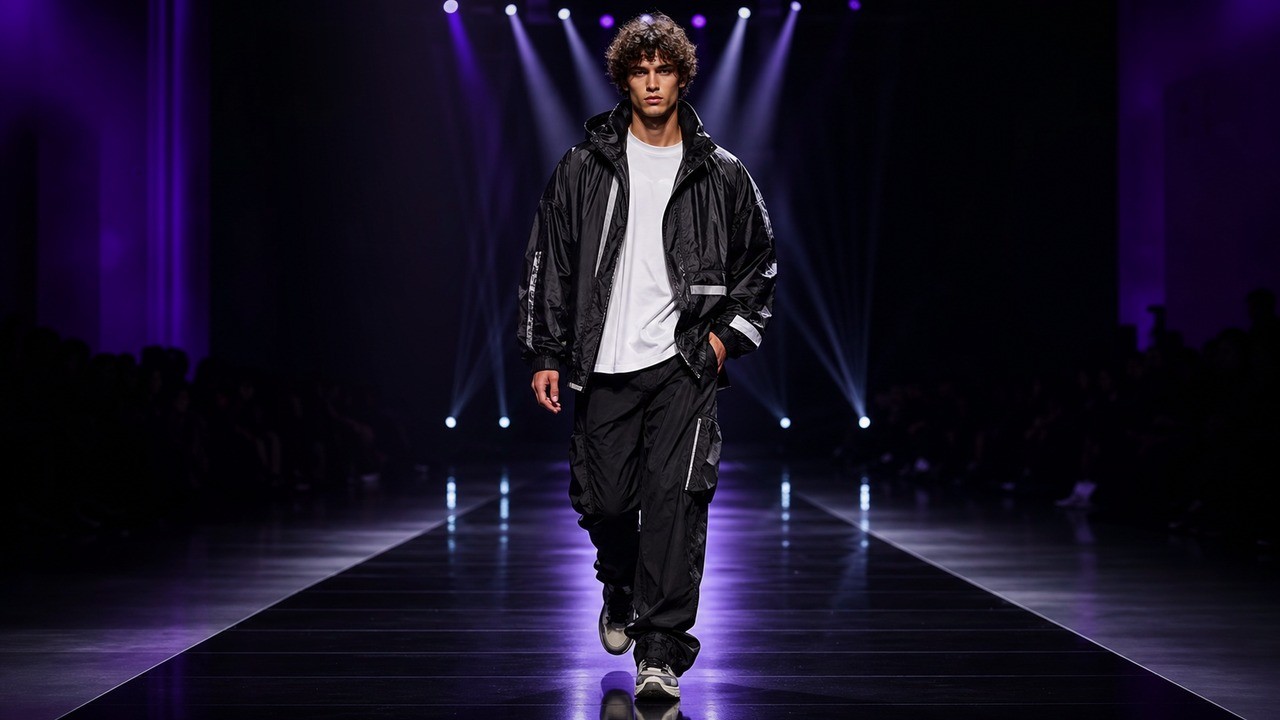
Create a No-Prompt Catwalk Effect
Most users do not want to write a runway prompt before trying AI Catwalk Generator. They want to upload a picture and see an instant transformation. This fashion video generator flow removes prompt friction and makes the result feel like a video effect: one image in, one catwalk video out. AI Catwalk Generator can still use a strong built-in prompt behind the scenes, but the user interface should feel direct, simple, and image-first. AI Catwalk Generator is clearer when the page tells users exactly what to upload instead of asking them to describe a scene. The AI runway video generator can handle the default catwalk motion, runway mood, and fashion presentation automatically. AI Catwalk Generator therefore works well for casual visitors who want a quick transformation and creators who need repeatable fashion video generator output from different photos.
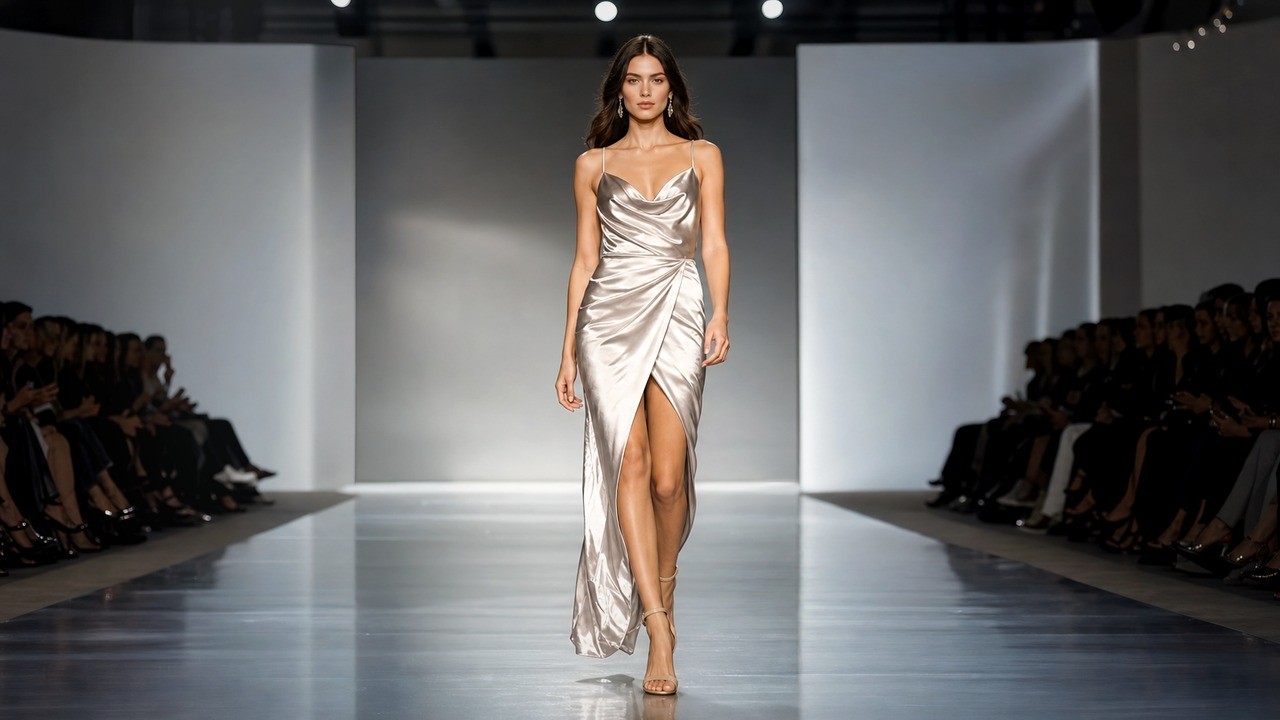
Make Social-Ready Runway Clips
AI Catwalk Generator is ideal for short clips that make a selfie, outfit photo, cosplay shot, product look, or profile image feel more dynamic. The AI runway video generator adds walking motion, a runway mood, and a confident fashion presentation, while the fashion video generator keeps the original look central. AI Catwalk Generator works best when the uploaded image is clear, well lit, and focused on one visible subject. Use AI Catwalk Generator for profile refreshes, trend videos, model-style edits, fashion reveals, and playful before-and-after social content. The upload-only flow makes repeat attempts quick because users can simply try a better photo.
What You Can Make with AI Catwalk Generator
AI Catwalk Generator works for people who want a quick runway effect from an existing photo. Use the AI runway video generator when a still image needs movement, confidence, and fashion-show energy without filming a real walk. AI Catwalk Generator fits both fun personal use and practical fashion content, because the fashion video generator starts from the user's own image and creates a clip around that subject.

Selfie to Runway Video
AI Catwalk Generator can turn a selfie or portrait into a runway-style clip for social profiles, stories, and fun edits. Upload a clear photo, and the fashion video generator creates a walk that makes the person feel more editorial and camera-ready. AI Catwalk Generator is strongest when the face is unobstructed and the original image already has a clean pose. The AI runway video generator then has a better chance to create confident movement without losing the source identity.

Outfit Reveal Clips
Use AI Catwalk Generator when an outfit photo needs motion for a reveal, launch, or style post. The AI runway video generator helps show clothing with more presence, giving jackets, dresses, streetwear, costumes, and accessories a catwalk moment. AI Catwalk Generator can make a static mirror photo, lookbook still, or campaign image feel more alive while keeping the original styling easy to recognize. This fashion video generator use case is especially useful when a still image already looks good but needs movement for short-form platforms.

Model and Portfolio Concepts
AI Catwalk Generator helps creators, stylists, and aspiring models test runway-style visuals from existing photos. A fashion video generator can turn a simple model shot into a short movement reference for portfolios, moodboards, or creative pitches. AI Catwalk Generator is useful before a real shoot because teams can see whether the image, clothing, and desired runway energy belong together.

Character or Pet Catwalk Effects
AI Catwalk Generator can support playful image-to-video experiments when the uploaded subject is clear. The AI runway video generator can make a character, avatar, or pet-style image appear in a catwalk scene for shareable trend content. AI Catwalk Generator should still guide users toward clean images, because strange crops, blocked bodies, or multiple subjects can reduce motion quality.
Made for Photo-to-Catwalk Creation
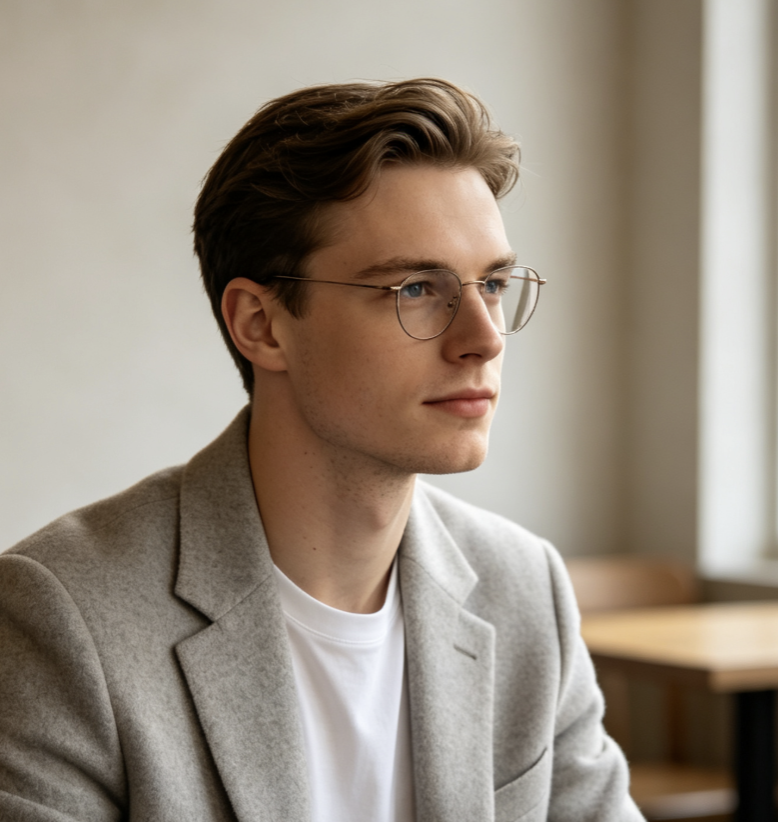
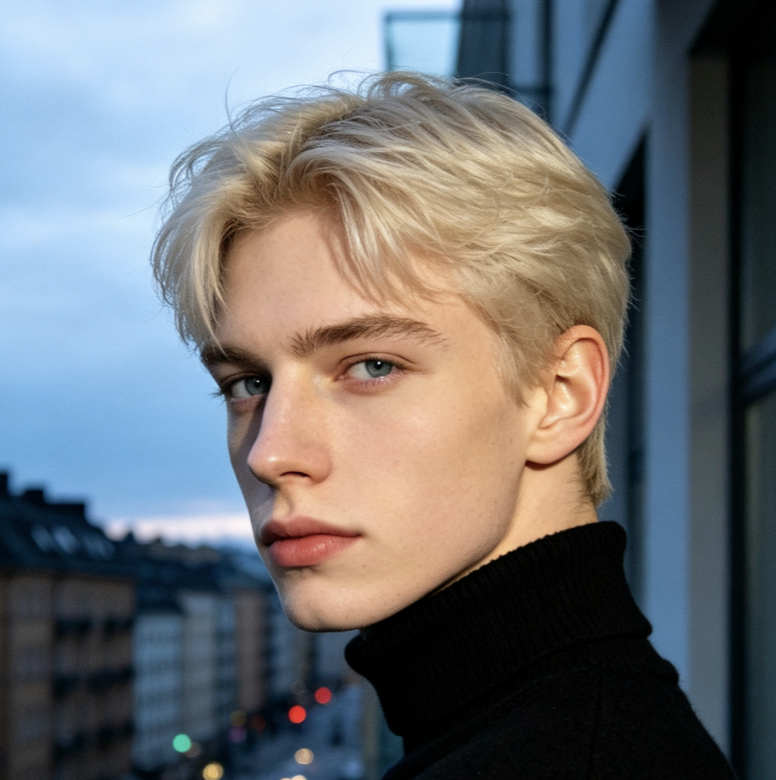
These fictional user stories reflect the new AI Catwalk Generator workflow: upload a photo, generate the runway walk, and review a short catwalk video without writing a long prompt. The AI runway video generator and fashion video generator value comes from reducing setup while keeping the user's image at the center. AI Catwalk Generator is useful when a simple photo effect needs to feel polished enough for a real post.
AI Catwalk Generator feels exactly like the effect I expected. I upload a full-body outfit photo, click generate, and get a catwalk video where the person still looks like the original image. That makes it useful for quick style posts. AI Catwalk Generator saves me from writing scene prompts when I only want a photo-to-runway effect.
The best part of AI Catwalk Generator is that I do not have to write a prompt. The AI runway video generator reads the uploaded photo and creates a runway walk that is easy to preview, compare, and share with my team. AI Catwalk Generator makes the first try feel fast, which matters for social campaign planning.
I use AI Catwalk Generator when I want a still model image to feel alive. The fashion video generator adds movement and runway energy while keeping the outfit recognizable, which helps my moodboards feel more polished. AI Catwalk Generator also helps me explain motion ideas to clients who do not want technical prompt details. AI Catwalk Generator keeps the conversation visual.
AI Catwalk Generator is a fast way to test a catwalk effect before making a larger video. I can upload one image, generate a runway clip, and decide whether the look works for reels or a launch teaser. The AI runway video generator gives me enough motion to judge whether the source photo has real social potential.


AI Catwalk Generator FAQ
Learn how AI Catwalk Generator uses uploaded photos, what image works best, and when the catwalk video effect is most useful.
No. AI Catwalk Generator is designed as an upload-first catwalk effect. Users upload one photo and click generate, while the built-in prompt guides the AI runway video generator behind the scenes.
A clear portrait, half-body photo, or full-body image works best. AI Catwalk Generator performs better when the face, outfit, and body shape are visible, well lit, and not blocked by heavy filters or clutter.
The goal is to keep the uploaded person recognizable. AI Catwalk Generator should preserve identity, face, hairstyle, outfit, and style while adding runway walking motion, but results can vary with image quality.
Yes. AI Catwalk Generator is a strong fit for reels, shorts, profile clips, outfit reveals, cosplay edits, and trend videos. The fashion video generator turns a static image into a more dynamic catwalk-style post, while the AI runway video generator adds confident motion.
It can work when the uploaded subject is clear and visually suitable. AI Catwalk Generator is mainly designed for people and fashion looks, but catwalk-style effects may also support playful character or pet images.
An upload-only workflow matches user intent for AI Catwalk Generator. People usually want their own photo animated into a catwalk video, so hiding prompt writing makes the tool faster and easier to understand. It also keeps the fashion video generator focused on the uploaded subject.
Upload a Photo to AI Catwalk Generator
Try AI Catwalk Generator with one clear image. Upload a portrait, selfie, outfit photo, or full-body shot and turn it into a runway walk video online. AI Catwalk Generator keeps the process simple: photo in, fashion motion out, no long prompt required. AI Catwalk Generator makes the final step feel immediate for anyone testing a trend.
