
More AI Video Generators
Explore our collection of specialized AI video generators designed for different creative needs and styles
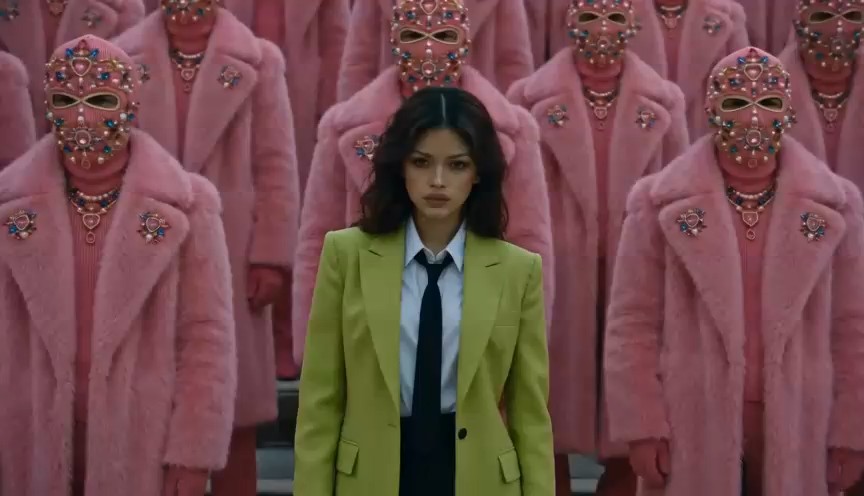
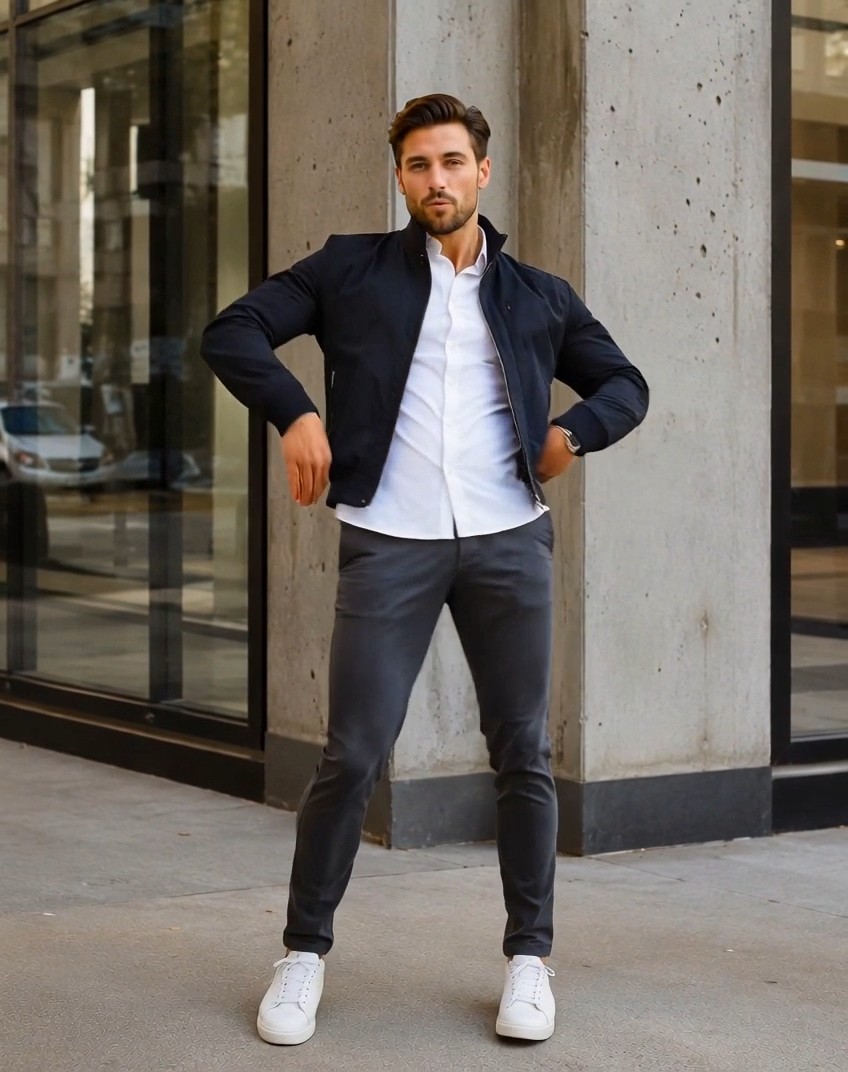
AI Dance Video Generator for Viral Photo Dance Clips
Upload a photo, optionally describe the dance, then create a moving clip with rhythm, personality, and social-ready energy.
The AI Dance Video Generator helps creators turn uploaded images, characters, and selfies into playful dance videos online, with optional prompt control and polished motion for posts, ads, memes, and fan edits.
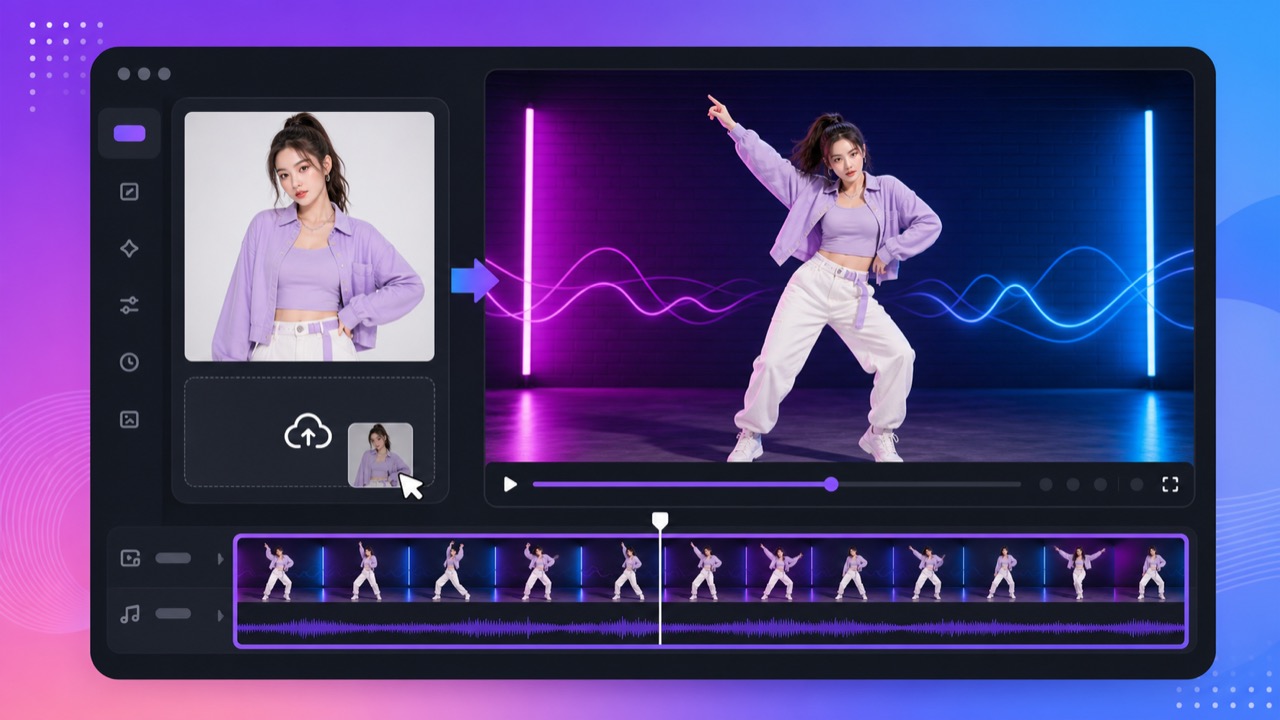
How to Make an AI Dance Video
Start by uploading a clear image, add an optional dance direction, and let the AI Dance Video Generator build a short clip that feels ready for social sharing.

Upload a Clear Photo
Use the AI Dance Video Generator with a full-body photo, selfie, avatar, product mascot, anime character, pet image, or other clear uploaded visual. A clear subject helps the AI dance generator keep identity, outfit, and pose readable while preparing the photo dance video.

Describe the Dance Style
Tell the AI Dance Video Generator what movement you want: K-pop choreography, hip-hop steps, ballet spins, a funny meme dance, a concert stage performance, or a clean brand-safe routine. Add mood, camera angle, tempo, background, and social format details.

Generate and Review the Clip
Click generate and preview the dance result. The AI Dance Video Generator turns your input into a short moving video, so you can compare motion quality, refine the prompt, and create another photo dance video when the first version needs a different rhythm.
Best AI Video Tools for Creative Projects
Explore creative tools for video, learn tips and tricks, and see how AI can be your assistant in turning concepts into finished projects.


Create Dance Videos From Uploaded Photos and Characters
The AI Dance Video Generator is built for fast creative tests, trend participation, and visual storytelling without filming dancers or learning complex animation software.
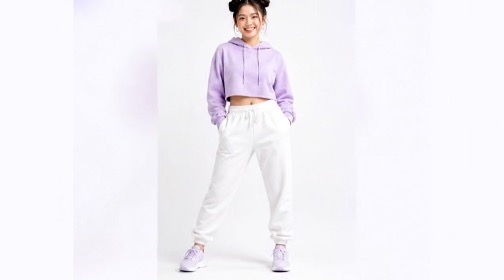
Turn One Photo Into a Dancing Character
Use the AI Dance Video Generator when you have one strong image and want it to move. Upload a portrait, full-body shot, mascot, game avatar, or illustrated character, then ask for a dance that matches the personality. The AI Dance Video Generator focuses on keeping the subject recognizable while adding expressive body motion. This makes each photo dance video useful for reaction posts, trend clips, music teasers, fan edits, and playful campaign content. When creators search for a fast AI dance generator, they usually want identity consistency, believable rhythm, and a result they can review without a heavy editor. The AI Dance Video Generator keeps those choices in one flow, so every photo to dance video test can start quickly and improve through clearer prompt details. The AI Dance Video Generator also supports repeat tests when a pose or beat needs refinement.
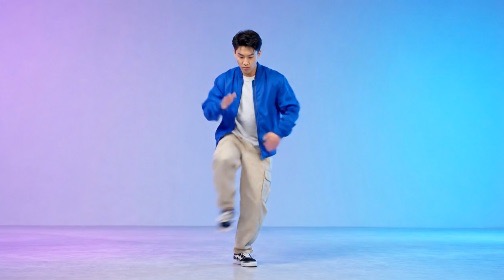
Guide Choreography With a Simple Prompt
The AI Dance Video Generator lets your prompt direct the creative choices instead of forcing one fixed effect. Describe a street dance, K-pop chorus, ballroom step, robot move, festival routine, or cute character bounce. Add stage lighting, background style, camera motion, energy level, and audience platform. A specific prompt helps the AI Dance Video Generator create a photo dance video that feels intentional rather than random. This AI dance generator workflow is useful when you need a dance video from photo input but still want creative control. Instead of choosing only a template, the AI Dance Video Generator can follow mood words, movement notes, camera framing, and performance direction in a single prompt. The AI Dance Video Generator rewards prompts that name both movement and emotion.
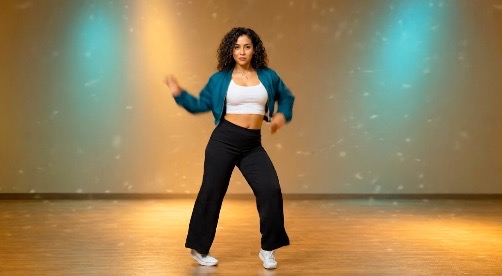
Build Short-Form Clips for Social Trends
Use the AI Dance Video Generator to test dance concepts before filming or editing. Creators can make quick clips for TikTok, Reels, Shorts, profile updates, meme replies, launch teasers, and creator experiments. Because the workflow starts from an uploaded image, a photo dance video can be made even when you do not have dancers, studio time, or animation skills. The AI Dance Video Generator also helps teams move while a trend is still fresh. Try a funny character dance, a polished outfit transition, or a music teaser, then use the AI dance generator result as a draft for social planning, caption tests, or quick internal feedback. The AI Dance Video Generator keeps this experimentation fast enough for daily content calendars.
Keep the Result Focused and Shareable
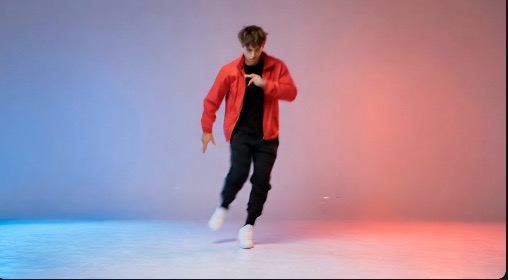
A good dance clip needs clear subject identity, readable motion, and a mood that matches the post. The AI Dance Video Generator helps you keep those decisions in one prompt: who dances, how they move, where the scene happens, and what vibe the audience should feel. The result is a focused AI dance generator workflow for repeatable photo dance video ideas. Use the AI Dance Video Generator to compare versions, keep the best movement, and avoid clips that feel visually confusing. With better prompt guidance, the AI Dance Video Generator can support shareable experiments for creators, marketers, artists, and casual users. The AI Dance Video Generator helps each version feel like one clear performance idea.
What You Can Create With an AI Dance Generator
Use the AI Dance Video Generator for social content, creator experiments, entertainment edits, brand moments, and quick motion concepts.

TikTok, Reels, and Shorts Ideas
Creators can use the AI Dance Video Generator to draft energetic clips for short-form platforms. Turn a selfie, outfit photo, character render, or fan image into a dance moment, then refine the prompt until the photo dance video matches the trend, music idea, or caption. The AI Dance Video Generator is especially helpful when a trend needs a fast response and filming is not practical. Use the AI dance generator to test movement, scene mood, and vertical framing before deciding which version deserves a final edit. The AI Dance Video Generator makes trend testing less dependent on production schedules.

Meme and Reaction Videos
When a still image already has the perfect joke, the AI Dance Video Generator can add movement without a full editing timeline. Make a mascot dance, animate a cartoon reaction, or create an absurd photo dance video that feels built for comments, reposts, and group chats. Because the AI Dance Video Generator works from simple inputs, meme makers can try multiple routines, facial moods, and camera energies fast. The AI dance generator makes quick motion feel playful instead of complicated. The AI Dance Video Generator is useful when the punchline needs movement more than editing complexity.

Character and Fan Edits
Artists, fandom editors, and game creators can test motion for original characters, avatars, cosplay photos, and stylized portraits. The AI dance generator helps a flat reference feel alive while the AI Dance Video Generator keeps the workflow simple enough for repeated creative tests. Use the AI Dance Video Generator to see whether a character should move with graceful stage energy, comic timing, idol choreography, or a casual loop. That makes each photo dance video a lightweight animation study before deeper production. The AI Dance Video Generator helps creators judge motion personality early.
Brand and Campaign Teasers
Marketing teams can use the AI Dance Video Generator to explore playful campaign hooks before booking production. Animate a product mascot, spokesperson image, lifestyle shot, or event poster into a short photo dance video for launch teasers, ad concepts, or social calendars. The AI Dance Video Generator supports fast ideation when a brand needs motion but not a full shoot. Teams can use the AI dance generator to compare playful, polished, and trend-led directions before choosing a public-facing concept. The AI Dance Video Generator can make early reviews more visual, while the AI dance generator keeps concept testing lightweight.

Music, Performance, and Event Posts
Musicians, dancers, DJs, and event teams can use the AI Dance Video Generator to turn a poster image or performer photo into motion. Prompt a dance style, venue mood, and camera energy, then use the AI dance generator output as a quick visual teaser. The AI Dance Video Generator can help preview choreography themes, stage vibes, or music-release visuals before the event content is ready. A short photo dance video can make announcements feel more active in feeds. The AI Dance Video Generator gives performers another way to show rhythm.

Personal Fun and Shareable Moments
Make birthdays, holidays, profile updates, and friendly messages feel more alive. The AI Dance Video Generator can turn a favorite photo into a cheerful dance clip, giving casual users an easy photo dance video workflow that does not require editing experience. Families, friend groups, and casual creators can use the AI Dance Video Generator for funny greetings, party invites, profile moments, and playful remixes. The AI dance generator keeps the process approachable: upload, describe, generate, and share. The AI Dance Video Generator makes personal clips feel more surprising.
Creators Use It to Move Faster
People use the AI Dance Video Generator when they want quick motion ideas, lightweight creative testing, and fun dance clips without filming.
The AI Dance Video Generator gives me fast concept clips before I commit to a campaign. I can upload a character image, test three dance styles, and show a client which direction feels right. The AI dance generator is especially useful when a trend is moving quickly, and the AI Dance Video Generator helps me explain the creative option with motion instead of a static mockup. The AI Dance Video Generator saves our first review round.
I use the AI Dance Video Generator for music teaser ideas when we only have artwork and a release date. It helps us turn a static cover or artist photo into a photo dance video, then decide whether the movement matches the song energy before making polished edits. The AI Dance Video Generator gives our team a fast way to compare performance moods. The AI Dance Video Generator makes rough ideas easier to discuss.
My characters look finished in still images, but motion tests used to slow me down. The AI Dance Video Generator lets me try a cute bounce, a stage routine, or a dramatic dance prompt in minutes. The AI dance generator makes fan-style clips easier to explore, and the AI Dance Video Generator helps me spot which character poses feel best in motion. The AI Dance Video Generator fits my sketch-to-motion workflow.
For quick posts, the AI Dance Video Generator is exactly the kind of shortcut I need. A strong prompt can turn one campaign image into a lively photo dance video. It is useful for brainstorming, internal previews, and playful content that needs to move today. The AI Dance Video Generator makes fast motion drafts feel accessible. The AI Dance Video Generator keeps ideation moving, and the AI dance generator workflow is easy to explain.



AI Dance Video Generator FAQ
Quick answers about using the AI Dance Video Generator, choosing inputs, improving prompts, and sharing dance clips.
An AI Dance Video Generator is an online tool that turns an uploaded photo or character image into a short dance clip. Upload a clear image, optionally describe the dance style, then generate a video with motion, style, and social-ready energy.
Yes. The AI Dance Video Generator can use one clear photo as the subject source. Full-body images often work best because the AI dance generator has more pose and limb detail to animate naturally.
Use direct prompts that name the dance style, movement energy, setting, camera angle, and mood. For example, ask the AI Dance Video Generator for a smooth K-pop routine, neon stage lighting, confident footwork, and a vertical social clip.
Yes. The AI Dance Video Generator is designed for short, shareable motion ideas. Creators can make quick dance concepts, meme clips, music teasers, and photo dance video drafts for social platforms.
Yes, brands can use the AI Dance Video Generator for concept testing, mascot motion, launch teasers, and playful campaign ideas. Review each result for quality, rights, and brand fit before using it in public content.
Try a clearer image and a more specific prompt. Tell the AI Dance Video Generator the exact dance style, subject, camera framing, speed, and mood you want, then regenerate until the photo dance video feels stable and expressive.
Start Your AI Dance Video Generator Clip
Upload a photo, write the dance you imagine, and let the AI Dance Video Generator create a short clip you can preview, refine, and share through this AI dance generator workflow.
