
More AI Video Generators
Explore our collection of specialized AI video generators designed for different creative needs and styles




Stick Figure Animation Generator for Fast Videos
Turn a quick idea into simple stick figure motion with the Stick Figure Animation Generator, made for explainers, shorts, jokes, and visual lessons.
Use the Stick Figure Animation Generator to describe a scene, choose the mood, and create an easy-to-watch stick figure video. It keeps the workflow light so creators can test stories without drawing every frame.
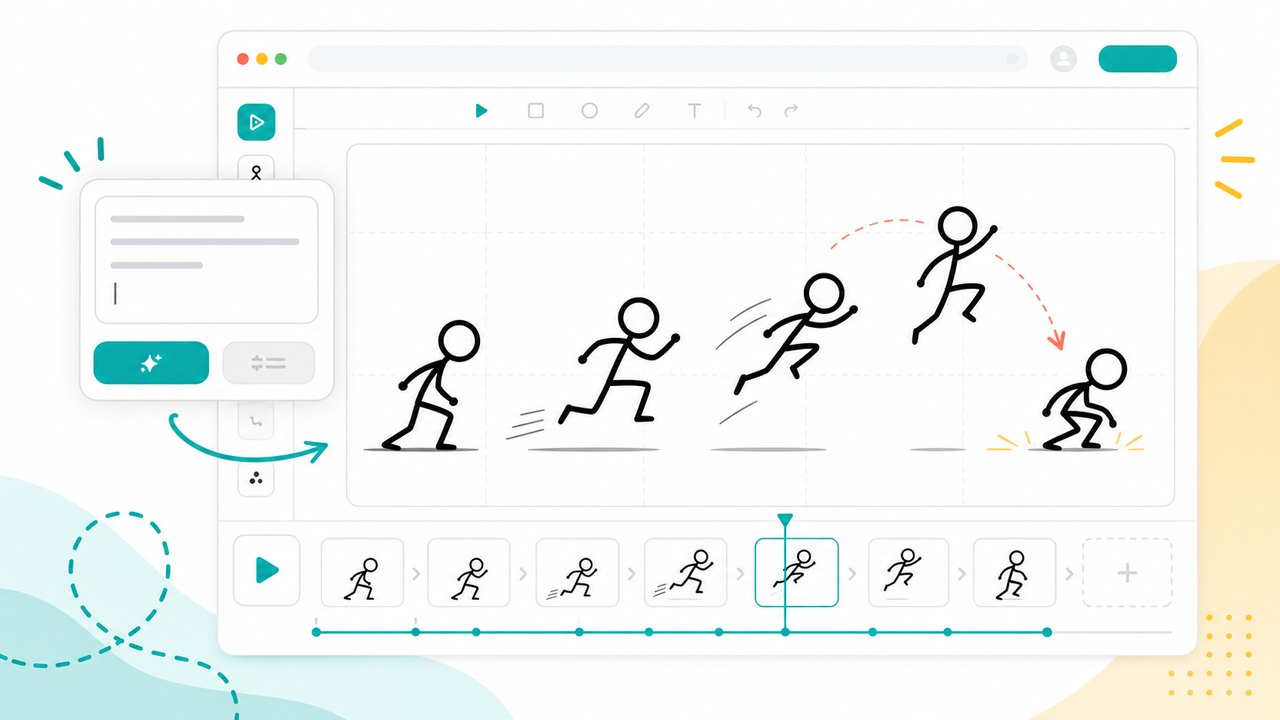
How the Stick Figure Animation Generator Works
The Stick Figure Animation Generator helps you move from an idea to a clear animated clip in a few focused steps. It works like a stick figure generator for motion: write the action, guide the tone, and let the page shape a simple video concept. The Stick Figure Animation Generator is designed for quick creative decisions, so every step supports prompt clarity, readable movement, and faster iteration before you commit to a final edit.

Describe the scene
Start the Stick Figure Animation Generator with one direct prompt. Mention the character, action, setting, emotion, pacing, and any caption or narration style you want. A good prompt gives the Stick Figure Animation Generator enough direction to create a scene that feels intentional, while the stick figure generator style keeps the result simple and readable. The Stick Figure Animation Generator also rewards plain verbs, so prompts like wave, stumble, explain, chase, or celebrate can guide the motion clearly.

Generate the motion
The Stick Figure Animation Generator turns your prompt into a short visual sequence with pose changes, scene rhythm, and clear action. Instead of placing every limb by hand, use the Stick Figure Animation Generator to explore timing ideas quickly. The stick figure generator format is useful when motion matters more than complex character art. Run the Stick Figure Animation Generator for alternate takes when a scene needs more energy, cleaner staging, or a stronger ending.

Review and refine
Preview the output, then run the Stick Figure Animation Generator again with sharper instructions for movement, mood, or story beats. You can ask for a slower walk, a funnier reaction, a clearer lesson, or a tighter ending. The stick figure generator workflow makes revisions feel fast instead of heavy. The Stick Figure Animation Generator is especially useful for comparing multiple prompt directions before choosing the version that communicates best.
Best AI Video Tools for Creative Projects
Explore creative tools for video, learn tips and tricks, and see how AI can be your assistant in turning concepts into finished projects.
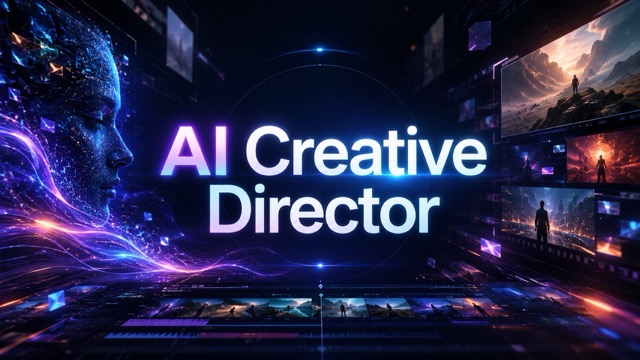


Create Stick Figure Videos from Everyday Ideas
The Stick Figure Animation Generator is built for creators who want visual storytelling without a complicated animation timeline. Use it as a stick figure generator for short videos, teaching moments, product explanations, character jokes, and rough storyboards that need motion fast.
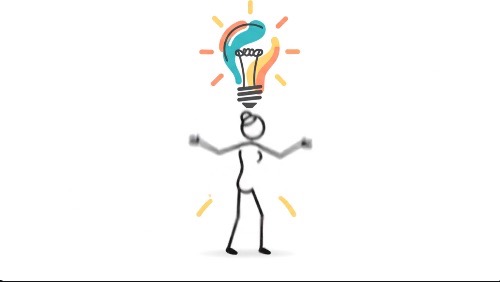
Turn Scripts into Simple Animated Scenes
Paste a joke, lesson, product idea, or social caption into the Stick Figure Animation Generator and turn it into a clear scene. The Stick Figure Animation Generator is helpful when you know what should happen but do not want to draw panels one by one. Add details about walking, pointing, falling, celebrating, explaining, or reacting, and the stick figure generator style keeps the character readable. Because the Stick Figure Animation Generator focuses on simple bodies and strong actions, viewers can understand the story quickly, even in a short clip. Use the Stick Figure Animation Generator to compare a calm version, a dramatic version, and a comic version before selecting the strongest direction. This makes the Stick Figure Animation Generator useful for writers who need to test whether a visual beat is obvious before recording audio or editing a final video.
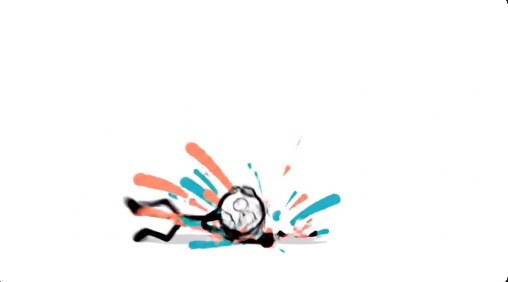
Build Explainers Without Heavy Editing
Use the Stick Figure Animation Generator for mini lessons, how-to moments, workflow demos, and concept breakdowns. A stick figure can point, compare, react, and move through a process without distracting from the message. The Stick Figure Animation Generator helps teachers, founders, and creators make visual explanations from plain language. Instead of opening a timeline editor, write the key idea, then let the stick figure generator format turn the explanation into motion that feels direct, friendly, and easy to follow. The Stick Figure Animation Generator can also keep repeated videos visually consistent because every clip begins from the same simple motion-first style. That makes the Stick Figure Animation Generator practical for recurring classes, onboarding clips, and weekly creator formats.
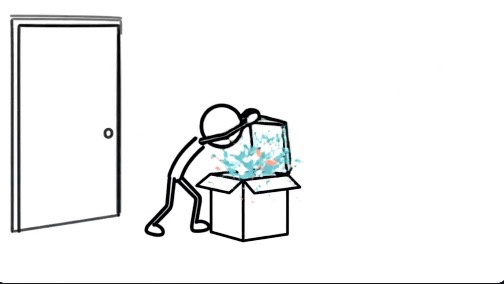
Plan Action, Comedy, and Story Beats
The Stick Figure Animation Generator is a quick way to test timing before committing to a polished production. Describe a chase, a clumsy jump, a dramatic reveal, a classroom scene, or a two-person conversation. The Stick Figure Animation Generator can help you see whether the action reads clearly. Because a stick figure generator strips the character down to essential pose and movement, it becomes easier to judge rhythm, staging, emotion, and punchline timing. Run the Stick Figure Animation Generator again with a different camera idea or ending if the first beat feels too flat. Teams can use the Stick Figure Animation Generator as a low-pressure way to discuss movement before style, rendering, or final editing decisions.
Create Social Clips with a Recognizable Look
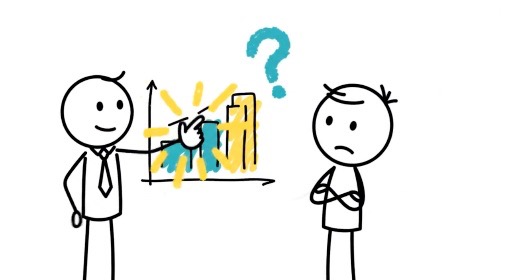
Short videos often need a visual idea that is clear in seconds. The Stick Figure Animation Generator gives creators a fast format for reaction clips, faceless commentary, quick tutorials, and playful explainers. Use the Stick Figure Animation Generator when you want motion, humor, or visual contrast without filming yourself. The stick figure generator look also helps the clip feel distinct from stock footage, talking heads, and generic AI scenes. The Stick Figure Animation Generator is also useful for recurring content formats because a simple character can return in new scenarios with minimal setup. If you already publish with a stick figure generator identity, this page can help turn that identity into motion.
What You Can Make with This Stick Figure Animation Generator
Use the Stick Figure Animation Generator wherever a simple moving character can make an idea easier to understand. It works as a stick figure generator for planning, teaching, pitching, and publishing lightweight animated video concepts.

Educational explainers
Teachers and course creators can use the Stick Figure Animation Generator to make short lessons feel more visual. Show a character solving a problem, reacting to a mistake, or moving through a process. The stick figure generator style keeps attention on the concept instead of decorative detail, which is useful for fast learning clips. The Stick Figure Animation Generator can turn abstract ideas into small actions students remember. Use the Stick Figure Animation Generator for review videos, warm-up examples, and quick concept checks.

Short-form creator videos
Creators can use the Stick Figure Animation Generator to test ideas for Shorts, Reels, and TikTok-style videos. Write a premise, add a clear action, and create a simple clip that can support narration or captions. The stick figure generator look works well for faceless channels and repeatable visual formats. The Stick Figure Animation Generator makes it easier to publish concepts that depend on motion instead of camera presence. Use the Stick Figure Animation Generator when a script needs a visual hook before the first line lands.

Storyboards and previsualization
Writers, animators, and video teams can use the Stick Figure Animation Generator before building a polished sequence. It helps explore staging, timing, and scene logic from text. A stick figure generator is especially useful when the team needs quick movement references rather than finished character design. The Stick Figure Animation Generator can become a fast previsualization pass for meetings, scripts, and early edits. Use the Stick Figure Animation Generator to compare alternate openings, action beats, and transitions.

Product and startup explainers
Marketers and founders can use the Stick Figure Animation Generator to explain a feature, user problem, or before-and-after moment. A simple character can struggle, discover, and act in a way viewers understand immediately. The stick figure generator format keeps the story friendly while the message stays practical. The Stick Figure Animation Generator helps teams try a message visually before spending time on full production. Use the Stick Figure Animation Generator for demos, landing page videos, and investor-friendly concept drafts.
Creators Use the Stick Figure Animation Generator to Move Faster
These fictional examples show how the Stick Figure Animation Generator can fit real creative workflows, from lessons and pitch ideas to fast social content. The common thread is speed: users can turn a thought into a moving draft, share it with collaborators, and decide whether the scene needs a sharper prompt, a different action, or a more concise ending.
I use the Stick Figure Animation Generator when a lesson needs motion but not a full production day. It lets me test a concept, adjust the action, and keep the final idea easy for students to understand. The Stick Figure Animation Generator gives me a fast draft I can pair with narration and edit into a class clip.
The Stick Figure Animation Generator helps me rough out jokes before I record voiceover. I can see if the character reaction lands, then rewrite the prompt until the timing feels right. A simple stick figure generator style makes the punchline easier to judge, especially when I need a fast visual test.
For startup explainers, the Stick Figure Animation Generator is a useful first pass. It turns a user problem into a scene quickly, so our team can discuss the story before we polish the visuals. The Stick Figure Animation Generator keeps early feedback focused on the message.
I like using the Stick Figure Animation Generator as a planning tool. It gives me a moving reference from a short prompt, which is faster than sketching every pose during early storyboard work. The Stick Figure Animation Generator helps me spot weak action before production starts.




Stick Figure Animation Generator FAQ
Common questions about using the Stick Figure Animation Generator for simple animated clips, explainer ideas, and prompt-based motion.
It is an online tool for turning written ideas into simple stick figure motion. The Stick Figure Animation Generator is useful when you need a clear animated scene without drawing frame by frame.
No. Write what should happen in the scene, including action, mood, and pacing. The Stick Figure Animation Generator handles the visual direction so beginners can explore animation ideas quickly.
Yes. The Stick Figure Animation Generator is well suited for short explainers, jokes, faceless commentary, and quick story clips. Add narration or captions later if your publishing workflow needs them.
Describe the character, action, setting, emotion, and ending in plain language. The Stick Figure Animation Generator works best when the prompt includes motion words such as walk, jump, point, react, explain, or celebrate.
No. A static stick figure maker creates a single pose or image. The Stick Figure Animation Generator focuses on motion, scene flow, and short video ideas built from your prompt.
You can make lessons, storyboards, memes, product explainers, and creator shorts. The stick figure generator style keeps the visuals minimal, so viewers focus on the action and message.
Start Your Stick Figure Animation Generator Clip
Open the Stick Figure Animation Generator, type a scene idea, and turn it into a simple moving story. Use the free online stick figure generator workflow to test lessons, jokes, explainers, and social video concepts today. The Stick Figure Animation Generator keeps the process approachable for first drafts while still giving creators a clear path from prompt to animated clip. This workflow is also useful when you need a lightweight stick figure generator concept for a meeting, lesson plan, creative brief, or content calendar. It keeps reviews simple, visual, and easy to discuss.
