
Seedance 2.0 Mini AI Video GeneratorCreate Cinematic Videos with Seedance 2.0 Mini free
Turn prompts into multi-shot AI videos with Seedance 2.0 Mini free.
Pixomi AI brings Seedance 2.0 Mini free to creators who want faster, lower-cost cinematic production without a heavy editing setup. Use the Seedance 2.0 mini video generator to shape scenes, motion, camera rhythm, and visual continuity from a clear prompt, then generate video concepts for ads, social posts, short films, and product stories.

More AI Video Generators
Explore our collection of specialized AI video generators designed for different creative needs and styles



What Is Seedance 2.0 Mini?
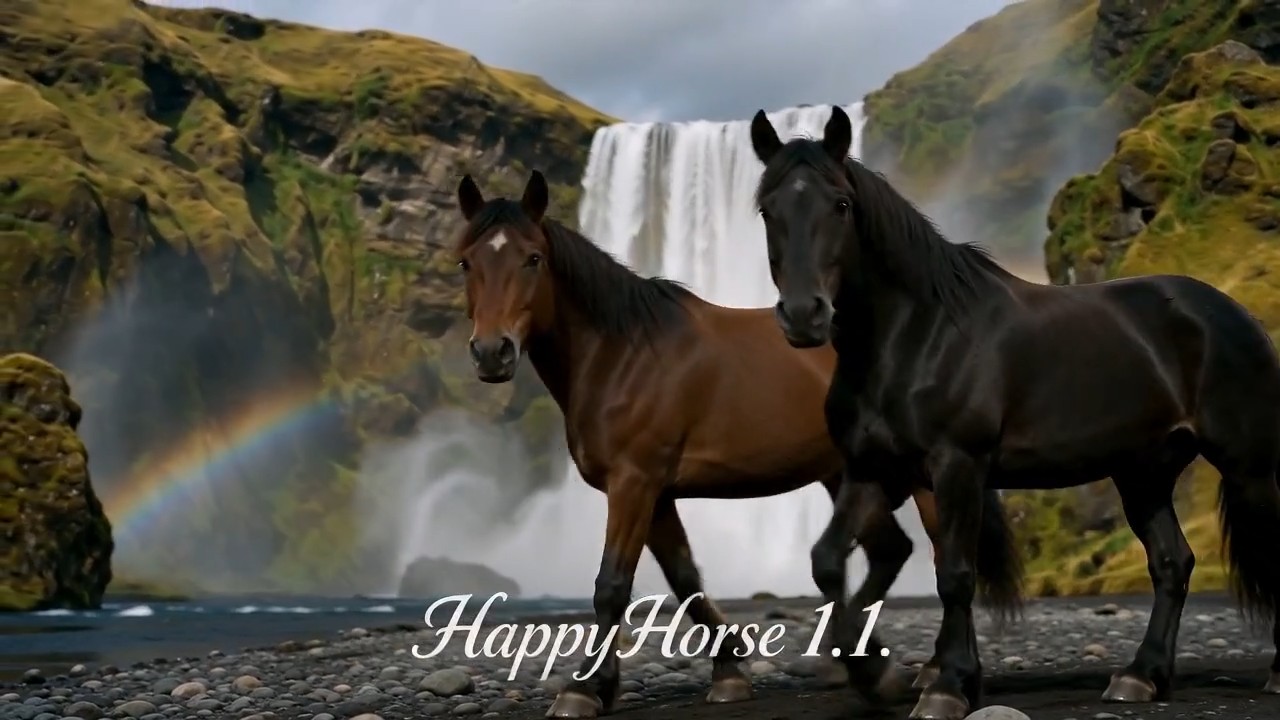
Seedance 2.0 Mini free makes cinematic AI video creation simpler, faster, and more affordable.
This video model is built for prompt-driven filmmaking. On Pixomi AI, Seedance 2.0 Mini free helps you turn text ideas, reference materials, scene goals, and camera instructions into structured clips. The Seedance 2.0 mini video generator is especially useful when you need multi-shot pacing, realistic motion, stable characters, and a clean creative workflow.
How to Use Seedance 2.0 Mini on Pixomi AI
The workflow is simple: prepare references, write a detailed prompt, generate a preview, refine the clip, and export. Seedance 2.0 Mini free gives creators a practical way to test storyboards, product videos, and short-form scenes. The Seedance 2.0 mini video generator also works well when you need fast creative iteration.

Upload References for Seedance 2.0 Mini free
Start with the assets that define your video. Seedance 2.0 Mini free can be guided by reference images, video ideas, and audio direction. Use the Seedance 2.0 mini video generator when you want character identity, product shape, or atmosphere to remain more consistent.

Write a Clear Director-Style Prompt
Describe the scene, subject, action, mood, camera movement, and aspect ratio. Seedance 2.0 Mini free responds best to clear cinematic direction, such as close-up, tracking shot, slow push-in, handheld motion, or dramatic reveal. The Seedance 2.0 mini video generator can then interpret your prompt as a video sequence.

Generate & Preview
Click generate to create your first preview. Seedance 2.0 Mini free lets you review motion, composition, character stability, and scene pacing before final export. Use the Seedance 2.0 mini video generator to test multiple variations for ads, reels, shorts, or story concepts.

Download & Share
After refining the result, download the clip and share it across your campaign or content channels. Seedance 2.0 Mini free is helpful for quick creative testing, while the model keeps the production process lightweight for teams and solo creators.
Best AI Video Tools for Creative Projects
Explore creative tools for video, learn tips and tricks, and see how AI can be your assistant in turning concepts into finished projects.


Seedance 2.0 Mini Features for AI Filmmaking
Feature design follows the official model strengths: cinematic multi-shot generation, AI camera control, consistent characters, prompt-driven storytelling, reference-guided creation, flexible aspect ratios, 720p to 1080p resolution, and short video durations for fast production. Seedance 2.0 Mini free is built for creators who need speed and quality together, and the Seedance 2.0 mini video generator makes those capabilities practical inside Pixomi AI.
Cinematic Multi-Shot Storytelling
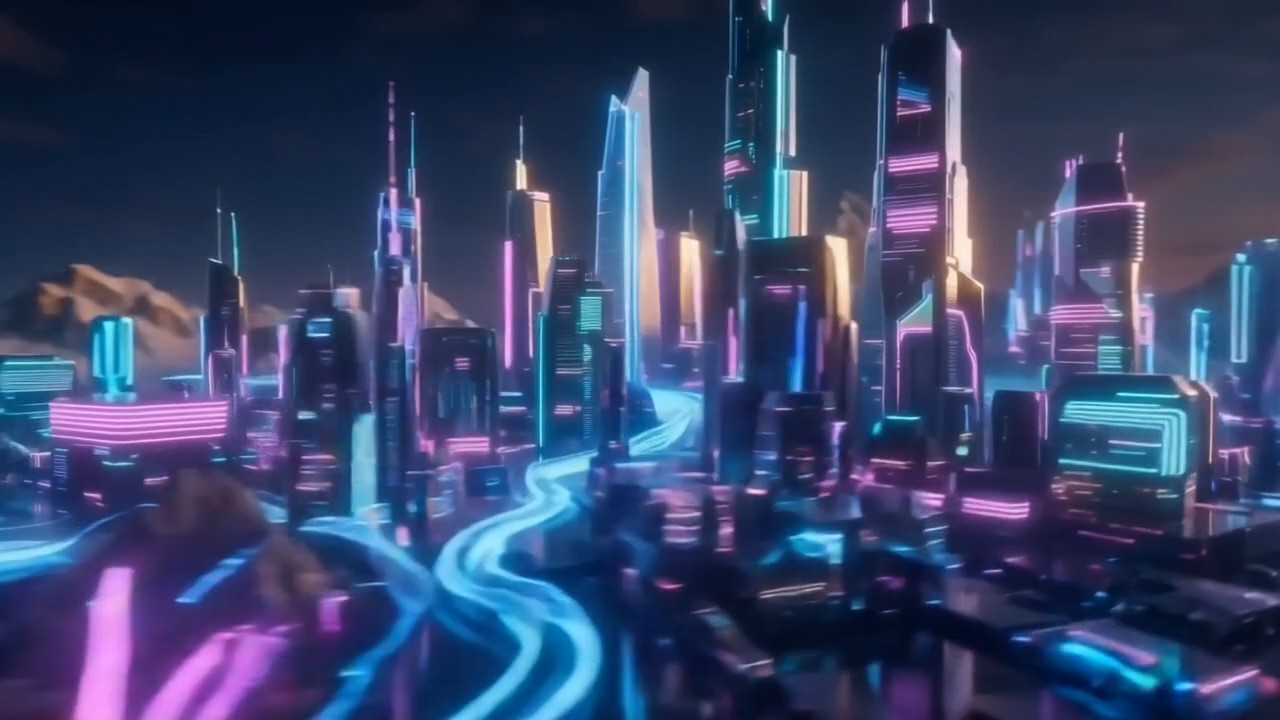
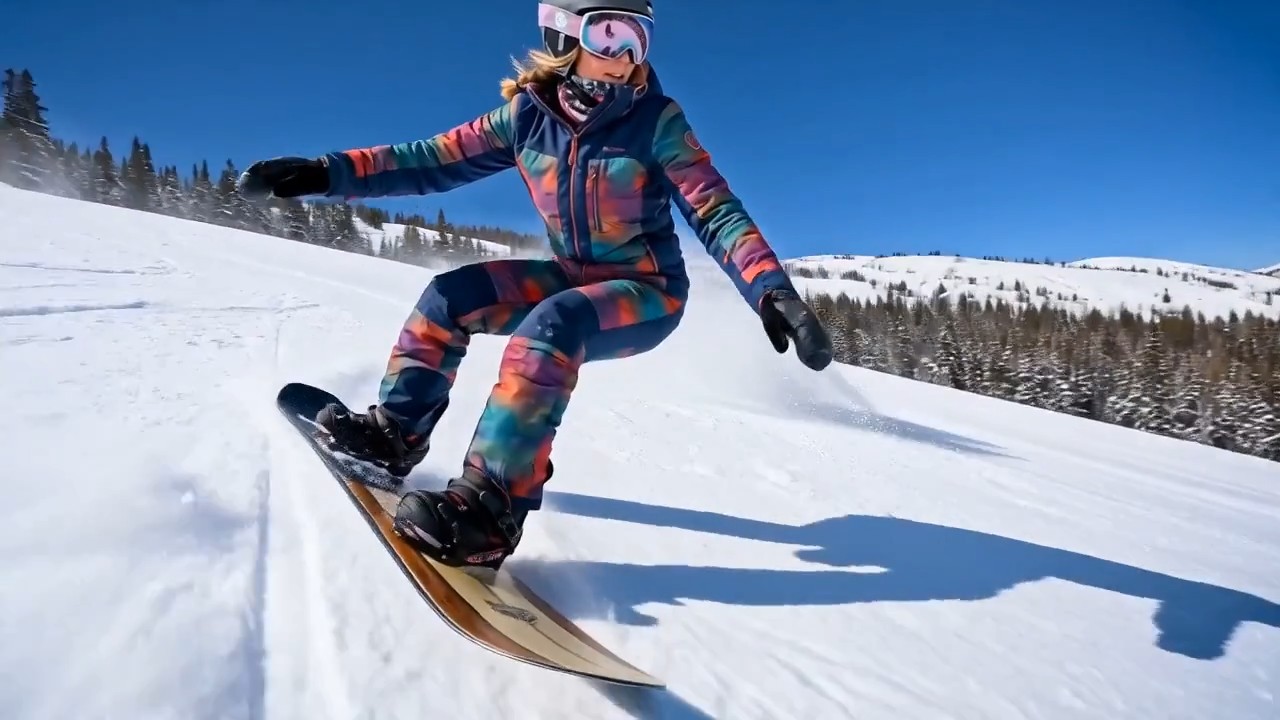
The model turns a prompt into a structured visual sequence instead of a single isolated moment. With Seedance 2.0 Mini free, creators can plan opening shots, subject movement, scene transitions, and visual rhythm. The Seedance 2.0 mini video generator is ideal for short dramas, product reveals, trailer concepts, and social videos that need a clear story arc.

AI Camera Control and Motion
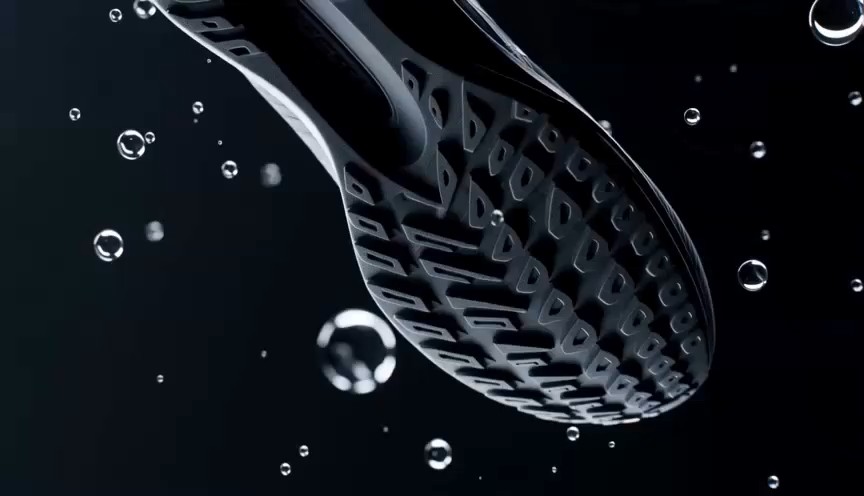
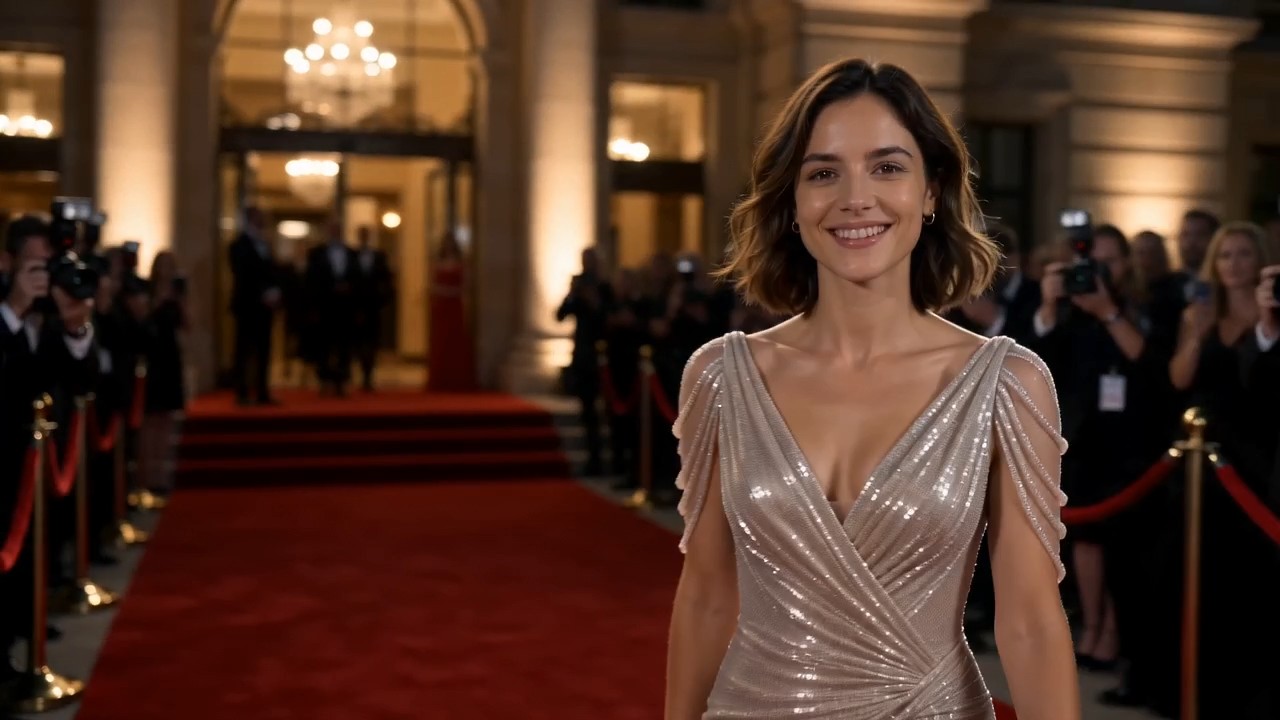
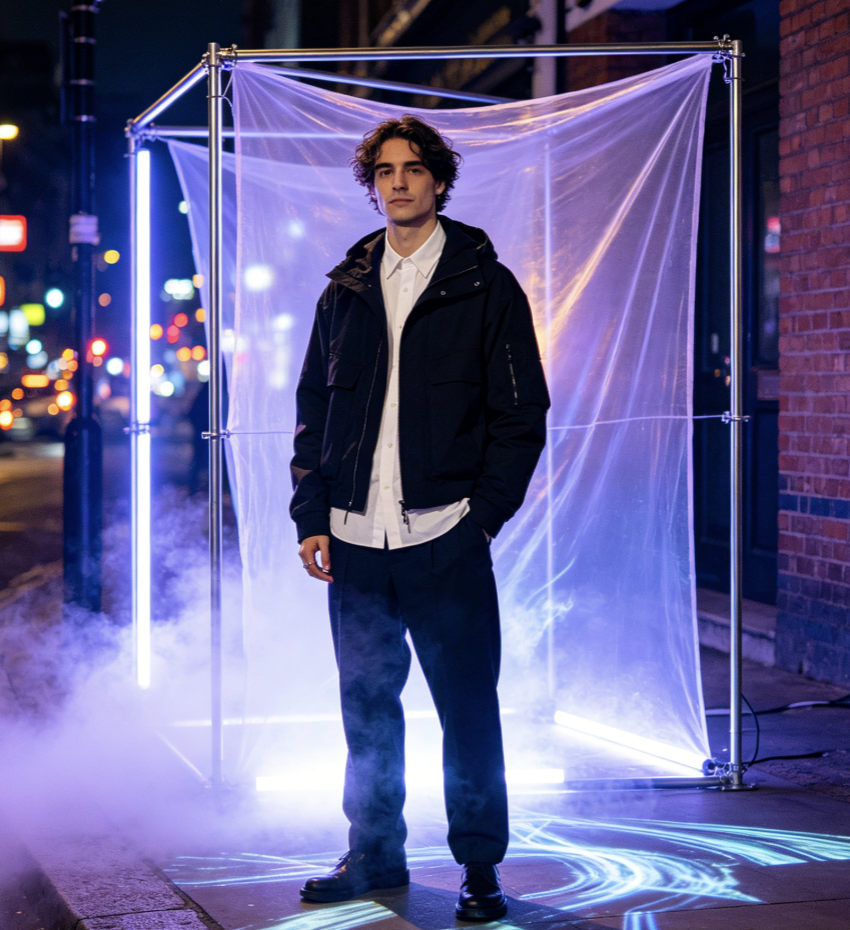
The model supports cinematic camera behavior such as zooms, pans, tracking shots, and dynamic framing. Seedance 2.0 Mini free helps users describe how the camera should move, not just what should appear. The Seedance 2.0 mini video generator works well for fashion shots, travel scenes, product close-ups, and action clips with deliberate motion.

Consistent Characters Across Scenes
The model helps keep character identity stable across multiple shots, making it useful for narrative content and branded storytelling. With Seedance 2.0 Mini free, creators can test repeatable characters before building a longer series. The Seedance 2.0 mini video generator reduces visual drift and supports a more believable story flow.

Reference-Guided Prompt Creation
The model can use reference materials to guide characters, style, atmosphere, and movement. Seedance 2.0 Mini free is useful when you want AI to follow a specific visual direction while still generating fresh video output. The Seedance 2.0 mini video generator supports common social ratios and production settings, including 16:9, 1:1, and 9:16 formats.
Use Seedance 2.0 Mini for Real Creative Work
Seedance 2.0 Mini free is useful across marketing, storytelling, product content, and social media. The Seedance 2.0 mini video generator gives creators a faster way to turn concepts into clips before spending time on full production.

Social Media Videos
Use Seedance 2.0 Mini free to create TikTok, Reels, Shorts, and feed videos with cinematic movement. The Seedance 2.0 mini video generator helps you test multiple hooks, moods, and camera angles quickly.

Product Ads
Use Seedance 2.0 Mini free to turn a product idea into a clean visual ad with motion, close-ups, and controlled framing. The Seedance 2.0 mini video generator is useful for ecommerce teams that need fast product storytelling.

Short Films
Use Seedance 2.0 Mini free for narrative tests, character scenes, mood boards, and cinematic storyboards. The Seedance 2.0 mini video generator helps creators explore multi-shot scenes before final production.

Brand Concepts
Use this model to build campaign visuals, launch teasers, and concept trailers. The workflow gives brands a faster path from idea to moving visual direction.
Creators Using Seedance 2.0 Mini
These creator-style testimonials show how different users experience the tool in Pixomi AI, especially when using the Seedance 2.0 mini video generator for practical projects.
I tested three ad concepts in one afternoon. The camera movement felt more intentional than other tools I tried, and the output helped me explain the visual direction to my team.
For short drama ideas, the characters stayed more recognizable across scenes. The Seedance 2.0 mini video generator gave me a stronger starting point for episodic content.
I needed product videos without hiring a full crew. The workflow let me prototype close-ups, rotations, and reveal shots fast, and the product felt more premium.
The strongest part is how quickly I can test social hooks. I used the Seedance 2.0 mini video generator for vertical clips, then selected the best motion style for final posts.
I can write a scene like a director, include camera language, and generate a preview. That makes my pitch decks easier to understand for clients.
I use the Seedance 2.0 mini video generator for early game trailer concepts. It helps me explore mood, pacing, and camera action before our artists commit to final assets.




Seedance 2.0 Mini FAQ
Learn how this model works inside Pixomi AI and how it can support fast video production.
It is best for faster, lower-cost cinematic video generation. It supports multi-shot storytelling, AI camera control, prompt-driven scene creation, and more stable character continuity.
Yes. Pixomi AI offers access for creative testing, social video drafts, storyboard exploration, and product concept previews.
You can create product ads, cinematic scenes, social clips, short film concepts, brand teasers, and reference-based motion tests.
Yes. You can describe pan, zoom, tracking shot, close-up, dynamic framing, slow reveal, handheld motion, and other camera directions in your prompt.
Prepare your subject, action, setting, mood, camera movement, aspect ratio, resolution, and duration. Clear direction usually produces stronger structure and more predictable motion.
Start Creating with Seedance 2.0 Mini
Use Pixomi AI to create cinematic AI videos from prompts, references, and camera instructions. Try it for social clips, product ads, short stories, and brand visuals today.
