
More AI Image Generators
Explore our collection of specialized AI image generators designed for different creative needs and styles























Create a Neon World with Cyberpunk Wallpaper Generator
Describe a future city or upload an image, then use Cyberpunk Wallpaper Generator to reshape it with electric color and rain-lit atmosphere.
Cyberpunk Wallpaper Generator turns a written concept or uploaded picture into a focused futuristic visual. Direct the palette, setting, subject, and mood while the Cyberpunk Wallpaper Generator builds a cohesive result around your creative intent.
How to Use Cyberpunk Wallpaper Generator
Move from a rough idea to a finished futuristic scene in three clear stages. Cyberpunk Wallpaper Generator accepts either words or a source image, giving newcomers and experienced creators a practical way to control the transformation.

Describe a Scene or Add an Image
Start Cyberpunk Wallpaper Generator with a prompt that names the subject, location, lighting, colors, and mood. You can also upload a photo whose composition you want to reinterpret. Tell Cyberpunk Wallpaper Generator what must remain recognizable, then specify the neon signs, metallic surfaces, rain, haze, or futuristic details you want introduced.

Guide the Cyberpunk Transformation
Submit your direction and let Cyberpunk Wallpaper Generator translate it into a unified visual treatment. The Cyberpunk Wallpaper Generator uses your wording or reference image to coordinate color contrast, environmental details, and cinematic light, so the result feels like one designed scene instead of a collection of disconnected science-fiction effects.

Review and Save Your Wallpaper
Inspect the generated composition at the size you plan to use. If the focal point or palette needs adjustment, refine your prompt and run Cyberpunk Wallpaper Generator again. Once the balance suits your screen, save the Cyberpunk Wallpaper Generator result as a personal backdrop, concept reference, or visual starting point.
Best AI Image Tools for Creative Projects
Explore creative tools for image, learn tips and tricks, and see how AI can be your assistant in turning concepts into finished projects.






What Cyberpunk Wallpaper Generator Can Create
Explore four creative paths for Cyberpunk Wallpaper Generator, from photo restyling and character treatments to original city concepts and practical screen layouts. Each path makes the cyberpunk wallpaper generator aesthetic easier to direct with specific visual choices.
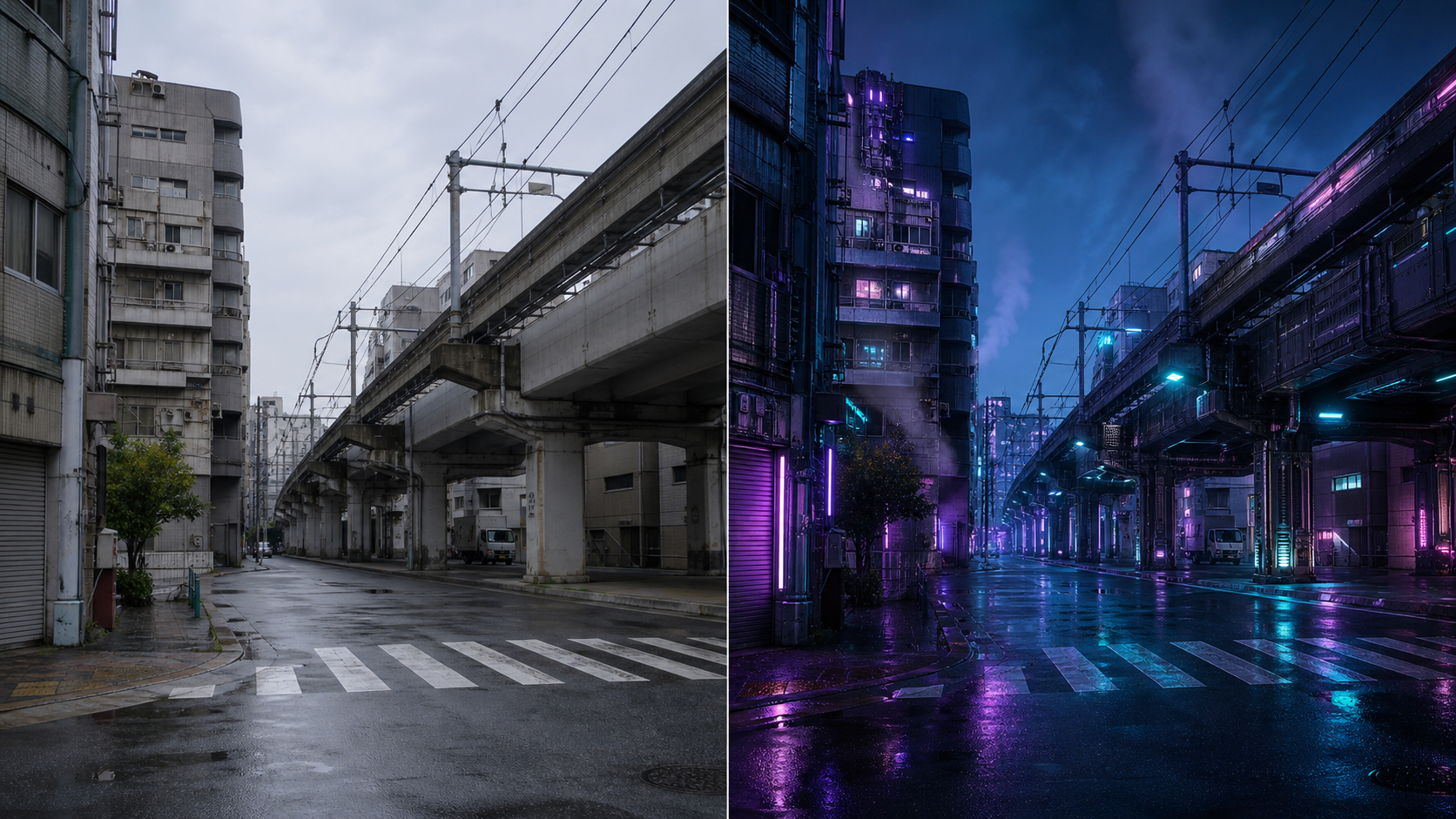
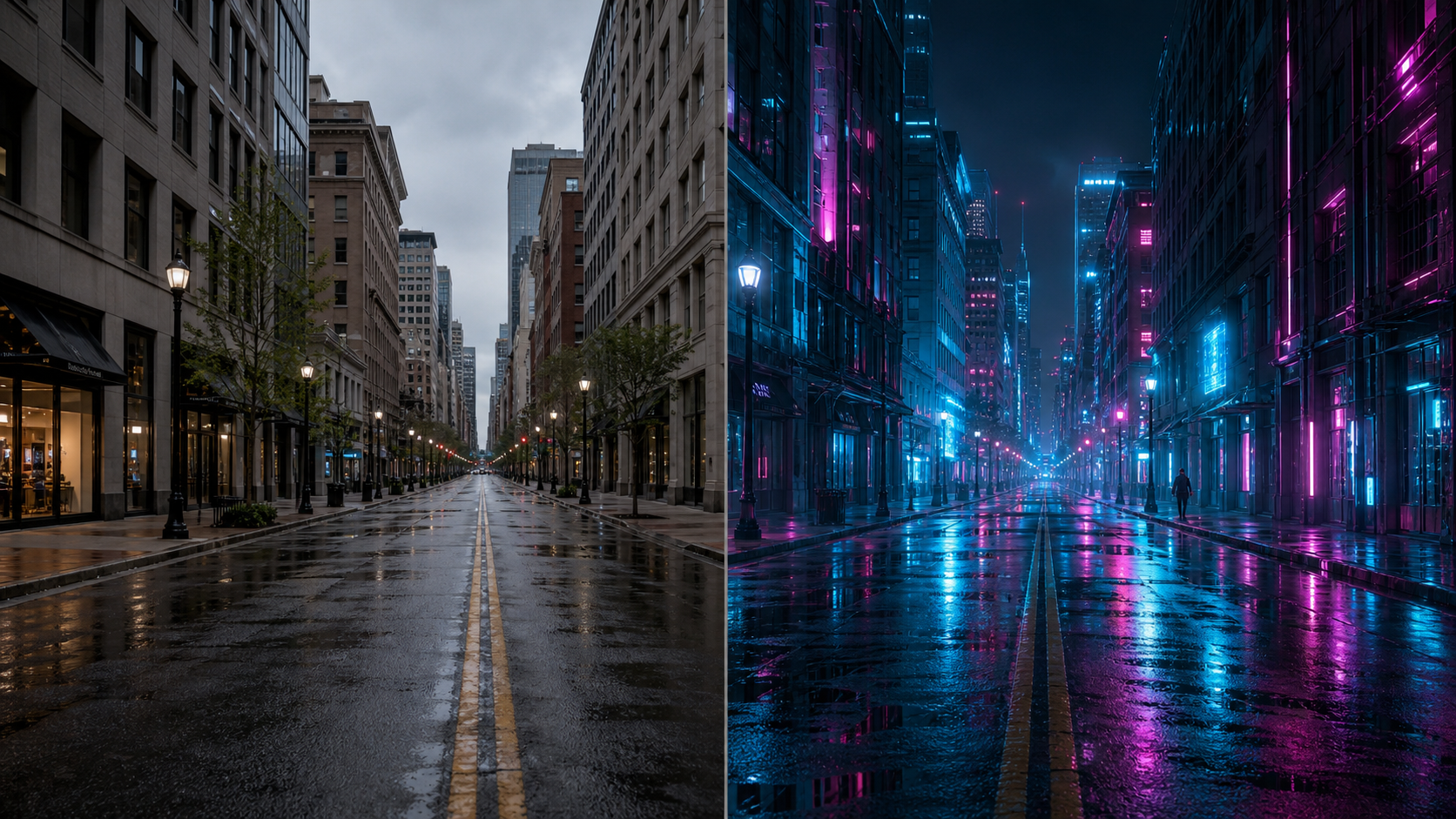
Restyle Familiar Places as Neon Future Cities
Upload a street, skyline, or architectural photo and ask Cyberpunk Wallpaper Generator to preserve its perspective while changing the atmosphere. Cyberpunk Wallpaper Generator can reinterpret ordinary concrete, glass, traffic, and weather through luminous accents, reflective pavement, layered haze, and future-facing details. The resulting Cyberpunk background remains connected to the original place, but gains a more cinematic, grounded visual identity overall.
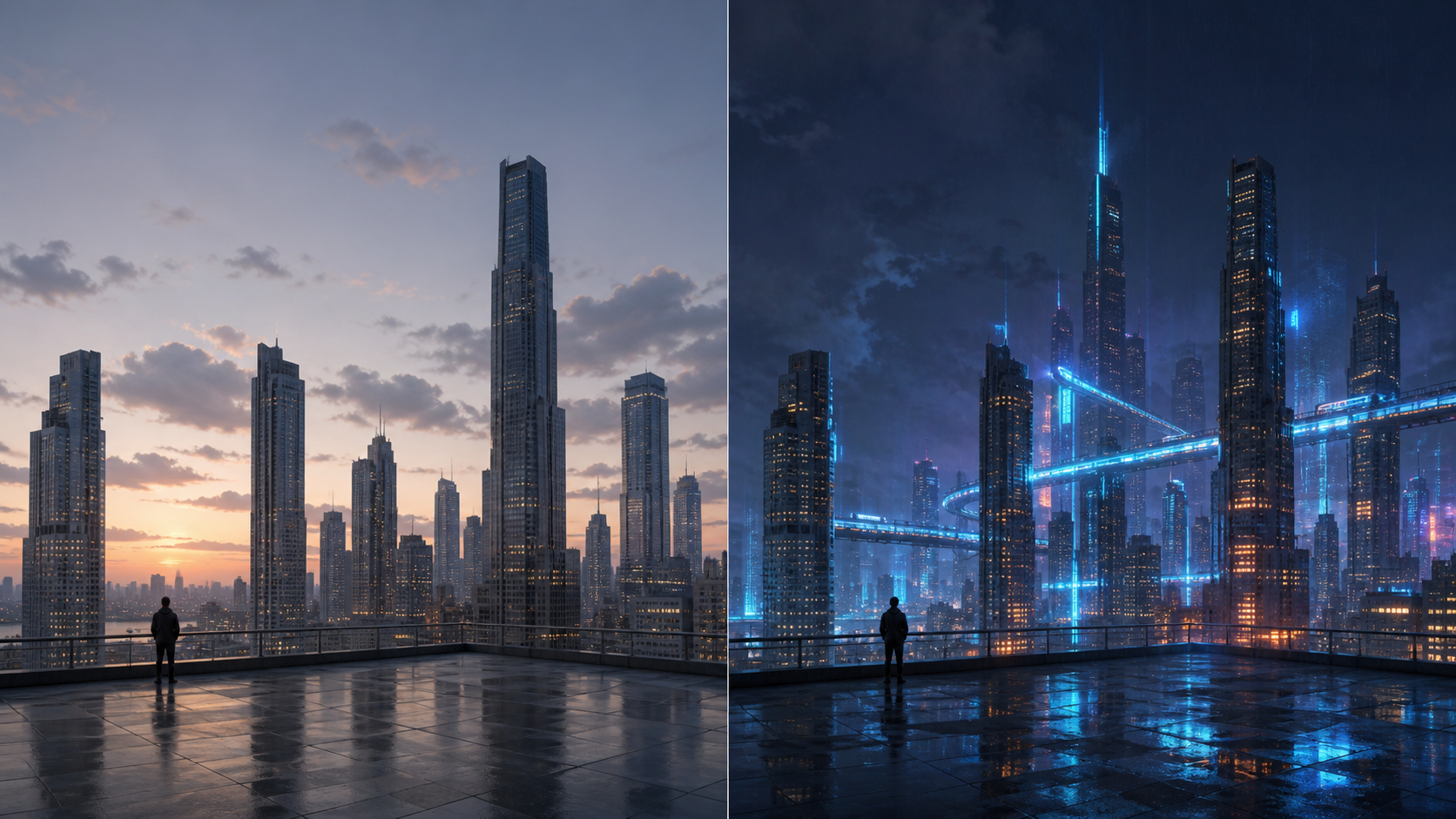
Build Original Worlds from Detailed Prompts
Begin with a written idea when no source image exists. Give Cyberpunk Wallpaper Generator a clear subject, viewpoint, environment, palette, and emotional tone; then add practical wallpaper guidance, such as open space around the focal area. Cyberpunk Wallpaper Generator turns those choices into a complete composition, while the cyberpunk wallpaper generator aesthetic keeps technology, street texture, and dramatic lighting visually connected.
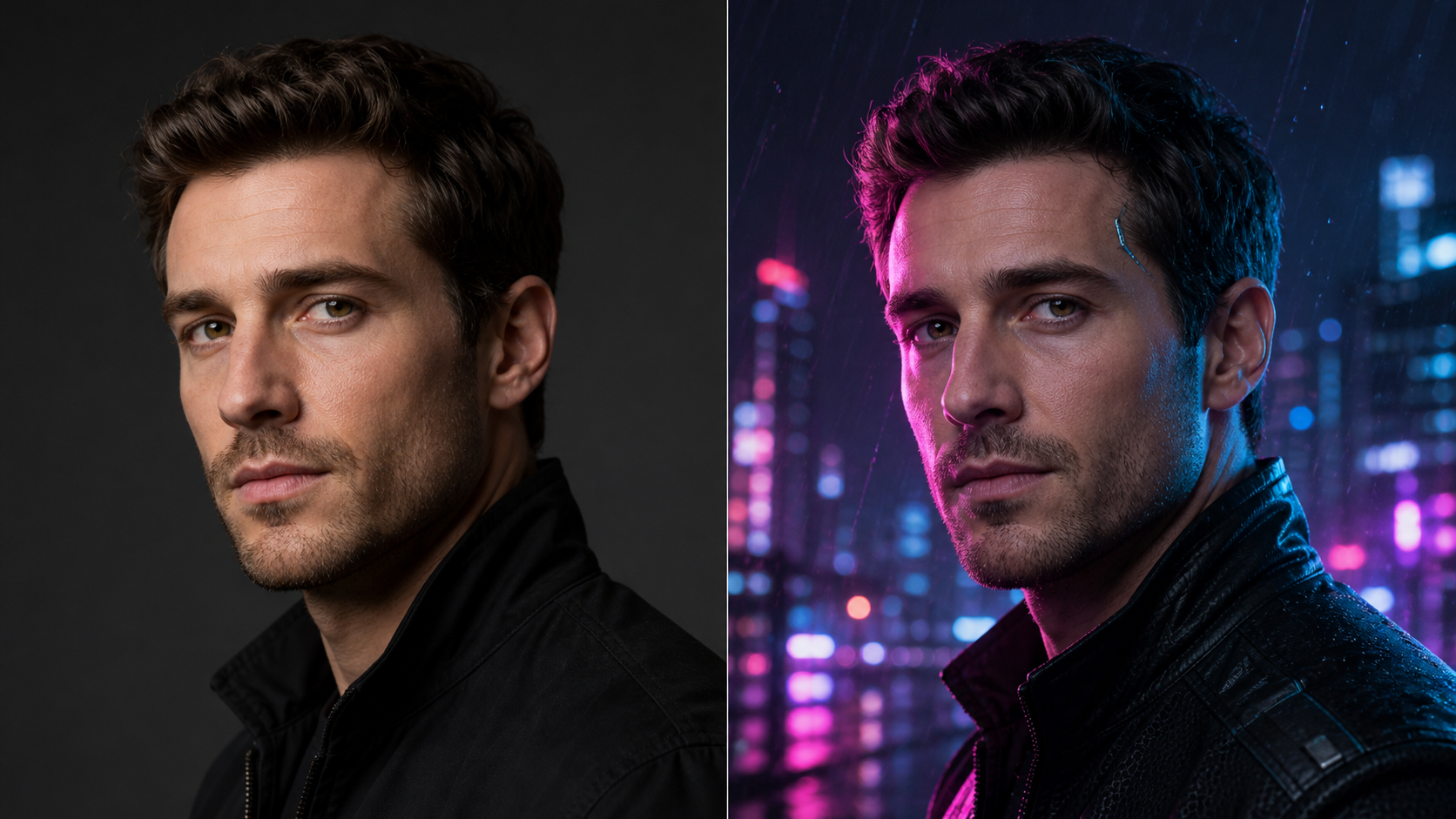
Reimagine Portraits without Losing the Person
Use a portrait as the visual anchor, then tell Cyberpunk Wallpaper Generator which identity cues, pose, clothing silhouette, and framing should stay intact. Cyberpunk Wallpaper Generator can shift the environment toward neon rim light, engineered materials, subtle interface-inspired reflections, and urban night color. Specific preservation instructions help the transformation feel intentional rather than replacing the person with an unrelated character.
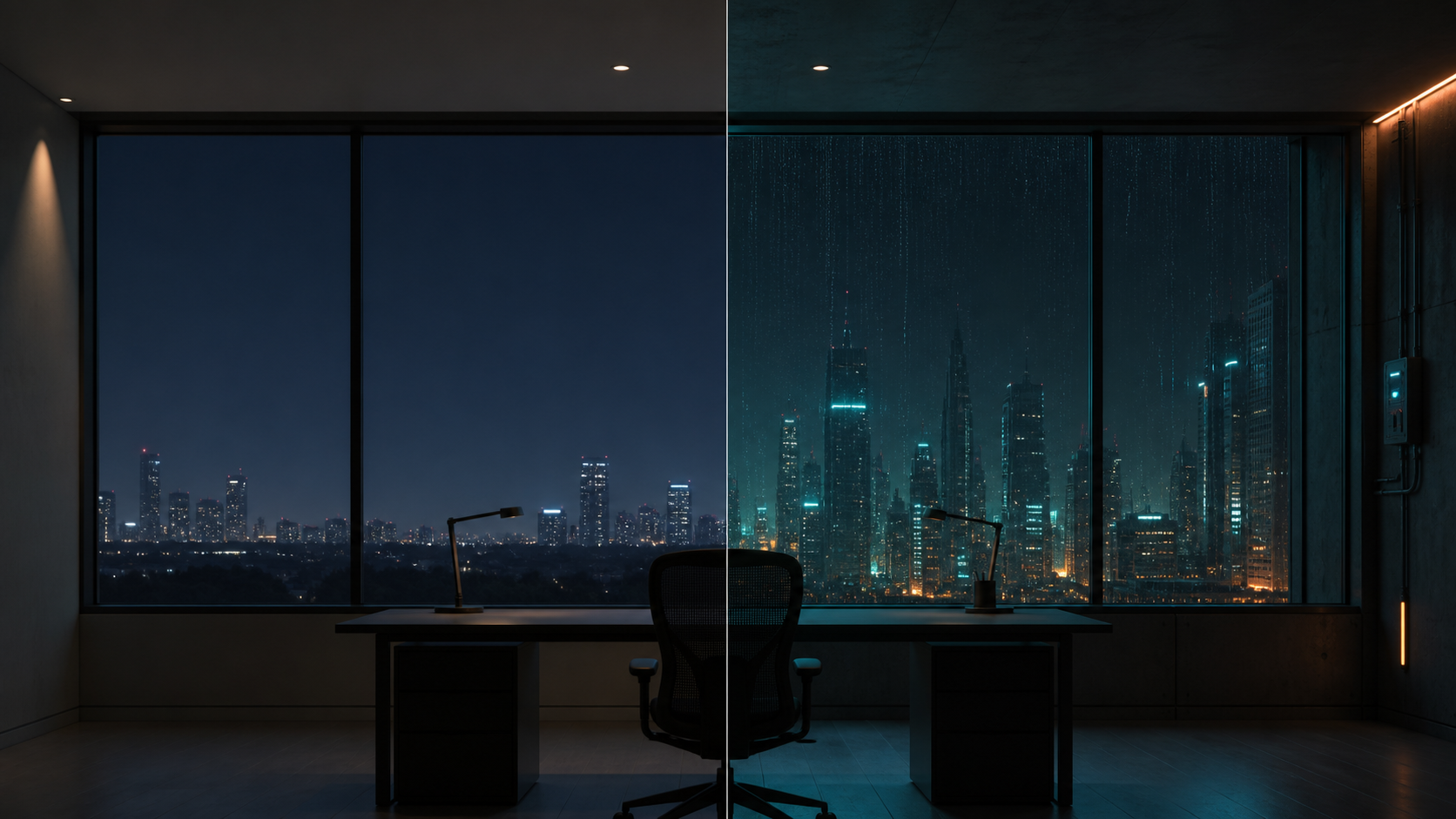
Compose for Desktops, Phones, and Creative Headers
A striking image is not automatically a useful wallpaper. Ask Cyberpunk Wallpaper Generator to place the subject away from icons, leave calm regions for readability, or use a wide environmental view for headers. Cyberpunk Wallpaper Generator can balance vivid focal light with darker supporting areas, so the visual style serves the screen instead of competing with everything displayed on it.
Ways to Use Cyberpunk Wallpaper Generator
Cyberpunk Wallpaper Generator supports personal screens and early creative development without forcing every project into the same neon-city formula. Its visual language can be tuned for different formats, audiences, and levels of intensity.

Personal Desktop Atmospheres
Turn a workspace screen into a setting that feels chosen rather than generic. Cyberpunk Wallpaper Generator can frame a distant skyline, quiet rooftop, rainy transit platform, or abstract light field around your preferred colors. Guide Cyberpunk Wallpaper Generator toward a Cyberpunk background with enough darker space for folders and shortcuts to remain easy to find throughout routine daily use as well.

Phone and Lock-Screen Concepts
Vertical screens reward a strong focal path and uncluttered upper space. Ask Cyberpunk Wallpaper Generator for a portrait, tower, vehicle, or alley that reads clearly in a tall composition. Cyberpunk Wallpaper Generator can place bright accents around the central subject while reserving breathing room where clocks, notifications, and app icons normally appear without hiding essential scene details beneath the overlays.

Streaming and Channel Visuals
Create a shared visual language for starting screens, offline panels, banners, and scene backdrops. Cyberpunk Wallpaper Generator lets you repeat palette and atmosphere instructions across related concepts without copying one image. Use Cyberpunk Wallpaper Generator to explore variations that feel connected through lighting, architecture, and mood while leaving useful areas for separate channel text added later in your design workflow.
Story and World-Building References
Writers and game planners can test how a place feels before committing to every detail. Give Cyberpunk Wallpaper Generator the social mood, technology level, weather, and architectural character of a scene. Cyberpunk Wallpaper Generator then provides a visual reference for discussing scale, color, tension, and the relationship between high technology and everyday street life with collaborators or future readers alike.

Portrait and Avatar Direction
Explore how a familiar portrait might look under colored night light, technical fabrics, reflective surfaces, or subtle cybernetic styling. Cyberpunk Wallpaper Generator works best when your instructions name the features that must stay recognizable. Use Cyberpunk Wallpaper Generator for art direction and select a crop that remains legible when the image appears at a smaller profile size or beside other visual elements.

Mood Boards and Design Exploration
Compare visual routes before developing a larger creative project. Cyberpunk Wallpaper Generator can help you test restrained noir, saturated neon, industrial daylight, anime-influenced linework, or photographic realism around the same subject. By changing one direction at a time, Cyberpunk Wallpaper Generator makes the cyberpunk wallpaper generator aesthetic useful for focused mood-board conversations instead of vague inspiration alone during planning sessions.
Creative Workflows with Cyberpunk Wallpaper Generator
These illustrative user stories show how Cyberpunk Wallpaper Generator may fit into different creative routines. They focus on concrete decisions—composition, palette, continuity, and readability—rather than presenting a cyberpunk look as a one-click substitute for direction.
I used Cyberpunk Wallpaper Generator to turn a photo from my evening commute into a much moodier desktop scene. Keeping the street perspective while changing the light made the result feel personal, not like a random futuristic city pulled from a gallery.
For a tabletop campaign, Cyberpunk Wallpaper Generator helped me visualize the same district in several moods. I could keep the architecture consistent in my prompts, then change weather and color to give each story beat a distinct atmosphere for our group.
My stream package needed energy without making the overlay unreadable. Cyberpunk Wallpaper Generator gave me a useful starting point because I could request stronger light near the edges and calmer detail behind the areas where alerts and chat appear.
I had a clear image of a rain-soaked transit hub but could not sketch it convincingly. Cyberpunk Wallpaper Generator translated the camera angle, haze, and contrasting color notes into something concrete that I could reference while writing the chapter.
Cyberpunk Wallpaper Generator helped me compare a neon-heavy direction with a quieter industrial-noir version of the same portrait. The second option fit my phone far better, and the result kept the facial expression that mattered in the original photo.
I like rotating backgrounds but rarely find one that matches my desk lighting. With Cyberpunk Wallpaper Generator, I described the exact teal and amber balance I wanted and asked for a simple skyline, which made the screen feel connected to the room.






FAQs About Cyberpunk Wallpaper Generator
Learn how to brief Cyberpunk Wallpaper Generator, preserve important source details, design around screen layouts, and revise crowded results. These answers also clarify practical boundaries around third-party content and the cyberpunk wallpaper generator aesthetic.
Cyberpunk Wallpaper Generator interprets either a written scene description or an uploaded source image. With text, it builds the subject, environment, color, lighting, and mood from your direction. With an image, it can use the existing composition as an anchor while restyling the scene. Clear instructions about what to preserve and what to transform help the Cyberpunk Wallpaper Generator produce a more intentional result.
Yes. Upload a photo and tell Cyberpunk Wallpaper Generator which parts should remain recognizable, such as the person, pose, camera angle, building shape, or overall layout. Then describe the desired transformation through lighting, materials, weather, and futuristic details. Cyberpunk Wallpaper Generator is best guided by explicit preservation language; without it, a strong style request may change more of the source than you intended.
Name the subject first, then add setting, viewpoint, palette, light, weather, and mood. For example, define whether the scene is a quiet rooftop, crowded night market, or distant skyline before listing neon accents. Tell Cyberpunk Wallpaper Generator where you need calm space for icons. A useful Cyberpunk background prompt prioritizes composition and atmosphere instead of stacking unrelated futuristic objects into one sentence.
Treat the target screen as part of the creative brief. Ask Cyberpunk Wallpaper Generator for a wide environmental composition on a desktop, a strong vertical path on a phone, or a restrained focal area for a header. Also mention where icons or text will sit. Cyberpunk Wallpaper Generator can follow that compositional intent, although you should still preview the final crop on the actual device before using it.
You can use generated images as creative references, mood-board material, or personal screen backgrounds. Rights and permitted uses may depend on the service terms, source images, and content included in your prompt. Cyberpunk Wallpaper Generator does not automatically clear third-party characters, logos, or copyrighted material. Review the applicable terms and avoid requesting protected brand elements when you plan to publish or monetize the result.
Keep the original image focused, well framed, and large enough for important details to read clearly. Tell Cyberpunk Wallpaper Generator exactly which subject, expression, geometry, and composition must stay unchanged. Then limit your requested additions to a unified palette and a few connected environmental cues. Cyberpunk Wallpaper Generator has a clearer transformation target when the source and prompt point toward the same visual hierarchy.
Open Cyberpunk Wallpaper Generator
Bring a future scene into focus with Cyberpunk Wallpaper Generator. Start from a prompt or upload a picture, then guide Cyberpunk Wallpaper Generator with the colors, atmosphere, composition, and preserved details that matter to you.
