
More AI Image Generators
Explore our collection of specialized AI image generators designed for different creative needs and styles























GPT Transparent Background Maker for Clean PNG Assets
Create isolated images from a text idea or uploaded photo, then download a polished GPT Transparent Background Image Editor free online asset for any design or presentation.
GPT Transparent Background Maker turns a product idea or photo into a ready-to-use transparent asset. Describe the style you want, name the subject that must stay visible, and let GPT Transparent Background Maker create a clean AI Background Remover cutout with an editable, transparent result.
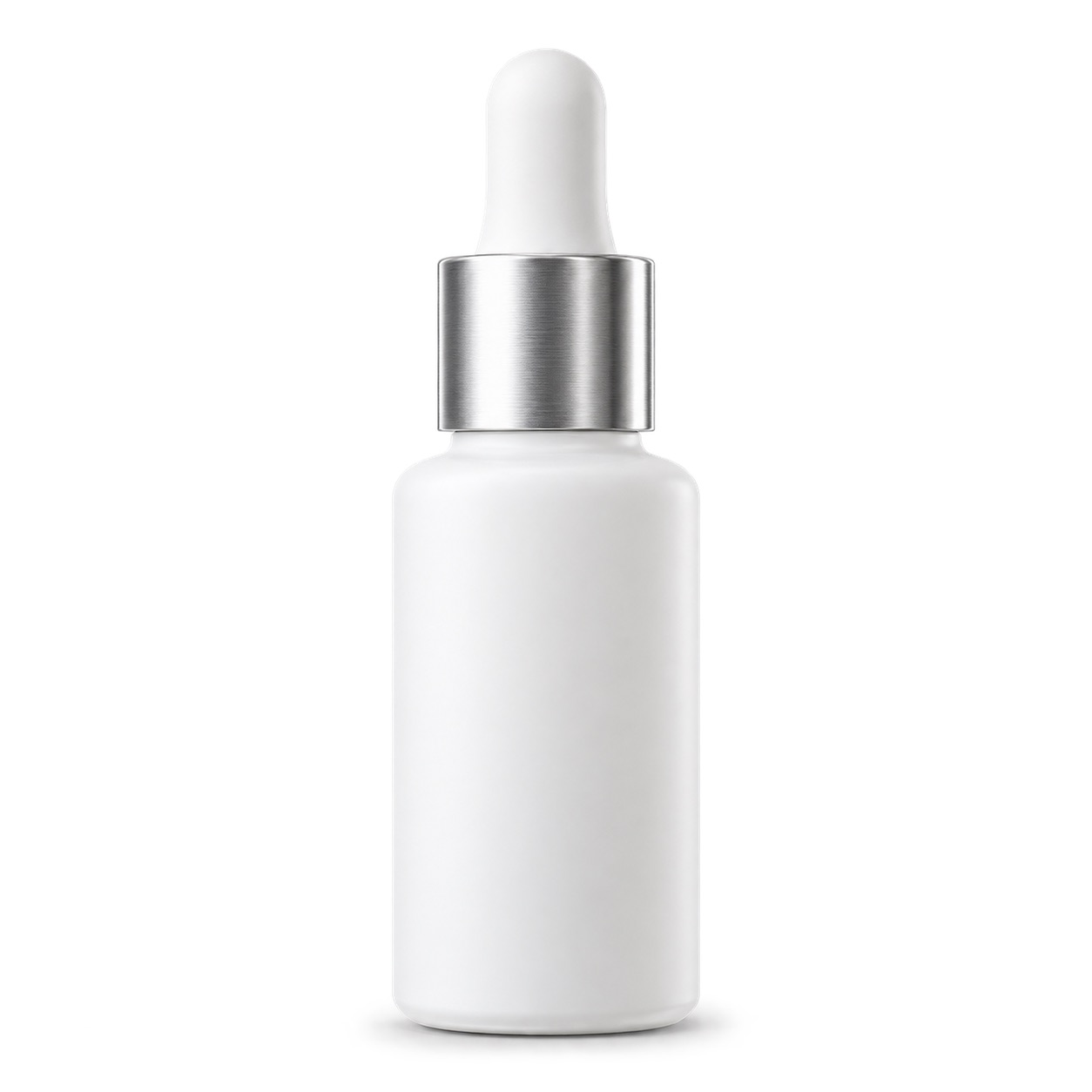
How GPT Transparent Background Maker Works
GPT Transparent Background Maker keeps the workflow focused: describe the visual, identify the foreground subject, generate, and take the image into your project. GPT Transparent Background Maker combines prompt guidance with a Transparent PNG Maker export and AI Background Remover finish, so the asset is ready for its next layout.

Describe a product style or upload a photo
Start GPT Transparent Background Maker with a short visual direction, such as a studio sneaker shot, a playful cat sticker, or a minimal logo mark. You can also upload an existing photo when you want the AI Background Remover workflow to begin from a real image.

Tell GPT what to keep
Name the person, product, pet, object, or graphic that must remain. GPT Transparent Background Maker uses that instruction to concentrate on the foreground rather than treating the whole frame as content. Clear subject guidance is especially useful for a product photo background remover or logo background remover task.

Generate an isolated image
Click Generate and GPT Transparent Background Maker creates or edits the image around your requested subject. The tool is designed to make the background transparent while preserving useful visual details, so the result can work as a Transparent PNG Maker output instead of a flat white mockup.

Download and place anywhere
Review the result on a checkerboard preview, then export it for your layout. GPT Transparent Background Maker is made for the moment after creation: placing a clean AI Background Remover subject on a new color, banner, slide, mockup, or social design without rebuilding the image.
Best AI Image Tools for Creative Projects
Explore creative tools for image, learn tips and tricks, and see how AI can be your assistant in turning concepts into finished projects.






GPT Transparent Background Maker: Transparent Assets Without Manual Cutouts
A good transparent image is more than an object on a white canvas. GPT Transparent Background Maker protects the important subject and creates an isolated visual that can move naturally between creative tools. Use GPT Transparent Background Maker as a GPT Transparent Background Image Editor free online when speed matters, or as an AI Background Remover for a source photo.

Create the subject and the style together
GPT Transparent Background Maker starts with intent, not a complicated canvas. Describe the visual style and subject to keep. The result is a reusable foreground asset rather than a scene with a fixed backdrop. This is why designers use GPT Transparent Background Maker for quick concepts, campaign elements, and isolated objects that need a Transparent PNG Maker finish.
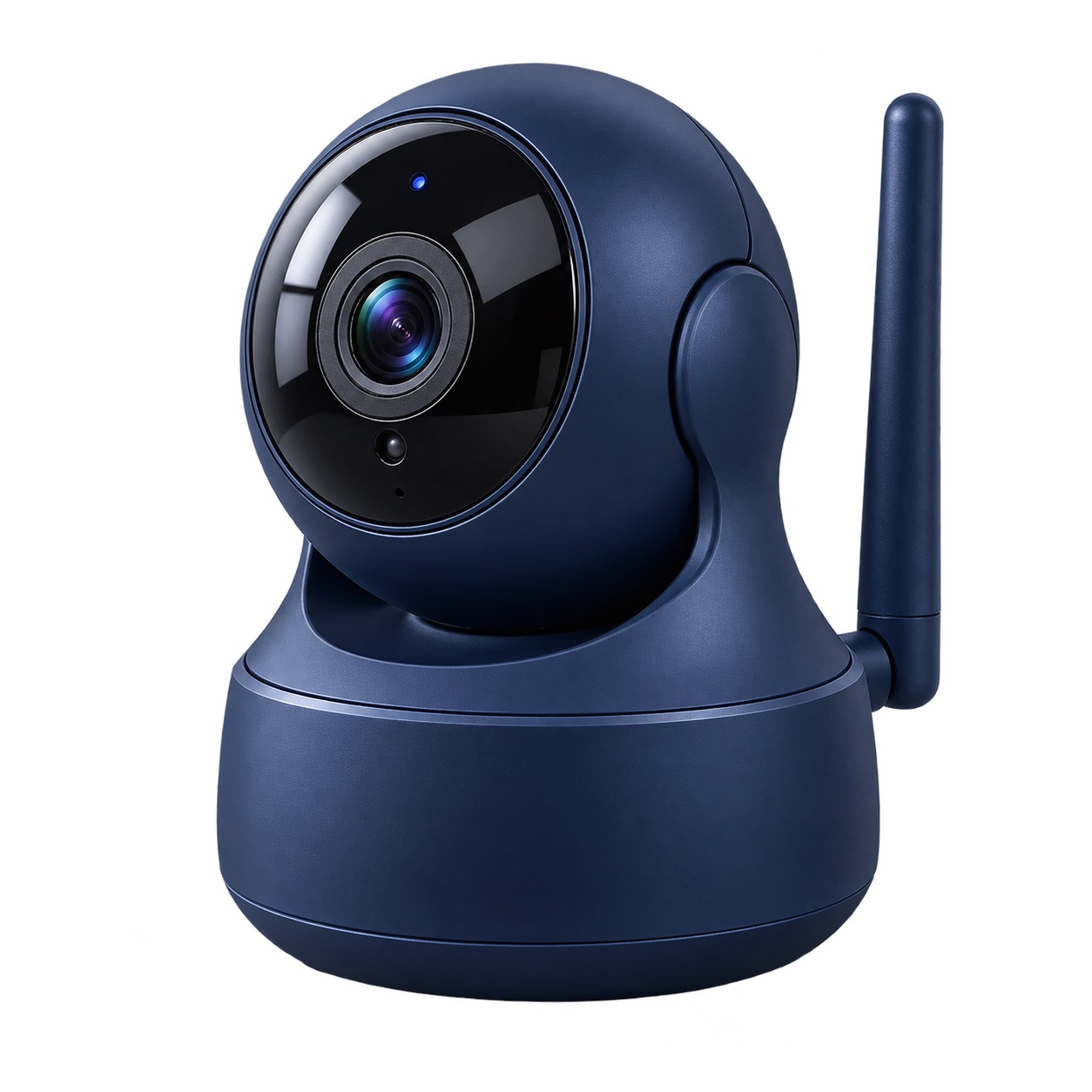
Keep the important object in focus
When you upload an image, a clear instruction such as “keep the handbag and its handle” gives GPT Transparent Background Maker a useful editing target. Instead of making a rough selection by hand, use GPT Transparent Background Maker to describe what belongs in the foreground. It gives a practical Remove Background from Image free workflow while leaving room for creative instructions about lighting, materials, and style.
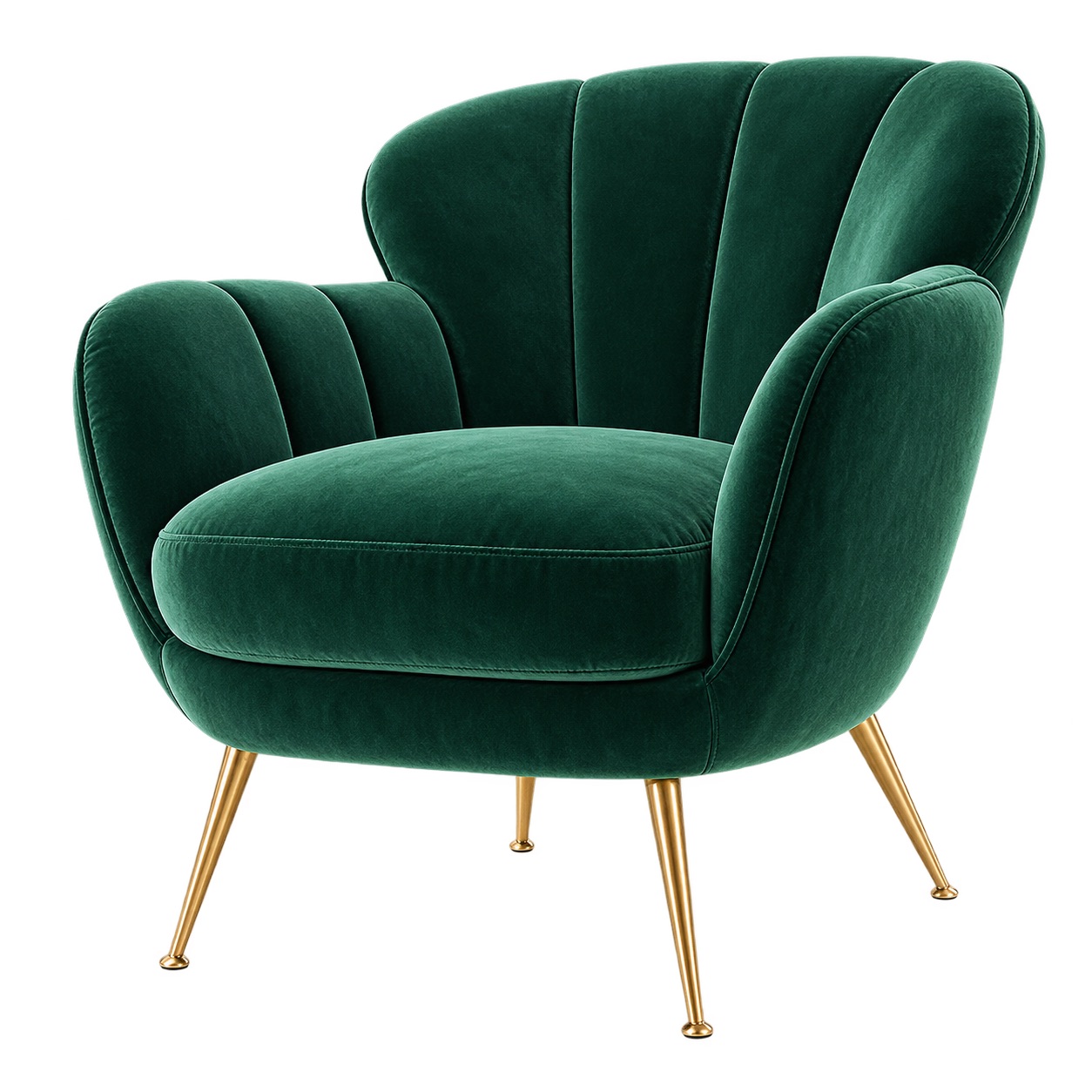
Build true reusable PNG-style assets
A transparent result should be ready to layer over dark, light, colored, or photographic backgrounds. GPT Transparent Background Maker is built around that outcome. Download the file for Figma, Canva, presentation software, a website builder, or your store. As a Transparent PNG Maker, GPT Transparent Background Maker helps remove the extra backdrop so a new layout can decide the setting, not the original image.
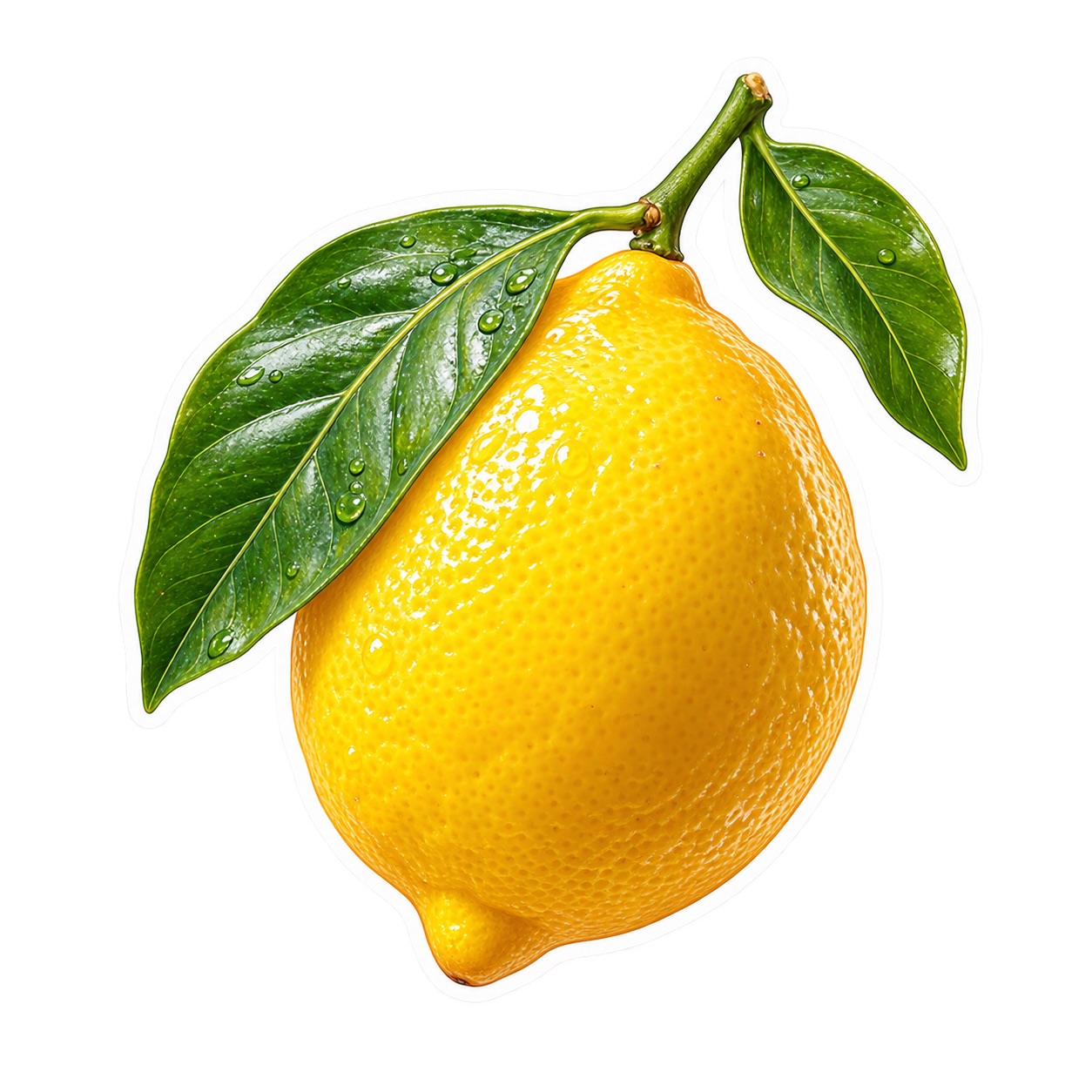
Iterate with plain-language edits
Need a second version? Return to GPT Transparent Background Maker and change the brief instead of starting a complex masking project. Ask for a different product color, silhouette, edge, or illustrated style while keeping the same foreground idea. GPT Transparent Background Maker is a GPT Transparent Background Image Editor free online for assets that can evolve with your campaign, catalog, or brand system.
Use GPT Transparent Background Maker Wherever Backgrounds Change
GPT Transparent Background Maker helps when the same subject must appear in several places without a permanent scene. From retail listings to branded stickers, GPT Transparent Background Maker prepares a clean asset before design or promotion. Use GPT Transparent Background Maker for a product photo background remover, logo background remover, or transparent sticker maker request. With GPT Transparent Background Maker, a Transparent PNG Maker result can meet a design brief while an AI Background Remover step frees the subject from the original scene. Use GPT Transparent Background Maker before placement, then use the Transparent PNG Maker and AI Background Remover options wherever the background must change.

Product listings and marketplace images
Use GPT Transparent Background Maker as a product photo background remover for bags, cosmetics, shoes, home goods, food packaging, and accessories. Describe the desired catalog style or upload a source image, identify the product to keep, and create a flexible foreground asset. A Transparent PNG Maker result can be placed on marketplace templates, seasonal promotion graphics, comparison cards, or a clean white background later.

Logos, symbols, and brand marks
A logo background remover workflow is valuable when a mark arrives on a colored panel, a photographed sign, or an old campaign graphic. GPT Transparent Background Maker can isolate the mark for a cleaner draft, social header, presentation, or mockup. Use GPT Transparent Background Maker to describe the logo or emblem precisely, then keep the output ready for dark mode, light mode, and custom backgrounds.

Stickers, mascots, and creator packs
Turn an illustrated character, reaction pose, pet portrait, or icon concept into a transparent sticker maker asset. GPT Transparent Background Maker lets you request a playful style and still call out the exact character or object that must remain visible. The resulting asset can be reused in message stickers, printable labels, creator thumbnails, digital notebooks, and merchandise concepts.

Marketing layouts and social posts
When an ad, announcement, or post needs a product to float over a bold gradient, GPT Transparent Background Maker prevents the original setting from limiting the layout. Use it as an AI Background Remover for existing photography or generate a new foreground concept from a prompt. The transparent asset can then sit beside a headline, price, callout, or testimonial without looking trapped inside its old background.

Slides, lessons, and visual explainers
Teachers, presenters, and internal teams can use GPT Transparent Background Maker to prepare illustrations, objects, charts, and cutout people for clear visual communication. Make a new asset from an idea or use a Remove Background from Image free flow for a supplied photo. GPT Transparent Background Maker keeps the subject portable, so it can be positioned next to instructions, data, or a story without extra editing software.
GPT Transparent Background Maker for Fast Visual Production
Creators use GPT Transparent Background Maker when a background should never become a production bottleneck. GPT Transparent Background Maker moves a visual idea or source photo into a reusable asset with a transparent finish. A Transparent PNG Maker asset suits flexible layouts, while an AI Background Remover pass makes existing imagery more useful. Teams return to GPT Transparent Background Maker when a new campaign needs the same subject in another setting. It is a Transparent PNG Maker and AI Background Remover workflow with a Remove Background from Image free option and transparent sticker maker drafts.
I needed a product photo background remover for a fast launch, but I also wanted the listing image to feel styled rather than mechanically cut out. GPT Transparent Background Maker let me describe the product look, keep the bottle label visible, and produce several transparent versions for ads and store cards. It feels like a Transparent PNG Maker built for marketing work, not just a background eraser.
Our small team often receives logos on inconsistent backgrounds. With GPT Transparent Background Maker, I can ask to retain the emblem and simplify the rest before I build a slide or landing-page mockup. The logo background remover use case is especially helpful because I can request a cleaner visual direction at the same time. GPT Transparent Background Maker saves us from chasing layered source files.
I use GPT Transparent Background Maker as a transparent sticker maker for community graphics and workshop handouts. The prompt lets me state the character, pose, and mood, then I name exactly what needs to remain. I can quickly create a GPT Transparent Background Image Editor free online version for a draft and move the result into my templates. The process is remarkably easy to teach.
For pitch decks, I regularly need one object from a busy photo and no time for masking. GPT Transparent Background Maker gives me an AI Background Remover path that starts with a clear written instruction, so I can preserve the useful object and remove the visual noise. The transparent exports make it much easier to adapt one idea for several audiences.




GPT Transparent Background Maker and Transparent PNG Maker FAQ
Get clear answers before you create your first transparent asset, whether you begin with a prompt or uploaded image. GPT Transparent Background Maker is for people who need a reusable foreground result, not a temporary preview. Use GPT Transparent Background Maker as a Transparent PNG Maker for new assets or an AI Background Remover for existing images. GPT Transparent Background Maker keeps the visual and export goals in one workflow, where a Transparent PNG Maker file and AI Background Remover result support the final composition.
GPT Transparent Background Maker creates or edits an image around a foreground subject and requests a transparent background for the result. You can start with a product style prompt or an uploaded photo. State what must stay visible, then use the output as a flexible design asset rather than an image with a permanent scene behind it.
Yes. Upload the photo, name the subject you want to keep, and use GPT Transparent Background Maker to guide the edit. This provides a Remove Background from Image free workflow for common objects, people, pets, and products. Specific instructions help the tool distinguish the important foreground from surrounding visual clutter.
Yes. GPT Transparent Background Maker can work as a product photo background remover when you need an item isolated for a listing, ad, catalog card, or storefront layout. Describe the product style or upload the source photo, then state the product details that must remain visible. Review the preview before using the final asset.
Yes. Use GPT Transparent Background Maker for a logo background remover task when a mark needs a cleaner visual treatment, or use it as a transparent sticker maker for characters and illustrated objects. In either case, name the mark or subject precisely and request the style, edge, and composition you want for the foreground.
Describe the desired product or image style first, then identify the exact subject to preserve. For example, ask for a soft studio look and say to keep only the red sneaker and its laces. GPT Transparent Background Maker responds best when the subject, material, color, and overall creative intent are easy to separate.
Yes. GPT Transparent Background Maker is useful for iteration. Change the color, art direction, object style, or foreground instruction to explore another version without rebuilding the project manually. It works as a GPT Transparent Background Image Editor free online for early ideas and as a Transparent PNG Maker when the chosen version is ready to place in a design.
GPT Transparent Background Maker: Create a Transparent Image
Use GPT Transparent Background Maker to turn a prompt or photo into a foreground asset you can place anywhere. Describe the style, identify the subject, and let GPT Transparent Background Maker deliver a transparent result. Start GPT Transparent Background Maker for a Transparent PNG Maker result and AI Background Remover finish, then bring the subject into design.
