
Turn Detailed Ideas Into More Convincing ImagesFLUX 3 Image Generator
Generate, edit, and refine visuals with stronger prompt understanding
Use this image generator to create or edit visuals from clear prompts and reference images. Explore FLUX 3 Image free online for concept art, campaign graphics, product scenes, posters, and multilingual designs without building a complicated production workflow.
More AI Image Generators
Explore our collection of specialized AI image generators designed for different creative needs and styles

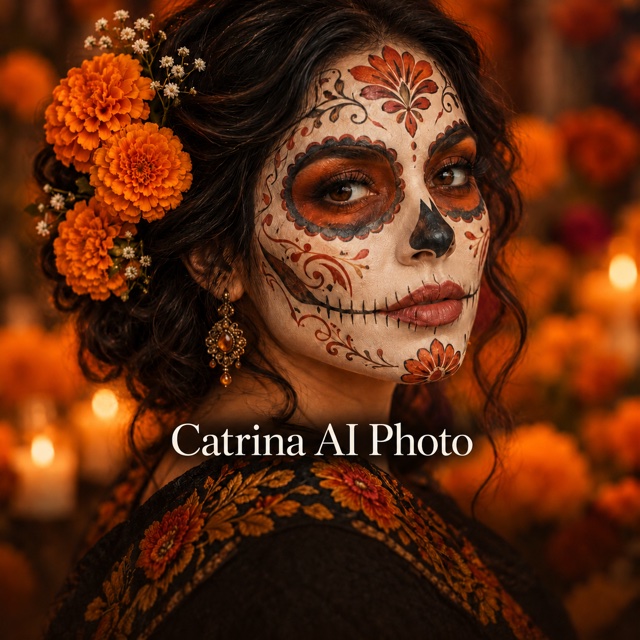
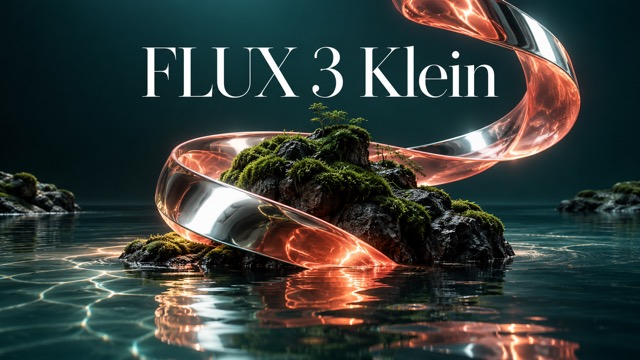

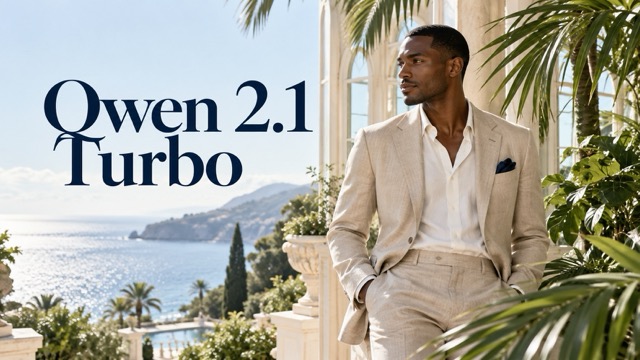
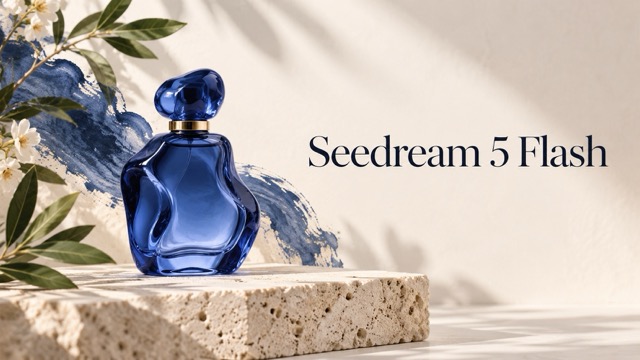
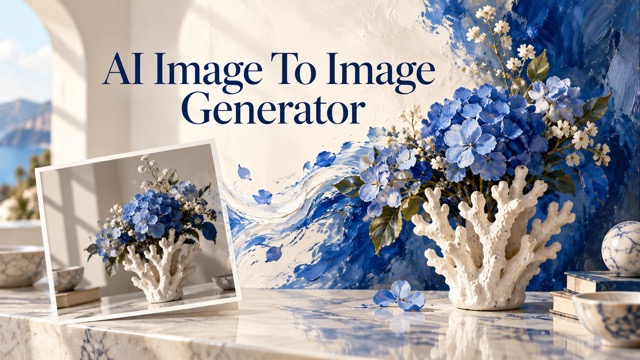














Create and Edit Images With FLUX 3 Image
Move from a written idea or visual reference to polished creative output in one focused workflow.
This model brings image synthesis and editing into one practical creative process. Describe a scene from scratch, upload a visual that needs changes, or use a reference to guide composition and style. Improved handling of complex prompts helps creators communicate relationships between subjects, environments, objects, lighting, and written text more clearly. Users searching for FLUX 3 Image free online can test ideas for social campaigns, product concepts, editorial graphics, posters, thumbnails, and branded layouts. Access to free FLUX 3 Image also supports rapid experimentation when a single prompt is not enough and several visual directions need to be compared.

How to Use FLUX 3 Image
This workflow keeps the most important creation steps together: provide context, define the intended change, generate, and refine. Whether you start with online image generation or use an existing visual as your base, clear instructions help the model understand both creative intent and practical requirements.

Describe or Upload Your Starting Point
Begin with a detailed prompt, an existing picture, or a reference image. State the subject, setting, visual mood, composition, colors, and any text that must appear. A strong starting direction gives the model more useful context and reduces vague results.

Explain the Result You Need
Tell the model whether you want a fresh image, a focused edit, a style change, a new scene, or a revised layout. Mention what must stay unchanged and what should be transformed. Users exploring FLUX 3 Image free online can begin with one clear goal before adding smaller details.

Generate and Compare
Run the generator and review how well each result follows the prompt. Check subject relationships, readable text, scene logic, facial details, and style consistency. Using free FLUX 3 Image is especially useful for comparing several creative directions before choosing one to refine.

Refine the Best Direction
Keep the strongest result and give the model a precise revision request. Replace unclear text, adjust an object, change the background, strengthen the mood, or simplify the layout. Small targeted instructions usually produce a cleaner workflow than rewriting the entire prompt.
Best AI Image Tools for Creative Projects
Explore creative tools for image, learn tips and tricks, and see how AI can be your assistant in turning concepts into finished projects.












Practical Features of FLUX 3 Image
This image generator focuses on capabilities that change real creative work: understanding detailed instructions, moving between generation and editing, producing clearer multilingual text, and exploring varied visual styles. These strengths make it useful for both first concepts and targeted revisions.
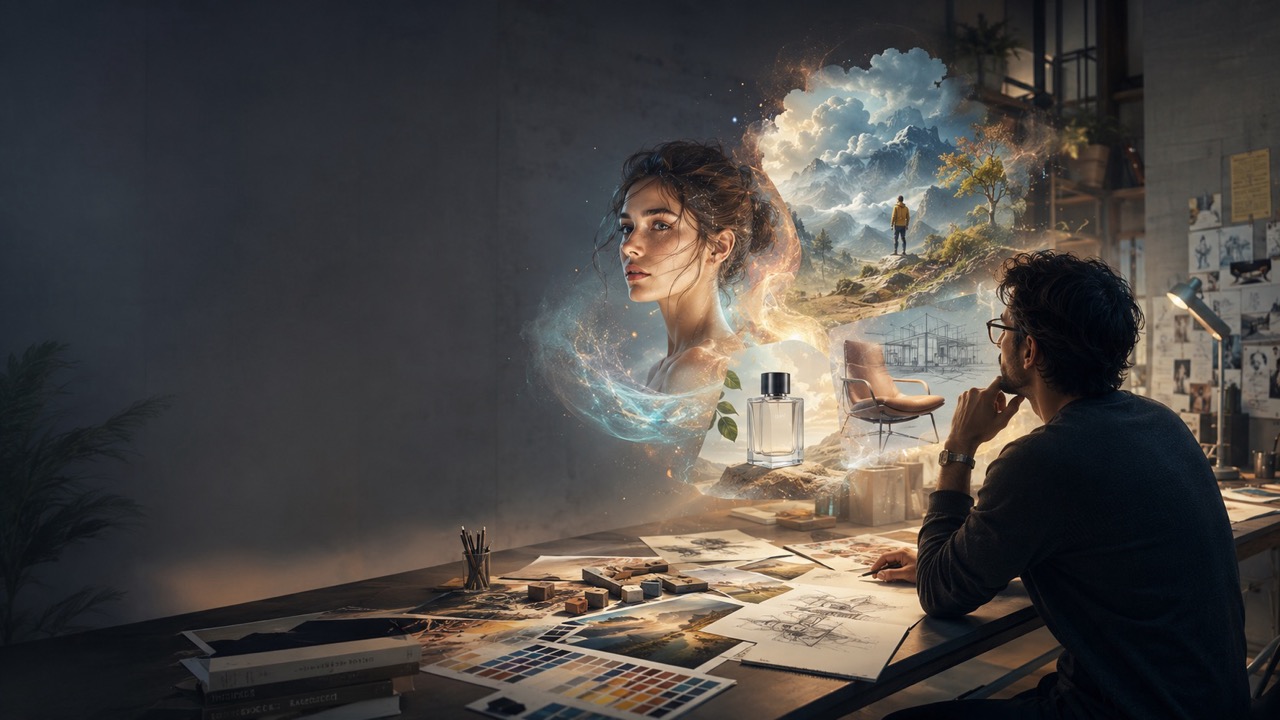
Follow Complex Prompts With More Connected Details
This model is built to interpret prompts that contain several connected instructions instead of one simple subject. You can describe who appears, where each object belongs, what action is happening, how the scene is lit, and which visual elements should receive attention. This matters for advertising concepts, story illustrations, editorial scenes, and campaign graphics where relationships between details shape the final message. FLUX 3 Image free online gives creators space to test richer descriptions before simplifying or expanding them. Access to free FLUX 3 Image can also reduce the need to split one complete idea into many disconnected generations. The result is a more direct path from creative brief to usable visual direction.
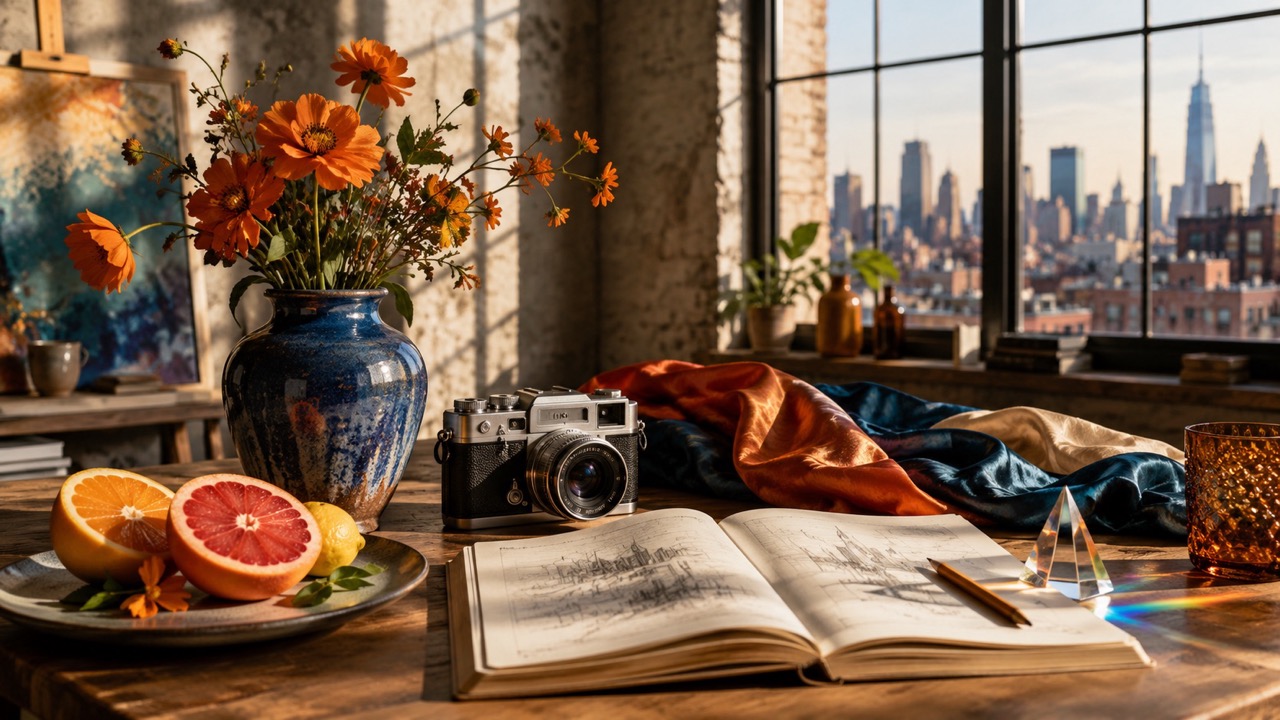
Generate and Edit Within One Creative Direction
The workflow supports both image synthesis and image editing, so a project does not need to stop after the first generation. Start from text when the concept is new, or upload an existing image when only part of the visual needs to change. You can request a different environment, revised styling, cleaner composition, new design elements, or more suitable written content while explaining what should remain recognizable. FLUX 3 Image free online is useful for testing whether an established visual can support another campaign direction. Using free FLUX 3 Image also helps teams explore revisions before sending a chosen concept into a longer design or production process.
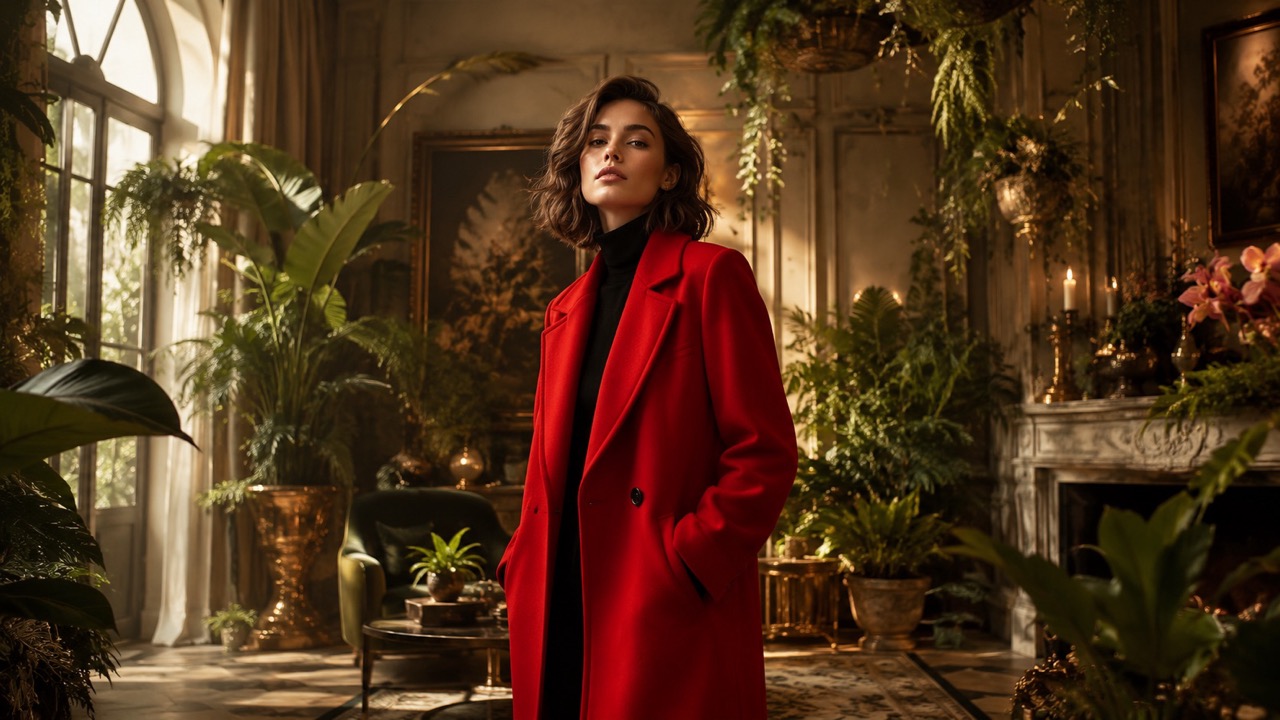
Create More Reliable Text Inside Visual Designs
Text inside generated images can determine whether a poster, sign, package concept, social graphic, or title card feels usable. The model improves text generation and can render accurate text in multiple languages. That makes it more relevant for visual concepts where words are part of the composition rather than an afterthought. Provide the exact wording, language, placement, hierarchy, and visual treatment you need. When testing online image generation, keep text requests concise and inspect every character before publishing. Access to free FLUX 3 Image is valuable for early layout exploration, but final names, claims, dates, and legal copy should always receive a human review.
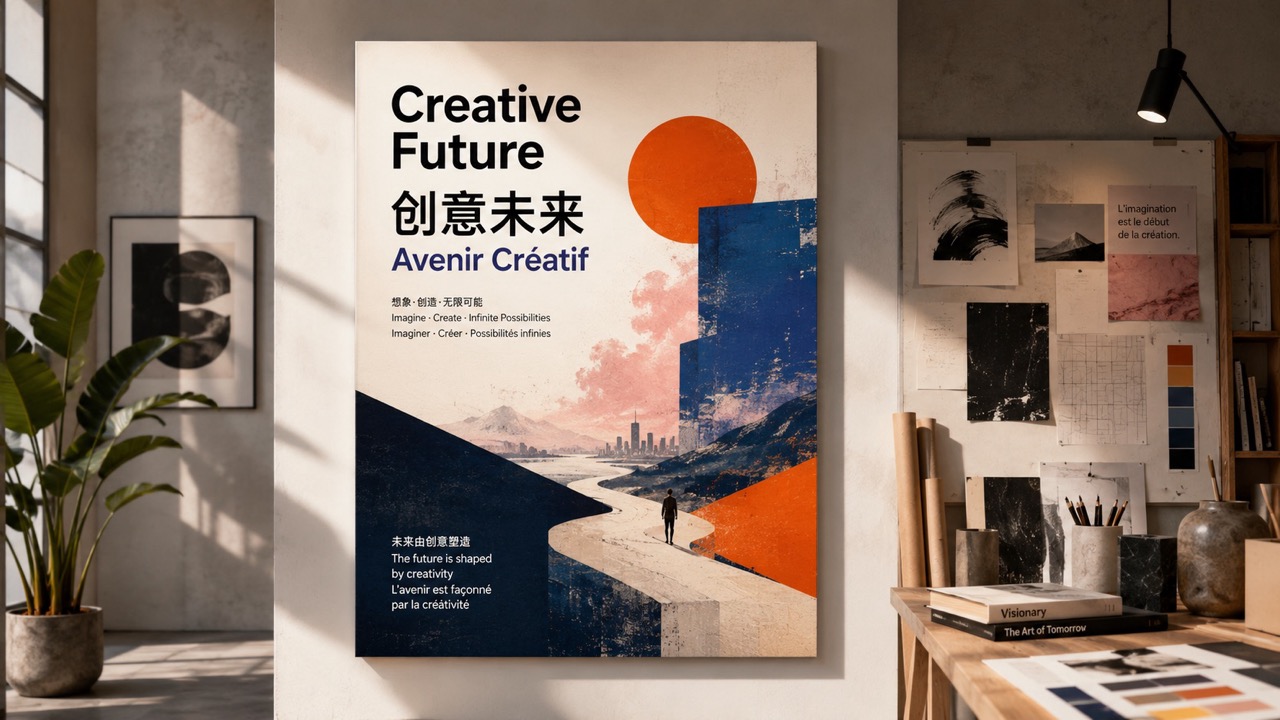
Move Across Styles Without Losing the Core Idea
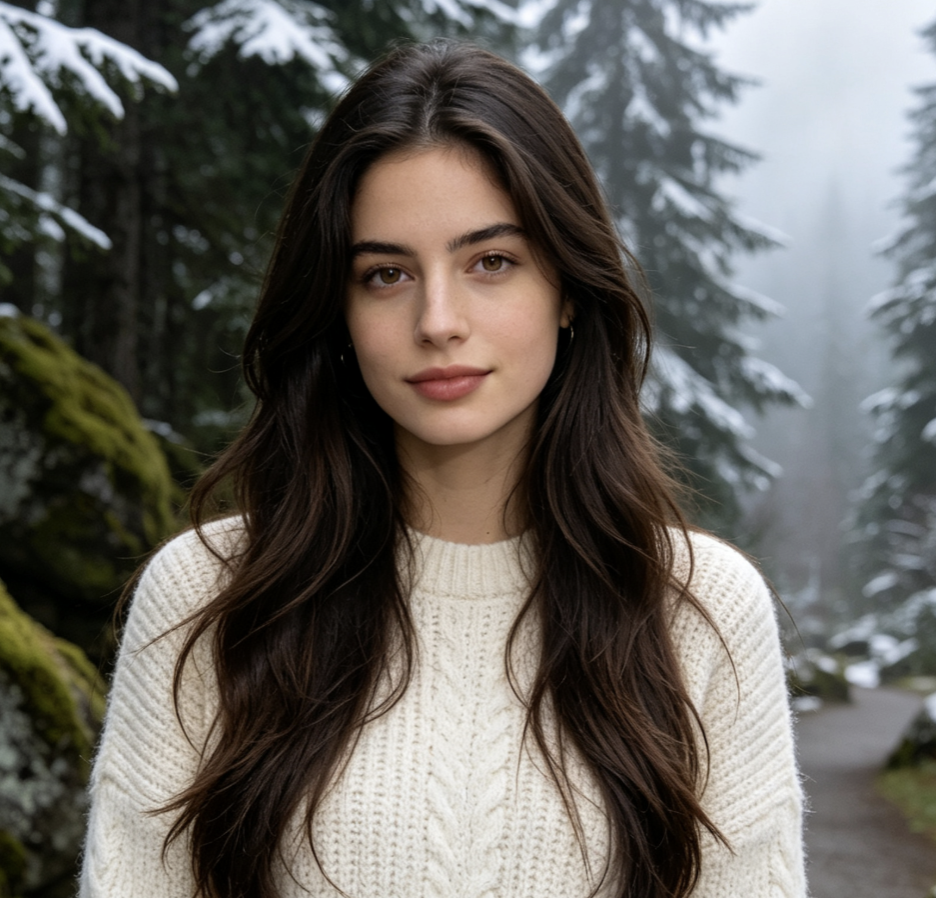
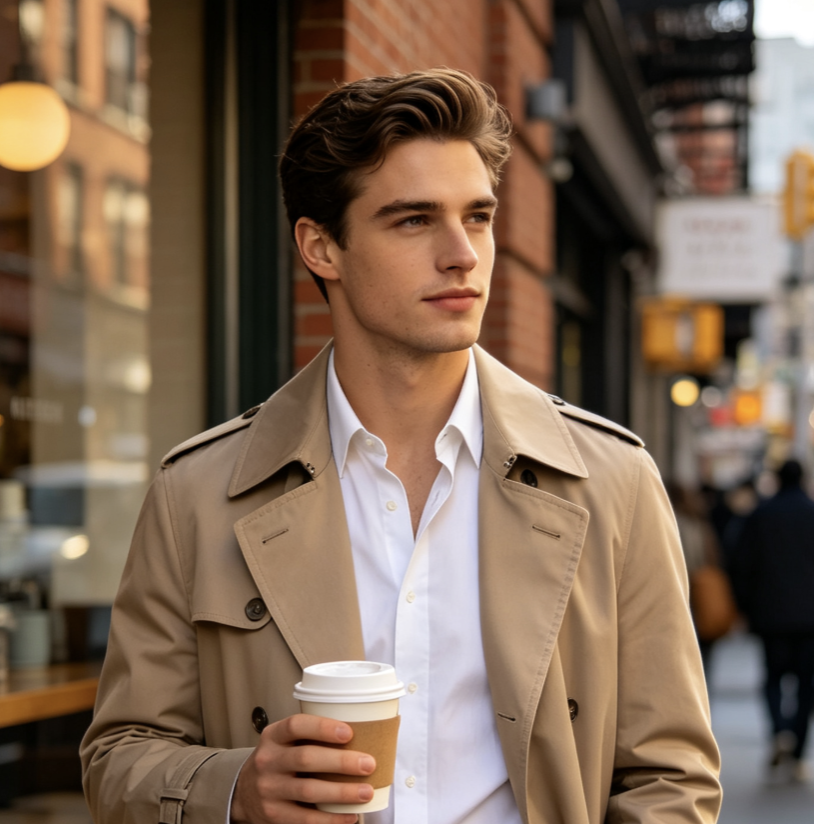
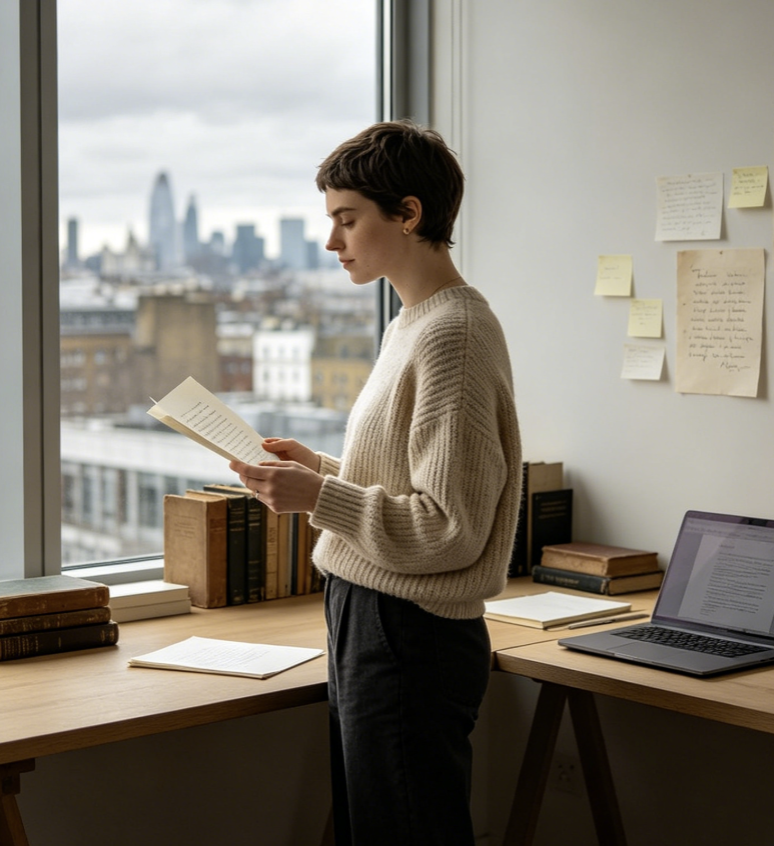
The model can synthesize and edit images across a wide range of visual styles. A single concept can be explored as realistic photography, cinematic art, animation, editorial illustration, graphic design, or another clearly described direction. This is useful when a team understands the message but has not chosen the final visual language. Online access makes style comparison easier because the subject and purpose can stay consistent while the treatment changes. Using free FLUX 3 Image can support moodboard development, pitch preparation, campaign planning, and early art direction. Instead of choosing a style based only on imagination, creators can compare concrete visual interpretations of the same idea.
Best Ways to Use FLUX 3 Image
FLUX 3 Image fits projects where visual meaning depends on more than surface style. It can help creators plan campaigns, revise existing images, explore product scenes, build text-led graphics, and communicate narrative ideas. Online access is most valuable when used for deliberate experimentation rather than random generation.

Campaign Concept Development
Use FLUX 3 Image to turn a campaign brief into several visual directions. Test subject placement, atmosphere, color relationships, and key messages before selecting a concept for production. FLUX 3 Image free online helps marketers compare ideas while the campaign is still flexible.

Product Scene Exploration
Place a product concept inside different environments, stories, or lifestyle settings with FLUX 3 Image. Use the results to study presentation ideas rather than claiming that an AI draft is a final product photo. Access to free FLUX 3 Image can speed up early art direction and shot planning.

Posters and Text Led Graphics
Create poster concepts, event graphics, title cards, signs, and packaging studies with FLUX 3 Image. Specify exact wording and visual hierarchy, then verify every character. Online generation is useful when typography must be evaluated as part of the image composition.

Editorial and Story Illustration
Turn an article idea, narrative moment, or educational concept into an illustration with FLUX 3 Image. Detailed prompts can describe people, actions, environments, and symbolic objects together. Free FLUX 3 Image supports fast exploration of tone before an illustration direction is approved.

Existing Image Revisions
Upload a visual and use FLUX 3 Image to request focused changes, such as a new background, altered styling, removed distractions, or adjusted design elements. State which details must remain stable. The model can make revision requests easier to communicate through natural language.

Multilingual Creative Drafts
Use FLUX 3 Image for early visual drafts that include text in different languages. This can help international teams compare layouts and regional concepts. Every draft should still be followed by native-language proofreading, especially for public campaigns and regulated information.
What Creators Say About FLUX 3 Image
Creators use FLUX 3 Image to clarify briefs, test visual directions, revise existing assets, and explore text-led layouts before final production.
I used FLUX 3 Image to turn a complicated campaign brief into three clear visual directions. It handled the relationship between the product, setting, and headline better than my rough mockups. Online access made it easy to test the idea before I involved the full design team.
My work often begins with an existing client image that needs a different mood or setting. FLUX 3 Image gave me a simple way to describe the change while keeping the main subject recognizable. Free FLUX 3 Image became a useful step for preparing options before a formal revision round.
I tested FLUX 3 Image for a multilingual poster concept. The text results were noticeably more useful for layout exploration, and I could compare several design approaches without rebuilding every draft manually. I still proofread the final wording, but FLUX 3 Image made the early stage much faster.
FLUX 3 Image helped our small team explore realistic, illustrated, and cinematic treatments for the same product story. That comparison made the creative decision much easier. Starting online gave us enough room to choose a direction before investing in final production.

Frequently Asked Questions About FLUX 3 Image
Use these answers to understand how FLUX 3 Image works and how to get clearer results from prompts, references, and revision requests.
FLUX 3 Image is an AI image synthesis and editing model designed to follow detailed prompts, work with visual references, explore varied styles, and generate more accurate multilingual text inside images.
Yes. FLUX 3 Image can begin from a written prompt for new image creation or from an existing image when you need a targeted edit or visual transformation.
Describe the subject, setting, composition, style, lighting, relationships between objects, exact text, and any details that must stay unchanged. Clear priorities help FLUX 3 Image follow complex requests.
FLUX 3 Image is designed to generate high-accuracy text in multiple languages. Always proofread spelling, names, dates, and claims before using a generated design publicly.
Use one focused instruction at a time. Keep the strongest result, identify exactly what is wrong, and ask FLUX 3 Image to change only that element while preserving the rest.
FLUX 3 Image can support concept development, campaign drafts, editorial illustrations, product scene studies, posters, text-led graphics, style exploration, and focused image revisions.
Start Creating With FLUX 3 Image
Turn a detailed prompt or existing visual into a stronger creative direction with FLUX 3 Image. Explore FLUX 3 Image free online to generate new scenes, edit selected details, compare styles, and build text-led image concepts. Start with free FLUX 3 Image and refine each idea through clear, focused instructions.
