
Meet MiniMax H3 ImageDetail-Rich 4K Image Generation
MiniMax's open-weight image model for 4K text-to-image generation, reference-guided composition, and instruction-based photo editing.
MiniMax H3 Image turns detailed prompts into large, sharp stills and can blend up to 16 reference images into one coherent frame. Use it for campaign visuals, product concepts, editorial scenes, and quick edits that keep fine detail intact.

More AI Image Generators
Explore our collection of specialized AI image generators designed for different creative needs and styles




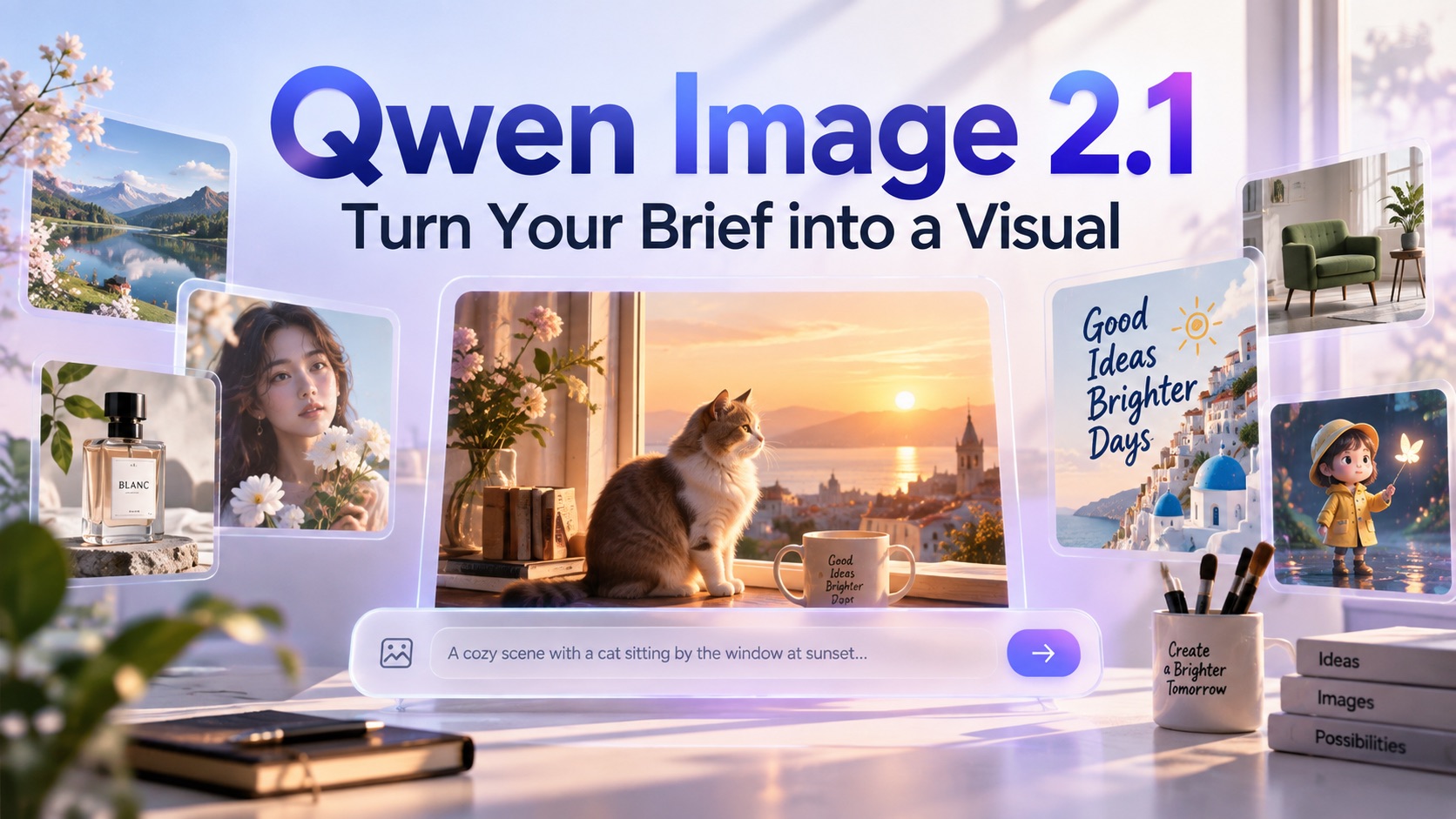
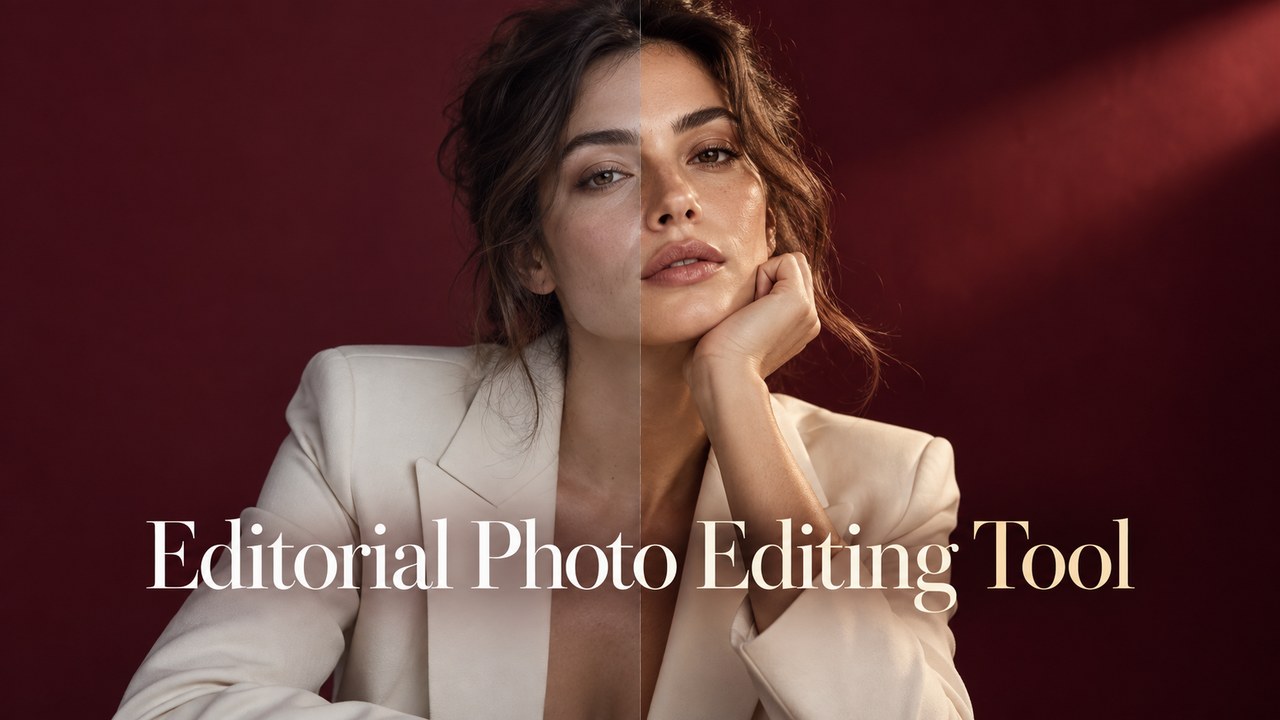
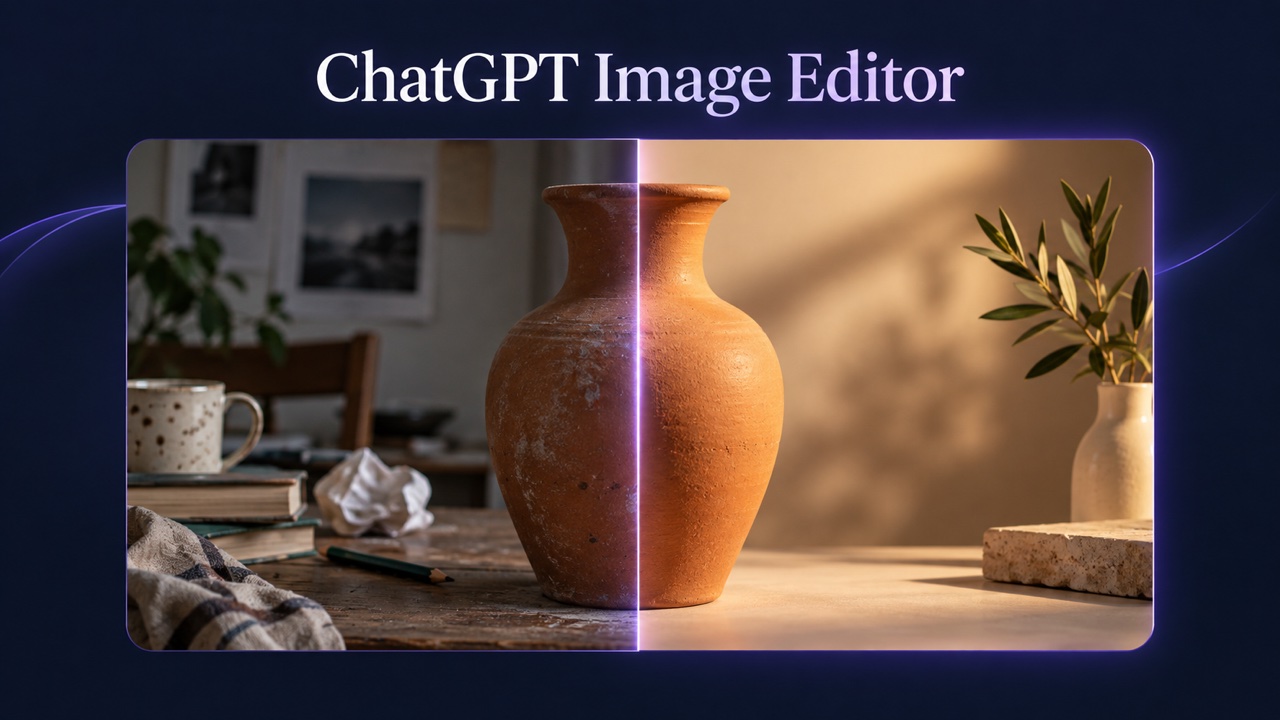

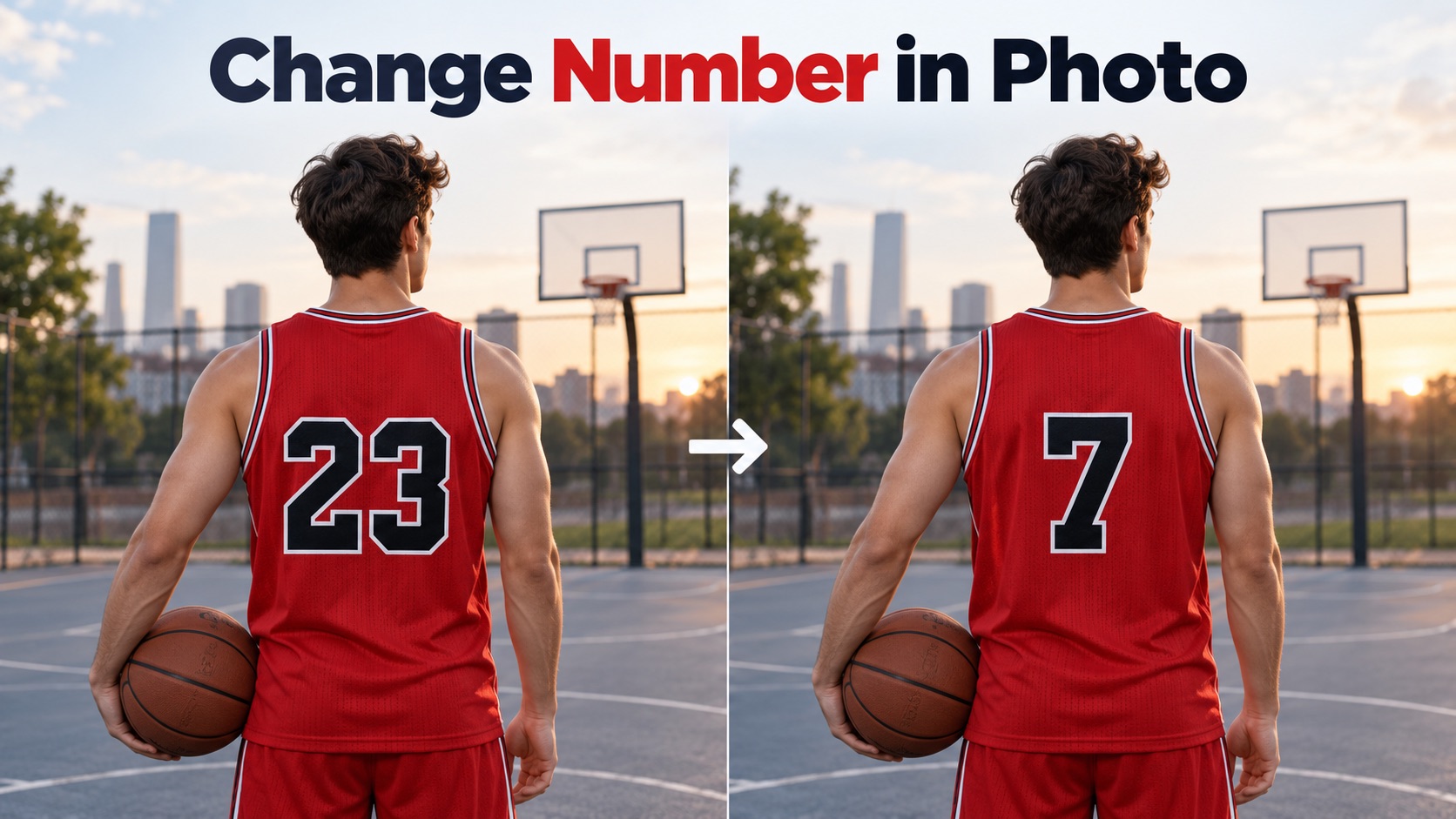
Create Detailed 4K Visuals with MiniMax H3 Image
Let MiniMax H3 Image produce images built for real creative work.
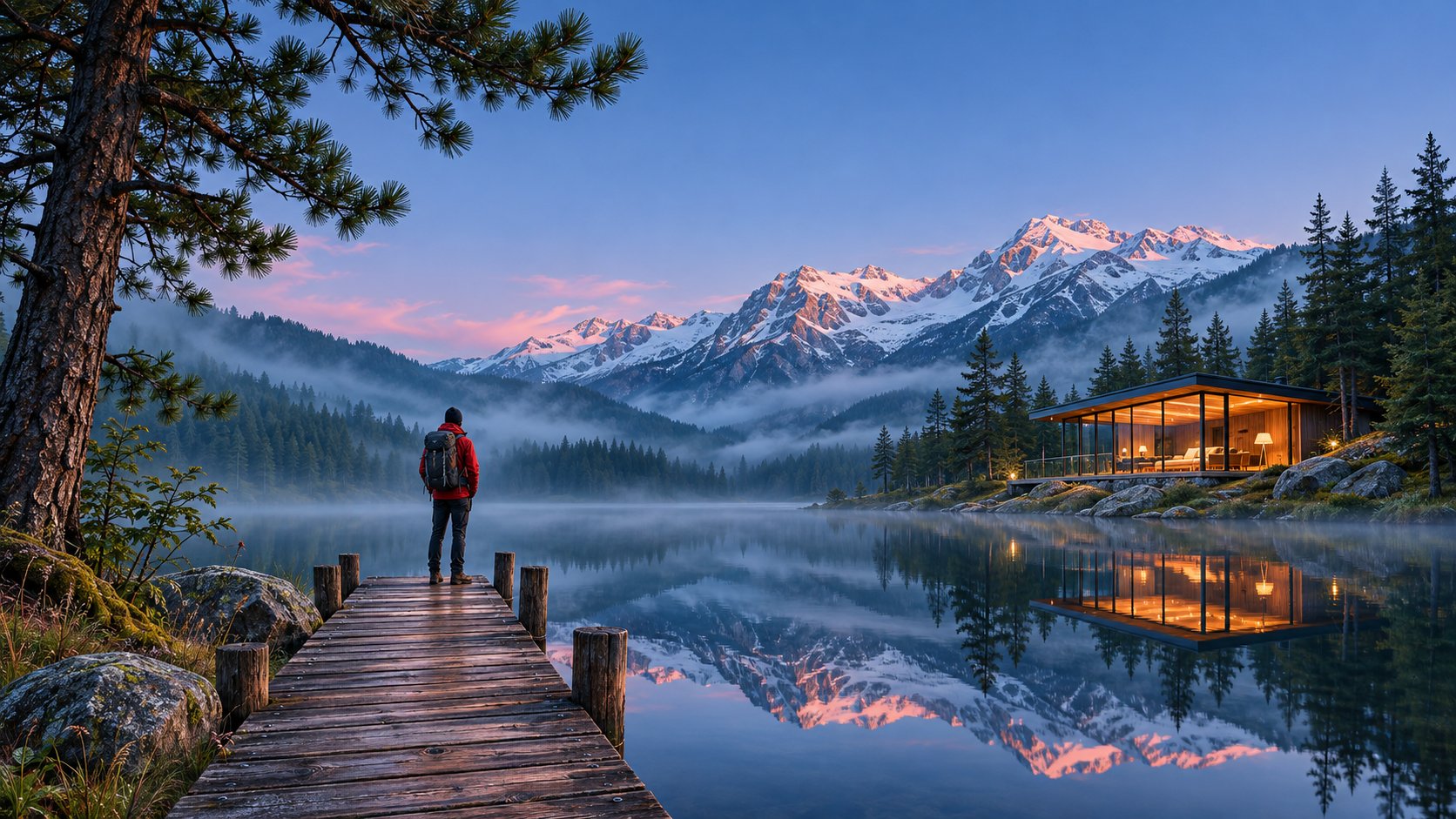
MiniMax H3 Image is built on the same foundation as MiniMax H3 and handles text-to-image generation, reference-guided creation, and editing in one model. MiniMax reports 4K results in under 10 seconds, plus a Highspeed variant for faster iteration.
How to Use MiniMax H3 Image
Getting a strong result takes three steps. Describe the image, guide it with references or a target format, then review and refine. MiniMax H3 Image handles the rendering while you keep full creative control.

Describe Your Image
Start with a clear prompt that names the subject, setting, lighting, and mood you want. MiniMax H3 Image responds well to concrete detail, so mention materials, camera angle, and color palette instead of vague adjectives. If you plan to use the image in a specific layout, say so up front, because the intended format shapes how the scene should be arranged.

Add References and Choose a Format
When consistency matters, attach reference images for a character, product, outfit, or location. MiniMax H3 Image can work with up to 16 references in a single request and combine them under clear written instructions about each one. Then pick an aspect ratio that fits where the image will appear.

Generate, Review, and Refine
Click Generate and MiniMax H3 Image renders your image at high resolution. Review the result at full size, since small details such as fabric texture, signage, and reflections are where large images show their quality. If something is off, adjust the prompt or describe a targeted edit, then run it again.
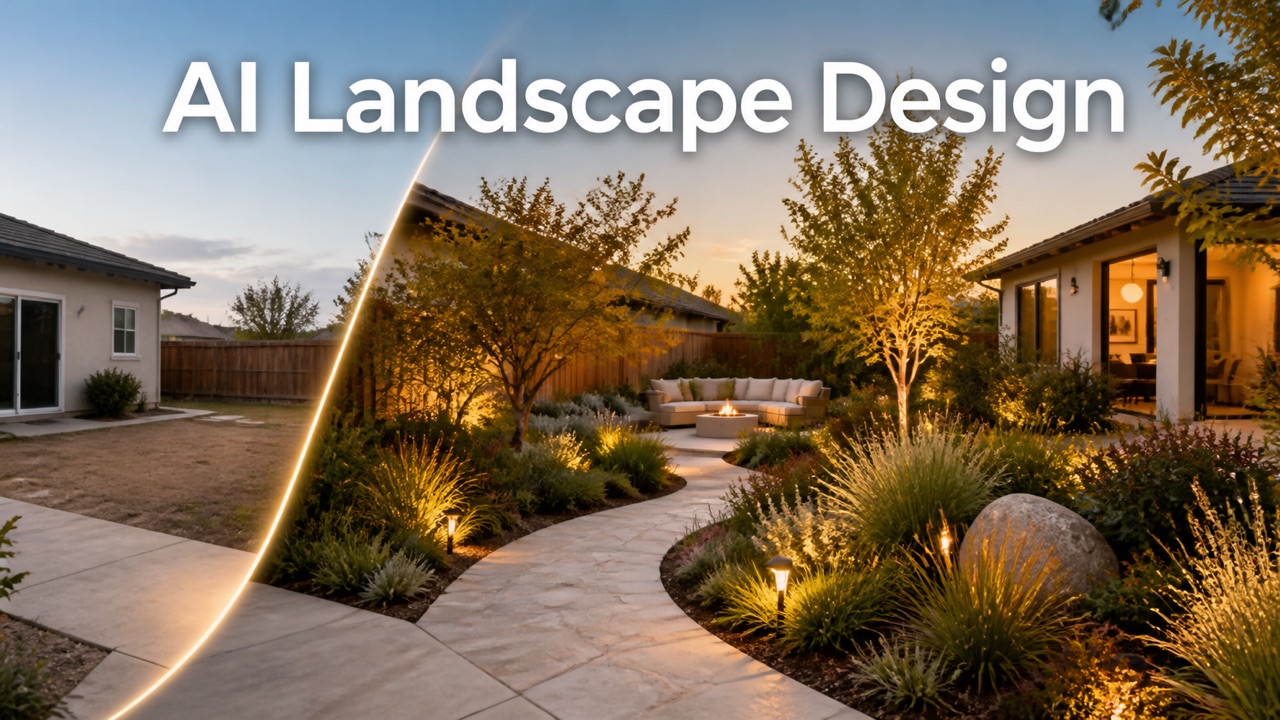
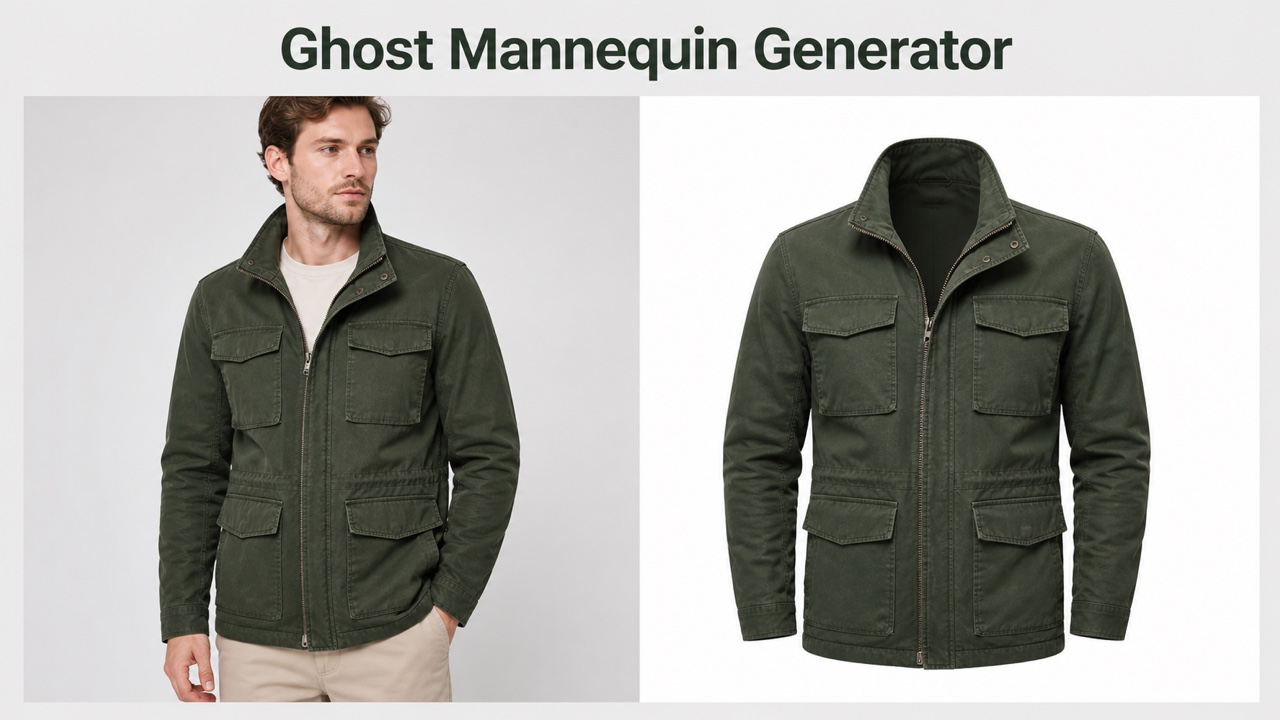
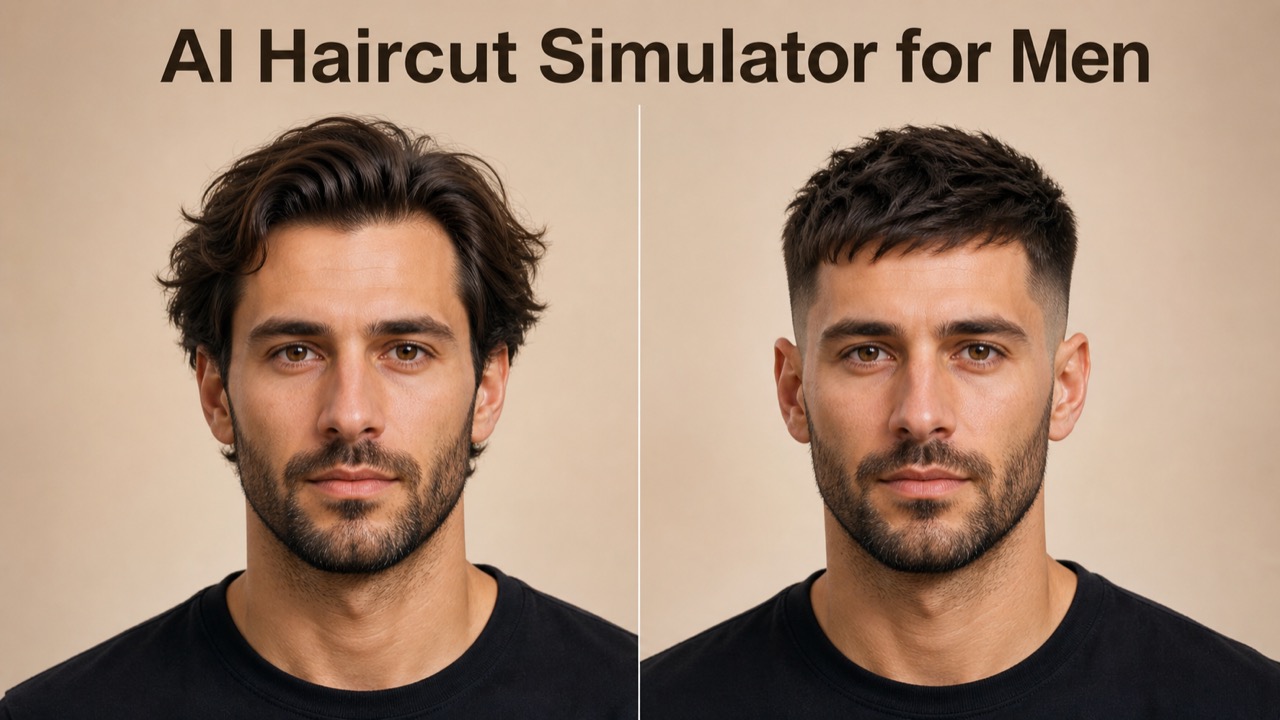
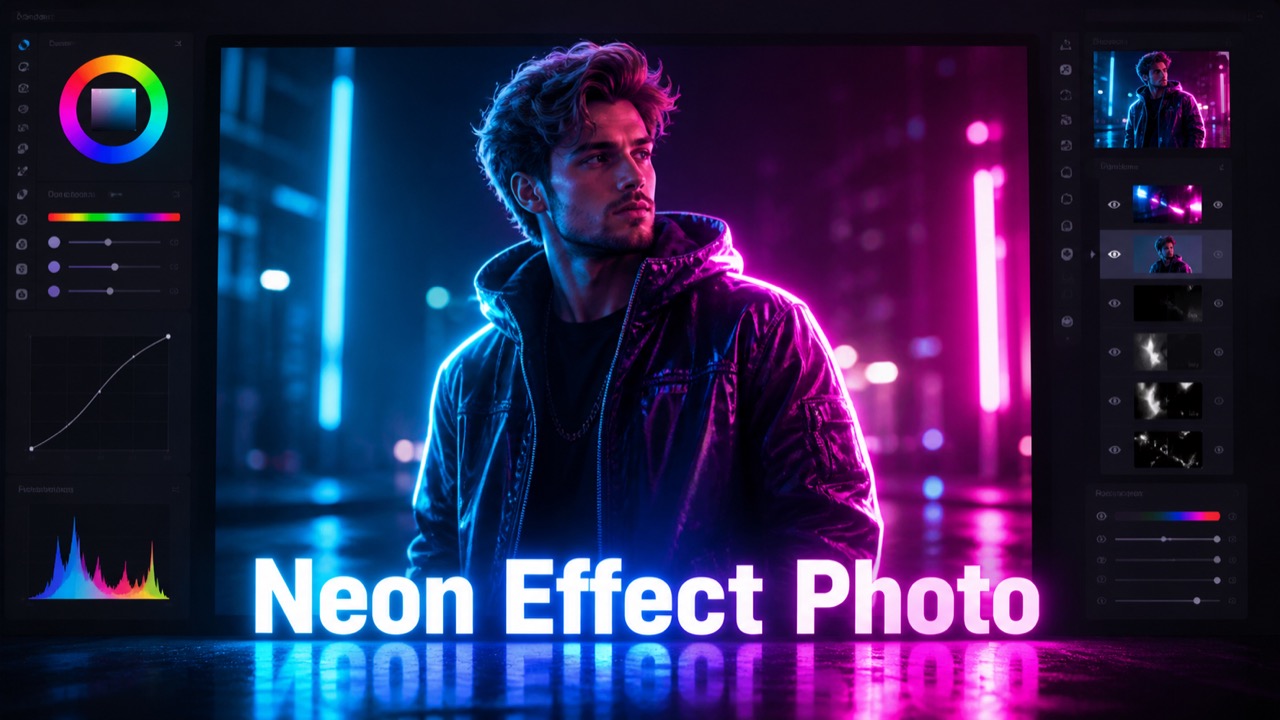
Best AI Image Tools for Creative Projects
Explore creative tools for image, learn tips and tricks, and see how AI can be your assistant in turning concepts into finished projects.




Key Features of MiniMax H3 Image
From a single prompt to a multi-reference campaign scene, MiniMax H3 Image covers the core image jobs creative teams face every week. Here is what the model does well and where it fits best.
Native 4K Text-to-Image Generation
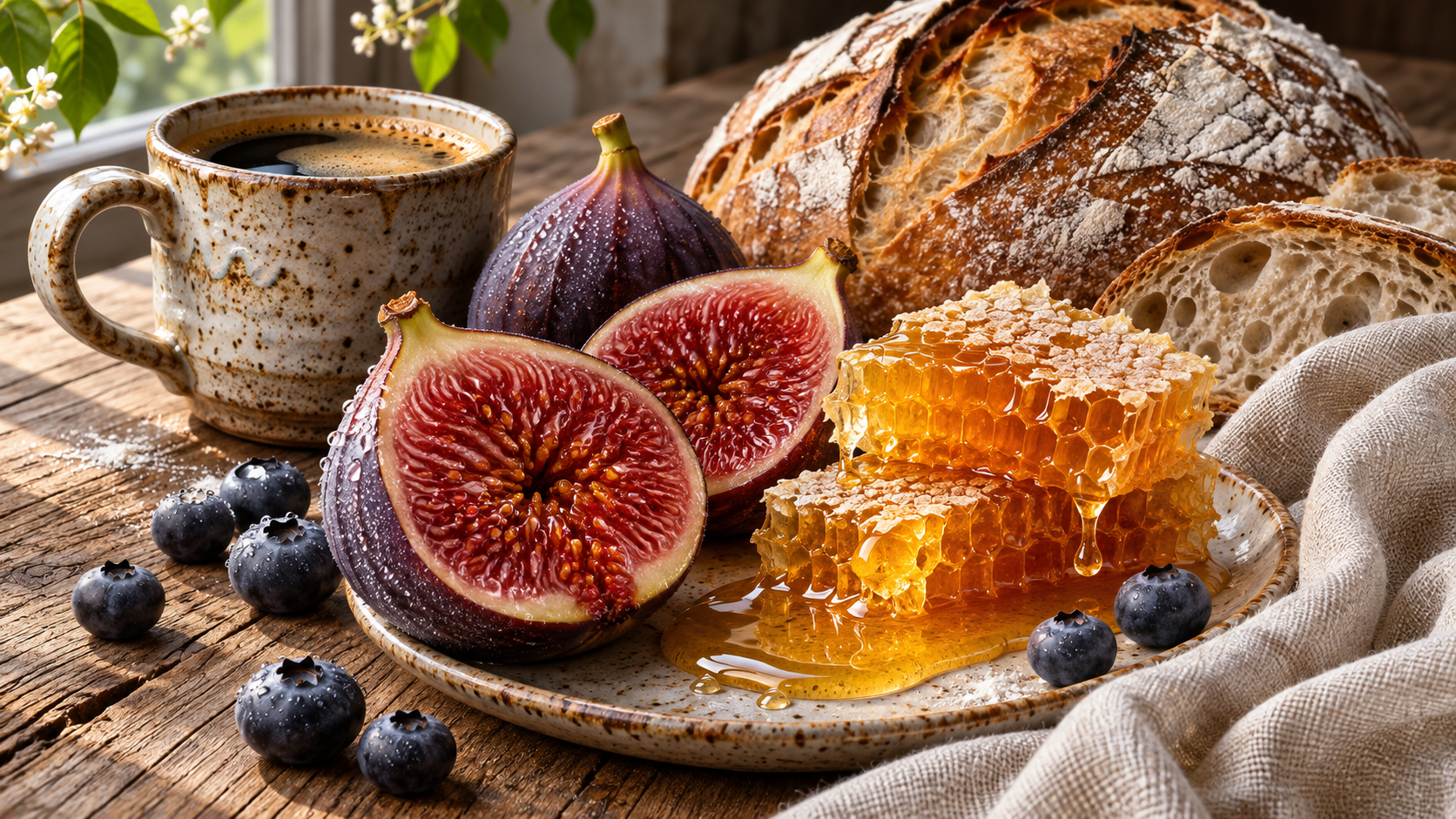
- MiniMax H3 Image generates images at roughly 16 megapixels, so a square output reaches about 4096 x 4096 pixels without a separate upscaling pass.
- MiniMax reports that MiniMax H3 Image can deliver a 4K image in under 10 seconds, although real wait times depend on the platform and server load
Multi-Reference Composition with up to 16 Images
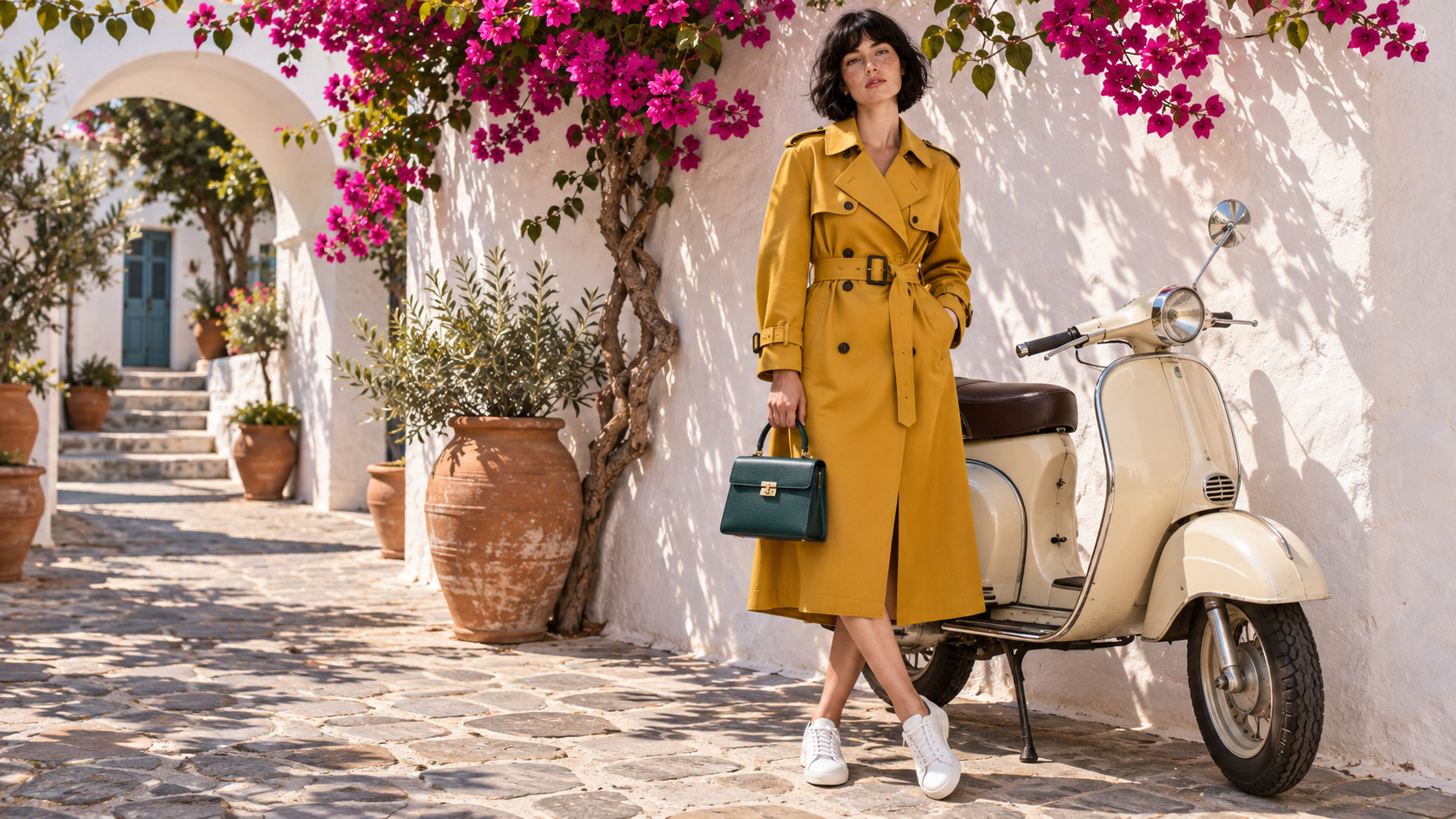
- MiniMax H3 Image accepts up to 16 reference images, for more control than prompt-only generation.
- Assign each reference a clear role in your instructions, such as the person, the outfit, the product, or the location.
- This helps with character series, lookbooks, and branded campaigns where the same face or product must appear across many images made with MiniMax H3 Image.
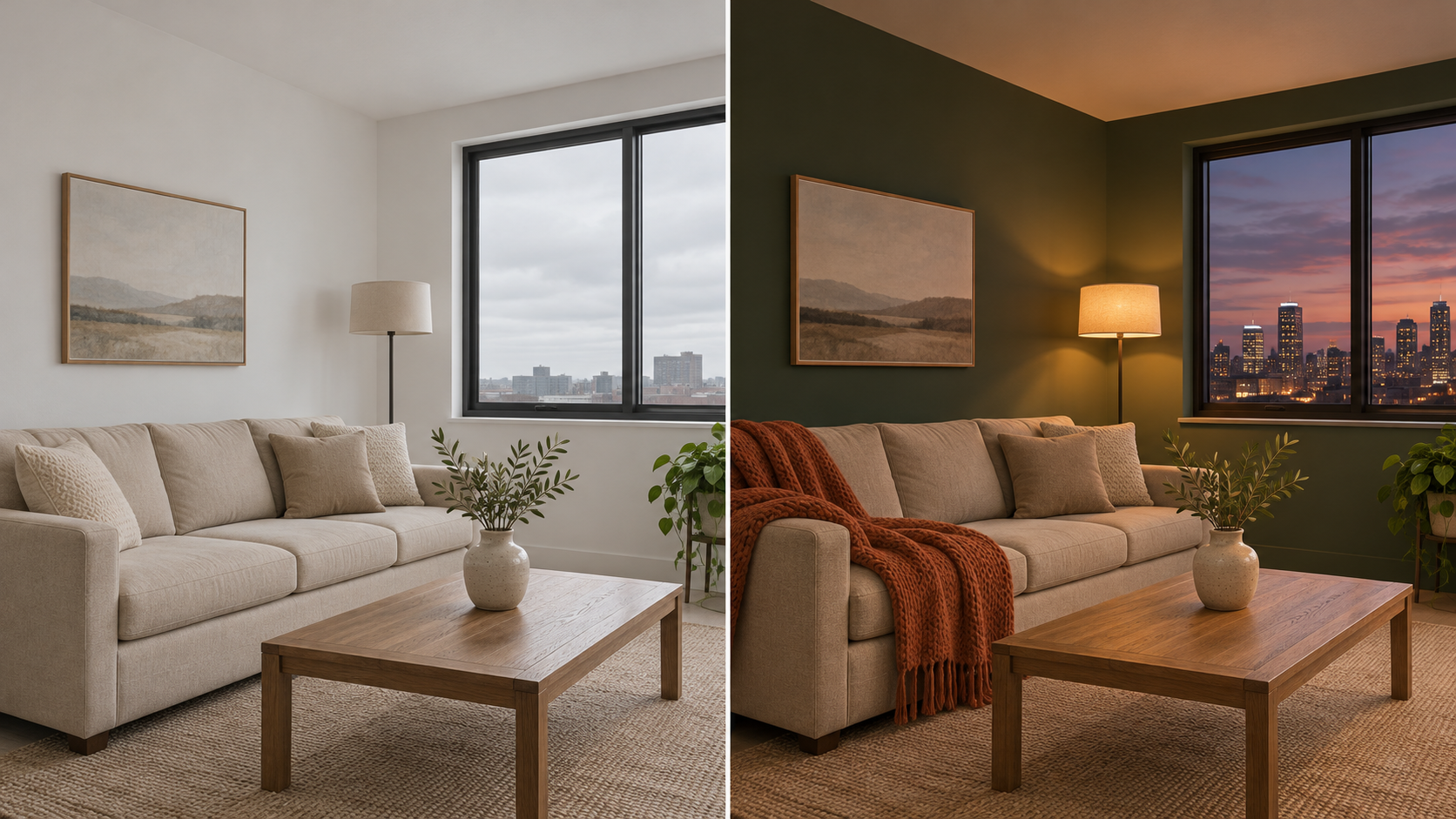
Instruction-Based Image Editing
- Upload an existing image and describe the change in plain language, such as swapping a background or restyling an outfit.
- MiniMax H3 Image applies prompt enhancement to every edit request, expanding short instructions into a more detailed internal prompt.
- MiniMax H3 Image does not currently support mask-based edits or transparent backgrounds, so describe the target area in words instead.
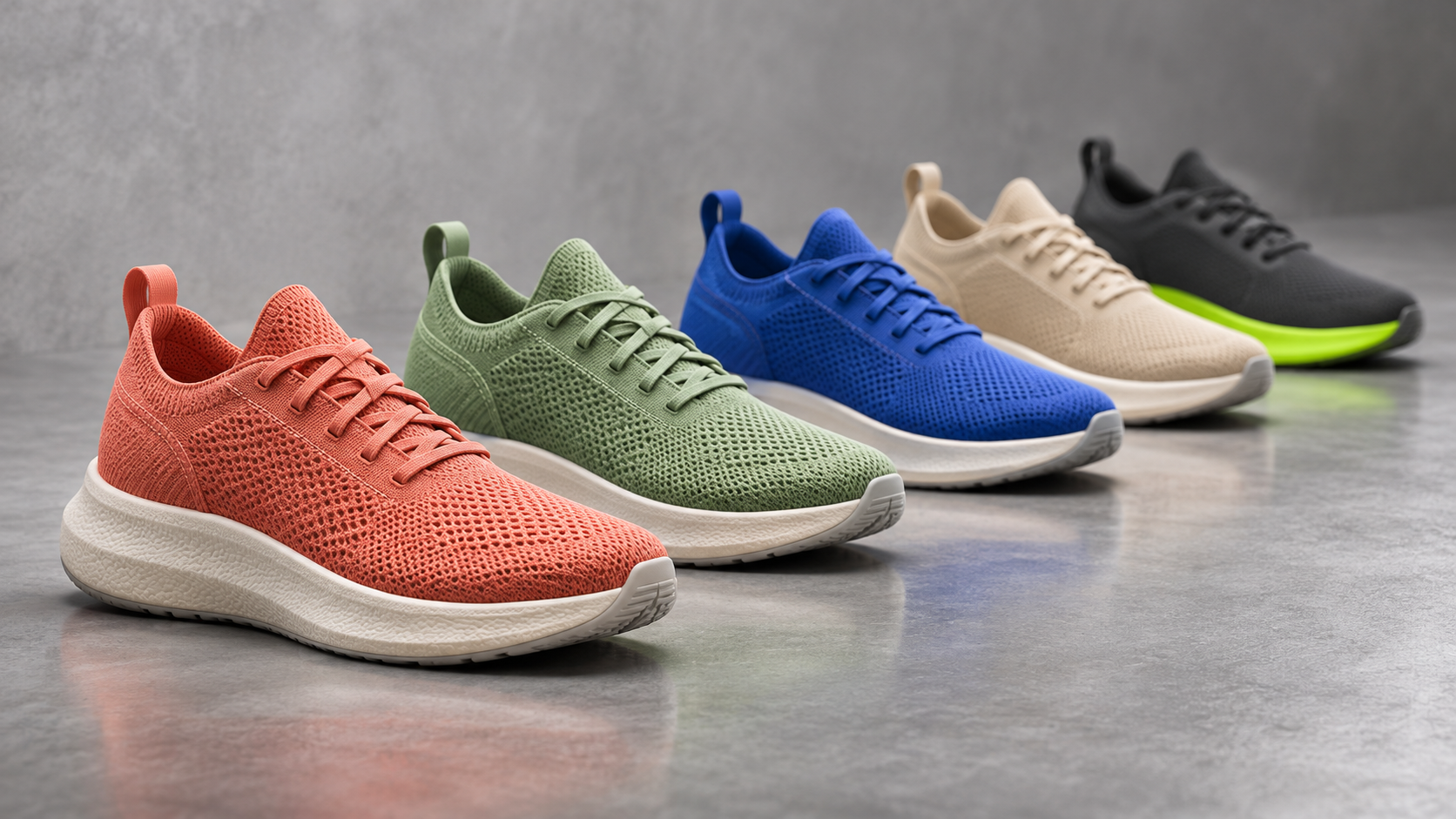
Fast Iteration with Standard and Highspeed Modes
- MiniMax H3 Image comes in a Standard version and a Highspeed variant that share the same parameters and limits.
- MiniMax says Standard runs 1.5 to 2 times faster than mainstream alternatives, while Highspeed reaches 3 to 4 times.
- Pairing the two keeps MiniMax H3 Image practical for teams that need many options before committing to one direction.
Why Creators Choose MiniMax H3 Image
MiniMax H3 Image combines resolution, speed, and control in a way that suits both solo creators and production teams. These six strengths explain where the model earns its place in a modern workflow.

Large-Format Detail Without Upscaling
Many image workflows generate at modest resolutions and lean on upscalers to reach print sizes. MiniMax H3 Image outputs about 16 megapixels natively, and the MiniMax API allows custom sizes up to 20 million pixels. That means posters, packaging mockups, and wide banners start with genuine detail rather than invented sharpness, so you spend less time fixing soft edges and more time on creative decisions.

4K Results in Seconds
Speed changes how you work. MiniMax reports that MiniMax H3 Image can generate a 4K image in under 10 seconds, helped by a distilled sampling process that needs only a handful of steps. Faster turnaround lets you test more ideas in one session, compare directions side by side, and respond to feedback while a review is still underway. Actual timing varies by platform and image size.

Consistent Characters and Products
Keeping one character or product identical across a series is hard with prompts alone. With up to 16 reference images, MiniMax H3 Image can anchor faces, outfits, packaging, and settings while you change the pose, scene, or story. Marketing teams can build a full set of campaign images that feel related, and storytellers can keep a protagonist recognizable from one panel to the next.

Smarter Prompts Through Enhancement
Not every request arrives as a polished prompt. MiniMax H3 Image uses prompt enhancement to expand short instructions into fuller descriptions, and on edit requests the MiniMax API returns the enhanced prompt so you can see how your words were interpreted. Reading that output is a quick way to learn which details the model prioritizes and to write sharper prompts next time.
What Creators Say About MiniMax H3 Image
Designers, marketers, and developers are putting MiniMax H3 Image to work on real projects. Here is how they describe the difference in detail, speed, and control across their everyday image workflows.
Our team posts in five different formats every week. Being able to generate tall stories and wide banners from the same prompt saves real time. MiniMax H3 Image keeps the subject placed well and sharp in each shape, so I rarely need to crop or start over.
We feed in the model reference, the garment, and the location, then describe the shot. MiniMax H3 Image keeps outfit details remarkably consistent across a whole lookbook. It is not perfect every time, but the hit rate is high enough that we now plan concept shoots around it.
For early concept work I use the Highspeed variant to explore a dozen compositions quickly, then rerun my favorite in Standard. MiniMax H3 Image gives environments enough detail that art directors can judge lighting and scale from the very first round of reviews.
Client revisions used to mean another full render cycle. Now I describe the change, like warmer light or a different background, and MiniMax H3 Image edits the existing image while keeping the composition. Reviews move faster because we refine one direction instead of starting over.
Having open weights for MiniMax H3 Image meant we could test it on our own prompts before committing. Image quality at large sizes stood out in our internal comparisons, and the API documentation was clear about limits such as reference counts and output size.

FAQs About MiniMax H3 Image
Have questions before you start? These answers cover what MiniMax H3 Image can do, how it handles resolution, references, and editing, and what to check before using it in your own work.
MiniMax H3 Image is an open-weight image model from MiniMax, released in November 2026 and built on the foundation of its H3 multimodal model. It supports text-to-image generation, reference-guided generation, and instruction-based editing in a single model. MiniMax H3 Image is designed for high-resolution output of roughly 16 megapixels, and MiniMax positions it as a fast option for creators who need 4K-class detail.
MiniMax H3 Image generates about 16 megapixels natively across its aspect ratios, which works out to roughly 4096 x 4096 pixels for a square image. Through the MiniMax API, you can set a custom width and height with a total area of up to 20 million pixels. That headroom makes MiniMax H3 Image suitable for print layouts, large displays, and tight crops that would expose weak detail.
MiniMax reports that MiniMax H3 Image can produce a 4K image in under 10 seconds. The speed comes partly from a distilled process that needs only a few sampling steps, and a Highspeed variant pushes turnaround further for rapid exploration. Real-world timing still depends on the platform you use, the image size you request, the number of references, and server demand at that moment.
MiniMax H3 Image accepts between 1 and 16 reference images in a single edit or reference-guided request. You can use them to lock in a character's face, a product's packaging, an outfit, or a location. For the best results, explain in your prompt what each reference represents. Keep in mind that very large uploads may hit request size limits, so compress oversized files before you start.
Yes. Upload an image and describe the change in plain language, such as replacing the background, adjusting the lighting, or restyling clothing. MiniMax H3 Image enhances your instruction automatically and aims to keep untouched areas consistent. There are limits: the model does not currently support mask-based editing or transparent backgrounds, so describe the region you want changed clearly in words rather than painting a selection.
MiniMax H3 Image supports aspect ratios from 1:3 to 3:1, which covers tall mobile stories, square social posts, standard 4:3 and 16:9 frames, and wide banners. Because the model targets roughly 16 megapixels at each ratio, wide and tall formats keep plenty of detail. If you are unsure which shape to choose, start from the placement where the image will appear and compose for that.
Both versions of MiniMax H3 Image share the same parameters and limits, so reference counts, sizes, and aspect ratios work the same way. The difference is speed. MiniMax says Highspeed runs roughly 3 to 4 times faster than mainstream alternatives, compared with 1.5 to 2 times for Standard. A practical approach is to explore ideas in Highspeed, then render your chosen direction in Standard for the final file.
It depends on how you access the model and where you operate. The open weights of MiniMax H3 Image are released under a MiniMax community license with specific conditions, while API and hosted platforms have their own terms of service. Before using outputs in client work, advertising, or products, read the license on the official model card and the terms of the platform you use.
Start Creating with MiniMax H3 Image
Bring your next campaign, concept, or product shot to life in rich 4K detail. Open MiniMax H3 Image, describe what you need, and see how far one prompt can take you.
